In a facility with 500 assets, finding the right piece of equipment can take longer than fixing it. A technician dispatched to repair "HVAC Unit — Building A" spends 12 minutes identifying which unit it is, confirming it matches the work order, and looking up the service history — before touching a single tool. JLL Technologies' 2024 FM survey found that work order status tracking and asset identification problems are the top time-consuming tasks for over 44% of facility management teams. A QR asset tag on every piece of equipment eliminates the identification problem entirely: scan, and the asset record opens immediately — complete maintenance history, open work orders, PM schedule, parts list, and service documentation on screen before the technician opens the access panel. Not every facility needs the same tagging approach, and not every asset needs the same tag type. This guide covers the decisions, standards, and implementation sequence that turn an asset tagging programme into a measurable improvement in maintenance response time. Start free on OxMaint to generate your first asset tags today — or book a demo to see the complete asset management workflow.
Guide · Asset Management · QR Tagging · Maintenance Response
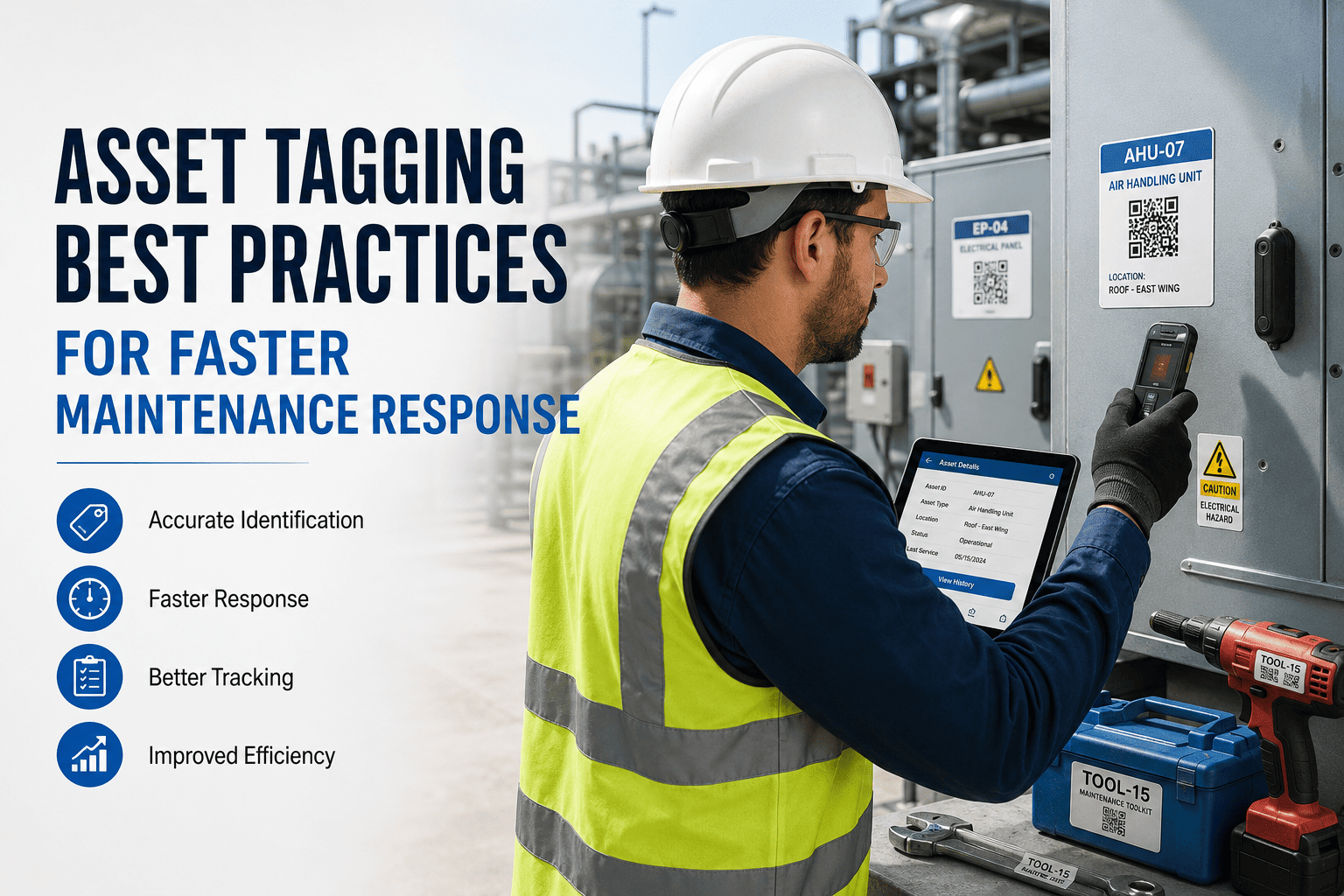
Asset Tagging Best Practices for Faster Maintenance Response
Choosing the right tag type, encoding the right data, placing tags correctly, and linking them to your CMMS — the complete guide to asset tagging that actually accelerates maintenance response.
44%
Of FM teams say asset identification is their biggest work order overhead (JLL 2024)
5 sec
From QR scan to full asset history, open WOs, and PM schedule on screen
24 yrs
Average age of equipment in US industrial facilities — most untagged
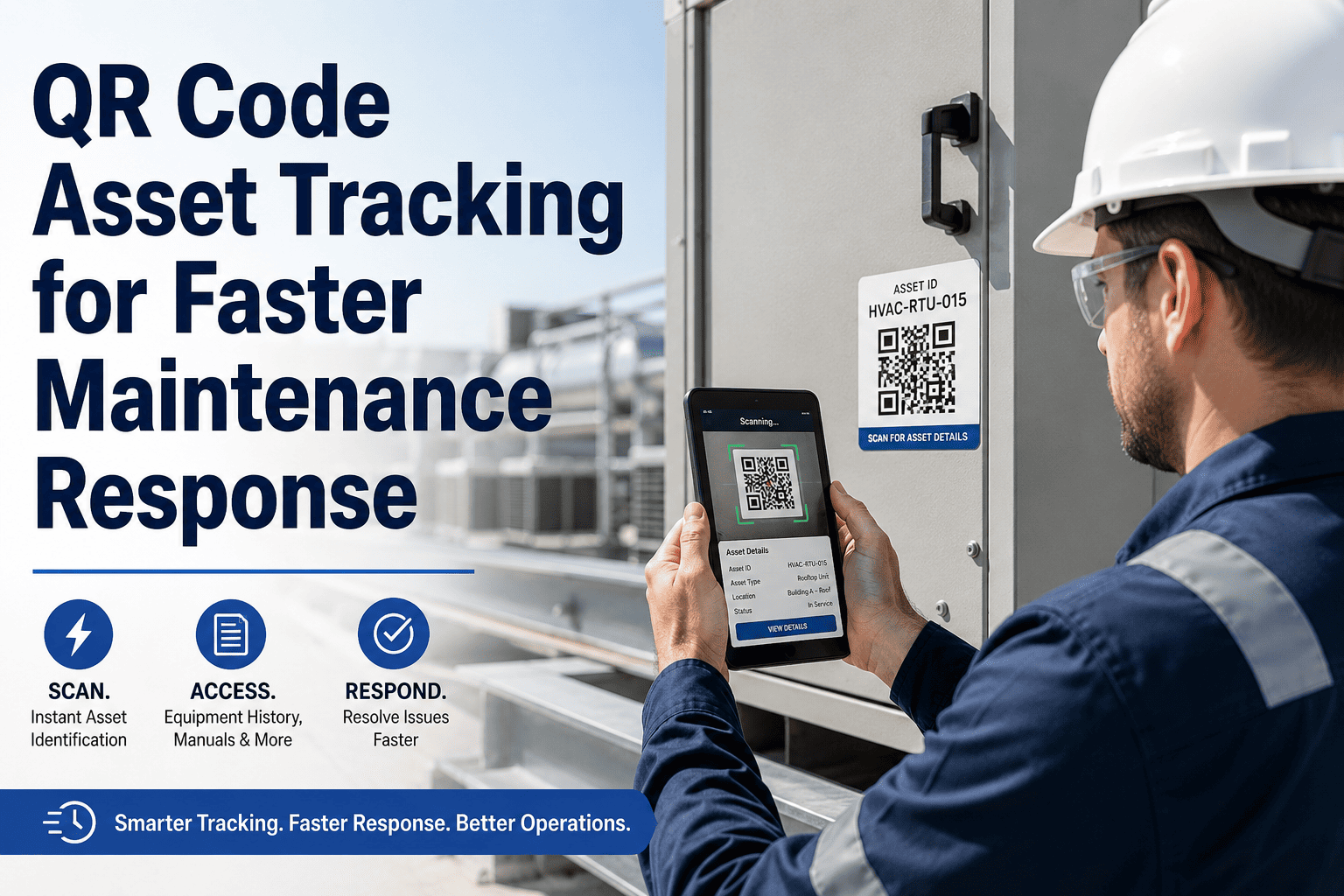
QR Scan → What the Technician Sees in 5 Seconds
Asset identity confirmed
ID, location, make, model, serial, install date
Last 5 service events
Date, technician, work performed, outcome
Open work orders on this asset
Any existing defect notes before starting work
PM schedule and next due date
Which PMs are current, which are overdue
Parts list and linked manuals
Correct parts without calling the office
Tag Technology Selection — Which Tag Type for Which Environment
Not every asset needs the same tag. The right tag technology depends on the environment the asset operates in, the reading distance required, and the budget available for the tagging programme.
QR Code — Standard
Indoor equipment, office facilities, light manufacturing, HVAC, electrical panels, plumbing fixtures
No reader hardware — any smartphone camera; generates instantly in OxMaint; free to print; links to full CMMS record
Must be within camera range; degrades in direct moisture; requires clean surface for adhesion
Native QR generation in OxMaint — generate, print, and assign from asset record in under 2 minutes
QR Code — Durable (Metal/Polyester)
Outdoor equipment, wet environments, industrial plant, rooftop assets, chemical exposure areas
Survives moisture, UV, and chemical exposure; readable after years of outdoor exposure; adhesive rated for harsh surfaces
Higher unit cost ($0.50–$2.00 vs $0.05 for paper); must be ordered from specialist supplier
Same OxMaint QR code printed to durable stock — data link is identical to standard QR
RFID — Passive UHF
High-volume asset environments, warehouse racking, bulk tool tracking, assets with difficult physical access
Read range up to 6 metres without line-of-sight; enables bulk asset audits; no camera alignment required
Requires RFID reader hardware ($300–$2,000); interference near metal; higher tag cost; reader not always available at point of need
OxMaint supports RFID asset IDs via API integration — consult OxMaint implementation team for RFID setup
BLE Beacon
High-value mobile assets that move between locations — portable medical equipment, forklifts, mobile compressors
Location tracking — know where the asset is without physical scanning; auto-detects assets in proximity; battery-powered (1–5 year life)
Highest cost ($20–$80 per tag); requires gateway infrastructure; battery replacement maintenance overhead
OxMaint supports BLE asset location data via IoT integration — suitable for high-value mobile assets only
Embossed Metal Plate
High-temperature environments, foundries, boiler rooms, assets where adhesive tags will not survive
Survives temperatures adhesive tags cannot; permanent asset ID in extreme environments
No scanning capability — manual ID entry; no direct CMMS link from the tag itself; higher installation cost
Asset ID from plate can be entered in OxMaint search manually; pair with nearby QR on cooler surface where possible
What to Encode in the Asset Tag — The 6 Data Points That Actually Speed Up Response
01
Asset ID (unique, standardised)
The asset ID encoded in the tag must be the same ID used in the CMMS. A tag encoding "AHU-03-BDA-L3" that links to an asset record labelled "Air Handler 3 Bldg A" creates a mismatch that breaks the identification chain. Standardise the naming convention before generating tags, not after.
02
Location (building, floor, zone)
For mobile technicians, the location encoded in or displayed on the tag confirms they are at the right asset in the right location. A QR tag that opens the asset record immediately shows the location hierarchy — preventing the "wrong asset serviced" error that corrupts maintenance history.
03
Direct link to CMMS asset record
The QR code must link directly to the asset's record in OxMaint — not to a generic CMMS login page, not to a website, and not to a PDF. A deep link that opens the asset record with one scan requires no login when the technician's device is already authenticated. This is the difference between a 5-second access and a 2-minute navigation exercise.
04
Asset class and criticality
Some tags display the asset class and criticality tier visually — a coloured border or label on the tag itself that tells a responder whether this is a Critical / Major / Minor asset before they even scan. This context matters when a technician is triaging multiple simultaneous issues: scan the tag, see the criticality, prioritise correctly.
05
Parts reference visible on the tag
For high-frequency maintenance assets, a laminated parts reference card alongside the QR tag — listing the 3–5 most commonly replaced parts with OxMaint inventory codes — eliminates a phone call for basic consumable identification. This is particularly effective for equipment in remote areas of large facilities where connectivity is slow.
06
Inspection date and result (for audit-tagged assets)
Some regulatory environments require a visible inspection status on the asset itself — a tag or label showing the date of last inspection and next due date. For fire suppression equipment, pressure vessels, and safety systems, this visible compliance indicator supplements the CMMS record and satisfies the inspector who wants to see evidence at the asset, not just on a screen.
Generate, Print, and Assign QR Tags Directly from OxMaint — No Third-Party Tool Required.
OxMaint generates a unique QR code for every asset in your register. Print it, apply it, and every technician on your team can scan to access the full asset record from their phone — no app download, no login friction, no identification delay.
The Tag Placement Rules That Prevent Scan Failures in the Field
Eye-level, front-face placement
Place the tag at eye level on the front-facing surface of the asset — the surface a technician approaches first. Tags placed on rear panels, inside access covers, or on surfaces requiring ladder access are scanned less consistently, creating records that appear unscanned even when the work was performed.
2-inch minimum clearance from edges
Tags placed too close to edges are vulnerable to corner lifting — the most common adhesive failure mode. A 2-inch clearance from all edges maintains adhesion longer on assets that are regularly handled, vibrated, or exposed to thermal cycling.
Avoid surfaces that become hot
Standard adhesive QR labels degrade above 80°C. Avoid placing tags on motor housings, exhaust pipes, heat exchangers, and surfaces adjacent to heat sources. Identify the nearest cool, accessible surface on the same asset for tag placement — or use a high-temperature rated tag stock.
Secondary tag for assets with multiple access points
Assets accessed from different entry points — a rooftop AHU accessible from two doors, a large pump set with mechanical and electrical access on different sides — should have a secondary tag at each access point. The additional $0.05–$0.50 tag cost is recovered in the first missed scan that would otherwise have been left unrecorded.
Document tag location in the asset record
When a tag is placed, photograph the placement and attach it to the asset record in OxMaint. This photograph becomes the reference for future tag replacement — so when a tag is damaged and requires replacement, the correct placement is known without searching the asset again.
Implementation Phasing — How to Tag an Existing Asset Portfolio
Phase 1 · Weeks 1–4
Critical and high-frequency assets first
Tag assets that generate the most work orders — the 20% of assets responsible for 80% of maintenance activity. These are typically major HVAC systems, pumps, generators, electrical distribution panels, and any assets with recurring failures. Tagging these first delivers immediate technician time savings before the programme is complete.
Phase 2 · Weeks 5–8
Distributed systems — secondary HVAC, plumbing, lighting
Expand to the distributed asset population — VAV boxes, fan coil units, water heaters, distribution boards. These assets generate lower individual work order volumes but represent the majority of the asset count in most facilities. A systematic zone-by-zone walkthrough approach works better than attempting to tag all assets simultaneously.
Phase 3 · Weeks 9–12
Remaining assets — fixtures, components, low-priority items
Complete coverage of remaining assets, including fixtures, minor components, and items that rarely generate work orders. Full coverage enables request submission from any asset by any building user — not just from assets that maintenance teams manage directly.
Ongoing
New asset intake — tag before commissioning
The cleanest tagging programme tags every new asset before it is commissioned and placed in service. OxMaint generates the QR code at asset creation — print and apply during installation, before the asset ever enters service, and the programme never develops a backlog of untagged new equipment.
Expert Review
"The most underestimated benefit of asset tagging is not the time saved by technicians who scan correctly — it is the elimination of the "wrong asset serviced" error that occurs in untagged facilities. When a technician services what they believe is AHU-03 but is actually AHU-04, the work order records the service against the wrong asset. The maintenance history for AHU-03 is now showing a PM completion that did not happen, and the history for AHU-04 has a service event that is not attributable to the actual work order. Both records are corrupted — and the corruption compounds with every subsequent work order raised against those assets. In a facility with years of untagged maintenance history, the records for frequently confused assets are often meaningless. A QR tagging programme does not just prevent future confusion — it is the enabling condition for trusting the historical records that feed PM scheduling, failure analysis, and capital planning. You cannot run a data-driven maintenance programme on data you cannot trust, and in untagged facilities, the data integrity problem is usually more serious than the maintenance execution problem."
Sandra Okafor, CFM, RPA
Certified Facility Manager · Real Property Administrator · 19 years multi-site facility operations · Specialist in asset data governance, CMMS implementation, and maintenance analytics readiness
Frequently Asked Questions
What is the difference between a QR asset tag and a barcode asset tag?
The practical difference in a maintenance context is data capacity and reading requirement. A standard 1D barcode stores 20–25 characters — sufficient for an asset ID, but no additional data. A QR code stores up to 4,296 alphanumeric characters — enough to encode the asset ID, location, asset class, and a URL linking directly to the asset's OxMaint record. The critical operational difference is the reading device: 1D barcodes require a barcode scanner with a laser reader; QR codes can be read by any smartphone camera without additional hardware. For most facilities, QR codes eliminate the hardware investment entirely — every technician's phone is already the reader.
Start free on OxMaint to generate QR codes for your first assets today.
How does OxMaint generate and link QR codes to asset records?
In OxMaint, every asset record has a QR code generated automatically when the asset is created. The QR code encodes a deep link to the asset's OxMaint record — scan the code and the asset record opens directly, without navigating through the CMMS home screen or entering search terms. QR codes can be printed individually from the asset record or in bulk for a batch of assets — for a new facility commissioning or a retrospective tagging programme. The printed QR label includes the asset ID and name below the code for visual confirmation before scanning. Replacement QR codes for damaged tags are generated from the same asset record with one click.
What tag material is best for outdoor and industrial environments?
For outdoor assets, the minimum requirement is a polyester or aluminium-faced tag stock with an aggressive permanent adhesive rated for outdoor UV and temperature cycling (typically −40°C to +80°C). 3M 7847 polyester label stock and Brady industrial aluminium tags are commonly used industry standards. For chemical exposure environments, the tag material must be compatible with the specific chemicals present — polyester is resistant to mild acids and cleaning agents but not concentrated solvents. For high-temperature surfaces above 80°C, standard adhesive labels will not maintain adhesion — use embossed aluminium tags attached with a band or anchor pin, and place a standard QR tag on the nearest accessible cool surface of the same asset.
Book a demo to discuss asset tagging programme setup for your specific environment.
How long does it take to complete an asset tagging programme for a 200-asset facility?
For a 200-asset facility with an existing asset register in OxMaint: QR code generation takes under 30 minutes (bulk generation); printing takes 15–20 minutes; and physical tagging — walking the facility, applying tags, and photographing placement — typically takes 2–4 hours for a well-organised facility with clear asset access. Add 1 hour for any assets requiring nameplate data capture (make, model, serial not previously entered in the CMMS). The total programme can be completed in a single half-day work session by one person with a smartphone and a printed tag sheet. For facilities starting from a partial or empty register, allow 1–2 days for asset identification and data entry before the tagging walkthrough.
ASSET TAGGING · QR CODES · OXMAINT ASSET MANAGEMENT
Every Asset. One Scan. Complete History. Starting Today.
OxMaint generates a QR code for every asset in your register. Print it, apply it, and your maintenance team can scan any asset from their phone to access the full record — history, open work orders, PM schedule, parts list, and manuals — in under 5 seconds, before they touch a single tool.


.png)