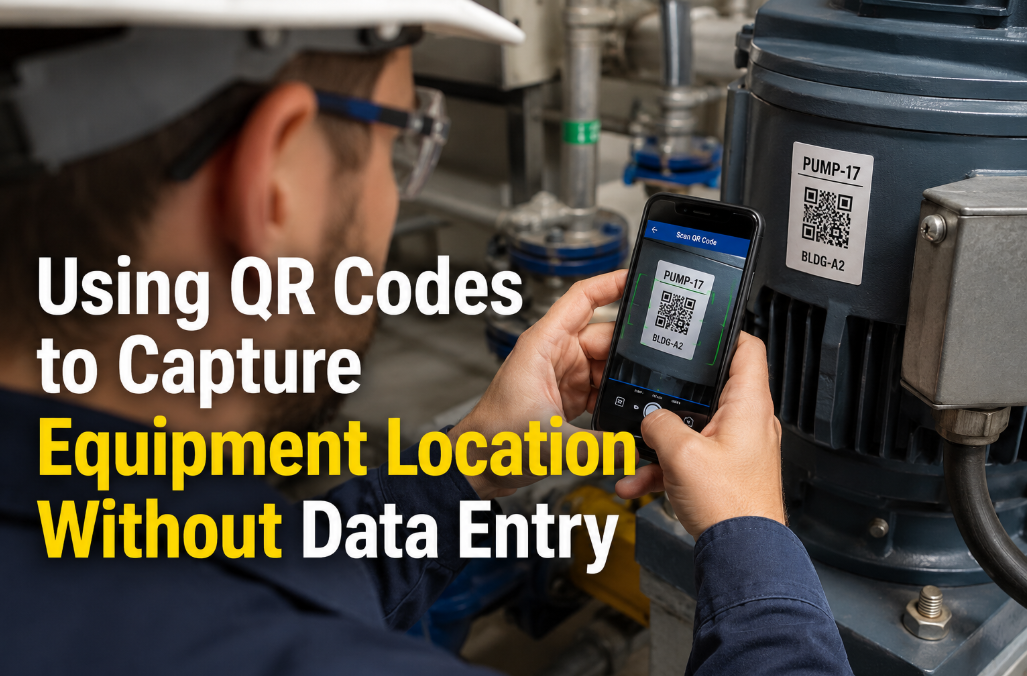
A maintenance technician who walks up to an asset, pulls out their phone, scans a QR code, and instantly sees the asset name, location, maintenance history, open work orders, and a pre-filled request form — that technician completes their task 44% faster than one who manually searches for the asset in a database, types in the location, and cross-references a spreadsheet for the last service date. According to a 2024 Maintenance Technology survey, 68% of maintenance teams still rely on manual data entry for equipment location tracking, and those teams report an average of 23 minutes per work order spent on identification and location verification alone. QR codes are not a futuristic innovation — they are a proven, zero-cost identification layer that eliminates the most error-prone, time-consuming step in every maintenance workflow: figuring out what the asset is and where it sits. The cost of a QR label is under $0.15 per asset. The cost of a single misidentified work order — wrong technician, wrong parts, wrong location — averages $127 in wasted labor and materials. Oxmaint generates unique QR codes for every asset in your registry, links them to the full asset record including location hierarchy and service history, and lets anyone — technician, requester, inspector — access the right data with a single scan. If your team still types asset numbers by hand, start a free trial or book a demo to see how QR-driven workflows eliminate data entry from your operation.
Using QR Codes to Capture Equipment Location Without Data Entry
Eliminate manual asset identification. Scan a code, get the full record, start the work order. No typing, no searching, no misidentification.
A $0.15 Sticker That Saves $127 Per Work Order
Every time a technician types an asset number manually, the odds of a data entry error are 1 in 8. Every miskeyed digit sends the wrong history, wrong parts list, and wrong PM schedule to the work order. QR codes make this error rate zero — one scan, one second, perfect data every time. Oxmaint generates printable QR labels for your entire asset registry in a single batch export. Want to see the scan-to-work-order workflow on your phone right now? Start a free trial or book a demo to generate your first batch of QR asset labels.
How QR Codes Replace Manual Equipment Identification
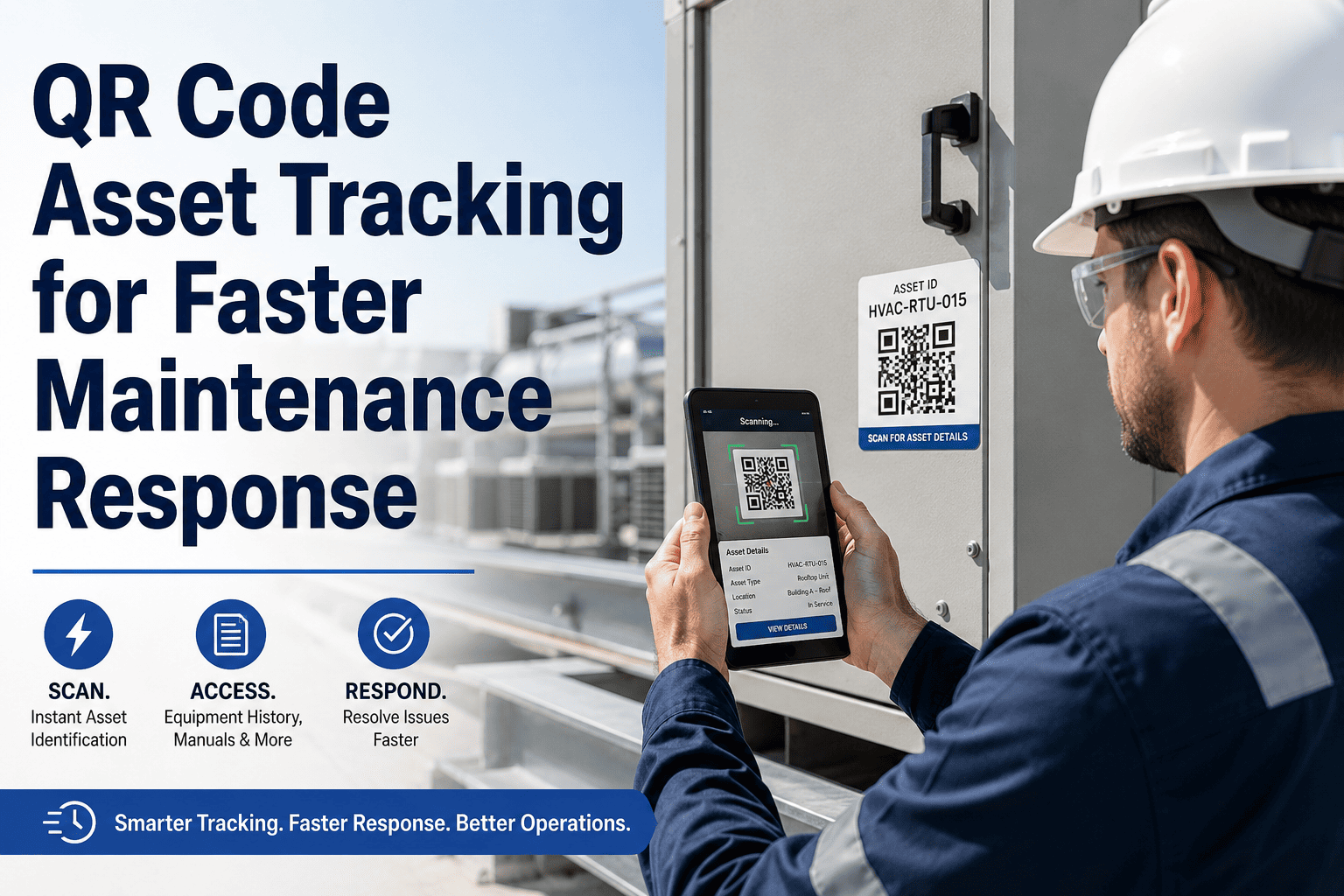
A QR code on an asset is a direct link between the physical equipment and its digital record in the CMMS. When scanned, the code does not just identify the asset — it delivers the full context: asset name, type, manufacturer, model, serial number, installation date, location in the facility hierarchy, current condition score, last PM date, next scheduled PM, open work orders, and a one-tap button to create a new request or inspection record. This replaces the five-step manual process (look up asset ID, search in CMMS, verify location, check history, start work order) with a one-step process (scan, review, act). The technology is not new — QR codes have been ISO-standardized since 2000 — but their application in maintenance workflows is still underutilized, with only 32% of facilities having QR codes on more than half of their tracked assets according to a 2023 IFMA survey. The barrier is not cost or technology — it is simply that most teams have not implemented the print-and-deploy workflow that makes QR labeling a one-afternoon project rather than a multi-month initiative.
The QR-to-Work-Order Workflow in Four Steps
From scan to submitted work order in under 60 seconds — no typing, no searching, no asset number memorization. This workflow works for technicians, facility requesters, building occupants, and inspectors using any smartphone.
No app download required for requesters — the QR code opens Oxmaint's web interface directly. Technicians using the Oxmaint app get enhanced features including offline scanning capability. The scan takes under 2 seconds and works in any lighting condition with standard phone cameras manufactured after 2018.
Asset name, location hierarchy (Building, Floor, Room, Zone), condition score, last 5 maintenance actions, open work orders, PM schedule status, and manufacturer documentation — all displayed on the scan result screen. The technician knows everything about this asset before touching a tool.
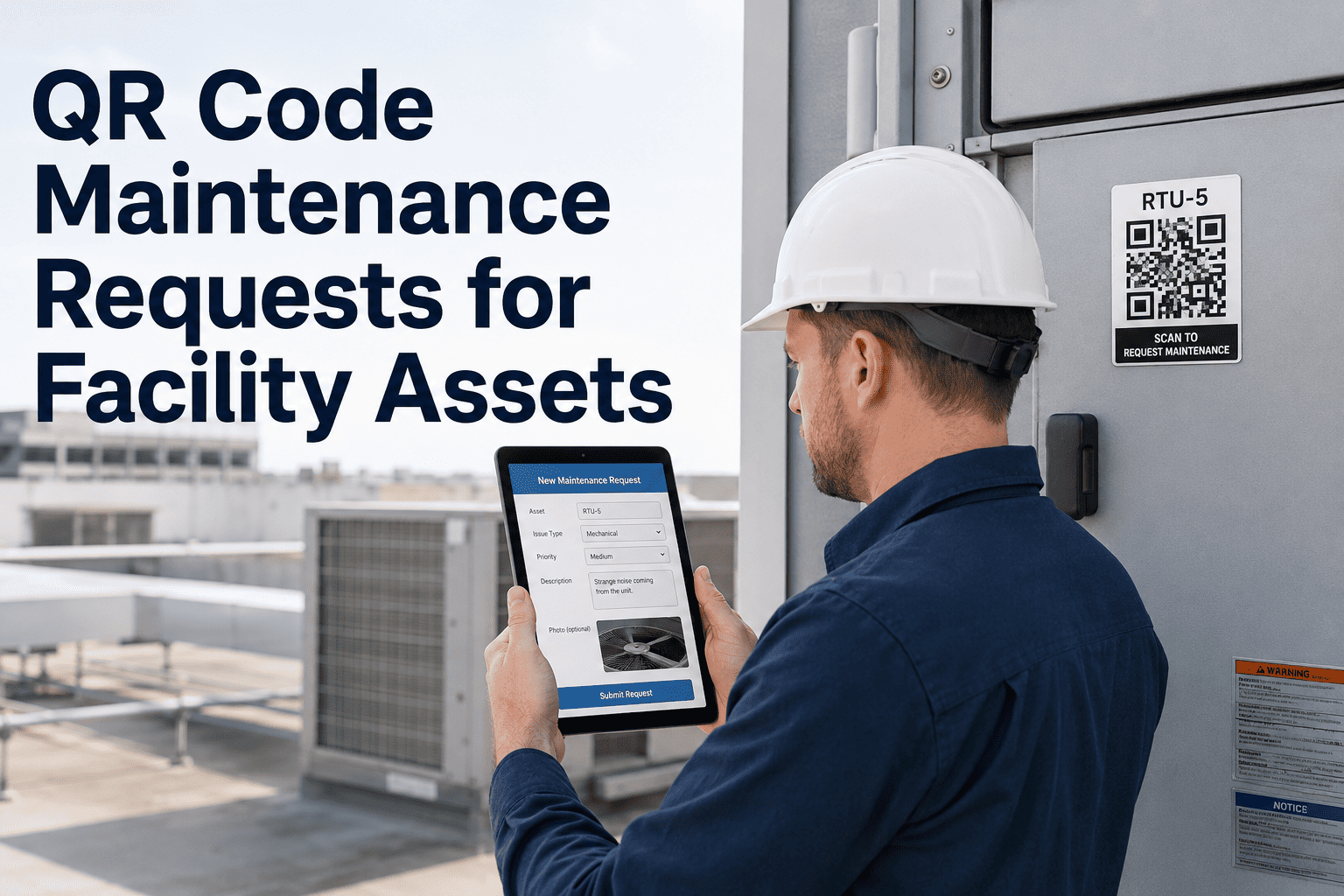
One-tap action buttons on the scan result screen: Submit Request, Start Inspection Checklist, Log Meter Reading, View PM Schedule, or Open Existing Work Order. Asset ID and location are pre-filled — the user adds only the problem description and photos. Average submission time: 47 seconds.
Because the asset type and location are captured from the QR scan, Oxmaint auto-routes the submission to the correct trade team and priority queue. The dispatcher sees a complete, categorized work order — not a raw text message that needs 15 minutes of interpretation and manual assignment.
Six High-Impact Use Cases for QR Codes in Maintenance
Inspectors scan the QR code and Oxmaint loads the inspection checklist configured for that specific asset type. Every inspection is automatically linked to the correct asset record — no transcription errors, no "which unit was this for?" questions during audits. Facilities using QR-driven inspections report 91% checklist completion rates vs. 64% with paper-based rounds.
Place QR codes at room entrances or on visible equipment. Tenants, teachers, or office workers scan the code, describe the problem, attach a photo, and submit — without needing to know asset IDs, building codes, or the maintenance team's email address. Request volume handled without additional dispatch staff because routing is automatic.
Technicians on meter reading routes scan each asset's QR code and enter the reading — Oxmaint timestamps it, links it to the asset, and flags out-of-range values automatically. No clipboard data sheets, no manual data entry back at the office, no transposition errors. Average meter reading route time reduced by 35% with QR-driven collection.
Contractors scan a QR code at the asset they are servicing, which logs their arrival time, pulls up the work order scope, and provides the asset's maintenance history. This replaces the manual sign-in sheet and eliminates the "contractor worked on the wrong unit" problem that affects 11% of contracted maintenance visits.
Scanning the asset QR code shows the parts list associated with that specific make and model — including current inventory levels at the nearest storeroom. Technicians know before starting the job whether the required parts are in stock, eliminating the 22% of work orders that stall mid-job due to unexpected parts shortages.
During annual asset audits, teams scan every QR code to verify that the physical asset matches the CMMS record — confirming location, condition, and existence. Assets without a matching scan are flagged for investigation. QR-driven audits complete 56% faster than clipboard-based audits and produce a digital verification record instead of a paper checklist.
How Oxmaint Makes QR Deployment a One-Afternoon Project
Most teams assume QR labeling is a complex IT project. With Oxmaint, it is a print job. Upload your asset list, Oxmaint generates unique QR codes for every asset, you export a print-ready PDF, stick the labels on the equipment, and the scan-to-action workflow is live. No API integration, no hardware purchase, no IT department involvement. Teams typically label 200-400 assets per day with two people. Ready to deploy QR codes across your portfolio? Start a free trial or book a demo to see the label generation workflow.
Select assets by building, floor, asset type, or the entire portfolio — Oxmaint generates a print-ready PDF with QR codes, asset names, and asset IDs formatted for standard label stock. No design software needed, no third-party QR generators, no manual code creation.
Every scan delivers the complete asset record: name, location, type, criticality, condition score, PM schedule, open work orders, service history, parts list, and manufacturer documentation. The technician has total context before touching the equipment.
One tap from the scan result creates a new work order with asset ID, location, and asset type pre-filled. The user adds only the problem description and an optional photo. The form auto-routes to the correct trade team based on the asset category — zero dispatcher effort required.
For basements, mechanical rooms, parking garages, and remote sites without reliable connectivity, Oxmaint's mobile app caches asset data locally. Scans complete offline, work orders queue locally, and everything syncs automatically when connectivity returns — no lost data, no re-entry.
Oxmaint's QR label specifications are designed for maintenance environments: oil-resistant, UV-stable, temperature-tolerant adhesive stock that remains scannable after 5+ years of exposure to industrial conditions. Label placement guidelines included for different surface types and environmental conditions.
Every QR scan generates a timestamped record: who scanned, when, which asset, what action was taken. This data reveals which assets get the most attention, which buildings generate the most requests, and whether inspection routes are being completed on schedule — operational intelligence that clipboard rounds never produce.
Manual Data Entry vs. QR-Driven Maintenance Workflows
Measured Impact of QR Code Deployment
Eliminating the search-type-verify cycle gives technicians 23 minutes back per work order to spend on actual repairs
QR scan delivers exact asset record — no miskeyed digits, no wrong-unit dispatches, no misrouted work orders
QR-driven inspection routes with auto-loaded checklists achieve near-complete compliance vs. 64% with paper rounds
Scan-to-verify replaces clipboard-based asset counts and produces a digital verification record automatically
Frequently Asked Questions
How long do QR code labels last in harsh environments?+
What happens if a QR code label is damaged or unreadable?+
Can QR codes work with existing asset numbering systems?+
How quickly can we deploy QR codes across a large portfolio?+
Replace 23 Minutes of Typing with 2 Seconds of Scanning
QR codes cost $0.15 each. Misidentified work orders cost $127 each. The math is not complicated — and neither is the deployment. Oxmaint generates your labels, you stick them on your assets, and every technician, requester, and inspector gets instant access to the right data from day one. No IT project. No hardware purchase. Labels printing in week one.


.png)