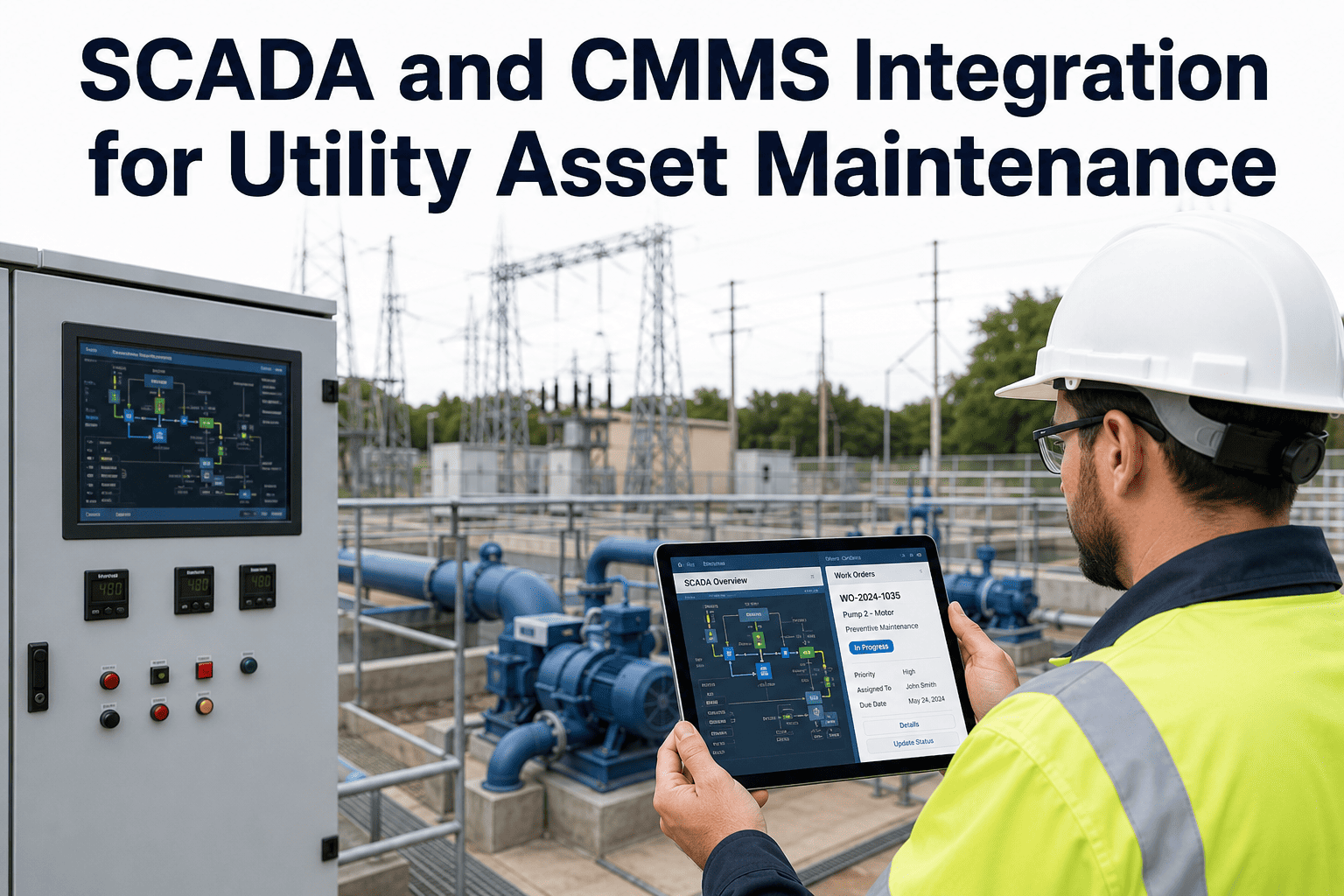
A cement plant runs on equipment that is hard to stop and expensive to restart: kiln drives, raw mills, cement mills, fans, crushers and conveyors. SCADA already watches them all, with thousands of tags for temperatures, currents, pressures and vibration. But the alarm screen belongs to operations, and the maintenance team often learns about a developing problem only when something trips. This guide explains how SCADA-to-CMMS integration closes that gap, which signals are worth sending, how to avoid alarm flooding, and how OXMAINT AI, the AI-powered CMMS, turns a plant signal into a tracked work order.
Cement Plant Predictive Maintenance: SCADA to CMMS Integration
Operations sees the alarm, maintenance hears about it later, and the history lives in two places. OXMAINT AI, the AI-powered CMMS and maintenance management software, connects the workflow in one platform. A SCADA condition alert becomes an issue on the right asset, the issue becomes a work order with priority and history attached, and repeat findings shape your preventive and predictive plan. The result is better asset visibility and earlier, owned action.
Follow the Process: Where the Equipment Lives
Cement making is a chain. A problem in one stage soon becomes a problem in the next, which is why condition signals are best organized by process area. Typical examples below; your plant's tags and limits will differ. Book a demo to structure your plant by process area in OXMAINT AI.
Which Signals Are Worth Sending to Maintenance
SCADA holds far more data than maintenance needs. Send the signals that point to a developing equipment problem, and leave pure process tuning with operations. Start free and link your first asset signals in OXMAINT AI.
| Signal Type | Typical Equipment | What a Drift May Suggest |
|---|---|---|
| Bearing temperature | Mills, fans, kiln support rollers | Lubrication problem, wear, misalignment |
| Vibration | Fans, gearboxes, mill drives | Imbalance, looseness, bearing or gear damage |
| Motor current / load | Crushers, conveyors, kiln drive | Mechanical drag, blockage, wear |
| Lube oil pressure / temp | Mill and gearbox lube systems | Filter clogging, pump wear, cooler fouling |
| Differential pressure | Bag filters, cyclones, preheater | Blockage, bag damage, build-up |
| Run hours / starts | Motors, pumps, fans | Time-based service due |
Alarm Flood or Useful Signal?
Pushing every SCADA alarm into a CMMS would bury the team. The point of integration is to filter, so each work order represents something a person should act on. Book a demo to see filtered alerts become jobs in OXMAINT AI.
An Alarm Nobody Owns Is Just Noise.
When a bearing temperature trend ends up in a shift log, it depends on memory. When it becomes a work order with an assignee and a due time, it depends on a process.
Three Ways to Connect SCADA and CMMS
The right approach depends on your SCADA vendor, network policy and IT standards. Confirm what is possible with your automation team before committing. Start free and explore the workflow side in OXMAINT AI.
Typical Rollout, Without Disrupting Operations
Measures Worth Tracking
Frequently Asked Questions
Give Every Plant Signal an Owner.
Bring asset records, inspections, work orders and maintenance plans into one platform. Start a free trial of OXMAINT AI, or book a demo and we will map the workflow to your process areas and critical equipment.