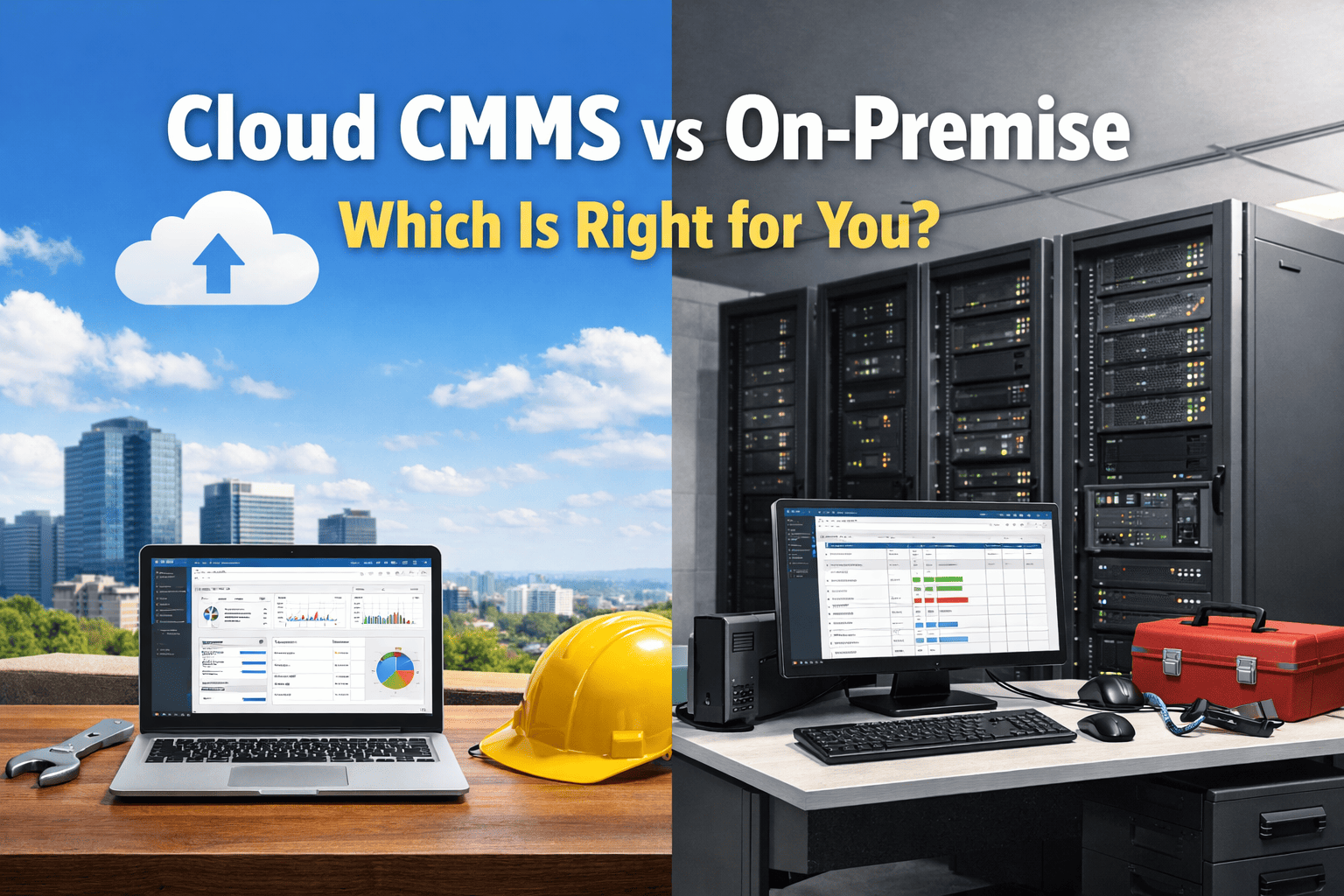
The choice between a cloud-based CMMS and an on-premise deployment is one of the first infrastructure decisions a maintenance organisation makes — and one of the most consequential. It affects implementation timeline, total cost, data security posture, IT resource requirements, mobile accessibility, and upgrade flexibility for the next five to ten years. In 2026, the market has largely moved to cloud: more than 78% of new CMMS deployments are cloud-based, and the on-premise installed base is dominated by organisations with specific regulatory, network isolation, or legacy integration requirements that preclude cloud. But "cloud is usually better" is not the same as "cloud is right for your organisation." This guide cuts through the preference-driven framing and gives you the factual comparison across seven dimensions — so your decision is based on your operational reality, not vendor marketing. OxMaint is a cloud-native CMMS — we explain exactly why that matters, and where it does not.
Cloud CMMS vs On-Premise: Which Is Right for You?
A factual, seven-dimension comparison of cloud and on-premise CMMS deployments — covering cost, security, deployment speed, mobile access, integration, maintenance overhead, and scalability.
Choose Cloud or On-Premise: A Decision Framework
Before the detailed comparison — use this decision framework to identify which deployment model is most likely to fit your organisation. If you tick three or more items in a column, that column is your likely answer. Book a demo to discuss your specific deployment requirements with OxMaint.
Cloud vs On-Premise: Seven Dimensions Compared
Each dimension is evaluated independently — the right answer is not always the same across all seven. Your decision should reflect which dimensions matter most in your operational context. Sign up to evaluate OxMaint cloud — free, no commitment.
Cloud CMMS deploys in days. Account creation, asset configuration, PM template setup, and technician onboarding typically complete within 3–5 business days for teams of up to 50 technicians. No server procurement, no IT provisioning, no network configuration. The vendor manages the infrastructure — you manage the configuration. OxMaint is live on the first day the account is created, with the first work orders in the queue within hours.
On-premise deployment requires server hardware procurement, operating system configuration, database installation, application deployment, network configuration, and user access provisioning — typically a 3–6 month project requiring dedicated IT resource. For large enterprise environments with complex network and security requirements, 12–18 months is not unusual. The deployment timeline is a significant operational constraint if maintenance improvement is urgent.
Cloud CMMS is typically priced on a per-user-per-month subscription model. No upfront licence fee, no server hardware, no DBA costs, no internal upgrade labour. For most organisations, the 5-year total cost of cloud CMMS is 60–80% lower than an equivalent on-premise deployment when server hardware, IT staffing, licence fees, and upgrade costs are included in the on-premise calculation. OxMaint has a free tier and paid plans from $99/month — the total implementation cost for most teams is zero.
On-premise has a high upfront capex — server hardware, software licences, implementation services — followed by ongoing costs for server maintenance, annual support fees (typically 18–22% of licence cost), IT staffing, and periodic major upgrades. For large enterprise deployments where the organisation already maintains server infrastructure for other systems, the incremental cost of adding an on-premise CMMS may be lower than it appears. However, total cost of ownership calculations consistently favour cloud for most deployment sizes.
Enterprise cloud CMMS providers invest in security infrastructure that far exceeds what most individual organisations can maintain internally — SOC 2 Type II certification, ISO 27001 compliance, 24/7 security monitoring, automated threat detection, encrypted data at rest and in transit, and regular penetration testing. For the majority of maintenance operations, cloud is more secure than on-premise precisely because the vendor's security investment is shared across thousands of customers. The exception is organisations with classified or regulated data requirements that mandate on-premise or private cloud.
On-premise provides full data sovereignty — your data never leaves your network. For organisations with classified data requirements, regulated industries with specific jurisdiction mandates, or air-gapped facility networks, on-premise or private cloud is the only viable option. For most industrial maintenance operations, the data involved (work orders, asset records, PM schedules) carries no classified status, making the data sovereignty argument less compelling than vendors of on-premise solutions suggest.
Cloud CMMS is architecturally designed for mobile access. Technicians in the field connect to the same system as the supervisor in the office — no VPN, no remote desktop, no terminal server session required. Any device with an internet connection accesses the full platform. Offline-capable mobile apps (like OxMaint) cache work orders locally and sync on reconnect, making the field experience independent of connectivity. Mobile-first execution is native to cloud architecture.
On-premise CMMS requires VPN, reverse proxy, or remote desktop infrastructure for any mobile access outside the facility LAN. This adds IT complexity, latency, and a connectivity dependency that undermines the mobile experience. Field technicians at remote sites or off-network locations are effectively locked out of the system without the VPN layer functioning correctly. Most on-premise vendors offer hosted or hybrid options specifically to resolve this limitation.
Cloud CMMS updates are delivered automatically by the vendor — no scheduled downtime, no DBA involvement, no compatibility testing for your organisation. When OxMaint releases a new feature, it is available to all customers on the next login. Security patches are applied within hours. The organisation benefits from continuous product improvement without any internal effort. The version your team runs today is always the current version.
On-premise updates are internal IT projects. Major version upgrades require server preparation, database migration, compatibility testing, user acceptance testing, and a maintenance window. Many on-premise installations run significantly outdated versions because the upgrade cost and risk outweighs the perceived benefit of new features. Version lag is a real operational risk — it means security vulnerabilities in older versions persist in production environments for extended periods.
Cloud CMMS platforms expose modern REST APIs that integrate with ERP systems, IoT sensor platforms, energy management systems, and other cloud services over standard HTTPS. Integration is typically configuration-based rather than code-heavy, and the vendor maintains the API compatibility across updates. OxMaint's API integration layer connects to existing plant systems without requiring internal development resources for most standard integrations.
On-premise CMMS integration with other systems typically requires custom development work — extracting data from the CMMS database directly, building ETL pipelines, or developing middleware. The integration is maintained by the internal IT team and breaks on application upgrades, requiring re-testing and potential rework. For organisations with complex, bespoke integrations to legacy plant systems on the same LAN, on-premise can simplify the connectivity layer — but at the cost of upgrade flexibility.
Cloud CMMS scales without infrastructure changes. Adding 50 new technicians, onboarding a new site, or expanding to a new region is a configuration task, not a server provisioning project. Performance scales automatically with usage — no capacity planning, no server sizing. Organisations growing through acquisition or greenfield expansion can onboard new facilities within days, not months. Sign up to see OxMaint's multi-site scaling capability — free.
On-premise scalability requires server capacity planning, hardware procurement, and infrastructure expansion ahead of demand. Adding a new site requires network connectivity provisioning, server sizing for the additional load, and potentially a new deployment at the remote location. For stable, single-site organisations with predictable growth, this is manageable. For organisations with dynamic growth or multiple geographically distributed sites, on-premise scalability creates a persistent operational constraint.
Frequently Asked Questions
Is cloud CMMS more secure than on-premise?
Can cloud CMMS work offline or in areas with poor connectivity?
What happens to our maintenance data if we cancel a cloud CMMS subscription?
Cloud CMMS Is Right for Most Organisations. Start Evaluating Today — Free.
OxMaint delivers the complete cloud CMMS — work order management, PM automation, asset intelligence, and mobile execution — with zero implementation cost, no server infrastructure, and full platform access from day one.