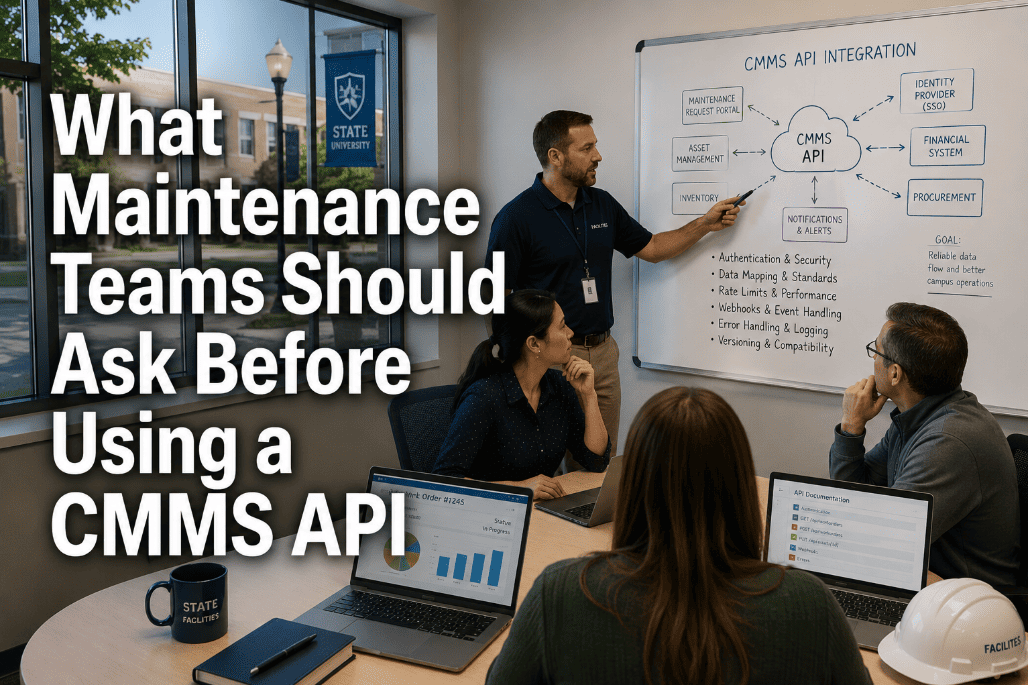
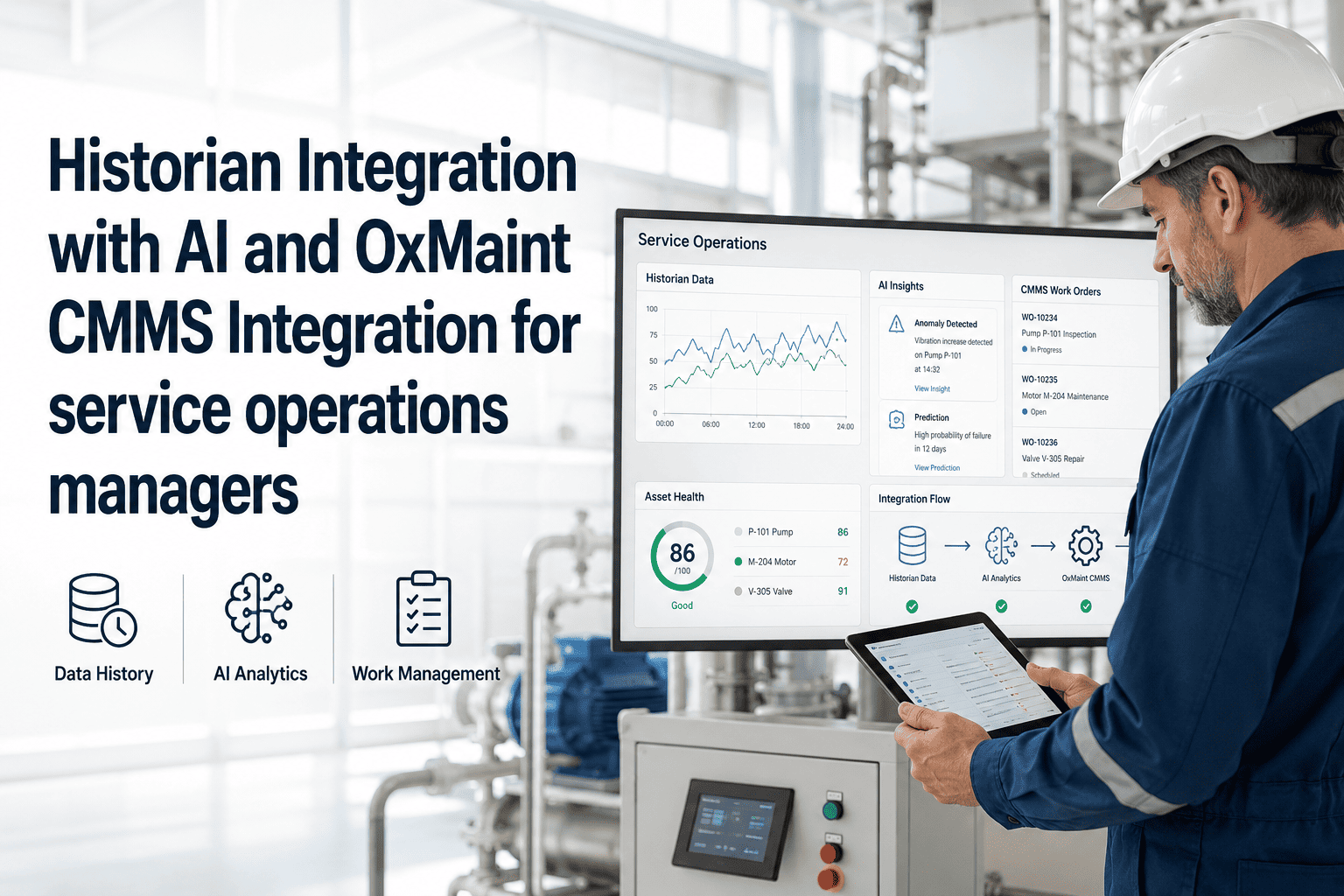
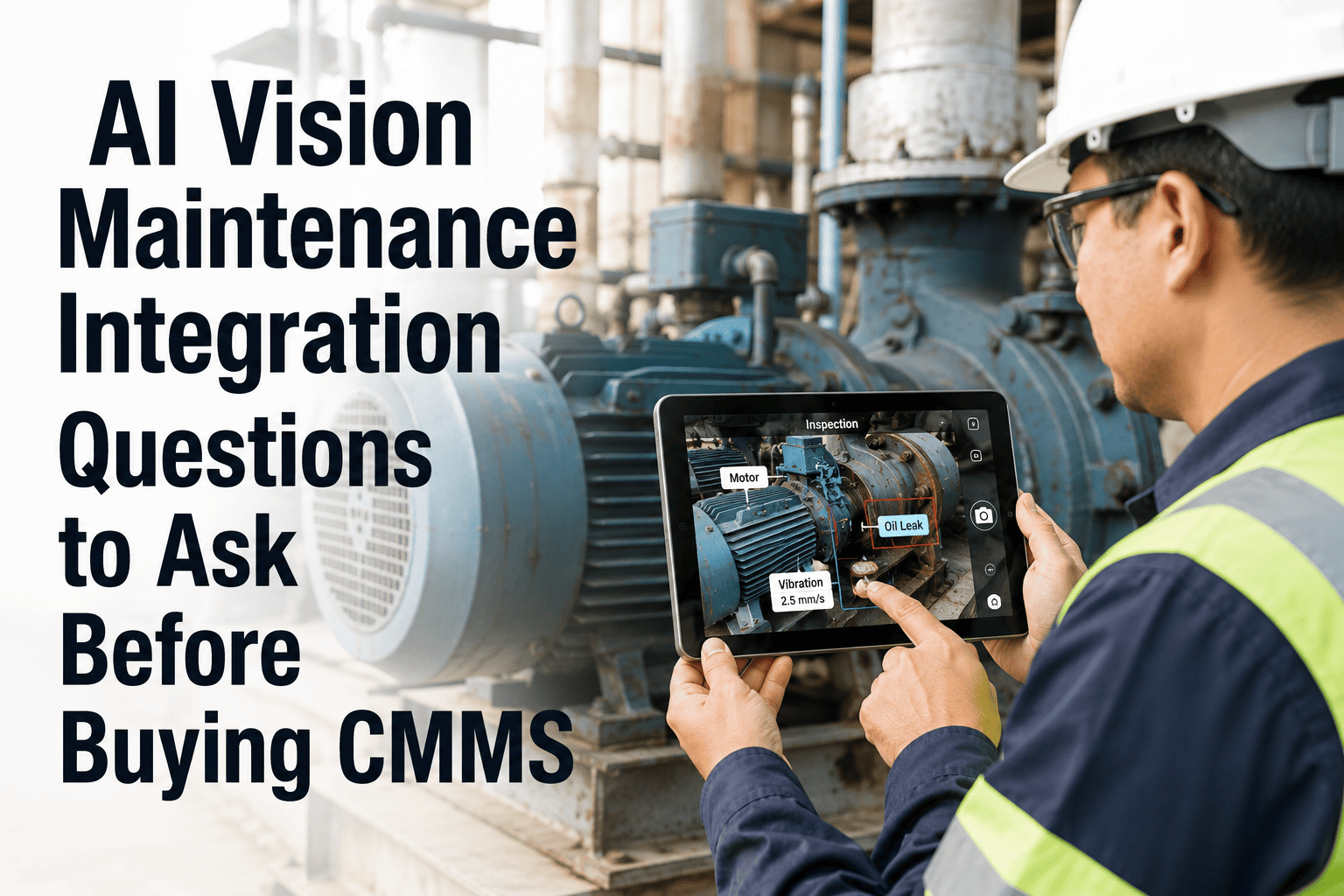
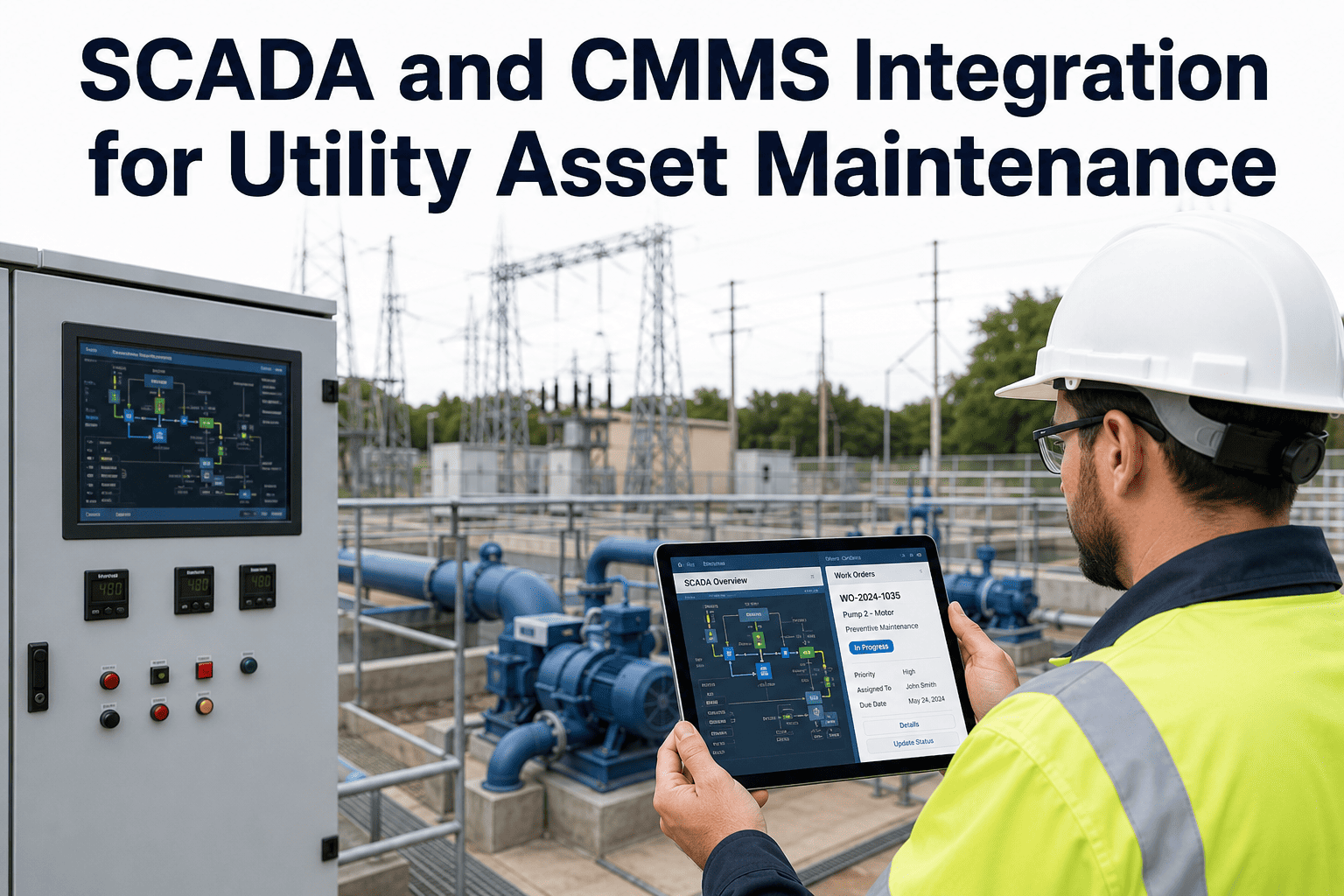
Most maintenance teams encounter the CMMS API question the same way: a business intelligence team wants maintenance data in their analytics platform, a new IoT sensor vendor says their system "connects to your CMMS via API," or the ERP migration project hits a point where someone asks whether the CMMS can sync work order costs automatically. In each case, the maintenance leader is handed a conversation they were not trained for — and the answers they give in that conversation determine whether the integration delivers real operational value or becomes a six-month IT project that produces a fragile data pipeline requiring constant maintenance. API integration is not inherently complex, but asking the wrong questions before committing to one creates technical debt, security exposure, and integration failures at the worst possible moments. This guide covers the practical questions maintenance leaders — not IT architects — should ask before agreeing to any CMMS API integration. Understanding the answers will not make you an API developer, but it will protect your team from integration decisions that look simple in a vendor demo and prove costly in production. If you want to see how Oxmaint's developer API handles the scenarios described in this guide, start a free trial or book a demo with our integration team today.
CMMS API · MAINTENANCE INTEGRATION · ERP · IoT · BI SYSTEMS
What Maintenance Teams Should Ask Before Using a CMMS API
Before you connect your CMMS to ERP, BI, IoT, or finance systems — these are the questions that separate integrations that deliver operational value from ones that create fragile pipelines your IT team will be fixing for years.
67%
Integration projects exceed original scope
Gartner — poor pre-integration planning is the leading cause
REST
The API standard to require from any modern CMMS
SOAP, file-based, or proprietary APIs add complexity and fragility
4
Core integration use cases for CMMS APIs
ERP sync, BI reporting, IoT triggers, HR/labor costing
Zero
Acceptable unplanned API-triggered work order errors
Integration failures in safety-critical workflows are operational events
Your CMMS API Is Only as Good as the Questions You Asked Before Using It
Integrations that fail in production almost always had warning signs at the planning stage — rate limits no one asked about, authentication methods that don't scale, webhook delivery that isn't guaranteed. This guide arms maintenance leaders with the right questions. Oxmaint's developer API is built for the scenarios described here — start a free trial or book a demo to walk through the API capabilities with our team.
Integration Landscape
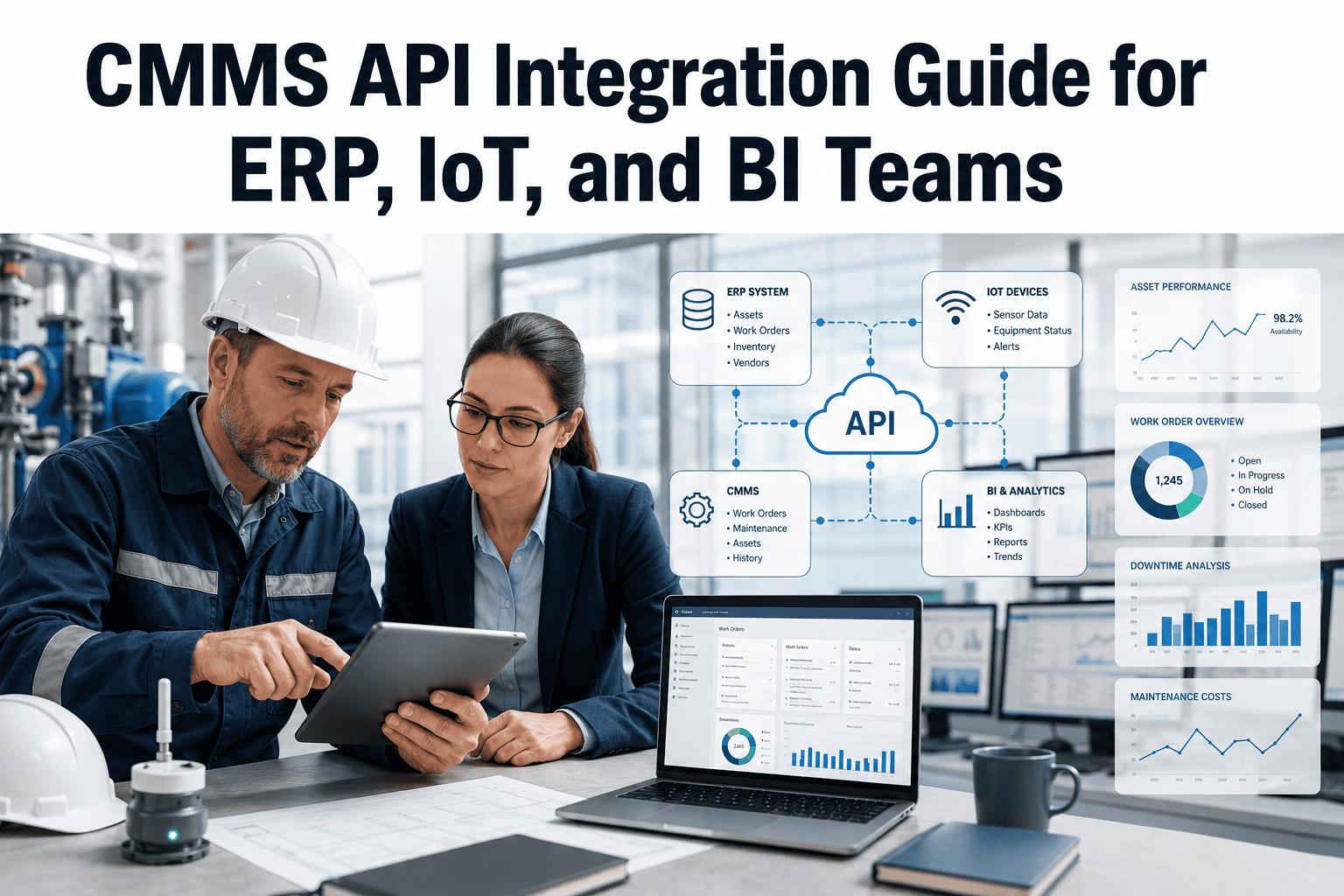
The Four CMMS API Integration Scenarios Maintenance Teams Actually Face
Before asking about the API itself, understand which scenario you are solving for. Each has different data requirements, different failure consequences, and different questions that must be answered before committing to an integration architecture.
ERP Sync
CMMS ↔ Financial System
Work order costs, labor hours, and purchase orders flow between CMMS and ERP. Bidirectional. Account code mapping required. Failure means manual reconciliation and data mismatches in financial reporting.
High financial impact if broken
BI Reporting
CMMS → Analytics Platform
Maintenance KPIs, work order history, and asset condition data pulled into Power BI, Tableau, or custom dashboards. Typically read-only. Failure means stale or missing data in leadership reports.
Medium impact — reporting lag
IoT Triggers
Sensor → CMMS Work Order
Sensor threshold exceedances push alerts to CMMS, which creates work orders automatically. Near-real-time. Failure means missed condition-based maintenance triggers and silent equipment degradation.
High operational impact if broken
HR / Labor
CMMS → Payroll / HR
Technician labor hours and job classifications from CMMS work orders flow to HR system for payroll processing and labor cost allocation. Failure means manual timesheet reconciliation every pay period.
Payroll dependency — weekly impact
Question Framework
The Questions to Ask — Grouped by What They Protect Against
These questions are organized by the failure mode they prevent. Ask all of them before committing to any integration — and if a CMMS vendor cannot answer them clearly, that is itself important information about the maturity of their API.
01
Authentication and Security — Protects Against Unauthorized Access and Audit Failures
What authentication method does the API use — API key, OAuth 2.0, or Basic Auth?
OAuth 2.0 is the current standard for enterprise integrations and the only method that supports token expiration, scope limitation, and revocation without changing credentials across all integrations. API keys are acceptable for read-only BI integrations but inappropriate for write-access ERP or IoT integrations. Basic Auth is not acceptable for any production integration — it transmits credentials with every request and cannot be scoped or revoked selectively.
Can API access be scoped to specific endpoints and read/write permissions?
An IoT sensor system that creates work orders should not have the same API access as a BI tool that reads work order history. Scoped access means that if a sensor platform's API key is compromised, the attacker can create work orders but cannot read financial data, delete assets, or modify user accounts. Ask for a permission matrix showing which API scopes map to which endpoints.
Are all API calls logged with timestamp, user/application identity, and payload summary?
API audit logs are essential for both security incident response and for troubleshooting integration failures. When a work order appears with incorrect account codes or a duplicate PO shows up in the ERP, the audit log tells you which system made the API call, when, and with what payload. Without API audit logging, troubleshooting integration issues involves comparing timestamps across two separate systems with no authoritative source of truth.
How are API credentials rotated, and what happens to existing integrations during rotation?
Enterprise security policies typically require credential rotation every 90 days. A CMMS API that requires all integrations to be reconfigured on every rotation will see integrations break during rotation windows — often discovered when a Monday morning BI report pulls no data because the API key was rotated Friday evening. Ask for a rotation procedure that allows new credentials to be issued and active before old credentials are revoked.
02
Rate Limits and Throughput — Protects Against Integration Throttling Under Load
What are the API rate limits — requests per minute, per hour, and per day?
A BI tool pulling 50,000 work order records for a monthly report can exhaust a 1,000-request-per-hour rate limit 50 times over. Rate limits that are not documented are rate limits that will surprise you at month-end, quarter-close, or the first time someone runs a comprehensive historical data pull. Get the specific numbers — not "we have generous limits" — and model them against your expected data volumes.
Does the API support bulk data retrieval or only single-record requests?
An API that returns one work order per request versus one that returns 1,000 work orders per page request is a 1,000x difference in efficiency for large data pulls. For IoT integrations creating work orders individually, single-record writes are fine. For BI tools pulling historical maintenance data into a data warehouse, the API must support paginated bulk retrieval or the initial historical data load becomes technically infeasible at enterprise data volumes.
What happens when the rate limit is reached — hard failure, queuing, or graceful degradation?
The behavior when a rate limit is hit determines how badly the integration fails. Hard failure means all API calls above the limit return errors — the integration needs its own retry logic. Queuing means the API accepts the request but delays processing — acceptable for asynchronous flows, problematic for real-time IoT triggers. Know what HTTP status code the API returns at rate limit (429 is standard) and confirm your integration handles it explicitly.
03
Webhooks and Event Delivery — Protects Against Missed Real-Time Triggers
Does the API support webhooks for real-time event notifications, or only polling?
Polling — where the integration system repeatedly asks the CMMS "has anything changed?" — is inefficient for real-time IoT scenarios and creates unnecessary load on both systems. Webhooks push event notifications to the integration system the moment something changes. For IoT-triggered work order workflows where response time matters, webhook support is not optional — polling with a 5-minute interval means a critical sensor alarm may not generate a work order for up to 5 minutes after the threshold is crossed.
Are webhook deliveries guaranteed, and is there a retry mechanism for failed deliveries?
Webhooks can fail if the receiving system is temporarily unavailable — a server restart, a brief network outage, or a deployment window. An IoT sensor trigger that fires a webhook during a 2-minute receiving system restart is a missed work order creation event. Ask whether the CMMS webhook engine retries failed deliveries, how many times, over what time window, and whether failed deliveries are logged in a way that allows manual recovery of missed events.
Can webhooks be filtered by event type, asset type, or priority level?
A system receiving webhooks for every work order status change — created, assigned, in-progress, on-hold, completed, cancelled — for every asset across the entire facility generates massive event volume that the receiving system must filter before processing. Webhook filtering at the source means the CMMS only sends the events the integration actually needs, reducing integration complexity and preventing event floods when a large PM batch is processed.
04
Data Model and Field Mapping — Protects Against Mismatched Data Structures
Is the full API data model documented, including all field names, data types, and allowed values?
Integration projects that start with "we'll figure out the field mapping during development" consistently discover that a field expected to contain a cost center code actually contains a human-readable description, or that priority levels use numeric codes in the API that differ from the display labels in the UI. Require complete API schema documentation before any integration planning — including which fields are required, which are optional, and which are computed rather than stored.
How are custom fields exposed in the API?
Most maintenance teams add custom fields to work orders and assets — a regulatory compliance flag, a contractor approval code, an equipment criticality score. If custom fields are not exposed in the API, any integration that needs them requires workarounds. If they are exposed but use generic field names like "custom_field_1", the integration code requires a mapping table that must be manually updated whenever custom field definitions change in the CMMS.
Does the API handle multi-site asset hierarchies, and how are site identifiers passed?
For multi-site operations, every API call that references an asset or work order must correctly identify which site the asset belongs to. An ERP integration that posts labor costs without correctly identifying the building and department creates GL entries in the wrong cost center — a financial error that may not surface until month-end reconciliation. Confirm that the API exposes the full asset hierarchy (site, building, system, asset, component) and that ERP integration supports hierarchy-based account code mapping.
05
Error Handling and Monitoring — Protects Against Silent Integration Failures
What error response structure does the API use, and are error codes documented?
An API that returns a generic "500 Internal Server Error" for every failure condition provides no information for debugging. A well-designed API returns specific error codes — 422 Unprocessable Entity with a body explaining which field failed validation, 404 Not Found with the specific resource ID that was missing. Ask to see the error response schema and confirm error codes are documented in the API reference, not left to interpretation by integration developers.
Does the CMMS provide an integration monitoring dashboard showing API call success/failure rates?
Without a monitoring interface, integration failures are discovered by downstream symptoms — missing BI data, unposted ERP journal entries, work orders that should have been created but weren't. A monitoring dashboard that shows API call volume, error rates, and failed transactions by integration allows maintenance operations and IT teams to identify failures before they cause operational problems, not after a user reports that something looks wrong.
How does the CMMS vendor communicate API changes that could break existing integrations?
CMMS platforms update frequently. An API endpoint that changes behavior, a field that gets deprecated, or a rate limit that is reduced without notice can break production integrations overnight. Ask for the vendor's API versioning policy — does the URL include a version number (v1, v2) so old integrations continue working when a new API version is released? What is the minimum deprecation notice period? Are breaking changes communicated via email, changelog, or only in release notes?
Oxmaint Developer API
How Oxmaint's API Addresses Each Integration Requirement
Oxmaint's developer API is designed for the four integration scenarios described above — with the authentication, throughput, webhook, and data model characteristics that enterprise maintenance operations require. Maintenance leaders exploring API integration can start a free trial or book a demo to review the API documentation with our integration team.
Authentication
OAuth 2.0 with Scoped API Keys
OAuth 2.0 for enterprise integrations with scoped API keys that limit access to specific endpoints and read/write permissions. All API calls logged with timestamp, application identity, and payload summary. Credential rotation supported with overlap windows so existing integrations are not disrupted.
Throughput
Documented Rate Limits with Bulk Endpoints
Published rate limits with HTTP 429 responses and Retry-After headers. Bulk endpoint support for paginated data retrieval at 1,000 records per page — efficient for BI historical pulls. Rate limit tiers scaled to integration type, with higher limits for scheduled batch integrations versus real-time single-record flows.
Webhooks
Guaranteed Delivery with Retry Queue
Webhooks for work order creation, status changes, asset condition updates, and PM trigger events. Failed deliveries retry automatically with exponential backoff for up to 72 hours. Failed delivery log accessible in the integration dashboard for manual review and replay. Webhook filtering by event type, priority, asset class, and site.
Data Model
Full Schema Documentation Including Custom Fields
Complete OpenAPI 3.0 specification with all field names, data types, required vs. optional, and allowed values documented. Custom fields exposed with named keys derived from the field label — not generic "custom_field_N" identifiers. Full asset hierarchy (Portfolio, Property, System, Asset, Component) available in every work order response.
Monitoring
Integration Dashboard with Error Queue
Built-in integration monitoring dashboard showing API call volume, error rates, and failed transactions by integration source. Error queue with specific error codes and payload detail for failed transactions. Alerts configurable to notify IT administrators when error rates exceed configurable thresholds.
Versioning
Versioned Endpoints with 12-Month Deprecation Notice
API endpoints versioned in the URL path (v1, v2) so existing integrations continue functioning when new API versions are released. Breaking changes announced 12 months before deprecation with migration guides. Non-breaking changes (new fields, new optional parameters) deployed without version change and communicated in release notes.
Red Flags
Six API Warning Signs That Predict Integration Failures
01
No Published Rate Limits
A vendor that cannot state their API rate limits does not have a mature API product. Undocumented rate limits are discovered when a production integration gets throttled under real load — not in a demo environment.
02
API Keys Only — No OAuth 2.0
Static API keys without OAuth 2.0 support cannot be scoped, cannot expire gracefully, and create security exposure when rotated. For any write-access integration, this is a security architecture problem that will not be fixed retroactively.
03
No Webhook Retry Mechanism
Webhooks without guaranteed delivery are best-effort notifications — fine for logging, not acceptable for work order creation or financial posting. Missed webhooks mean missed maintenance triggers and missing cost records.
04
Generic Error Messages
"Something went wrong" or "Internal server error" API responses without specific error codes make integration debugging impossible without vendor support involvement on every failure. This is a sign of an API that was not designed for third-party integration.
05
No API Versioning Policy
APIs without versioning break existing integrations whenever the vendor updates their platform. A CMMS that cannot commit to a deprecation notice period of at least 90 days — preferably 12 months — will create ongoing maintenance overhead for every integration deployed.
06
Documentation Behind a Sales Call
API documentation that requires a sales conversation to access is documentation that is not ready for developer review. Mature API products publish their documentation publicly — because developers need to evaluate it before any commercial conversation begins.
Decision Framework
Before vs After: Ad-Hoc Integration vs API-First CMMS
Ad-Hoc / File-Based Integration
Weekly CSV export to ERP — 3–7 day data lag in financial reporting
Manual field mapping in Excel — breaks on every CMMS update
No webhook support — IoT triggers require polling every 5 minutes
No error handling — failures discovered when users notice missing data
No audit log — impossible to trace which system caused a data discrepancy
IT team maintains custom scripts for every integration — ongoing cost
API-First CMMS (Oxmaint)
Real-time ERP posting on work order close — current cost data always available
Schema-documented field mapping — stable across CMMS updates with versioned endpoints
Webhooks with guaranteed delivery — IoT triggers create work orders in under 1 minute
Error queue with retry — failures self-resolve and alert IT when manual action needed
Full API audit log — every call traceable with timestamp and application identity
Pre-built connectors for major ERP and BI platforms — no custom code required
Questions
Frequently Asked Questions
Do maintenance teams need technical staff to manage CMMS API integrations?+
For modern CMMS platforms with pre-built connectors and no-code configuration interfaces, maintenance teams do not need dedicated developer resources to manage integrations — they need IT staff who can configure API credentials, map account codes, and monitor the integration dashboard. The technical complexity of custom integration development (which does require developer skills) is eliminated when the CMMS provides pre-built connectors. The maintenance leader's role is to define the business requirements — which data should flow, which direction, and triggered by what events — and to validate that the integration delivers the correct data. Configuration and monitoring can typically be handled by a technically capable IT generalist, not a software developer.
What is the difference between a CMMS API and a CMMS integration platform?+
A CMMS API is the technical interface — the set of endpoints, authentication mechanisms, and data structures that external systems use to read from and write to the CMMS. A CMMS integration platform is a higher-level product layer that uses the API internally but provides a configuration interface, pre-built connectors, error handling, and monitoring without requiring direct API interaction. Oxmaint provides both — the developer API for organizations that want to build custom integrations, and a pre-built integration layer for the four major higher education ERP platforms, major BI tools, and common IoT platforms. Organizations typically start with pre-built integrations and use the developer API for custom or edge-case integration requirements.
How should maintenance teams handle CMMS API access during a system migration or upgrade?+
API access during CMMS migrations requires explicit planning for three scenarios: (1) parallel operation, where both old and new CMMS platforms run simultaneously and integrations must transition at a defined cutover point; (2) data migration, where historical data from the old CMMS must be importable via the new CMMS API; and (3) integration reconfiguration, where credential mapping, account codes, and webhook endpoints must be updated for the new system. The safest approach is to require that the new CMMS API maintains feature parity with the integration capabilities of the old system before cutover — which means the API migration requirements should be included in the CMMS selection criteria, not discovered during implementation.
How does IoT sensor integration via CMMS API work in practice?+
IoT-to-CMMS integration typically follows one of two patterns: push (the IoT platform or gateway sends a webhook to the CMMS API when a threshold is crossed) or pull (the CMMS polls the IoT platform's API on a schedule to check for new threshold events). Push via webhook is preferred for operational efficiency — it delivers near-real-time work order creation without constant polling. In practice, the IoT platform is configured with the CMMS API endpoint, authentication credentials, and the work order template parameters to use when creating a triggered work order. The sensor threshold logic stays in the IoT platform; the work order creation logic lives in the CMMS. Oxmaint's work order creation API endpoint accepts all required work order fields — asset ID, priority, description, assigned technician — in a single API call, making IoT integration straightforward for most IoT platforms that support outbound webhook configuration.
Ask These Questions Before Your Next CMMS Integration Conversation
The questions in this guide are the ones that experienced integration architects ask before committing to any CMMS API integration. Armed with them, maintenance leaders can evaluate API maturity, identify red flags before signing contracts, and structure integrations that deliver operational value without creating technical debt. Oxmaint's developer API is designed to answer all of them clearly — documentation is public, rate limits are published, and webhooks have guaranteed delivery with retry.