Maintenance teams spend an average of 14.6 hours per week on administrative tasks that add zero value to asset reliability — duplicate data entry between CMMS and ERP, manual purchase requisitions, cost reconciliation across disconnected systems, and hunting for parts information scattered across spreadsheets and emails. That is 760 hours per year per maintenance planner consumed by admin work instead of maintenance planning. Integration between CMMS and ERP eliminates the manual handoffs that create this burden by synchronizing work orders, parts inventory, purchase orders, asset records, and cost data in real time. Oxmaint offers direct SAP integration and API connectivity to major ERP platforms — connecting maintenance execution to financial and procurement workflows without middleware complexity. If your maintenance planners spend more time on data entry than planning, start a free trial or book a demo to see how integration eliminates the admin overhead.
How CMMS and ERP Integration Reduces Maintenance Admin Work by 62%
Maintenance teams waste 760 hours per year on duplicate entry between disconnected systems. Connect work orders, parts, purchasing, assets, and cost data between CMMS and ERP — eliminate the admin burden that steals time from actual maintenance.
Every Manual Data Transfer Is a Delay, an Error, and a Cost
When a technician completes a work order in CMMS, someone has to manually enter the labor hours and parts used into the ERP for cost tracking. When a part reaches reorder point, someone has to manually create a purchase requisition in the procurement system. When finance needs maintenance cost reports, someone has to manually reconcile data from two systems that do not agree. Each manual transfer adds delay, introduces errors, and costs labor hours. Oxmaint's SAP integration and developer API connect these workflows so data flows once, automatically, and accurately. See how integration works for your operation — start a free trial or book a demo to map your integration requirements.
Six Data Flows That Integration Automates
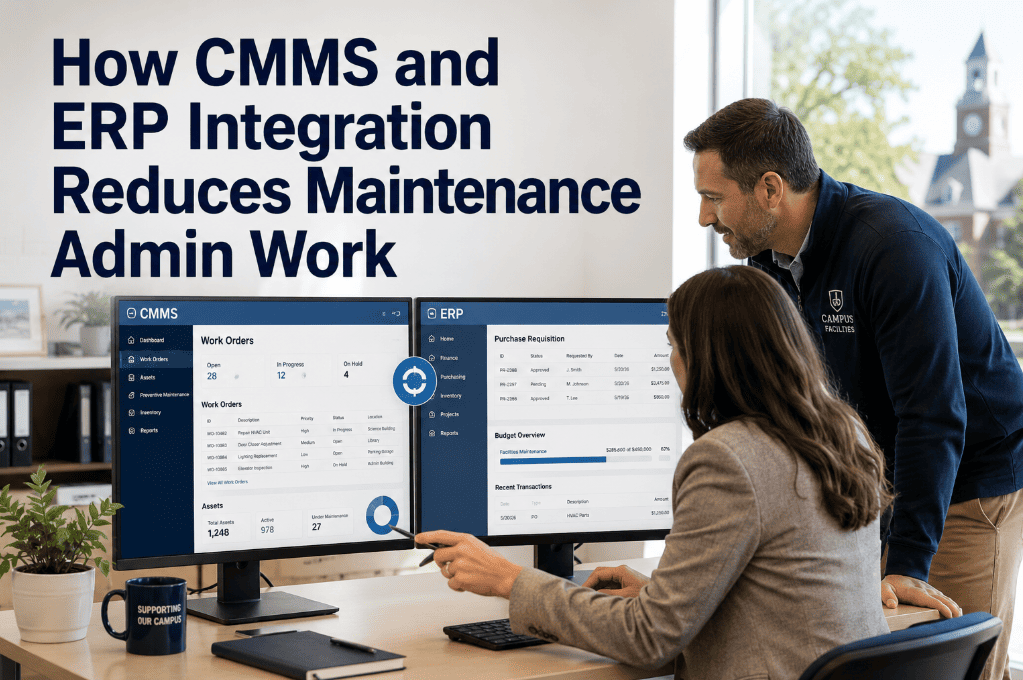
CMMS-ERP integration is not a single connection — it is six distinct data synchronization flows, each eliminating a specific manual process that currently consumes planner and admin time.
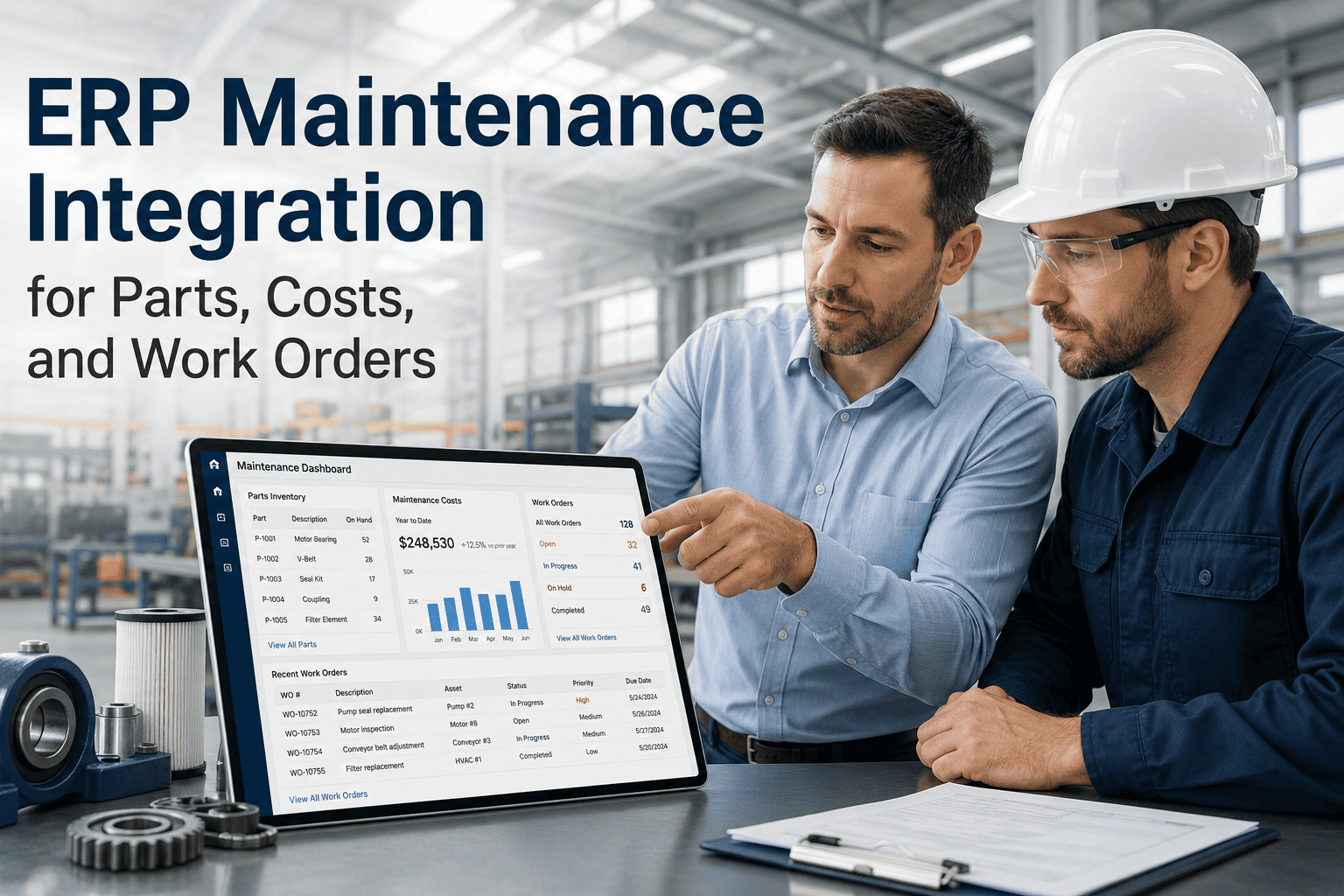
Labor hours, parts consumed, and contractor charges from completed work orders sync to the ERP cost center automatically. Eliminates manual cost entry that averages 8 minutes per work order — saving 40+ hours per month for a facility completing 300 work orders.
When parts hit reorder point or a work order requires a non-stocked item, the CMMS auto-generates a purchase requisition in the ERP procurement module — eliminating the 3.2-day average delay of manual PO creation that extends asset downtime.
Current stock levels, pricing, lead times, and vendor information from the ERP inventory module are visible inside the CMMS when technicians or planners create work orders — eliminating the "call the warehouse" step that delays work order planning by 45 minutes per occurrence.
Asset records created or updated in the ERP fixed asset register sync to the CMMS asset hierarchy — ensuring serial numbers, purchase dates, depreciation values, and warranty information match between systems without manual reconciliation.
Real-time maintenance spend data flows to the ERP financial module — giving finance teams live visibility into budget vs. actual without waiting for month-end reconciliation. Plants report catching budget overruns 18 days earlier with automated reporting.
Vendor master records, contract terms, rate schedules, and performance history stay synchronized between systems — so maintenance can select approved vendors directly from the CMMS and finance sees the same vendor data in the ERP without version conflicts.
Where Disconnected Systems Create Maintenance Admin Overhead
Manually entering labor hours, parts consumed, and associated costs from completed work orders into the ERP. At 300 work orders per month, this is 40 hours of pure data entry — zero value-add to maintenance outcomes.
Planners call the warehouse, check the ERP inventory screen, cross-reference part numbers, and verify pricing — all because the CMMS cannot see ERP inventory data. This happens 6–10 times per day in a mid-size operation.
When parts are not in stock, someone must manually create a PR in the ERP, route it for approval, and wait for the PO to issue. This delay directly extends asset downtime — a delay that auto-requisition eliminates entirely.
Maintenance managers spend 12 hours per month reconciling CMMS cost data with ERP financial reports. Discrepancies from manual entry errors, timing differences, and inconsistent cost center coding require investigation that produces corrections, not insights.
How Oxmaint Integrates With Your ERP to Eliminate Admin Burden
Oxmaint connects to SAP, Oracle, Microsoft Dynamics, and other ERP platforms through direct integration and developer APIs — synchronizing the six critical data flows that drive 62% of maintenance admin waste. Operations ready to eliminate duplicate entry can start a free trial or book a demo.
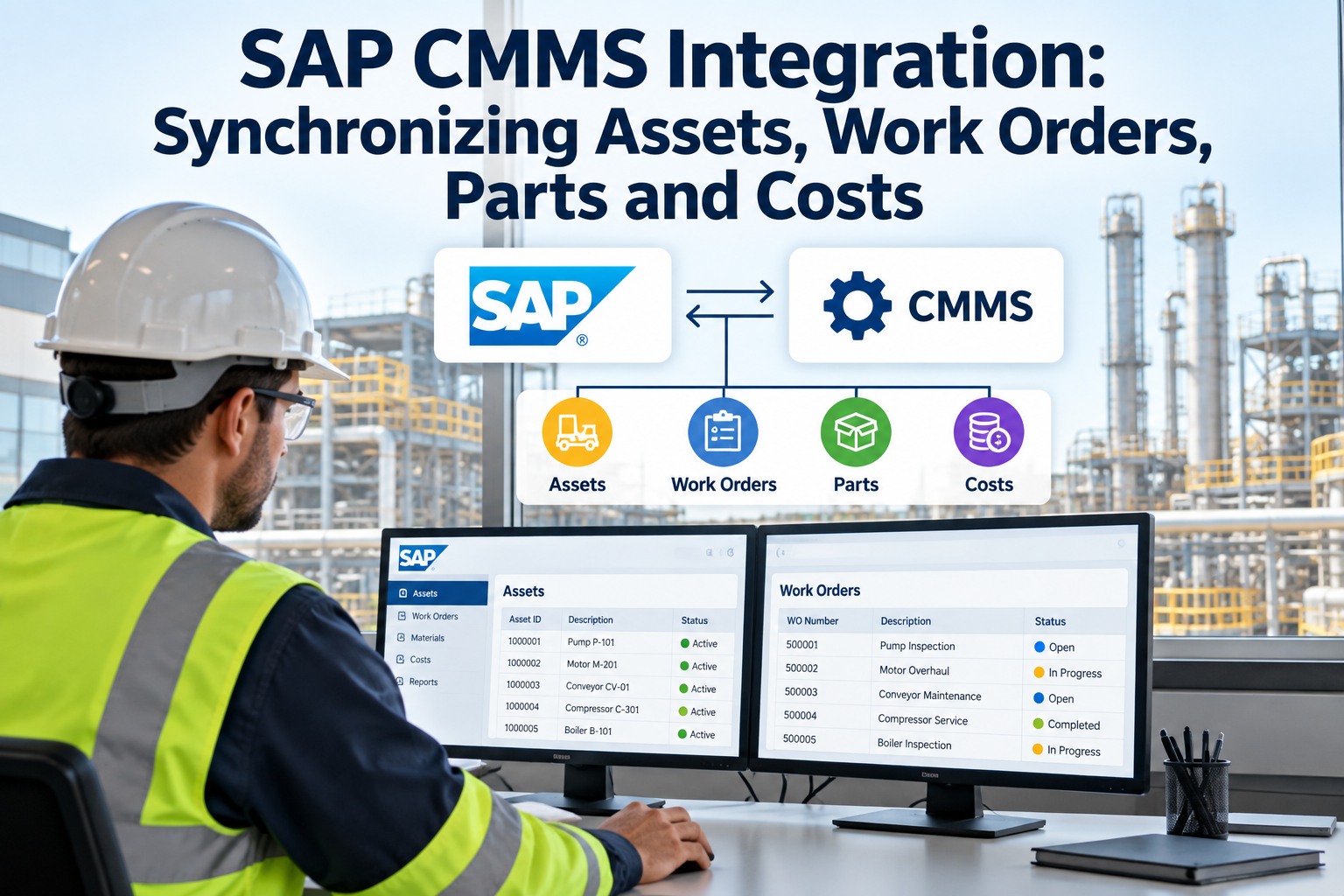
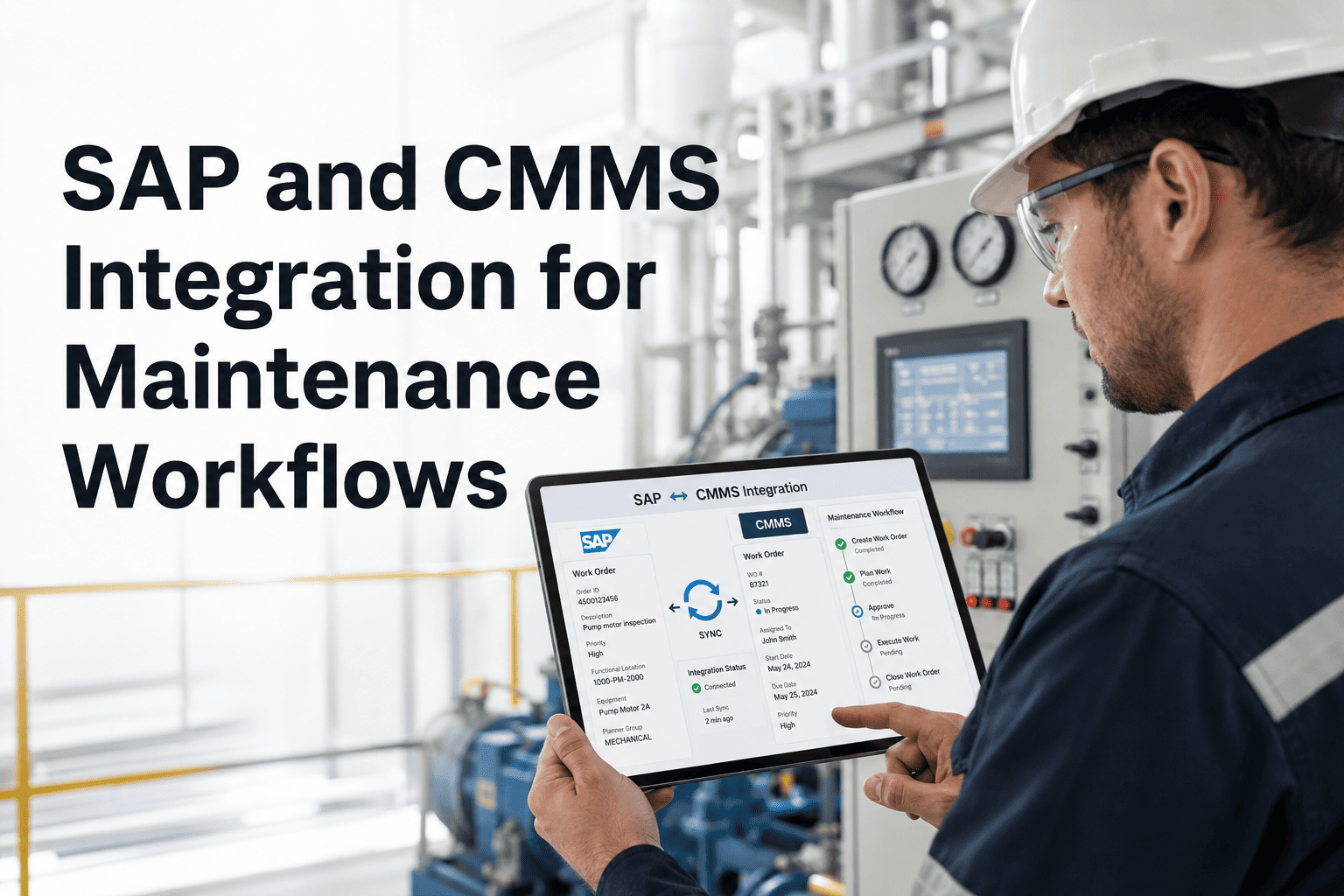
Direct connection to SAP Plant Maintenance syncs functional locations, equipment records, work orders, notifications, and cost postings. No middleware required — Oxmaint reads and writes to SAP tables using standard integration protocols.
When CMMS inventory reaches reorder point or a work order requires a non-stocked part, the system auto-creates a PR in the ERP procurement module with the correct vendor, price, and delivery address — cutting 3.2 days from procurement cycle time.
Labor, parts, and contractor costs from completed work orders post to the correct ERP cost center in real time — eliminating month-end reconciliation and giving finance live budget vs. actual visibility without manual reports.
New assets created in ERP auto-populate in CMMS with serial numbers, purchase data, and warranty information. Condition updates from CMMS flow back to ERP for depreciation and capital planning decisions based on actual asset health.
For ERP systems without native connectors, Oxmaint provides a documented RESTful API with endpoints for work orders, assets, inventory, costs, and scheduling — enabling IT teams to build custom integration flows that match their specific business logic.
Planners see real-time stock levels, pricing, lead times, and vendor information from ERP inventory directly within the CMMS work order screen — eliminating the warehouse calls and system-switching that add 45 minutes per planning occurrence.
Disconnected Systems vs. Oxmaint ERP Integration
Outcomes After CMMS-ERP Integration
Duplicate entry, manual POs, warehouse calls, and reconciliation eliminated — planners spend time planning maintenance, not entering data
Auto-requisitions cut the manual PO process from 3.2 days to same-day — reducing downtime caused by waiting for parts
Automated sync eliminates the manual entry errors that cause 15–23% of cost discrepancies between CMMS and ERP reports
Combined savings from eliminated duplicate entry, faster procurement, fewer errors, and reduced reconciliation labor for a mid-size multi-site operation
Frequently Asked Questions
Which ERP systems does Oxmaint integrate with?+
Does integration require middleware like MuleSoft or Dell Boomi?+
How does real-time cost posting work for work order completion?+
Can Oxmaint handle different cost center structures across multiple sites?+
Stop Entering the Same Data Twice — Connect CMMS and ERP Once
62% less admin work, 3.2-day procurement delays eliminated, real-time cost visibility for finance. Oxmaint integrates with SAP and major ERPs — first data flows configured in week one.