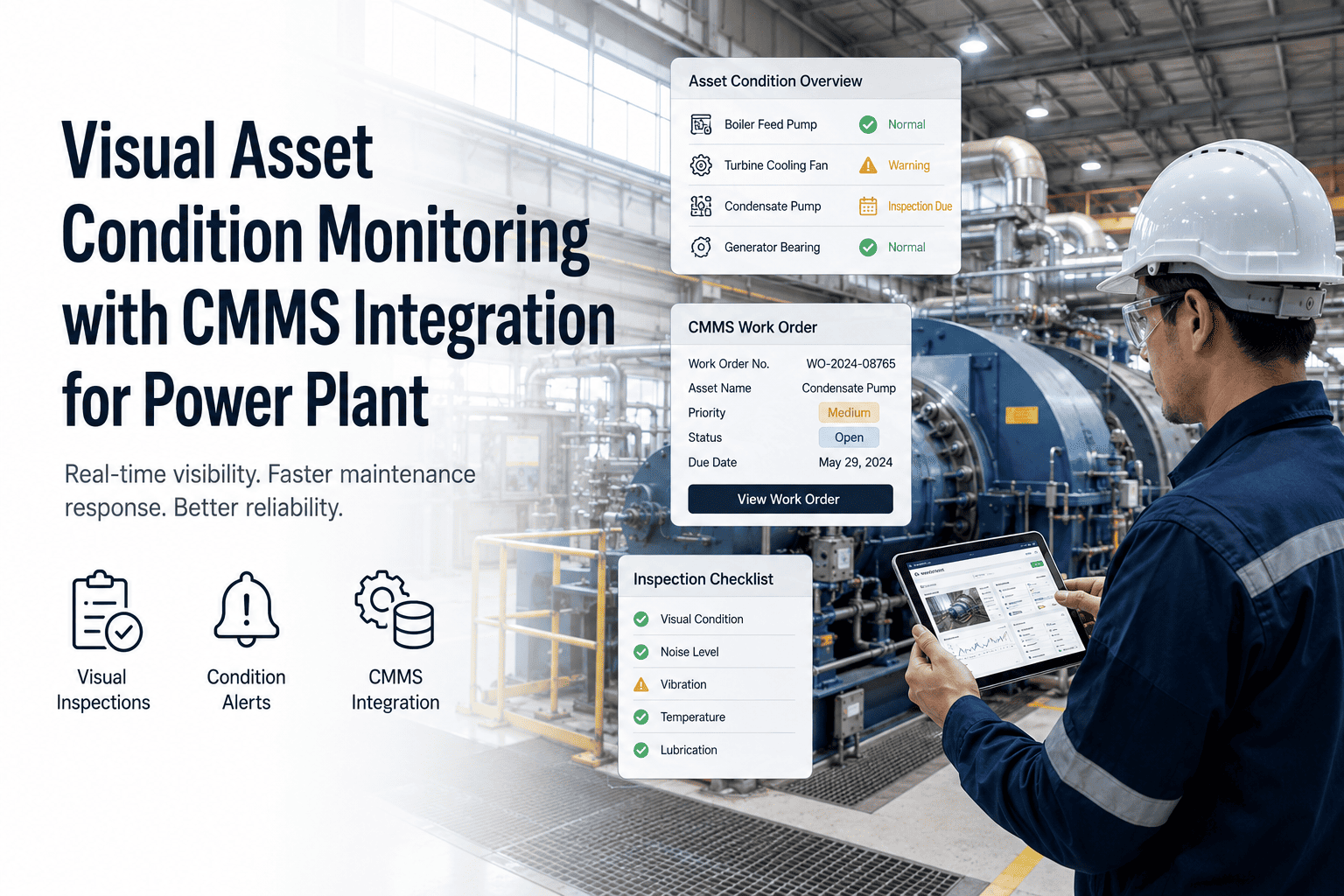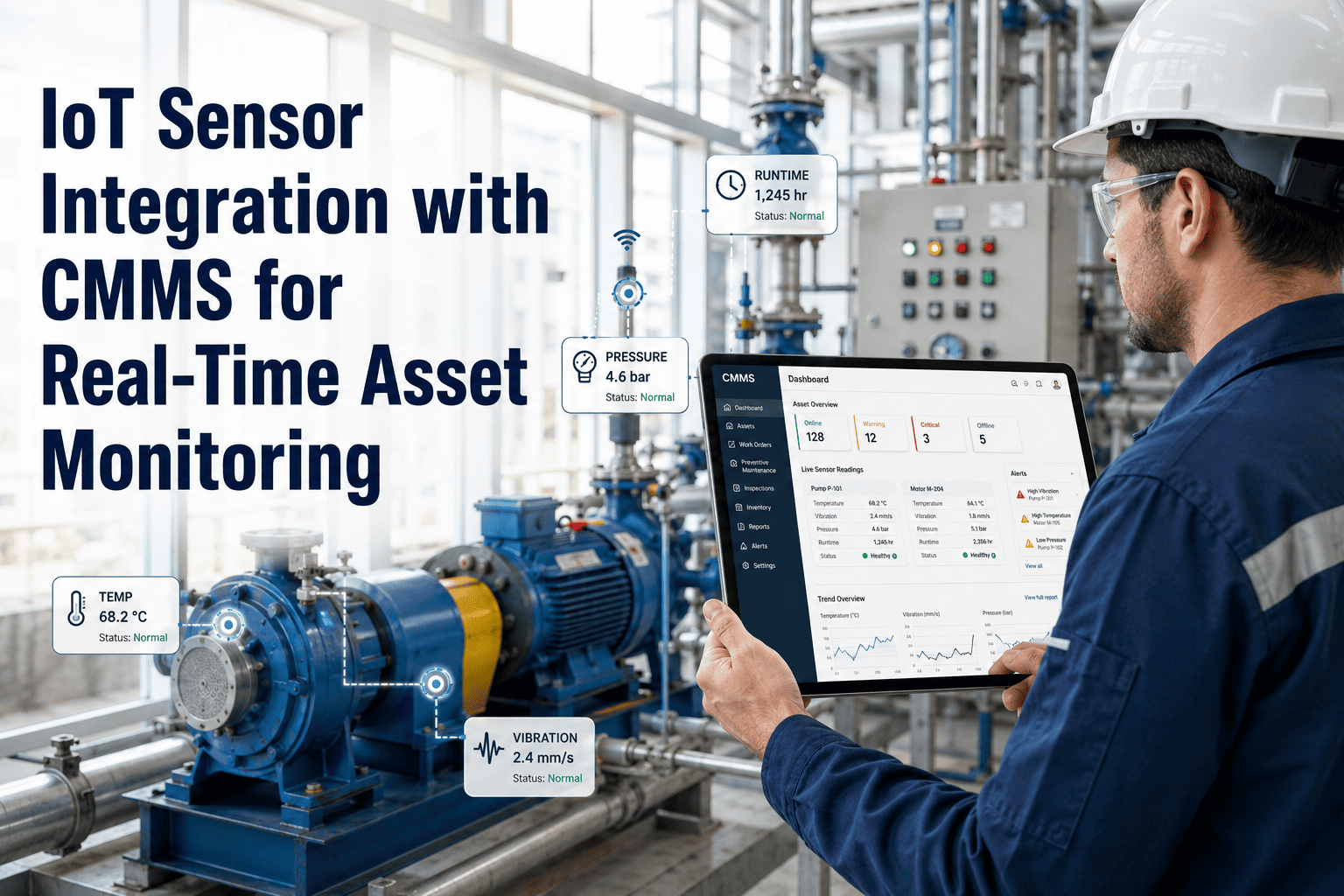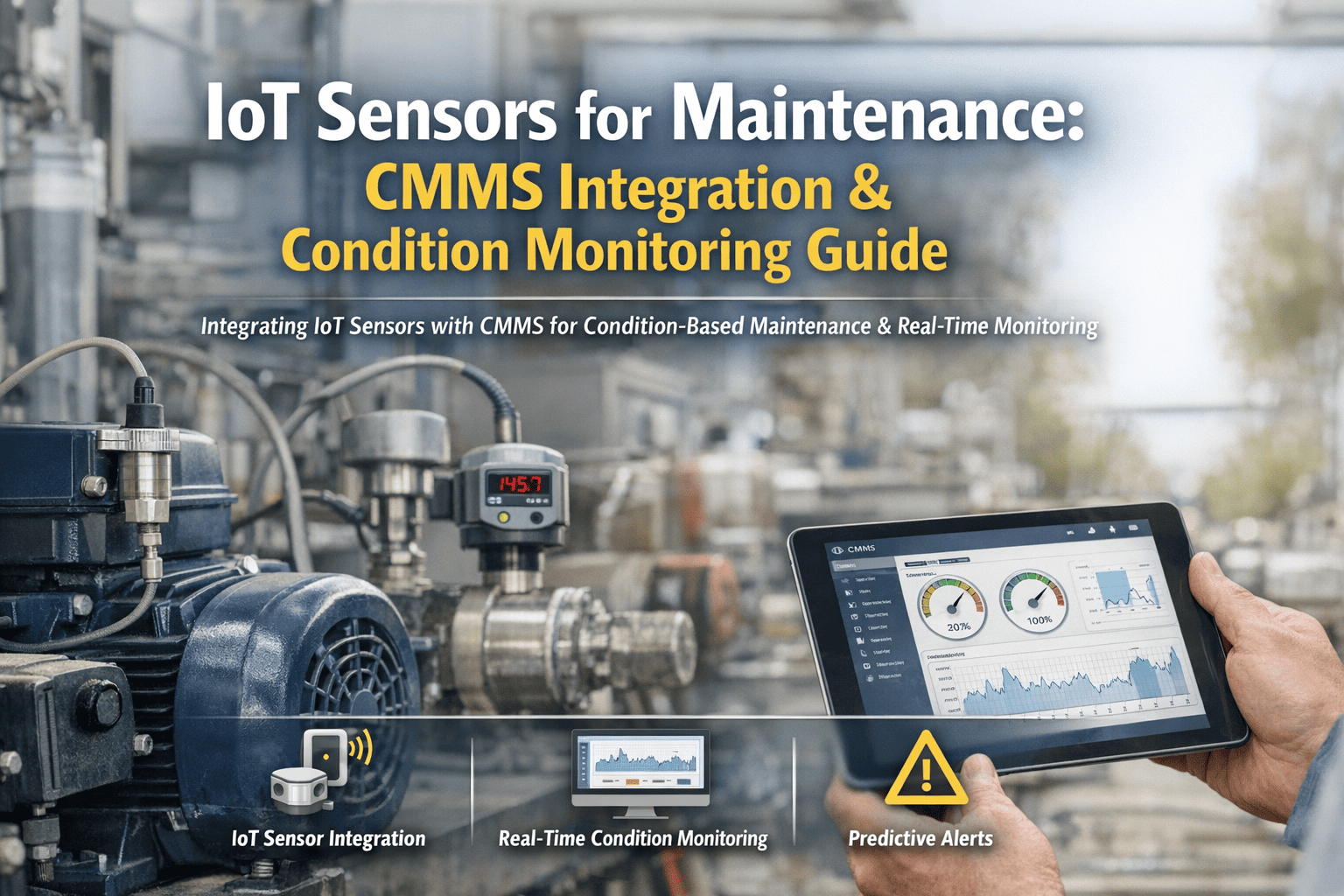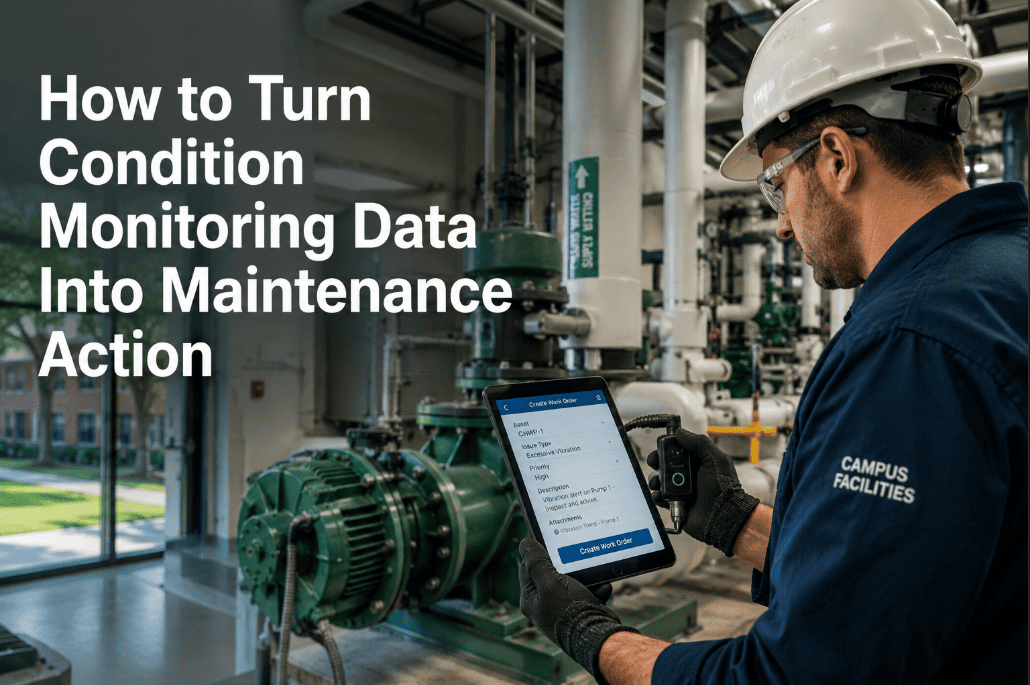
Industrial facilities collect an average of 2.5 million sensor data points per day from vibration monitors, temperature probes, runtime counters, and inspection systems — yet only 11% of that data ever connects to a maintenance action. The remaining 89% sits in dashboards, historian databases, and CSV exports where it generates charts that nobody acts on. The gap between condition data and maintenance execution is where predictive programs fail and reactive costs persist. Oxmaint bridges this gap by connecting sensor feeds directly to work order generation, priority assignment, and maintenance scheduling — transforming raw data into executable maintenance plans. If your condition monitoring data generates reports but not work orders, start a free trial or book a demo to close the data-to-action loop.
How to Turn Condition Monitoring Data Into Maintenance Action That Teams Can Execute
89% of sensor data never connects to a maintenance action. Connect vibration, temperature, runtime, and inspection data to work orders, priorities, and plans that drive real execution on the plant floor.
Data Without Action Is Just Expensive Record-Keeping
Your vibration sensors detected bearing degradation 6 weeks before failure. Your temperature probes caught the heat exchanger fouling trend. Your runtime counters showed the compressor was 800 hours past its service interval. But the data sat in a dashboard — and the failure happened anyway. The missing link is not more data or better sensors. It is a system that automatically translates condition signals into prioritized, assigned, and trackable work orders. Oxmaint connects PLC and sensor data directly to maintenance execution workflows. See it in action — start a free trial or book a demo to see the full data-to-action workflow.
The Five-Step Data-to-Action Workflow
Turning condition monitoring data into maintenance action requires a structured workflow that connects every data source to a defined response path. Each step eliminates one layer of the gap between signal detection and wrench-on-asset execution.
Vibration sensors, temperature probes, PLC runtime counters, pressure transducers, oil analysis results, and digital inspection forms all feed into a single asset health data layer. No more siloed dashboards per data type.
Raw sensor readings become meaningful only when linked to a specific asset with its maintenance history, criticality score, operating conditions, and failure patterns. A vibration reading of 7.1 mm/s means nothing without context — on a precision grinding spindle, it is critical; on a cooling tower fan, it is normal.
Static thresholds catch sudden failures. Trend analysis catches gradual degradation. Both are required. Oxmaint applies ISO 10816 vibration standards, OEM-specified temperature limits, and site-specific baselines — then evaluates rate of change to identify degradation 4–8 weeks before failure threshold.
When analysis confirms a condition requiring action, the system auto-generates a work order with the asset record, condition data, recommended repair procedure, required parts, and priority level — assigned to the appropriate technician based on skill, location, and current workload.
Six Condition Data Types and Their Maintenance Actions
| Data Type | What It Detects | Failure Lead Time | Maintenance Action | CMMS Trigger |
|---|---|---|---|---|
| Vibration Analysis | Bearing wear, imbalance, misalignment, looseness | 4–12 weeks | Bearing replacement, alignment correction, balancing | Auto work order at ISO alert level |
| Temperature Monitoring | Overheating, insulation degradation, fouling, friction | 1–6 weeks | Cleaning, lubrication, cooling system repair | Auto work order at +15% above baseline |
| Runtime / Cycle Counters | Service interval exceedance, component fatigue | Predictable by schedule | Scheduled PM, component replacement | PM trigger at hour/cycle threshold |
| Oil Analysis | Metal particles, contamination, viscosity change | 6–16 weeks | Oil change, filter replacement, component inspection | Auto work order on lab result import |
| Pressure Monitoring | Leaks, blockages, pump degradation, valve failure | 1–4 weeks | Leak repair, valve replacement, pump service | Auto work order at +/-10% deviation |
| Digital Inspections | Visual defects, wear, corrosion, safety hazards | Immediate to 4 weeks | Repair, replacement, safety lockout | Failed inspection item creates work order |
Where the Data-to-Action Chain Breaks in Most Organizations
Vibration data in one platform, temperature in another, inspections in spreadsheets, work orders in the CMMS. When data sources are siloed, nobody sees the full asset health picture. 67% of plants report using 3+ disconnected systems for condition data and maintenance management.
A dashboard that shows a red indicator for "bearing vibration high" requires a human to notice, interpret, and manually create a work order. That manual step introduces 72-hour average lag between detection and action — plenty of time for a detectable degradation to become an unplanned shutdown.
A temperature reading of 185F on Pump-A means nothing without knowing that Pump-A normally runs at 160F, was last serviced 14 months ago, has a criticality score of 9/10, and feeds the primary cooling loop. Without context, every reading requires manual interpretation by an expert — and experts are not always available.
Even when a work order is created from a condition finding, it often arrives at the technician as "investigate vibration on Motor 7" — with no trend data, no baseline comparison, no failure history, and no recommended procedure. The technician starts from zero every time, wasting 30–45 minutes gathering information that should have been attached automatically.
How Oxmaint Connects Every Data Point to a Maintenance Response
Oxmaint's PLC sensor integration ingests condition data from vibration, temperature, pressure, runtime, and inspection sources — maps every reading to the asset record — evaluates against thresholds and trends — and auto-generates complete work orders with full context. Operations ready to close the data-to-action gap can start a free trial or book a demo.
Vibration, temperature, pressure, oil analysis, runtime, and inspection data consolidated per asset. One screen shows the complete condition picture — no tab-switching between 4 different platforms.
Oxmaint connects directly to PLCs, SCADA systems, and IoT gateways to ingest real-time operational data — runtime hours, cycle counts, temperature, pressure, and flow rates — without requiring separate middleware or manual data entry.
Each asset gets its own baseline derived from historical operating data. Thresholds adjust for operating mode, load conditions, and ambient environment — eliminating the false positives caused by one-size-fits-all alert limits.
Work orders generated from condition data include the trend chart, baseline comparison, asset service history, recommended procedure, required parts, and estimated labor — everything the technician needs to act without additional research.
A minor vibration increase on a critical production asset gets higher priority than a significant vibration increase on a redundant utility pump. Priority scoring combines condition severity with asset criticality to sequence the maintenance queue correctly.
After maintenance is completed, the system compares post-repair sensor readings against baseline to verify that the repair actually resolved the condition. If readings remain abnormal, a follow-up work order is auto-generated — preventing the "repair completed but problem persists" scenario.
Disconnected Monitoring vs. Oxmaint Data-to-Action Workflow
Outcomes After Connecting Condition Data to Maintenance Action
Automated work order generation from condition data eliminates the 72-hour response lag that allows detectable degradation to become unplanned failure
From sensor anomaly detection to fully contextualized, prioritized, and assigned work order — without any manual intervention required
Work orders that arrive with condition data, trend analysis, and recommended procedures eliminate the diagnostic guesswork that extends repair time
Reduced emergency repairs, shorter repair times, fewer repeat failures, and eliminated diagnostic waste from incomplete work order information
Frequently Asked Questions
What sensor types does Oxmaint integrate with?+
Can Oxmaint create different work order types for different condition severities?+
How does the post-repair verification process work?+
Do we need to replace our existing monitoring hardware to use Oxmaint?+
Your Sensors Are Already Detecting Failures — Let Oxmaint Act on Them
Close the 72-hour gap between data and action. Oxmaint connects condition monitoring directly to prioritized work orders — first integrations configured in week one.