Equipment breakdowns cost industrial and commercial operations an estimated $50 billion annually in the United States alone, and the single largest controllable variable in that cost equation is not whether breakdowns happen — it is how fast the team moves from "something is broken" to "a technician is working on it with the right parts." Research from the Plant Engineering Society shows that organizations with structured breakdown response workflows resolve unplanned failures 47% faster than those relying on verbal reports, phone calls, and hallway conversations. The gap between a breakdown event and a dispatched, parts-verified work order is where money, uptime, and safety are lost — and most maintenance teams operate in that gap with no defined process, no automated routing, and no visibility into whether the right person even received the alert. Oxmaint eliminates that gap entirely by converting breakdown reports into fully routed, asset-linked, parts-checked work orders in under 3 minutes — from any device, any shift, any site. If your team still relies on radio calls, sticky notes, or group texts to communicate breakdowns, you can experience the difference immediately with a free trial or by scheduling a quick demo to see the full workflow in action.
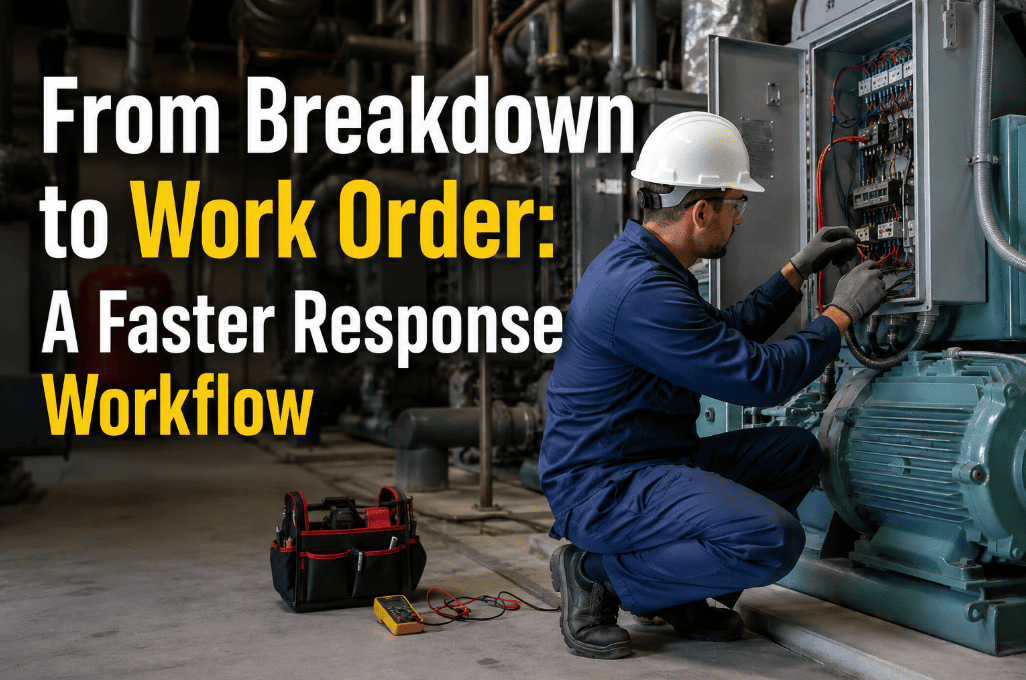
From Breakdown to Work Order: A Faster Response Workflow
The average maintenance team loses 45 minutes per breakdown in communication delays, manual data gathering, and parts verification. A structured CMMS workflow compresses that to under 3 minutes — protecting uptime, reducing repair cost, and giving every stakeholder real-time visibility.
What Actually Happens During a Breakdown — Without a Workflow
Most maintenance teams believe they have a breakdown response process. In reality, they have a series of improvised handoffs that change depending on who is on shift, who answers the phone, and whether the right supervisor happens to be in the building. The result is a predictable pattern of delays that compound with every minute.
Machine stops or shows abnormal behavior. Operator looks for a supervisor, makes a phone call, or sends a text message. No asset ID, no failure code, no photo — just a verbal description that may or may not reach the right person.
Supervisor receives a partial description, walks to the asset or calls the operator back for clarification, decides which technician to assign based on memory, and communicates the assignment by radio or in person. No record is created.
Technician arrives without asset history, without knowing what parts might be needed, and without seeing the failure symptom firsthand. Investigation begins from scratch — often repeating diagnostic steps that were done on the same asset two months ago.
Technician identifies the needed part, walks to the storeroom, discovers it is out of stock or cannot find it, calls procurement, and either waits or moves to another job — leaving the original breakdown unresolved and the production line idle.
The 6-Stage Breakdown Response Workflow That Eliminates Delay
A structured breakdown-to-work-order workflow is not about adding bureaucracy. It is about removing the 12–15 improvised decision points that cause delays and replacing them with a single automated path that moves information, not people, to get the right technician to the right asset with the right parts in the shortest time possible.
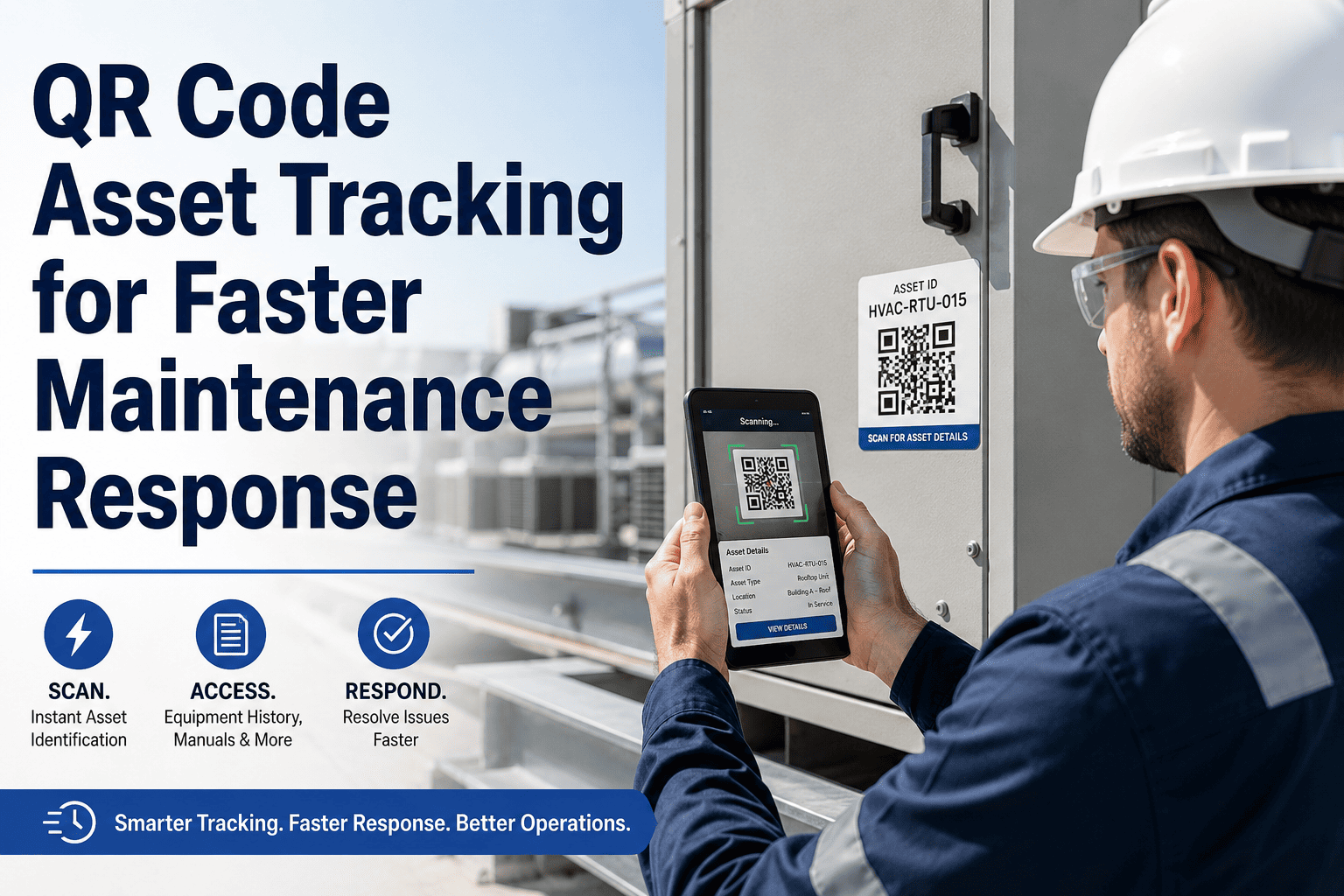
Operator scans the asset QR code, selects a failure symptom from a pre-built list, attaches a photo, and submits — all from their phone. The report auto-captures asset ID, location, timestamp, and requester identity. No phone calls, no searching for a supervisor. Average submission time: 90 seconds.
Oxmaint evaluates the reported asset against its criticality tier, production impact rating, and safety classification — then assigns a priority level automatically. Critical production assets receive P1 routing with supervisor escalation. Non-critical issues queue as P3 or P4 for planned scheduling. No human judgment bottleneck.
The work order routes to the technician with the matching skill set who is currently on shift at the correct site. Push notification and in-app alert deliver the full breakdown report — including asset photo, failure description, and complete repair history — directly to the technician's device before they start walking.
The dispatched technician sees the asset's last 10 work orders, last PM completion date, known recurring issues, attached manuals, and previous technician notes — all before arriving at the machine. This eliminates the "start from scratch" investigation that wastes 15–20 minutes on every unplanned repair at most facilities.
Oxmaint cross-references the asset's bill of materials against current storeroom inventory. If the likely replacement part is in stock, the technician sees the bin location. If it is out of stock, a procurement alert fires immediately — reducing the 37% of breakdowns where parts unavailability causes a second delay cycle.
Technician logs root cause, action taken, parts consumed, and labor time directly from their device. The record links permanently to the asset — feeding future failure analysis, PM optimization, and capital replacement decisions. No clipboard, no transcription, no data entry backlog at the end of the shift.
Your Team Deserves a Breakdown Response That Runs Itself
Every minute between "it broke" and "someone is fixing it" is a minute of lost production, increased safety risk, and growing frustration for operators and technicians alike. Oxmaint automates the entire path — from the operator's phone to the technician's wrench — with no manual routing, no phone tag, and no guesswork about parts availability. Teams using structured CMMS workflows report 47% faster mean time to repair and 31% lower emergency maintenance cost within the first 90 days. See it work for your operation — start a free trial or book a demo to walk through the full workflow with your asset data.
Manual Breakdown Response vs. CMMS-Automated Workflow
How Oxmaint Powers Every Stage of the Breakdown Workflow
Each feature is purpose-built to remove a specific delay point in the breakdown-to-resolution chain. No feature exists for its own sake — every capability maps directly to a measurable reduction in response time, repair cost, or information loss. Teams that want to see these features working together on their own asset data can start a free trial or book a demo to walk through the configuration.
Any operator scans the asset QR code, selects symptoms from a pre-built list, attaches a photo, and submits — from any smartphone. Asset ID, location, and timestamp are captured automatically. No app download required for requesters.
Work orders route automatically to technicians based on skill certifications, current shift schedule, and physical site assignment. P1 breakdowns trigger push notifications with supervisor escalation if not acknowledged within the configured SLA window.
Every work order shows the asset's complete service history, attached manuals, prior technician notes, and known failure patterns. Technicians arrive informed — reducing diagnostic time by an average of 18 minutes per unplanned repair event.
Oxmaint cross-references the asset's bill of materials against live storeroom inventory. In-stock parts show bin location. Out-of-stock parts trigger automatic procurement alerts with vendor lead times — eliminating the second-trip delay that plagues 37% of breakdown repairs.
Configure escalation paths by priority level: P1 work orders escalate to the maintenance manager if not acknowledged within 10 minutes, to the plant manager within 30. No breakdown sits unacknowledged because someone was at lunch or in a meeting.
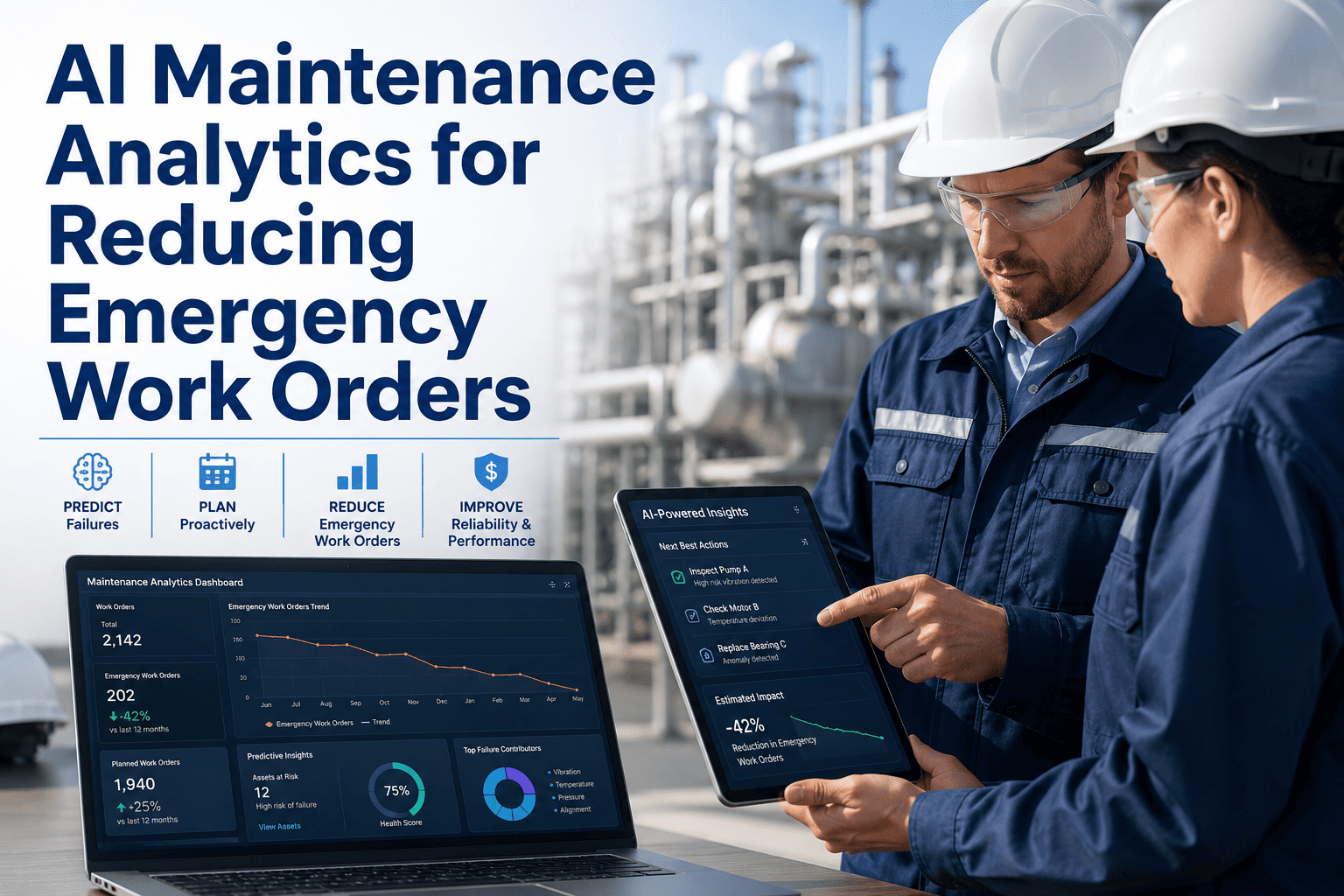
Technicians close work orders from their device with root cause selection, action taken, parts consumed, and labor time — all captured at the point of completion. This data feeds failure trend analysis, PM optimization, and capital planning without any manual data entry backlog.
What Teams Measure After Implementing the Workflow
Structured workflows eliminate communication delays, parts searches, and redundant diagnostics — compressing MTTR within the first quarter of adoption
Faster response prevents cascading failures. Parts verified before dispatch eliminates expedited shipping charges that add 25–40% to component cost
Digital close-out requirements and SLA escalation ensure work orders are completed and documented — not abandoned or lost in a clipboard pile
From operator QR scan to technician notification — replacing the 38–65 minute manual routing cycle that most facilities accept as normal
Frequently Asked Questions
How long does it take to set up the breakdown workflow in Oxmaint?+
Can operators submit breakdown reports without downloading an app?+
How does auto-dispatch work when multiple technicians have the same skill set?+
Does the workflow handle multi-site operations with different shift schedules?+
Stop Losing 45 Minutes on Every Breakdown
The gap between "it broke" and "someone is fixing it with the right parts" is the most expensive gap in your operation. Oxmaint closes it with automated routing, instant asset context, real-time parts verification, and digital close-out — no implementation project, no heavy onboarding, first work orders flowing in week one. Your team and your uptime deserve better than phone tag and clipboard handoffs.