With 2.9 billion QR code users globally and 84% of smartphone users having scanned a QR code at least once, maintenance request reporting is the one workflow in your facility that everyone already knows how to operate — without training, without an app download, and without system credentials. The problem is not that people don't know how to report issues. The problem is that the current reporting method — a phone call, an email, a paper form, a radio call that gets lost at shift change — creates work orders with missing asset IDs, no photo evidence, and no automatic priority assignment. That friction slows every repair that follows. Start free on OxMaint and have your first QR codes deployed today — or book a demo to see the full scan-to-work-order workflow in your facility type.
Workflow · QR Maintenance · Request Maintenance · CMMS
QR Code Maintenance Requests: A Simple Workflow for Busy Facilities
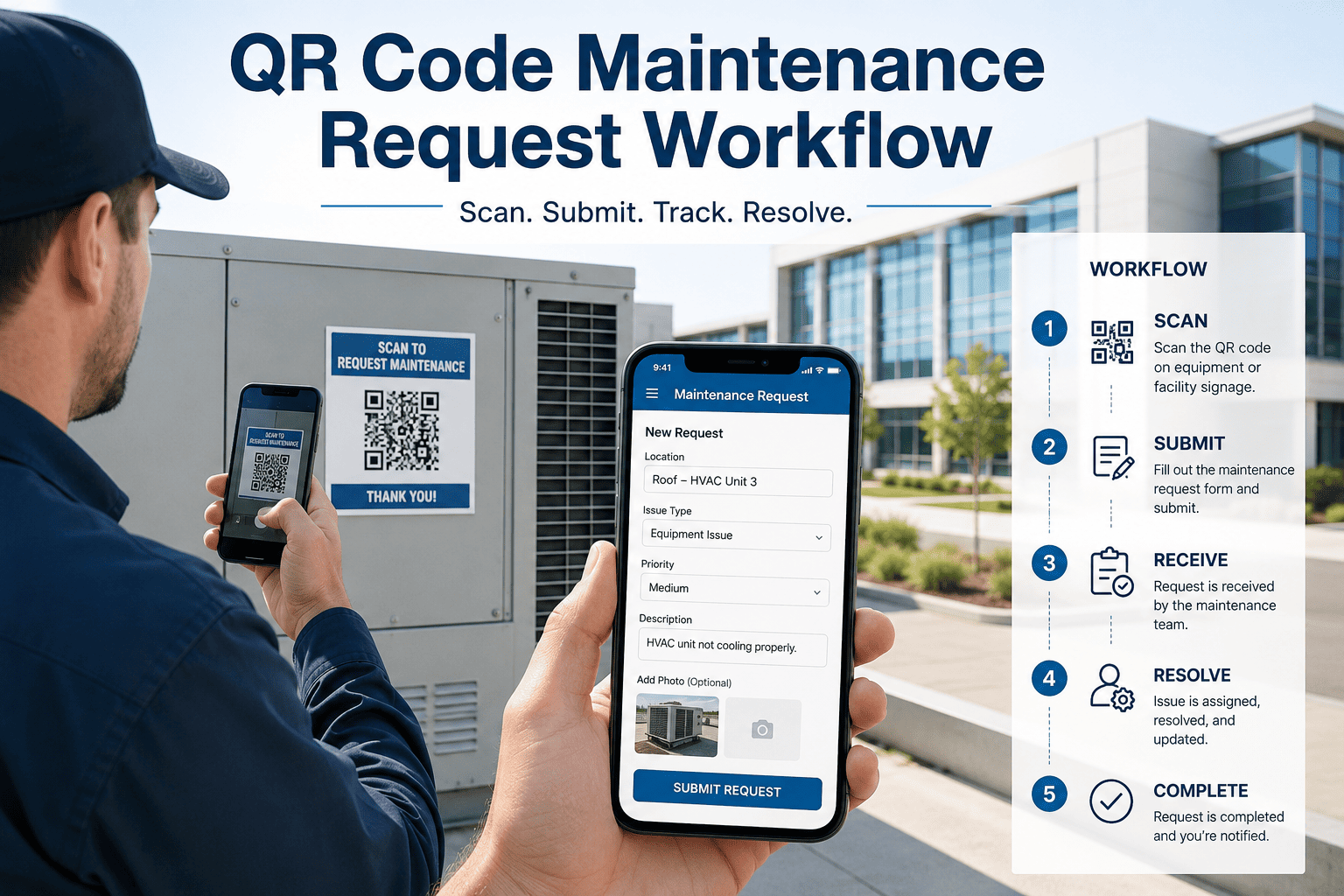
From scan to structured work order in under 60 seconds — no app install, no login, no hunting for an asset ID. Anyone on your floor can report a fault. Every report lands in the right queue with full context attached.
60 sec
Scan to structured work order — no training required
50%
MTTR reduction with scan-to-report vs paper request systems
2.9B
QR code users globally — everyone on your floor already knows the workflow
18–25%
Emergency parts premium avoided when faults are reported and diagnosed faster
The Scan-to-Work-Order Workflow — Every Step
This is the complete workflow from QR scan to closed work order. Every step is automated in OxMaint — the reporter, the technician, and the manager each get exactly what they need with no manual routing, no follow-up calls, and no status uncertainty.
1
Reporter scans QR code on the asset or location
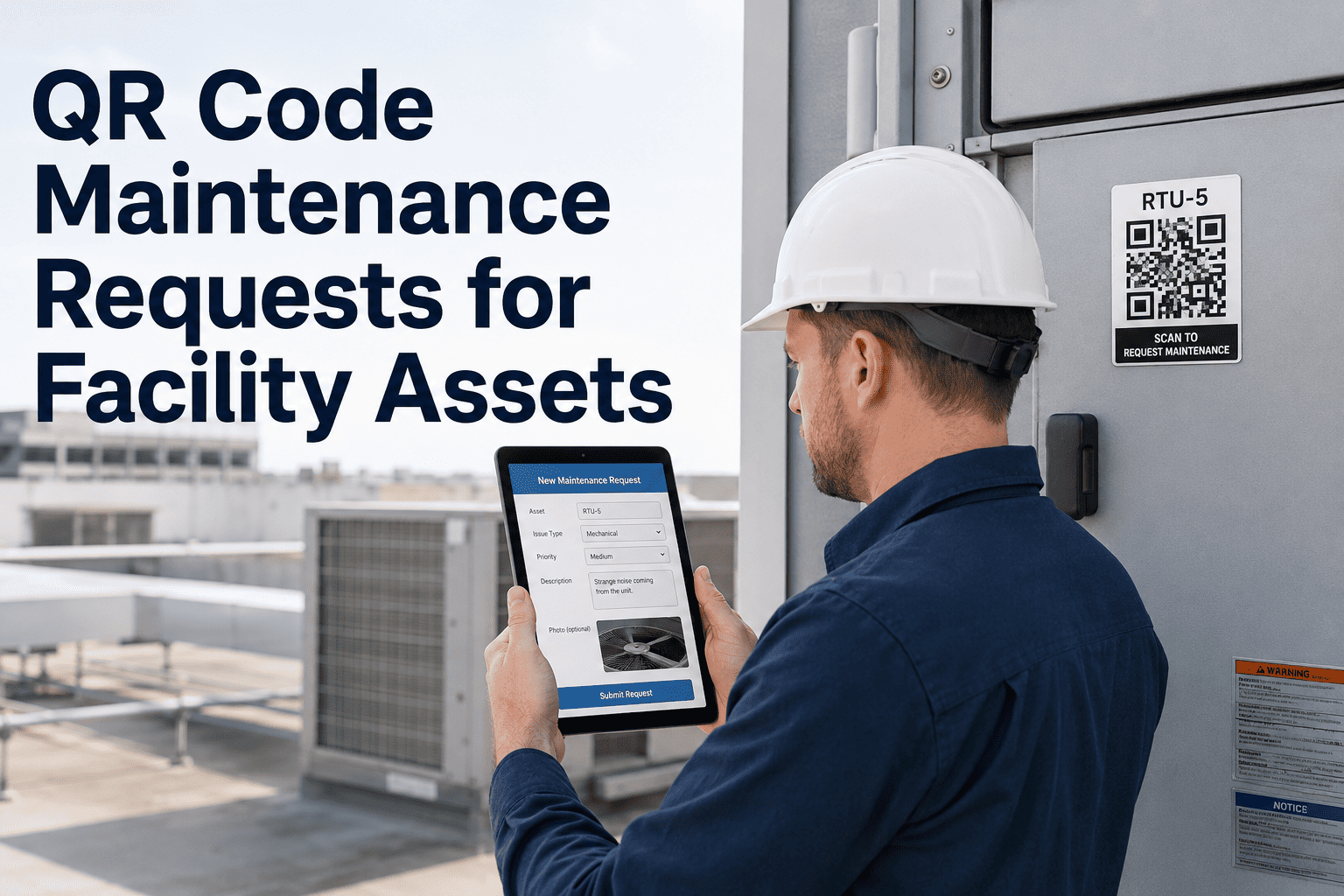
No app download. No login. Camera opens the OxMaint request form directly, pre-populated with the asset ID and location. The reporter adds a description, selects a fault category, and attaches a photo. Submission takes under 60 seconds from any smartphone.
Who: Anyone — operator, cleaner, contractor, visitor, technician
2
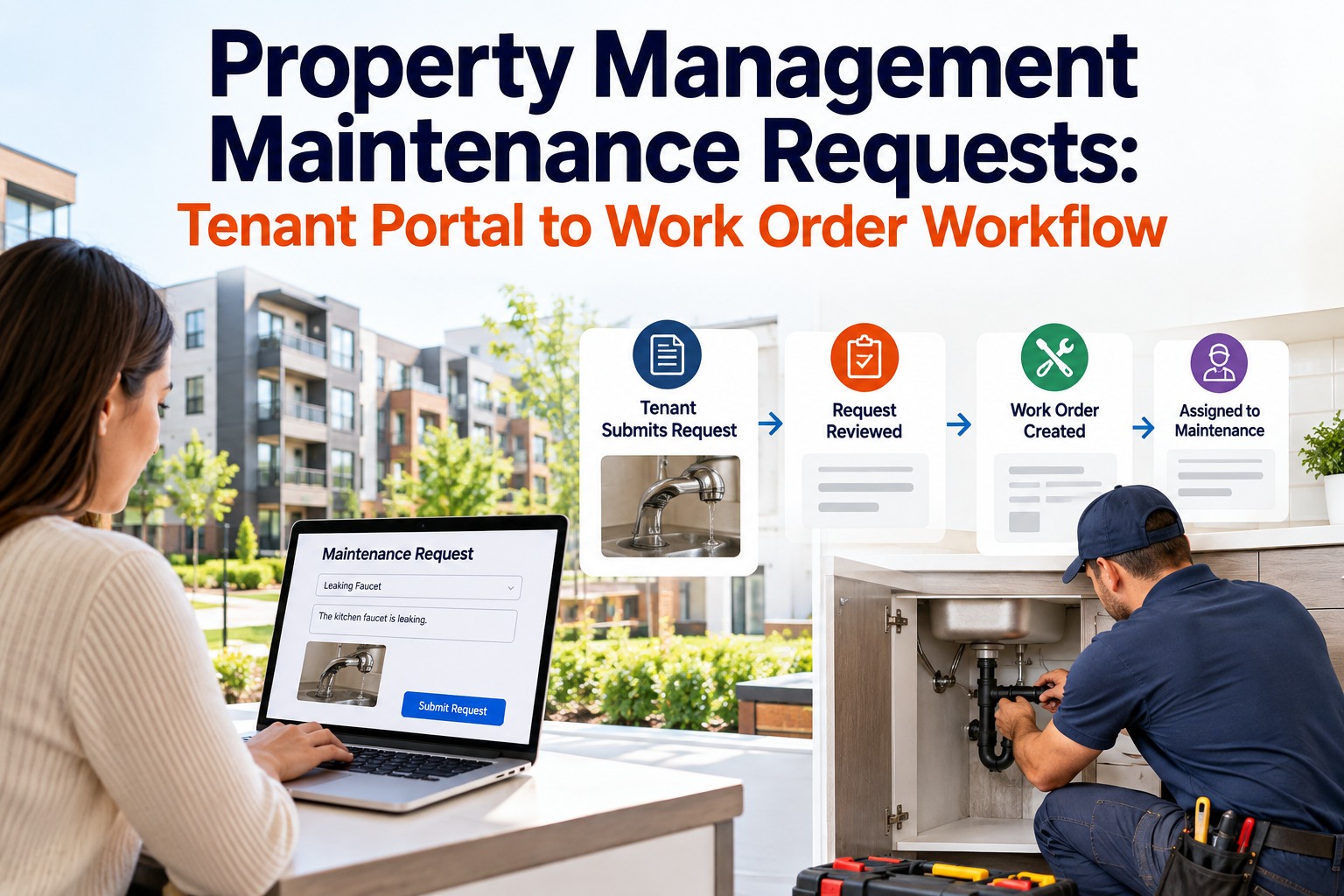
OxMaint creates a structured work request automatically
The scan auto-populates: asset ID, asset location, asset maintenance history link, and the criticality classification of that asset. The reporter's description and photo are attached. The request lands in the correct work queue with priority suggested based on asset criticality and fault category — no manual routing required.
Who: System — no human routing step
3
Supervisor reviews and approves or assigns
Mobile notification to the responsible supervisor with the request, photo, asset context, and suggested priority. One-tap approval converts the request to a work order and assigns it to the available technician with the right skills. If the fault matches a known failure pattern on this asset, the supervisor sees that context before approving.
Who: Maintenance supervisor or team lead — mobile, from anywhere
4
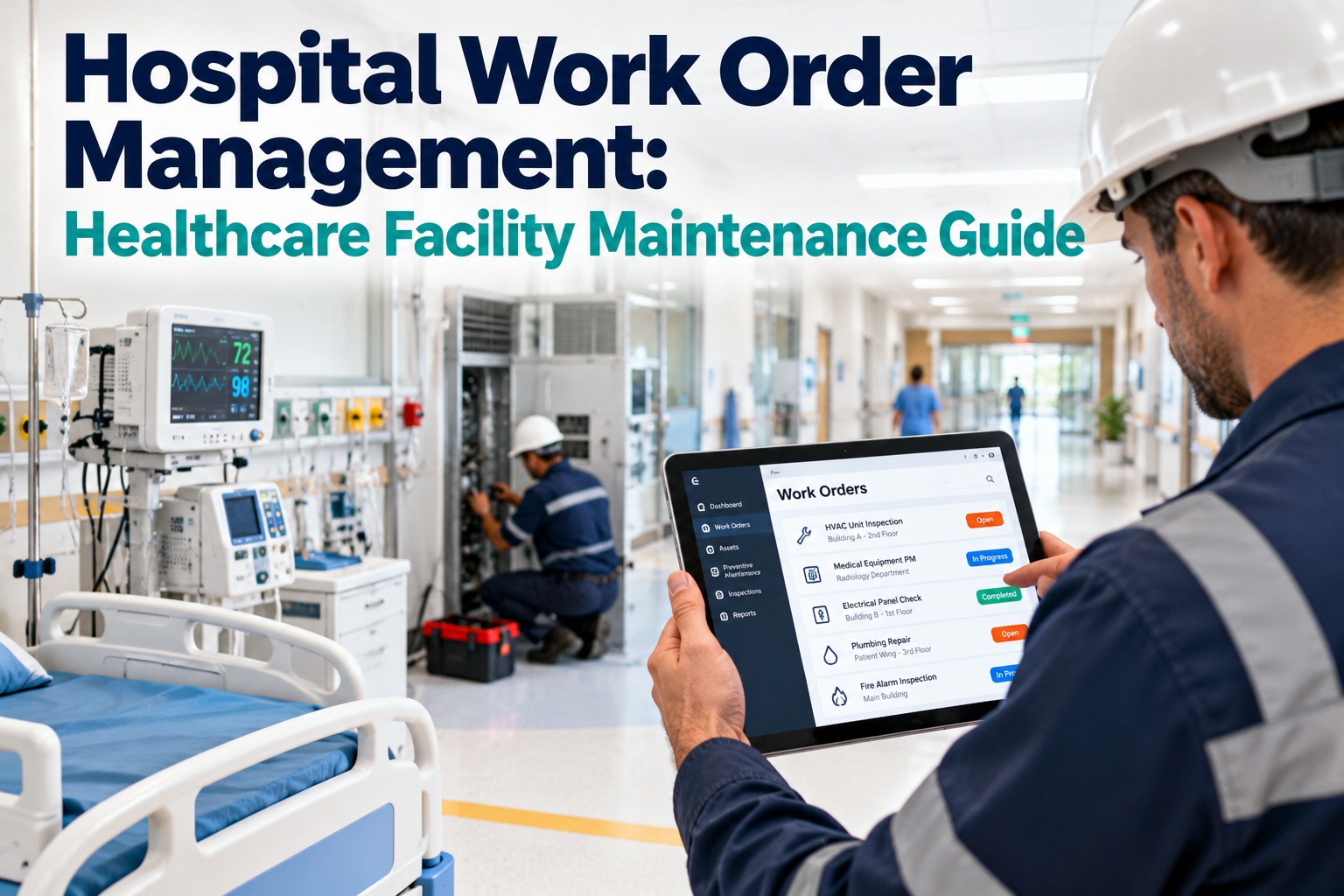
Technician receives work order with full context
The technician's mobile receives the work order with: the reporter's photo, the asset's repair history, the parts list for common repairs on this asset, and the priority level. They arrive at the job knowing what was reported, what has failed before, and what parts to bring — not discovering those details on-site.
Who: Assigned technician — push notification on mobile
5
Technician closes the work order on-site
On completion, the technician adds actual time, repair notes, parts used, and a closing photo — directly from the asset location. The work order closes, the asset history updates, the reporter receives an automatic notification that their request has been resolved. No desktop required, no manual update.
Who: Technician — on-site at the asset
6
Reporter receives confirmation — full loop closed
Automatic message to the reporter: "Your maintenance request for [Asset] has been resolved. Work completed by [Technician] on [Date]." The reporter who scanned the QR code gets confirmation without calling anyone. Recurring faults are flagged automatically if the same asset generates 2+ reports within 90 days.
Who: System — automatic close-the-loop notification
Traditional Request vs QR Scan — The Time Difference
| Step |
Traditional (Phone / Email / Paper) |
QR Scan Workflow (OxMaint) |
| Fault identification |
Reporter must find a phone, a form, or know the right email address |
Scan QR on asset — form opens pre-populated. 5 seconds. |
| Asset identification |
Reporter describes "the big pump near the boiler room" — technician may not find it |
Asset ID and location auto-filled from QR tag. No ambiguity. |
| Photo evidence |
Rarely captured — separate step reporter usually skips |
Camera opens inside the form. Reporter takes photo before leaving the asset. |
| Work order creation |
Supervisor manually creates work order from phone call notes — often incomplete |
Auto-generated from scan data. All fields populated. No transcription errors. |
| Priority assignment |
Supervisor judges priority without asset history context |
Priority suggested by AI based on asset criticality and fault category — supervisor confirms. |
| Reporter feedback |
Reporter never hears back — must follow up manually to know if anything happened |
Automatic notification at work order closure. Loop closed without manual communication. |
| Total time to work order |
15–45 minutes (phone tag, manual entry, supervisor check-in) |
Under 2 minutes from scan to work order in queue. |
QR MAINTENANCE · OXMAINT
Print Your First QR Code Today. Have a Work Order in the Queue in 60 Seconds.
OxMaint generates print-ready QR codes for every asset in your register. Print, stick, scan — your facility floor becomes a self-reporting maintenance network without any training, app install, or change in how your team works.
Where to Place QR Codes in Your Facility
01
Directly on the asset
Fixed to the equipment housing, control panel, or motor casing. Best for complex assets where the technician needs to access asset history at the point of work. Use UV-resistant polyester labels for outdoor or high-heat environments.
02
Near the asset on a fixed surface
Mounted on the wall or pillar near the equipment. Best for large assets where attaching directly to the machine is not practical. Includes a brief text label identifying which machine the QR code links to.
03
Room or location QR codes
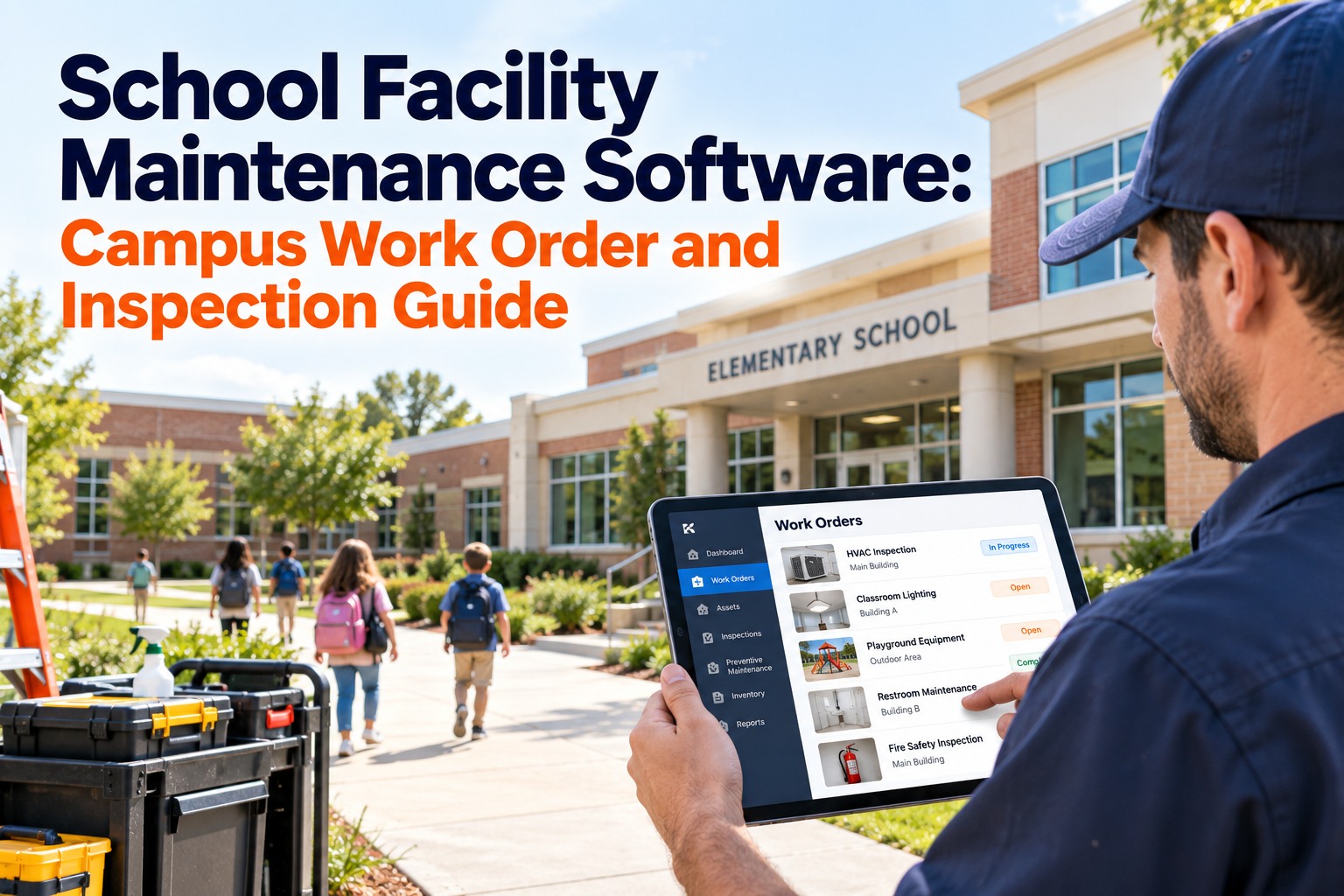
A single QR code for a room, bathroom, or common area — linked to a location record rather than a specific asset. Reporters scan and describe the issue; the work order routes to the team responsible for that location. Works for non-asset faults like lighting, cleaning, or structural issues.
04
High-traffic reporting areas
Entrances, break rooms, and reception areas where non-technical staff are most likely to notice and report facility issues. A posted sign ("See a problem? Scan to report") next to the QR code increases reporting frequency from staff who would otherwise not know how to submit a request.
Expert Review
"The most underappreciated benefit of QR-based maintenance requests is not the speed — it is the expansion of the detection surface. When reporting a fault requires finding a supervisor, filling a form, or knowing who to call, the only people who report faults are the people who already know the system. That is usually a small subset of the facility's population. When reporting requires scanning a QR code that is physically on the asset, every person who walks past that asset — operator, cleaner, visitor, delivery driver — becomes a potential fault detector. You have not changed the maintenance process at all. You have changed who is allowed to participate in it. The early detection benefit compounds: faults reported within the first hour of developing cost a fraction of faults discovered after they have been running for 8 hours. The QR code is not a technology upgrade. It is an early warning system that runs itself."
Marcus Webb, CMRP, CRL
Certified Maintenance and Reliability Professional · Certified Reliability Leader · 19 years industrial maintenance operations · Specialist in maintenance request workflow design and CMMS implementation
Frequently Asked Questions
Do reporters need to download an app or create an account to submit a QR maintenance request?
No — this is one of the core advantages of QR-based maintenance requests. Scanning the QR code opens a browser-based form directly on the reporter's smartphone without any app install, login, or account creation. The form is pre-populated with the asset ID and location from the QR code. The reporter adds a description and optionally a photo, then submits. The entire process takes under 60 seconds with no training required. Only the maintenance team — supervisors and technicians — need OxMaint accounts to receive, approve, and close work orders.
Start free on OxMaint to generate your first asset QR codes.
What information should a QR maintenance request form ask for?
The form should ask for the minimum information needed to create a useful work order, not an exhaustive report. Required fields: description of the issue (1–3 sentences); photo (optional but strongly encouraged — available directly in the form); urgency (3 levels: Normal / Urgent / Safety Emergency). The asset ID and location are auto-filled from the QR scan. Do not ask reporters for maintenance history, part numbers, or technical details — that information comes from the CMMS asset record automatically. Long forms reduce completion rates significantly. Keep it to 3 fields maximum for anything beyond the auto-populated data.
How does OxMaint handle duplicate reports on the same asset?
When a second report is submitted for an asset that already has an open work order, OxMaint flags the duplicate to the supervisor rather than creating a second work order. The new report's description and photo are appended to the existing work order as additional context — useful evidence that the issue was observed by multiple people, or that it has developed since the first report. If the second report arrives more than 24 hours after the first work order was closed, OxMaint creates a new work order and automatically flags it as a potential repeat failure on this asset.
Book a demo to see duplicate handling in OxMaint's request workflow.
What type of QR label material should be used for facility assets?
For most indoor assets, standard polyester QR labels (tamper-evident, rated 3–5 years) are sufficient. For outdoor assets, high-traffic surfaces, or equipment in wet or high-temperature environments, UV-resistant polycarbonate or aluminium QR labels are recommended, rated 7–15 years depending on material. The key specification is that the label must remain scannable — faded, scratched, or damaged QR codes create friction that reduces reporting rates. OxMaint generates print-ready QR code artwork in the correct size for each asset type; label printing can be handled by any standard label supplier using the exported files.
QR MAINTENANCE · OXMAINT
Everyone on Your Floor Already Knows How to Scan a QR Code. Put That to Work.
OxMaint generates print-ready QR codes for every asset, opens a no-login request form on any smartphone, routes requests automatically to the right team, and closes the loop with reporters automatically — making your entire facility a self-reporting maintenance network from day one.