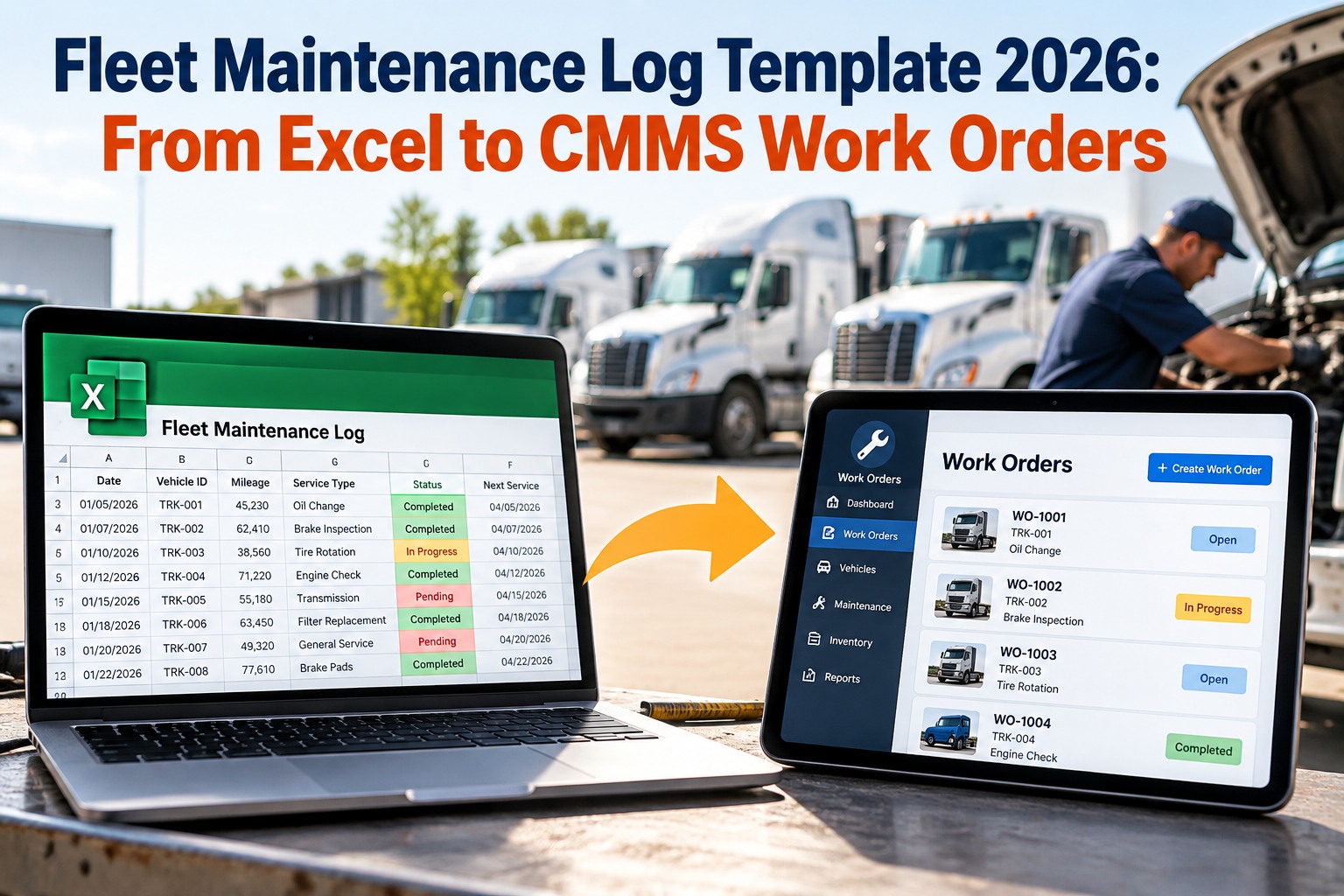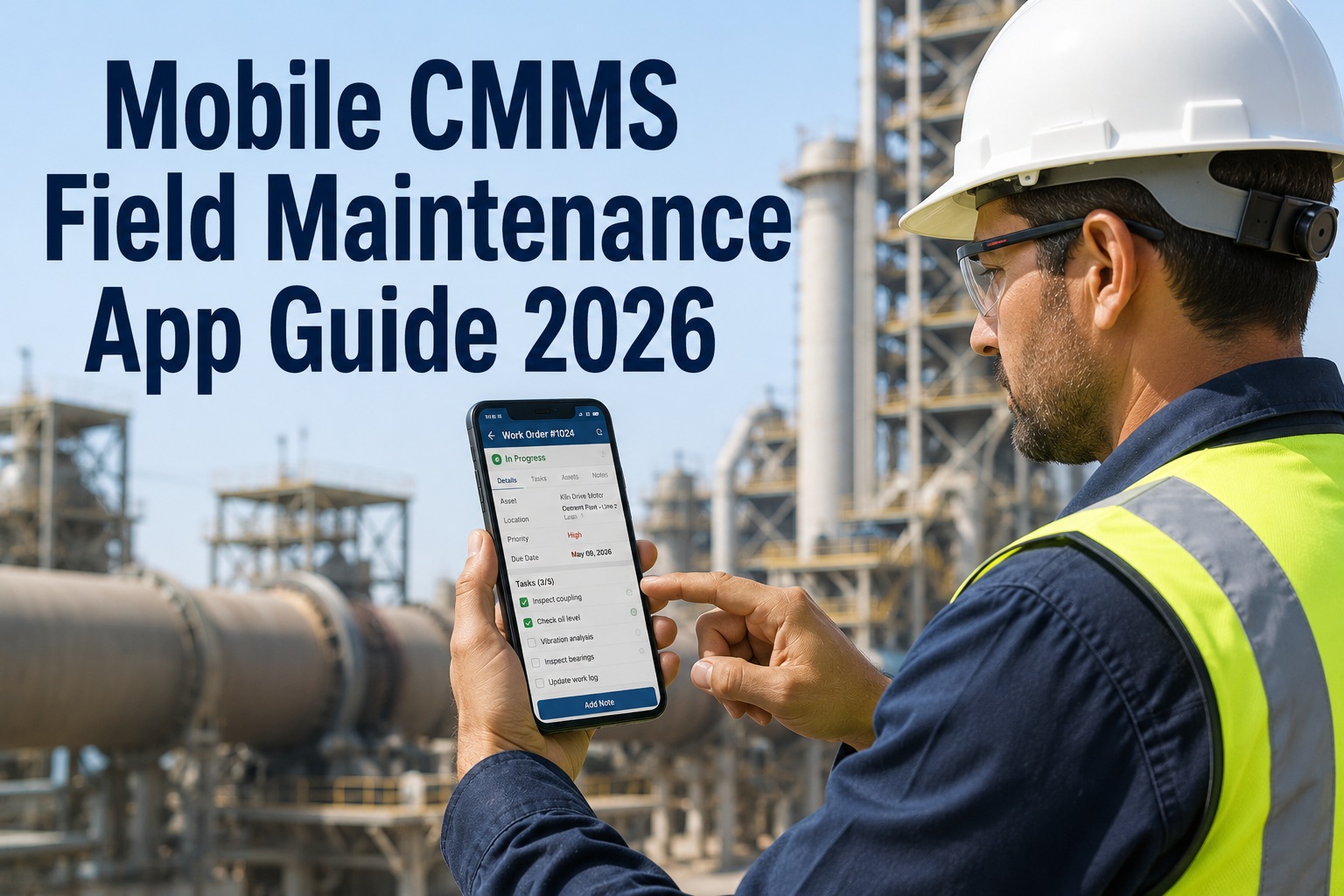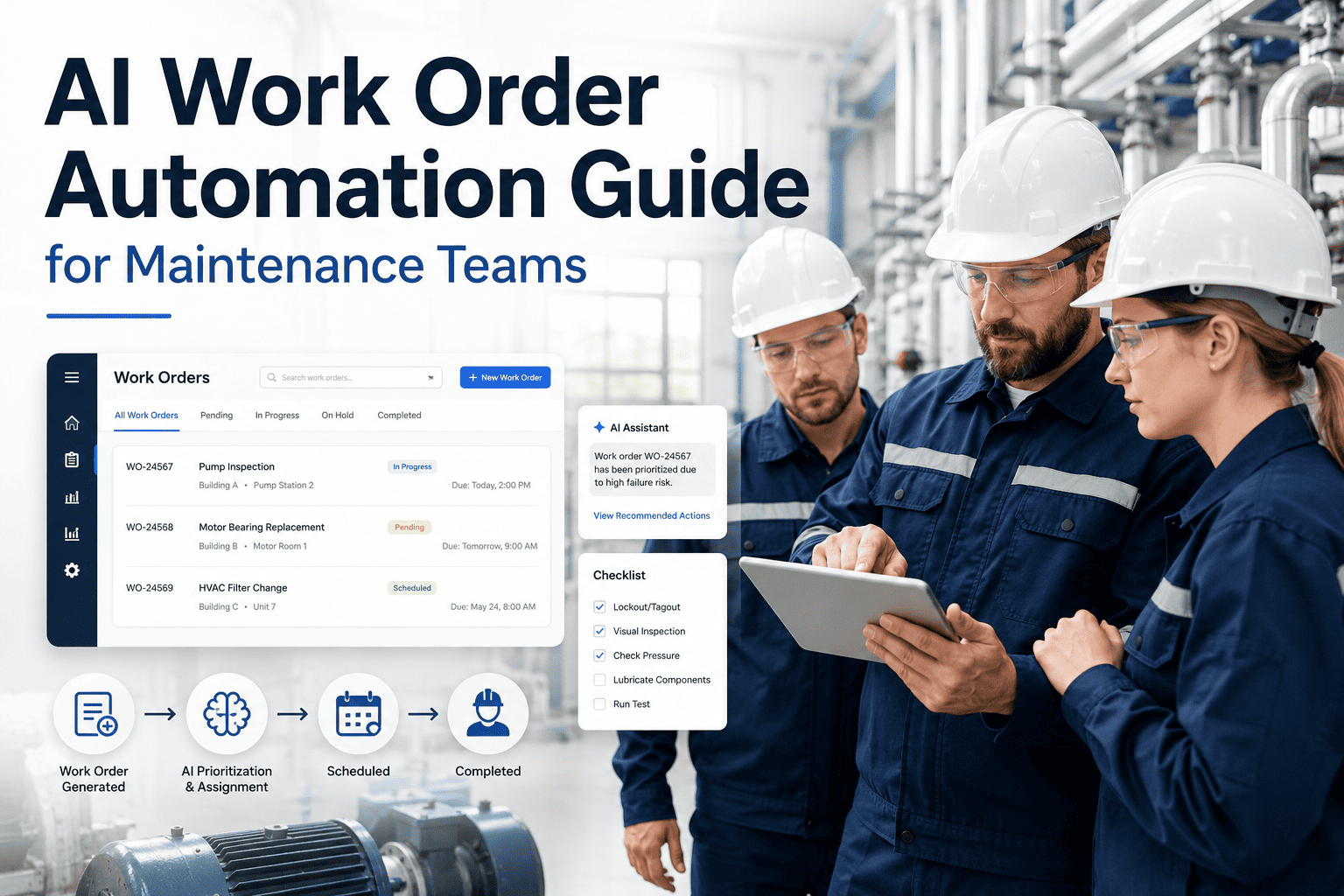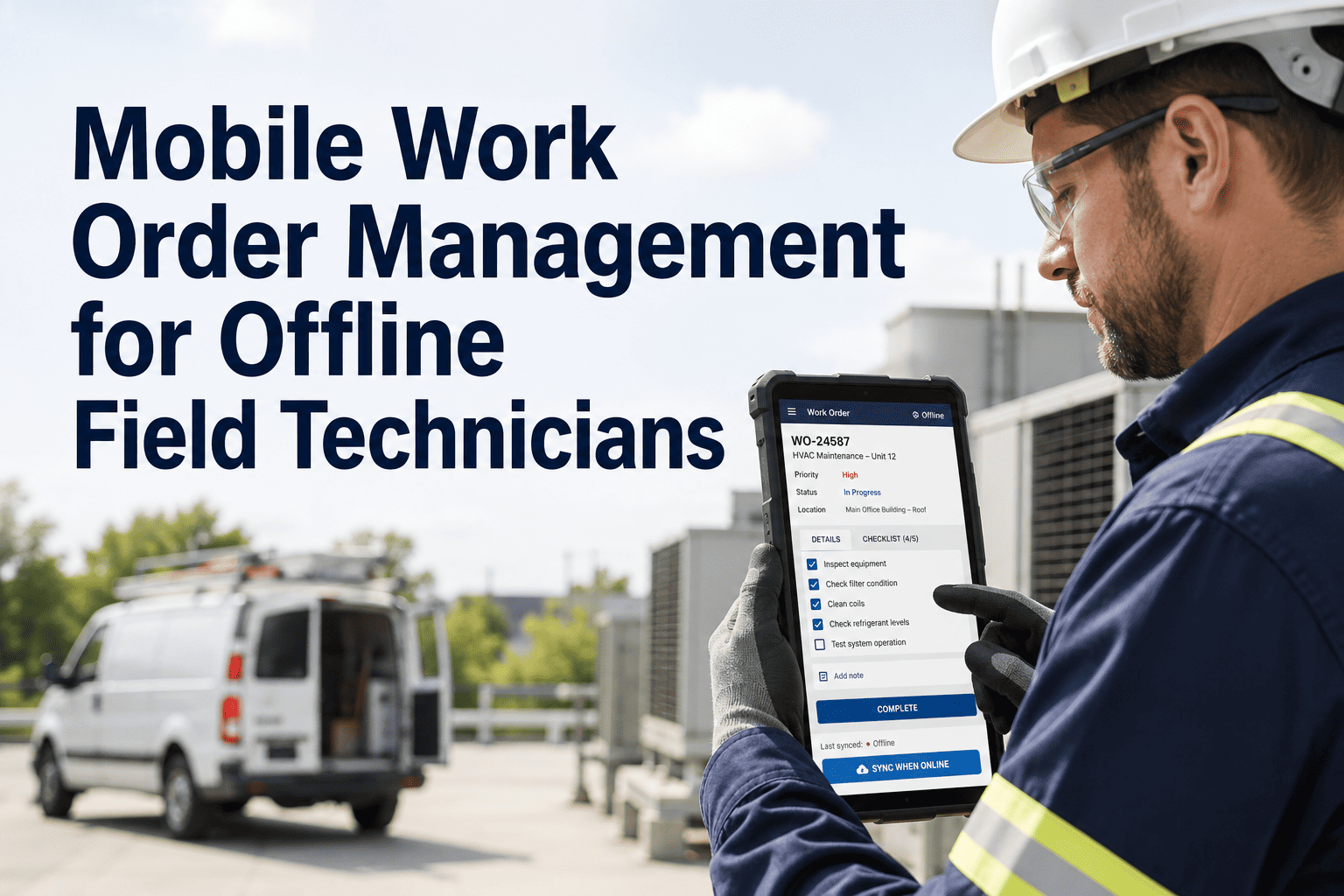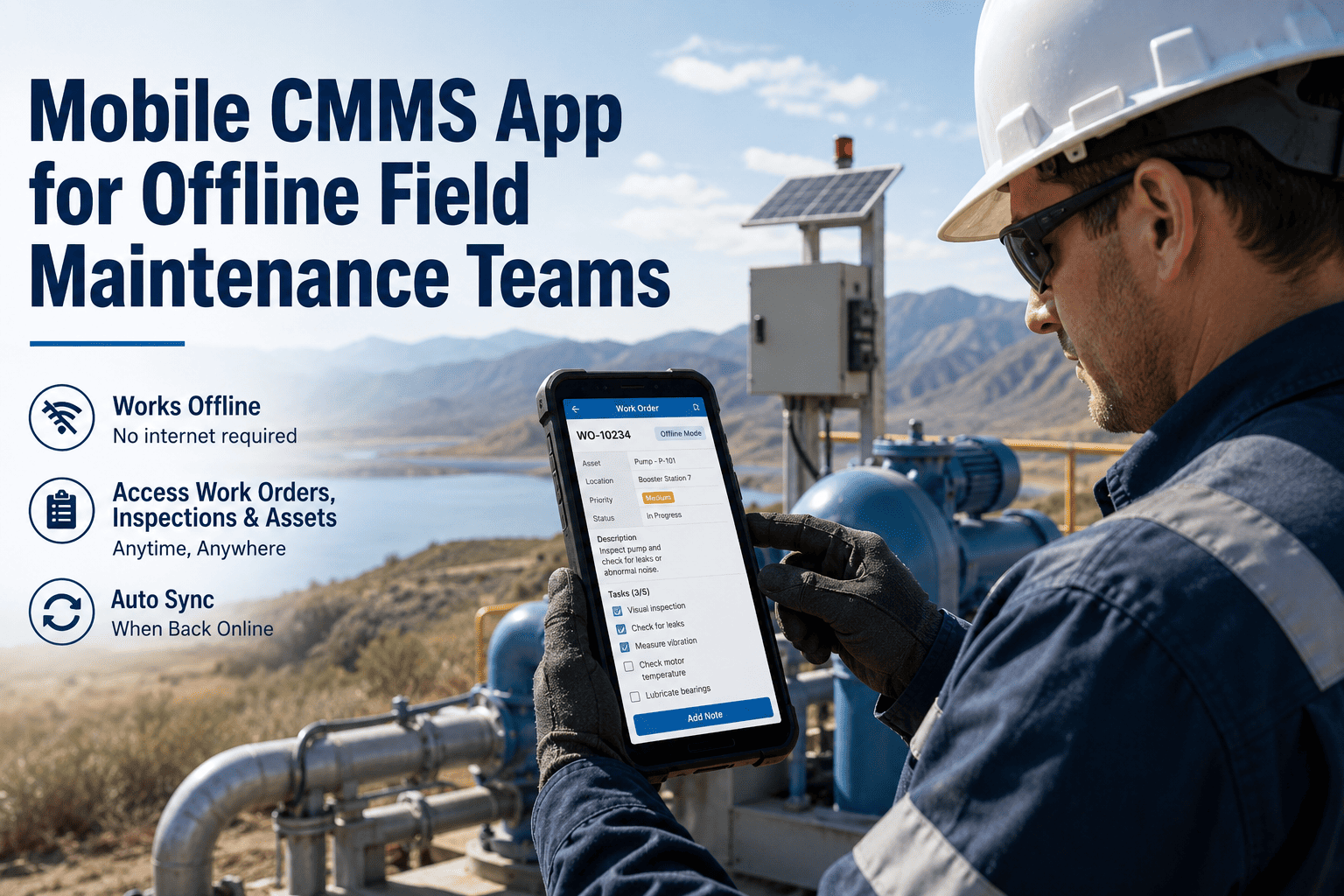
Field technicians in manufacturing plants, utility sites, and facilities operations don't sit at desks. They work in loud, dusty, high-temperature environments where stopping to find a desktop computer is simply not an option. The mobile CMMS app a maintenance team uses directly determines how fast work orders get completed, how accurately parts consumption gets logged, and whether compliance records hold up under audit. A CMMS that technicians refuse to use because the interface is clunky is not a maintenance management system — it is an expensive liability sitting unused on a server. In 2026, the gap between truly mobile-first CMMS apps and platforms that bolted a mobile app onto a desktop product has never been wider. This comparison evaluates the best mobile CMMS apps on real field usability, offline capability, barcode and QR scanning speed, technician adoption rates, and performance in low-connectivity environments — the conditions where maintenance actually happens every day.
The distinction between a mobile-first CMMS and a desktop CMMS with a mobile wrapper is not cosmetic. It determines whether the system functions in the environments where maintenance actually happens — concrete-floored manufacturing cells with poor WiFi, underground utility tunnels with zero signal, outdoor facilities in remote locations. A genuinely mobile-first CMMS is built from the device upward: every interaction is designed for a technician holding a phone with one hand, possibly wearing gloves, in a noisy environment where reading small text or navigating complex menus is not practical. The five capabilities below separate mobile-first platforms from the rest of the field.
Scored on technician usability, offline depth, QR scanning reliability, adoption rate without manager enforcement, and field performance across 50–500 technician deployments. Try OxMaint mobile free — iOS and Android, operational in minutes.
| Mobile Feature | OxMaint | UpKeep | Limble | Fiix | Maximo |
|---|---|---|---|---|---|
| Full offline work orders | ✓ | ~ | ~ | ~ | ✗ |
| Offline parts lookup | ✓ | ✗ | ✗ | ✗ | ✗ |
| QR / barcode scanning | ✓ | ✓ | ✓ | ✓ | ~ |
| Photo & voice attachment | ✓ | ✓ | ✓ | ✓ | ~ |
| AI fault detection on mobile | ✓ | ✗ | ✗ | ~ | ~ |
| Push notification alerts | ✓ | ✓ | ✓ | ✓ | ~ |
| Auto-sync on reconnect | ✓ | ~ | ~ | ~ | ✗ |
| Rugged / tablet device support | ✓ | ✓ | ✓ | ✓ | ~ |
| PLC alerts to mobile | ✓ | ✗ | ✗ | ~ | ✓ |
Mobile CMMS in 2026 is not just about digitising paper work orders on a phone screen. The platforms that deliver real ROI connect to the industrial technology layer — PLC threshold alerts, OBD fleet data, AI camera vision, digital twin asset status — and surface that information in the technician's hand in real time. These are the six technologies that separate operational CMMS mobile platforms from basic work order apps.
Works Where Others Fail.