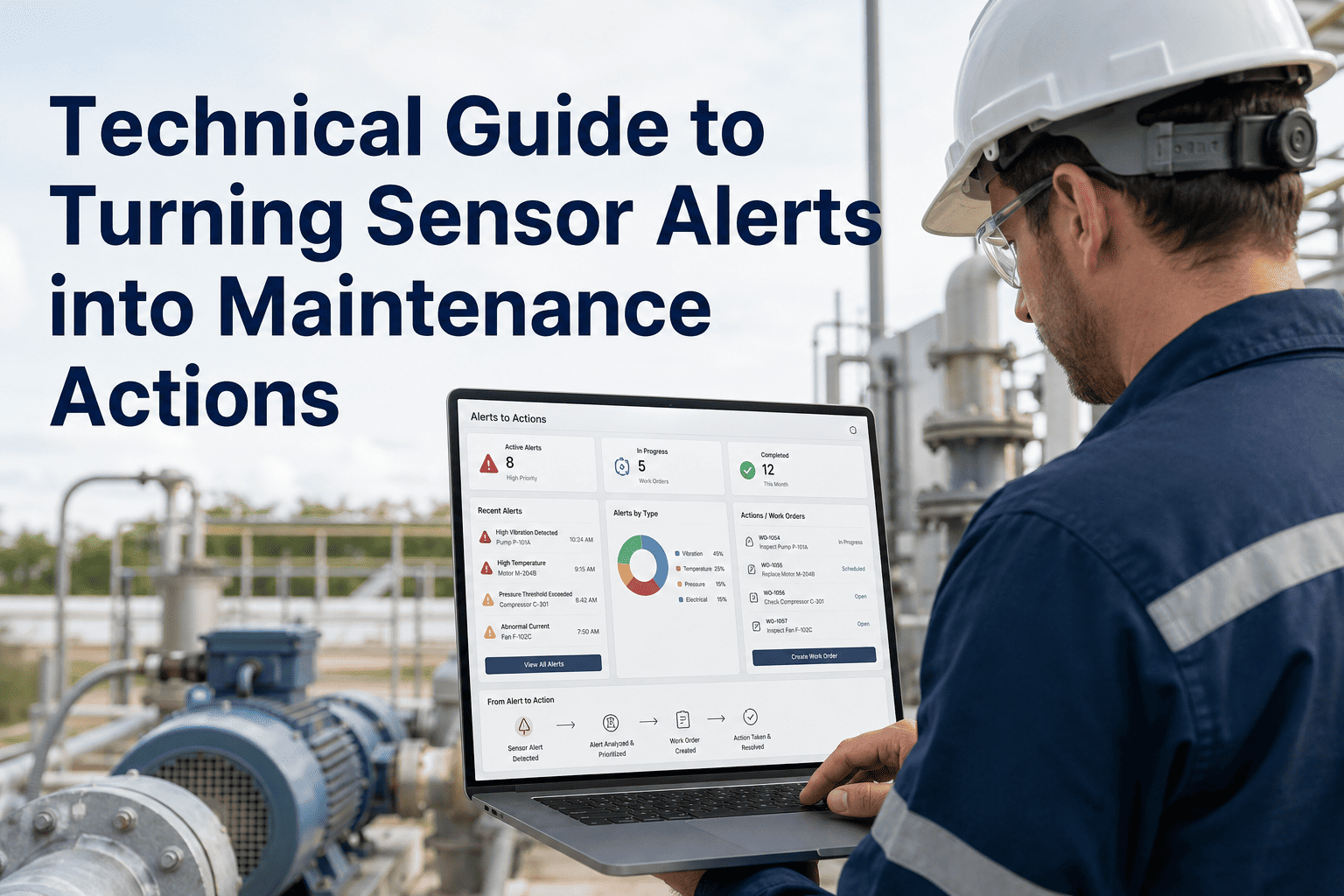
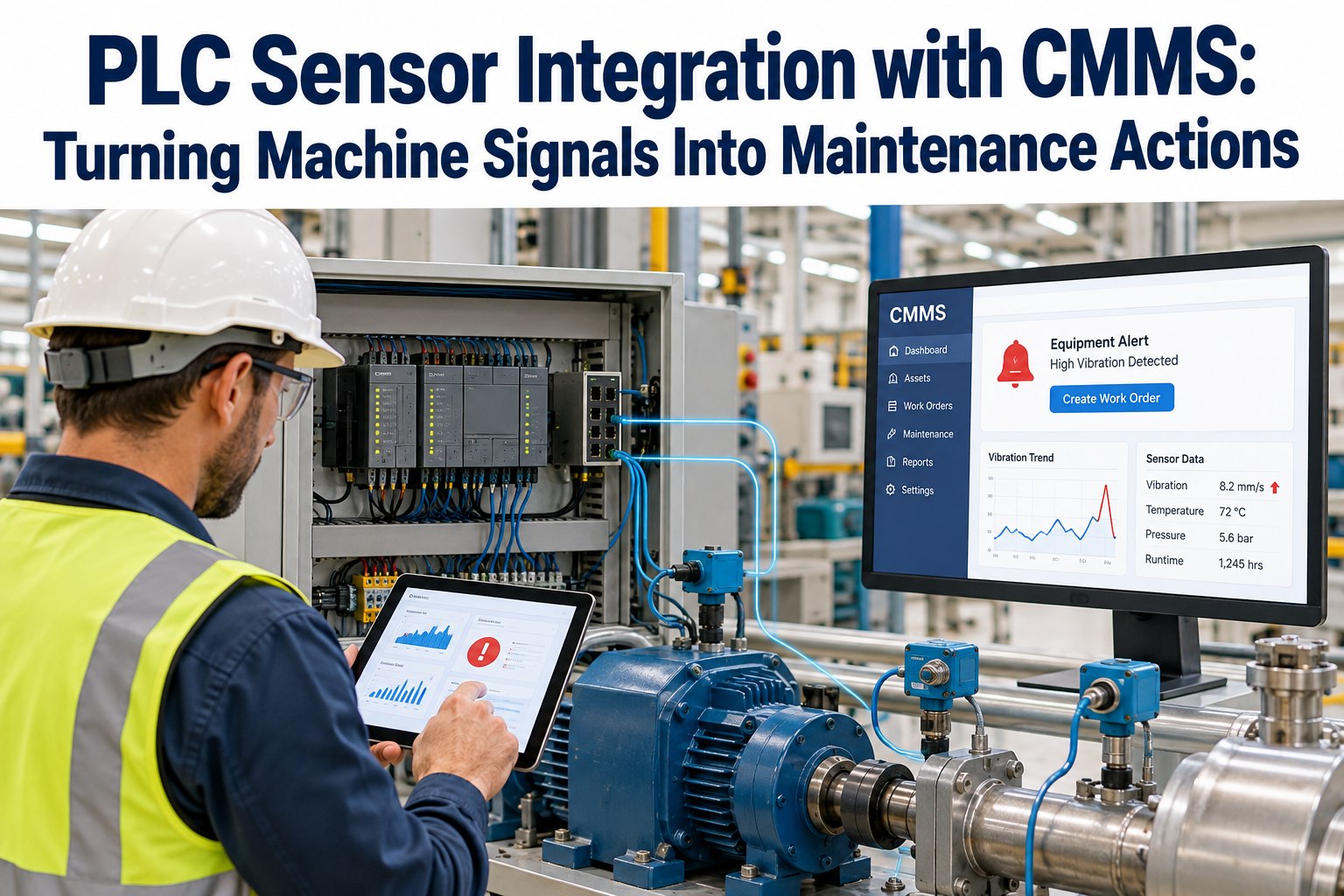
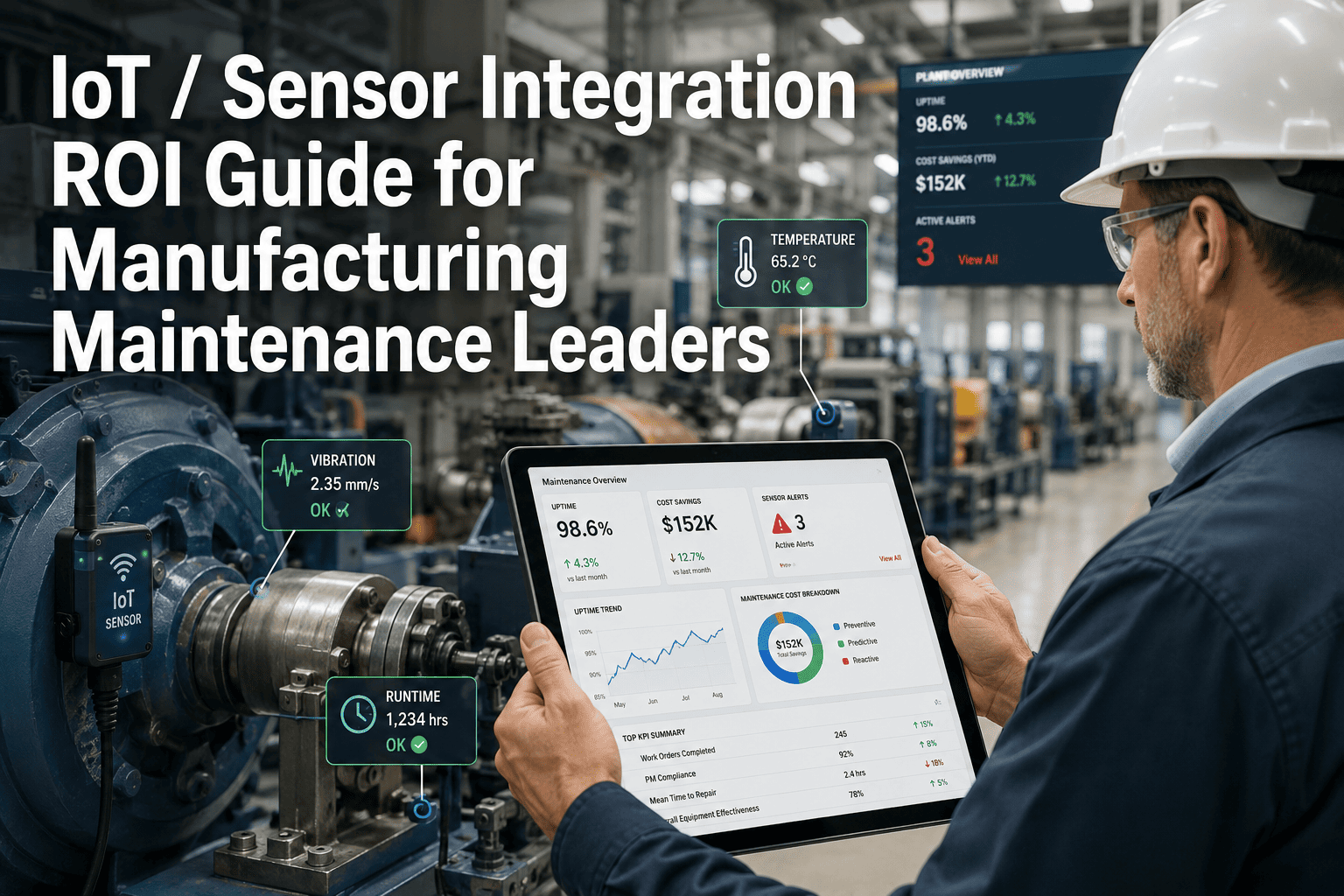
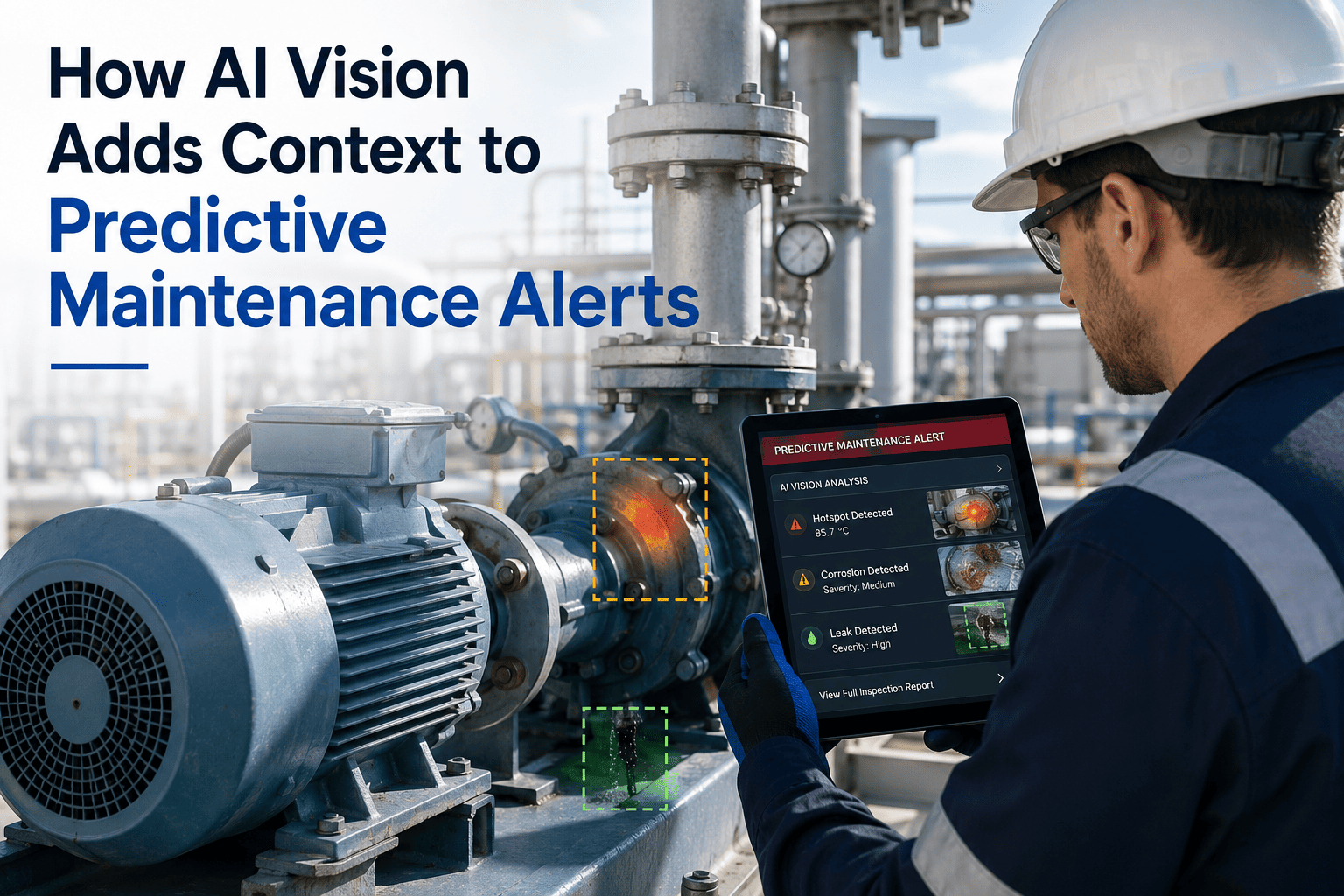
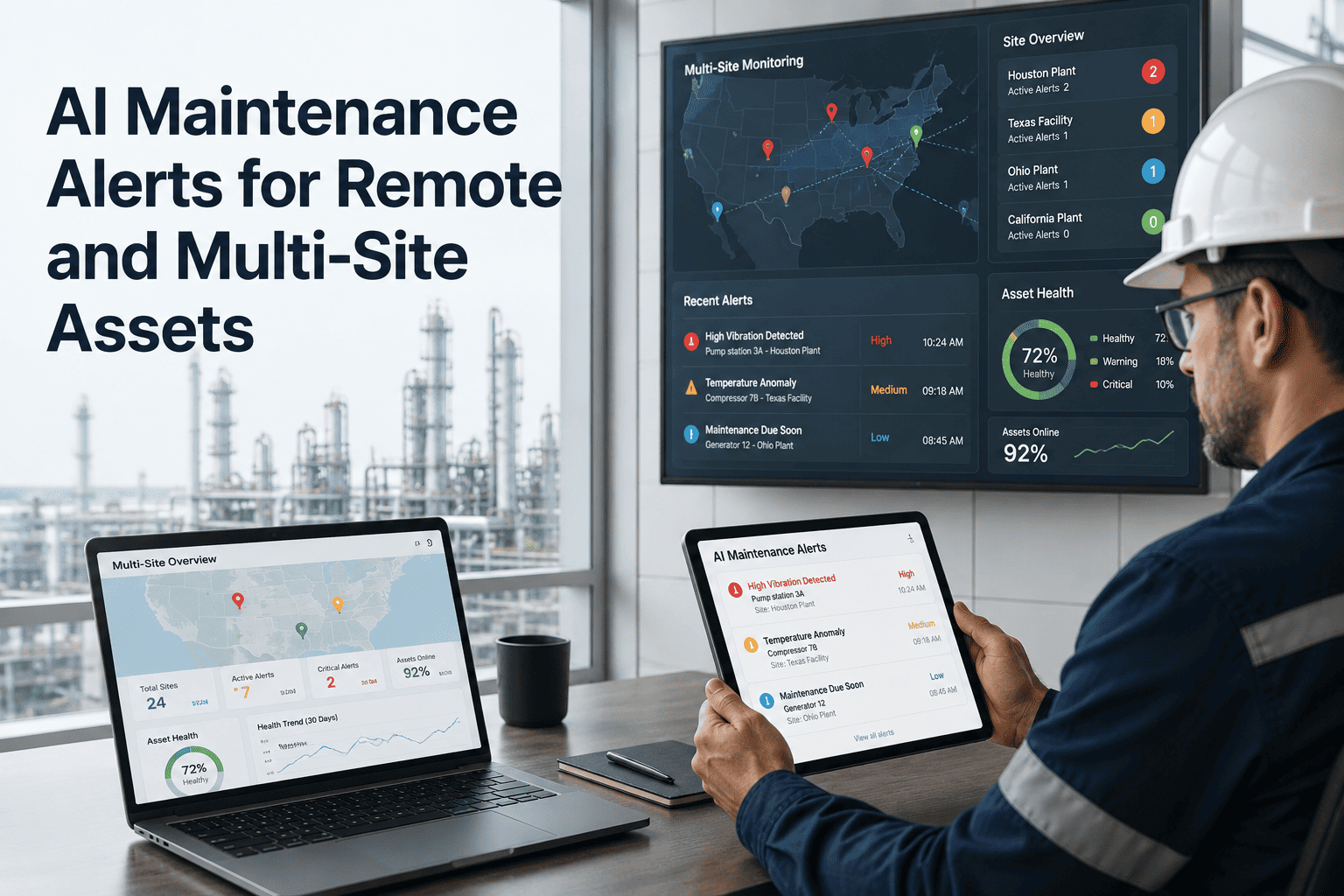
A vibration spike at 2 AM means nothing if nobody reads the alert until the morning standup — and by then the bearing is already failing. The promise of IoT sensor monitoring was always about speed: catch the signal before it becomes a breakdown. But most maintenance teams have the sensors and not the workflow. This technical guide to turning sensor alerts into maintenance actions covers exactly how alerts move from edge device to engineer's work queue without human bottlenecks, what data your CMMS needs from each alert to make a useful work order, and which alert patterns actually precede failure versus which ones just fill up your inbox. If your team is ready to stop managing alerts and start acting on them, start your free OxMaint trial and connect your first sensor feed today, or book a live walkthrough of the edge-to-CMMS workflow with your actual sensor configuration.
Technical Guide · Edge AI Gateway · IoT Maintenance
Turning Sensor Alerts into Maintenance Actions
The complete technical workflow — from edge device detection to CMMS work order — for maintenance teams that want alerts to drive repairs, not just fill dashboards.
3–6 wk
advance warning from IoT sensors before asset failure with active PdM
70%
of predictive maintenance projects fail due to alert fatigue, not sensor failure
23%
average service cost reduction when sensor data drives structured work orders
Why Alerts Fail to Become Actions: The 4 Breakdown Points
Sensor data does not fail. The workflow around it does. Understanding where the chain breaks is the first step to fixing it — and most breakdowns happen at one of four predictable points.
01
Alert volume overwhelms the reviewer
Static thresholds fire on every minor fluctuation. Engineers learn to ignore them. The critical alert arrives inside 200 non-critical ones.
02
Alert contains no asset context
The notification says "vibration threshold exceeded" with a sensor ID. Who owns that asset, where is it, and what does normal look like? Unknown.
03
Manual work order creation introduces lag
A human must read the alert, assess it, find the asset in the CMMS, create a work order, and assign it. This takes hours — and often happens post-shift.
04
No feedback loop from repair to alert model
When the work order closes, nothing tells the alert engine whether the flag was real or a false positive. The same useless alerts fire forever.
The Technical Workflow: Edge Device to Closed Work Order
Layer 1: Edge
Sensor Collection
Vibration (mm/s, g-force)
Temperature (bearing, motor, ambient)
Pressure differential
Current draw / power factor
→
Edge AI Processing
Compare reading vs baseline at current load
Score deviation severity
Suppress noise below significance threshold
Tag with asset ID and timestamp
↓
Layer 2: Alert Engine
Alert Classification
Advisory: monitor, no work order
Warning: schedule inspection this week
Alarm: immediate work order created
→
Context Enrichment
Asset criticality from CMMS hierarchy
Last repair and parts used
Open work orders on same asset
Technician on shift with relevant skill
↓
Layer 3: CMMS Action
Auto Work Order
Asset + location pre-populated
Sensor reading and trend chart attached
Recommended procedure from failure history
Parts availability checked at creation
→
Closed-Loop Learning
Technician records what was found
Failure code logged against alert signature
Alert model reweights false positive patterns
Threshold auto-adjusts for load variation
Sensor Type Reference: What Each Signal Detects and When to Act
| Sensor Type |
Key Parameter |
Advisory Threshold |
Alarm Threshold |
Failure Mode Detected |
| Vibration |
Velocity (mm/s RMS) |
+15% above baseline |
+40% above baseline |
Bearing wear, imbalance, looseness |
| Temperature |
Bearing housing (°C) |
+8°C above baseline |
+20°C above baseline |
Lubrication failure, overload |
| Current |
Ampere draw (A) |
+10% above rated |
+25% above rated |
Mechanical binding, phase loss |
| Pressure |
Differential (bar) |
+12% from clean baseline |
+30% from clean baseline |
Filter blockage, pump wear, valve leak |
| Acoustic Emission |
dB above ambient |
+6 dB |
+15 dB |
Cavitation, gear mesh defect |
Thresholds above are starting baselines. OxMaint auto-adjusts per asset based on 30–90 days of operational data to eliminate false alarms at varying load conditions.
Connect your sensors to OxMaint and turn every alert into a structured, evidence-backed work order.
OxMaint integrates with IoT sensors, edge gateways, and SCADA historians — mapping every reading to a specific asset, building condition baselines, and firing work orders automatically when thresholds are crossed.
Alert Severity Response Matrix
Advisory
Next scheduled PM
Condition monitoring note
Logged for review
No action
Warning
Within 5 business days
Planned corrective WO
Skill-matched technician
Parts reserved
Alarm
Current shift
Emergency corrective WO
Nearest available tech
Auto PO if below stock
Critical
Immediate — within 1 hour
Shutdown + emergency WO
Supervisor notified
Emergency procurement triggered
Expert Review
AK
Anand Kumar
Reliability Engineer, 11 yrs — Rotating Equipment & IoT Integration
The biggest misconception I see is that more sensors equals better maintenance. It doesn't. What matters is the workflow between the sensor reading and the technician's hands. I've seen plants with 2,000 connected sensors and no documented work order process — and plants with 200 sensors and a closed-loop CMMS that reliably catches failures 4 to 6 weeks early. The sensor is the trigger. The structured work order is the action. Without the second part, you're just producing data noise. Load-adjusted baselines are non-negotiable — static thresholds on variable-load assets will bury your engineers in false alarms within a month.
Frequently Asked Questions
What communication protocols does OxMaint support for IoT sensor data?
OxMaint accepts sensor data via MQTT, OPC-UA, REST API, and direct SCADA historian feeds including PI, OSIsoft, and Aveva. Edge gateways running standard protocols can connect without middleware.
Book a demo to review your specific sensor stack and confirm connectivity in your environment.
How does OxMaint prevent alert fatigue from IoT sensors?
OxMaint builds load-adjusted statistical baselines over 30 to 90 days of normal operation per asset. Advisory alerts are logged without generating work orders. Only Warning and Alarm severity events trigger the work order pipeline — significantly reducing notification volume while keeping high-consequence alerts actionable.
Start free to run a baseline calibration on your first connected asset group.
Can we connect sensors to assets already in our CMMS hierarchy without rebuilding the hierarchy?
Yes. OxMaint maps sensor feeds to existing asset tags by site, system, equipment type, and component level. You retain your current asset structure and naming conventions. Sensor readings appear as condition data attached to the asset — not as separate sensor entities that disconnect from the maintenance record.
Book a demo and bring your current asset list for a live mapping walkthrough.
What happens if the edge gateway loses connectivity to the cloud CMMS?
OxMaint's edge architecture stores alert events locally during connectivity gaps and syncs the full event log once the connection restores. No alerts are lost during outages, and work orders fire with the correct original timestamp — maintaining the integrity of the condition-to-action audit trail.
Start a trial to test offline resilience in your environment.
How long does it take to go from first sensor connection to active work order automation?
Most teams complete the connection, baseline calibration, and first live alert-to-work-order test within one to two weeks. Full baseline maturity — where load-adjusted thresholds are stable enough to suppress false alarms reliably — typically takes 30 to 90 days depending on operating variability.
Book a demo to see the onboarding timeline for your specific asset types.
Your sensors are already detecting the failures. The question is whether your CMMS is listening.
OxMaint connects every sensor alert to a structured work order — with asset context, severity routing, parts checks, and closed-loop learning built in. Stop managing alerts. Start resolving them.