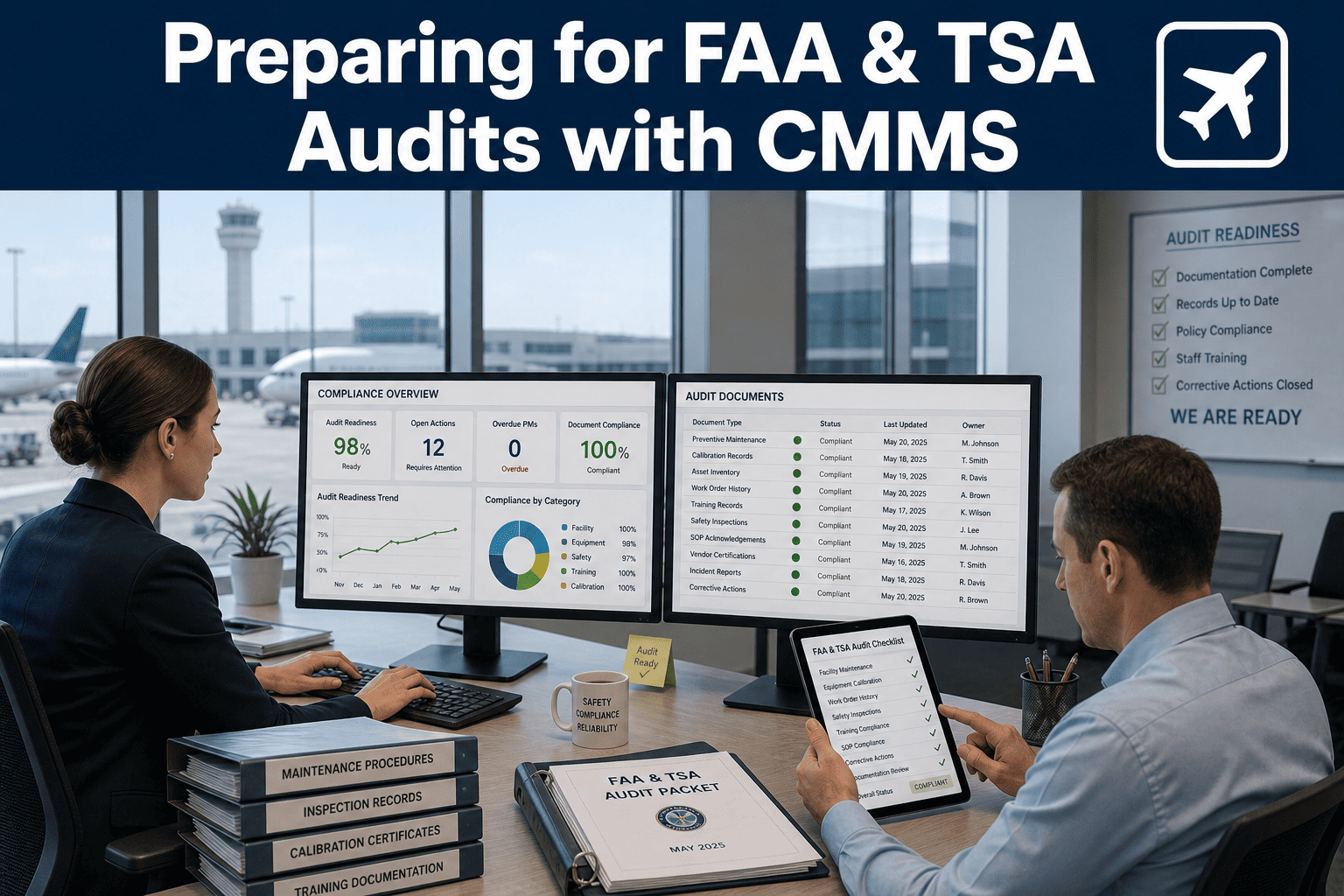
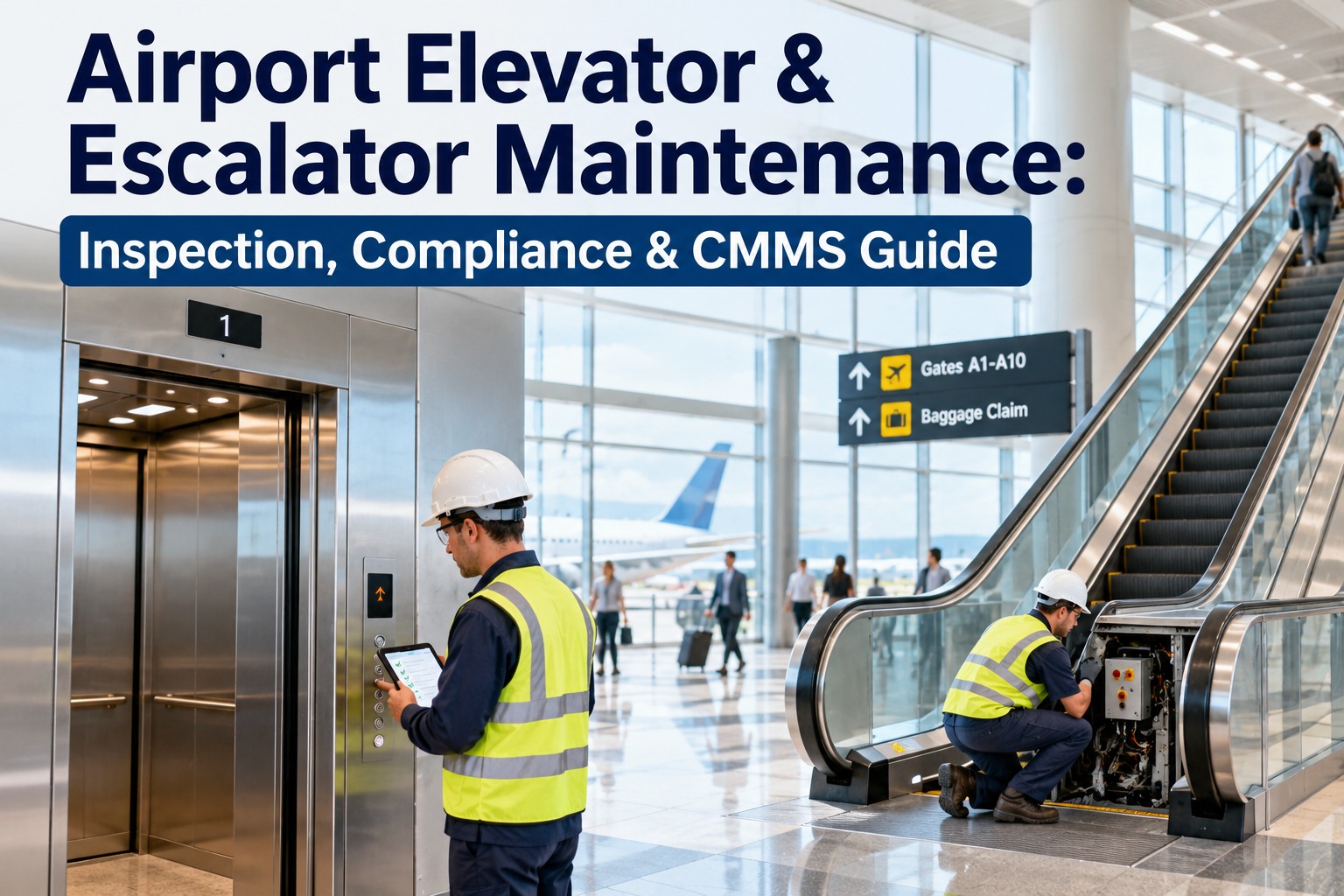
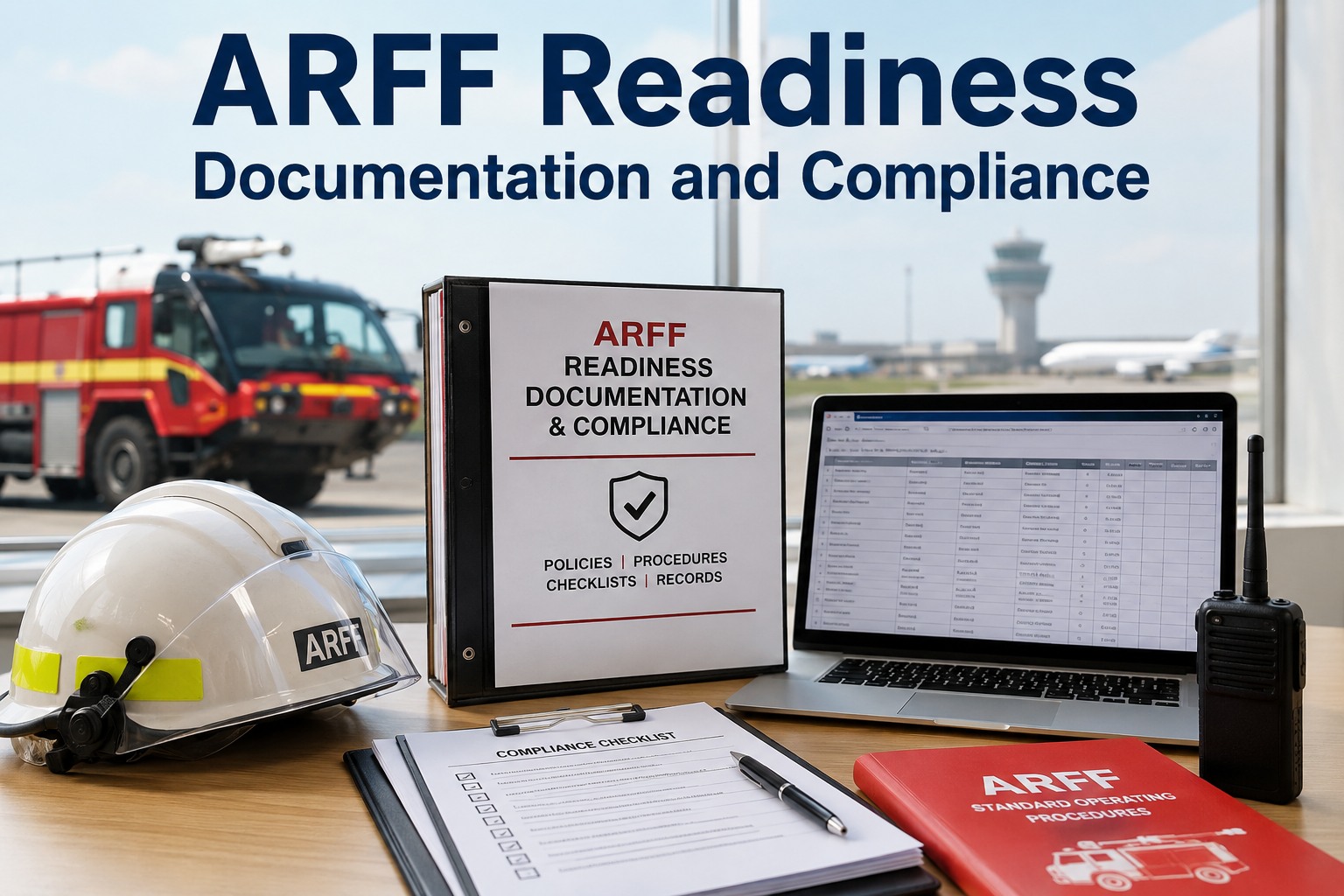
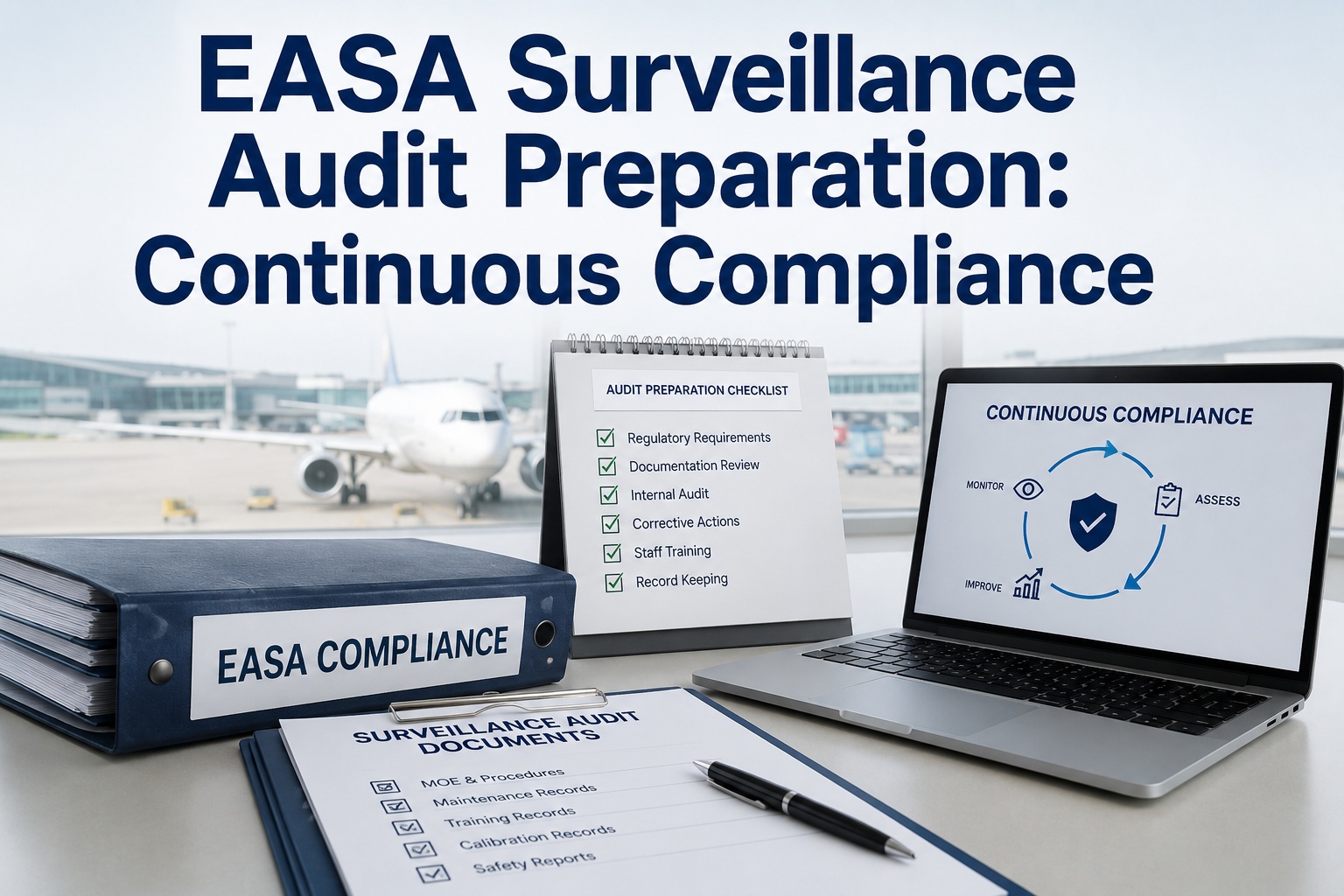
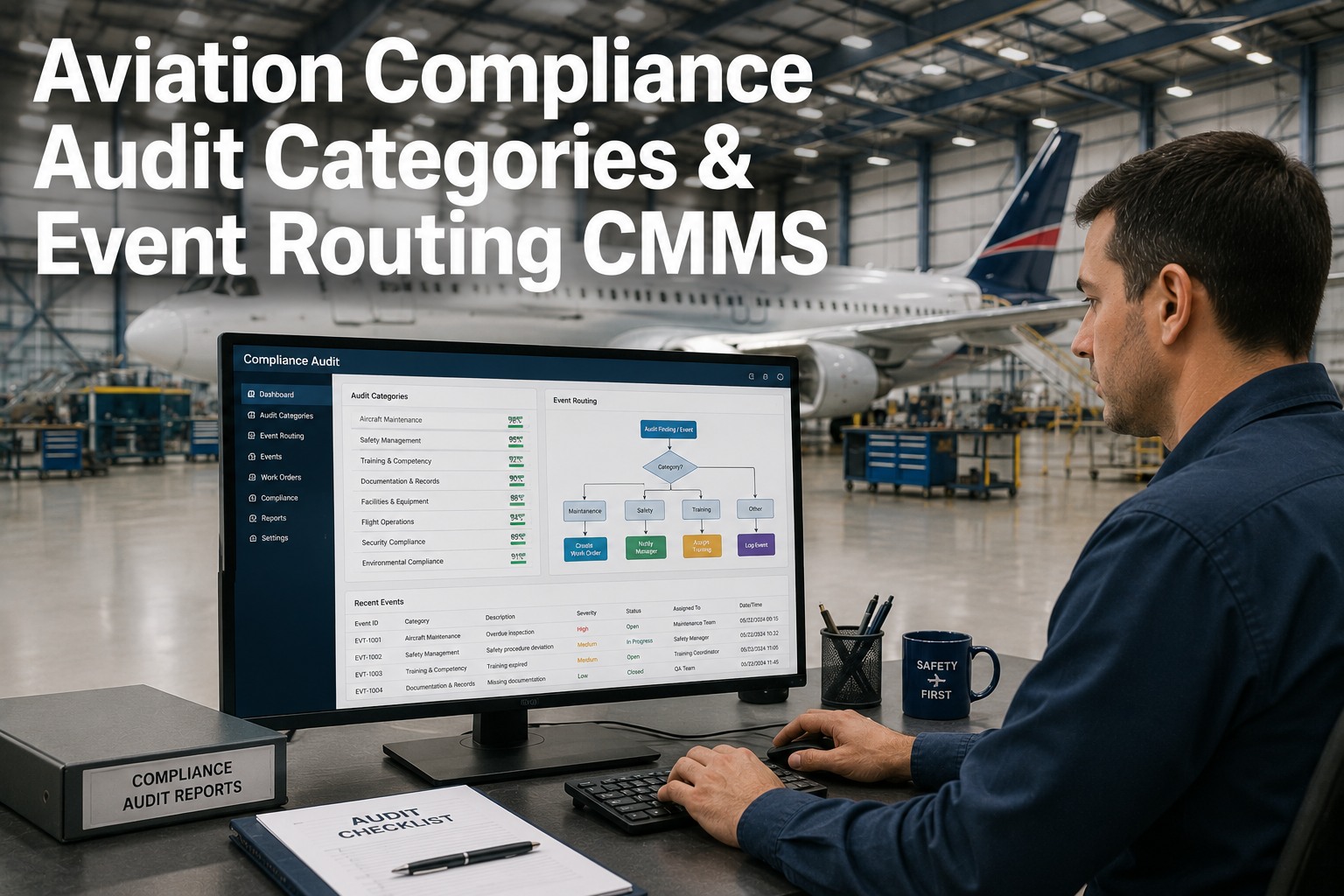
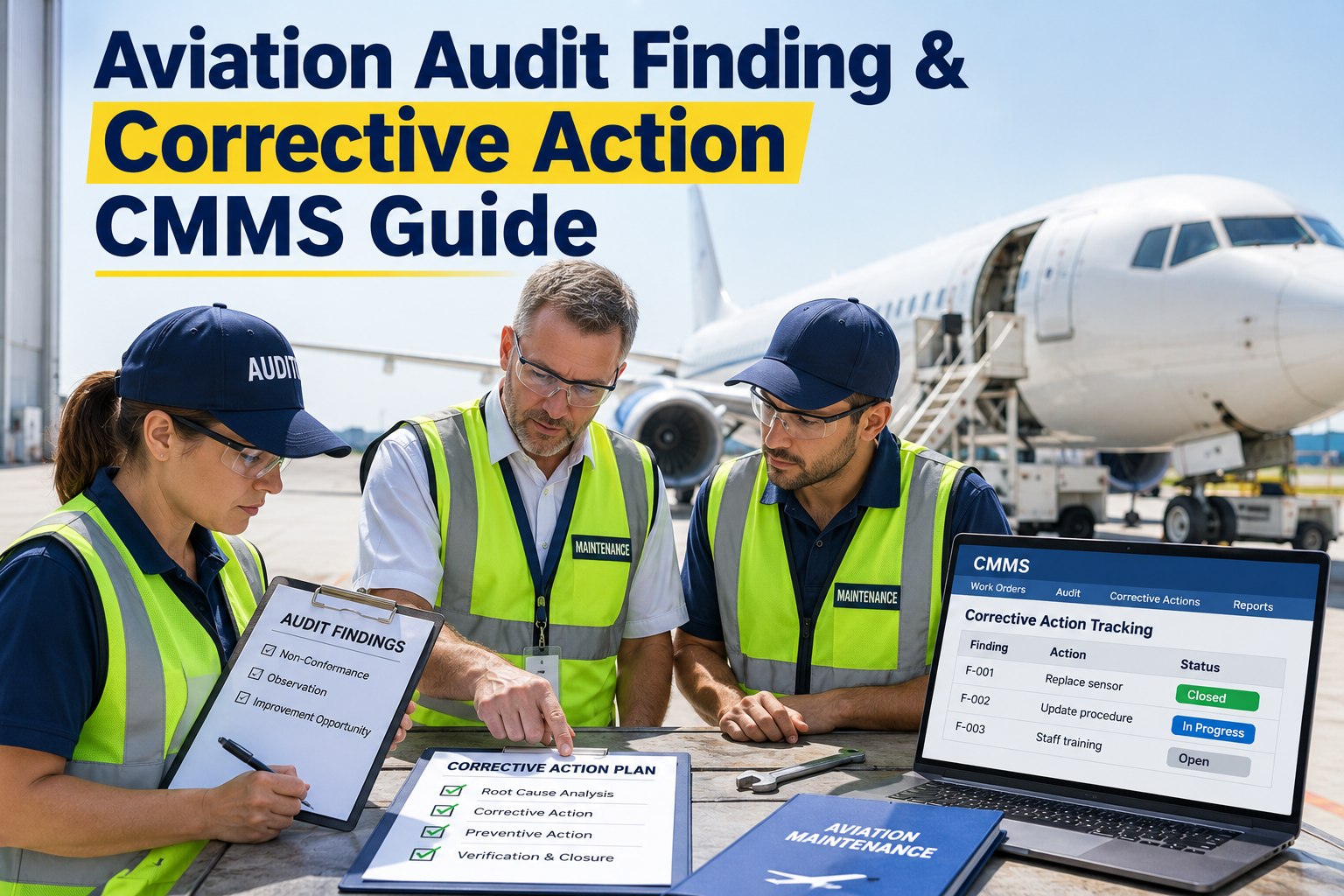
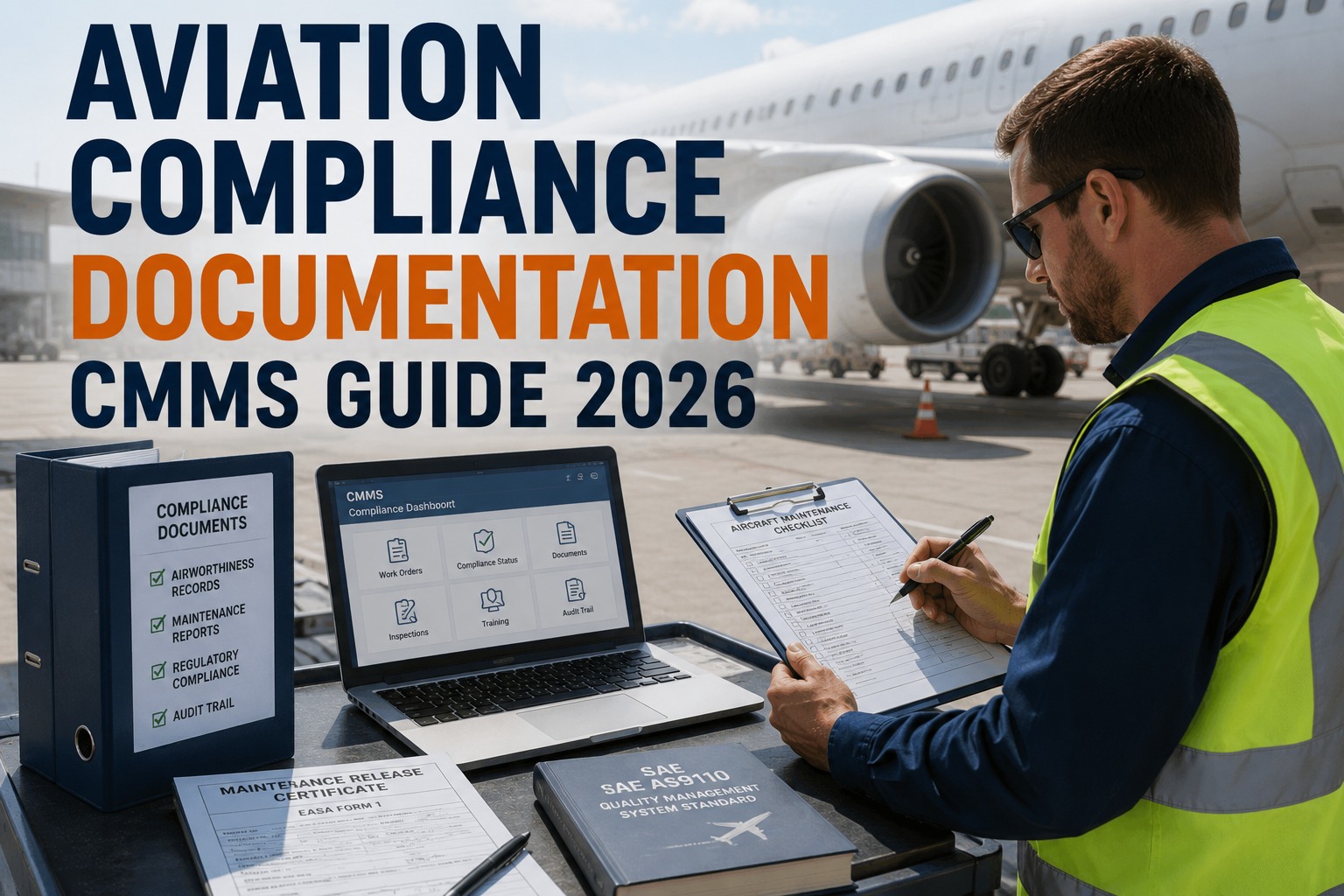
An FAA or TSA audit notice gives you 30 days to produce maintenance records, inspection logs, training certifications, and corrective action histories that prove your airport has been operating in continuous compliance. Most facilities scramble to assemble this documentation from file cabinets, email chains, spreadsheets, and technician notebooks—then discover gaps they can't explain. Airports running CMMS-based maintenance programs produce audit-ready reports in under 10 minutes because every work order, inspection, and corrective action is already timestamped, signed, and tied to the specific regulation it satisfies. The difference between a clean audit and a finding isn't how hard you work—it's whether your compliance lives in a searchable database or a stack of binders. Start a free trial to build audit-ready documentation today.
Turn 30 Days of Audit Panic Into 10 Minutes of Report Generation
OxMaint stores every inspection, work order, and corrective action with full regulatory traceability. When FAA or TSA auditors arrive, you export complete compliance documentation in seconds—not weeks of searching through paper files.
10 min
Audit Report Generation
Time to produce complete compliance documentation from CMMS
87%
Airports With Paper Gaps
Industry estimate of facilities missing inspection records during audits
14
Core Compliance Areas
FAA and TSA requirements tracked in airport CMMS programs
$250K
Average Violation Fine
Typical penalty for repeated non-compliance findings at airports
What FAA and TSA Auditors Actually Request
Auditors don't ask vague questions. They request specific documentation tied to regulatory citations: inspection logs for runway lighting systems under FAA Part 139, security barrier maintenance records under TSA requirements, fire suppression system testing per NFPA codes, and corrective action timelines for previous findings. If you can't produce a signed inspection record showing the exact date your team tested emergency egress doors in Terminal B, that's a finding. If you can't prove your ARFF vehicles passed monthly pump tests, that's a violation. Every request traces back to whether your CMMS captured the work when it happened—with timestamps, technician signatures, and asset IDs that make the documentation auditor-proof. Book a demo to see audit-ready compliance tracking.
?
Runway & Taxiway Inspection Logs
Daily friction tests, FOD walks, lighting system checks, pavement condition reports—all with date, time, inspector name, and findings documentation.
FAA Part 139.327 & 139.329
?
ARFF Vehicle Maintenance Records
Monthly pump tests, foam system checks, equipment inventory verification, and emergency response drill logs for all crash trucks.
FAA Part 139.319
?
Security Barrier & Access Control PM
Perimeter fence inspections, gate operator tests, card reader calibration, and CCTV system maintenance with corrective action tracking.
TSA Security Directive Requirements
?
Fire Suppression & Alarm Testing
Quarterly sprinkler inspections, annual fire pump flow tests, alarm panel checks, and emergency lighting battery tests across all terminals.
NFPA 25 & Local Fire Codes
?
Wildlife Hazard Management Logs
Daily airfield patrols, bird strike documentation, habitat modification records, and control measure effectiveness tracking.
FAA Part 139.337
?
Corrective Action Closure Evidence
Previous audit findings with completion dates, work order numbers, photos, and supervisor sign-off proving each item was resolved.
Follow-Up to Prior FAA/TSA Findings
How CMMS Makes Audit Documentation Automatic
The airports that ace audits aren't doing extra work—they're doing the same inspections and repairs everyone else does, but capturing it in a system designed for regulatory traceability. Every inspection becomes a completed work order. Every corrective action gets a work order number. Every technician signature is timestamped and linked to the asset. When the auditor asks for runway lighting inspection records from the last 12 months, you filter work orders by asset class and date range, then export a PDF with every inspection date, technician name, and finding documented. Total time: 90 seconds.
1
Inspection Becomes Work Order
Every scheduled inspection auto-generates a work order with regulatory citation, checklist, and required photo documentation fields built in.
→
2
Mobile Completion With Signature
Technician completes inspection on mobile device, uploads photos, signs digitally, and submits with GPS timestamp proving when and where it happened.
→
3
Findings Trigger Corrective Actions
Any deficiency noted during inspection automatically creates a corrective action work order with priority level, due date, and link to original finding.
→
4
Audit Report Exports Instantly
When auditor requests documentation, you filter by regulation, asset, or date range and export complete compliance report with all signatures and timestamps.
Paper Files vs CMMS Audit Readiness
?
Paper-Based Compliance
Inspection logs in file cabinets by building
Work orders filed by month, not by regulation
Corrective actions tracked in spreadsheets
Photos on technician phones or lost entirely
Missing signatures reconstructed from memory
30 days to assemble audit documentation
High Risk of Findings
?
CMMS Compliance System
All inspections searchable by regulation citation
Work orders tagged with compliance requirement
Corrective actions linked to original findings
Photos attached to work orders with timestamps
Digital signatures captured at time of completion
10 minutes to generate complete audit report
Zero-Finding Track Record
The 6 Audit Report Templates Every Airport Needs
01
Runway Safety Inspection History
Daily and weekly runway condition reports, lighting checks, and pavement inspections with inspector signatures and deficiency tracking.
02
ARFF Equipment Readiness Log
Monthly pump tests, foam system checks, and emergency vehicle maintenance records proving continuous operational readiness.
03
Security System Maintenance Record
Access control testing, perimeter barrier inspections, CCTV maintenance, and alarm system checks with corrective action closure.
04
Fire Life Safety Compliance Report
Sprinkler testing, fire pump flow tests, alarm checks, and emergency lighting inspections per NFPA and local fire codes.
05
Training & Certification Tracker
Technician qualifications, safety training completion, equipment certifications, and renewal dates for all maintenance personnel.
06
Prior Finding Corrective Action Log
Previous audit findings with assigned work orders, completion dates, supervisor approval, and photographic evidence of resolution.
Real Airport Audit Results With CMMS
Zero
FAA Findings in 3 Years
Regional airport with OxMaint passed six inspections with no violations
4,200
Work Orders Audited
Frequently Asked Questions
How does a CMMS help airports pass FAA and TSA audits?
By turning every inspection, work order, and corrective action into a timestamped, digitally-signed record tied to the specific regulation it satisfies. When auditors request documentation, you filter by compliance requirement and export complete records in minutes instead of searching through file cabinets for weeks.
Start a free trial to build your audit-ready system.
Can OxMaint track corrective actions from previous audit findings?
Yes. Every finding becomes a work order with the original citation, assigned technician, due date, and supervisor approval workflow. You can generate a report showing every prior finding, its corrective action work order number, completion date, and photographic evidence of resolution.
Book a demo to see corrective action tracking.
Does OxMaint include pre-built inspection templates for FAA Part 139 requirements?
Yes. The system includes inspection checklists for runway safety, ARFF vehicle maintenance, wildlife hazard management, and other Part 139 requirements. Each template includes the regulatory citation, required inspection frequency, and mandatory documentation fields.
How quickly can an airport generate audit documentation from OxMaint?
Most airports produce complete compliance reports in under 10 minutes. You filter work orders by date range, asset class, or regulation, then export a PDF with every inspection record, technician signature, photo, and corrective action included. No manual assembly required.
Stop Dreading Audits. Start Preparing Every Day.
OxMaint gives airport operations teams continuous audit readiness with inspection workflows, corrective action tracking, and compliance reporting built into every work order. When FAA or TSA auditors arrive, you're ready with documentation that proves your airport has been operating in compliance all along—not just scrambling to look compliant under pressure.