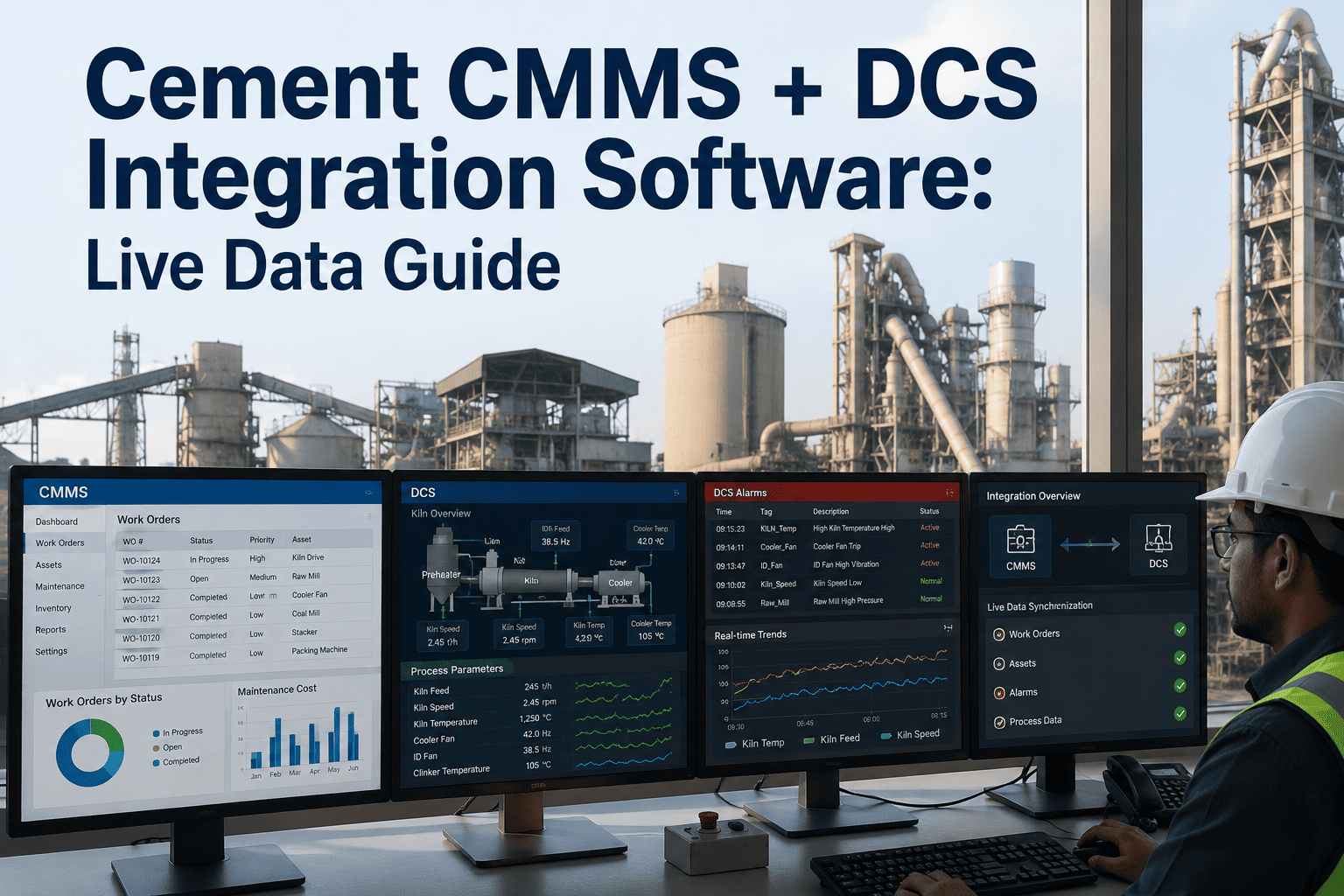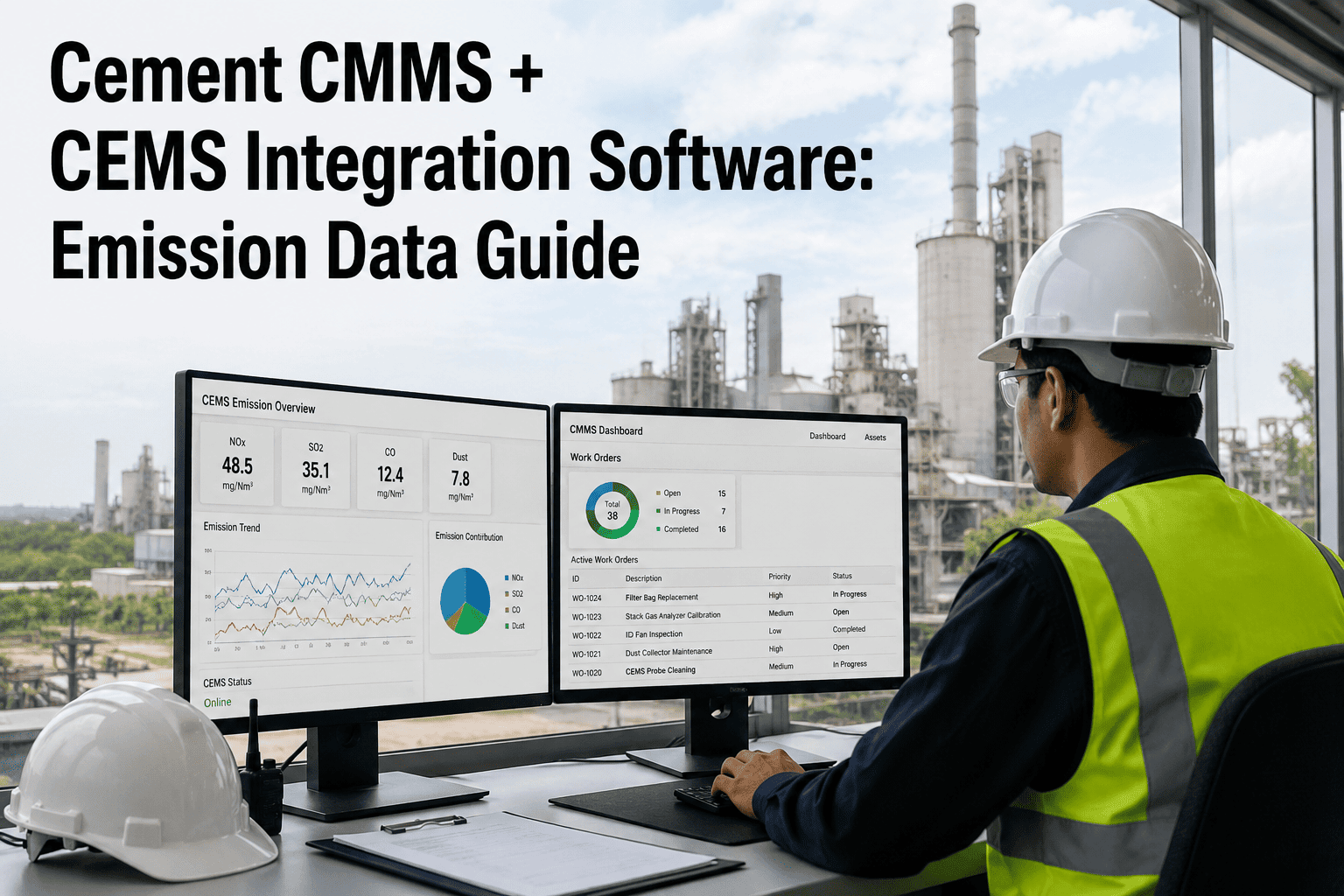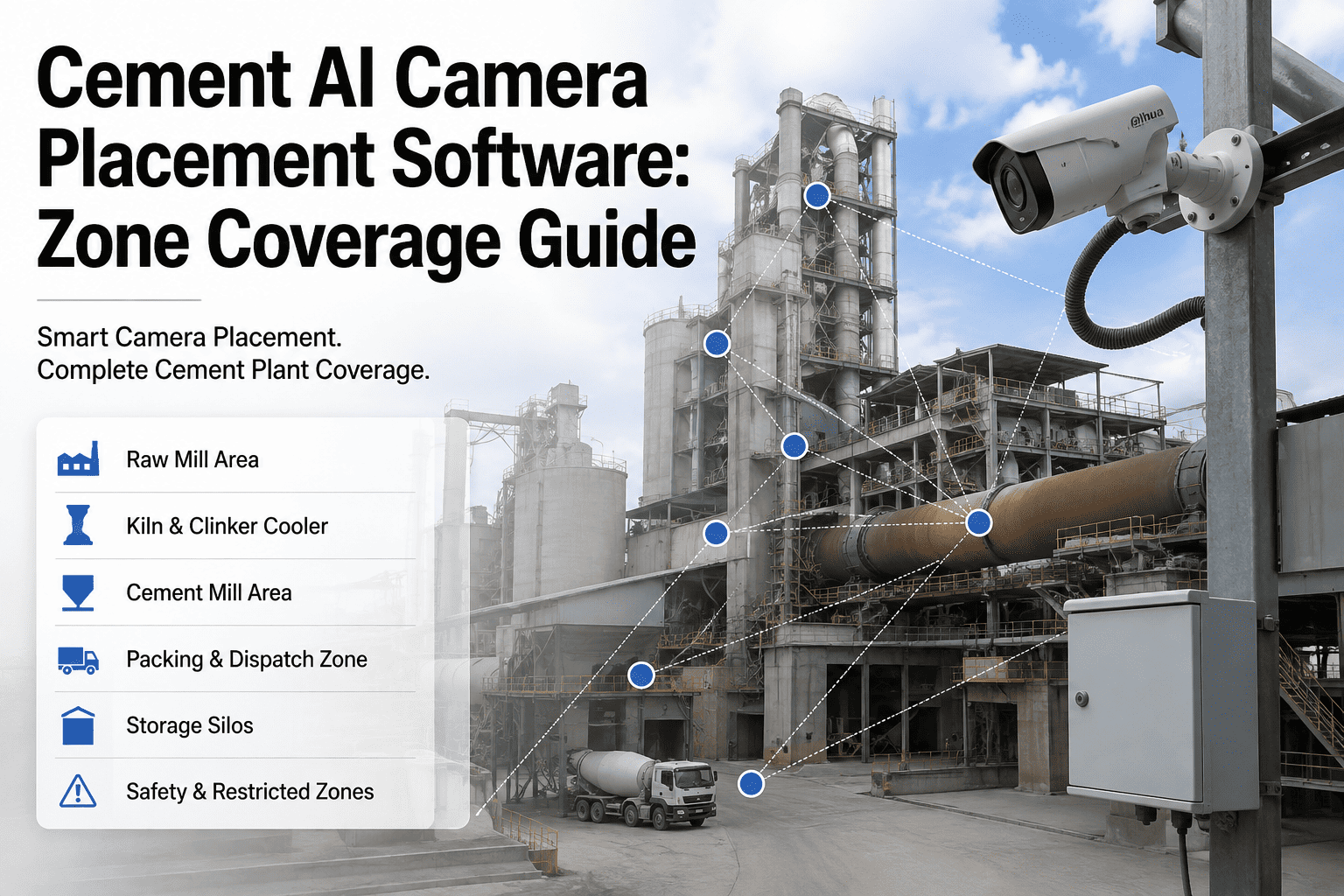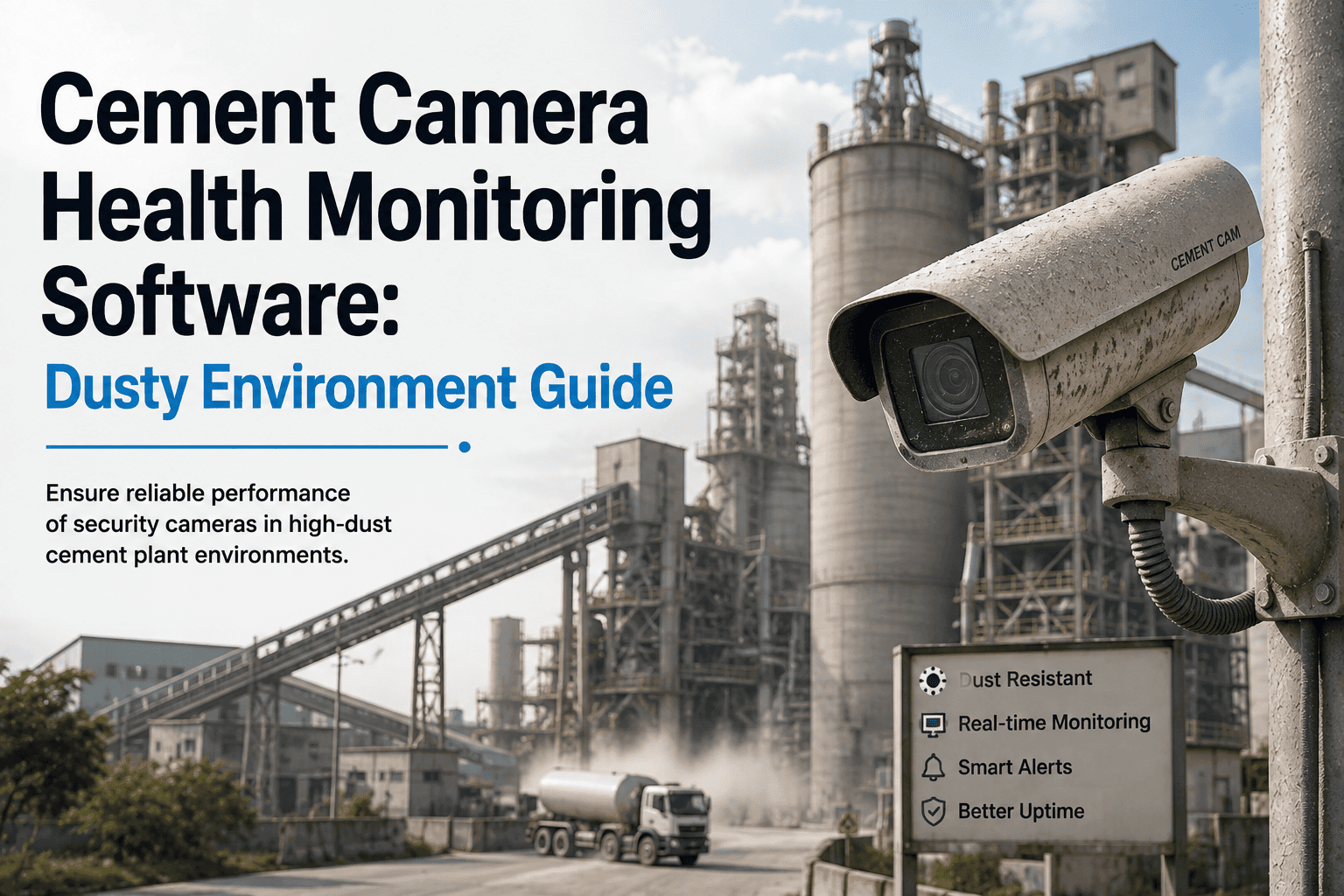
Plants that invested in AI vision cameras for kiln flame monitoring, stockpile tracking, or PPE compliance often discover a second problem a few months in: the cameras themselves need maintaining just as much as any pump or motor. Cement dust settles on lenses within days, enclosure seals dry out in kiln-floor heat, and a fouled camera silently degrades the AI model feeding it long before anyone notices the alerts have gone quiet. Camera health monitoring closes that gap by tracking lens clarity, enclosure integrity, and heater or wiper cycles as maintained assets inside your CMMS, not as install-and-forget hardware. Start a free trial to bring your camera fleet into the same PM program that already protects your rotating equipment.
Camera Health Monitoring · Cement Plants
Is your AI vision system still seeing clearly, or just still running?
A camera can stay powered on and network-connected for months while its lens fogs with cement dust and its detection accuracy quietly drops. Without a maintenance loop behind it, a vision investment degrades long before anyone flags it as a fault.
The Hidden Failure Mode
Why camera degradation goes unnoticed
Unlike a stalled motor, a degraded camera does not trip an alarm. It just produces slightly worse detections every week until a near-miss or a missed flame event exposes how far it has drifted.
Camera PM Checklist
Tiered inspection tasks by frequency
Treat every camera like a monitored asset with its own PM tiers, each one triggering a CMMS work order with a photo-log step for before-and-after comparison.
- Remote image-quality check for haze, glare, or lens film
- Confirm heater and wiper cycle triggered on schedule
- Verify detection confidence score has not drifted
- Check enclosure temperature reading within range
- Physical lens wipe with approved microfiber and solution
- Inspect enclosure gasket for cracking or dust ingress
- Check mounting bracket for vibration loosening
- Log a reference photo for drift comparison
- Full enclosure seal replacement check against wear chart
- Airflow and desiccant check on purge-air housings
- Recalibrate detection zone against site reference image
- Firmware and model-version audit
Two Failure Modes
What actually takes a camera offline on a cement site
Almost every dusty-environment camera failure traces back to one of two causes, and both are cheap to prevent with a scheduled PM cadence.
Lens and housing fouling
Gradual accuracy loss, no alarm
Cement dust builds a fine film on the lens and housing glass over days to weeks. Detection confidence drops gradually, so the system keeps running while its outputs quietly get less reliable.
Enclosure and seal breakdown
Sudden failure after slow decay
Heat cycling on kiln-floor and clinker-belt mounts dries and cracks gasket material. Once a seal fails, dust and moisture reach internal electronics fast, often ending in a full camera replacement.
Condition Thresholds
When a reading should trigger a work order
Camera health, like oil analysis or vibration data, has measurable thresholds. Feeding these into the CMMS turns a subjective "looks dusty" call into an enforced rule.
| Condition Parameter | Normal Range | Alarm Threshold | CMMS Action |
|---|---|---|---|
| Detection confidence score | 90–100% | <80% sustained 24 hrs | Trigger lens-clean work order |
| Image contrast index | Baseline ±10% | >25% drop from baseline | Dispatch technician for physical inspection |
| Enclosure internal temperature | Within rated spec | >10°C above spec for 1 hr | Check seal integrity, inspect fan or purge unit |
| Heater/wiper cycle count | As scheduled | Missed 2 consecutive cycles | Flag actuator fault, open inspection ticket |
| Gasket age since install | 0–90 days | >90 days without inspection | Schedule preventive seal replacement |
Turn every camera into a maintained, trackable asset
oxmaint gives your vision system the same asset hierarchy, PM scheduling, and condition-threshold alerts already protecting your rotating equipment.
Rollout Plan
Getting your camera fleet into the CMMS in three steps
Register every camera as an asset
Add each camera to the asset hierarchy with mount location, enclosure type, and criticality tier, so plant-critical detection points get the tightest PM cadence.
Build the PM checklist templates
Load the daily, weekly, and monthly checklists with photo-log steps, and auto-generate work orders on schedule so no camera relies on someone remembering it exists.
Connect condition thresholds
Feed detection-confidence and enclosure-temperature data into the CMMS so a drifting reading opens a work order automatically, before it becomes a blind camera.
FAQ
Cement camera health monitoring, answered
How often should cameras be physically cleaned on a cement site?
Weekly for plant-critical detection points near kiln floors or clinker belts, and biweekly for lower-dust areas. A daily remote image-quality check catches early drift between physical cleanings.
Can camera health data trigger work orders automatically?
Yes — detection-confidence and enclosure-temperature readings can feed directly into the CMMS so a threshold breach opens a work order without manual review. Try it free on your own camera fleet.
What is the biggest cause of camera downtime on dusty sites?
Gradual lens and housing fouling, followed by enclosure seal breakdown from heat cycling. Both are preventable with a scheduled cleaning and seal-inspection cadence.
Does camera health monitoring replace our vision AI vendor's support?
No, it complements it. Your vendor supports the detection model and software; camera health monitoring keeps the physical hardware feeding that model clean and calibrated.
How do we get started tracking our existing cameras?
Register each camera as an asset with its mount location and criticality, then load the PM checklist templates. Book a demo and we will map your camera fleet together.
Don't let a fogged lens undo your vision investment
Bring every camera into the same maintenance discipline as your rotating equipment, with PM scheduling and condition-threshold alerts built for plant floors.
Free 14-day trial · No credit card