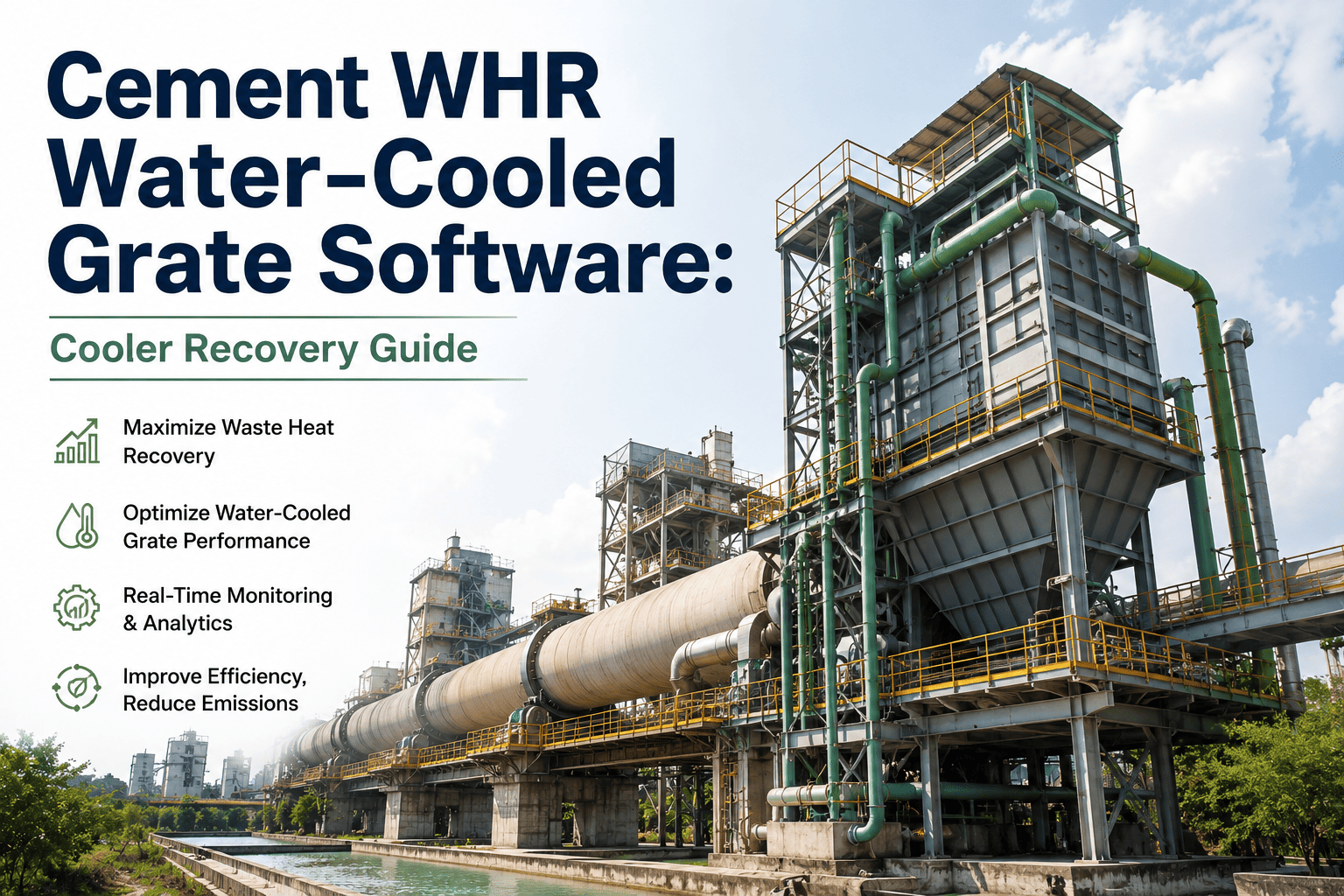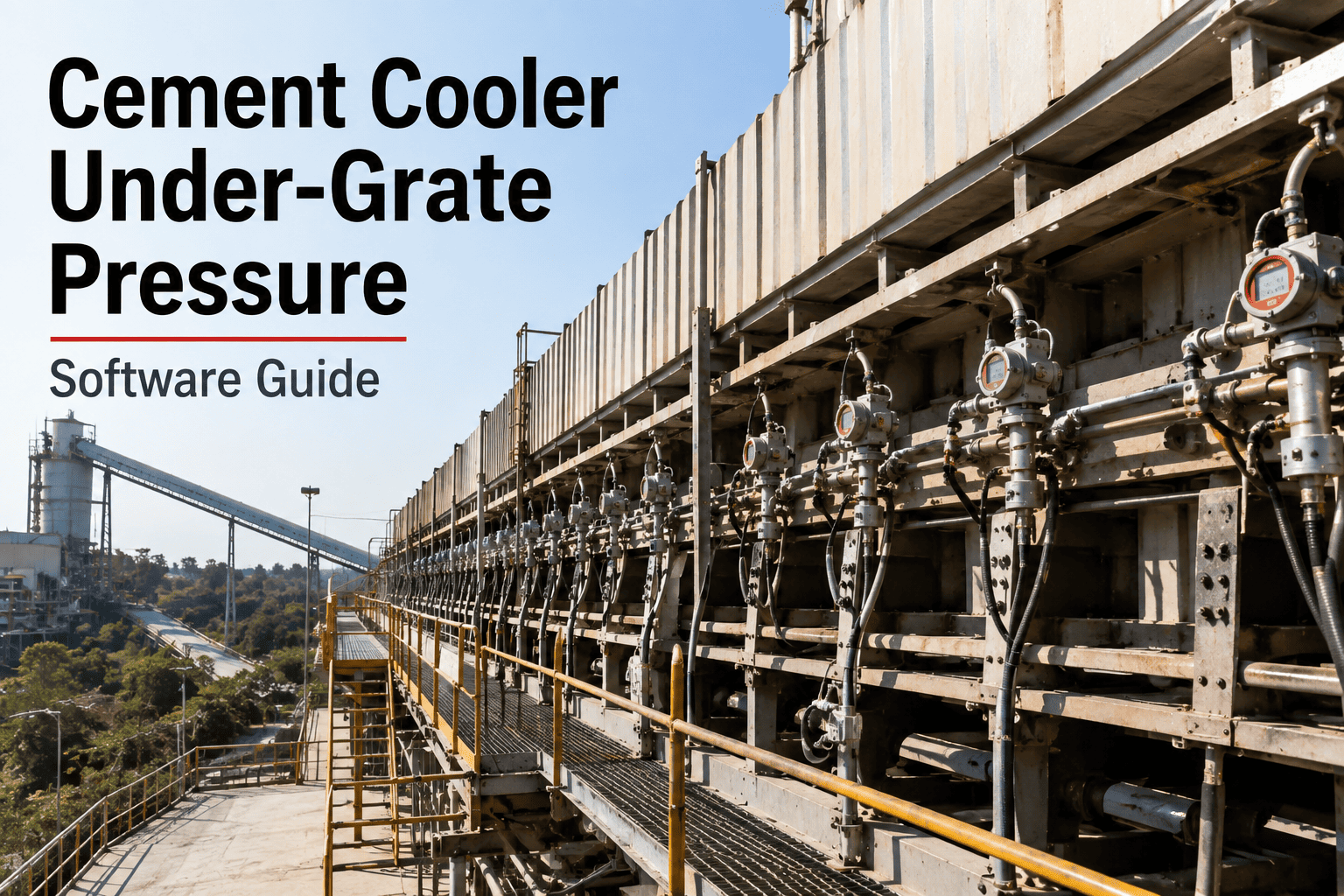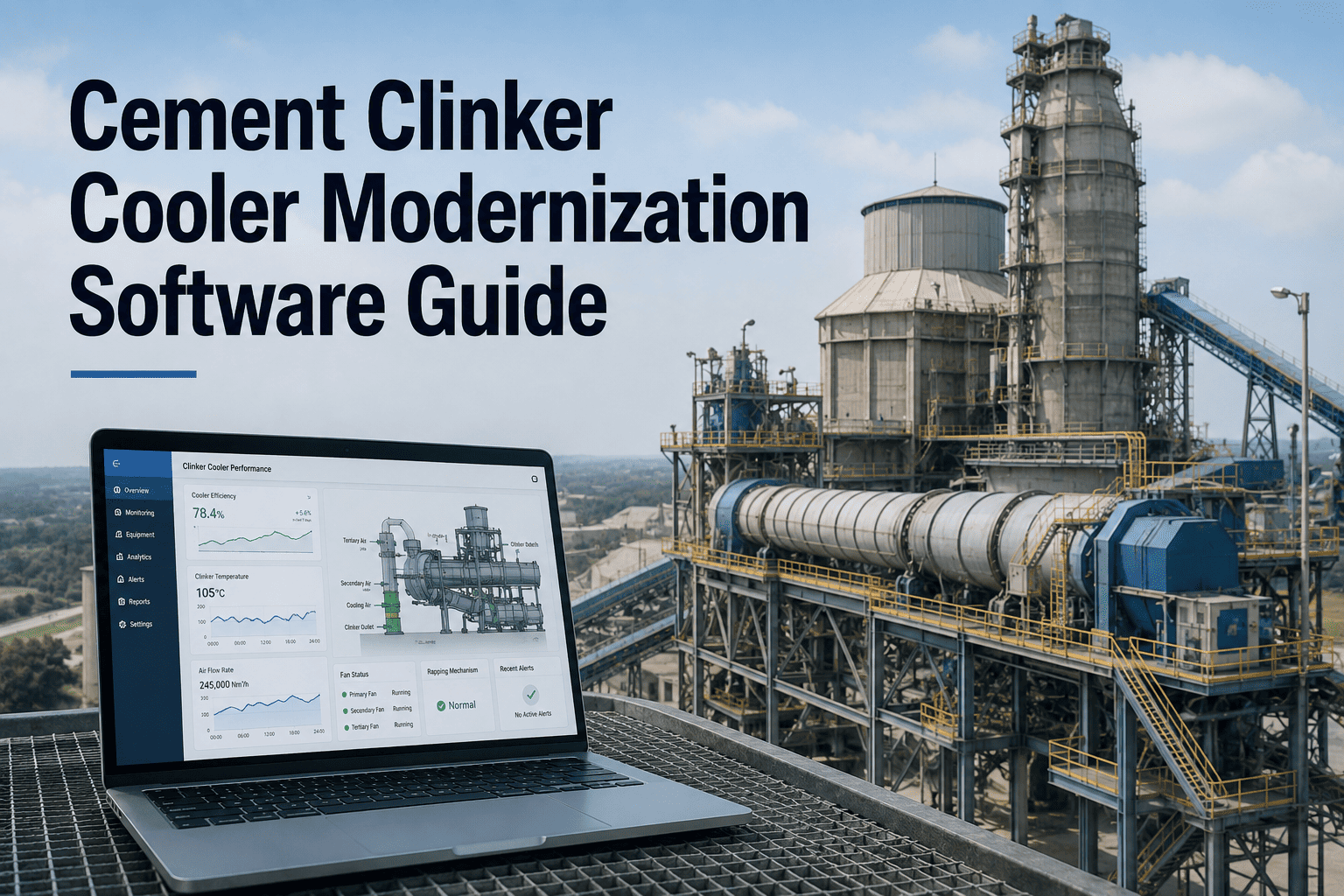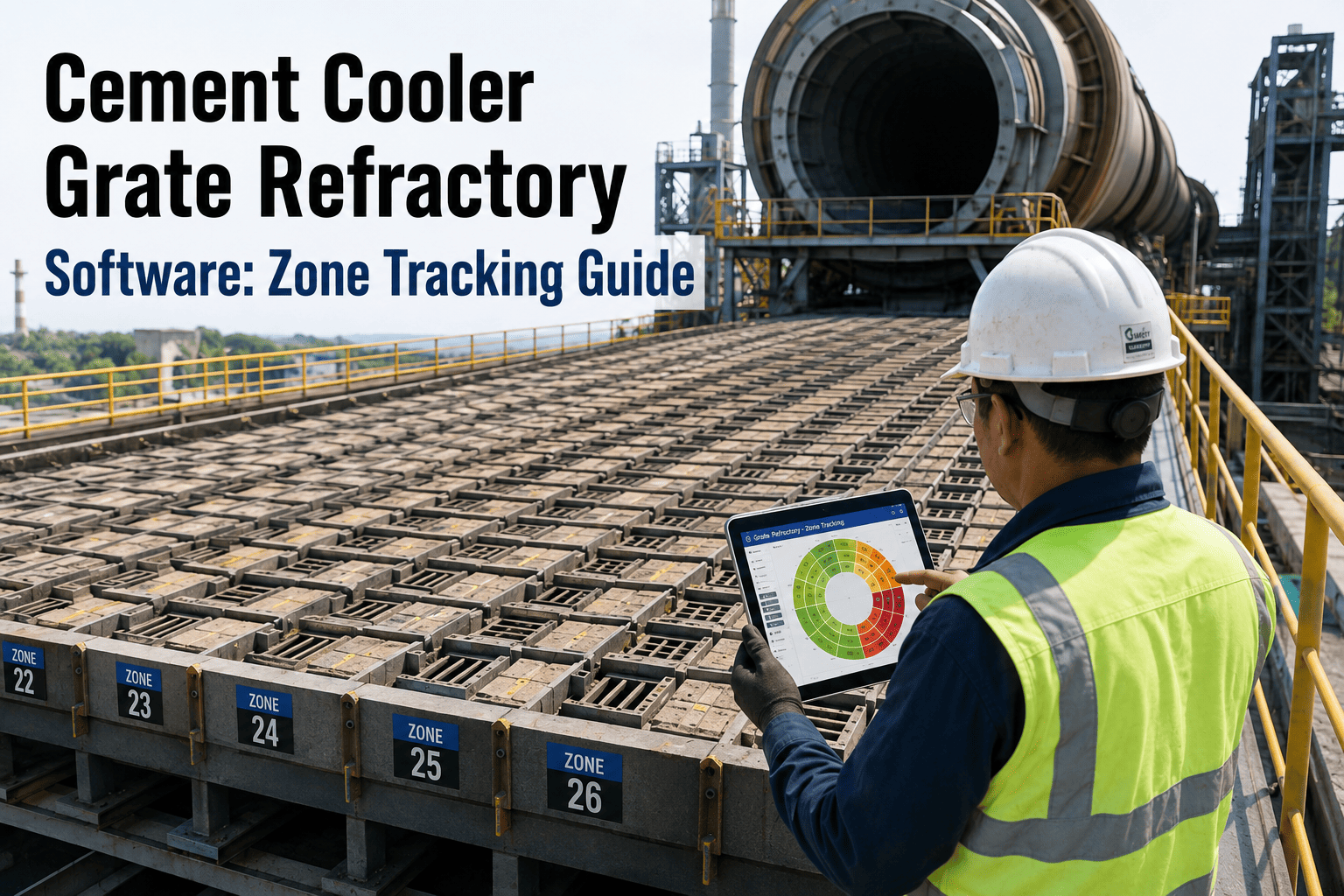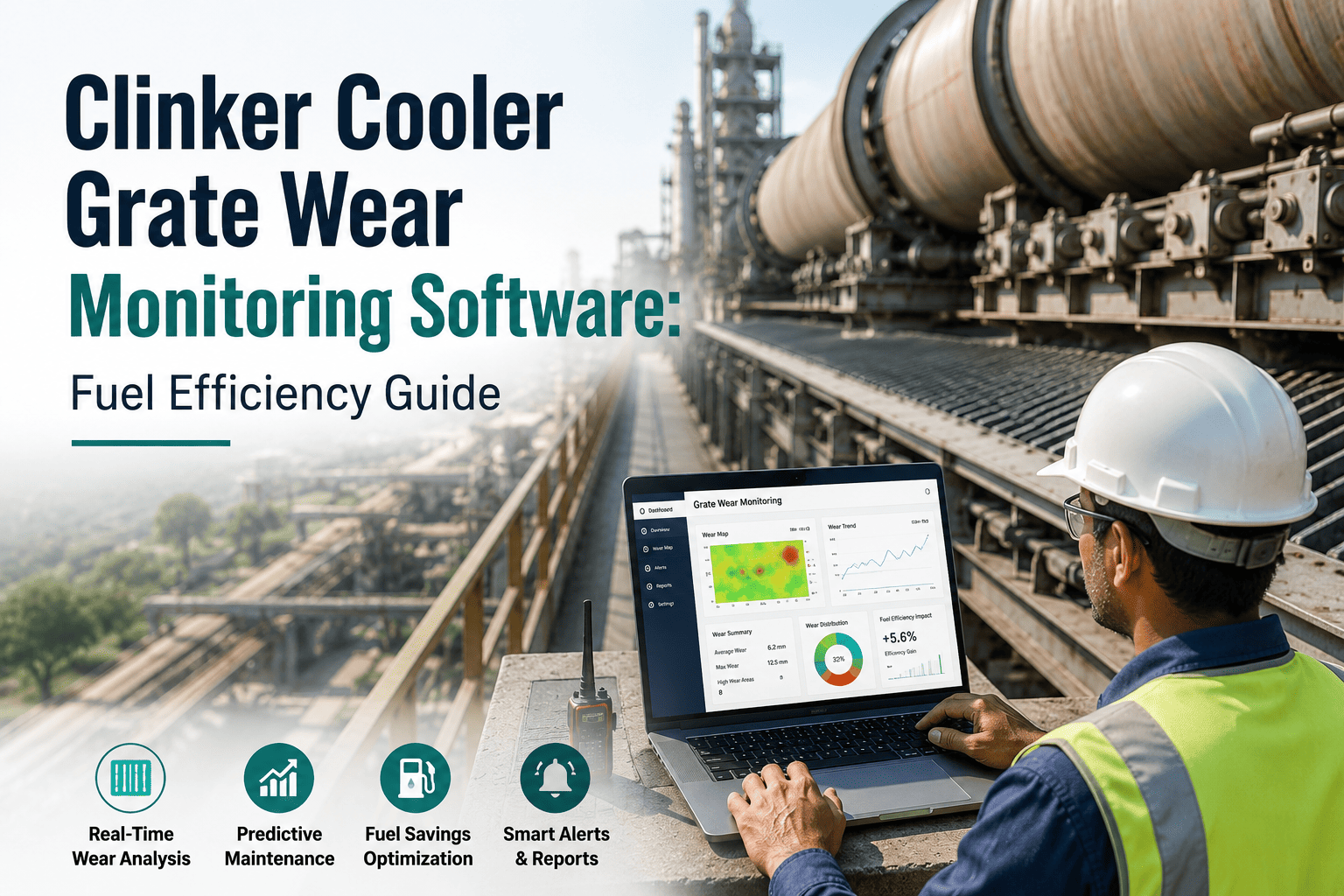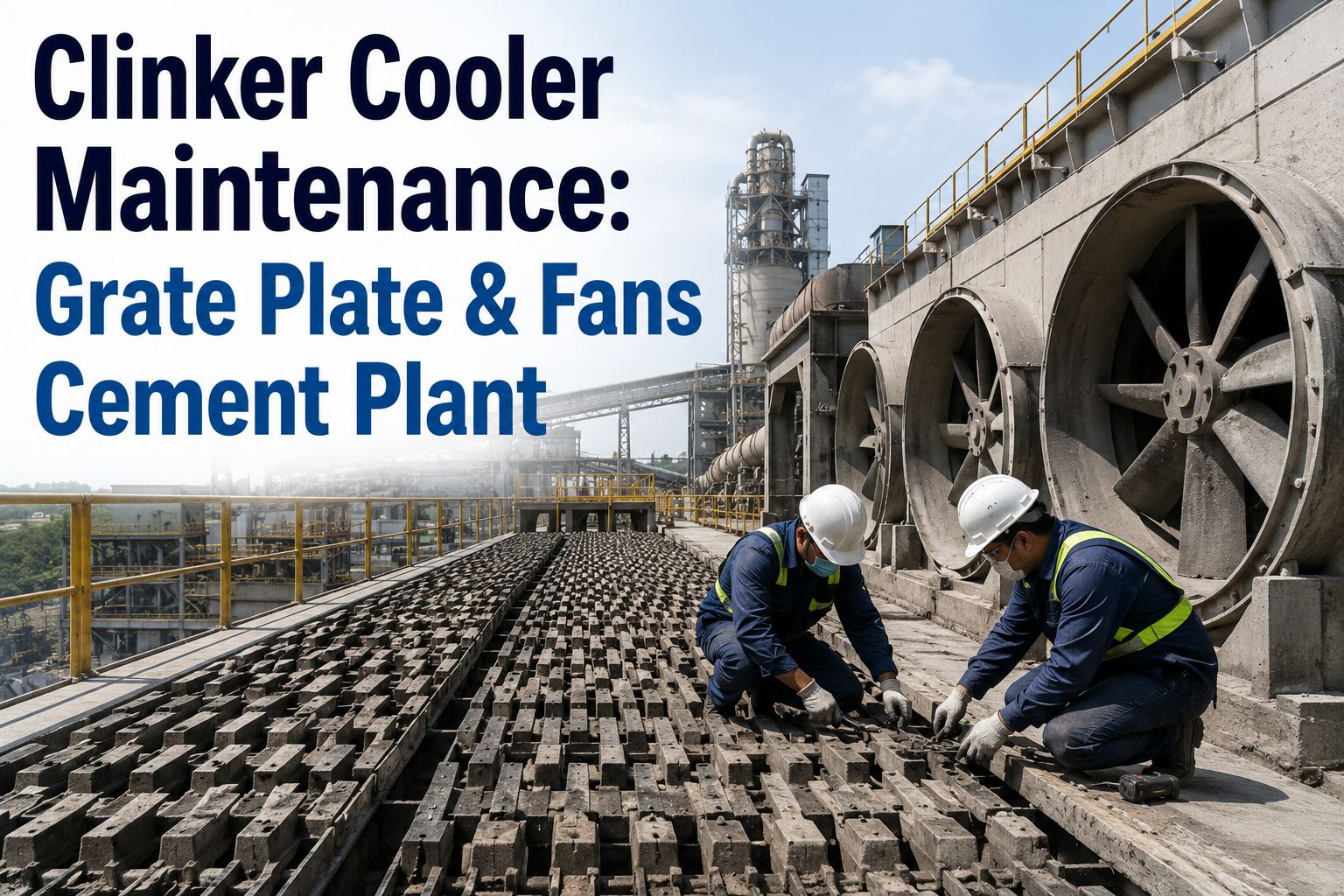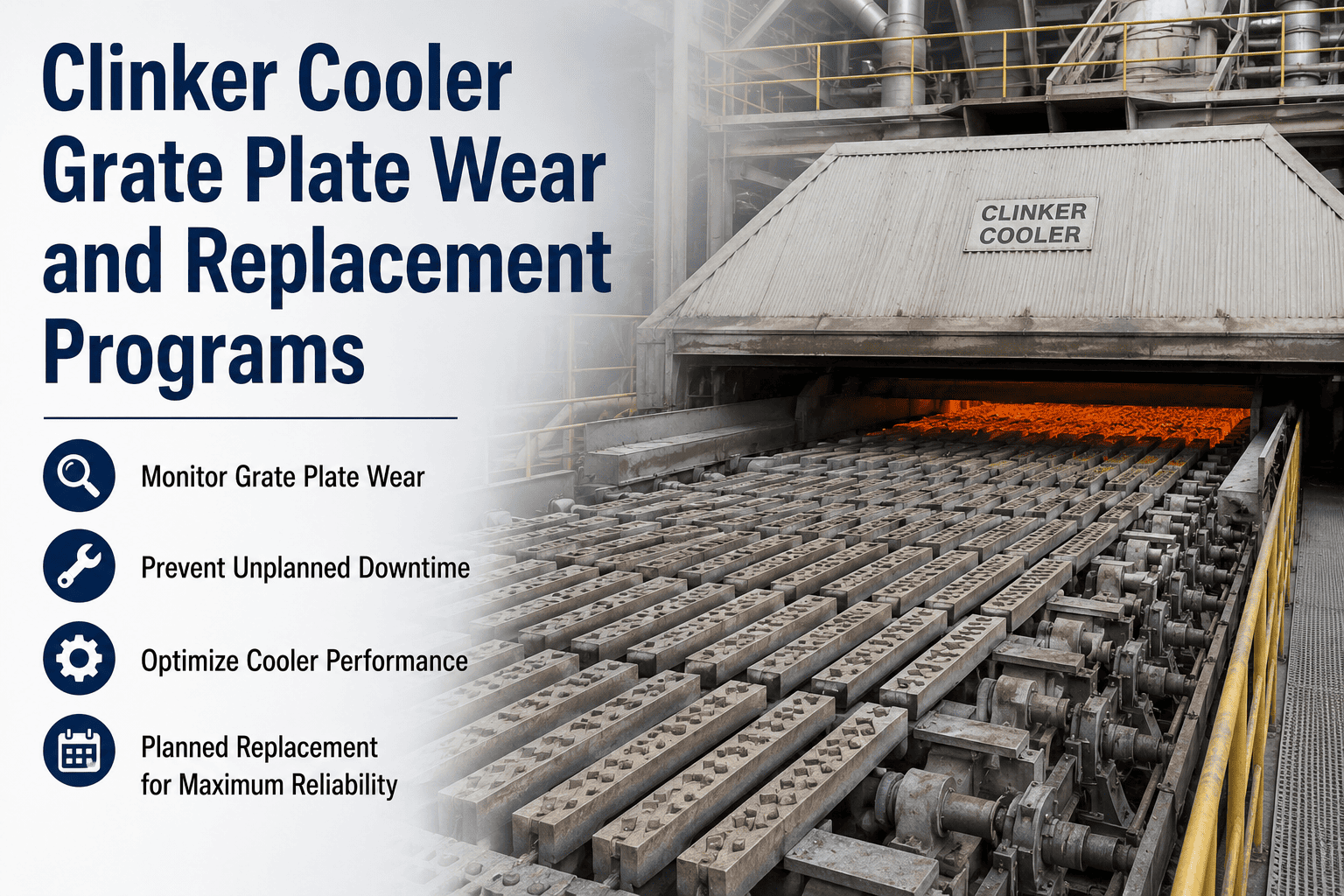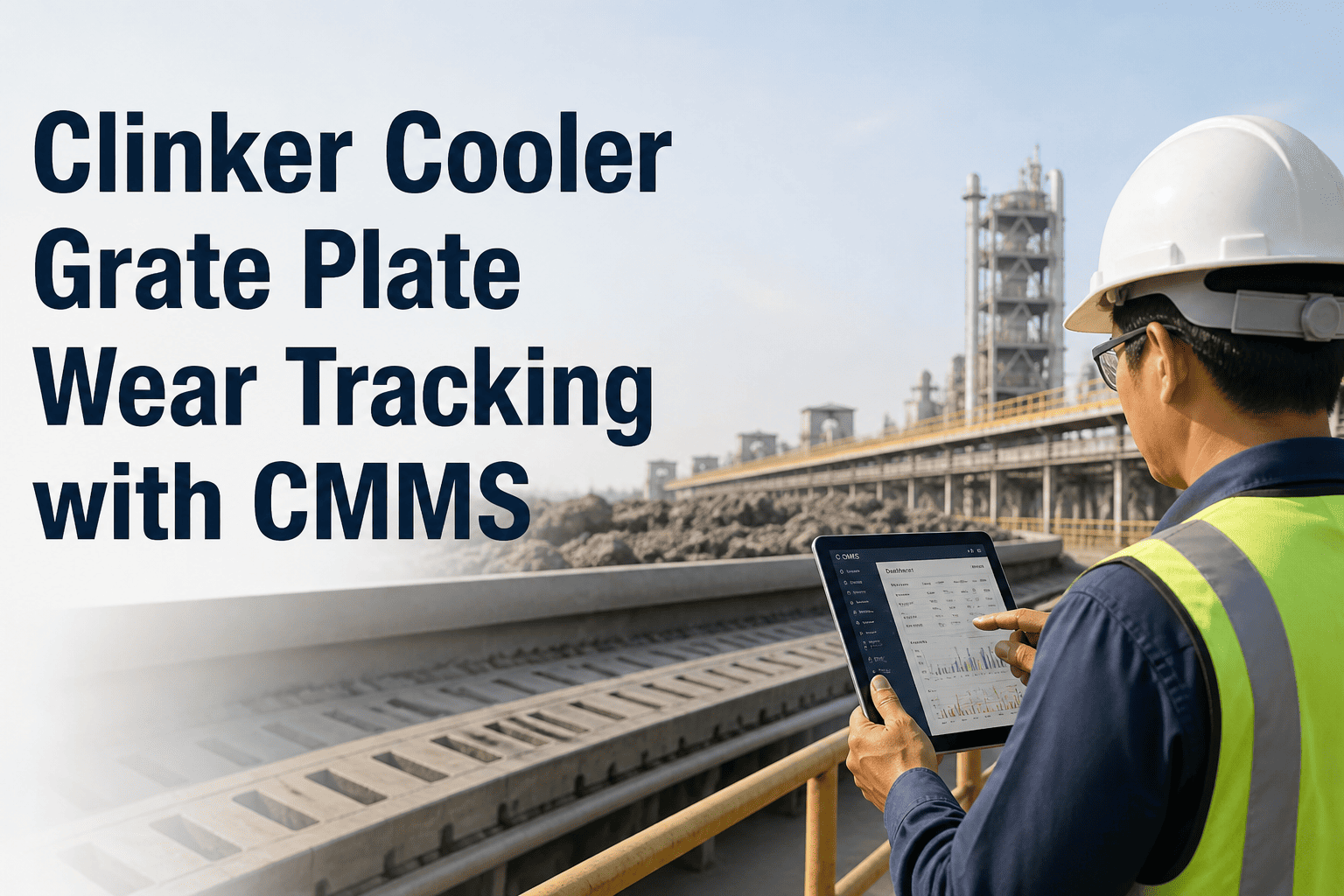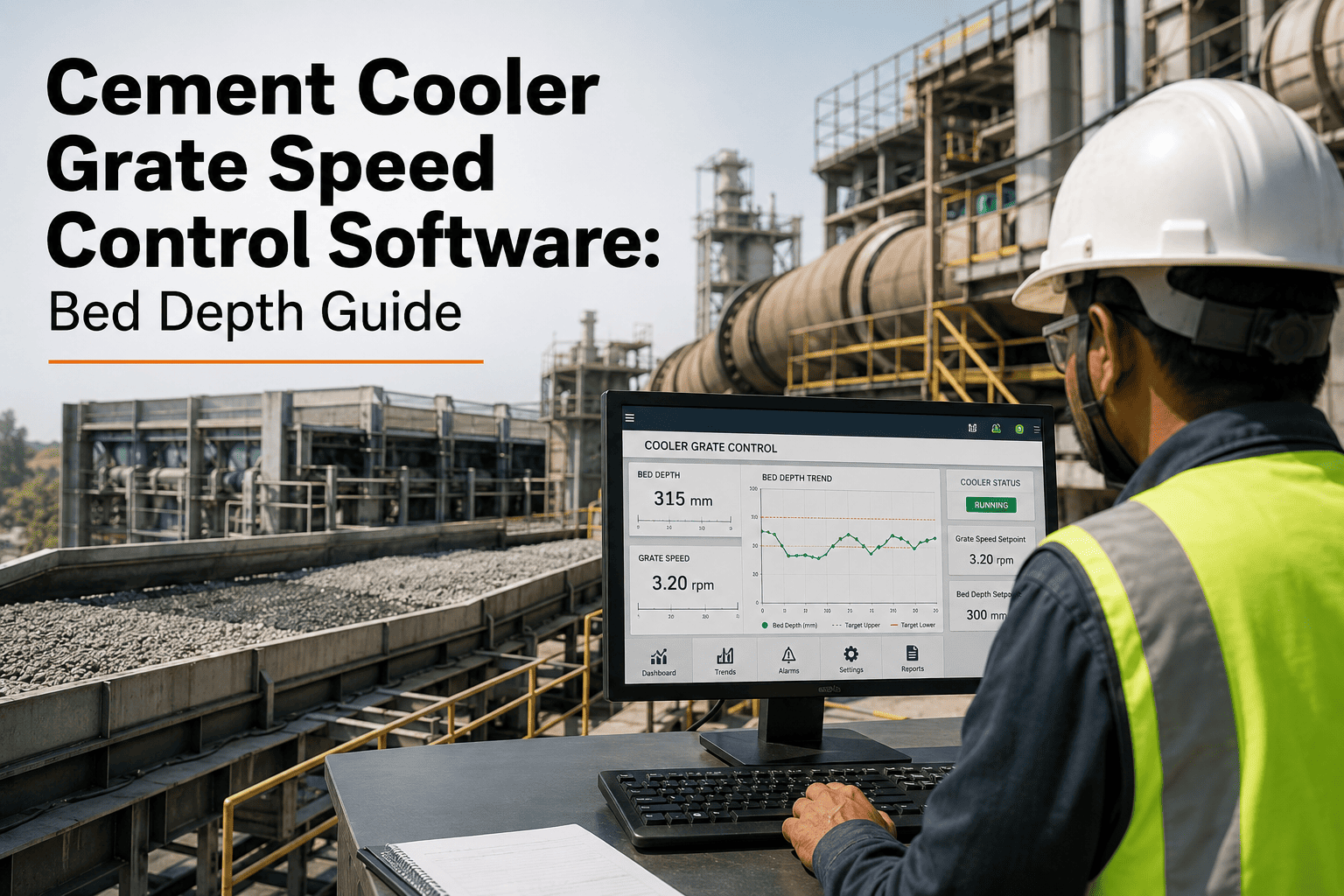
The clinker cooler sits right behind the kiln, and the way its grate moves decides how much heat the plant recovers and how stable the burning zone stays upstream. Run the grate too fast and the clinker bed thins out, secondary air temperature drops, and the kiln loses the hot air it needs for efficient fuel combustion. Run it too slow and clinker piles up into a "red river" or a hardened "snowman" at the transfer point, choking the grate plates and forcing an unplanned shutdown to dig it out. Most plants still trim grate speed by watching a single under-grate pressure reading and adjusting on instinct, with no record of what setpoint produced what bed depth on a given day. OxMaint's cement cooler grate speed control software connects grate speed, bed depth, and under-grate pressure into one trend view so operators and reliability engineers can hold a stable cooling curve shift after shift — see the dashboard for your own cooler line at https://app.oxmaint.ai.
Cement Cooler Grate Speed Control Software for Stable Bed Depth
Track grate speed, bed depth, and under-grate pressure together, and let a condition-based setpoint model hold the cooling curve steady across every shift change.
Why Grate Speed Drifts Out of Control
Clinker cooler grates are usually trimmed manually from the DCS, with the operator watching under-grate pressure as a proxy for bed depth and nudging the speed setpoint up or down. That single data point hides a lot — pressure can look normal while the bed is uneven across the width of the grate, and by the time a snowman or a red river is visible on camera, the fix is a controlled shutdown rather than a small correction. Without a record of what setpoint was in use when the bed was stable, every new operator effectively starts the tuning process over again, and knowledge that took years to build walks out the door with retirements and transfers.
What OxMaint Tracks Across the Cooling Zones
A grate cooler is really three cooling zones in sequence, each with its own airflow and speed behavior. OxMaint logs the parameters that matter for each zone so an operator can see exactly where a setpoint change is needed instead of adjusting the whole line at once.
How AI Grate Speed Optimization Works
Why a Single Pressure Reading Isn't Enough
Under-grate pressure is a useful signal, but it's an average across the width of the grate, not a picture of what's actually happening plate by plate. A cooler can show a perfectly normal pressure reading while one side of the bed is thin and over-fluidized and the other side is building toward a blockage — the two effects can cancel each other out in the average long enough for a real problem to develop unseen. Operators who have run a cooler for years often compensate for this by cross-checking pressure against outlet clinker temperature and the sound of the grate, but that kind of pattern recognition rarely survives a shift change or a new hire rotation.
OxMaint doesn't replace that operator judgment — it gives it more to work with. By correlating pressure, speed, and temperature history against the specific cooler's own past performance, the system can flag when the current combination of readings resembles the lead-up to a past snowman or red river event, even if no single value has crossed an alarm threshold yet. That extra lead time is often the difference between a two-minute setpoint nudge and a four-hour dig-out shutdown.
Digital Grate Speed Control vs. Manual DCS Trim
| Control Aspect | OxMaint Grate Control | Manual DCS Trim |
|---|---|---|
| Bed depth visibility | Estimated per zone, continuously | Inferred from a single pressure reading |
| Snowman early warning | Flagged before airflow loss is visible | Caught on camera after buildup starts |
| Setpoint history | Logged automatically with trend context | Rarely recorded beyond the current shift |
| Shift handover quality | Full trend and reasoning passed forward | Verbal notes, often incomplete |
| Grate plate wear tracking | Linked to bed depth history per zone | Reviewed only at scheduled inspection |