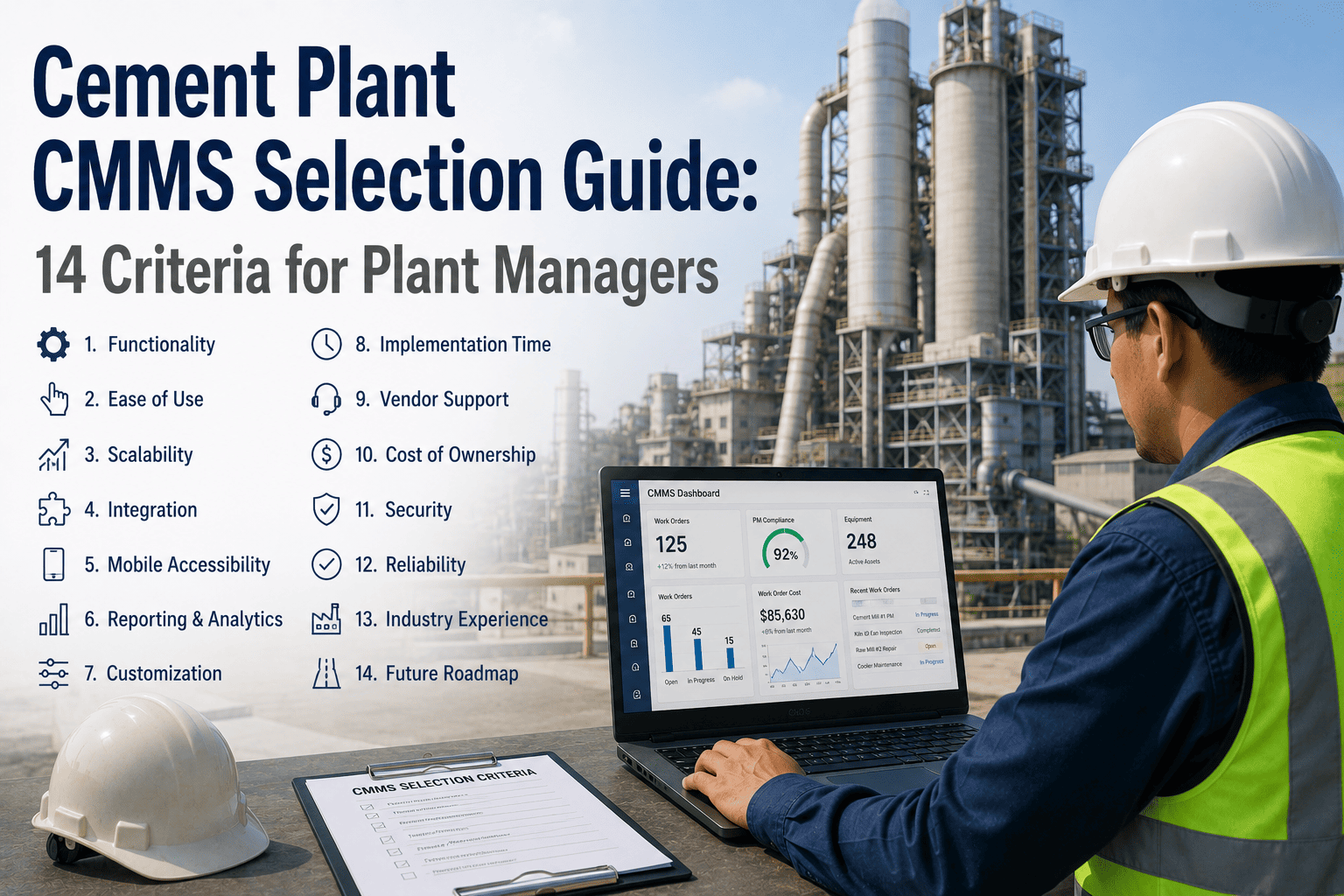
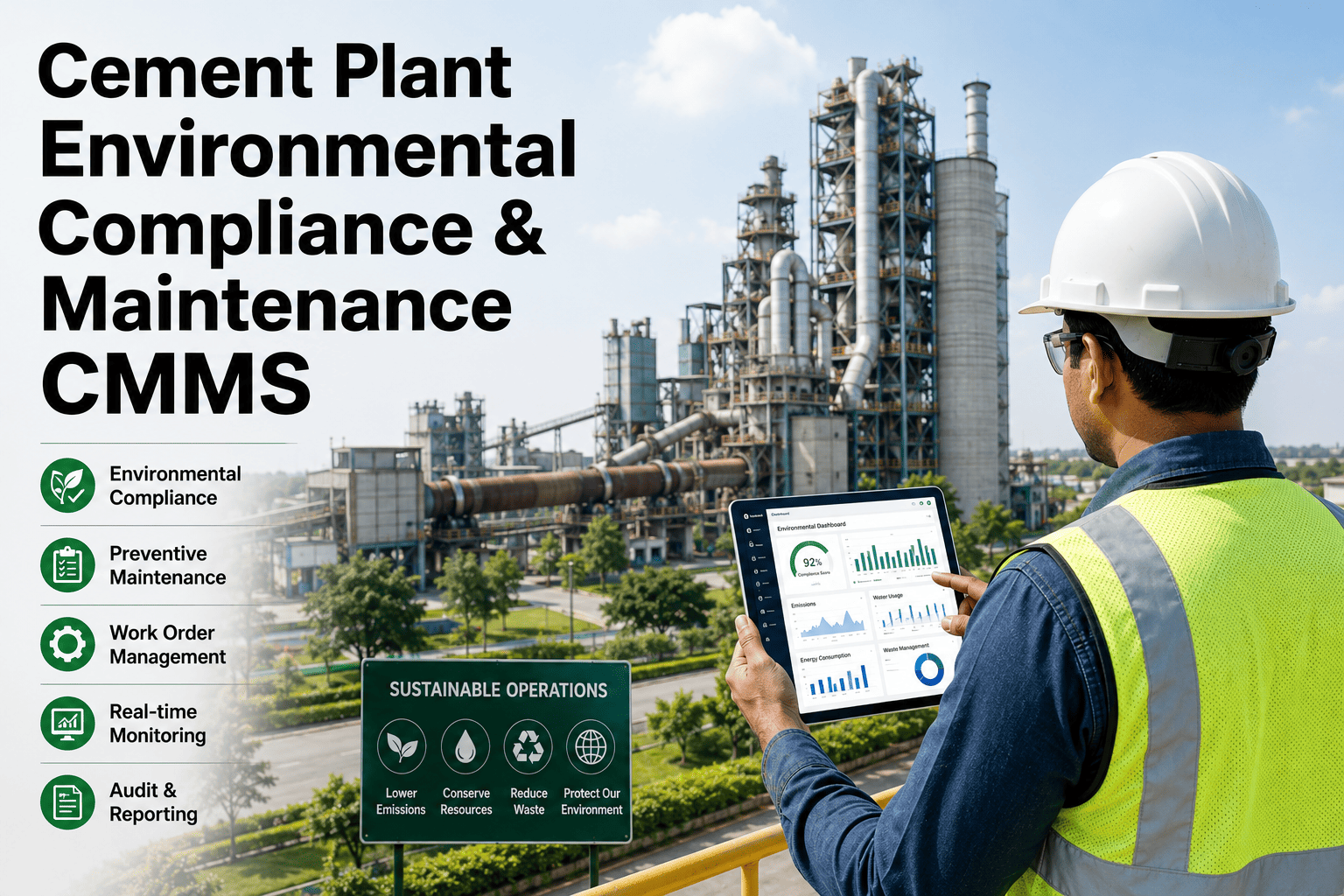
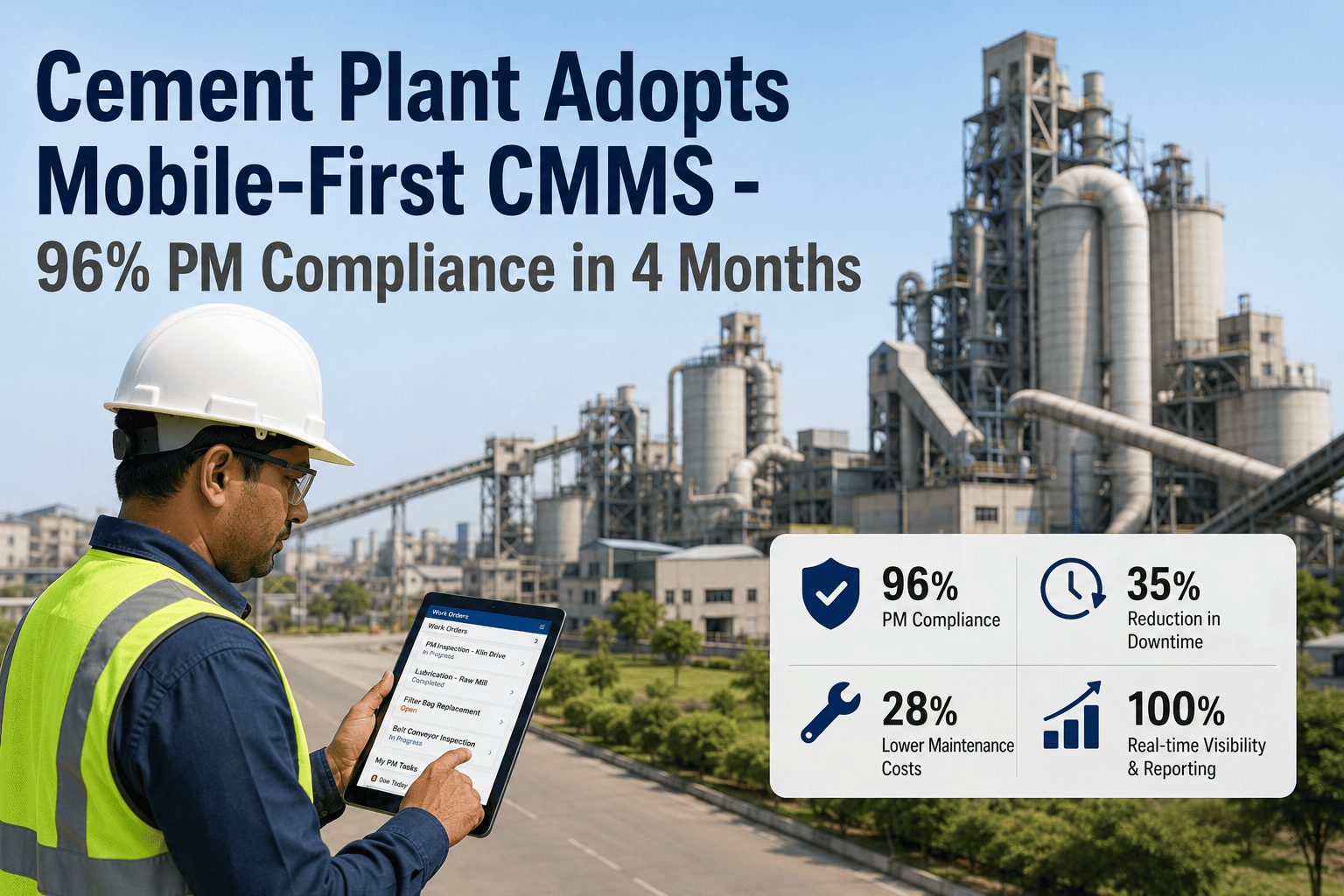
Selecting the wrong CMMS for a cement plant doesn't just slow down your maintenance team — it breaks your workflow at the kiln, creates compliance gaps at the crusher, and leaves your refractory records in spreadsheets nobody trusts. This guide covers the 14 criteria that actually matter when evaluating CMMS platforms for cement manufacturing, from kiln outage workflows to ERP integration and mobile parity. Start a free trial of Oxmaint to see how a cement-specific CMMS handles your asset hierarchy, outage planning, and compliance records out of the box.
The Decision That Defines Your Maintenance Operation
14 CMMS Criteria Cement Plant Managers Must Evaluate Before Signing
Most CMMS platforms are built for generic manufacturing. Cement plants run kilns at 1,450°C, track refractory wear zone by zone, and shut down entire lines for planned outages that require 200+ coordinated work orders. Generic platforms fail at all three. Here is how to score the platforms you are evaluating against the reality of cement operations.
CMMS Evaluation at a Glance
14
Criteria to evaluate before shortlisting
3
Must-pass criteria for cement operations
6–8
Weeks for full deployment on existing infrastructure
40%
Avg. reduction in unplanned downtime after right CMMS fit
Why Most CMMS Platforms Fail Cement
The Cement Plant Gap: What Generic CMMS Cannot Handle
A CMMS designed for a food processing plant or an auto assembly line will not understand that your kiln outage requires a refractory cool-down sequence, that your conveyor belt records need splice joint history attached, or that your LOTO permit must be linked to the work order before the job can be closed. These are not edge cases — they are daily operational realities in cement manufacturing.
Generic CMMS
Asset Hierarchy Built for Flat Structures
Cannot represent kiln → zone → refractory section → wear measurement point as a linked asset tree with zone-specific PM schedules.
Generic CMMS
Work Orders Not Linked to Permits
No built-in LOTO or confined space permit linkage to work orders — compliance documented separately in paper or spreadsheet systems.
Generic CMMS
No Outage Planning Intelligence
Planned major outage management requires gantt-style job sequencing tied to asset availability — most platforms treat this as a series of unrelated work orders.
Generic CMMS
Mobile App is a Reduced Desktop
Field technicians in cement plants work in dust, heat, and vibration. A mobile app that just shrinks the desktop UI fails in the field — offline mode, photo capture, and voice notes are non-negotiable.
Cement-Specific CMMS
Asset Hierarchy Matches Process Flow
Full parent-child asset trees from quarry through dispatch — with zone-level PM, condition tracking, and failure history at every node.
Cement-Specific CMMS
Permit-Linked Work Order Closure
LOTO records, confined space permits, and hot work authorizations attached to the work order — closure blocked until compliance documents confirmed.
The 14-Criteria Framework
Score Every Platform You Evaluate Against These 14 Criteria
Use this framework as your internal RFP scoring sheet. Rate each criterion from 1 to 5 for each platform under evaluation. Any platform scoring below 3 on criteria marked as Critical should be removed from your shortlist regardless of overall score.
01
Cement-Specific Asset Hierarchy
The CMMS must support multi-level parent-child asset trees that reflect cement's production chain: quarry → crusher → raw mill → kiln → cooler → cement mill → dispatch. Each node must support independent PM schedules, failure history, and condition readings. Platforms that treat all assets as a flat list will require dangerous workarounds for kiln zone tracking.
Ask the vendor: Show me how you configure a kiln asset with 12 refractory zones, each with independent wear measurement history.
02
Permit-to-Work Integration in Work Order Workflow
LOTO, confined space, hot work, and working-at-height permits must be native to the work order — not a separate document system. Work order closure must be blocked until linked permits are signed off. This is not a compliance checkbox — it is the mechanism that prevents fatalities in cement plants.
Ask the vendor: Can a work order be closed before a LOTO permit is confirmed as released? Show me the enforcement mechanism.
03
Major Outage and Planned Shutdown Management
Kiln outages, mill overhauls, and cooler campaigns require 100 to 500 work orders coordinated across contractors, departments, and shift windows. The CMMS must support outage planning views with job sequencing, resource allocation by shift, and progress tracking against a planned schedule. Generic "batch work order creation" is not outage management.
Ask the vendor: Show me how you plan and track a 7-day kiln outage with 200 work orders across 3 contractor crews and 2 internal shifts.
04
Refractory Tracking and Brick-by-Zone History
Kiln refractory management requires tracking brick type, campaign number, installed thickness, measured wear at each inspection, and remaining life projection per zone. A CMMS that cannot represent this forces engineers back to spreadsheets for their most critical asset — the kiln lining.
Ask the vendor: Can I log refractory thickness readings by kiln zone after each campaign and see wear trend by zone over 5 years?
05
Mobile App with True Offline Mode
Cement plant environments — dusty conveyors, kiln pits, crusher areas — have poor or zero WiFi coverage. The mobile app must function fully offline: open work orders, log readings, capture photos, complete checklists, and sync when connectivity returns. A mobile app that requires constant connectivity is non-functional in 60% of the plant.
Ask the vendor: Demonstrate offline mode — disable network on a device and show me a technician completing and closing a work order.
06
Predictive Maintenance and Condition Monitoring Integration
Vibration sensors on kiln drives, thermal cameras on bearings, and AI vision on conveyors all generate condition data that should trigger work orders automatically. The CMMS must accept API-based condition alerts and auto-generate work orders with fault classification, asset reference, and sensor data attached — without manual intervention.
Ask the vendor: Show me how a vibration alert from our condition monitoring system creates a work order in your platform automatically.
07
ERP and SAP Integration Depth
Parts procurement, cost center allocation, and contractor PO management must flow between the CMMS and your ERP without dual-entry. Shallow integrations that sync only asset names or work order counts create more reconciliation work than they save. Test with your actual SAP or Oracle instance, not a demo environment.
Ask the vendor: What specific SAP modules do you integrate with — PM, MM, FI? Show me a live parts reservation flowing from a CMMS work order to an SAP purchase requisition.
Standard Criteria — Operational Efficiency and Compliance
08
Contractor and Multi-Crew Work Order Management
Major outages and ongoing specialty work involve external contractors working alongside internal teams. The CMMS must assign work orders to named contractors, track their completion independently, and include contractor-specific documentation requirements without giving contractors full system access.
09
Audit Trail and Regulatory Compliance Records
OSHA 1910.147 LOTO records, confined space entry logs, and inspection certificates must be retained, timestamped, and exportable for regulatory audit. Every action — work order creation, permit sign-off, inspection completion — must generate an immutable audit record tied to a named user and timestamp.
10
KPI Dashboards Built for Plant Management
MTBF, MTTR, planned vs. unplanned maintenance ratio, schedule compliance, and backlog aging must be available as live dashboards — not weekly CSV exports. Plant managers and reliability engineers need real-time visibility, not data that is three days old when they see it.
11
Spare Parts Inventory and Critical Spares Management
Cement plants stock critical spares — kiln drive gearbox, mill shell liners, conveyor splice kits — that have long lead times. The CMMS must track critical spare levels, flag reorder points, and link parts to the assets they serve so planners know what is in stock before a failure occurs.
12
Implementation Timeline and Data Migration Support
A CMMS that takes 18 months to go live delivers no value during that period. Cement-specific vendors should offer structured asset import from your existing system, pre-built PM templates for cement equipment classes, and a phased deployment that gets your highest-priority assets live within 60 days.
13
User Adoption and Training Model
A CMMS that technicians work around — because the interface is too complex for shift-end use — generates poor data and no ROI. Evaluate the interface from a technician's perspective: can a field tech complete a work order in under 3 minutes on mobile? Does the platform offer role-based views that show each user only what they need?
14
Vendor Cement Industry Experience and Support Response
A vendor who has never implemented in cement will ask you to explain what a kiln outage is. Require references from operating cement plants of similar capacity, and test support response time before signing: submit a complex configuration question and measure the quality and speed of the response.
See All 14 Criteria in Action — Oxmaint Built for Cement
Oxmaint is deployed in cement plants across India handling everything from kiln refractory campaigns to conveyor AI vision alerts and permit-to-work compliance. See how each of the 14 criteria above performs in a live cement plant environment before your shortlist decision.
Scoring and Shortlisting
How to Use This Framework to Shortlist the Right Platforms
After scoring each vendor across the 14 criteria, apply two filters before ranking. First, any platform scoring below 3 on criteria 1, 2, or 3 is automatically removed — these are non-negotiable for cement operations. Second, any platform with no cement plant reference site of over 1 MTPA capacity should be treated as unproven regardless of score.
Common Evaluation Mistakes
Five Mistakes Plant Managers Make When Selecting a CMMS
01
Evaluating the Demo, Not the Configuration
Vendors demo their best-case scenarios. Ask them to configure a kiln asset with refractory zones live during your evaluation session — not from a pre-built demo asset. What takes 10 minutes in demo takes 10 hours in reality if the data model does not fit.
02
Letting IT Drive the Decision Without Maintenance Input
IT evaluates integration architecture, security, and deployment model. Maintenance engineers and shift supervisors evaluate whether the work order workflow matches how jobs actually get done in cement plants. Both voices must score the platform — IT criteria and operational criteria are equally weighted in the final decision.
03
Selecting on Price Without Calculating Implementation Cost
A low license fee platform with a 12-month custom implementation project will cost more than a higher-fee platform that deploys in 8 weeks. Calculate total cost of ownership over 3 years: license, implementation, training, and ongoing support.
04
Not Testing Mobile in the Plant — Before Signing
Walk a technician through a work order on mobile in your actual plant environment — dusty hands, PPE, low light, no WiFi. If they struggle to complete it in under 4 minutes, adoption will fail. This test is worth more than any vendor presentation.
05
Treating All Work Order Systems as Equivalent
Work order creation is table stakes. What differentiates CMMS platforms for cement is what happens around the work order: does it link to permits, condition alerts, refractory history, and outage plans? A platform that does only work orders is a digital paper form — not a maintenance management system.
Frequently Asked Questions
CMMS Selection for Cement Plants: Common Questions
How long does CMMS implementation typically take in a cement plant?
A structured deployment covering your highest-priority assets — kiln, mills, and major conveyors — should go live within 60 to 90 days. Full plant coverage including PM library, refractory tracking, and ERP integration typically completes in 16 to 24 weeks. Vendors quoting over 12 months for initial deployment should be asked to justify the timeline.
Book a demo to see Oxmaint's phased cement plant deployment model.
Should we replace our existing SAP PM module or integrate a dedicated CMMS alongside it?
SAP PM handles cost allocation and procurement well but is not built for field-level maintenance execution in industrial environments. Most cement plants run a dedicated CMMS for work order management and technician-facing workflows, with a bi-directional integration to SAP for cost posting, parts procurement, and asset registry sync. Replacing SAP PM entirely adds unnecessary migration risk.
See how Oxmaint integrates with SAP in a free trial.
What data do we need to prepare before CMMS implementation begins?
The minimum data set needed for a structured deployment is: asset list with parent-child relationships, existing PM schedules by asset class, critical spare parts list linked to assets, and open work order backlog. Historical failure data and refractory records can be migrated after go-live without delaying initial deployment.
How do we measure CMMS ROI in a cement plant context?
Track four metrics in the first 12 months: reduction in unplanned downtime hours (target 30 to 50%), improvement in planned maintenance ratio (target above 75% planned vs reactive), reduction in emergency parts procurement costs, and schedule compliance on major outages. Most cement plants recover CMMS investment cost within 8 to 14 months through downtime reduction alone.
Book a demo to review Oxmaint ROI benchmarks from cement plant deployments.
Can a CMMS handle multi-plant visibility across several cement facilities?
Yes — a plant-level CMMS that lacks multi-site rollup is a significant constraint for cement groups operating 3 or more plants. The platform must support plant-level data isolation (each plant sees only its assets and work orders) with corporate-level dashboards showing KPIs across all sites. Test this in your evaluation if you operate more than one plant.
Your CMMS Decision Defines Your Maintenance Operation for the Next Decade.
Don't shortlist on price or brand name — shortlist on whether the platform can handle kiln outage management, refractory tracking, and permit-linked work orders on day one. Oxmaint was built with cement plant workflows at the core. Start a free trial and run your own evaluation with your actual asset data — no demo environment required.