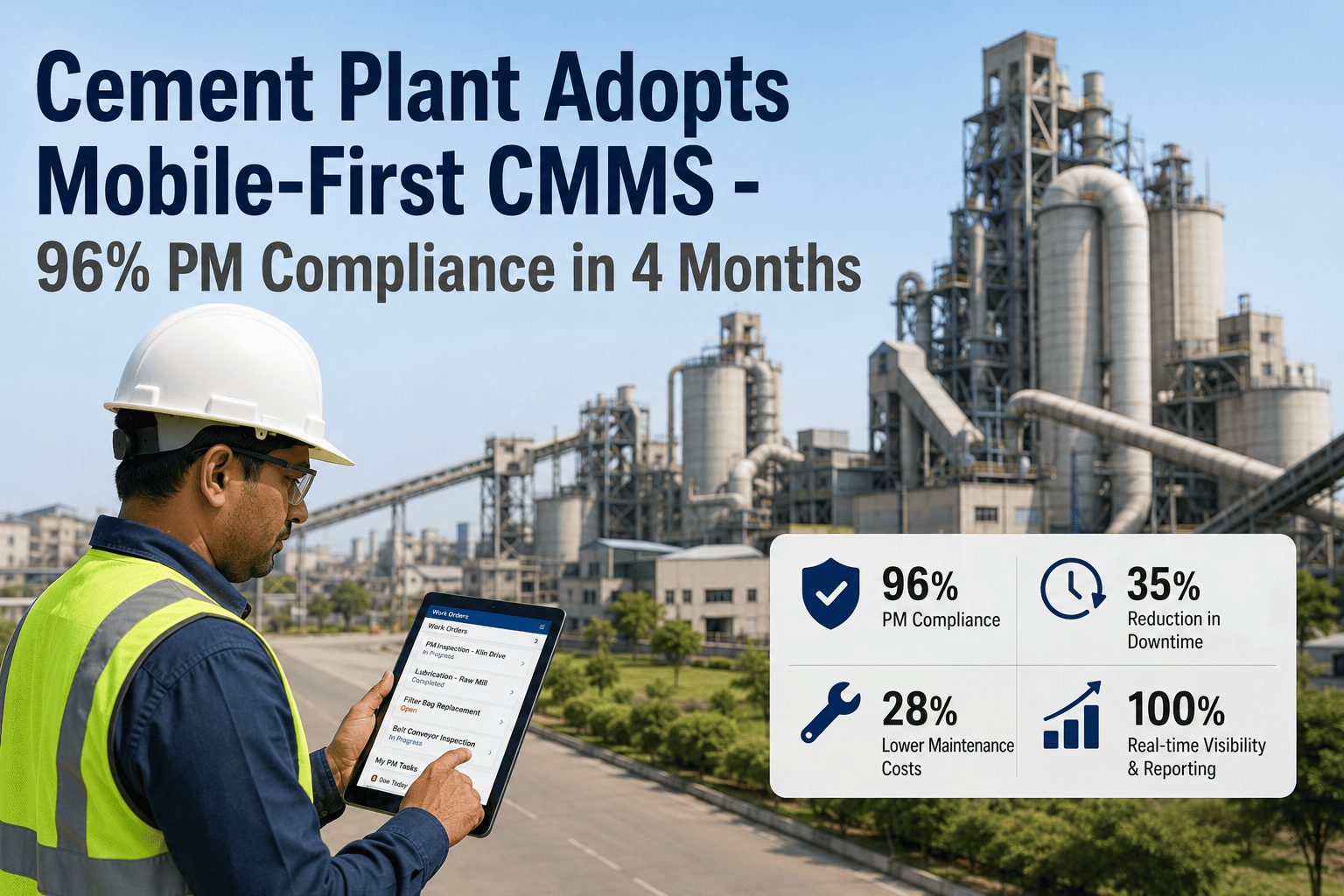
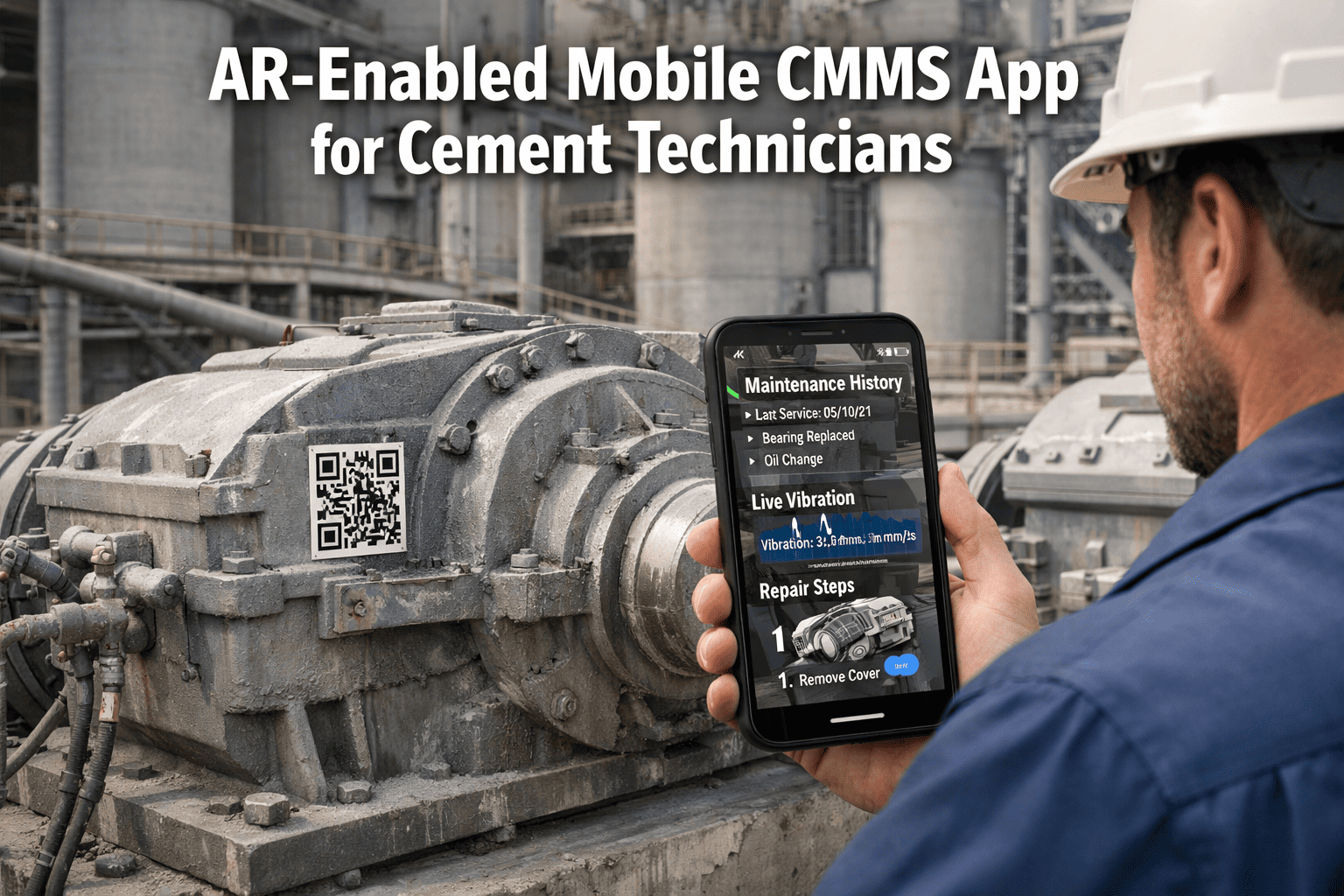
Paper-based maintenance in a cement plant is not just inconvenient — it is a structural reliability problem. When a technician completes an inspection at the preheater tower and the findings live on a paper form until someone types them into a spreadsheet three days later, the data is already stale, the fault detection window has closed, and the decision-making trail is broken. Mobile-first maintenance closes this loop in real time: technicians scan a QR code, complete their checklist on a ruggedised device, capture photos of abnormalities, and sync the work order — all before walking to the next piece of equipment. For cement plants with dusty kiln areas, signal-dead tunnel conveyors, and distributed teams across multiple production lines, the right mobile CMMS is the difference between a maintenance programme that produces data and one that produces paper. This page covers device selection, QR tagging strategy, offline operation, and the adoption KPIs that separate successful mobile deployments from stalled ones. See how Oxmaint's mobile CMMS works for cement plants and deploy your team in under 48 hours.
Paper Maintenance vs. Mobile CMMS — What Changes at the Floor Level
Paper-Based
Findings recorded on forms, transcribed later
Faults found but not visible to planners until next day
No photo evidence — disputes over condition descriptions
Impossible to verify whether round was completed
No timestamp — "done yesterday" is unverifiable
Asset history requires searching physical binders
Mobile CMMS
Work orders completed in the field with live sync
Fault escalation triggers a planner notification in seconds
Photo capture tied to asset, timestamped and geo-tagged
GPS + scan-verified check-in proves task completion
Exact completion time recorded per step automatically
Full asset history on screen in 2 taps via QR scan
Device Strategy — What Actually Works in a Cement Environment
Device selection for cement plant mobile CMMS is not primarily about ruggedness ratings — it is about whether technicians will carry and use the device consistently through every shift. The best device is the one that gets used. Understanding the real constraints of cement plant environments guides practical device decisions far better than IP ratings alone.
Consumer Android Smartphones
Best for: Most areas
Standard Android devices with protective industrial cases work in the majority of cement plant areas. Oxmaint runs on any Android 8.0+ device. Most plants use consumer smartphones with Otterbox-class cases for technicians in raw mill, finish mill, and conveyor areas where dust levels are manageable and drops are the primary risk.
Typical cost: ₹8,000–18,000 per device
Rugged Tablets (IP65+)
Best for: Kiln & quarry
IP65-rated rugged tablets like Panasonic Toughbook or Zebra ET series are justified for kiln drive areas, limestone crusher sites, and preheater tower access where sustained dust exposure and higher drop risk make consumer devices impractical. The larger screen size also benefits technicians completing detailed inspection checklists.
Typical cost: ₹35,000–90,000 per device
Shared Shift Devices
Use with care
Shared devices reduce hardware cost but reduce adoption. When a device belongs to a shift rather than an individual, accountability for completion drops measurably. If shared devices are necessary for budget reasons, assign each device to a specific area owner — not a "shift pool" — and configure Oxmaint with individual login per technician to maintain personal accountability data.
Recommendation: Individual assignment preferred
QR Code Asset Tagging — Strategy That Survives Cement Plant Conditions
QR codes in cement plants face a challenge standard QR guides ignore: they are covered in dust within days of installation. The tagging strategy that works is not just about label material — it is about location, density, access angle, and maintenance of the tags themselves.
Step 1
Tag Material Selection
Use laser-engraved aluminium or stainless steel tags for kiln drive area, preheater, and cooler equipment. Polyester laminated labels work for indoor conveyor and mill areas. Avoid paper-based labels entirely — they degrade in humid, dusty conditions within weeks. Print tags at minimum 60mm x 60mm for reliable scanning through dust accumulation with standard camera auto-focus.
Step 2
Placement Principles
Mount tags at eye level or below on approach side of equipment — the direction technicians naturally approach from during rounds. Avoid mounting above head height or behind equipment where technicians cannot scan without awkward positioning. Tags placed on the scan path increase compliance; tags placed for the database, not the technician, reduce it.
Step 3
Priority Equipment First
Tag the top 20% of assets that generate 80% of work orders in the first deployment week. For most cement plants, this is the rotary kiln, ball mills, ID fans, primary crushers, and main conveyors. Technicians build the QR scanning habit on their most-visited equipment, then extend naturally to secondary assets as the process becomes routine.
Step 4
Tag Maintenance as a PM Task
Add QR tag inspection to monthly area PM checklists. A technician who cannot scan a tag during a round must report it — which triggers a tag replacement work order. Plants that treat tags as permanent fixtures and never inspect them end up with 15–25% unreadable tags within a year, silently degrading mobile adoption rates.
Deploy Mobile Work Orders Across Your Plant in 48 Hours
Oxmaint's mobile CMMS works on any Android or iOS device with full offline capability for kiln tunnels and signal-dead zones. QR scanning, photo capture, and live sync built into every work order from day one.
Offline Operation — The Non-Negotiable Requirement
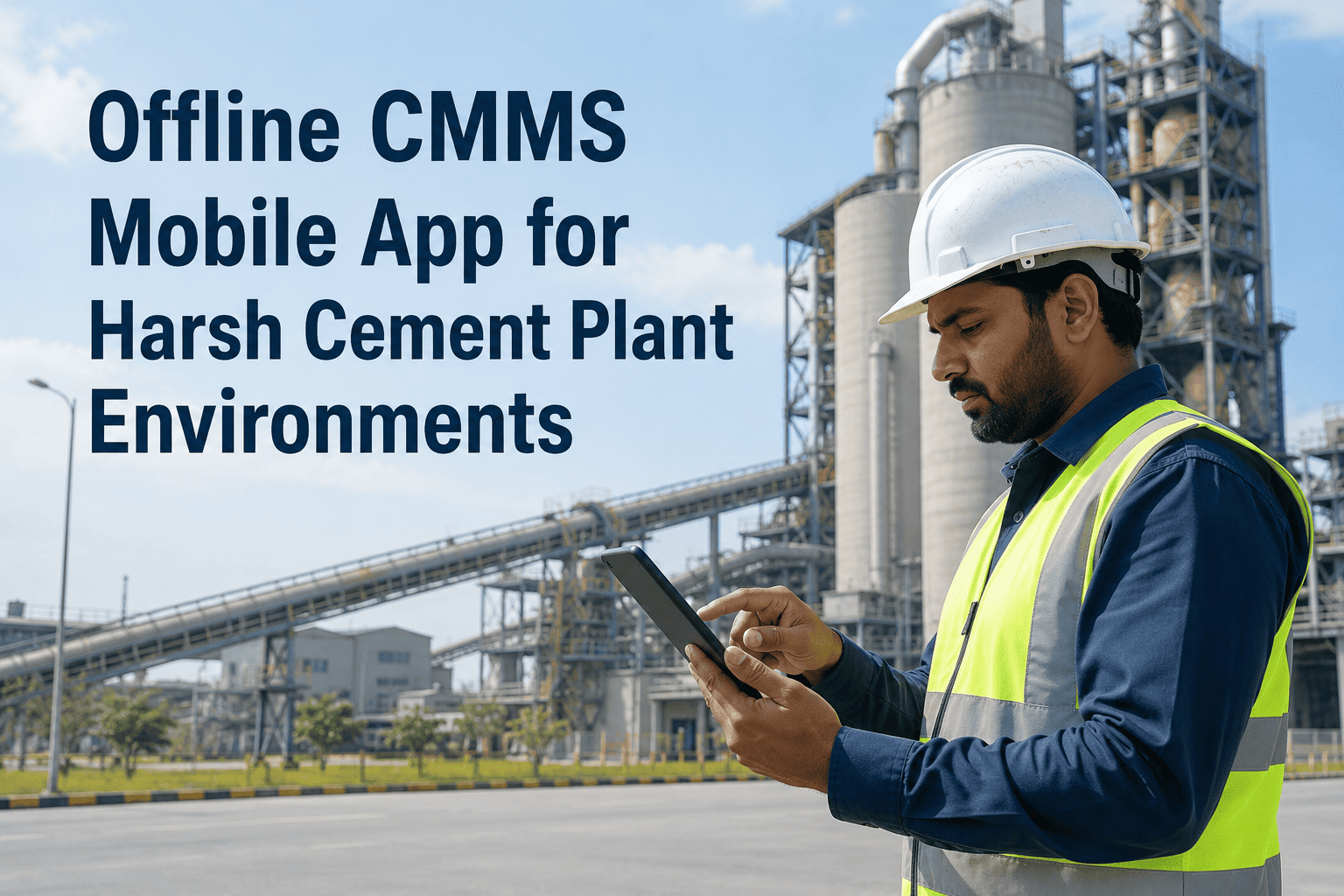
Cement plants have significant signal dead zones: inside kiln shells, underground conveyor tunnels, inside preheater tower cyclones, and in raw material storage bunkers. A mobile CMMS that requires connectivity to function is not a mobile CMMS for cement plants — it is a mobile CMMS for office buildings. True offline operation means the full asset register, all pending work orders, all PM checklists, and all spare parts BOMs are cached locally and available without any network connection. Work performed offline queues automatically and syncs the moment connectivity returns.
Kiln Drive Area
Signal: Unreliable
Daily tyre inspection, roller temp, girth gear condition, drive motor checks
Underground Conveyors
Signal: None
Belt tension, idler inspection, pulley condition, transfer point checks
Preheater Tower
Signal: Intermittent
Cyclone condition, fan bearing temperature, duct wear inspection
Raw Material Bunkers
Signal: None
Stacker/reclaimer checks, dust suppression system, structural inspection
Cement Silos
Signal: Weak
Aeration system checks, level sensor calibration, outlet valve condition
Quarry Equipment
Signal: None
Drill rig condition, face shovel PM, primary crusher feed system
Adoption KPIs — Measuring Whether Mobile Is Actually Working
Deployment and adoption are different things. A CMMS app installed on 40 devices is not a 40-technician mobile programme — it is a hardware investment waiting to become one. Adoption is measured by what technicians do with the devices, not what the devices are capable of. Tracking the right KPIs from week one separates programmes that sustain from programmes that revert to paper after the launch energy fades.
Mobile CMMS Adoption KPI Scorecard — Target Benchmarks by Phase
The 30-Day Adoption Blueprint — What Week by Week Looks Like
Week 1
On-Equipment Training, Not Conference Rooms
Train technicians at actual equipment, not in a classroom. Take technicians to the kiln, scan the QR tag, open the work order, complete a checklist step together. The muscle memory forms at the equipment, not at a whiteboard. Experienced technicians who are sceptical convert fastest when they see time savings from QR scan versus manual asset lookup — typically 3–5 minutes per work order.
Week 2
Shift Supervisor Accountability Loop
Share the daily adoption dashboard with shift supervisors every morning. Incomplete digital work orders from the previous shift are reviewed in the shift handover meeting — not to blame technicians, but to identify where the workflow created friction. Friction points are fixed before they become habits. Paper fallback is actively removed from work areas in week two.
Week 3–4
Value Demonstration — Show What the Data Found
Identify the first fault that was detected faster because of mobile-captured photo evidence or quicker escalation, and share it with the whole team. A single concrete example — "the mill gearbox oil leak was found 6 hours earlier because the morning CILT photo showed it" — converts the remaining sceptics more effectively than any training session. By day 30 with consistent reinforcement, paper volume should be approaching zero.
Stop Losing Fault Data Between the Plant Floor and the Planner's Desk
Oxmaint's mobile CMMS gives your cement plant team QR-triggered work orders, full offline capability, photo-documented inspections, and live adoption dashboards — all in one platform that deploys in 48 hours on any Android or iOS device. Book a demo built around your plant's shift structure and current mobile readiness, or start your free deployment today.
Frequently Asked Questions
Do we need to buy new devices to use Oxmaint mobile CMMS?
No. Oxmaint runs on any Android 8.0+ or iOS 13+ device. Many cement plants use consumer smartphones with protective cases for most areas and reserve rugged tablets only for the kiln drive and quarry zones where conditions are harshest. Start with what your team already has — results will tell you where hardware upgrades are actually needed.
Sign up free and test with your existing devices today.
What happens to work orders when a technician loses connectivity in the kiln area?
Oxmaint operates in full offline mode — all work orders, PM checklists, asset records, and spare parts data are cached locally on the device. Everything completed offline queues automatically and syncs the moment connectivity returns. Technicians in underground conveyor tunnels or preheater towers complete full inspection rounds without connectivity and the data reaches planners automatically.
Book a demo to see offline operation demonstrated live.
How long does it typically take for a cement plant team to reach 90%+ mobile adoption?
Plants that follow on-equipment training, daily adoption monitoring, and active paper removal reach 80% active user adoption by day 30 and 90%+ by day 60. The critical success factor is training at actual equipment rather than in a classroom — technicians who learn on the kiln convert 3x faster than those trained in a conference room.
Oxmaint provides an adoption dashboard from day one so progress is visible and addressable.
Can QR codes survive cement plant dust and humidity long-term?
Laser-engraved aluminium or stainless steel tags survive indefinitely in cement plant conditions when properly placed. Polyester laminated labels work for 12–24 months in protected indoor locations. The key maintenance practice is including tag inspection in monthly area PM rounds — a damaged tag generates a replacement work order before it becomes a barrier to completing rounds.
Oxmaint includes tag management as part of the asset register.
How does mobile adoption impact PM completion rates in cement plants?
Plants transitioning from paper to mobile CMMS consistently report 20–35% improvement in PM completion rates within 60 days. The primary driver is visibility: supervisors can see incomplete PMs in real time and intervene before the shift ends, rather than discovering missed rounds during a weekly paper review.
Book a demo to see the PM compliance dashboard built for cement operations.