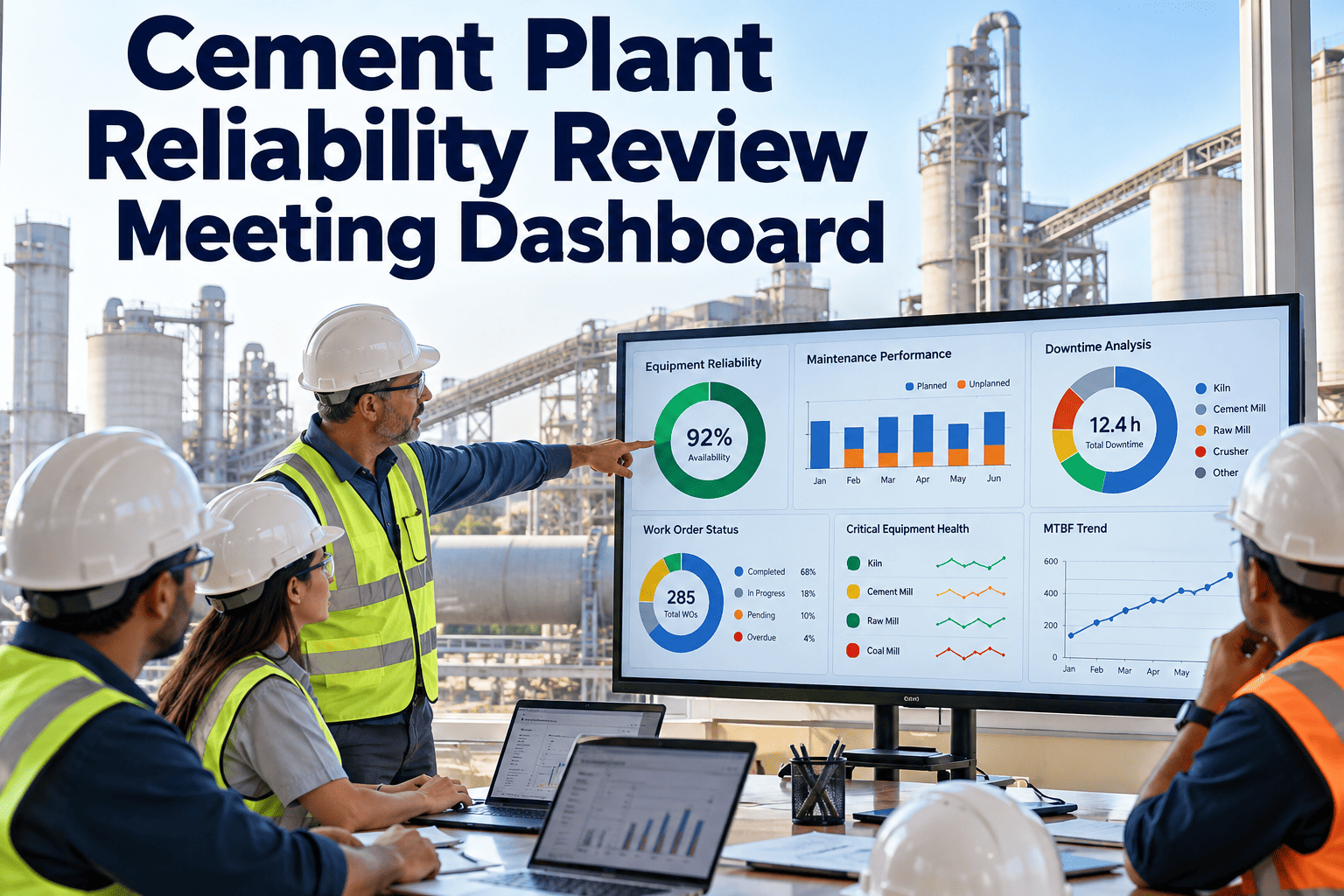
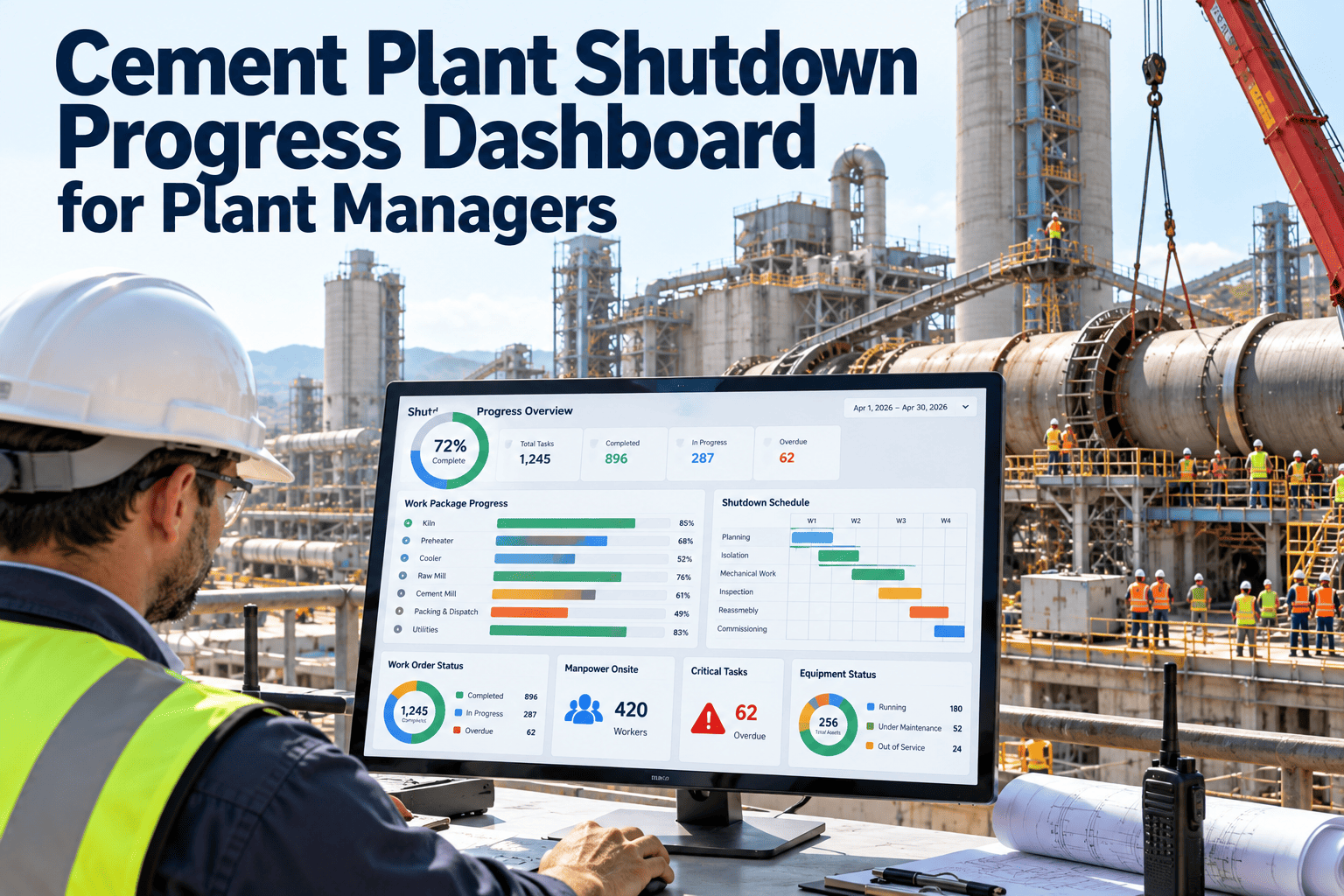
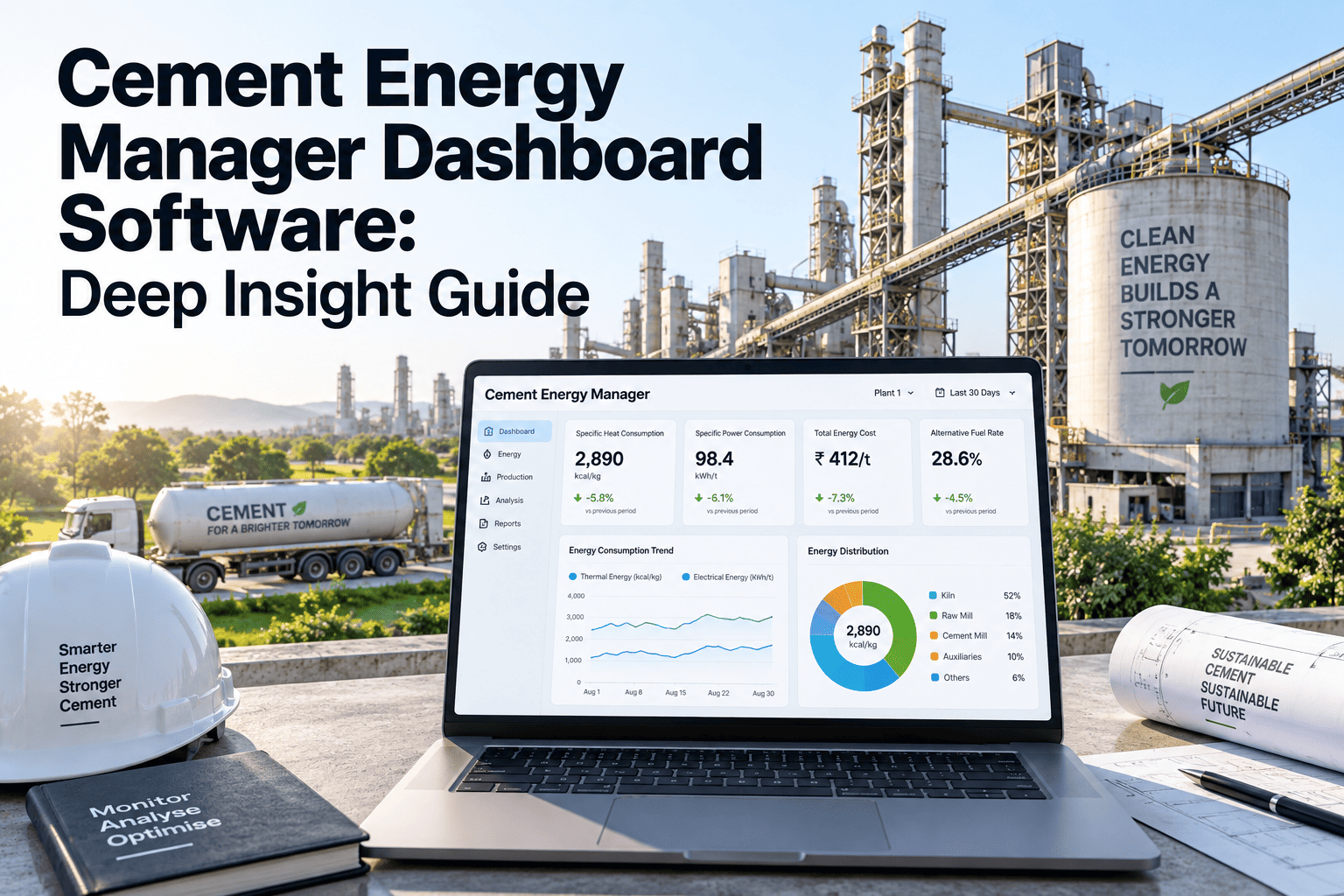
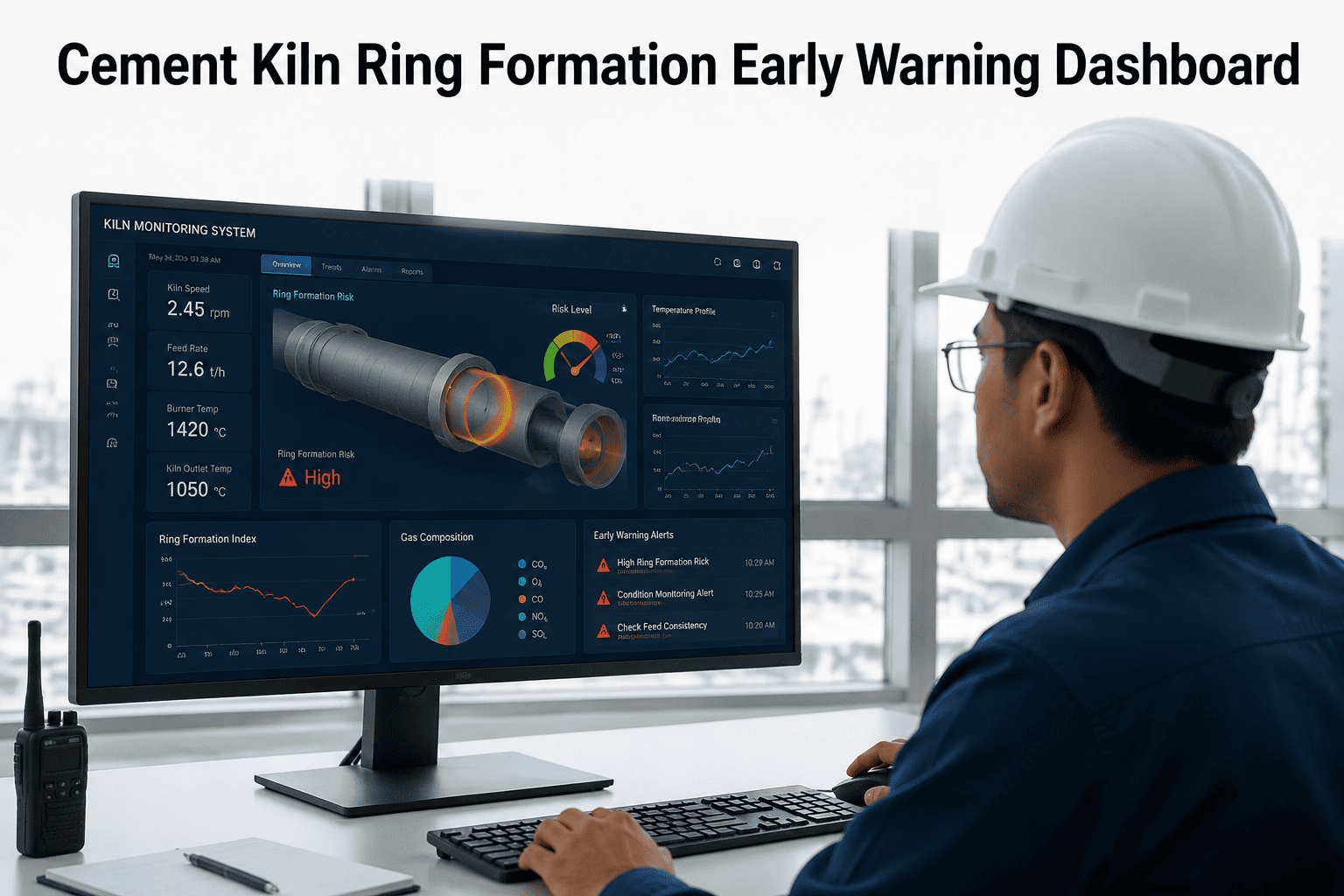
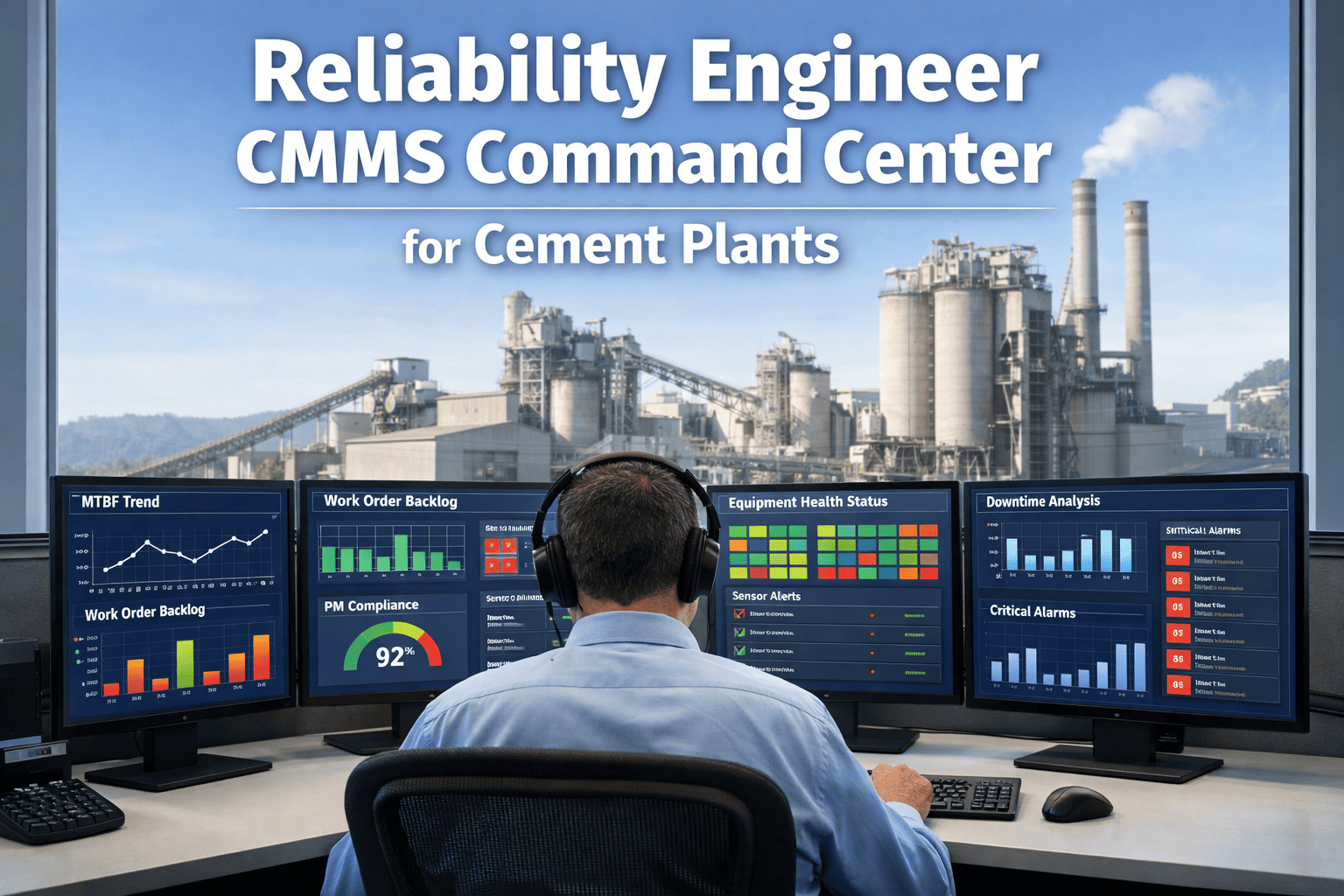
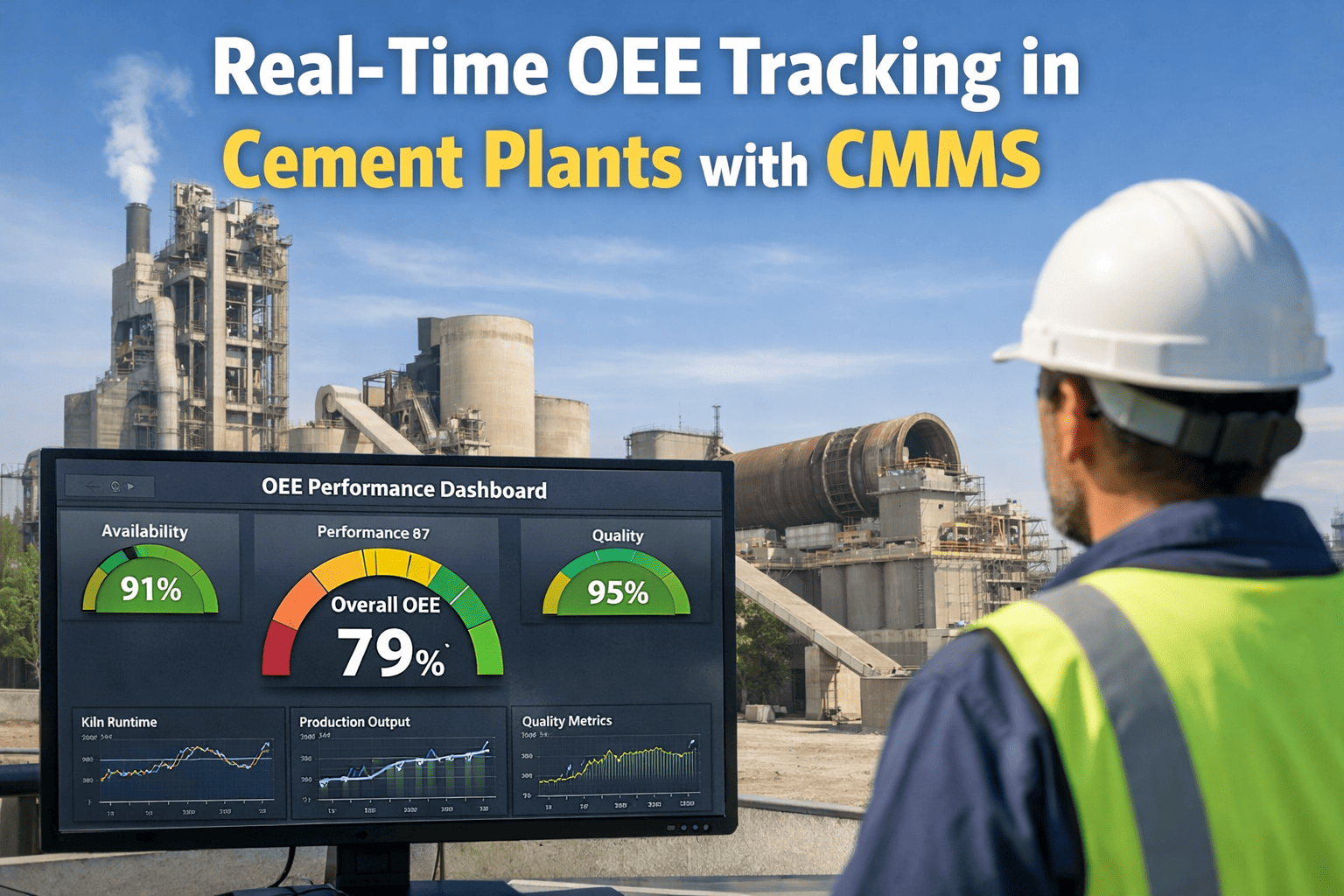
A cement plant manager starts every shift with the same question: is the plant running, what is broken, and what is about to break? The answer should take sixty seconds — not a phone call to the maintenance supervisor, not a search through three different spreadsheets, not a wait for the morning shift report. Most plant managers at cement operations do not have a 60-second answer because their CMMS, if they have one, was built for the maintenance team — not for operational oversight. The dashboard a plant manager needs shows kiln availability since the last monthly reset, the top three open work orders by severity and age, preventive maintenance compliance rate for the current month, and parts stockout risk for the next planned shutdown — all on a single screen, readable on a phone before the morning briefing. See the Oxmaint plant manager dashboard free and decide in three minutes whether it gives you the operational picture you need.
The 60-Second Plant Manager Dashboard for Cement Operations
Kiln availability, open work orders, PM compliance, and parts risk — visible from any device before your morning briefing.
Why Most Plant Managers Cannot Answer Basic Operational Questions in Under a Minute
The gap between what a plant manager needs to know and what they can actually see is one of the most persistent operational problems in cement manufacturing. It is not caused by lack of data — cement plants generate enormous volumes of operational data every shift. It is caused by the way maintenance data is structured: optimised for the technician completing a work order, not for the manager making a production decision.
Ask the maintenance supervisor. Wait for them to pull downtime records from the shift log. Get a number 20 minutes later that may not account for all stoppages.
Kiln availability % calculated from work order completion timestamps and downtime records, visible on the dashboard, updated in real time.
Open a spreadsheet or call the shift supervisor. High-priority issues look the same as low-priority ones in a flat list. Age of the issue is not visible at a glance.
Top 3–5 work orders ranked by priority and age, with asset name and assigned technician, visible on one screen. Overdue WOs highlighted automatically.
PM compliance is reviewed monthly at best — often only when a failure occurs and the question becomes "when was this last serviced?" The answer is found by searching paper records.
PM compliance rate (completed vs scheduled this month) visible as a percentage with drill-down to overdue tasks by area — kiln, raw mill, cement mill, utilities.
The Four Panels Every Cement Plant Manager Dashboard Must Have
The plant manager dashboard is not the same as the maintenance scheduler's work queue or the technician's task list. It needs four panels — each answering one operational question in one glance — with a drill-down path for when the number needs investigation.
Kiln run time vs total available time, with trend line for last 30 days and a 7-day rolling average. Separate availability metrics for raw mill, cement mill, and packing line — the three other systems that directly constrain throughput.
Top 3–5 open work orders by combined priority and age score. Shows asset, fault description, assigned technician, time since creation, and estimated resolution. Colour-coded by severity — critical, high, normal.
Month-to-date PM completion rate as a percentage, with breakdown by area. Overdue PMs listed separately with days overdue and responsible technician. Target compliance line for comparison — typically 90%+ is the standard for well-run cement maintenance operations.
Critical spare parts below minimum stock level, with part name, current quantity, minimum threshold, and reorder status. Flags parts needed for upcoming planned shutdowns that are not yet on order — giving procurement lead time before the shutdown window.
See the Oxmaint plant manager dashboard configured for cement operations
Oxmaint gives plant managers a single-screen operational view — kiln availability, open work orders, PM compliance, and parts risk — accessible from any device, updated in real time from technician field activity.
Cement Plant Maintenance KPIs: What Good Looks Like at Each Metric
The dashboard is only useful if the plant manager knows what the numbers mean. These are the reference benchmarks used by well-maintained cement plants globally. Your baseline will differ based on equipment age, product mix, and operating conditions — but these targets provide the starting point for setting your dashboard thresholds.
| KPI | Target (World Class) | Acceptable Range | Below This — Investigate | Dashboard Action |
|---|---|---|---|---|
| Kiln availability | 95%+ | 90–95% | Below 88% | Red alert + root cause drill-down |
| PM compliance rate | 92%+ | 85–92% | Below 80% | Yellow flag — overdue PM list |
| Mean time between failures (critical assets) | Trending upward | Stable | Declining 3+ months | Trend chart with alert threshold |
| Critical WO age (unresolved) | Zero WOs over 48 hrs | Some WOs 48–72 hrs | Critical WOs over 72 hrs | Red highlight on open WO panel |
| Parts stockout risk items | 0 critical parts below min | 1–2 non-critical below min | Any critical part below min | Alert with supplier lead time shown |
| Maintenance cost per tonne | Trending flat or down | Seasonal variation expected | Rising 3 consecutive months | Monthly trend with YoY comparison |
Swipe table on mobile to view all columns.
How Oxmaint Builds the Plant Manager View From Field-Level Activity
The accuracy of the plant manager dashboard depends entirely on the quality of data entry at the field level. Oxmaint is designed so that the technician completing a work order on their phone generates the data the plant manager sees on their dashboard — without any parallel reporting, data entry duplication, or manual summary preparation.
No morning report preparation. No spreadsheet reconciliation. No phone calls to find out what happened overnight. The dashboard reflects the actual state of the plant as of the last completed field activity.
Frequently Asked Questions
Can the dashboard be accessed on a phone before the morning meeting?
Yes. The Oxmaint plant manager dashboard is fully responsive and accessible on any mobile browser or the Oxmaint app. The four key metrics — availability, open WOs, PM compliance, and parts risk — are visible without scrolling on a standard smartphone screen. Sign up for Oxmaint to see the mobile dashboard layout.
Does the dashboard require separate data entry from the maintenance team's normal workflow?
No. Dashboard data is generated directly from technician work order completions, PM records, and inventory transactions — the same actions the maintenance team performs in their normal workflow. There is no parallel reporting requirement. The dashboard is a read-only view of field activity data, not a separate input system.
Can different users see different views — plant manager vs maintenance supervisor vs technician?
Yes. Oxmaint uses role-based access control. The plant manager view shows the operational summary dashboard. The maintenance supervisor sees the work order queue, technician assignments, and PM schedule. Technicians see only their assigned tasks. Each role sees what is relevant to their decisions — without information overload. Book a demo to see role-based views configured for a cement plant hierarchy.
How quickly can the dashboard be set up for a cement plant that is starting with Oxmaint?
A basic dashboard showing availability, open WOs, and PM compliance is functional within the first week of deployment once the asset hierarchy and PM schedules are entered. The typical Oxmaint implementation timeline for a single-kiln cement plant is 2–4 weeks from signup to a fully operational dashboard with all assets and PM schedules configured.
Your Cement Plant's Operational Picture — in 60 Seconds, Every Morning
Oxmaint gives cement plant managers a real-time dashboard built from field-level maintenance activity. Kiln availability, critical work orders, PM compliance, and parts risk — visible from any device, always current, no morning report required.