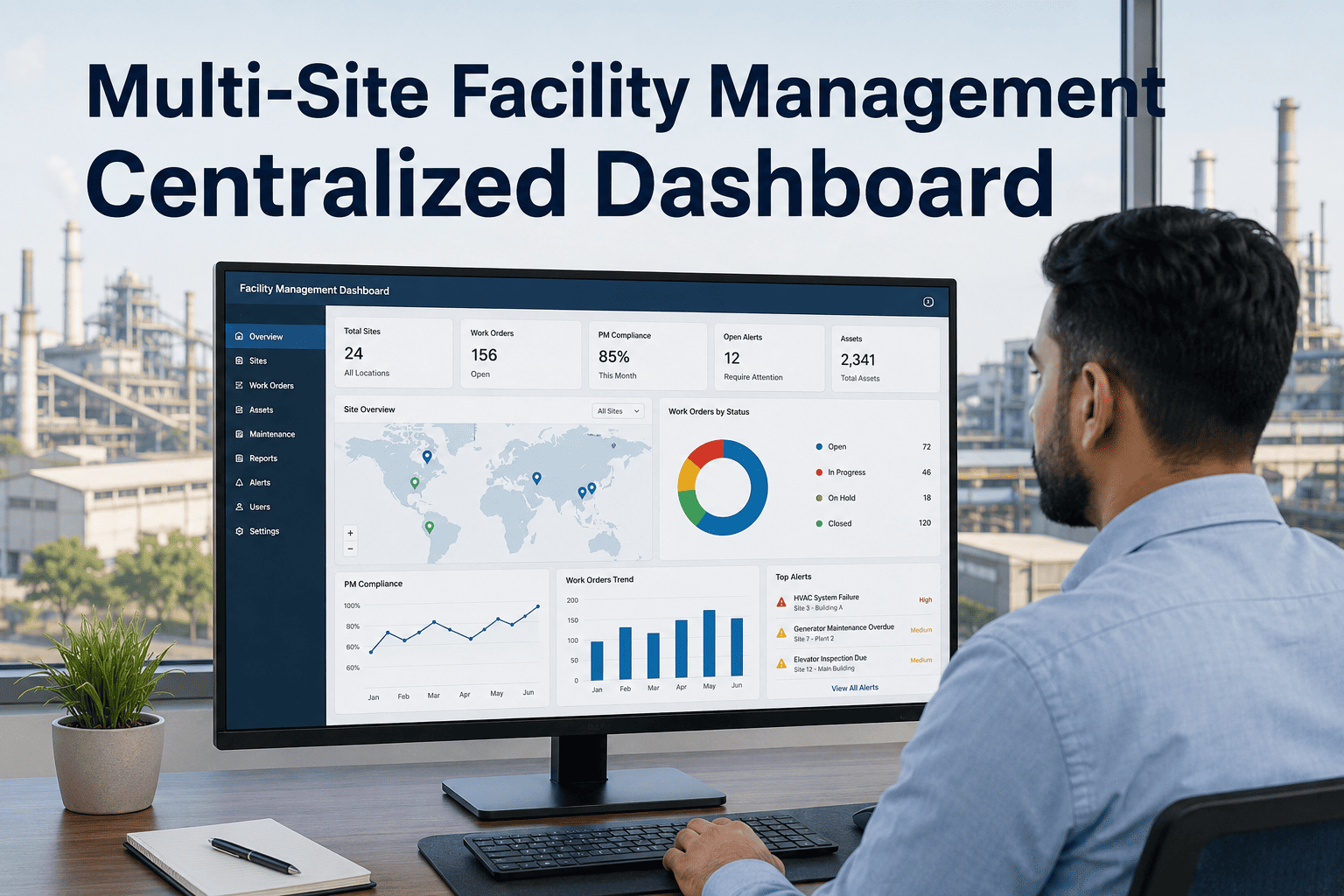
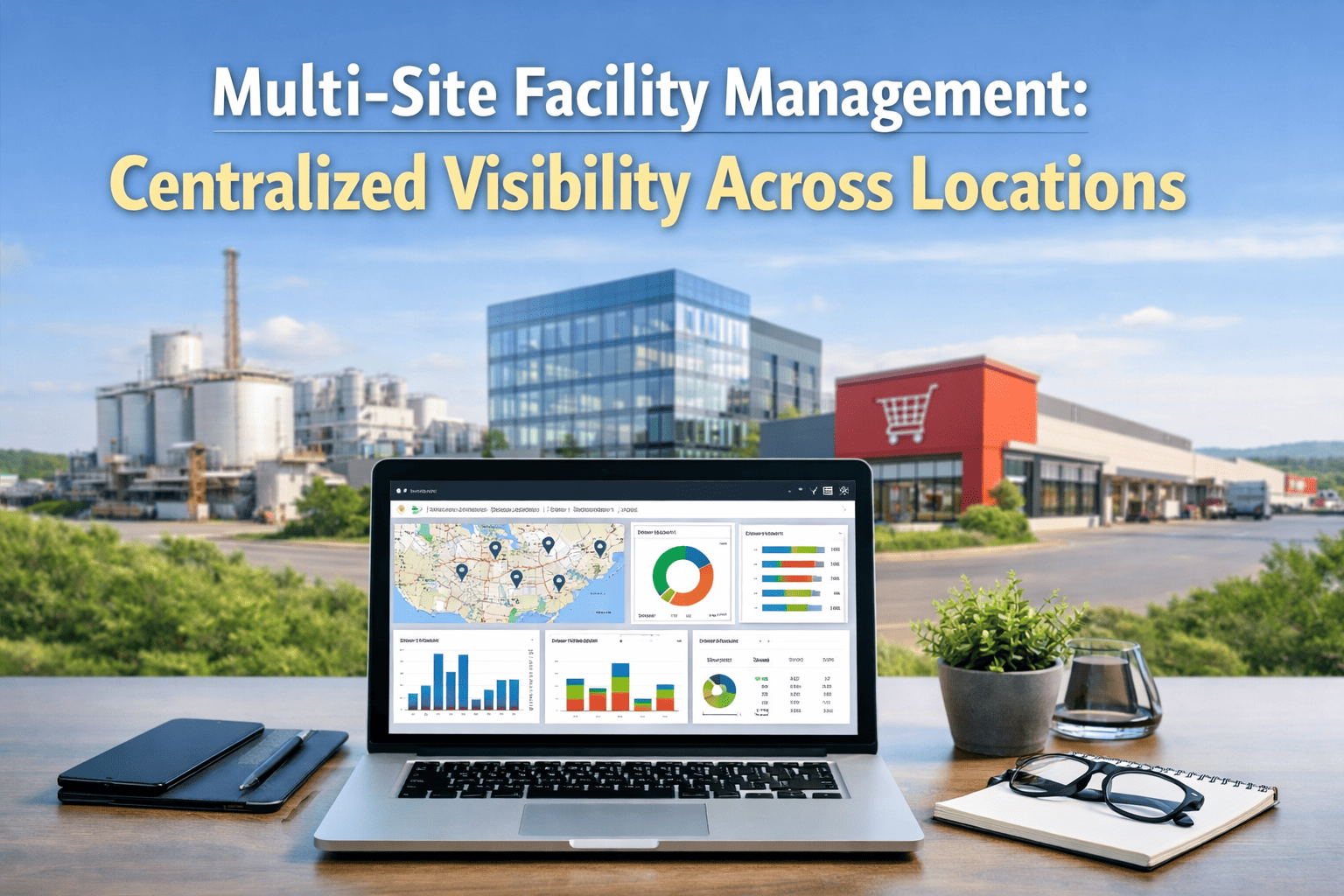
Multi-site CMMS selection is a fundamentally different challenge than single-building tool selection. You are not just evaluating whether a platform can manage work orders — you are evaluating whether it can maintain separate compliance calendars per site, unify asset data across buildings with different ownership structures, route technicians across a geographically distributed portfolio, and produce the portfolio-level reporting your investors and insurers require. Most platforms that perform well in a single-building demo fail visibly the moment you configure a second site. This guide covers the 12 evaluation criteria, integration requirements, and migration approach that multi-site FM teams need to get CMMS selection right. Sign up free on Oxmaint to see multi-site configuration live, or book a demo for a portfolio-specific walkthrough.
Most CMMS platforms were built for single-site maintenance teams and added multi-site capability as an afterthought. True multi-site architecture means a single data model where portfolio, property, system, asset, and component exist in one hierarchy — not multiple single-site accounts bridged by CSV exports. The difference matters for compliance documentation, CapEx forecasting, technician routing, and the ability to answer the question "how is every building performing right now?" without a manual data compilation process.
What This Guide Covers
- 112 Must-Have Features for Multi-Site CMMS
- 2Asset Hierarchy: What True Multi-Site Architecture Looks Like
- 3Integration Checklist: BAS, ERP, Finance, and Property Management
- 4Data Migration: How to Move Without Losing History
- 5Oxmaint Multi-Site Architecture and Configuration
- 6Frequently Asked Questions
12 Must-Have Features for Multi-Site CMMS Selection
| Feature | Why It Matters for Multi-Site FM | Red Flag if Missing |
|---|---|---|
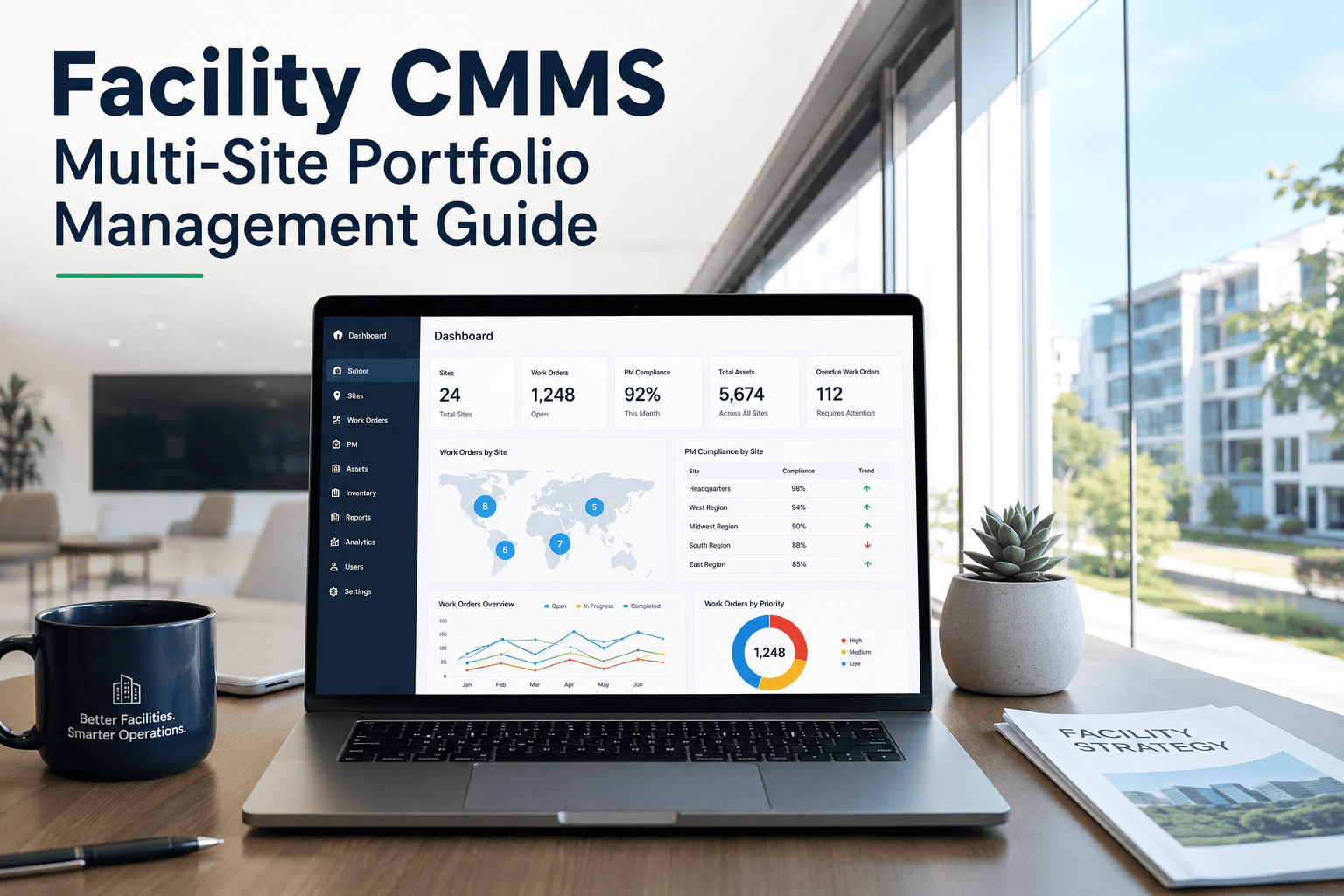
| Unified portfolio dashboard | Real-time PM compliance, open work orders, and asset health across all buildings in one view. Essential for directors managing distributed teams. | Requires logging into separate accounts or exporting data to compile portfolio reports |
| Site-specific PM calendars | Each building has different equipment, regulatory intervals, and seasonal schedules. PM calendars must be configurable per site while rolling up to portfolio view. | Shared calendar across all sites forces incorrect maintenance intervals on buildings with different equipment profiles |
| Multi-site technician pool management | Route technicians across buildings, track time and skills per site, and manage contractor assignments from a unified dispatch interface. | No cross-site technician visibility means duplicate labour costs and unoptimised routing |
| Portfolio asset hierarchy | Portfolio to Property to System to Asset to Component data model enables condition scoring, CapEx forecasting, and compliance documentation at every level. | Flat asset list without hierarchy cannot support system-level compliance reporting or building-level FCI calculation |
| Site-segregated compliance records | NFPA, OSHA, and ADA inspection records must be generated, stored, and exportable per building for site-specific audits without mixing records from other buildings. | Commingled compliance records produce incomplete audit packages when inspectors request site-specific documentation |
| CapEx forecasting by building | FCI scores and capital replacement forecasts per building enable property-level investment decisions, acquisition due diligence, and lender covenant reporting. | Portfolio-only CapEx data cannot support property-level decisions or building-specific investment cases |
| Mobile offline capability | Field technicians at remote sites frequently have no connectivity in plant rooms, mechanical spaces, and basements. Offline work order completion and sync is non-negotiable. | Mobile app that requires connectivity fails in every mechanical room, basement, and rooftop access area |
| BAS protocol integration | Multi-site portfolios with smart buildings need BACnet, Modbus, and MQTT integration to pull sensor data into CMMS for condition-based PM triggering without manual readings. | No BAS integration forces manual condition readings at each building, eliminating real-time predictive capability |
| Role-based access by site | Site managers should see their building; regional managers their territory; directors the portfolio. Technicians should not see other buildings' compliance records or financial data. | All-or-nothing access model either exposes too much data to field staff or restricts too much data from site managers |
| Unlimited users and assets per site | Per-user or per-asset pricing models become prohibitive as portfolios grow. Portfolio operators need predictable per-site pricing with no ceiling on users or assets per building. | Per-user pricing creates incentive to limit platform adoption, reducing compliance and data quality across sites |
| Vendor and contractor management | Multi-site operations typically use different contractors per building. Vendor records, contracts, SLAs, and service histories must be managed per site within the unified platform. | Separate contractor databases per site eliminate the audit trail that proves regulatory compliance and contract performance |
| API and data export | Portfolio operators with existing ERP, property management, or finance systems need clean data integration. Proprietary data lock-in is a material risk for acquisitive portfolios. | Closed systems without API access trap maintenance data and create manual bridging workflows that degrade data integrity |
Asset Hierarchy: What True Multi-Site Architecture Looks Like
The difference between a multi-site CMMS and a single-site tool with multiple accounts is the data model. True multi-site architecture maintains a single hierarchy where every asset traces back through system, property, and portfolio levels in one connected record set.
The top of the hierarchy represents the ownership entity — the REIT, private equity vehicle, corporate real estate group, or municipal portfolio. Portfolio-level reporting shows aggregate FCI, total deferred maintenance backlog, and combined CapEx forecast across all properties.
Each building or campus is a property record with its own address, building type, area, occupancy, and compliance framework. Property-level dashboards show PM compliance, open work orders, and asset health for that specific building without mixing data from other properties.
Within each property, assets are organised by building system: HVAC, electrical, plumbing, fire protection, elevators, and building envelope. System-level view enables compliance reporting by regulatory framework (NFPA for fire, ASME for elevators) and system-level FCI calculation.
Individual equipment records carry manufacturer specs, installation date, warranty expiry, condition score, and complete work order history. QR-tagged for mobile field access. Condition scores feed system-level FCI, which rolls to property FCI, which rolls to portfolio FCI in real time.
Integration Checklist for Multi-Site CMMS
BACnet, Modbus, OPC-UA, and MQTT protocol support to pull sensor readings directly into asset condition scores. Confirms which buildings can feed IoT data without additional hardware installation.
BACnetModbusMQTTYardi, MRI, RealPage, and AppFolio integration for work order status sharing, maintenance cost allocation to lease records, and tenant notification workflows from CMMS events.
YardiMRIRealPageSAP, Oracle, NetSuite, and QuickBooks integration for maintenance cost allocation, purchase order approval, contractor invoice reconciliation, and CapEx spend tracking against approved forecasts.
SAPOracleNetSuiteQR code scanner compatibility, Bluetooth asset tag support, and wireless sensor gateway protocols. Confirm offline sync behavior and battery life expectations for technicians working across multiple buildings per day.
QR/RFIDWireless SensorsOffline SyncData Migration: How to Move Historical Records Without Losing Compliance History
Frequently Asked Questions: Multi-Site CMMS Selection
Deploy Multi-Site CMMS Across Your Portfolio in 21 Days
Oxmaint's multi-site architecture handles 2 to 200+ buildings from one account, with site-specific PM calendars, unified portfolio dashboard, and investor-grade CapEx reporting. No IT project, no implementation fees.