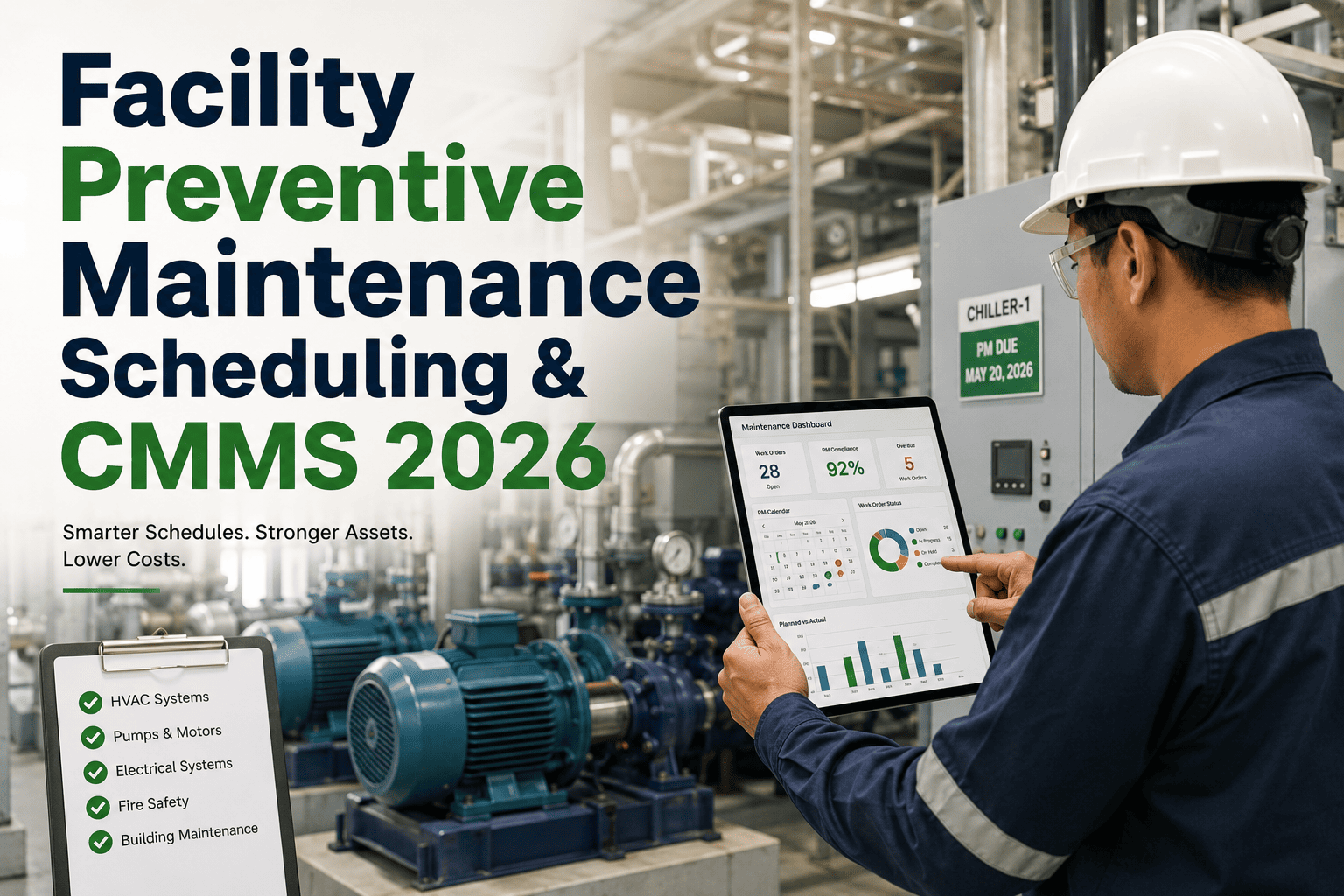
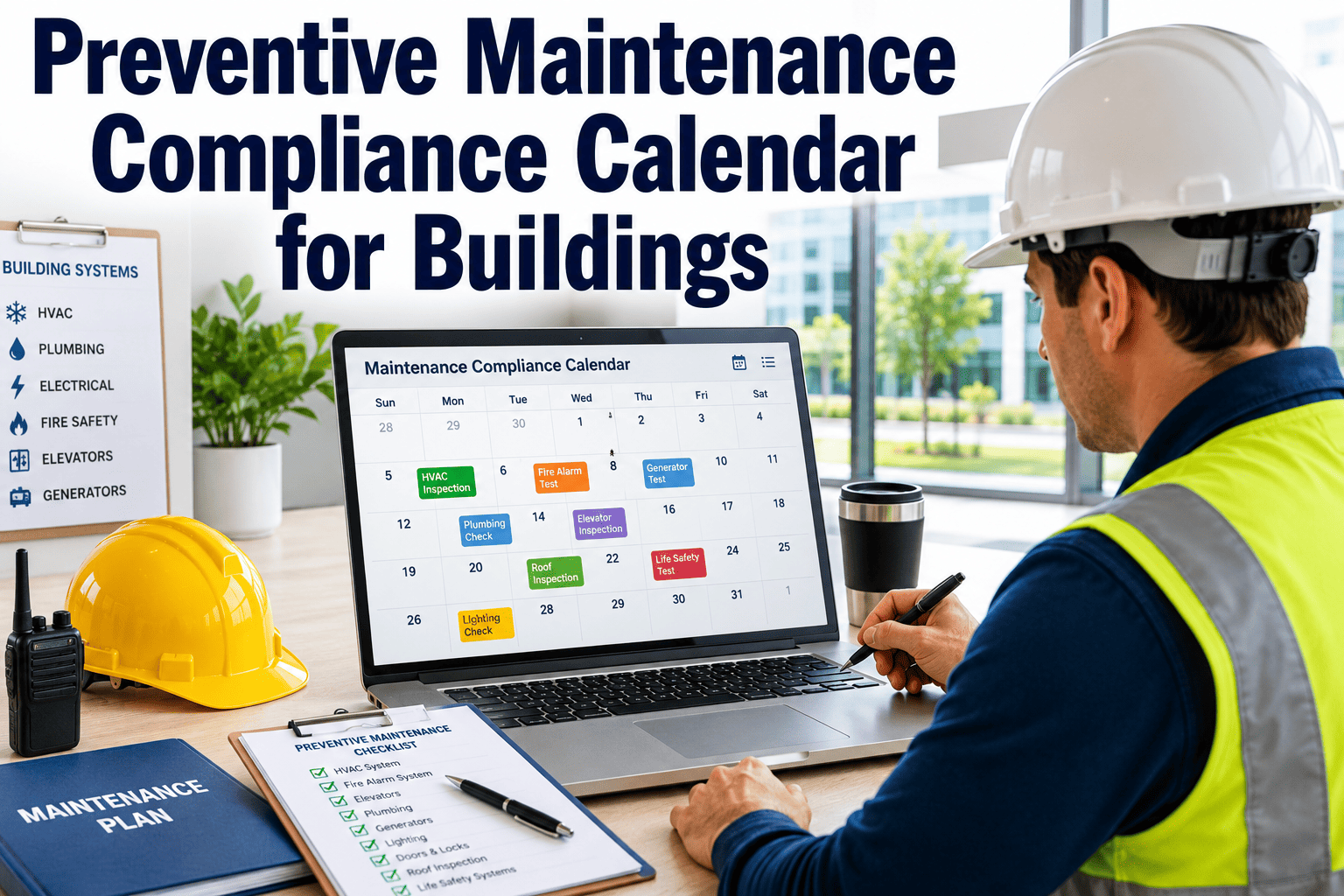
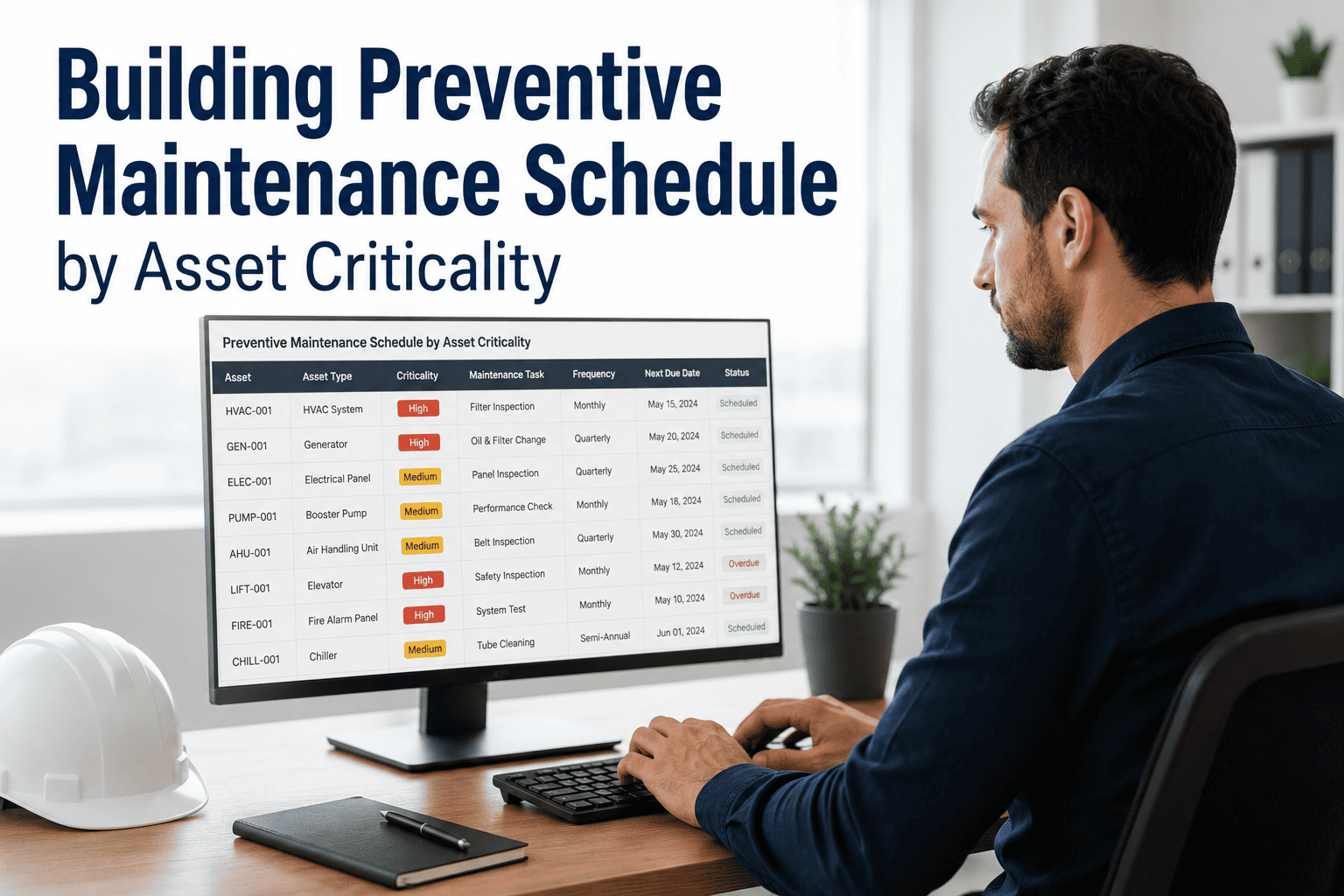
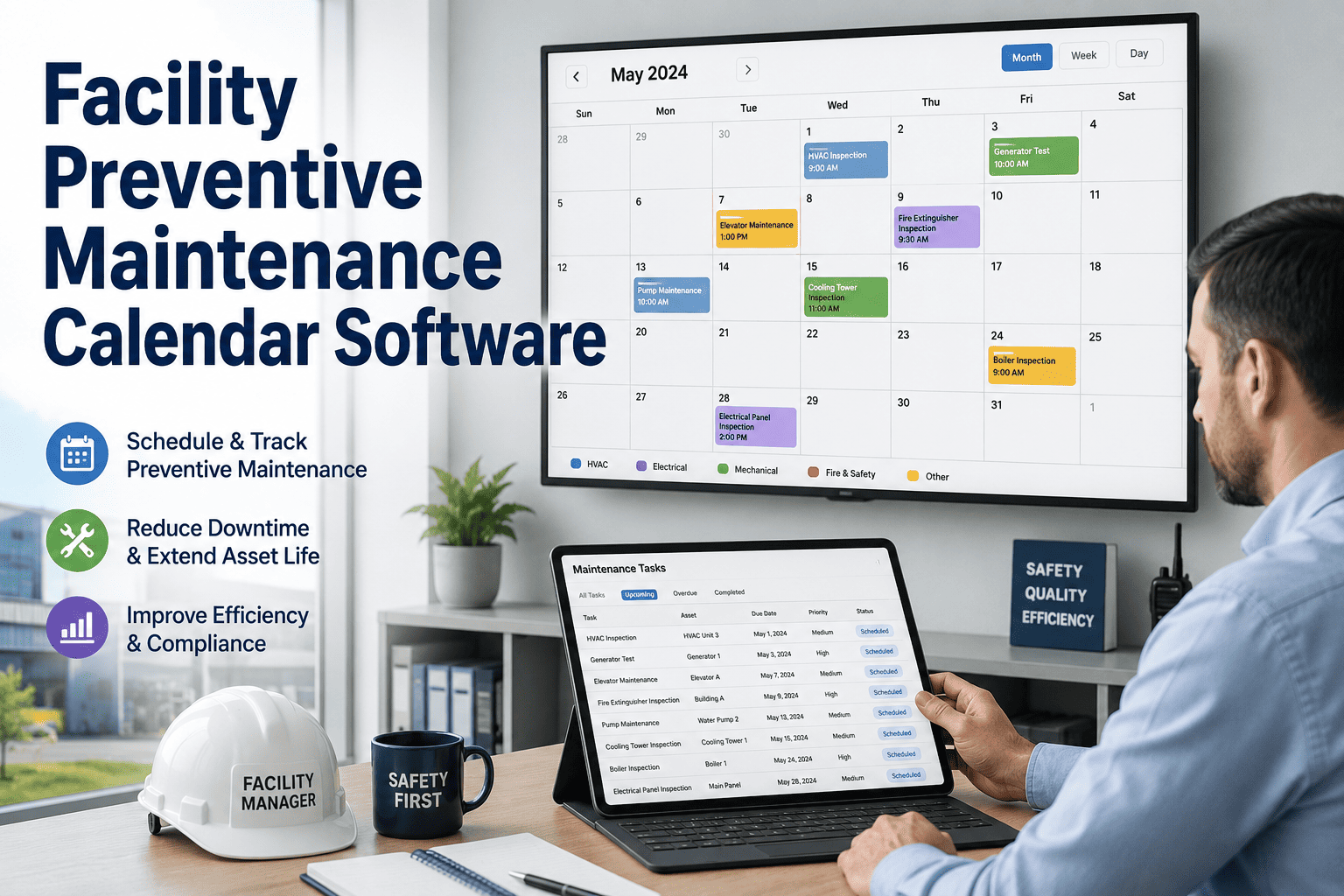
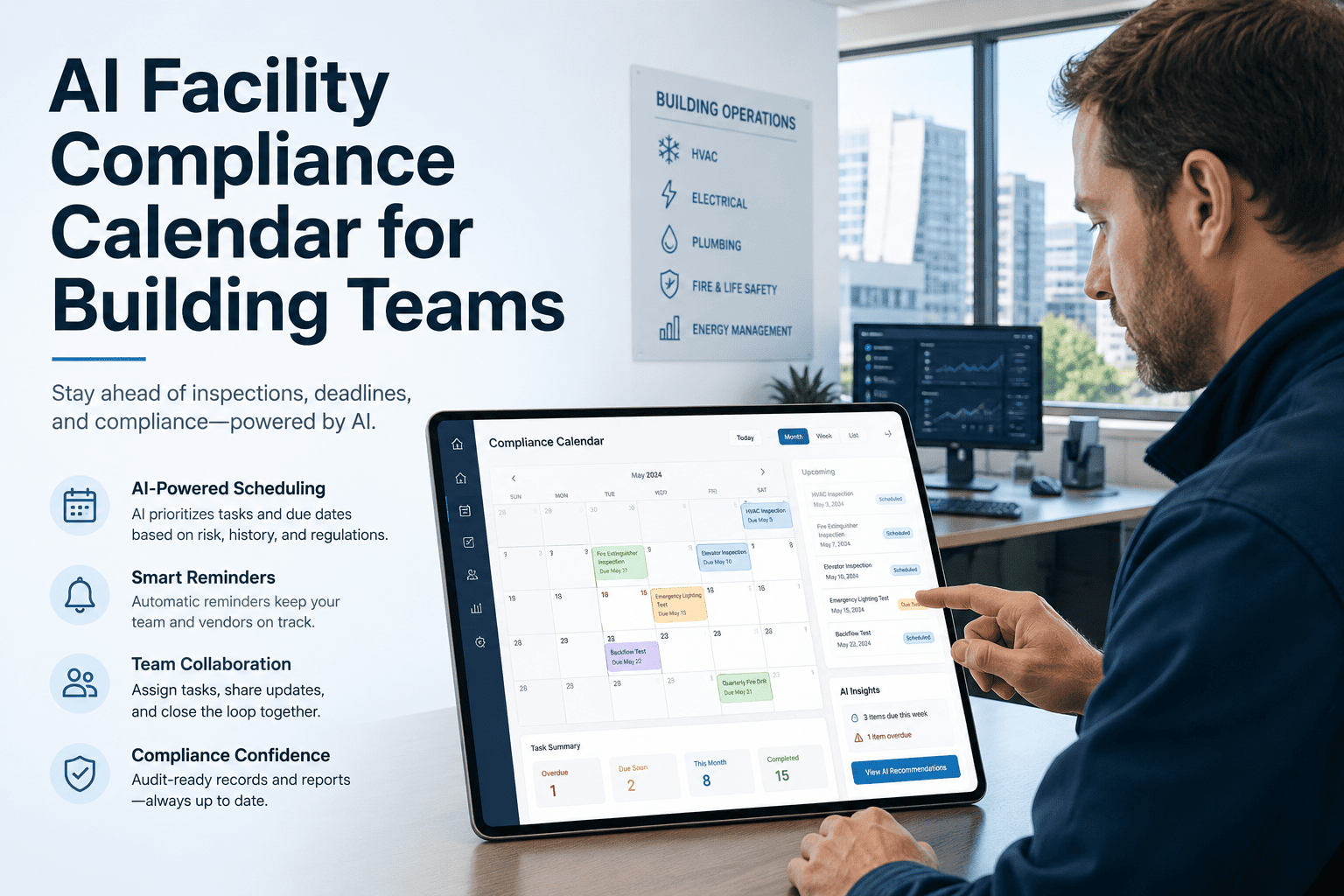
A preventive maintenance schedule is the most directly controllable variable in your facility maintenance budget. The difference between a PM programme that works and one that slowly gets abandoned is not the software, the checklist format, or the technician team. It is whether the schedule is built from actual equipment failure data and compliance intervals rather than rough estimates, and whether the scheduling tool eliminates the manual effort that causes programme drift over time. This guide shows you how to build a PM schedule grounded in data, structured by frequency tier, and automated so that it runs without a dedicated scheduler managing it. Sign up free on Oxmaint to deploy your PM schedule in automated digital work orders today, or book a demo for a walkthrough with your building types configured.
Turn Every Item in Your PM Schedule Into an Automated Digital Work Order
Oxmaint converts your PM schedule into automated recurring work orders with mobile checklists, photo documentation, and compliance certificate tracking. No manual scheduling, no missed inspections. Book a demo to see your building types configured.
Most PM schedules fail for one of three reasons: intervals are based on gut feel rather than failure data, there is no automated escalation when items are missed, or the team reverts to reactive operations during high-demand periods and the schedule never fully recovers. A working PM schedule is grounded in equipment MTBF data, calibrated to regulatory minimums, automated for scheduling and alerts, and reviewed quarterly against actual failure events to validate that intervals are correctly set.
PM Frequency Framework: Five Tiers by Failure Impact
Not all equipment warrants the same inspection frequency. A PM schedule that treats a fire alarm panel the same as an interior door hardware set wastes inspection labour on low-risk assets and under-invests in high-consequence equipment. Use this five-tier framework to assign PM frequencies based on failure impact and regulatory obligation.
Exit routes, fire extinguisher visual check, emergency lighting status, lobby and entrance conditions, HVAC morning startup, and any after-hours damage. Primary function: catch life safety issues before occupants arrive. Time per round: 20 to 45 minutes for a single building.
Examples: egress paths, exit signs, restroom fixturesHVAC plant room visual, fire alarm panel status, generator fuel level, elevator operation, roof drainage after rain, and exterior lighting. Primary function: catch developing mechanical issues before they become failures. Target duration: 90 to 120 minutes per building.
Examples: HVAC plant room, generator, elevatorsAHU filter inspection and change, emergency lighting 30-second discharge test (NFPA 101), fire extinguisher monthly inspection (NFPA 10), generator 30-minute load test, and cooling tower chemical treatment verification. Regulatory minimum frequencies dominate this tier.
NFPA 10, NFPA 101 required intervalsHVAC coil cleaning, sprinkler quarterly visual (NFPA 25), electrical panel inspection, domestic hot water temperature testing (ASHRAE 188), GFCI testing, roof gutter cleaning, and BAS setpoint review. High mechanical consequence, medium regulatory frequency.
NFPA 25, ASHRAE 188 quarterly intervalsFire alarm annual test and certificate (NFPA 72), sprinkler annual inspection (NFPA 25), fire extinguisher professional maintenance (NFPA 10), backflow preventer test, elevator ASME certification, IR thermographic survey, and emergency lighting 90-minute discharge test. Certificate tracking with advance alert is essential at this tier.
NFPA 72, ASME A17.1 annual certificatesFor assets with IoT monitoring, PM triggers come from condition thresholds rather than time intervals: filter differential pressure, bearing vibration, motor current draw, and chiller refrigerant charge. Condition-based PM eliminates unnecessary inspections on healthy assets while ensuring critical assets get attention exactly when needed.
Replaces time-based intervals for monitored assetsPM Schedule by Equipment Type: Commercial Building Reference
These frequencies reflect ASHRAE, NFPA, ASME, and manufacturer guidance for typical commercial building equipment. Use them as a starting framework and calibrate against your specific equipment, operating hours, and historical failure data within 6 months of programme launch.
| Equipment Class | Daily | Weekly | Monthly | Quarterly | Annual |
|---|---|---|---|---|---|
| AHU / Air Handling Unit | Supply air temp check | Plant room visual, drain pan check | Filter inspection and change | Coil cleaning, belt inspection | Full service, refrigerant check |
| Chiller (water-cooled) | Operating parameters log | Water treatment, leak check | Chemical dosing verification | Tube inspection, refrigerant | Tube brush cleaning, certificate |
| Fire Alarm System | Panel visual, trouble status | FACP log review (NFPA 72) | Detector sensitivity check | Full test, certificate (NFPA 72) | |
| Fire Extinguisher | Visual check, gauge, seal | Monthly inspection tag (NFPA 10) | Professional service (NFPA 10) | ||
| Sprinkler System | Control valve visual | Visual inspection (NFPA 25) | Full inspection, main drain test | ||
| Emergency Lighting | Visual ready check | 30-second discharge (NFPA 101) | 90-minute discharge test | ||
| Generator | Fuel level, oil, coolant visual | 30-min load test, transfer switch | Full service, battery test | Annual certification, load bank | |
| Elevator (hydraulic/traction) | Operational check, door cycling | Hydraulic fluid, emergency phone | Drive system inspection | ASME A17.1 certification | |
| Plumbing / Domestic HW | Leak and odour check | Backflow preventer visual | Hot water temp test (ASHRAE 188) | Backflow preventer test, certificate | |
| Electrical Panels | Visual, working space check | IR thermographic survey (NFPA 70B) |
How CMMS Automation Eliminates PM Schedule Drift
PM schedule drift, the gradual erosion of inspection compliance during busy periods, is the most common failure mode for paper and spreadsheet-based PM programmes. CMMS automation addresses each drift mechanism directly.
PM Schedule Optimisation: When and How to Adjust Intervals
A PM schedule built from manufacturer recommendations on day one should be reviewed quarterly against actual failure data for the first two years. Here are the three data signals that should trigger interval changes.
If an asset fails before its next scheduled PM visit, the interval is too long for that operating environment. Shorten by 25 to 50% and monitor over the next 2 to 4 PM cycles. Persistent failures before PM at the new interval indicate a condition-based trigger is needed instead of any fixed time interval.
Action: shorten interval by 25 to 50%If 8 or more consecutive PM visits on the same asset find nothing requiring attention and no failures occur between visits, the interval may be set too tight for the asset's actual failure rate. Extend by 25% and monitor. Regulatory minimums create a floor below which you cannot go regardless of failure history.
Action: extend interval by 25%, check regulatory floorFailures clustering in summer months for HVAC or winter months for plumbing indicate seasonal interval adjustment is needed, not a uniform annual frequency. Split annual PM visits into seasonal PM tasks timed 4 to 6 weeks before peak demand seasons rather than equally spaced through the year.
Action: replace uniform interval with seasonal timingIf an asset's MTBF (time between unplanned failures) is declining across three or more consecutive quarters despite PM compliance, the asset is entering end-of-life degradation that PM cannot reverse. This is the signal to escalate to CapEx planning rather than continuing to increase PM frequency on a failing asset.
Action: escalate to CapEx planning, flag for replacementFrequently Asked Questions: Preventive Maintenance Scheduling
Deploy Your PM Schedule as Automated Digital Work Orders in Oxmaint
Every frequency tier from daily rounds to annual compliance certificates converted into automated work orders with escalating alerts, mobile checklists, and photo documentation. Live in 14 days across your full portfolio.