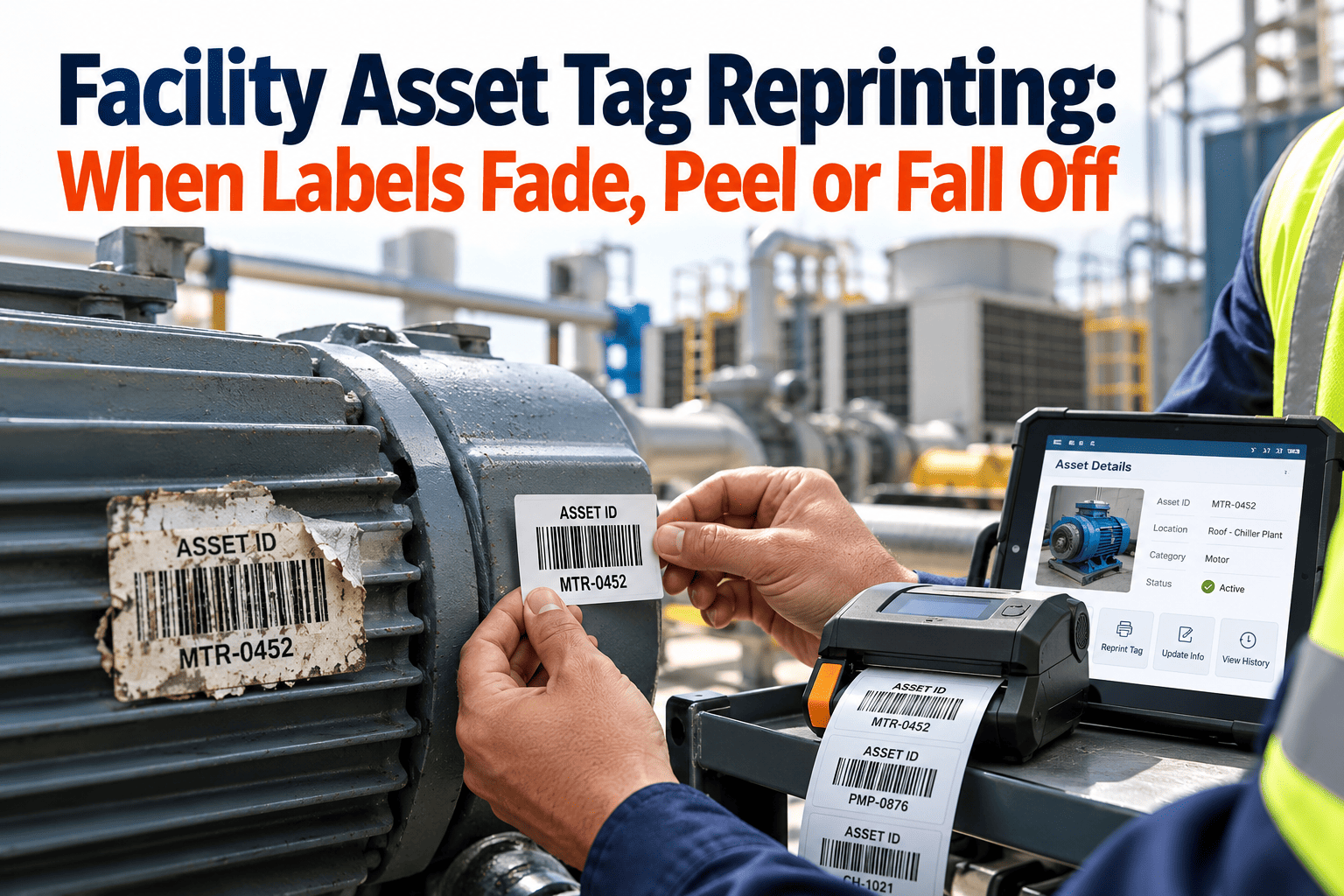
Every facility loses asset tags over time. Sunlight bleaches ink, washdown strips adhesive, forklifts scrape labels and paint crews cover them without a second thought. A faded or missing tag breaks the link between a physical machine and its maintenance record, which means work orders land on the wrong asset or wait while someone hunts for a serial number. This guide sets out a repeatable reprint workflow covering detection, replacement and CMMS reconciliation, so coverage stays complete. It also shows how asset tracking inside a CMMS keeps every reprint traceable.
Facility Asset Tag Reprinting: When Labels Fade, Peel or Fall Off
A tag that cannot be scanned is a missing asset record. Detect failing labels early, reprint without changing the asset identity, and reconcile every change in your maintenance system.
What a failing tag costs the maintenance team
Why tags fail: environment and failure mode
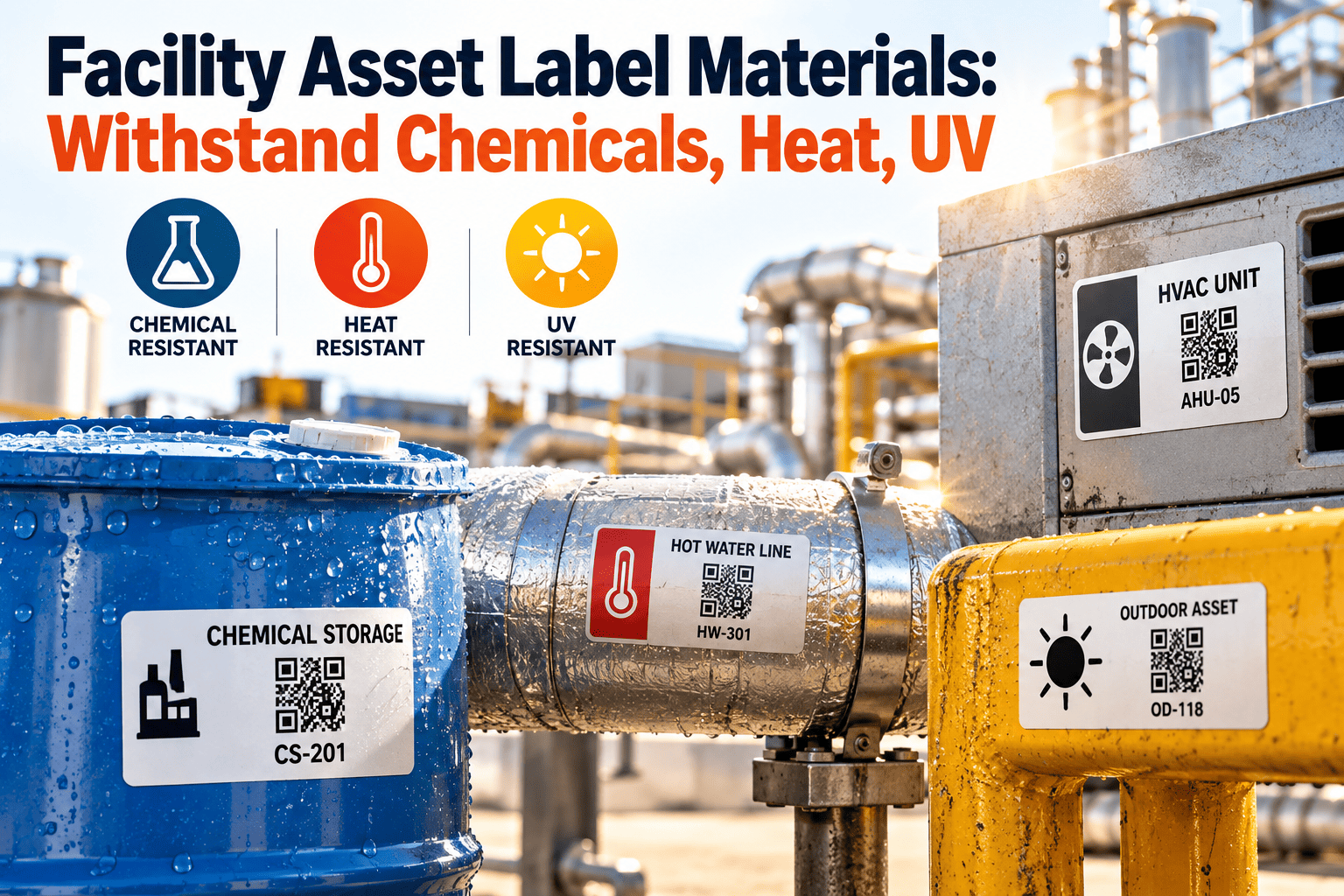
Most tag failures trace back to a mismatch between the label material and the environment. Choosing the right construction up front reduces reprints more than any scanning process improvement.
| Environment | Typical failure | Better direction |
|---|---|---|
| Outdoor, direct sunlight | UV fading, brittle film, cracked adhesive | UV-stable polyester or polycarbonate, or anodised aluminium |
| Boiler rooms and hot equipment | Adhesive creep, curling, discoloured print | High-temperature polyimide or metal tags |
| Washdown and food areas | Moisture and chemicals lift edges | Chemical-resistant polyester with resin ribbon, sealed edges |
| Cold rooms and freezers | Adhesive fails on cold, frosted surfaces | Low-temperature adhesive, clean surface prep |
| Abrasion and traffic areas | Scratched barcodes, missing corners | Overlaminate, recessed mounting or metal tags |
| Powder-coated or oily surfaces | Poor bonding, peeling | Surface-specific adhesive and degreasing before applying |
| Metal assets with RFID | Signal loss on bare metal | On-metal RFID tags with spacers |
Four ways to find degraded tags before they fail
Scan-failure logging
Let technicians flag a failed scan with one tap. Repeated failures on one asset reveal a tag problem quickly.
Inspection checklists
Add a tag condition question to routine inspections: legible, fading, damaged or missing.
Zone audits
Sample each area on a schedule, with harsher zones audited more often than clean, dry ones.
Event triggers
Check tags after painting, washdown campaigns, equipment moves and major shutdowns.
Stop chasing unreadable labels
Flag, replace and reconcile tags from a single asset record, with a full history of every reprint.
The reprint workflow, lane by lane
Reprinting works best when each role knows its part. The lanes below separate field detection, planning decisions and record reconciliation so nothing is left half done.
- Spot a faded, peeling or missing tag and photograph it with the asset in view.
- Confirm identity from the nameplate, location, drawings or neighbouring assets.
- Raise a tag replacement request against the asset record.
- Verify the request and check whether the environment needs a different label material.
- Batch requests by area to reduce trips and downtime.
- Release the print job with the existing asset ID unchanged.
- Print the new label and verify the scan grade before release.
- Apply, scan to confirm and log the replacement date and tag type.
- Close the request and retire the old label record.
CMMS reconciliation rules that prevent duplicates
The most damaging reprint mistake is issuing a new asset ID for an existing machine. History splits in two, and reports undercount failures and cost.
- Same asset, same ID. A reprint changes the label, never the identity.
- Log every replacement with date, reason, technician and tag type.
- If the code format changes, keep the old code as an alias until the last old label is gone.
- For RFID, map the new chip identifier to the existing asset and deactivate the old one.
- Reconcile open work orders so none points at a retired label.
- Reserve new IDs for new assets only.
Fields worth recording on every reprint
| Field | Example value | Purpose |
|---|---|---|
| Replacement date | Date applied | Calculates tag life by area |
| Failure reason | UV fade, peel, damage, missing | Reveals material mismatches |
| Tag type | Polyester, anodised aluminium, RFID | Compares performance by construction |
| Location | Plant room, roof, cold store | Shows harsh zones |
| Verified by | Technician name and scan result | Confirms the new label works |
Root causes behind repeat reprints
If the same assets keep losing tags, the label is rarely the real problem. Review these causes before approving another batch print, because reprinting without a fix only resets the clock.
Batch reprint planning: do it by zone, not by request
Printing one label at a time is slow and invites mistakes. Grouping replacements by area lets a technician carry a kit, apply many tags in one visit and scan each one before leaving.
What a reprint kit should contain
- Pre-printed labels sorted in walking order for the zone
- Isopropyl wipes or an approved degreaser and lint-free cloths
- A squeegee or roller for even adhesive contact
- Spare blanks for assets that turn out to be different from the list
- A mobile device with the asset register open for scan verification
- Cable ties or rivets for assets where adhesive is not suitable
Suggested batch sequence
- Pull all open tag requests for the zone and remove duplicates.
- Confirm that each asset exists and that the location field is current.
- Choose the label construction for the zone environment.
- Print the batch and test one label per roll before applying.
- Apply, scan and photograph each tag, then mark the request complete.
- Report any asset that could not be matched as a register discrepancy.
Handling the awkward cases
| Situation | Recommended handling | Record to keep |
|---|---|---|
| Tag missing, nameplate readable | Match serial number to the register, reprint the existing ID | Photo of nameplate and new tag |
| Tag and nameplate both unreadable | Use location, drawings, wiring labels and neighbouring assets to confirm | Note describing how identity was confirmed |
| Two assets claim one tag | Stop, inspect both, correct the register before printing | Discrepancy work order and resolution |
| Asset moved to another room | Update location first, then replace the tag if damaged | Location change history |
| Asset replaced with a new unit | Retire the old record and create a new asset with a new tag | Install date and decommission record |
| Asset not found at all | Escalate as a possible ghost asset and verify before disposal | Search log and sign-off |
Choosing a replacement material
Manufacturers such as 3M and Metalphoto publish durability ratings for their constructions. Always confirm temperature, chemical and outdoor-life specifications against your own conditions before you standardise.
| Material | Strengths | Watch points |
|---|---|---|
| Standard polyester | Good general durability, low cost | Needs the right ribbon for chemicals and abrasion |
| Polycarbonate | Rigid, UV and impact resistant | Higher cost than polyester |
| Polyimide | Very high heat tolerance | Specialist adhesives and printers |
| Anodised aluminium | Sealed image, long outdoor life | Fixing method matters, not suited to every surface |
| Vinyl | Conforms to curves | Limited heat and solvent resistance |
| Stainless steel stamped | Survives extreme conditions | Manual encoding and cost |
Print quality that survives a bad day
Where barcode, QR and RFID fit in a reprint plan
Barcode and QR labels
- Low cost and quick to reprint on demand
- Need line of sight and a clean, undamaged symbol
- Error correction in QR gives resilience to scratches
- Best for high-volume assets and routine scanning
RFID tags
- Read without line of sight, useful for hidden assets
- Higher unit cost and metal needs specialist tags
- Replacement means writing and mapping a new chip
- Often paired with a printed code as a visual backup
Many facilities combine both approaches, using a printed QR or barcode for quick identification and RFID where fast bulk reads justify the cost. Whichever you choose, the human-readable asset ID should always appear on the label so the asset can still be identified when a scanner is unavailable.
Placement checklist for longer tag life
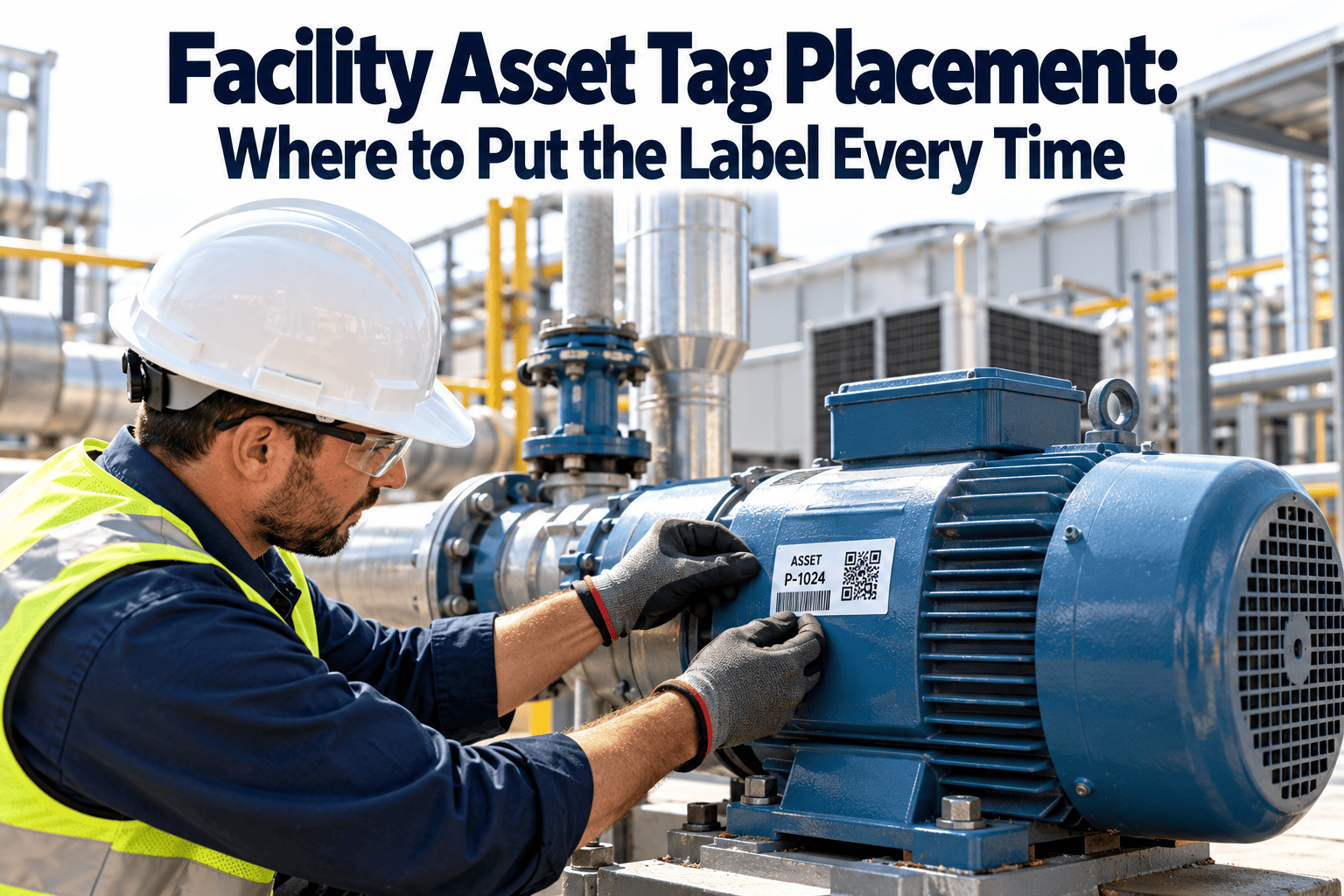
- Clean and degrease the surface before applying
- Choose a flat area, not a seam or curved edge
- Avoid heat sources, hinges and moving parts
- Keep the tag visible but out of impact paths
- Apply with firm pressure and allow adhesive dwell time
- Scan the tag immediately after applying
- Photograph the finished placement
- Add a second tag on large or multi-sided assets
Before and after: managing tags as a process
Ad hoc replacement
- Labels printed when someone remembers
- New IDs created to avoid hunting for old ones
- No record of why tags failed
- Same material reused in harsh areas
Managed lifecycle
- Failing tags flagged during inspections and scans
- Identity preserved through every reprint
- Failure reasons logged and analysed by area
- Materials upgraded where failures repeat
How Oxmaint supports tag lifecycle management
A tag programme is only as strong as the record behind it. Oxmaint keeps the asset, its history and its identification together, so a reprint becomes a short task rather than a data clean-up project.
- Asset management with a unique record and hierarchy for each machine
- Mobile workflows so technicians can look up, flag and verify assets in the field
- Work orders for tag replacement requests with photos and completion notes
- Scheduled inspections that include a tag condition check
- Reports showing assets with open tag requests, by site or area
- Dashboards for tracking overdue replacements and coverage
Write a labelling standard so reprints stay consistent
A one-page standard stops every site inventing its own rules. It also makes onboarding new technicians and contractors far easier, because the expected tag, position and process are written down.
- Approved label constructions for each environment, with part numbers
- Asset ID format, including site, system and sequence rules
- Standard mounting positions by asset type, such as pump, AHU or panel
- Minimum scan grade and the device used to verify it
- Who may request, approve, print and apply replacements
- Contractor rules for removing and restoring tags during refurbishment
Training the field team
- Show technicians how a failing tag looks at each stage, with photos from your own site
- Explain why the existing ID must be kept, using a real example of split asset history
- Practise surface preparation and scan verification on a spare asset
Review the standard each year
Use the failure reasons and tag-life data collected in your maintenance system to retire weak constructions and confirm the ones that perform. Over a few cycles, reprints concentrate in genuinely harsh areas instead of being spread across the whole site.
KPIs for asset tag health
A simple annual routine
- Quarter one: audit harsh zones and plan material upgrades
- Quarter two: reprint and replace flagged tags in batches
- Quarter three: re-audit outdoor and rooftop assets after peak sun
- Quarter four: review failure reasons and update labelling standards
Frequently asked questions
How often should asset tags be inspected?
Check harsh zones at least annually and sheltered areas every one to two years. Add checks after painting or washdown campaigns.
Should a reprinted tag get a new asset ID?
No. Keep the existing ID so history stays continuous, and log the replacement as an event on the asset record.
Is QR or RFID better for replacement?
QR is cheaper and easy to reprint. RFID suits hidden or high-volume assets but needs chip mapping on replacement.
What if the original tag is completely gone?
Match the asset by nameplate, location and drawings before reissuing. Sign up to keep photos and serial numbers on the record.
Can a CMMS automate tag replacement requests?
It can schedule tag checks and raise work orders from flagged inspections. Book a demo to see the workflow.
Keep every asset identifiable, every year
Build a tag lifecycle into your maintenance routine and protect the link between machines and records.