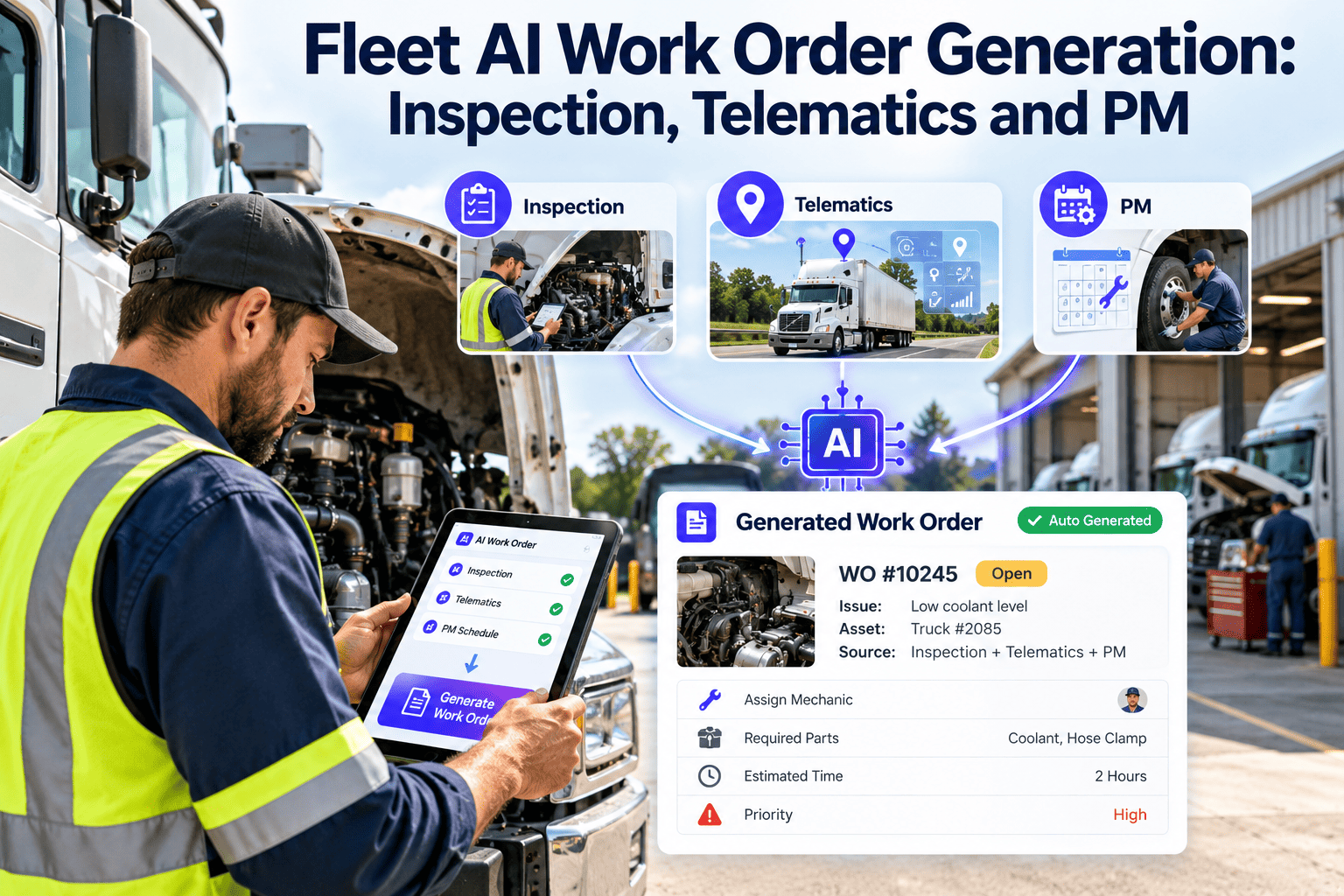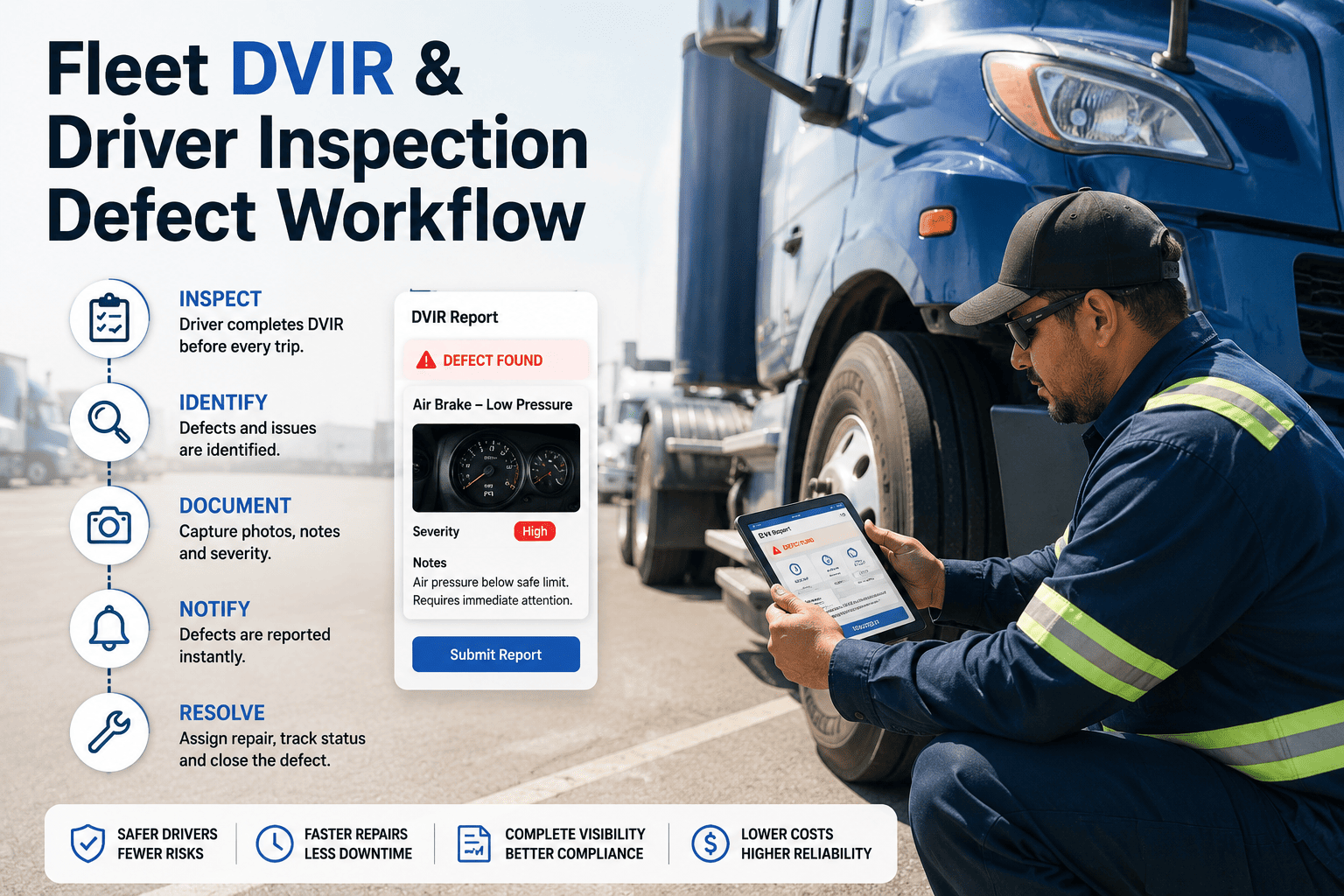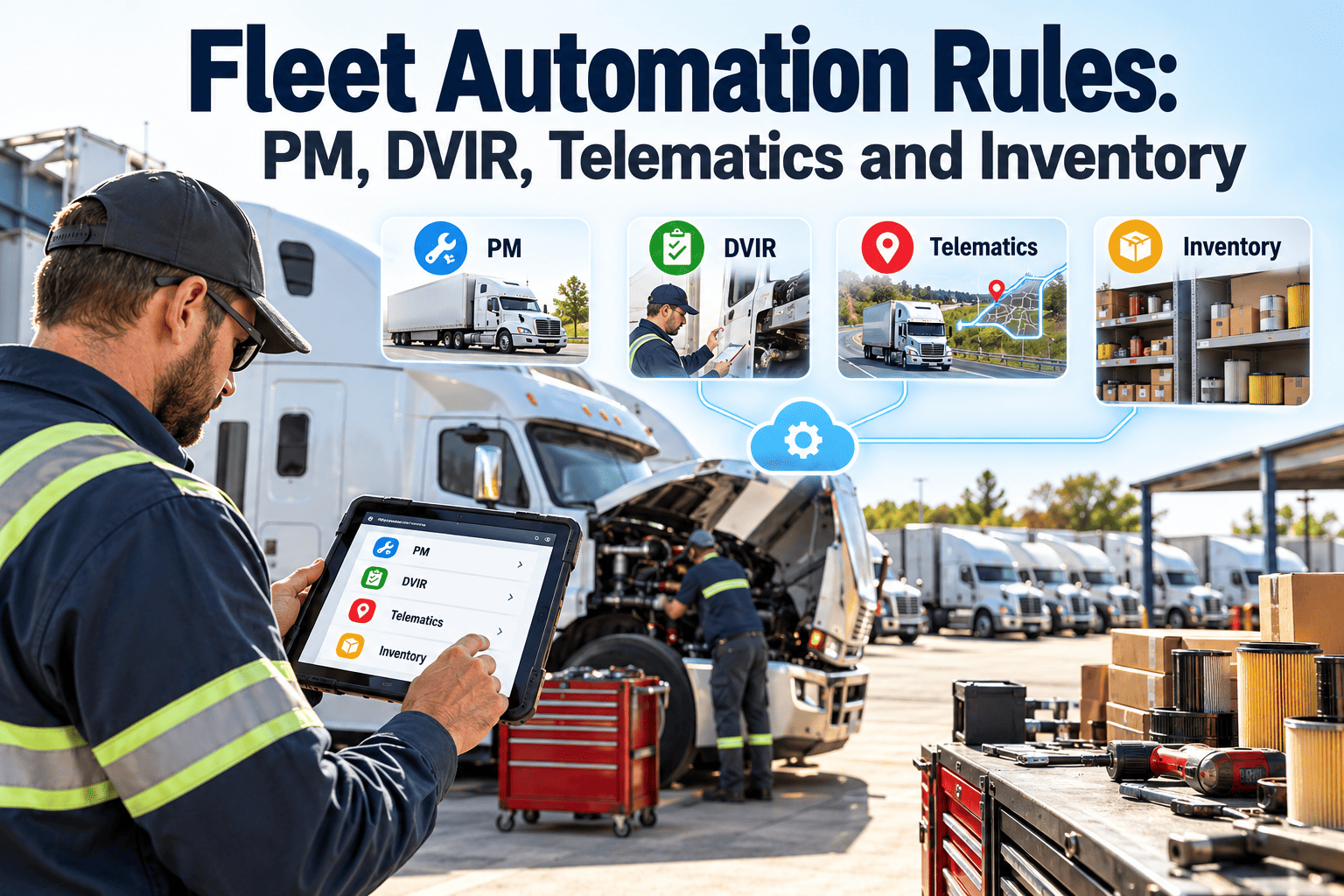
Fleet maintenance rarely fails because nobody cares. It fails because the signals that matter live in different places: a mileage threshold in one tool, a driver's defect note on paper, a fault code on a telematics screen, a part count on a shelf nobody checked. Fleet automation rules connect those signals so a condition triggers a defined action without someone having to remember. This guide shows how to design rules for PM, DVIR, telematics and inventory, and how a maintenance-first CMMS such as Oxmaint keeps the whole chain auditable.
Fleet Automation Rules: PM, DVIR, Telematics and Inventory
Turn inspections, usage data, fault codes and parts levels into work orders that open, route and close on rules your team controls, so fewer defects depend on memory.
Why rules beat reminders in a working shop
A reminder asks a person to notice, decide and act. A rule decides in advance, so the person only has to do the repair.
Reminder-driven maintenance
- PM due dates tracked in a spreadsheet or on a whiteboard
- Driver defects phoned in or written on paper forms
- Fault codes reviewed only when someone opens the portal
- Parts discovered missing after the truck is already in the bay
Rule-driven maintenance
- PM work orders generated from mileage, hours or calendar thresholds
- Defects routed by severity the moment the DVIR is submitted
- Fault codes mapped to priorities and attached to the vehicle record
- Parts reserved against the work order before the vehicle arrives
Anatomy of a good automation rule
Every rule in this guide follows the same five-part shape. If a proposed rule cannot fill all five, it is not ready to automate.
Trigger
Condition
Action
Owner
Evidence
PM rules: keep preventive maintenance tied to real usage
Calendar-only PM overservices idle vehicles and underservices hard-working ones. Rules should respect how each unit actually runs.
PM design notes
- Use different intervals for tractors, trailers, vans and refrigerated units rather than one fleet-wide schedule.
- Bundle PM tasks by service level, such as A, B and C services, so one trigger produces the right depth of inspection.
- Allow a short grace window, then make the overdue state visible, not silent.
DVIR rules: make driver defects actionable in minutes
Under FMCSA rules at 49 CFR 396.11, drivers of commercial motor vehicles complete written or electronic reports on vehicle condition, and carriers must certify repairs of reported defects that affect safety. Rules help make sure that certification happens.
| Defect class | Example | Automatic action | Dispatch status |
|---|---|---|---|
| Safety-critical | Brake or steering concern, tire damage | Urgent work order, notify shop lead and dispatcher | Hold until repaired and signed off |
| Compliance-related | Lighting, mirrors, reflectors | Standard work order with due date | Release once repaired |
| Minor or cosmetic | Trim, interior wear | Queue to next scheduled PM | No restriction |
| Repeat defect | Same item reported again within a set window | Escalate for root-cause inspection | Supervisor review |
What the rule should always do
- Attach the driver's photos and comments to the generated work order.
- Check the vehicle history for the same defect before creating a duplicate.
- Record the mechanic's repair note and certification so the DVIR loop is complete.
Telematics rules: let usage and fault data do the watching
Telematics data is only useful when it changes what the shop does. Rules decide which signals deserve a work order and which only deserve a note.
Usage sync
Fault code routing
Noise control
Condition watch
Inventory rules: stop parts from becoming the delay
A repair is only as fast as its slowest part. Inventory rules connect the work order to stock so shortages appear before the vehicle is on the lift.
Build your first rule set before the next PM cycle
One defect through four rules
The real value appears when the rule families chain together. Here is how a single reported problem moves through the system.
Driver submits the DVIR
Work order opens automatically
Telematics adds context
Parts are reserved
Repair, sign-off and release
A starter rule library
Use this table as a planning sheet. Adjust triggers and owners to match your fleet, vehicle classes and shop capacity.
| Rule | Trigger | Action | Owner | Evidence |
|---|---|---|---|---|
| Usage-based PM | Mileage or hours threshold | Create PM work order | Shop planner | Completed checklist |
| Critical DVIR | Safety defect submitted | Urgent work order, hold unit | Shop lead | Repair certification |
| Fault code escalation | High-severity SPN/FMI | Open priority work order | Maintenance manager | Code history |
| Repeat defect | Same item reported twice | Root-cause inspection | Supervisor | Inspection notes |
| Min stock reorder | Quantity below minimum | Purchase request | Parts clerk | Receipt record |
| Overdue PM | Past grace window | Escalate and flag dispatch | Fleet manager | Escalation log |
Common automation mistakes to avoid
Poorly designed rules create new work instead of removing it. These are the failures that show up most often.
Rule that backfires
- Every low-level fault code opens its own work order
- No named owner, so alerts sit unread
- Vehicle records have wrong or duplicate IDs
- Rules are set once and never reviewed
Rule that works
- Codes are tiered, filtered and grouped into one open item
- Every rule names a role responsible for closure
- Assets are cleaned and matched before rules go live
- Rules are reviewed quarterly against results
Compliance records your rules should protect
Automation does not replace compliance duties, but it makes the records easier to produce. Confirm exact requirements for your operation with your compliance team.
- Inspection, repair and maintenance records under 49 CFR 396.3 must be kept for each vehicle and available for review.
- DVIR copies and repair certifications under 396.11 should stay linked to the vehicle and work order.
- Annual inspection documentation under 396.17 should be stored with the unit's history.
- Photos, timestamps and technician sign-offs make audit requests faster to answer.
How to tell whether your rules are working
Measure results before and after rollout, using your own baseline rather than industry averages.
PM compliance
Open defect age
Repeat repairs
Parts wait time
Reactive ratio
A phased rollout plan
Start small, prove value, then widen. Rolling out all four rule families at once usually overwhelms the shop.
Clean the foundation
Automate PM and DVIR
Add telematics
Link inventory
Pre-launch checklist
- Every vehicle has a unique, correct ID that matches the telematics feed.
- Each rule has a trigger, condition, action, owner and evidence record.
- Technicians can use mobile work orders in the bay and on the road.
- Dispatch knows what a hold status means and who can lift it.
Governance: who owns each rule family
Rules age as fleets change. Vehicles are added, duty cycles shift and thresholds that once made sense start to create noise. A named owner for each rule family keeps settings current.
PM rules owner
DVIR rules owner
Telematics rules owner
Inventory rules owner
Overrides and exceptions without losing control
No rule set fits every unit. A seasonal vehicle, a unit on loan or a truck waiting for sale needs different handling. Exceptions should be visible, not hidden.
- Allow a planner to defer a PM with a required reason and a new due point.
- Let a supervisor release a held unit only with a recorded sign-off.
- Pause telematics rules for vehicles that are out of service or in storage.
- Report on overrides monthly, so frequent exceptions trigger a rule change instead of a workaround.
- Keep the reason, the person and the date on every override for audit review.
Data readiness for each rule family
Automation amplifies whatever data it receives. Check the basics before switching a rule on.
| Rule family | Minimum data | Common gap | Practical fix |
|---|---|---|---|
| PM | Asset class, meter type, last service reading | Last service date known, reading missing | Enter the last reading from the final service record |
| DVIR | Vehicle ID, defect list, driver, user roles | Defect categories too vague to route | Rewrite categories around safety, compliance and minor |
| Telematics | Vehicle-to-device match, usage feed, code mapping | Device moved to another unit | Audit device assignments before go-live |
| Inventory | Part numbers, locations, usage history | Duplicate part records | Merge duplicates and set one preferred supplier |
Scenario: a recurring brake warning on one tractor
This example shows how the rule families work together when the same problem keeps coming back.
How Oxmaint supports rule-based fleet maintenance
Oxmaint is a maintenance management system, so the rules live next to the work they create.