Fleet driver onboarding is where compliance gaps, liability exposure, and operational risk are created — or prevented. A single missed MVR check, an expired CDL, or an unverified medical certificate can place a non-qualified driver behind the wheel of a commercial vehicle, triggering FMCSA violations, negligent entrustment liability, and insurance consequences that far exceed the cost of a systematic onboarding process. Most fleet operations run onboarding through HR checklists that are disconnected from the fleet management system — meaning the vehicle assignment, the driver qualification file, and the pre-trip inspection training are never linked to the same verifiable record. Oxmaint solves this by connecting driver onboarding steps directly to the fleet asset and compliance system, so license verification, MVR checks, vehicle assignments, and inspection training are documented in one place from day one. Sign Up Free to configure your driver onboarding workflow or Book a Demo to see how Oxmaint manages driver qualification and vehicle assignment compliance end to end.
GET STARTED TODAY
Onboard Fleet Drivers With Full Compliance Visibility
Connect license verification, MVR checks, FMCSA qualification files, and vehicle assignments into one auditable system from the first day a driver joins your fleet.
FMCSA · CDL · MVR · COMPLIANCE · VEHICLE ASSIGNMENT
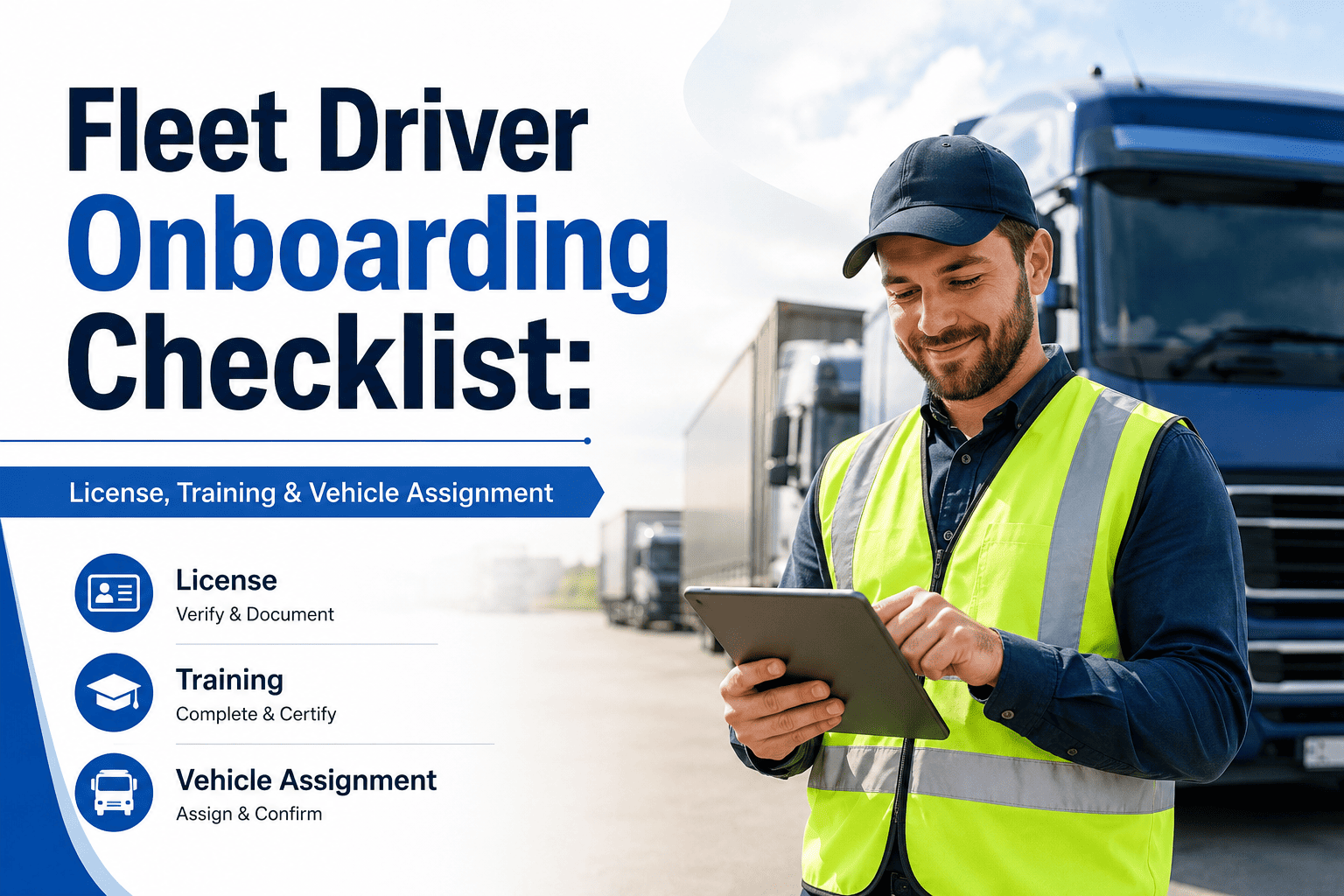
Fleet Driver Onboarding Checklist: License, Training & Vehicle Assignment
This checklist covers every onboarding step from initial license verification through vehicle assignment and digital inspection training. Each item maps to an Oxmaint workflow — ensuring new drivers are qualified, documented, and operationally ready before their first dispatch.
Phase 1: Driver Qualification & Documentation
Verify Commercial Driver's License (CDL) Class & Endorsements
Confirm the driver holds the correct CDL class (A, B, or C) and required endorsements (Hazmat, Tanker, Doubles/Triples) for their assigned vehicle and route. Record license number, state, issue date, and expiration in Oxmaint's driver profile. Set automated expiration alerts 90 and 30 days before renewal deadline.
Run Motor Vehicle Record (MVR) Check
Pull the driver's MVR from the issuing state authority before the first assignment. Review for disqualifying violations: DUI, reckless driving, suspended license history, or excessive points. Document the MVR result date and reviewing manager in the FMCSA Driver Qualification File. Oxmaint links MVR records to the driver's asset profile for auditable retention.
Confirm DOT Medical Certificate Validity
Verify the driver's DOT physical medical certificate is current and matches the commercial vehicle operation being assigned. Medical certificates are valid for up to 24 months; some conditions require shorter recertification cycles. Record certificate issue date, expiration, and examining medical examiner in Oxmaint with automatic renewal alerts configured.
Complete FMCSA Driver Qualification File (DQF)
Assemble the complete DQF as required by 49 CFR Part 391: employment application, CDL copy, MVR, road test certificate or equivalent, medical certificate, annual review, and prior employer safety inquiry responses. Oxmaint's driver records module stores and organizes each document type with upload timestamps and reviewer attribution — making FMCSA audit retrieval immediate.
Conduct Pre-Employment Drug & Alcohol Screening
FMCSA-regulated carriers must conduct pre-employment drug testing before a CDL driver operates a commercial motor vehicle. Document testing date, collection site, Medical Review Officer (MRO) result, and clearinghouse query in the driver's compliance record. Oxmaint links drug testing status to the driver profile — preventing dispatch assignment until clearance is confirmed.
Query FMCSA Drug & Alcohol Clearinghouse
Run the mandatory pre-employment Clearinghouse query to identify any unresolved drug or alcohol program violations from prior CDL employment. Document query date, result, and follow-up action. Annual limited queries are also required for current drivers — Oxmaint's compliance calendar tracks both pre-employment and annual Clearinghouse obligations per driver.
Phase 2: Safety Orientation & Policy Training
Deliver Fleet Safety Policy Orientation
Walk new drivers through fleet-specific safety policies: speed compliance, following distance standards, phone use prohibition, load securement requirements, and accident reporting procedures. Document completion date and trainer in Oxmaint's driver onboarding record. Policy acknowledgment signature is stored in the driver file alongside FMCSA qualification documents.
Train on Hours of Service (HOS) Regulations & ELD Operation
Ensure drivers understand applicable HOS rules (property-carrying, passenger-carrying, short-haul exemptions) and can operate the fleet's ELD system correctly. Cover log editing, malfunctions, personal conveyance, and yard move entries. Training completion and ELD proficiency sign-off are recorded in Oxmaint and linked to the driver's compliance profile.
Complete Defensive Driving & Load Securement Training
Conduct or assign FMCSA-aligned defensive driving training covering hazard perception, following distances, and emergency maneuver procedures. Include load securement training matched to the vehicle class and cargo types the driver will operate. Training dates, provider, and pass/fail status are tracked in Oxmaint as required onboarding work order items.
Train on Accident Reporting & Incident Documentation Procedures
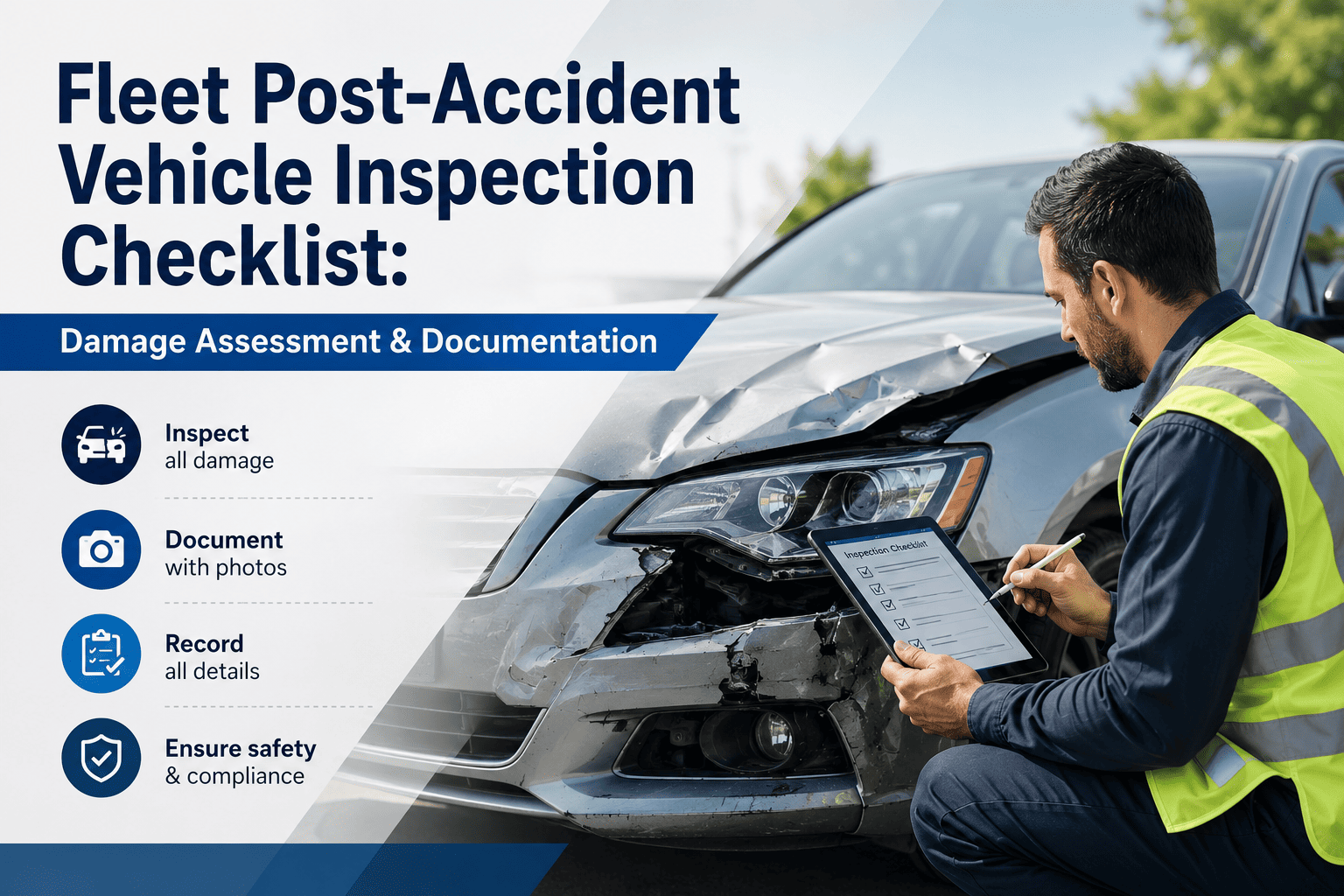
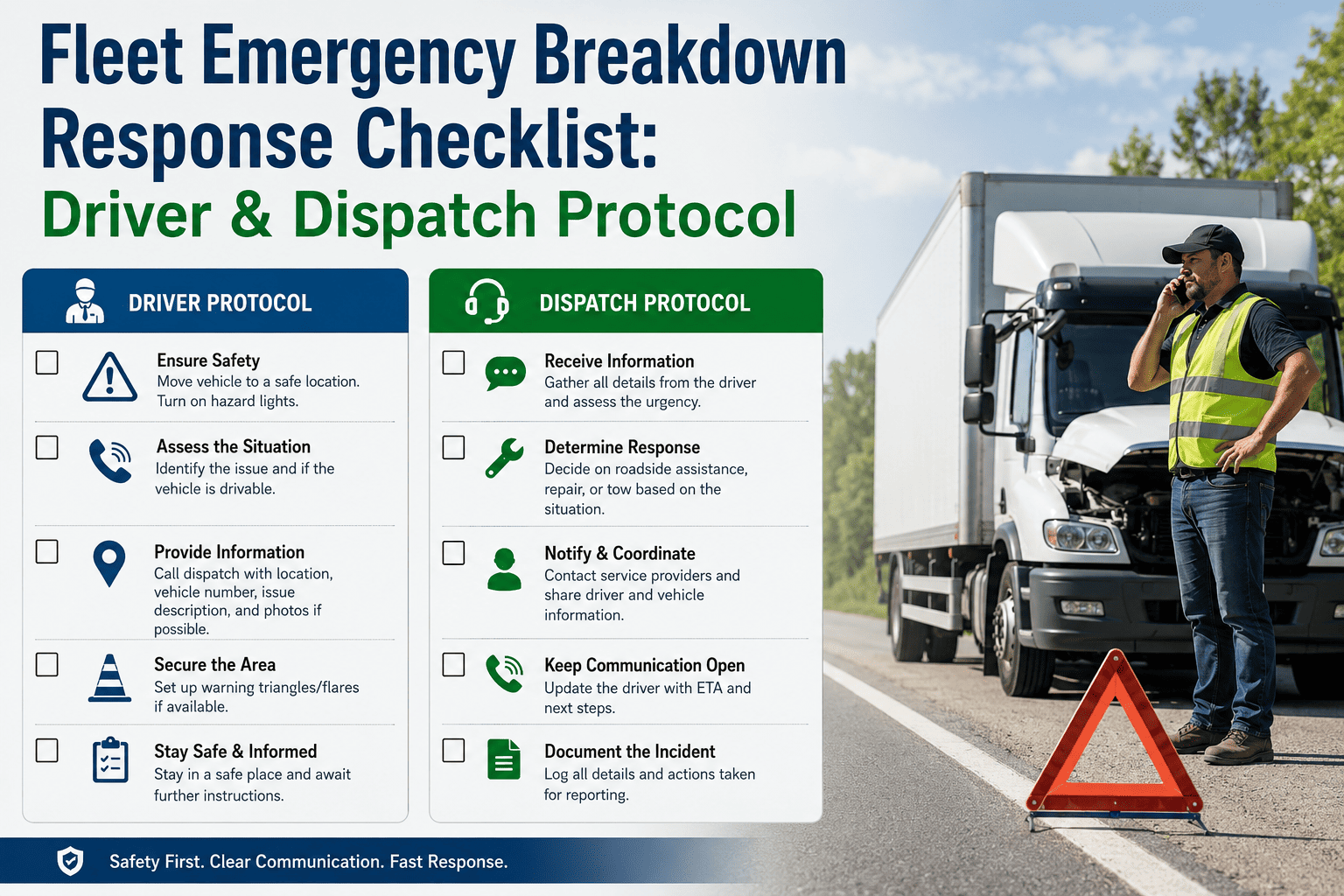
Drivers must know exactly what to do immediately following an accident: stop, secure the scene, exchange information, notify dispatch, and preserve evidence. Walk through the fleet's incident reporting workflow in Oxmaint — including how to initiate a work order, attach photos, and document third-party information — so the reporting process is practiced before it is needed.
Phase 3: Vehicle Assignment & Inspection Training
Assign Vehicle Based on Verified Driver Qualification & License Class
Vehicle assignment must match the driver's CDL class, endorsements, and any operational restrictions. In Oxmaint, each vehicle asset record stores class designation, towing capacity, and required endorsements — enabling dispatchers to verify assignment compatibility before confirming. Document the assigned vehicle VIN and assignment date in the driver's onboarding record.
Conduct Supervised Initial Vehicle Inspection Walkthrough
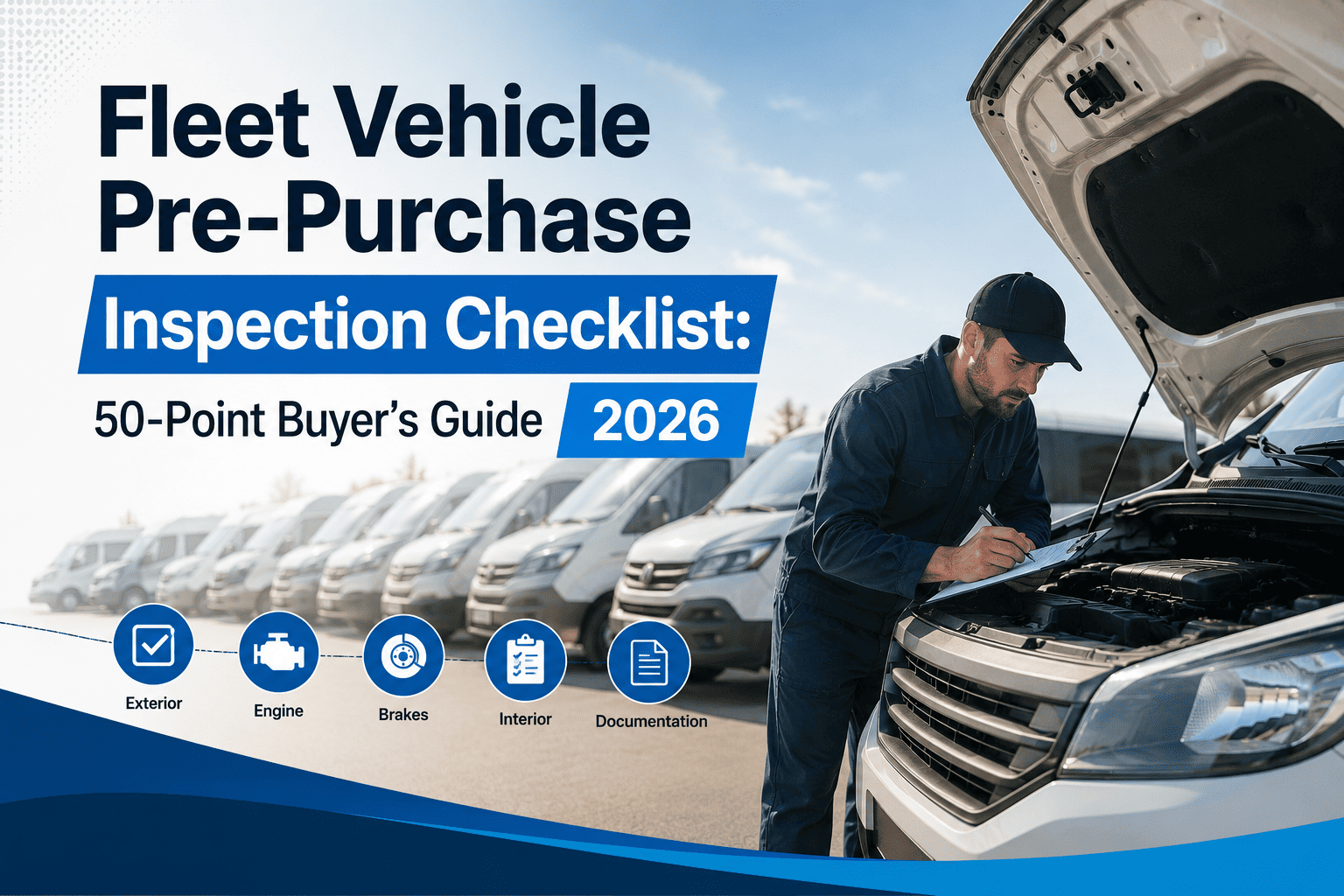
Walk the new driver through the assigned vehicle's physical inspection points: tires, brakes, lights, fluid levels, mirrors, coupling devices, and safety equipment locations. Complete a digital pre-trip inspection checklist in Oxmaint with the driver present — establishing the standard the driver will replicate independently on every subsequent departure.
Train on Driver Vehicle Inspection Report (DVIR) Completion in Oxmaint
FMCSA requires drivers to complete a DVIR at the end of every day's operation and to review and sign the previous DVIR before departure. Train new drivers on completing the digital DVIR in Oxmaint: defect selection, severity classification, photo attachment, and submission workflow. Confirm the driver can complete a DVIR independently before solo dispatch authorization.
Document Vehicle Condition at Assignment — Baseline Inspection Record
Complete a comprehensive baseline inspection of the vehicle at the time of driver assignment: body condition, interior, existing damage, tire tread depth, and fluid levels. This baseline record in Oxmaint establishes the vehicle's condition before the driver takes responsibility — protecting both the driver and the fleet operator in any future damage attribution dispute.
Configure Driver Access & Notification Settings in Oxmaint
Set up the new driver's Oxmaint mobile access: assign the driver profile to their primary vehicle, configure inspection checklist assignments, set dispatch notification preferences, and confirm the driver can receive and complete digital work orders. Verify mobile app access and complete a test checklist submission before clearing the driver for independent operation.
Complete Supervised Road Assessment Before Solo Dispatch Authorization
Conduct a supervised road assessment in the assigned vehicle covering: pre-trip inspection execution, vehicle maneuvering at the yard, highway operation, and backing procedures relevant to the assignment type. Document assessment date, evaluating supervisor, and pass/fail determination in Oxmaint. Road assessment completion is a required gate before solo dispatch authorization is activated in the system.
Phase 4: Compliance Calendar & Ongoing Monitoring Setup
Set CDL, Medical Certificate & Training Renewal Alerts
Configure automated compliance alerts in Oxmaint for each new driver's CDL expiration, DOT medical certificate renewal, annual MVR review, and required recurring training (HazMat refresher, defensive driving, etc.). Alert thresholds at 90, 60, and 30 days give fleet managers actionable lead time — preventing the inadvertent dispatch of a driver with a lapsed qualification.
Schedule Annual Driving Record Review per FMCSA 49 CFR 391.25
FMCSA requires fleet operators to review each driver's driving record at least once every 12 months and certify that the driver meets minimum qualifications. Create a recurring annual review work order in Oxmaint for each driver — assigned to the fleet compliance manager, triggered automatically, and documented with the reviewing supervisor's sign-off and date.
Enroll Driver in Random Drug & Alcohol Testing Pool
FMCSA-regulated CDL drivers must be enrolled in a DOT-compliant random drug and alcohol testing program. Confirm enrollment with your consortium or third-party administrator, document enrollment date in the driver's Oxmaint profile, and set a compliance flag that confirms active pool membership. This flag is visible to dispatchers and prevents assignment gaps for non-enrolled drivers.
DRIVER COMPLIANCE MANAGEMENT
Manage Every Driver Qualification Deadline From One System
Oxmaint tracks CDL expiration, DOT medical certificates, MVR review schedules, and FMCSA Clearinghouse queries per driver — with automated alerts before any deadline becomes a compliance violation.
Sign Up Free or
Book a Demo to see driver compliance tracking configured for your fleet.
QUESTIONS
Frequently Asked Questions
What documents are required in an FMCSA Driver Qualification File for a new CDL driver?+
The FMCSA DQF must include: employment application, CDL copy, MVR from each state where licensed in the past 3 years, road test certificate, DOT medical certificate, prior employer safety inquiry responses, and annual driving record review. Oxmaint stores and organizes each document type with upload timestamps for immediate retrieval during DOT audits.
How often must fleet operators conduct MVR checks on active drivers?+
FMCSA requires at minimum one MVR review per driver per year (49 CFR 391.25). Many fleet risk managers run additional checks after accidents or serious traffic violations. Oxmaint's compliance calendar automates annual MVR review scheduling per driver and flags overdue reviews before they become regulatory violations.
What is the FMCSA Drug & Alcohol Clearinghouse and when must it be queried?+
The FMCSA Clearinghouse is a database of CDL driver drug and alcohol program violations. A full pre-employment query is required before a driver operates a CMV. A limited annual query is required for current drivers. Oxmaint tracks both query types per driver profile — ensuring no driver is dispatched with an unresolved Clearinghouse violation.
How does Oxmaint connect driver onboarding to vehicle assignment compliance?+
Oxmaint links driver qualification status directly to vehicle asset records. Dispatchers see the driver's CDL class, active medical certificate status, and training completion before confirming vehicle assignment — preventing unqualified drivers from being assigned vehicles that exceed their license class or endorsement level. The assignment record and supporting qualification documents are stored together in one auditable record.
Is a supervised road assessment required before a new driver's first solo dispatch?+
FMCSA requires a road test or equivalent qualification before a driver operates a CMV (49 CFR 391.31). Beyond the regulatory minimum, fleet operators typically require an internal road assessment in the actual assigned vehicle. Oxmaint records road assessment completion, evaluator, and authorization date — creating the documentation that demonstrates due diligence in driver qualification before dispatch.
How does Oxmaint handle driver compliance alerts for CDL and medical certificate expirations?+
Oxmaint generates automated alerts at configurable thresholds (90, 60, 30 days) before CDL expiration, DOT medical certificate renewal, and annual review deadlines. Fleet managers and compliance officers receive notifications per driver — with enough lead time to schedule renewals before expiration. Expired qualification items are flagged in the driver profile and visible at the dispatch assignment screen.
START ONBOARDING SMARTER
Your Driver Onboarding Process Belongs in Your Fleet Management System
Every new driver onboarded without a linked qualification file, digital inspection training record, and compliance alert setup is an audit gap waiting to be discovered. Oxmaint connects driver qualification, vehicle assignment, and ongoing compliance monitoring in one system — so your fleet is never dispatching unverified drivers.
Sign Up Free and configure your first driver onboarding workflow in the same session, or
Book a Demo to see the full driver compliance module in action.

-compliance-checklist.png)

