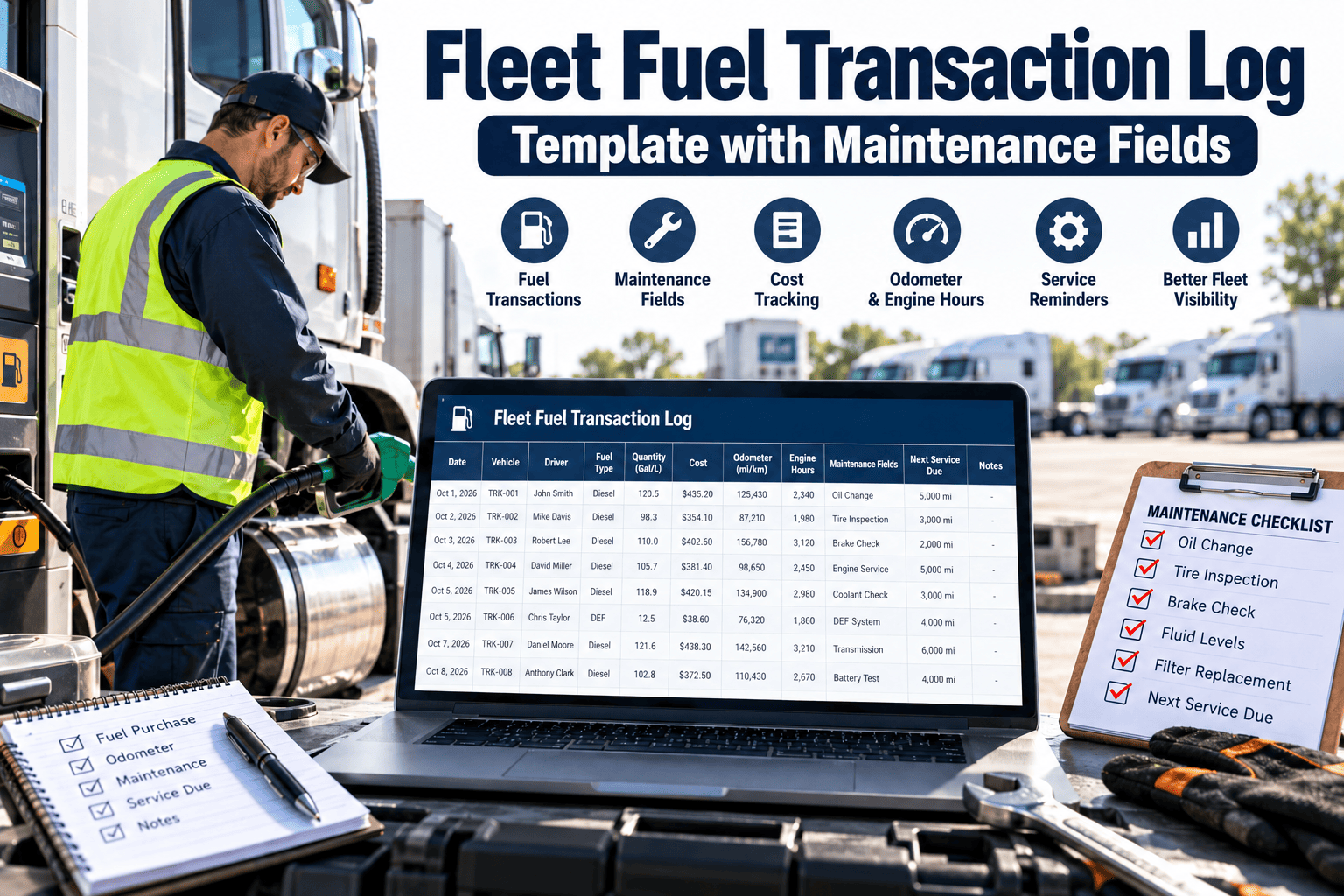
Most fleets record fuel to control spend, then stop. That leaves useful maintenance evidence sitting in a spreadsheet. A sudden drop in fuel economy can point to a dragging brake, underinflated tires, a failing injector or a cooling fault, but only if the log carries the right fields. This checklist guide gives you a fuel transaction log template that serves both cost control and maintenance, and shows how Oxmaint maintenance management software can connect fuel records to work orders and asset history.
Fleet Fuel Transaction Log Template with Maintenance Fields
Tick through this checklist to capture the fuel data that exposes maintenance problems early, from odometer errors to unexplained consumption changes.
Checklist 1: Is Your Fuel Log Maintenance-Ready?
Fuel is one of the few events that happens to every vehicle on a regular cycle. That makes it a reliable moment to collect condition data.
- Consumption trends show wear before a driver complains.
- Odometer and engine hour entries keep preventive maintenance intervals accurate.
- Fuel-stop observations catch leaks, tire damage and warning lights.
- Unusual purchases can reveal data errors or misuse that distort cost reports.
The key is capturing enough detail to be useful without slowing drivers at the pump.
Checklist 2: Template Fields to Include
Tick each field as you add it. Each group has a clear owner.
Transaction fields- Date and time
- Fuel card or driver ID
- Station or location
- Fuel type selected from a list
- Volume and total cost
- Vehicle or asset ID
- Odometer reading
- Engine hours where relevant
- Tank filled fully: yes or no
- Auxiliary fuel, such as for reefer units
- Defect observed: yes or no
- Defect category and notes
- Fluid top-ups recorded
- Warning lights present
- Photo or reference attached
Field-by-Field Reference
| Field | Format | Why it matters for maintenance |
|---|---|---|
| Odometer reading | Whole number, must be higher than last entry | Drives mileage-based PM intervals |
| Engine hours | Decimal hours | Needed for idle-heavy or off-road assets |
| Fill type | Full or partial | Partial fills make economy calculations unreliable |
| Volume | Number with unit | Basis for consumption trends |
| Fuel type | Selection list | Wrong fuel can cause serious engine damage |
| Defect observed | Yes or no, plus category | Creates a trigger for a work order |
| Fluid top-up | Type and quantity | Repeated top-ups suggest leaks or consumption |
| Warning light | Selection list | Early signal for diagnostics |
| Notes | Short text | Context for the technician |
Checklist 3: Validation Rules That Keep the Log Trustworthy
Bad data makes maintenance decisions worse. Build simple checks into the template or into your system.
- Odometer must be higher than the previous reading and within a realistic daily range.
- Volume must not exceed tank capacity for that vehicle.
- Fuel type must match the vehicle profile.
- Two purchases for one vehicle close together are flagged for review.
- Purchases outside shift hours or assigned region are flagged.
- Missing odometer entries block the record from being closed.
Reading Fuel Patterns as Maintenance Signals
Always compare a vehicle with its own history and with similar vehicles on similar duty. Treat these patterns as prompts to inspect, not proof of a fault.
| Pattern in the log | Possible maintenance cause | First check |
|---|---|---|
| Gradual drop in fuel economy | Tire pressure, alignment, air filter, injector wear | Inspection and tire check |
| Sudden drop in fuel economy | Dragging brake, fuel leak, sensor fault | Pull for diagnosis |
| Rising idle fuel use | Excess idling, auxiliary equipment, thermostat issue | Review idle data and settings |
| Frequent fluid top-ups at fueling | Leaks or internal consumption | Leak inspection |
| Volume near zero but cost recorded | Data error or card misuse | Review transaction |
| Odometer not changing | Faulty sensor or entry error | Verify and correct meter |
Link Fuel Records to Maintenance Action
Keep fuel observations, work orders and asset history together, so unusual patterns lead to inspections instead of being ignored.
Checklist 5: Fuel Stop to Work Order Workflow
- Driver logs odometer, volume and any defects at the pump.
- System validates the entry and flags impossible readings or duplicates.
- A reported defect becomes a work order with priority.
- Verified meter readings recalculate when preventive maintenance is due.
- Fleet managers compare consumption against peers and history.
Checklist 4: Avoid These Common Logging Mistakes
Drivers guess odometer readings.
FixRequire entry, validate against the last reading, and review outliers.
Partial fills are not marked.
FixAdd a full or partial field and exclude partials from economy calculations.
Defects are mentioned but not recorded.
FixMake the defect field required with a short category list.
Different vehicles are compared unfairly.
FixGroup by vehicle type, load and duty cycle before comparing.
Master Fuel Log Checklist
Record basics- Every record has vehicle ID, date, volume, cost and odometer.
- Engine hours are captured for assets that idle or operate off-road.
- Full or partial fill is recorded.
- Fuel type is selected from a list tied to the vehicle.
- Defect, warning light and fluid top-up fields exist.
- Defect entries create work orders or reviewable tasks.
- Meter readings feed preventive maintenance schedules.
- Validation rules flag impossible readings and duplicates.
- Flagged transactions have an owner and a resolution time.
- Consumption is reviewed monthly by vehicle group.
- Findings update inspection and PM job plans.
- The template is piloted on one vehicle group before rollout.
Score your readiness
How Oxmaint Helps Use Fuel Data for Maintenance
A spreadsheet can hold the template. Maintenance software makes the data act on your workflow.
- Asset records hold vehicle details, meter readings and history in one place.
- Preventive maintenance schedules can follow meter-based intervals.
- Mobile workflows let drivers and technicians capture defects at the point of use.
- Work orders turn flagged issues into assigned, tracked repairs.
- Reports and dashboards help compare cost and maintenance events across vehicles.
Where your fuel card or telematics provider can supply data, it can support the same review process.
Metrics to Review Each Month
Fuel Log Template FAQs
What should a fleet fuel log include?
Date, vehicle, volume, cost, odometer, fuel type, fill type and maintenance observations.
Why add maintenance fields?
Fueling is a regular touchpoint where drivers can report defects and meter readings.
Does fuel data replace inspections?
No. It adds an early signal that supports inspections and PM planning.
Can a CMMS use odometer data?
Yes, meter readings can drive PM due dates. Try Oxmaint.
How do we start?
Pilot the template on one vehicle group. Book a demo for setup guidance.
Make Every Fill-Up Useful to Maintenance
Combine fuel records, meter readings, inspections and work orders in Oxmaint, and catch vehicle problems while they are still small.



