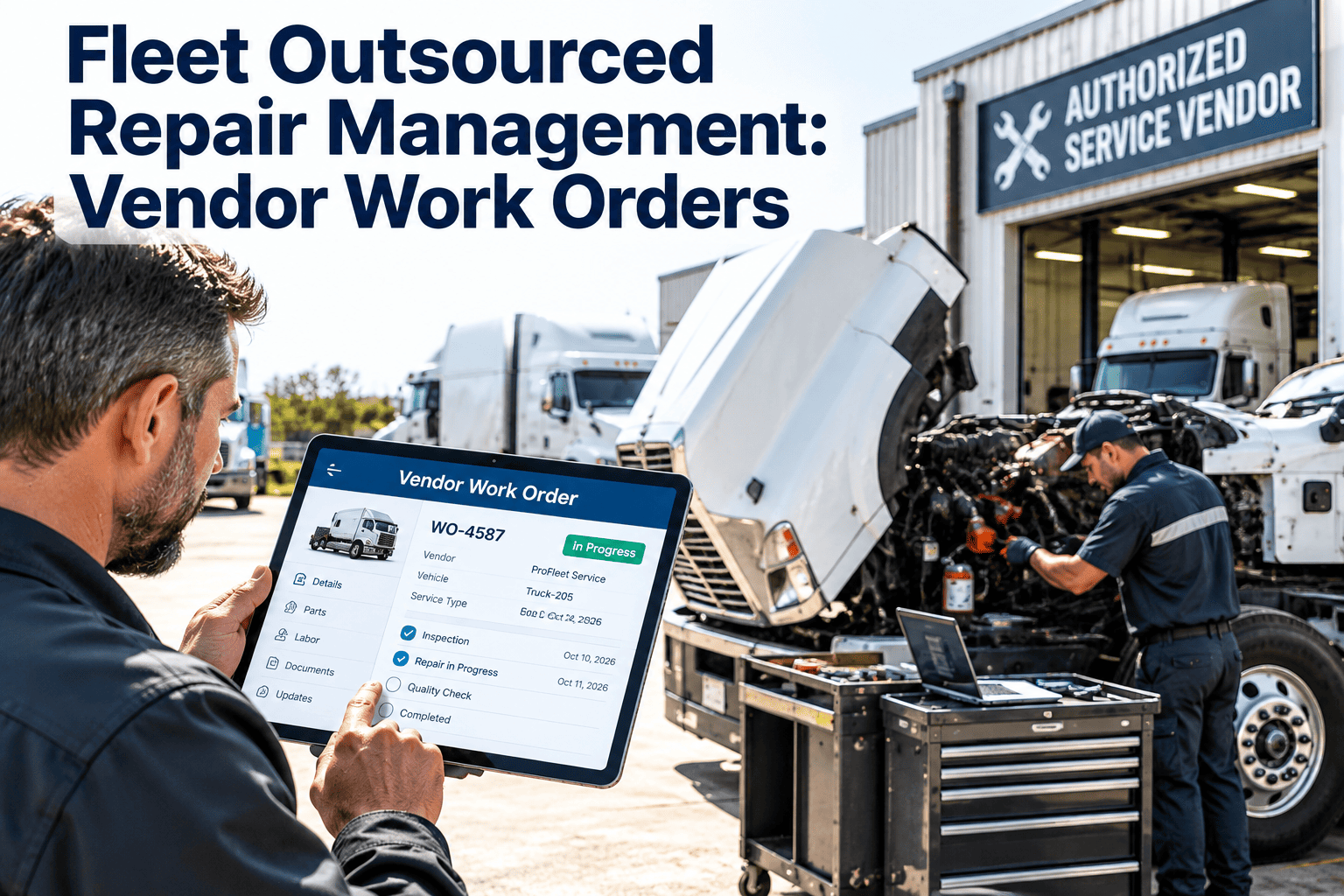
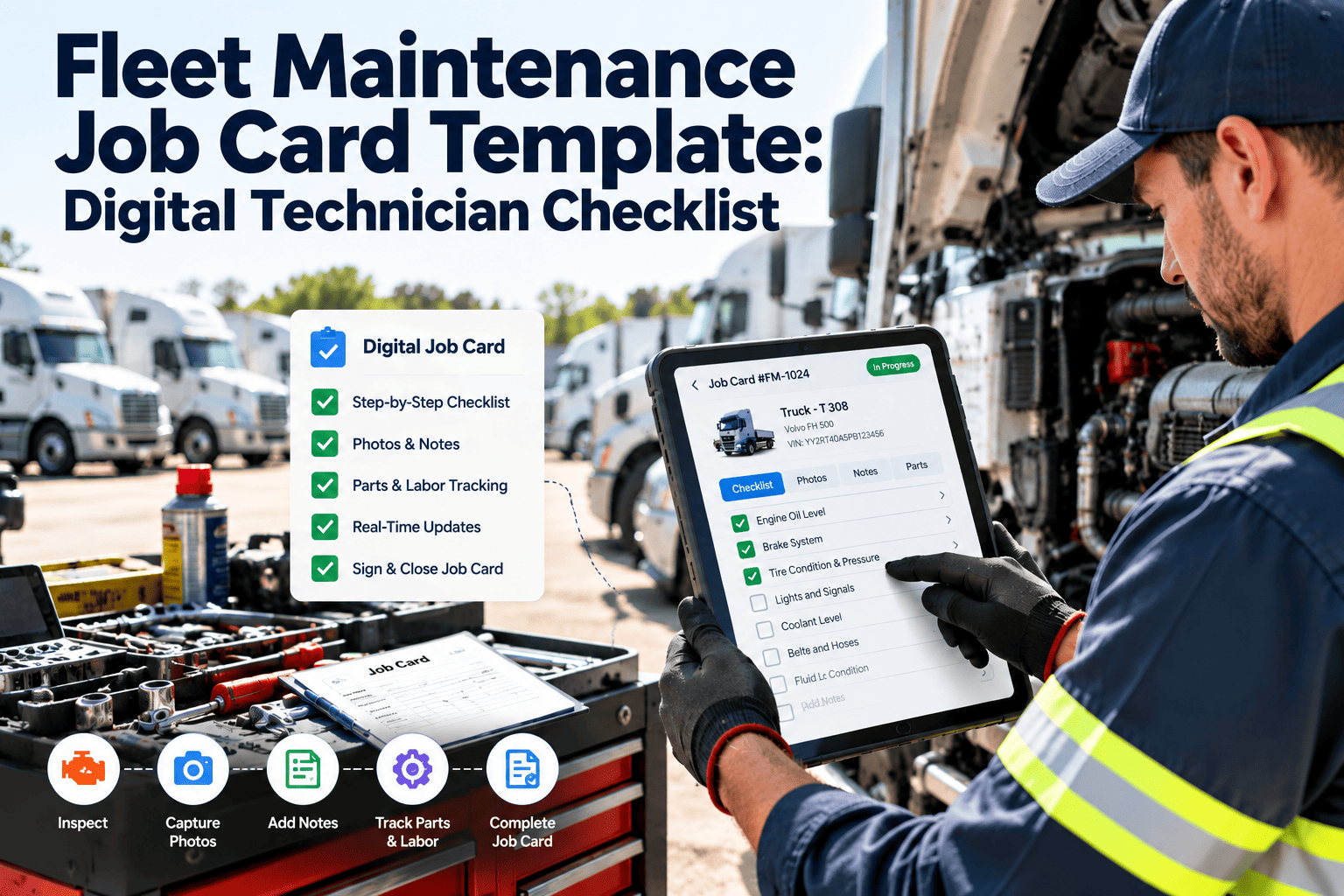
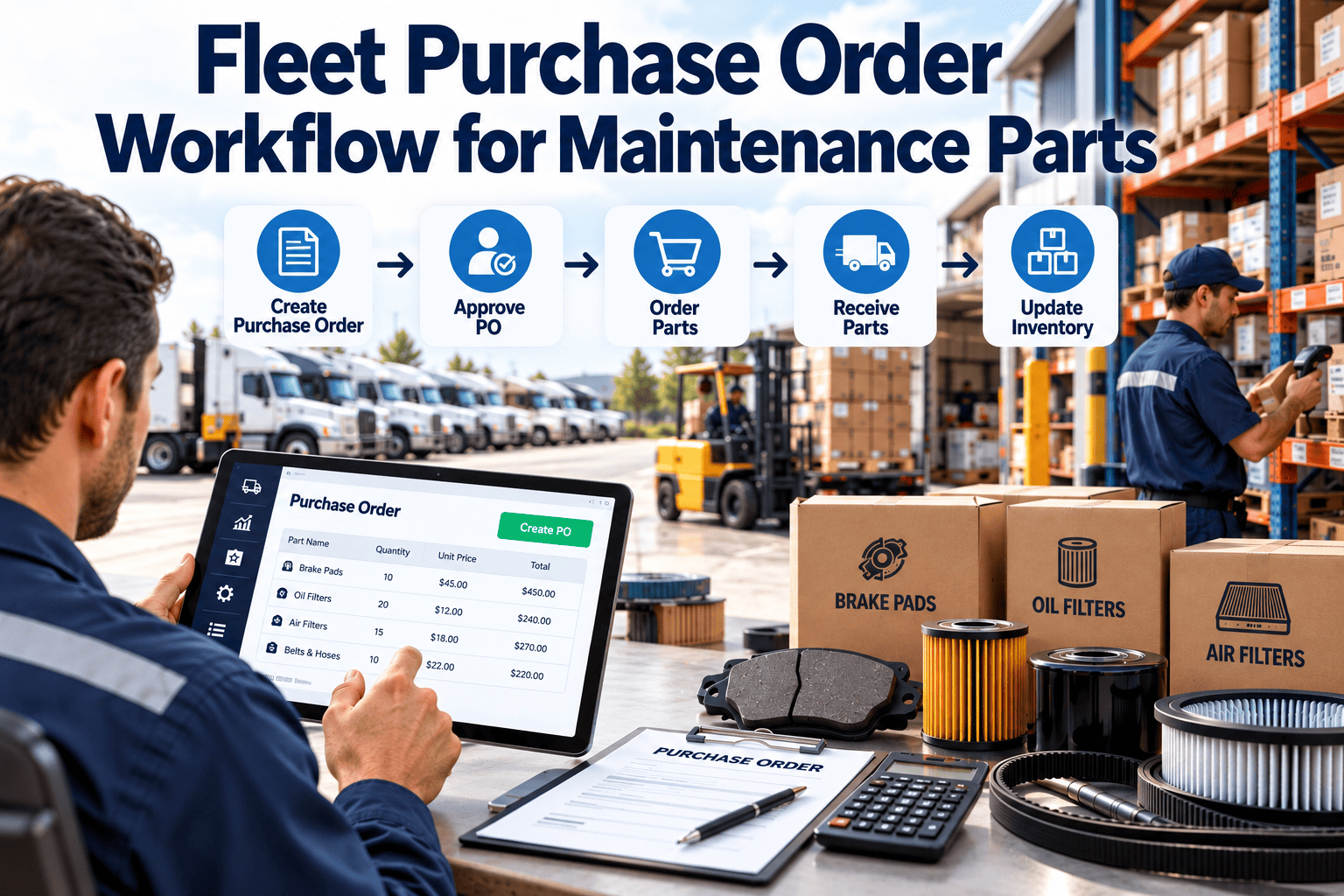
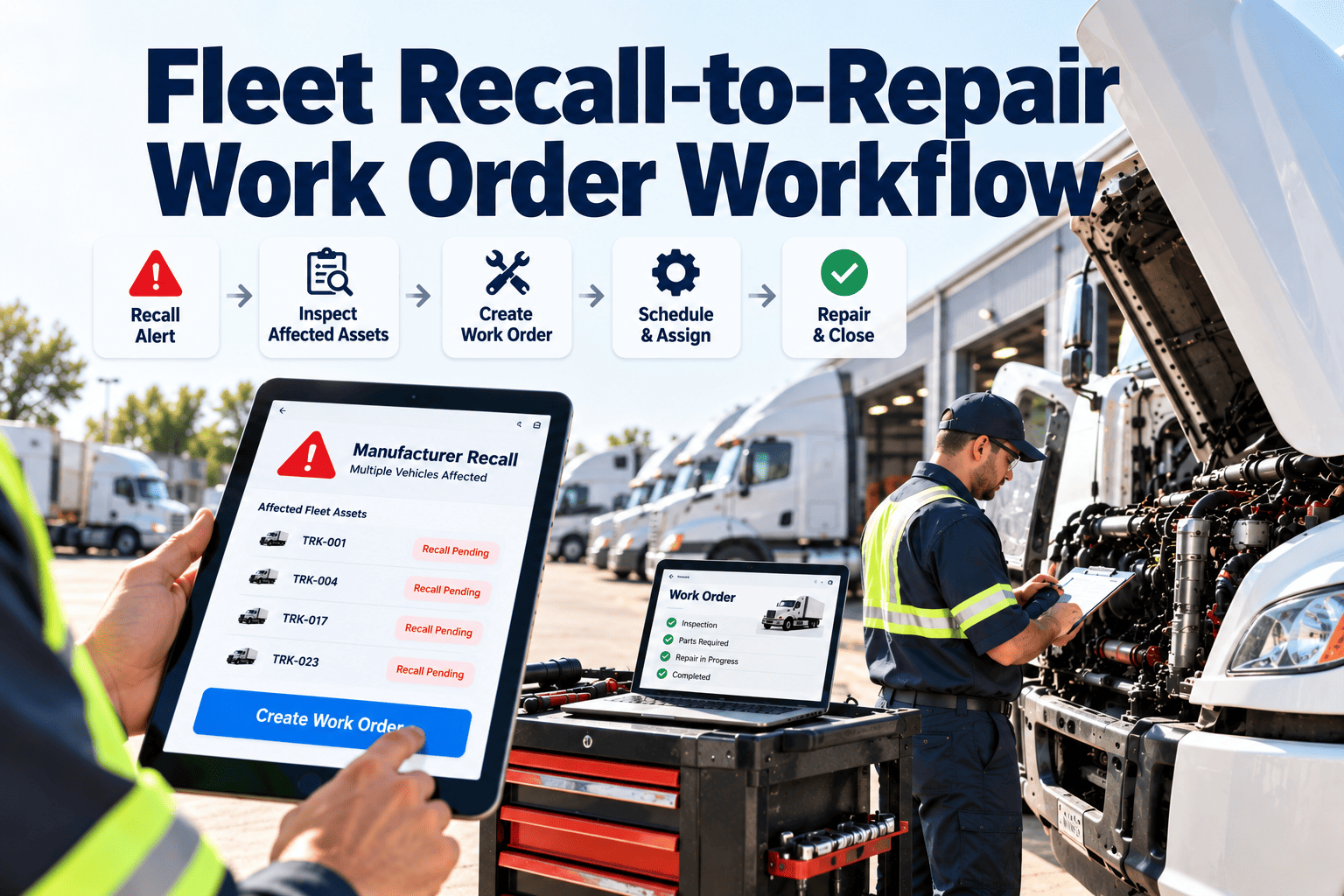
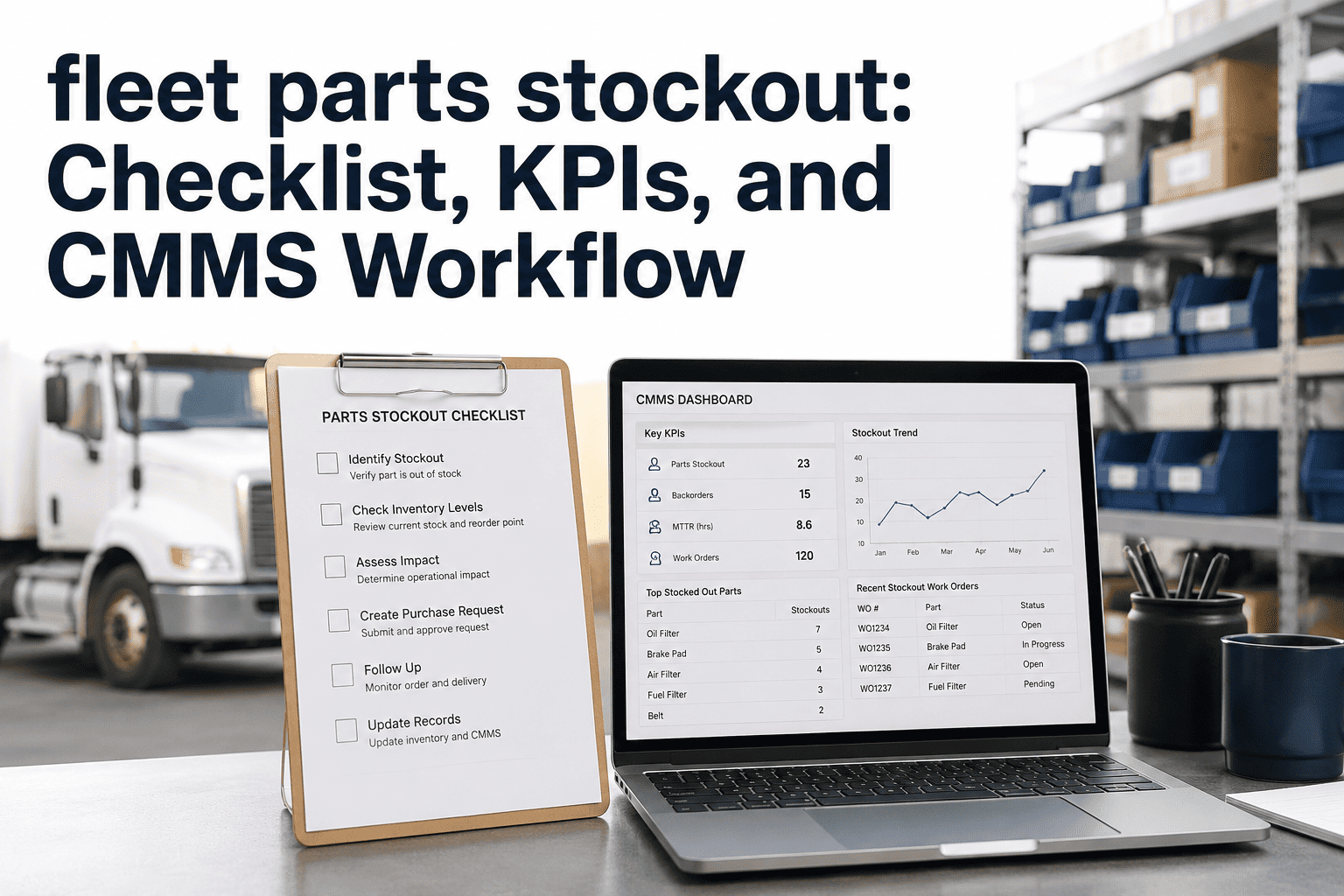
A preventive maintenance work order is the operational document that translates your PM schedule into technician action — and the quality of that document directly determines the quality of the maintenance performed. Vague work orders produce vague maintenance. Work orders that say "perform PM" result in inconsistent service. Work orders that specify every inspection point, list required parts, allocate labor time, and require technician sign-off produce consistent, documented, audit-ready maintenance that extends vehicle life and prevents breakdowns. Yet 48% of fleet shops operate with work orders that lack parts lists, 62% do not include labor time estimates, and 71% do not require return-to-service certification. This template provides the complete PM work order structure — job card, parts list, labor time allocation, multi-point inspection checklist, technician sign-off, and vehicle return-to-service certification. Download it to standardize your shop's PM documentation, or deploy Oxmaint's digital work order system where PM work orders are auto-generated from your maintenance schedule, parts are pre-allocated from inventory, and technician completion is captured on mobile devices with timestamps and digital signatures. The difference between a breakdown-prone fleet and a reliable one often comes down to the quality of PM execution — and execution quality starts with the work order. Book a demo or start a free trial to see digital PM work orders in action.
Fleet Preventive Maintenance Work Order Template: Job Card and Parts List
Complete PM work order format with job card, parts list, labor time estimates, multi-point inspection checklist, technician sign-off, and vehicle return-to-service certification. Standardize shop documentation across every PM event.
Standardize Every PM With a Complete Work Order
Use the PDF/Excel template for paper-based shop work orders. For automated PM work order generation with pre-allocated parts, mobile technician completion, and digital return-to-service certification, Oxmaint turns your PM schedule into consistent execution every time.
Work Order Template Sections
Each section of the work order serves a specific purpose in ensuring complete, consistent, and documented PM execution. Missing any section creates gaps that lead to incomplete maintenance, untracked costs, or compliance exposure.
Work order number, date created, vehicle unit number, VIN, odometer, PM type (A/B/C or monthly/quarterly/annual), assigned technician, estimated completion time, and bay assignment. Establishes the administrative framework for tracking and reporting.
Itemized list of every PM task required for this service level. Each task includes description, estimated time, and completion checkbox. Tasks are organized by vehicle system — engine, drivetrain, brakes, electrical, chassis, body. No ambiguity about what the technician should do.
Pre-defined parts list for the PM level — oil filters, air filters, fuel filters, drain plugs, fluids, and lubricants. Part numbers, quantities, and bin locations included. Parts can be pre-staged before the vehicle arrives, reducing bay time by up to 40%.
Detailed inspection checklist integrated into the PM work order. Brake measurements, tire tread depth, fluid condition assessment, belt and hose condition, electrical system check, and steering/suspension inspection. Findings documented during PM drive repair scheduling.
Actual labor time recorded by task, with start and stop times. Parts cost captured from inventory or purchase records. Total work order cost calculated. Enables cost per PM analysis and technician efficiency benchmarking across the shop.
Technician certification that all PM tasks are complete, all defects discovered during inspection are documented, vehicle is safe for operation, and all fluids are at proper levels. Supervisor sign-off for quality verification. This certification is the documented proof that the vehicle was properly maintained.
PM Level Definitions and Task Scope
The template includes three PM levels with escalating scope. Each level builds on the previous, creating a comprehensive maintenance cycle that covers all vehicle systems over a 12-month period.
| PM Level | Frequency | Task Count | Typical Duration | Key Tasks Included |
|---|---|---|---|---|
| PM-A (Basic) | Every 5,000-10,000 miles | 18-22 tasks | 45-60 minutes | Oil change, filter replacement, fluid top-off, multi-point visual inspection |
| PM-B (Intermediate) | Every 15,000-25,000 miles | 32-40 tasks | 90-120 minutes | All PM-A plus tire rotation, brake measurement, air filter, battery test, belt inspection |
| PM-C (Comprehensive) | Every 50,000+ miles or annually | 50-65 tasks | 180-240 minutes | All PM-B plus fluid flushes, DOT inspection items, suspension evaluation, emission check |
Paper Work Orders vs. Digital Work Orders
The template creates structured paper work orders that are significantly better than unstructured shop practices. But digital work orders eliminate the remaining gaps in documentation, cost tracking, and compliance reporting. Here is the honest comparison. Ready to go digital? Start a free trial or book a demo.
| Capability | Paper Work Order Template | Oxmaint Digital Work Orders |
|---|---|---|
| Work Order Generation | Manual — print and fill out for each PM | Auto-generated from PM schedule with pre-populated vehicle data |
| Parts Pre-Staging | Parts list printed for manual pulling | Parts auto-allocated from inventory, shortage alerts before PM date |
| Technician Assignment | Written on the form, verbal coordination | Digital assignment with push notification and workload balancing |
| Cost Tracking | Manual calculation after parts and labor are recorded | Auto-calculated in real time as parts are consumed and labor is logged |
| Completion Verification | Supervisor reviews paper form | Digital sign-off with mandatory field completion and photo documentation |
| Record Retrieval | Filing cabinet search — minutes to hours | Instant search by vehicle, date, technician, or work type |
Stop printing, filling out, and filing PM work orders manually. Oxmaint generates work orders automatically when PM is due, pre-populates vehicle data and parts lists, assigns technicians based on workload, and captures completion with digital signatures. The shop runs on structured PM work orders without the administrative overhead of paper. PM completion rates increase 28% on average with digital work order automation.
Frequently Asked Questions
What is the difference between a work order and a job card?
Should every PM level use the same work order format?
How do I handle additional repairs discovered during PM?
What does return-to-service certification mean?
Make Every PM Count With Structured Work Orders
PM that is not documented is PM that did not happen — at least as far as DOT auditors, insurance adjusters, and courtroom attorneys are concerned. This work order template ensures every PM is structured, complete, and documented. Oxmaint ensures every PM is also automated, tracked, and instantly retrievable. Download the template to standardize your shop today, or go digital and never lose a work order again.