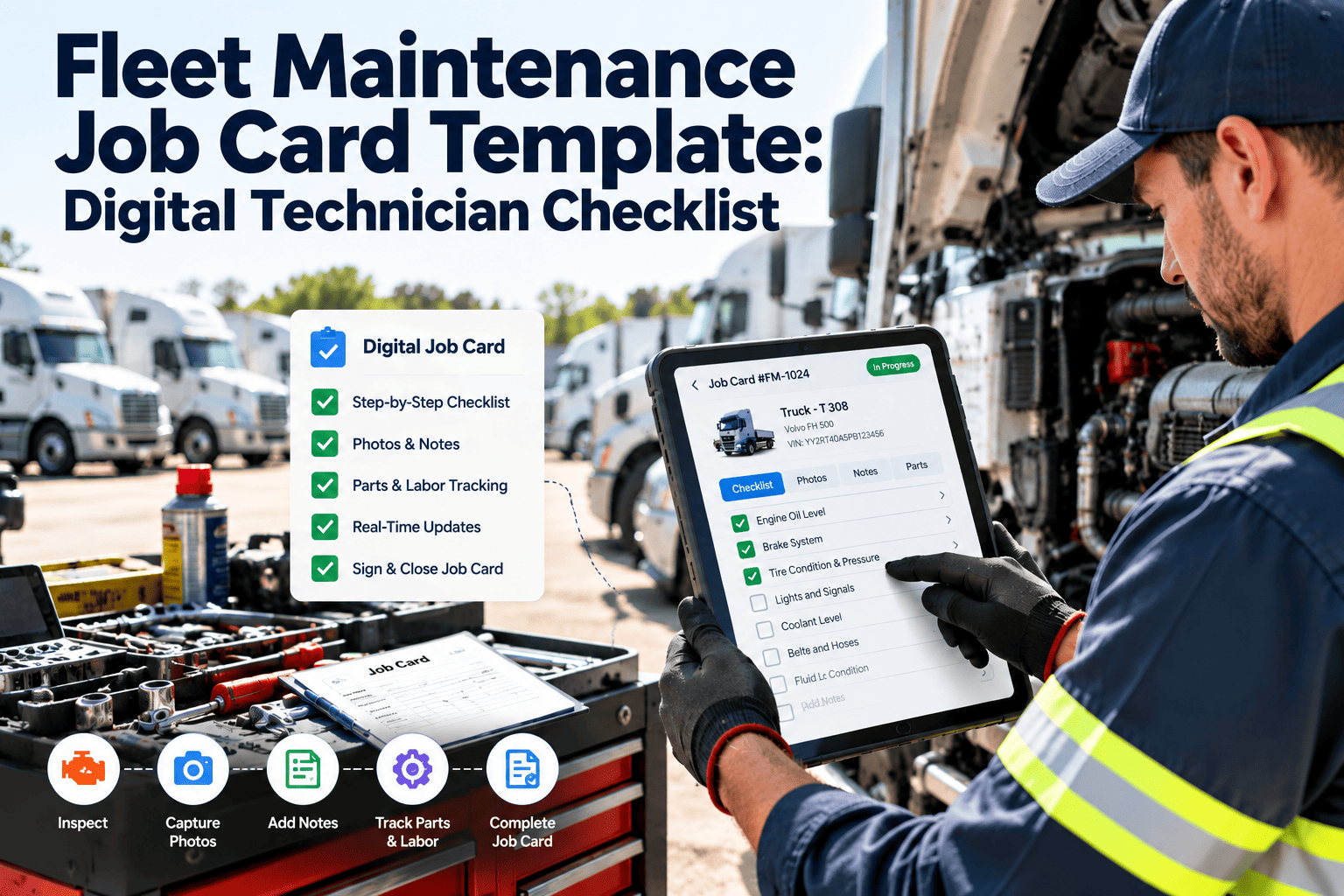
Fleet technicians are the frontline defense against breakdowns, safety incidents, and compliance failures — but only if their inspection findings are captured in a structured, retrievable format. The reality in most fleet shops is different: technicians conduct thorough inspections but document them on clipboards, napkins, or not at all. A 2024 fleet industry survey found that 43% of technician inspection findings never make it into a permanent maintenance record. That means defects are found and forgotten, patterns go undetected, and when a DOT auditor or insurance adjuster asks for inspection documentation, the shop scrambles to reconstruct records that should have existed all along. This daily technician inspection report template provides the multi-vehicle format that captures brake checks, lighting systems, fluid levels, tire conditions, and defect reporting across every vehicle a technician touches in a shift. Download it to standardize your shop documentation immediately, or move to Oxmaint's digital inspection platform where technician findings automatically create work orders, flag safety-critical defects, and build a searchable inspection history for every vehicle in your fleet. Paper forms get filed and forgotten. Digital records drive maintenance action. Book a demo or start a free trial to see the difference.
Fleet Technician Inspection Report Template: Daily Multi-Vehicle Form
Standardized daily inspection form for fleet mechanics covering brake systems, lighting, fluids, tires, steering, electrical, and defect escalation. Multi-vehicle format for high-volume shop environments. Digital and PDF versions.
Standardize Your Shop Inspections Today
Use the PDF for paper-based shop documentation. For digital inspections with photo capture, automatic defect-to-work-order escalation, and searchable inspection history by vehicle, Oxmaint turns every technician into a data source that drives better maintenance decisions.
What This Technician Inspection Template Covers
Unlike driver DVIRs that check basic operational safety, technician inspections go deeper — measuring brake lining thickness, checking fluid condition not just level, identifying wear patterns, and assessing components that drivers cannot access. This template captures the mechanic-level detail that prevents failures and builds asset history.
Lining thickness measurement (mm), drum/rotor condition, air system leak-down rate, slack adjuster stroke, brake chamber condition, and ABS indicator status. Goes beyond pass/fail to capture quantitative wear data that predicts replacement timing.
Tread depth measurement (32nds) at multiple points, inflation pressure, sidewall condition, wheel seal condition, lug nut torque verification, and wear pattern analysis. Identifies alignment issues, underinflation damage, and imminent tire failures before they happen on the road.
Engine oil color and level, transmission fluid color and smell, coolant condition and concentration, power steering fluid level, brake fluid condition, and differential fluid level. Fluid condition often reveals internal component issues before they manifest as performance problems.
Battery voltage and terminal condition, alternator output, all exterior lighting function, wiring harness inspection for chafing or damage, and instrument panel warning light verification. Electrical issues account for 18% of roadside breakdowns.
Steering play measurement, power steering pump condition, tie rod end inspection, ball joint wear, spring and shock absorber condition, frame and crossmember inspection for cracks or corrosion. Structural issues that drivers cannot detect from the cab.
Three-tier defect classification — critical (vehicle out of service), priority (repair within 48 hours), and monitor (schedule at next PM). Each defect documented with location, description, severity, and recommended action. Digital version auto-generates work orders by severity.
Multi-Vehicle Daily Format: How the Template Works
Fleet shop technicians inspect multiple vehicles per shift. This template is designed for that workflow — a single form captures inspections for up to 8 vehicles per day, with a consistent checklist structure that speeds documentation without sacrificing thoroughness. Each vehicle section takes 8-12 minutes to complete for a standard multi-point inspection.
| Template Section | Data Captured | Time to Complete |
|---|---|---|
| Vehicle Header | Unit number, VIN, odometer, technician name, date, bay number | 30 seconds |
| Brake System | 8 inspection points with measurement fields | 3 minutes |
| Tires and Wheels | 6 inspection points per axle with tread depth | 2 minutes |
| Fluids and Filters | 6 fluid systems with condition and level | 2 minutes |
| Electrical and Lighting | 10 lighting points plus battery and alternator | 2 minutes |
| Steering and Suspension | 8 inspection points with wear classification | 2 minutes |
| Defect Summary and Sign-off | Defect list, severity, recommended action, technician signature | 1 minute |
Paper Forms vs. Digital Inspections: The Shop Reality
Every fleet shop manager knows the paper problem: forms pile up, handwriting is illegible, defects discovered on Tuesday are not entered into the maintenance system until Friday, and historical inspection data is practically unretrievable. Digital inspection tools solve every one of these problems — not by changing how technicians work, but by digitizing the same inspection process they already perform. Here is how the two approaches compare in a real shop environment. If you are ready to go digital, start a free trial of Oxmaint or book a demo to see the digital inspection workflow.
| Capability | Paper Inspection Forms | Oxmaint Digital Inspections |
|---|---|---|
| Defect-to-Work-Order Speed | Hours to days — depends on admin data entry | Instant — critical defects auto-generate work orders |
| Photo Documentation | Not possible on paper forms | In-app camera with defect-tagged photos |
| Historical Lookup | Requires searching filing cabinets by vehicle | Instant search by vehicle, defect type, or date range |
| Trend Identification | Manual — rarely done due to time requirements | Automatic — recurring defects flagged by system |
| Audit Readiness | Paper trail with gaps and illegible entries | Timestamped digital records with technician ID |
| Technician Compliance | Inconsistent — easy to skip sections | Mandatory fields ensure every section completed |
Defect Severity Classification Guide
Not every defect requires the same response urgency. This template includes a three-tier severity classification that standardizes how technicians prioritize findings and how the shop schedules corrective action.
Brake failure or lining below minimum, steering defects, tire tread below legal limit, air system leak exceeding 3 psi/minute, frame cracks, inoperative headlights. Vehicle must be repaired before returning to service. Represents approximately 8% of technician-found defects.
Brake lining approaching minimum, tire tread in warning zone, minor fluid leaks, inoperative secondary lighting, worn suspension components, belt cracking. Vehicle may operate short-term but must be scheduled for repair within 48 hours. Represents approximately 27% of findings.
Early wear indicators, minor cosmetic damage, fluid condition approaching service interval, slow battery voltage decline, minor corrosion. Document and schedule correction at next preventive maintenance event. Represents approximately 65% of findings.
The template captures findings. Oxmaint converts those findings into scheduled work orders, tracks completion, and builds a searchable inspection history for every vehicle. Technicians document on mobile devices in the same time it takes to fill out paper — but the data immediately drives maintenance scheduling, parts ordering, and compliance reporting. Shops using digital inspections close defects 3.7x faster than paper-based operations.
How to Implement This Template in Your Fleet Shop
Standardizing shop inspections requires more than distributing a form — it requires a workflow that technicians will follow consistently. Here is the implementation process that produces the best results.
Review the template checklist against your fleet composition. Add vehicle-specific inspection points for specialized equipment — reefer units, hydraulic systems, PTO components, liftgates. Remove items not applicable to your fleet types.
Walk through the three-tier severity system with your shop team. Use real examples from your fleet. Ensure every technician understands when to classify a defect as critical versus priority versus monitor. Inconsistent severity classification undermines the entire system.
Designate a shop supervisor or lead technician to review all inspection forms at end of shift. Critical defects must be escalated immediately. Priority defects must be scheduled within 24 hours. Monitor items must be logged in the vehicle maintenance record.
Track inspection completion rates by technician, defect discovery rates, and time-to-repair for each severity level. Shops that measure inspection performance see defect discovery rates increase 34% in the first 90 days as technicians learn the system rewards thoroughness.
Frequently Asked Questions
How is a technician inspection different from a driver DVIR?
How many vehicles should a technician inspect per shift?
Can this template be used for equipment other than trucks?
How long should we retain technician inspection records?
Give Your Technicians the Documentation Tools They Deserve
Your technicians find defects every day. The question is whether those findings reach the maintenance record, drive scheduled repairs, and prevent breakdowns — or disappear into a filing cabinet. This template standardizes the capture process. Oxmaint automates the action process. Download the template to start standardizing, or go digital and turn every inspection into maintenance intelligence.