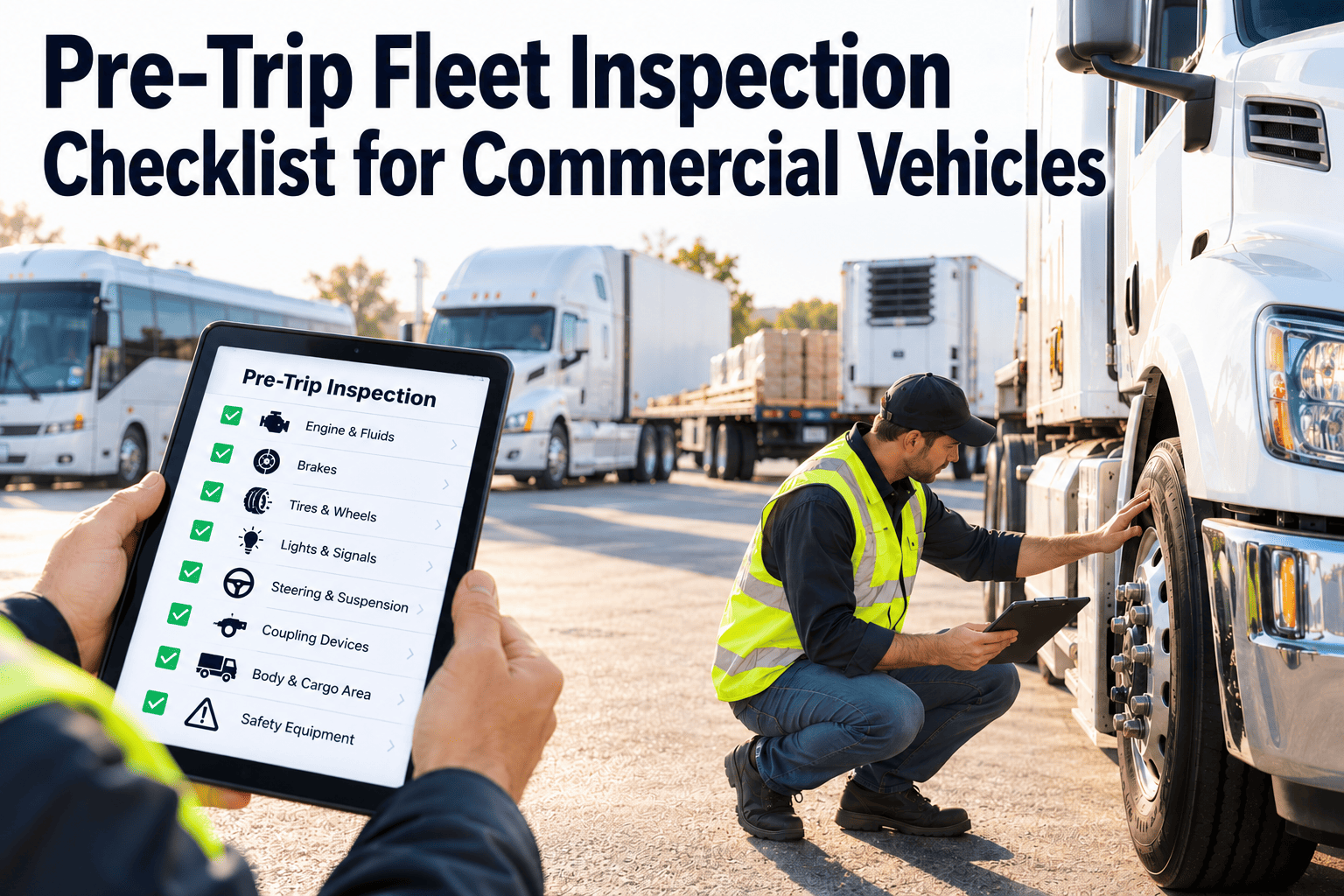
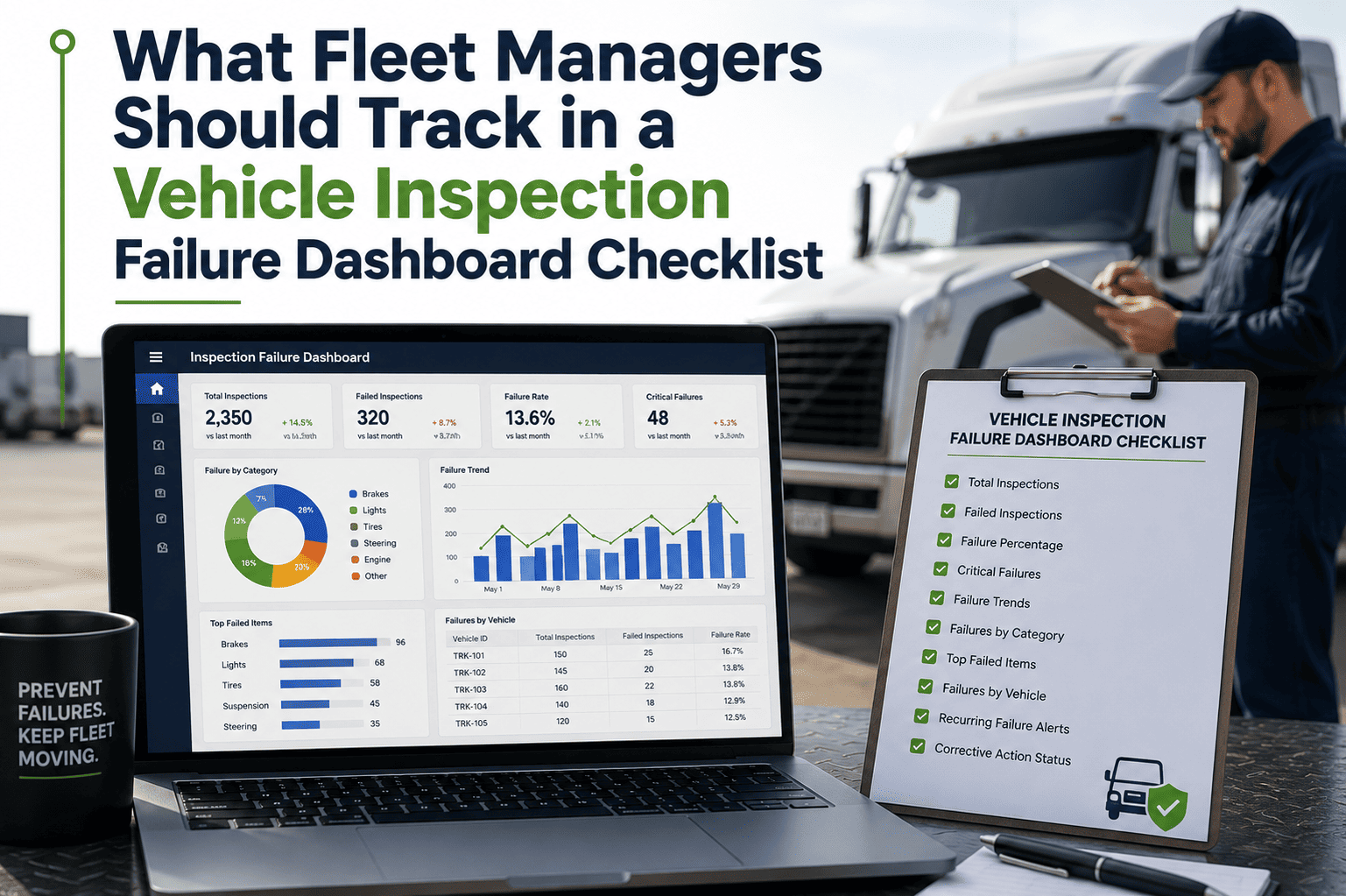
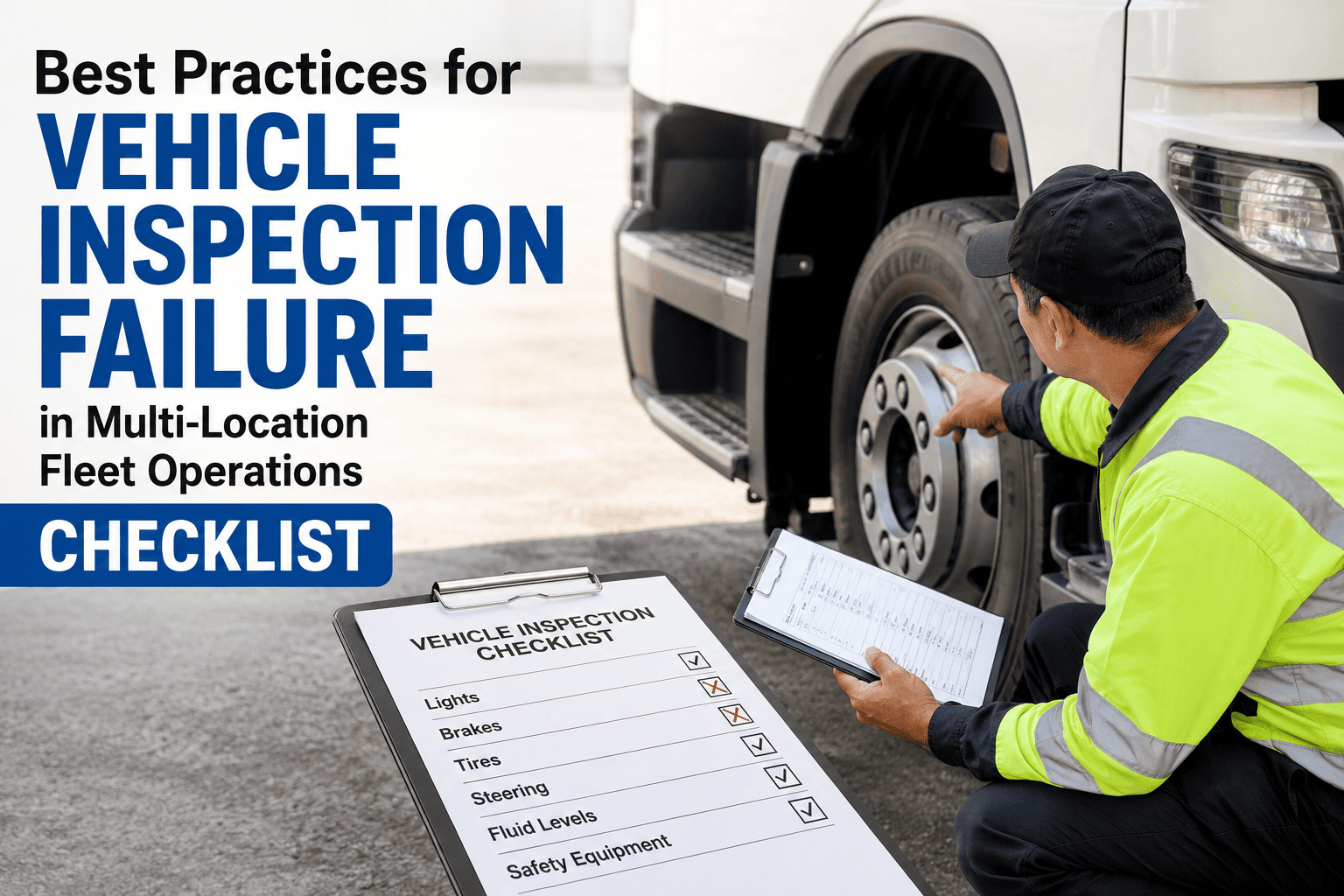
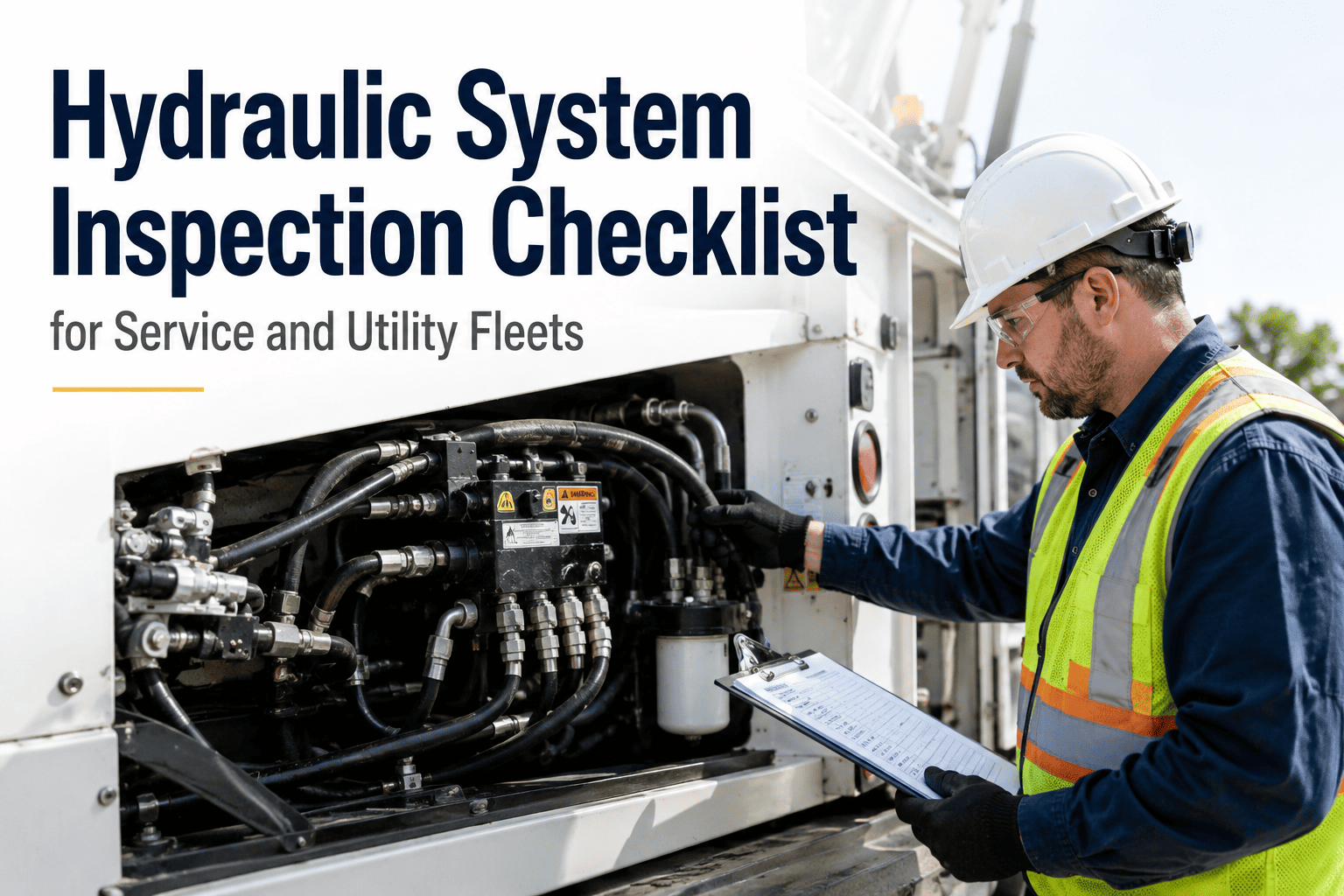
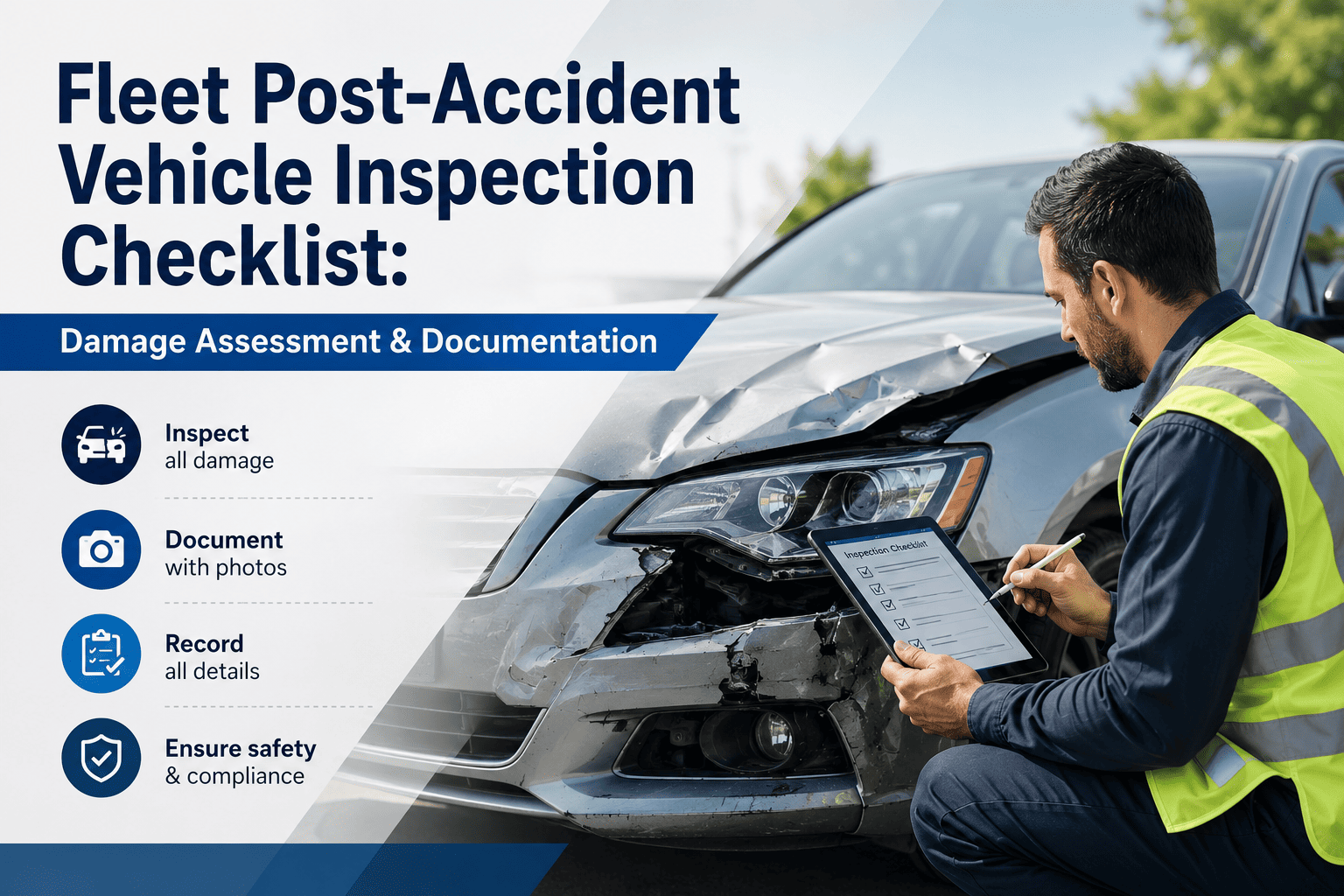
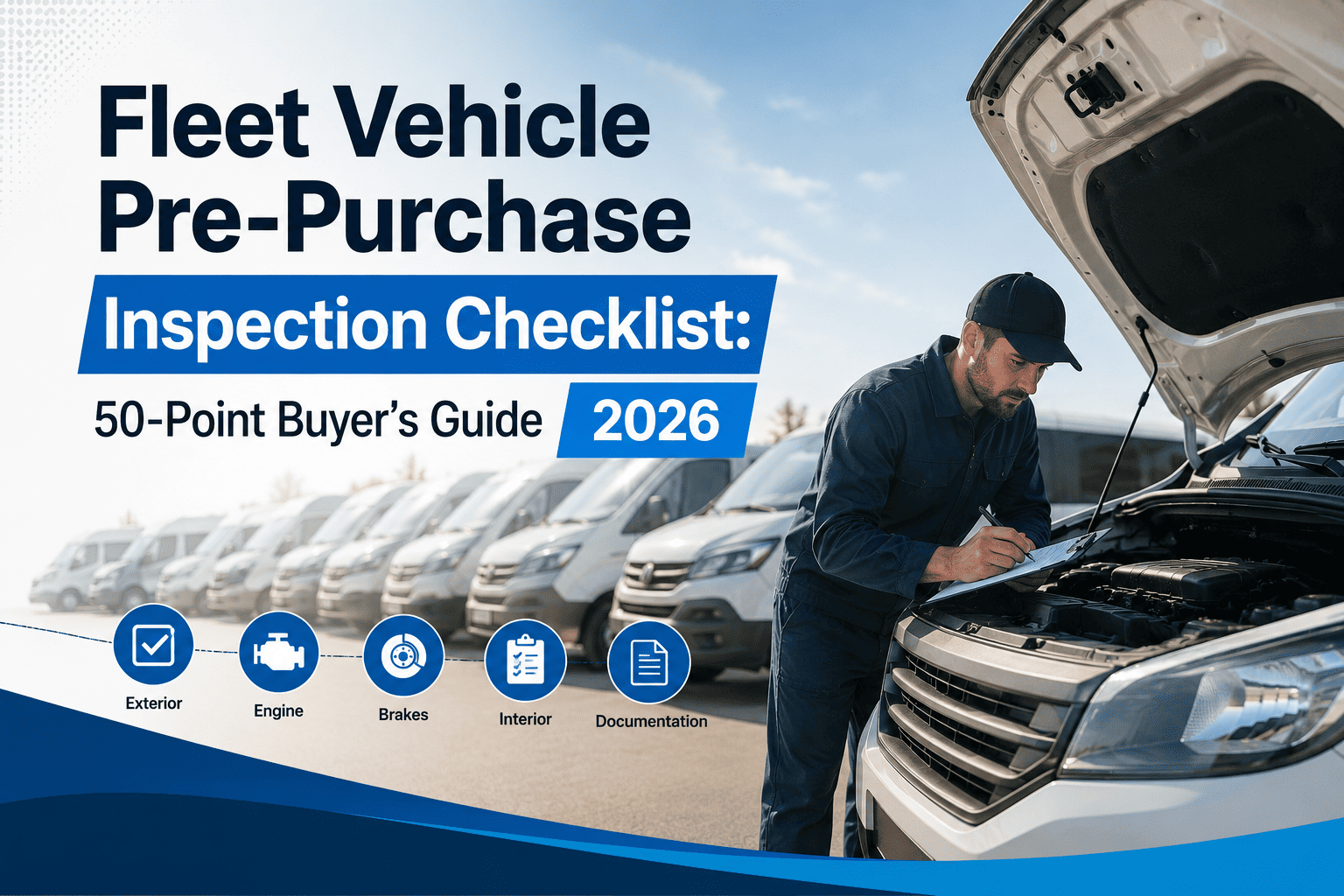
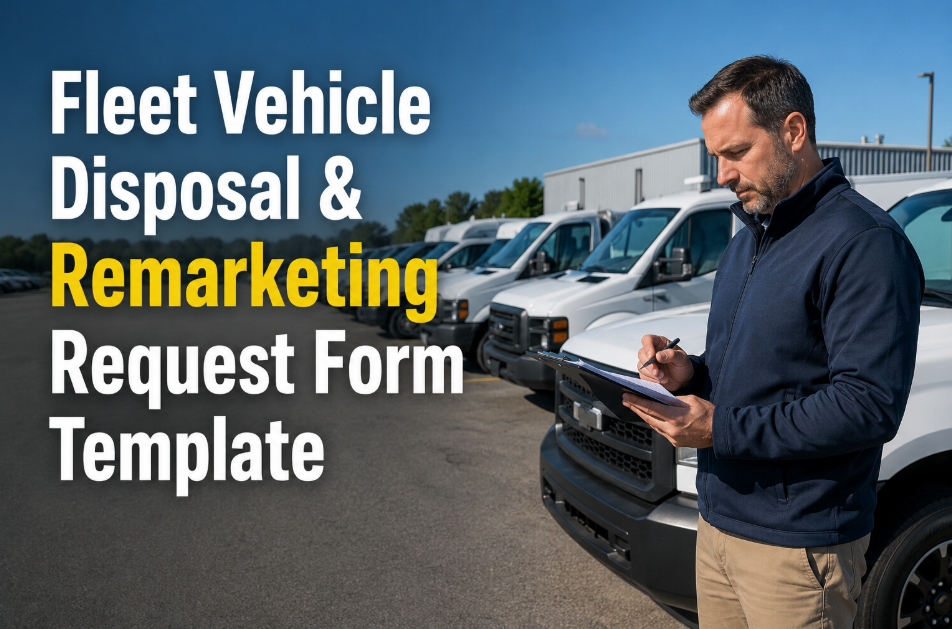
Fleet maintenance checklists are only as useful as the system that enforces their completion. A PDF checklist emailed to a technician is not a maintenance programme — it is a hope. A paper checklist signed at the end of a shift is not inspection evidence — it is a liability risk when the vehicle involved in an incident shows 47 checkboxes ticked in the same pen stroke. Effective fleet maintenance checklists are digital, vehicle-specific, triggered at the correct interval, completed in sequence on a mobile device with mandatory photo capture at critical items, and stored permanently against the vehicle's maintenance record. Oxmaint's fleet maintenance checklist template library gives fleet managers 200+ pre-built inspection and PM templates — covering every vehicle class from light-duty pickups to HGV tractor-trailer combinations — deployable as structured digital work orders in minutes, not weeks of spreadsheet configuration.
Vehicle-specific PM checklist templates ready to deploy
3× faster
Inspection completion vs paper checklists
100%
Photo evidence capture for every critical inspection item
DOT ready
DVIR and federal compliance templates included
Template Library — By Vehicle Class
Every vehicle class has unique PM requirements, inspection points, and regulatory obligations. Oxmaint's template library covers every class — from daily pre-trip DVIR for commercial drivers to annual DOT safety inspections for HGV fleets.
Battery SOH inspectionCharging system PMThermal managementRegenerative brake checkHV system safety auditRange degradation log
Paper Checklist vs Oxmaint Digital Checklist
Paper checklists create compliance risk, not compliance evidence. Oxmaint digital checklists close every gap — mandatory completion, photo evidence, and permanent storage with every inspection.
Feature
Paper Checklist
Oxmaint Digital
Completion enforcement
None — can skip items
Mandatory — cannot skip
Photo evidence
Not possible
Auto-required at critical items
Defect work order
Manual — often missed
Auto-created on fail
Audit trail
Paper file — can be lost
Permanent digital record
Vehicle-specific items
Generic form reused
Matched to asset class & config
Regulatory compliance
Manual interpretation
DOT / FMCSA pre-built
Sample PM Checklist — Class 8 Tractor 50,000-Mile Service
AI analyses technician photos captured during inspections — flagging tire cracks, fluid leaks, and brake wear that fall below acceptable thresholds automatically.
Telematics / OBD Pre-fill
Pre-populated
Mileage and DTCs auto-filled
Vehicle mileage, engine hours, and active fault codes from Samsara, Geotab, and Fleet Complete auto-populate checklist fields before the technician opens the form.
SAP PM Integration
Bidirectional
Checklists sync to SAP PM
Completed checklist data — labour, parts consumed, defect findings — syncs to SAP Plant Maintenance records automatically, eliminating double-entry across systems.
Custom Template Builder
No-code
Build your own in minutes
Drag-and-drop checklist builder lets fleet managers create vehicle-specific inspection forms without IT involvement — add items, set photo requirements, and assign PM intervals in minutes.
3× faster
Inspection completion with digital checklists vs paper forms
From sign-up to your first digital checklist running on the fleet
"We had three DVIRs come back blank during a DOT audit — signed but nothing filled in. With Oxmaint's digital checklists, every item is mandatory, every critical item requires a photo. We haven't had a failed DVIR audit in 18 months. The pre-built HGV templates meant we were live in under two days."
Fleet Operations Director · Logistics Company · Ontario, Canada
Frequently Asked Questions
Q1Can I customise Oxmaint's fleet checklist templates for my specific vehicles?▾
Yes — every template is fully customisable. Add, remove, or reorder items, set photo requirements per item, assign labour time standards, and configure pass/fail thresholds specific to your fleet spec and operating environment.
Q2Are Oxmaint's checklist templates DOT and FMCSA compliant?▾
Pre-built DVIR templates meet FMCSA 396.11 requirements, and HGV annual inspection templates align with 49 CFR Part 396 inspection standards. Completed checklists generate timestamped, driver-signed records that satisfy DOT documentation requirements.
Q3Does Oxmaint auto-create a work order when a checklist item fails?▾
Yes — failed checklist items auto-generate work orders with the defect description, photo evidence, and vehicle ID pre-populated. Work orders are routed to the assigned technician with the correct priority based on the defect type.
Q4How long does it take to deploy Oxmaint's checklist templates to a fleet?▾
Pre-built templates are deployable in under 10 minutes — import your vehicle list, select the correct template class, assign PM intervals, and technicians receive mobile access immediately. Full fleet deployment typically completes within 48 hours.
Q5Can Oxmaint checklists be completed offline in remote locations?▾
Oxmaint's mobile app works fully offline — technicians complete checklists, capture photos, and record findings without connectivity. All data syncs automatically when signal is restored, with full timestamp and GPS location retained.
200+ Fleet Checklist Templates. Deploy in 48 Hours. Zero Paper.
Digital fleet inspection checklists — free to start.