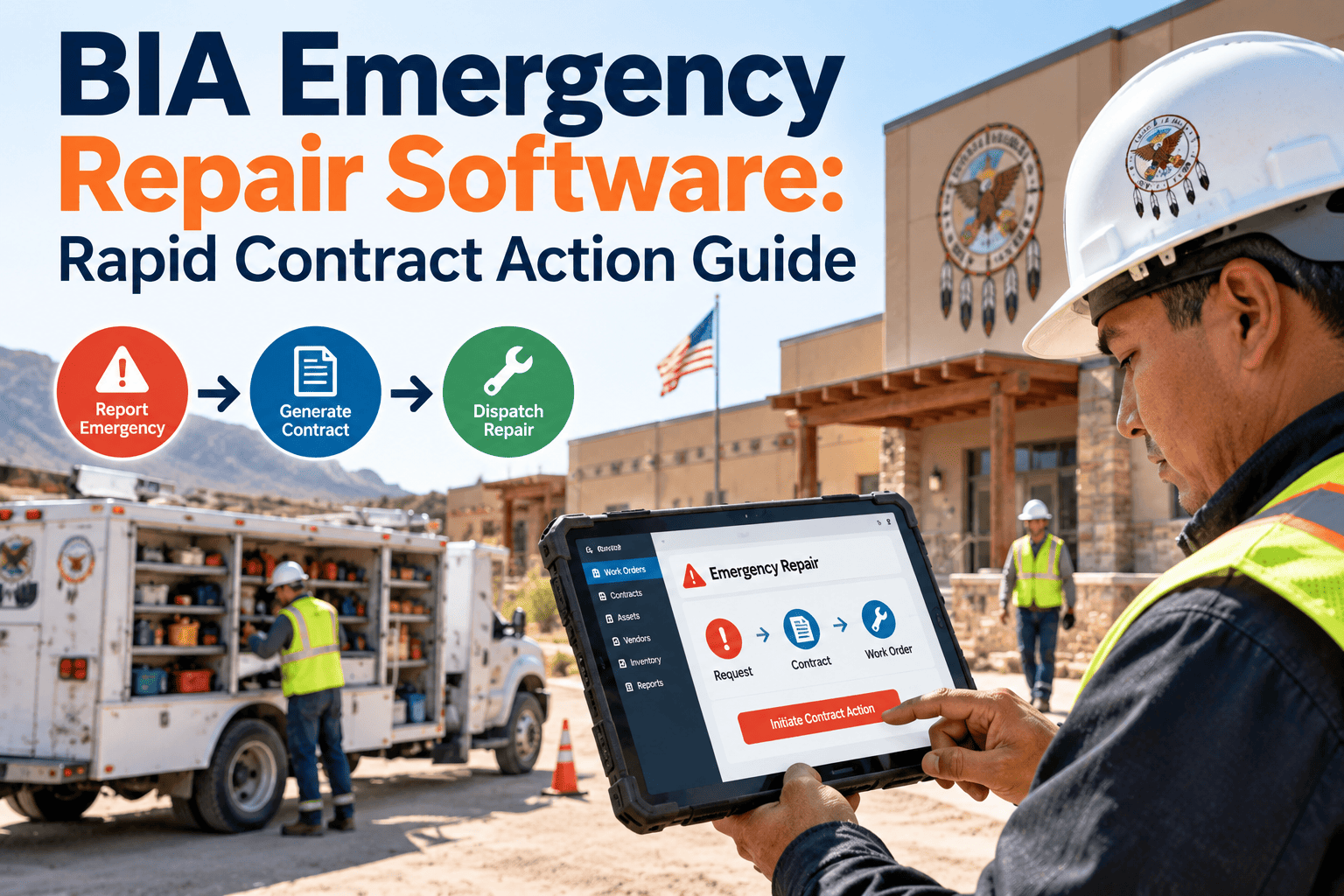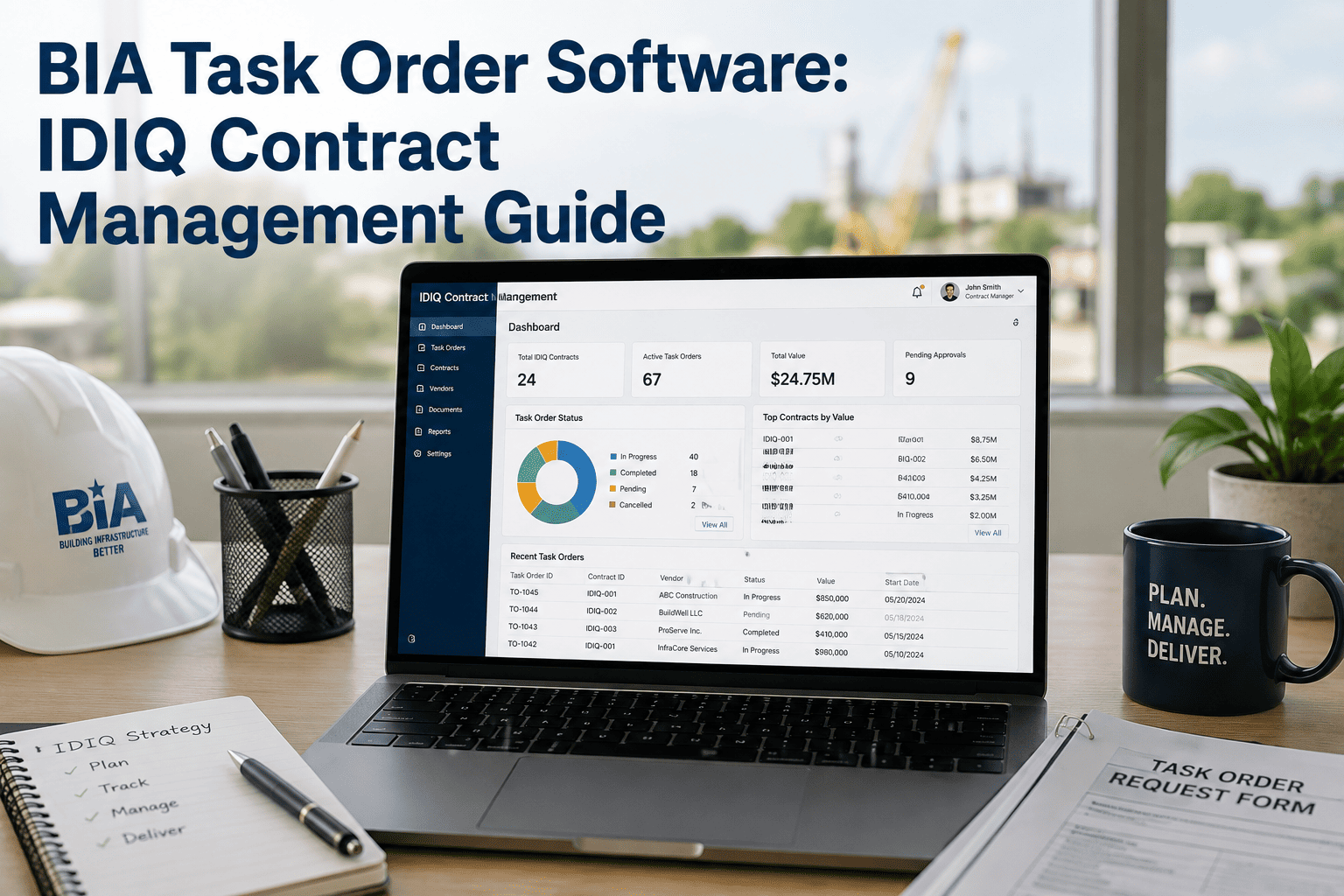
Facilities under the Bureau of Indian Affairs (BIA) rely heavily on contractors for building maintenance, repairs, and support services, and many of those contractors are reached through a GSA Multiple Award Schedule (MAS) contract. The paperwork behind each job is layered: a contract vehicle, a task order or quote request, the field work itself, and the invoice. When those layers live in separate files, pricing errors and missed deliverables are hard to spot. This guide shows how facility teams can keep the layers connected and organized with Oxmaint CMMS software.
Track GSA Schedule Vendors From Contract Vehicle to Completed Work Order
Connect contract references, task orders, approved pricing, and field work in one maintenance record so every vendor invoice can be checked against what was actually awarded and performed.
Contract Vehicle vs Task Order vs Work Order
Confusion between these three terms is a common source of gaps. Each layer answers a different question and needs its own data.
| Layer | What It Defines | What Facility Teams Should Record |
|---|---|---|
| GSA MAS contract vehicle | The vendor's awarded schedule contract, terms, and pricing available to federal buyers | Contract number, vendor name, applicable category, period of performance, and current modification |
| Task order or quote award | The specific requirement placed against the vehicle for a site or scope | Order number, scope, location, price basis, start and end dates, and deliverables |
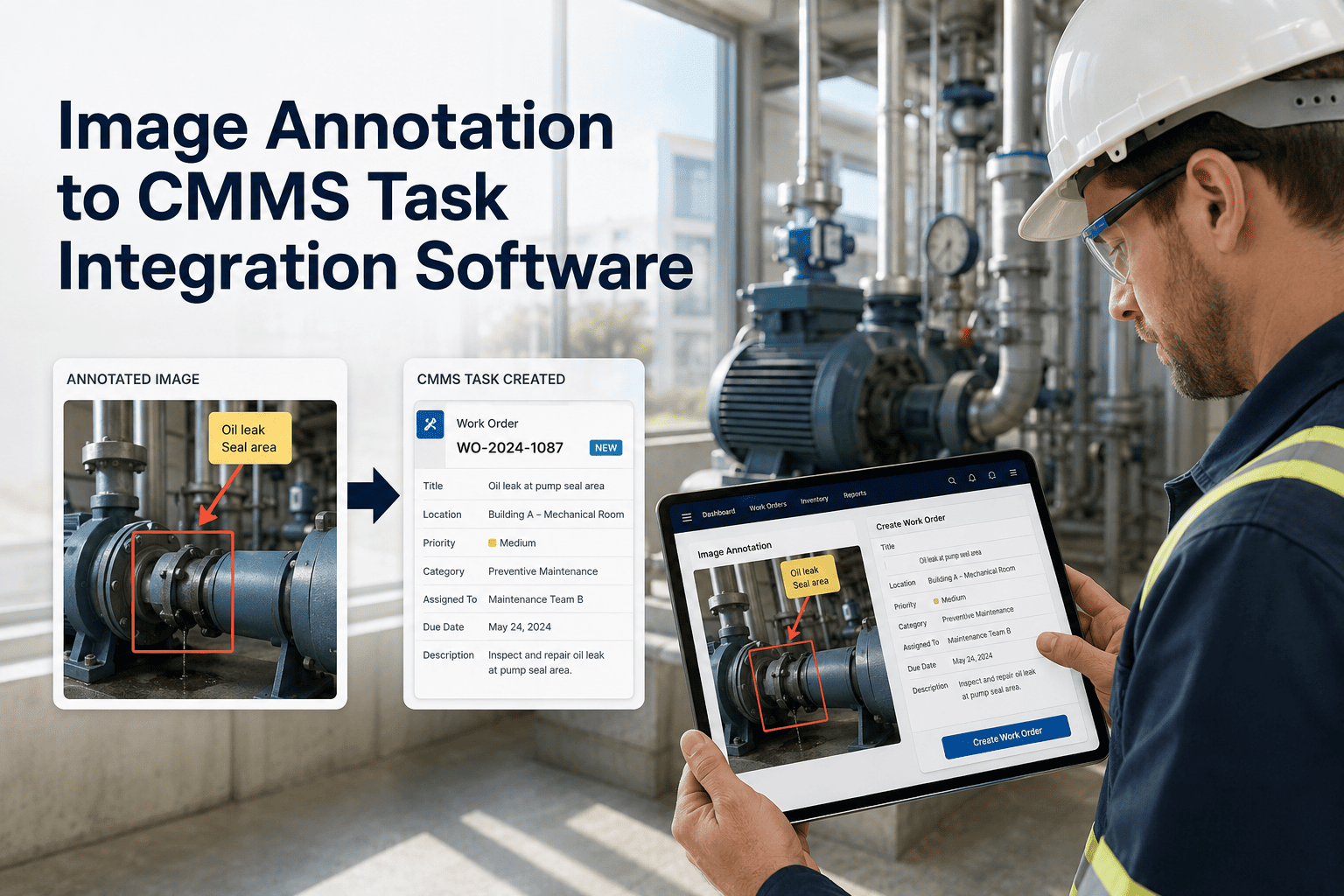
| Work order | The individual maintenance activity performed at an asset or location | Asset, problem, labor hours, materials, technician, completion notes, and photos |
| Invoice and acceptance | The vendor's billing and the government's acceptance of work | Invoice number, billed rates, hours, acceptance date, and any disputes |
Where Vendor Tracking Breaks Down
These patterns show up when contract data sits in email folders and spreadsheets while the work is managed somewhere else.
Put Contract Details Next to the Work They Govern
Give dispatchers, inspectors, and reviewers one place to see the vendor, the order, and the completed work.
Task Order Lifecycle for Facility Vendor Work
A repeatable lifecycle keeps every order from stalling between award and closeout. Each stage should leave a record.
Define the Need
Identify the assets, locations, and service levels that require outside support.
Solicit and Award
Contracting staff issue the request and award through the applicable vehicle. Store the award reference with the vendor.
Schedule the Work
Create recurring or one-time work orders tied to the order and the assets it covers.
Perform and Document
Capture arrival, labor, materials, photos, and completion notes on the work order.
Review and Accept
Compare invoice details with recorded work and awarded rates before acceptance.
Close and Evaluate
Summarize performance, note lessons, and decide whether to extend, rebid, or change scope.
Pricing Schedule Compliance at the Invoice Level
Schedule contracts carry negotiated pricing, and federal buyers are expected to confirm that what is billed fits what was awarded. Exact requirements vary by contract, so confirm terms with your contracting officer.
Invoice Review Checklist
| Review Item | Question to Ask | Source Record |
|---|---|---|
| Labor category | Does the billed category match the awarded pricing for this order? | Order record and vendor profile |
| Rate | Is the billed rate at or below the awarded rate? | Approved pricing attached to the order |
| Hours | Do invoiced hours agree with logged time on the work order? | Work order labor entries |
| Materials and other costs | Were items authorized and supported by receipts or descriptions? | Work order parts and notes |
| Period of performance | Was work performed inside the dates on the order? | Order dates and completion timestamps |
| Scope | Was the work within the scope, or does it need a modification? | Order scope and inspector notes |
Pricing Terms Worth Storing
- Awarded labor categories and rates for each order
- Any discounts or price adjustments negotiated at the order level
- Modification history that changes price, scope, or dates
- Notes from contracting staff that explain pricing decisions
Avoid vs Adopt: Managing Vendors Across Facilities
Small process changes reduce disputes and make handoffs between staff far easier.
Avoid
- Storing orders only in personal email
- Dispatching vendors without checking order dates
- Approving invoices without comparing logged work
- Recording vendor feedback in unstructured notes
Adopt
- One vendor profile with contract and order references
- Work orders tagged to the order they fall under
- Completion evidence captured on site
- Consistent performance measures for every vendor
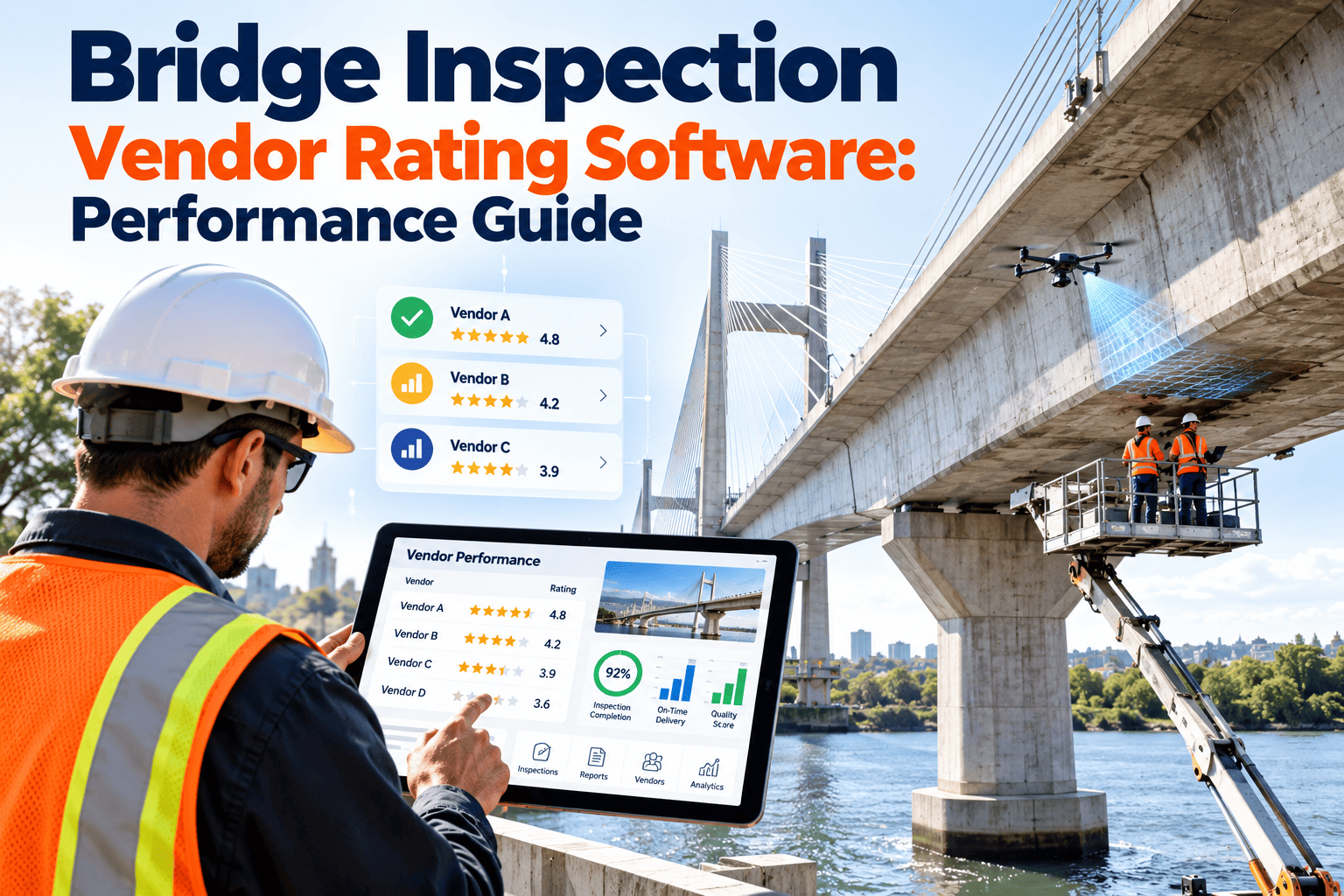
Vendor Performance Measures That Support Decisions
Federal contracting includes formal past performance processes. Facility teams can support them by keeping objective field data.
Audit-Ready Records: Two Files That Must Agree
Reviewers and auditors ask two kinds of questions: what was contracted, and what actually happened. Your records should answer both.
Contract File
- Vehicle and order numbers
- Scope of work and deliverables
- Awarded rates and modifications
- Period of performance and options
- Points of contact
Field File
- Work orders with timestamps
- Labor hours and materials
- Photos and inspection results
- Acceptance decisions
- Deficiency and warranty follow-up
How Oxmaint Supports Vendor and Contract Workflows
Oxmaint is a maintenance management platform. It organizes vendor information and field work alongside your facility assets, while official contract actions remain with your contracting office and government systems.
To see how this could map to your process, schedule a walkthrough with the Oxmaint team.
Frequently Asked Questions
Does a CMMS replace contracting systems?
What should be tagged to a GSA task order?
How can remote BIA sites capture vendor evidence?
Can vendor rework be measured?
Is setup complex for a small facilities team?
Make Every Vendor Invoice Traceable to Real Work
Bring contract references, task orders, pricing details, and field records into one maintenance system for your federal facilities.