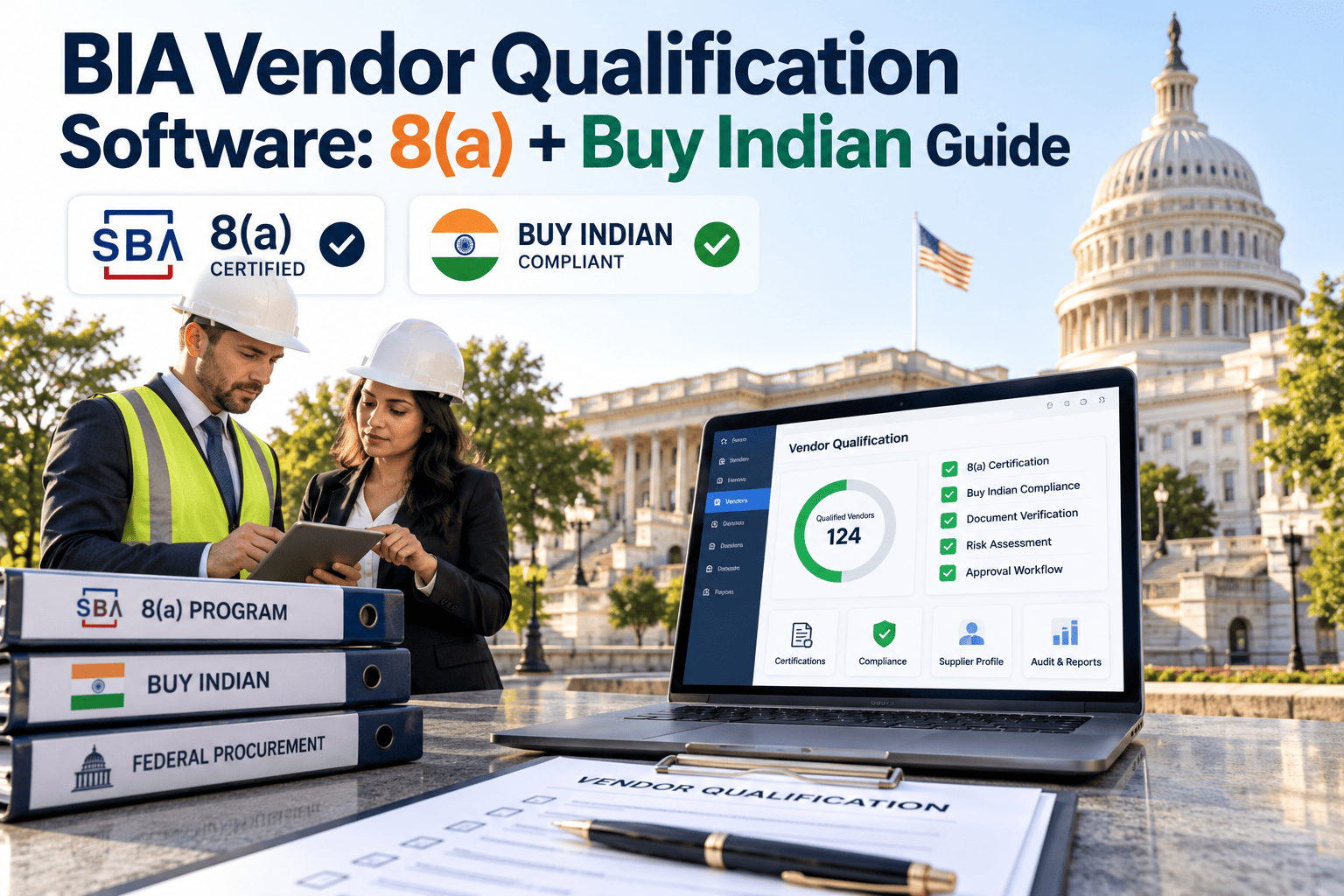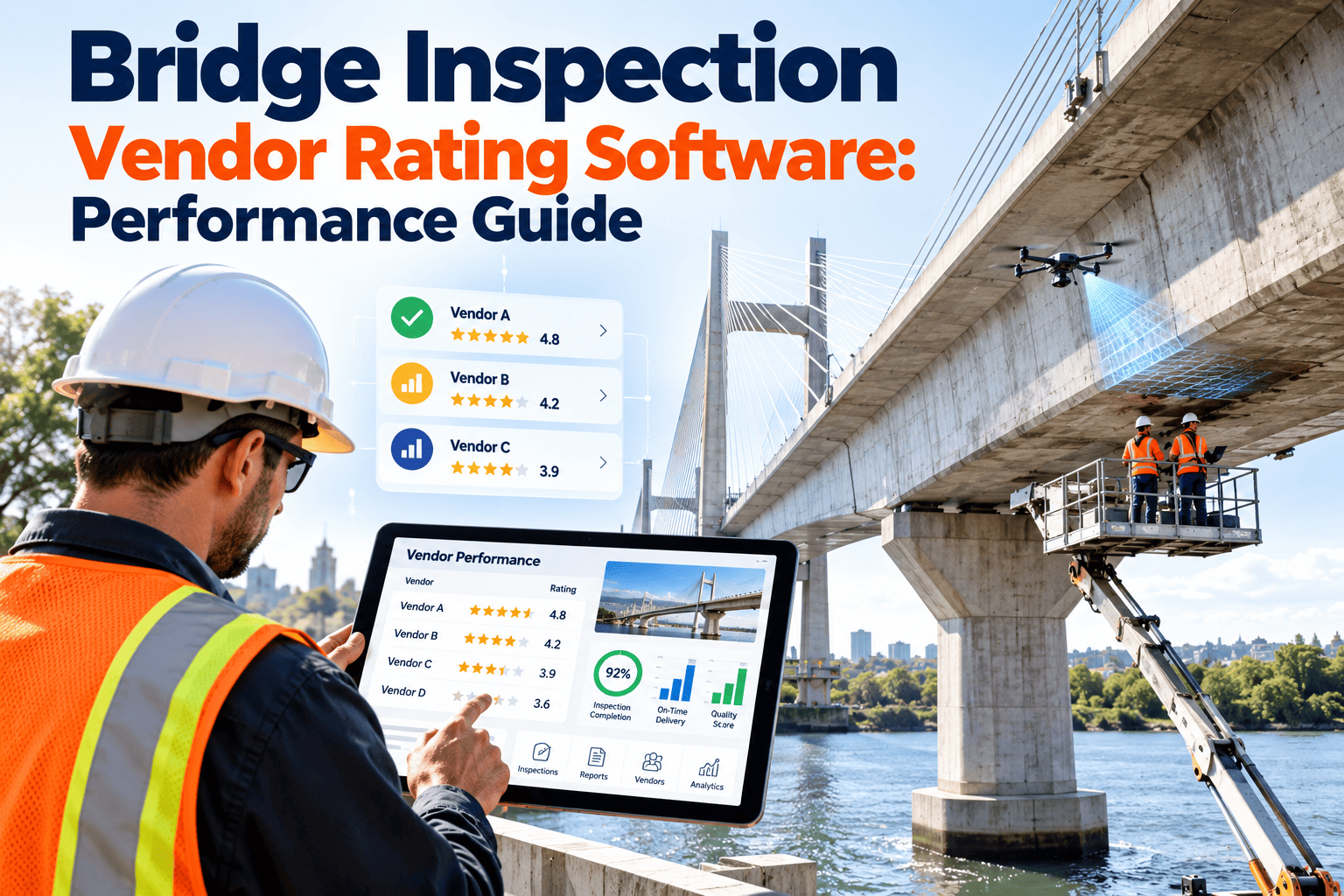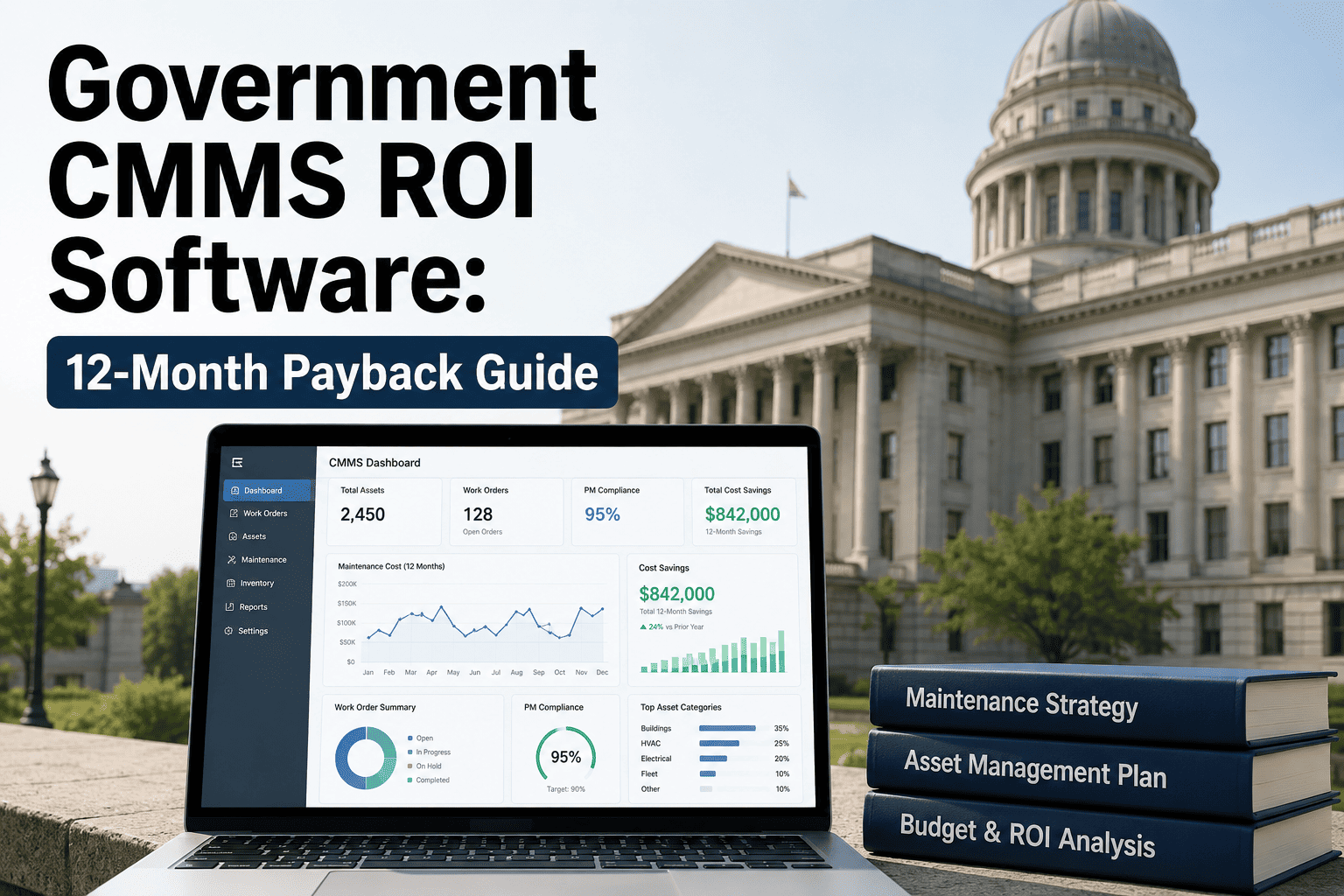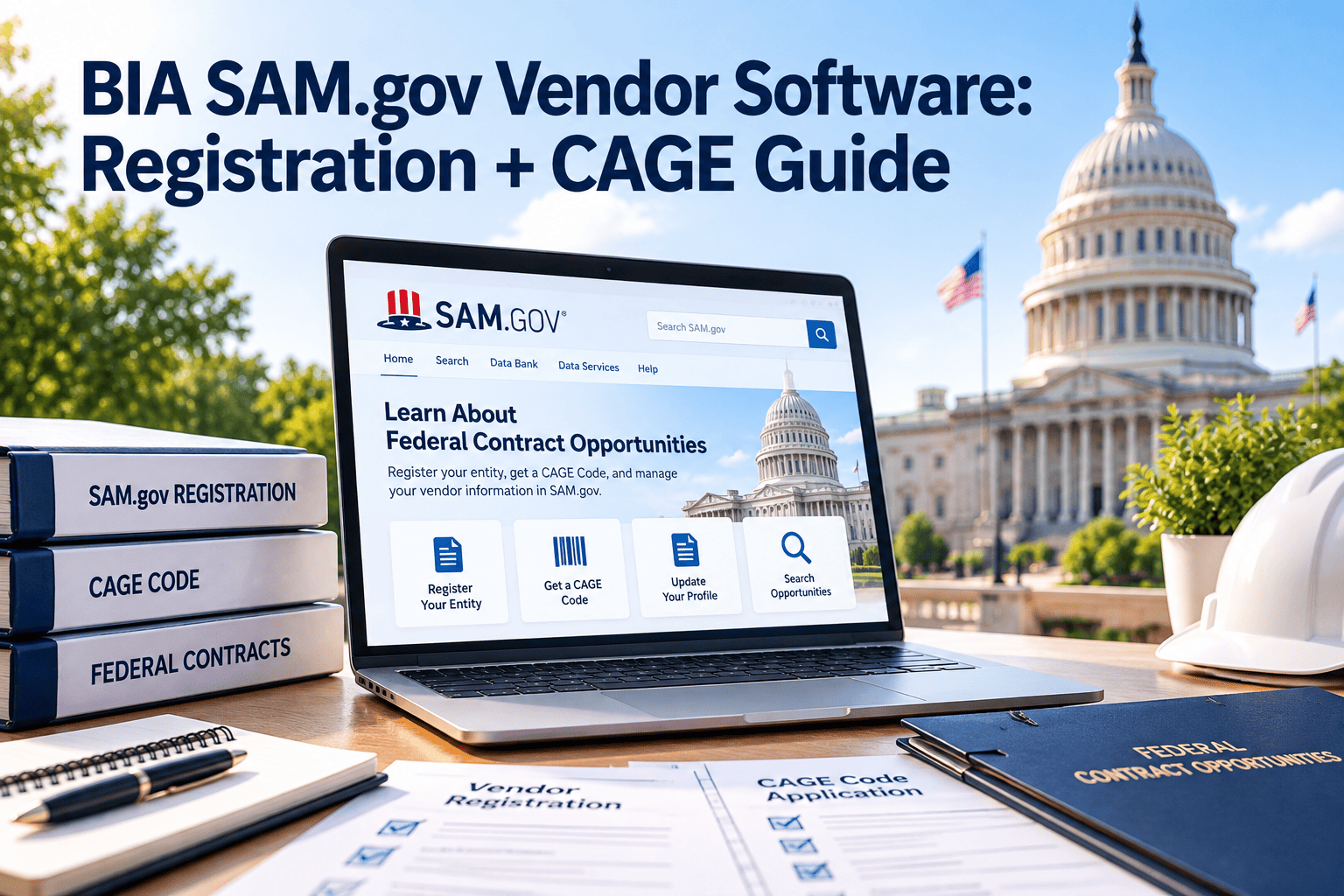
Maintenance contractors working for the Bureau of Indian Affairs, from school facilities to roads, irrigation and detention centers, must stay registered in SAM.gov to be awarded and paid. A lapsed registration, a mismatched legal name or a missing CAGE code can stall an award or hold up an invoice while the work is already underway. Facilities teams usually see the problem only when a payment bounces or a purchase order cannot be issued. This guide explains how to track vendor registration inside a CMMS so that compliance never becomes a surprise.
Why Vendor Registration Belongs in Facilities Maintenance
The contracting view
- Federal awards generally require an active SAM.gov registration
- Representations and certifications are reviewed annually
- Exclusion checks protect the agency from barred entities
The maintenance view
- Boilers, roofs, HVAC and roads need contractors on short notice
- Emergency repairs cannot wait for registration paperwork
- Work orders need a vendor who can be paid
Contracting offices own the award decision, but maintenance staff are often the ones who find a vendor dispatched with an expired registration. Keeping the data visible on the vendor record closes that gap.
- Avoid last-minute substitutions when a preferred vendor cannot be paid.
- Reduce rework by confirming status before scope, quotes and schedules are finalized.
- Give contracting officers one place to check what facilities already knows.
The Identifiers Your Vendor Records Should Carry
| Field | What It Is | Why Facilities Cares |
|---|---|---|
| UEI (Unique Entity ID) | The federal entity identifier assigned through SAM.gov, which replaced the DUNS number in 2022 | Used to match the vendor to awards, invoices and exclusion records |
| CAGE code | A five-character code assigned or validated by the Defense Logistics Agency during registration | Identifies the specific business location on federal contracts and purchase records |
| Registration status | Active, expired or in process, as shown in the SAM.gov entity record | Determines whether the vendor can be awarded or paid |
| Expiration date | Registrations must be renewed every twelve months | Drives the renewal reminder schedule |
| NAICS codes | Industry codes declared by the vendor, such as building maintenance or paving | Confirms the vendor is registered for the kind of work you need |
| Legal and DBA name | The names on the SAM.gov record | Mismatches with invoices and purchase orders cause payment rejections |
| Socioeconomic status | Business size and any set-aside eligibility the vendor has declared | Supports preference programs, including Indian-owned enterprise considerations |
The Registration Lifecycle, Step by Step
The vendor creates a SAM.gov account and receives the Unique Entity ID, which is free.
Business details, banking information, NAICS codes, points of contact and the reps and certifications.
DLA validates the entity and assigns or confirms the CAGE code as part of the process.
The record becomes active once processing and validation are complete. Processing can take several weeks.
The vendor reviews and updates the record before the expiration date to avoid a lapse.
Stop Chasing Vendor Paperwork by Email
Where Registration Problems Hit BIA Maintenance Work
Practical examples from facilities work
- A school boiler fails in winter and the approved heating contractor registration expired last month.
- A road grading vendor submits an invoice under a trade name that does not match the SAM.gov legal name.
- A roofing contractor is registered, but only under codes for new construction rather than repair.
- A detention facility needs a licensed electrical contractor and nobody knows which approved vendors are currently active.
Renewal Countdown: A Reminder Schedule That Works
Without Tracking vs. With a Vendor Compliance Record
Without tracking
- Vendor lists live in several spreadsheets and email threads
- Status checks happen only when a problem appears
- Different offices keep different versions of the same data
- Emergency dispatch relies on whoever remembers the vendor
With a vendor compliance record
- One vendor record holds identifiers, trade and expiration date
- Automated reminders go out before registration lapses
- Work orders show the assigned vendor and its status
- Reports list vendors due for renewal in the next ninety days
Vendor Record Fields to Set Up in Your CMMS
A Verification Routine for Facilities Staff
- Search the vendor in SAM.gov by legal name or UEI and confirm the status shows Active.
- Compare the legal name and CAGE code to the quote, contract and invoice header.
- Confirm the NAICS codes cover the maintenance trade being purchased.
- Check the exclusion record according to your contracting office procedure.
- Record the verification date and your name on the vendor record in the CMMS.
- Add the expiration date so a reminder is created automatically.
Connecting Vendor Data to the Maintenance Workflow
How Oxmaint Helps
Oxmaint is maintenance management software, so it does not replace SAM.gov or the contracting system. It keeps the vendor facts that facilities teams need within reach of the work.
- Vendor and contractor records with custom fields for UEI, CAGE code and expiration dates.
- Recurring tasks and reminders for renewal checks and certificate reviews.
- Work orders that link the vendor, asset, location, cost and completion evidence.
- Mobile access so field staff can attach photos and notes at remote sites.
- Reports that show vendor activity, spend and open compliance items.
Measures That Show Whether the Process Works
Getting Started in Your First Month
- Export your current vendor list and add UEI, CAGE code and expiration date columns.
- Verify each active vendor in SAM.gov and correct names that do not match.
- Import the cleaned list and set the reminder schedule shown above.
- Agree with your contracting office on who confirms status for new vendors.
- Review the at-risk dashboard weekly until the process becomes routine.
- Requirements differ by solicitation, so confirm specifics with your contracting officer.
Common Data Errors and How They Cause Delays
| Error | How It Shows Up | Prevention |
|---|---|---|
| Name copied from a business card | The invoice does not match the SAM.gov legal business name and is returned | Copy the legal name directly from the SAM.gov entity record into the vendor profile |
| CAGE code typed incorrectly | Purchase records fail to match the entity, and reviewers ask for corrections | Use a required field with the five-character format and a verification date |
| Old address on file | Remittance or correspondence goes to the wrong location | Compare the address to SAM.gov at every renewal check |
| Expiration date not recorded | Nobody knows a renewal is due until payment problems begin | Make the expiration date mandatory and drive reminders from it |
| Parent and subsidiary confusion | The wrong entity is verified while another performs the work | Record the exact entity named on the contract and work order |
Who Does What: Roles in Vendor Compliance Tracking
Documentation to Keep With Each Vendor-Performed Job
Good records make invoice review and later audits faster. Attach evidence to the work order while the job is fresh, not weeks later from memory.
- The vendor legal name, UEI, CAGE code and verification date at the time of dispatch.
- The quote, scope of work and any contract or purchase order reference.
- Insurance certificates and required licenses with their expiration dates.
- Before and after photos, labor hours, materials and equipment used.
- The signature or electronic acceptance of the facility representative.
- Any safety observations or incident notes recorded on site.
Remote Sites, Subcontractors and Emergency Calls
Remote and rural facilities
- Travel time and limited vendor pools make backup vendors valuable
- Pre-verify several vendors per trade before winter or storm season
- Use mobile entry where connectivity is limited and sync later
Subcontractors and emergencies
- Ask prime vendors which subcontractors will be on site and record them
- Keep an emergency vendor list marked with the last verified date
- Document why a vendor was chosen when time was critical
What a Clean Vendor Audit Looks Like
- Every active vendor has a UEI, CAGE code and expiration date on its record.
- Each record shows a verification date within your agreed interval.
- Work orders for outside vendors link to the vendor profile used at dispatch.
- Renewal reminders exist as completed tasks, with notes on vendor responses.
- Exceptions, such as emergency dispatches, are documented with the reason.
Recurring Service Contracts: Tie Registration to Preventive Maintenance
Many facilities buy recurring services such as fire system testing, elevator inspections, HVAC service and grounds care. These contracts run for a full year or longer, so a registration lapse can occur mid-contract.
- Link each preventive maintenance schedule to the contracted vendor record.
- Add a registration check task ahead of each scheduled service visit.
- Review the vendor list before option years or renewals are exercised.
- Track certificates of insurance on the same calendar as registration renewals.
- Note the contract end date so replacement vendors can be verified in advance.
Dashboards Leadership Will Actually Use
Why Spreadsheets Break Down for Vendor Tracking
- Nobody is notified when a date passes, so the sheet only helps if someone opens it.
- Copies circulate by email, and edits made in one copy never reach the others.
- There is no link between a vendor row and the work orders that vendor performed.
- History is overwritten, so you cannot show when a registration was last verified.
- Turnover removes the one person who understood the file and its color codes.
- Leadership cannot filter by trade, facility or renewal window without rebuilding the sheet.
- Auditors ask for evidence of checks over time, and a sheet rarely shows who verified what and when.
- Mobile access is limited, so field staff cannot confirm a vendor before dispatching help.