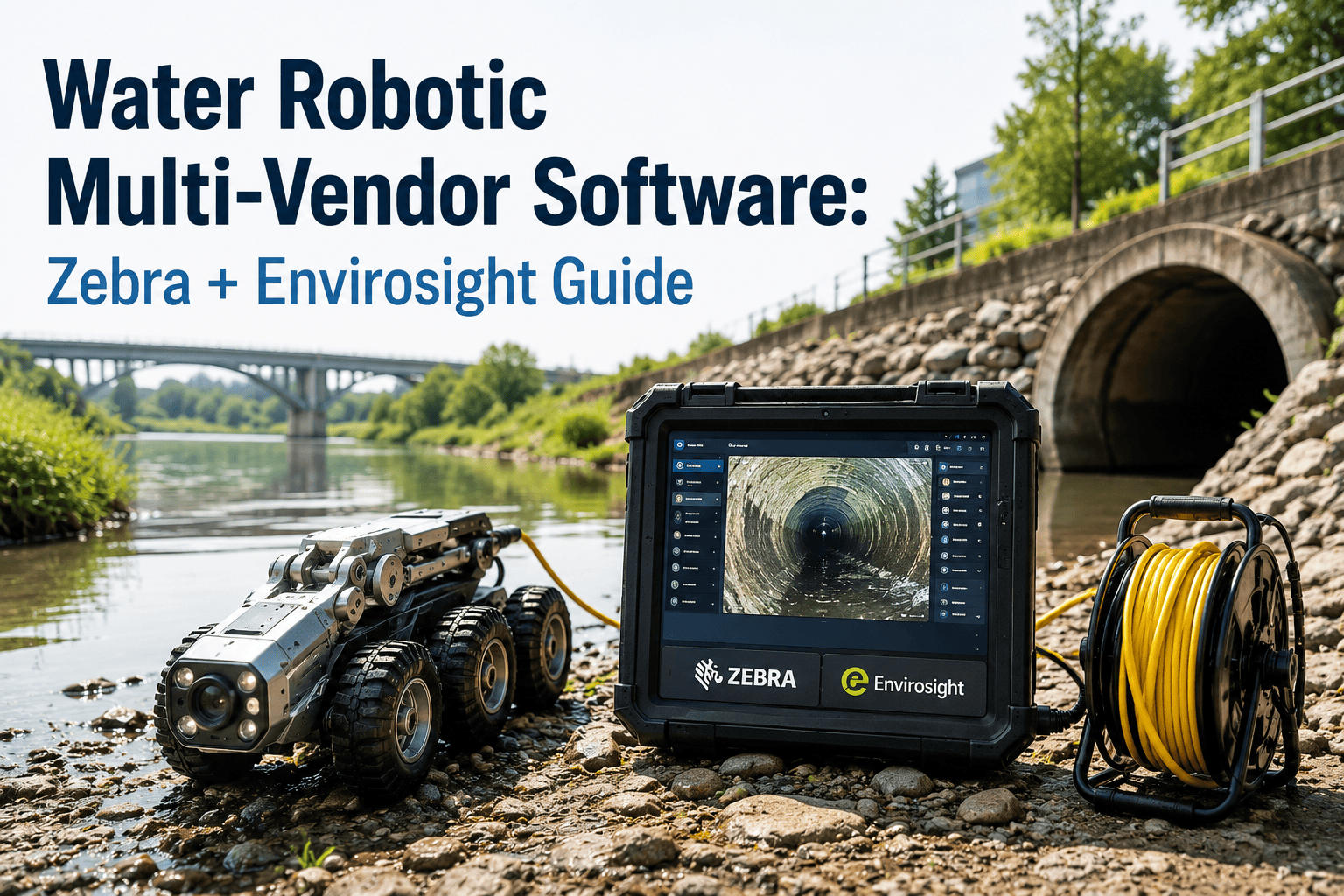
A wastewater utility rarely buys its robotic inspection fleet from one vendor. The mainline crawler is an Envirosight ROVVER X, the lateral push camera is an IPEK unit, the older trucks still run CUES equipment purchased a decade ago, and every field technician carries a Zebra rugged mobile computer to scan manhole and asset tags before the robot ever enters the pipe. Each of those tools speaks its own software dialect, exports its own report format, and none of them were built to talk to each other, let alone to the CMMS that is supposed to turn a pipe defect into a scheduled repair. The utilities getting real value out of robotic inspection are not the ones with the newest crawler — they are the ones that solved the data problem underneath it. Book a demo to see how a single CMMS ingests inspection data from every vendor in your fleet without forcing a hardware standardization project first.
4+
Robotic and mobile vendor systems the average mid-size utility already operates side by side
200-400 m/hr
Inspection footage a certified operator can manually code by hand before fatigue sets in
PACP / MACP
The NASSCO coding standard that lets defect data move between vendor platforms at all
6"-96"
Typical pipe diameter range covered across mainline, lateral, and manhole inspection tools combined
Vendor-Agnostic by Design
Stop rebuilding your work order process every time procurement adds a new inspection vendor. Oxmaint ingests PACP and MACP-coded data from any robotic platform and turns it into prioritized repair work automatically.
Why Every Utility Ends Up With a Multi-Vendor Robotic Fleet
No single robotic platform covers a whole collection system well. A large-diameter interceptor needs a heavy mainline crawler with a lift and zoom camera. A residential lateral needs a lightweight push-rod system that can navigate tight bends. A deep or hazardous manhole needs a pole camera or 360-degree scanner an operator never has to enter. A field crew tagging assets for the CMMS before or after inspection needs a rugged handheld scanner built for outdoor use, not a laptop balanced on a truck bed. Utilities buy the right tool for each job, one procurement cycle at a time, and end up with a fleet that was never designed to share a common data pipeline.
The result is not a hardware problem — it is a software fragmentation problem. Defect codes get re-typed between systems, repair priorities get lost between inspection season and budget season, and the utility's actual condition picture lives in four disconnected exports instead of one asset record. NASSCO's PACP and MACP coding standards exist precisely to solve this, giving every vendor a common defect-coding language, but a standard only helps if something downstream actually reads it consistently.
The Vendor Landscape Behind Most Collection System Fleets
These four names show up in almost every utility fleet audit, each covering a different piece of the inspection and field-data workflow rather than competing head to head for the same job.
Envirosight
Mainline & Lateral Crawlers
The ROVVER X family covers mainlines from small laterals through large interceptors, with tool-free wheel changes and HD zoom cameras feeding PACP-codeable footage into WinCan-based reporting.
IPEK
Push-Rod & Full-HD Crawler Systems
Push-rod platforms like AGILIOS handle quick-look and standards-compliant inspections on smaller diameter and harder-to-access lines, exporting standard PACP-coded defect data.
CUES
Legacy Mainline Fleets & POSM Reporting
A large share of existing municipal fleets still run CUES crawlers purchased years ago, reporting through POSM software that most utilities are not ready to replace wholesale.
Zebra Technologies
Field Mobile Computing & Asset Scanning
Rugged handheld computers and barcode or RFID scanners used by field crews to identify manholes and assets before and after a robotic inspection run, feeding location context into the work order.
Data Silos Versus a Unified CMMS Integration
The difference between a utility that struggles with its inspection data and one that acts on it quickly almost never comes down to which brand of crawler they bought. It comes down to what happens to the report the moment the robot comes back out of the pipe.
Defect data re-typed by hand from each vendor's export into a separate tracking spreadsheet
No shared severity scoring, so a Grade 4 defect in one system may not match another's scale
Repair priorities decided months after inspection, once someone reviews every export manually
Asset location data from field scanners never links back to the defect record automatically
PACP and MACP-coded exports from any crawler or push-rod platform imported automatically
Defect severity normalized to one scoring model across every vendor's inspection output
Prioritized repair work orders generated within hours of an inspection run, not months later
Field-scanned asset and manhole tags linked directly to the pipe segment's defect history
From Robot Footage to a Scheduled Repair
Regardless of which crawler or scanner captured the data, every inspection follows the same path once it reaches a properly integrated CMMS — and this is the sequence that turns a hard drive full of video into a defensible capital and maintenance plan.
Multi-Vendor Inspection Data Flow
Field Capture
Crawler, push-rod, or manhole scanner records footage; Zebra handheld confirms asset ID and GPS location
PACP / MACP Coding
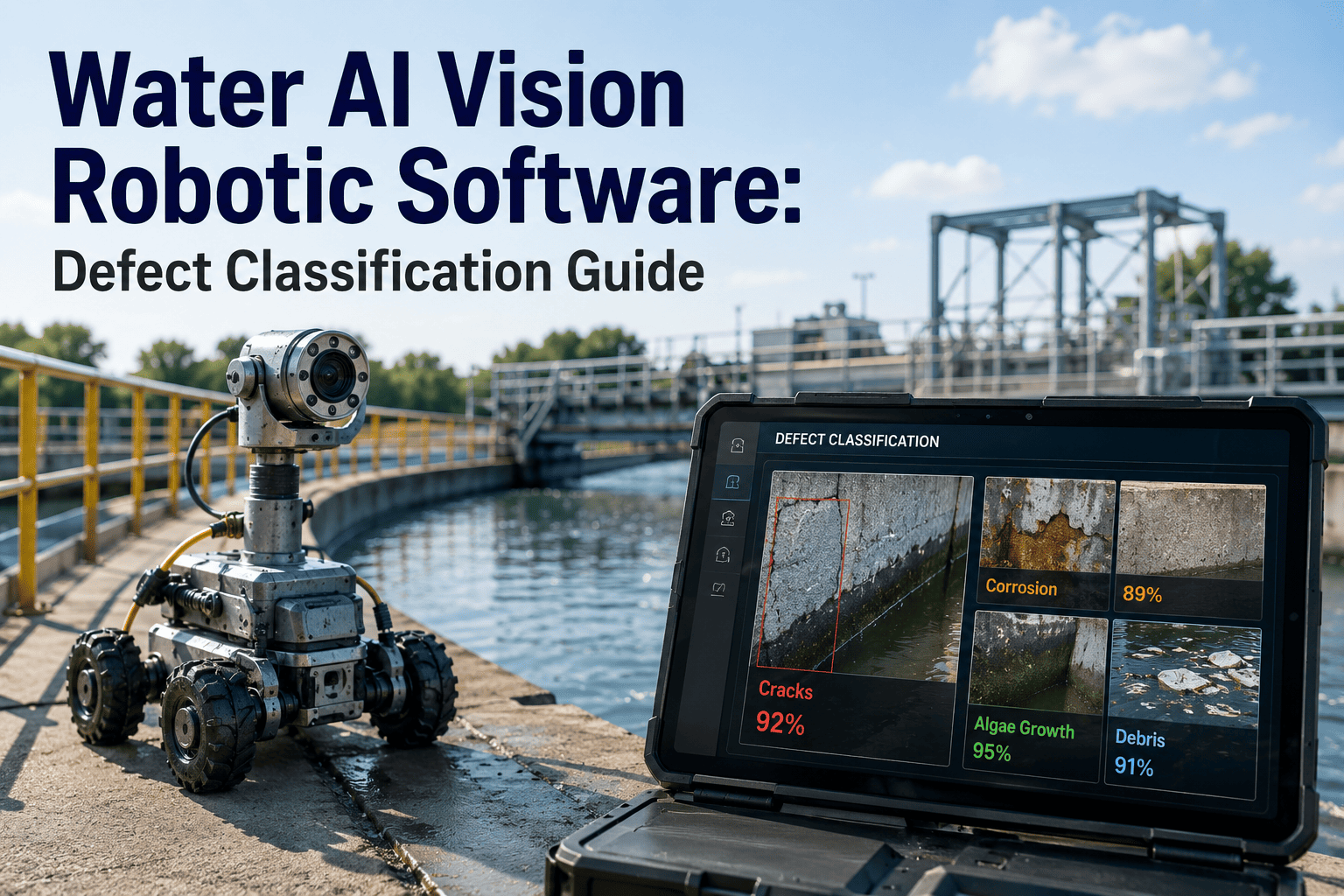
Defects coded to the NASSCO standard, either by operator or AI-assisted review, regardless of source vendor
CMMS Import
Standard-format export ingested automatically into the pipe segment's existing asset record
Severity Normalization
Defect grades compared on one consistent scale regardless of which vendor's software produced them
Work Order Generation
High-severity defects auto-generate a scoped, GPS-tagged repair work order in the CMMS queue
Capital Plan Rollup
Segment condition history feeds into the utility's long-term rehabilitation and capital sequencing
Data Format Compatibility Across the Fleet
Procurement teams evaluating a new CMMS should confirm exactly what each existing vendor's export requires before assuming a smooth integration.
One Asset Record, Every Vendor
Whatever combination of crawlers, push-rod systems, and field scanners your utility already owns, Oxmaint brings every inspection into one place without a hardware replacement project.
Frequently Asked Questions
01
Does a utility need to replace its existing robots to get multi-vendor CMMS integration?
No. Integration works from the data format each robot already exports, not the hardware itself, so a mixed fleet of Envirosight, IPEK, and CUES equipment can feed the same CMMS without a replacement cycle.
02
What happens if one vendor's software does not export standard PACP or MACP data?
Custom-format imports handle non-standard exports, mapping each vendor's fields to the same underlying defect and severity model used for standard-format data.
03
How does field scanning data from Zebra devices connect to a pipe inspection record?
The asset or manhole ID scanned in the field links to the same asset record that receives the crawler's inspection footage, so location context and defect history sit in one place.
04
Can AI-assisted defect scoring replace manual PACP coding entirely?
AI scoring speeds up review and flags likely defects for operator confirmation, but certified coding still governs the final PACP or MACP grade used for regulatory and capital planning purposes.
05
How quickly can a utility connect its current inspection vendors to a new CMMS?
Most utilities connect their first standard-format vendor export within days.
Sign up free to test an import against your own inspection reports before committing to a rollout.
Bring the Whole Fleet Into One System
Oxmaint connects Zebra field data, Envirosight and IPEK crawler footage, and legacy CUES reports into a single CMMS record for every pipe segment in your collection system.