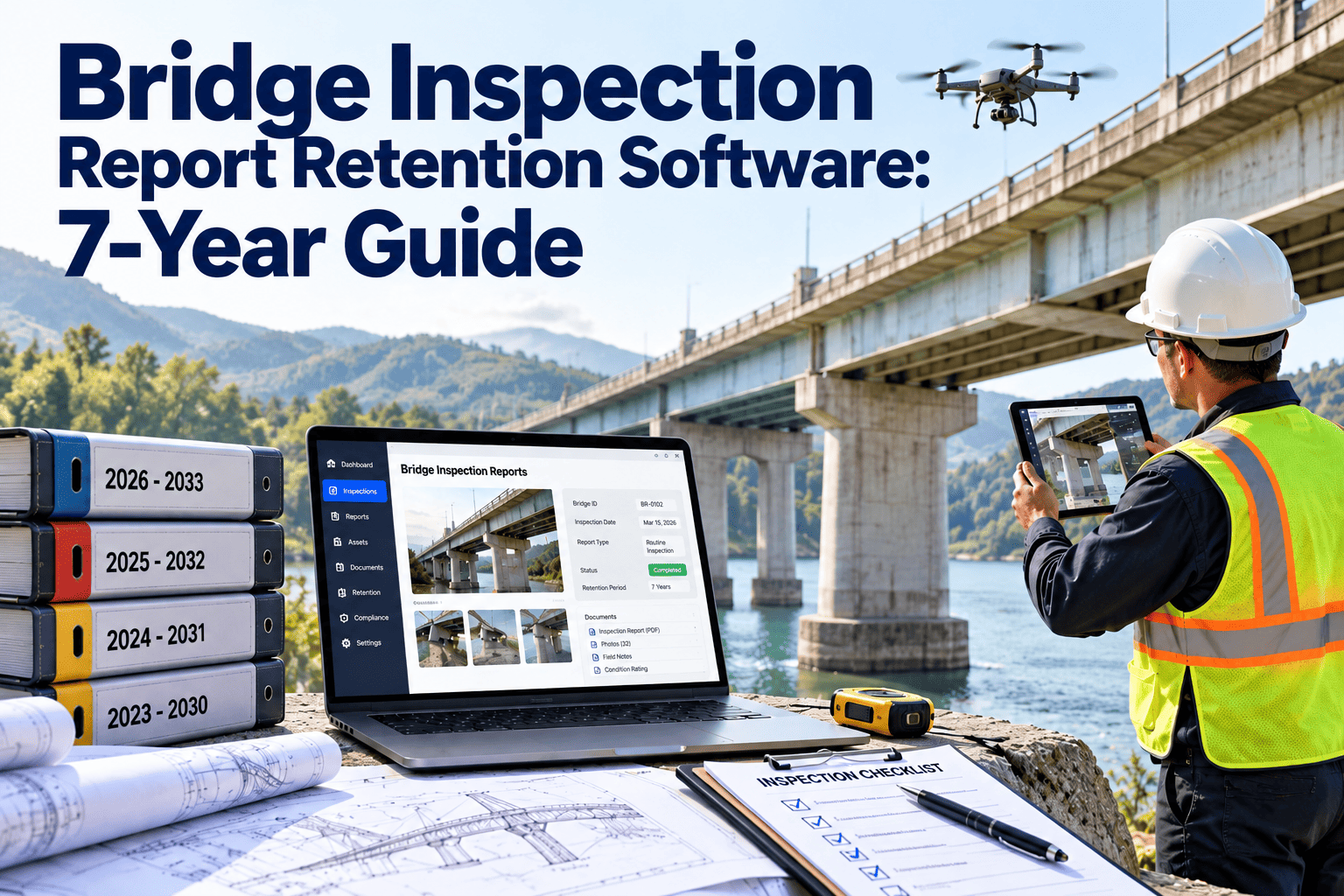
Bridge inspection reports are the engineering and legal memory of every structure in an owner's inventory. Each routine, fracture critical, underwater, and special inspection adds photos, element ratings, sketches, load rating inputs, and follow-up actions that must stay findable for years. When a report cannot be produced during a federal review, a claim, or a repair design, the inspection loses most of its value. This guide explains how to build a seven-year-plus retention discipline around the National Bridge Inspection Standards, and how a CMMS can keep inspection records connected to the bridges and work orders they describe.
Bridge Inspection Report Retention Software: A 7-Year Guide for Bridge Owners
Inspection Data Rarely Disappears All at Once
Bridge programs seldom lose records in one dramatic event. The loss is gradual, through staff turnover, shared drives, consultant hand-offs, and photo folders named by date instead of structure number.
What Belongs in a Bridge Inspection Record
A complete bridge file is more than a report PDF. Each item below should be stored against the structure and the inspection date it belongs to.
| Record | What It Contains | Why It Matters Later |
|---|---|---|
| Inspection report | Condition ratings, element data, narrative, recommendations | Primary evidence of the structure's condition at a point in time |
| Photographs and sketches | Tagged images of defects, access conditions, and overall views | Shows deterioration trends between cycles |
| Load rating records | Calculations, assumptions, posting decisions | Supports posting and permit decisions |
| Scour records | Scour evaluations and plans of action for scour critical bridges | Drives flood-event response |
| Underwater inspection files | Dive reports, channel profiles, substructure findings | Fills the long gap between underwater cycles |
| Critical finding follow-up | Notifications, interim actions, closure documentation | Proves timely response to urgent defects |
| Inspector qualifications | Team leader credentials and training evidence | Supports the validity of each report signature |
| Repair and maintenance history | Work orders, costs, materials, completion evidence | Links condition changes to the work that caused them |
NBIS Inspection Types and the Records Each One Creates
The National Bridge Inspection Standards, codified in 23 CFR Part 650 Subpart C, set inspection frequency and qualification expectations. Each inspection type produces a different record set, and the intervals determine how long a report stays the current reference.
| Inspection Type | Typical Interval | Records Created |
|---|---|---|
| Initial | When a bridge enters the inventory | Baseline condition, inventory data, first load rating |
| Routine | Generally up to 24 months, adjusted by approval or condition | Condition ratings, element data, photos, recommendations |
| Fracture critical member | Generally up to 24 months | Hands-on findings for steel tension members, special procedures |
| Underwater | Generally up to 60 months | Dive findings, channel and substructure condition |
| Damage, in-depth, special | As events or conditions require | Event reports, targeted testing, engineering assessments |
Seven Years Is a Floor, Not a Ceiling
No single number fits every bridge owner. State records schedules, agency policy, litigation holds, and federal expectations set the real period, and many owners keep bridge files for the life of the structure.
Confirm Before You Configure
Ask your records officer or counsel which schedule applies, then set retention by record class rather than by folder. This page is operational guidance, not legal advice.
Six Controls That Keep a Report Defensible
Four Moments When Missing Records Hurt Most
Test Your Own Bridge Files Against These Four Moments
A Retention Checklist for Bridge Program Managers
Record Completeness
Retention Controls
Shared Drives Versus a Records-Linked CMMS
How Oxmaint Supports Bridge Record Retention
Oxmaint is maintenance management software, so it works best as the system that links inspection records to assets and work. Confirm your specific export and records-schedule needs during a demo.
| Capability | Retention Job It Performs |
|---|---|
| Asset management | Gives each bridge one record that holds its history, documents, and linked work |
| Inspections | Structures recurring inspection checklists and stores completed results with the asset |
| Work orders | Turns findings into corrective work and keeps completion evidence attached |
| Scheduling and preventive maintenance | Generates due dates so intervals are not tracked by memory |
| Mobile workflows | Lets crews and inspectors record findings and photos on site |
| Compliance records | Keeps sign-offs, dates, and documentation in one searchable place |
| Reporting and dashboards | Shows overdue inspections, open findings, and records awaiting review |
Retention KPIs Worth Tracking
Set your own targets from your schedule and risk profile. These measures show whether the discipline holds.
Changes That Will Increase Your Record Volume
Bridge Inspection Retention Questions
Is seven years the required retention period?
It depends on your state schedule and agency policy, and many files are kept for the life of the structure. Treat seven years as a minimum and book a demo to map your schedule.
Which records should never be deleted?
Load ratings, scour plans, major repair history, and critical finding records are usually lifecycle records. Confirm with your records officer.
Can a CMMS replace our bridge inventory system?
Not usually. It complements inventory systems by linking inspection records to assets and work orders. Get started with a pilot group of bridges.
How do we handle consultant-produced reports?
Require delivery of final reports and photos into your own system, tagged to the structure and inspection date.
How often should we test retrieval?
A quarterly test that pulls a random bridge's full history exposes gaps early and costs very little.