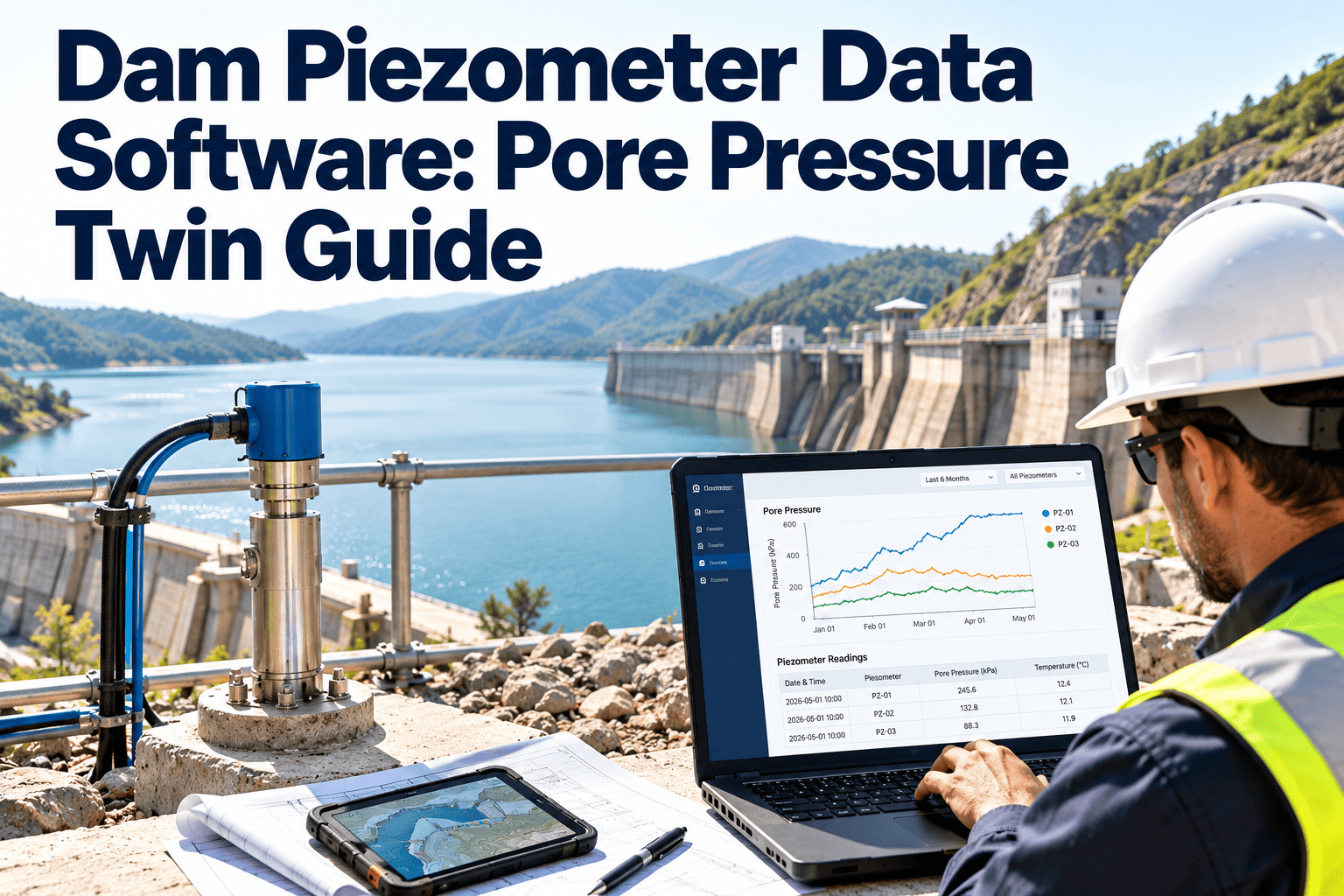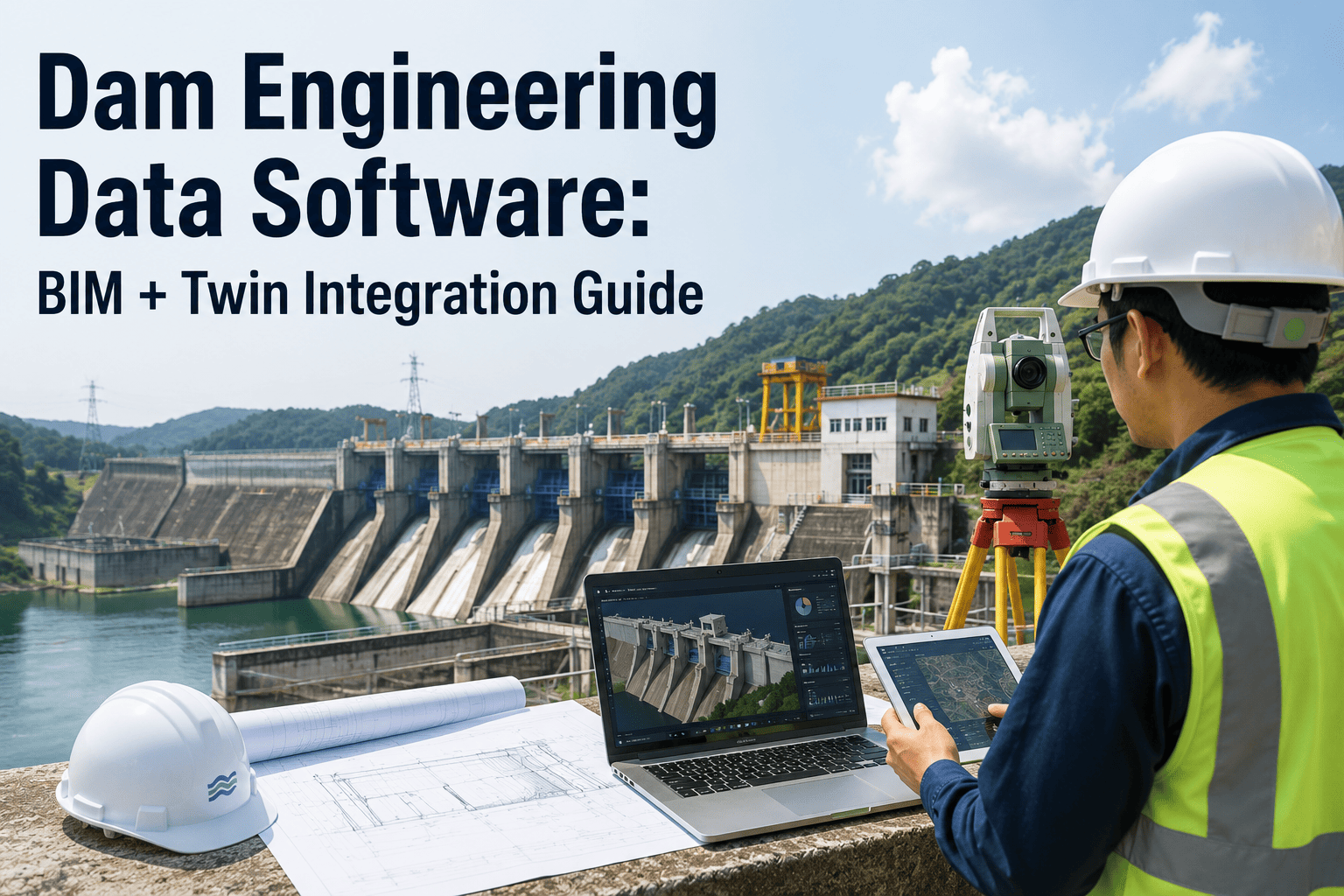
A dam's design intent lives in three places that rarely talk to each other — the original BIM or CAD model from the design firm, the hydraulic and hydrologic analysis used to size the spillway, and the structural instrumentation readings from piezometers and settlement points that get logged decades later by a completely different team. Ask a dam owner to pull up the as-built drawing next to the current piezometer trend for the same monolith, and most engineering departments need a week and two phone calls to the original design firm. Dam safety guidelines have called for a single project file since the earliest record-keeping standards, yet most agencies still store design, hydraulic, and instrumentation data in three formats that were never built to merge. A digital twin only works when the BIM geometry, the hydraulic profile, and the maintenance history point to the same asset ID. See how Oxmaint brings dam design data, hydraulic records, and structural monitoring into one twin at https://calendly.com/oxmaintapp/30min.
Dam engineering data software is a CMMS-based digital twin platform that links the as-built BIM model, hydraulic and hydrologic design records, and structural instrumentation data to the same asset hierarchy used for inspection and maintenance. Instead of an engineer cross-referencing a PDF drawing, a spillway rating curve, and a piezometer spreadsheet separately, every data layer points to the same monolith, gate, or outlet structure, so five-year evaluations, capital planning, and emergency action updates pull from one verified source.
Why Dam Data Stays Fragmented After Construction
The design firm hands over drawings. The hydraulic engineer hands over a spillway capacity report. The field crew hands over inspection notes years later. Each handoff happens in a different format, at a different time, to a different department, and nobody owns the job of stitching them back together. A digital twin built from BIM geometry is only as useful as the operational data layered on top of it, and most dam owners never get past the geometry layer because the CMMS that runs daily inspections was never connected to the model that describes what is actually being inspected.
The design and construction model of the dam body, spillway, outlet works, and appurtenant structures, ideally maintained at LOD 500 so every component matches what was actually built, not just what was designed.
Spillway rating curves, reservoir capacity data, and flood routing analysis that determine how the structure is expected to perform under design and probable maximum flood conditions.
Piezometer readings, settlement points, seepage weirs, and crest monitoring data that show how the actual structure is behaving against the design assumptions over time.
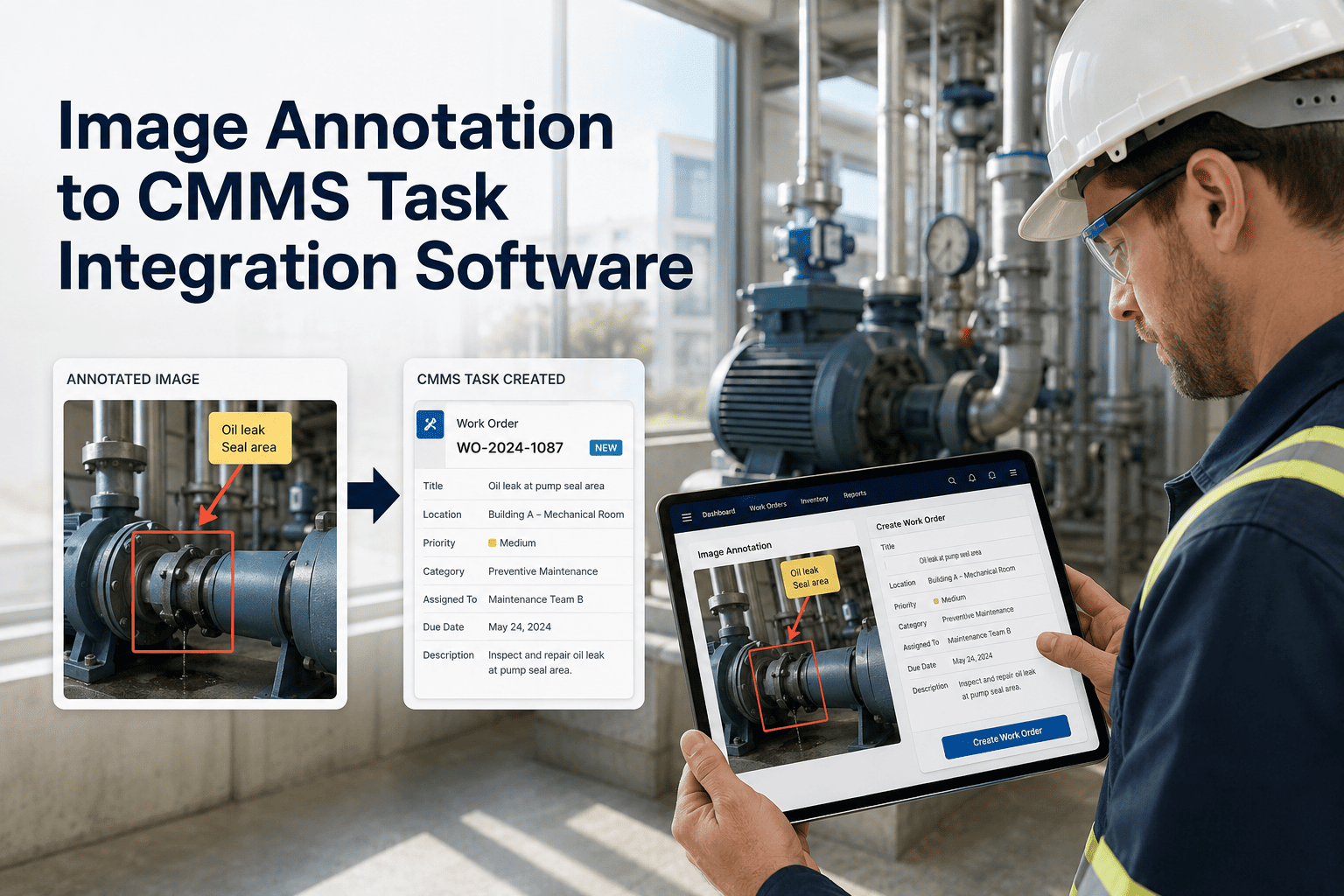
Work orders, condition assessments, and repair history tied to the same component IDs used in the BIM model, so the twin reflects current condition, not just original design.
Oxmaint links your BIM model, hydraulic profiles, and instrumentation history to a single asset structure your maintenance team already uses.
Component Data by Structure Type
Design capacity, rating curve, and gate operating history need to sit next to inspection findings so operators can confirm actual discharge behavior still matches the hydraulic model used for the emergency action plan.
Settlement point history and crest survey data need to trace back to the original embankment design cross-section, so movement trends are read against the structure that was actually built, not an assumed profile.
Low-level outlet conduits and valves carry both a mechanical maintenance history and a hydraulic release capacity that has to stay linked when flow releases are planned during storm events.
Piezometers, seepage weirs, and monitoring wells generate readings that are only meaningful when trended against the exact location and installation depth recorded in the as-built model.
Where the Handoff Breaks Down
Field changes made during construction rarely make it back into the BIM model, leaving the as-built drawing as the only accurate record while the digital model quietly goes stale.
The design firm's model format is often incompatible with the CMMS the operations team already runs, so the two systems are maintained in parallel instead of as one twin.
A five-year dam evaluation requires the full project record assembled manually, because inspection history, instrumentation trends, and design documents were never stored against the same asset IDs.
Rehabilitation budgets get built from engineering memory instead of trended condition data, because nobody can quickly pull years of instrumentation readings against the relevant structure.
Building the Twin: From Model to Maintenance
The as-built model's components become the asset tree in Oxmaint — dam body, spillway, gates, outlet works, and instrumentation points — each carrying its original geometry reference.
Rating curves, flood routing studies, and reservoir capacity documents are linked directly to the spillway and outlet asset records, so the design basis is never more than one click away.
Piezometer, settlement, and seepage readings upload against the exact instrument ID from the model, building a trend line that inspectors can compare directly to design tolerances.
Field inspections and repairs post back to the same component, so the twin reflects current condition alongside original design intent, ready for the next five-year evaluation.
Oxmaint keeps the design model, hydraulic basis, and instrumentation trends attached to the same asset your field team inspects every week.
Connected Twin vs Disconnected Records
| Data Need | BIM-Linked Digital Twin | Separate Files and Drives |
|---|---|---|
| Locating the As-Built Drawing | Opens directly from the asset record | Requested from the design firm or archive |
| Comparing Instrumentation to Design | Trend line plotted against design tolerance | Manually cross-referenced in a spreadsheet |
| Preparing a Five-Year Evaluation | Full project record exported from one system | Assembled from multiple departments over weeks |
| Justifying Rehabilitation Budgets | Condition trend data supports the request directly | Built from engineering recollection and estimates |
| Onboarding New Engineering Staff | Full structure history visible in one model | Institutional knowledge walks out the door with staff |
What Changes Once the Twin Is Connected
Project records assemble from one system instead of multiple departments and archives
Readings plotted directly against the design tolerance for the exact monitored component
Rehabilitation budgets backed by trended condition data instead of estimates alone
Structure history stays inside the twin, not inside a retiring engineer's memory
Where the Integration Pays for Itself
| Integration Component | What It Solves | Where the Value Shows Up |
|---|---|---|
| BIM Model Import | Turns static geometry into a searchable asset tree | Faster inspection prep and component lookup |
| Hydraulic Record Linking | Keeps rating curves attached to the spillway asset | Faster emergency action plan updates |
| Instrumentation Feed | Connects readings to design tolerances automatically | Earlier detection of trend deviations |
| Work Order Routing | Ties repairs back to the twin's component record | Accurate condition history for every evaluation cycle |
Frequently Asked Questions
BIM geometry, hydraulic profiles, and instrumentation history, connected to the same asset structure your field team already inspects against.