A public works maintenance backlog rarely comes from one bad decision. It builds when requests arrive faster than crews can close them, when emergencies pull people off planned jobs, and when nobody agrees which ticket matters most. The encouraging part is that most departments can reduce maintenance backlog without waiting for new headcount, by changing how work is sorted, grouped and routed. This guide covers triage rules, work order batching and route planning in the order a small team can realistically apply them. If your requests still live in email threads and spreadsheets, it helps to see how city maintenance software handles the queue before you start.
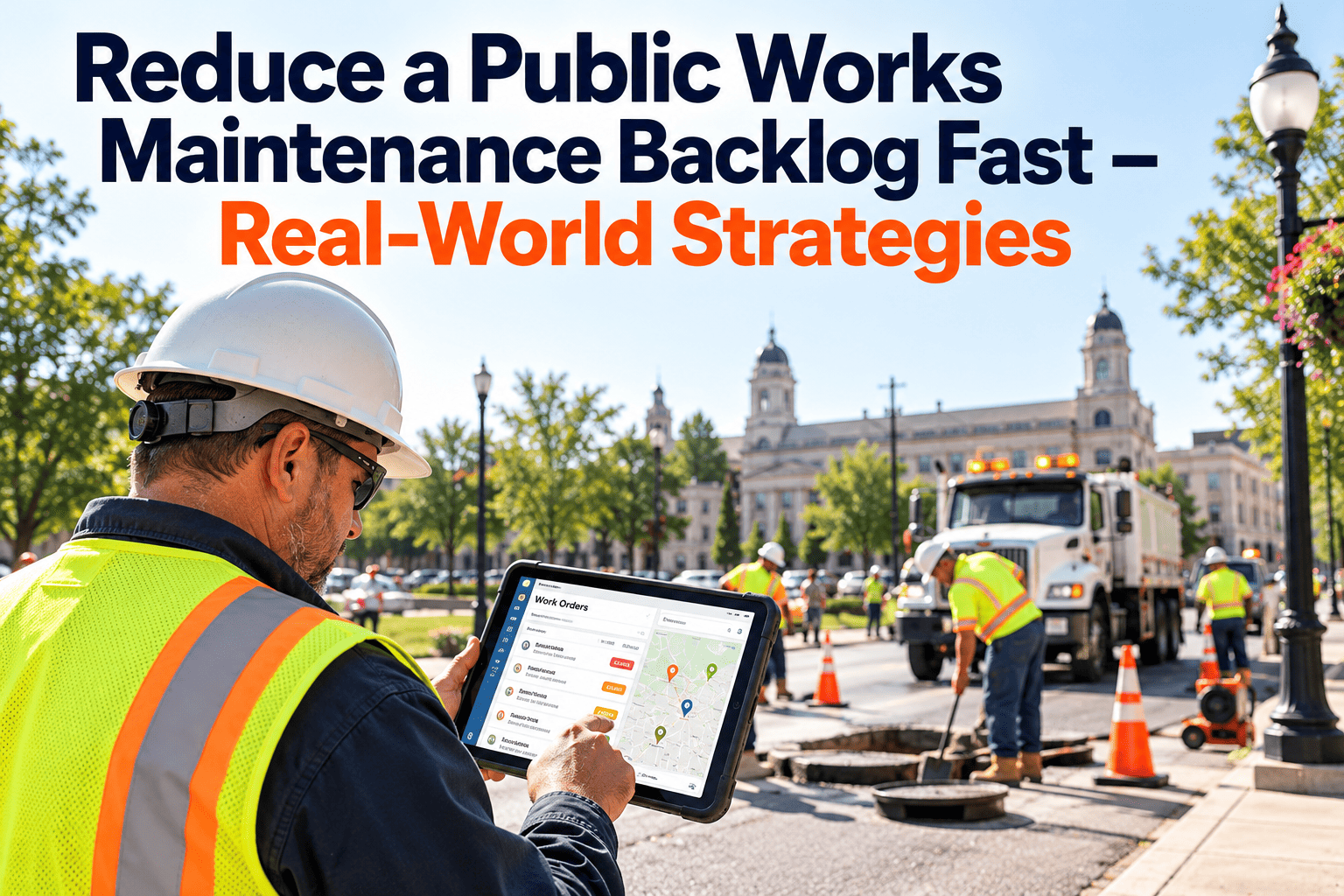
Reduce a Public Works Maintenance Backlog Fast: Triage, Batch, Route
Stop treating every open ticket as equal. Sort the queue, group jobs by place and trade, and send crews on routes that close more work per trip.
Why the queue grows faster than crews can clear it
Backlog is a flow problem before it is a headcount problem. Work enters at one rate and leaves at another, and in most city departments the gap widens for predictable reasons.
Vacancies and thin crews
Open positions and long hiring cycles shrink weekly labor hours while request volume stays flat or climbs.
Emergency interruptions
Main breaks, downed limbs and knocked-down signs pull crews off planned jobs, so the planned list ages quietly.
Seasonal surges
Potholes after thaw, storm cleanup in autumn and mowing in summer all compete for the same people and trucks.
Flat priorities
When every request is marked urgent, the loudest caller wins and low-visibility safety defects wait.
Duplicate and stale tickets
Several residents report one defect and finished work is never closed, so the count overstates the real load.
Deferral with no reason
Jobs are pushed back for funding, parts, permits or access, but the reason is never recorded and cannot be fixed later.
What an unmanaged backlog costs beyond the number
- Small defects grow. A cracked curb, a weeping valve or a loose guardrail post is cheap early and expensive after a failure.
- Repeat trips. Crews return to the same street or building for separate tickets that one visit could have cleared.
- Liability exposure. A known hazard sitting in an open queue is harder to defend than one that was ranked and scheduled.
- Weaker budget cases. Without clean records, requests for staff, equipment or capital are based on anecdotes instead of data.
Find out what is actually in the backlog
Before ranking anything, split the list into work that crews can do now and work that cannot move yet. Mixing them inflates the number and hides the quick wins.
Illustrative backlog mix, not benchmark data
Ready to schedule
Scope is clear and parts are available. This is the work your batching and routing effort targets first.
Waiting on parts, permit or access
Assign an owner and a date for clearing the block. Do not let these sit in the ready count.
Needs capital or contract funding
Move to a deferred maintenance list with a cost estimate, so it feeds the budget cycle instead of the daily queue.
Duplicate, finished or obsolete
Merge or close with a note. This step alone can make the backlog look and behave very differently.
Do the backlog math in crew weeks
A raw ticket count says little because jobs differ in size. Backlog measured in crew weeks tells you how long the ready work would take if no new requests arrived.
How to read the result
- The example is illustrative. Use your own estimated hours and your real available labor after leave, training and travel.
- Compare weekly intake to weekly capacity. If new requests add more hours than crews can deliver, the backlog grows even when everyone is busy.
- Track blocked and funding-dependent work as separate figures so they do not distort the ready-work number.
- Recalculate weekly. A monthly figure arrives too late to change crew plans.
Triage rules that remove the guesswork
Written rules stop priority from becoming a negotiation. The tiers below are a starting framework; adjust the targets to your own service standards and council policy.
| Tier | Use when | Starting target | Handling rule |
|---|---|---|---|
| P1 Emergency | Immediate risk to life, safety or essential service, such as a downed signal or sewer overflow | Make safe immediately | Interrupts planned work. Follow-up repair is created as its own work order. |
| P2 Urgent | Likely to become a safety issue or service loss soon, such as a deep pothole on a collector road | Schedule this week | Takes the first slots in the next route batch. |
| P3 Routine | Protects the asset or service level but carries no near-term hazard | Next planned batch | Grouped by zone and trade. Age escalator applies. |
| P4 Deferrable | Cosmetic or convenience work with no asset impact | Fill gaps | Bundled into nearby jobs or seasonal programs. |
Batch work orders instead of dispatching tickets one by one
Travel, setup and traffic control often take more time than the repair itself. Batching removes that overhead by letting one visit clear several jobs.
Before: one ticket, one truck
- Tickets dispatched in the order received
- Crew crosses town for a single sign repair
- Traffic control set up and removed per job
- Same street visited three times in one month
- Parts discovered missing after arrival
After: one zone, one crew, many jobs
- Tickets grouped by zone, trade and equipment need
- Sign, curb and drainage work cleared in one visit
- Traffic control shared across all jobs on the block
- Repeat requests merged into one corrective job
- Truck loaded from a parts list built the day before
Six batching keys that work for municipal crews
Plan routes and protect crew capacity
A batch is only as good as the route behind it. The sequence below turns a ranked list into a day crews can actually finish.
Cluster by zone
Start with the P2 items and add every nearby P3 and P4 job that fits the same trip.
Sequence stops
Order stops to cut backtracking, and put work needing lane closures or access windows first or last.
Build the parts and tool list
Review each job the afternoon before so the truck leaves complete and no one returns for a fitting.
Set a realistic daily load
Plan for productive hours only. Overfilled routes create carryover that quietly rebuilds the backlog.
Close from the field
Crews record time, parts and findings at the site so the next plan uses accurate numbers.
Protected capacity: a starting split to tune, not a standard
Holding a defined emergency buffer stops urgent calls from consuming the whole week. If the buffer is regularly empty or regularly overrun, adjust it using your own work order history.
Put triage, batching and routes in one queue
Oxmaint gives public works teams work order management, preventive maintenance scheduling, asset records and mobile closeout in one workspace, so ranking and routing do not depend on spreadsheets.
A 30-60-90 day plan for a small department
Trying to fix everything at once stalls. This sequence builds trust in the data first, then changes how crews work.
Clean and classify
- Merge duplicates and close finished jobs
- Split ready, blocked and funding-dependent work
- Adopt written triage tiers and age rules
- Calculate the first crew-week figure
Batch and route
- Pilot zone-based batches with one or two crews
- Set an emergency buffer and a daily load rule
- Start field closeout with time and parts recorded
- Clear blocked items with named owners
Prevent and report
- Convert repeat repairs into preventive tasks
- Extend batching to all crews and zones
- Report backlog weeks and age buckets monthly
- Use the data in the next budget request
Metrics that prove the backlog is really shrinking
Closing many small tickets can look like progress while risky items keep aging. Read these measures together.
Where maintenance software fits in the workflow
Every step above depends on accurate, current data about requests, assets and crew time. A CMMS such as Oxmaint records those events as the work happens.
Backlog mistakes to avoid
Match the backlog plan to the season
Public works demand follows the calendar, so a plan that ignores seasons will keep being overrun. Reserve batch slots for the work each season predictably creates.
Spring
Freeze-thaw pavement damage, drainage clearing and playground and park inspections need early batch slots.
Summer
Grounds work peaks, which makes it the best window for building repairs, line painting and sign replacement.
Autumn
Leaf and storm drain cleaning, plus winter equipment checks, should be scheduled before cold weather arrives.
Winter
Snow and ice response takes most crew hours, so keep routine work to the protected buffer and indoor tasks.
Records worth keeping for every closed job
- Asset and location. Link the work to a specific asset so repeat failures become visible.
- Labor and parts. Capture actual hours and materials to improve future estimates and budget requests.
- Cause found. A short failure note turns one repair into evidence for a preventive task.
- Reason for deferral. Funding, parts, access or staffing, recorded when work is pushed back.
Frequently asked questions
What is the fastest way to reduce a public works maintenance backlog?
Clean the list first, then rank by risk and batch jobs by zone and trade. These steps free capacity without new hires.
How do I prioritize work orders in a government department?
Use written tiers based on safety and service impact, plus an age escalator. A CMMS can apply those priorities to every new request.
Is deferred maintenance the same as backlog?
Not exactly. Backlog is ready or waiting work crews could do; deferred maintenance usually needs funding or a planned project, so track the two separately.
How often should we review the backlog?
Review crew weeks and aging weekly, and report trends monthly. Quarterly reviews alone miss problems while they are still cheap to fix.
Can Oxmaint support a small city crew?
Yes. Teams can start with work orders and preventive schedules, then add reporting as data improves. You can book a demo to see it with your workflow.
Turn the backlog into a plan you can defend
Rank every request, group the work, route your crews and record the results. Oxmaint helps public works teams reduce the backlog and prove progress with clean data.