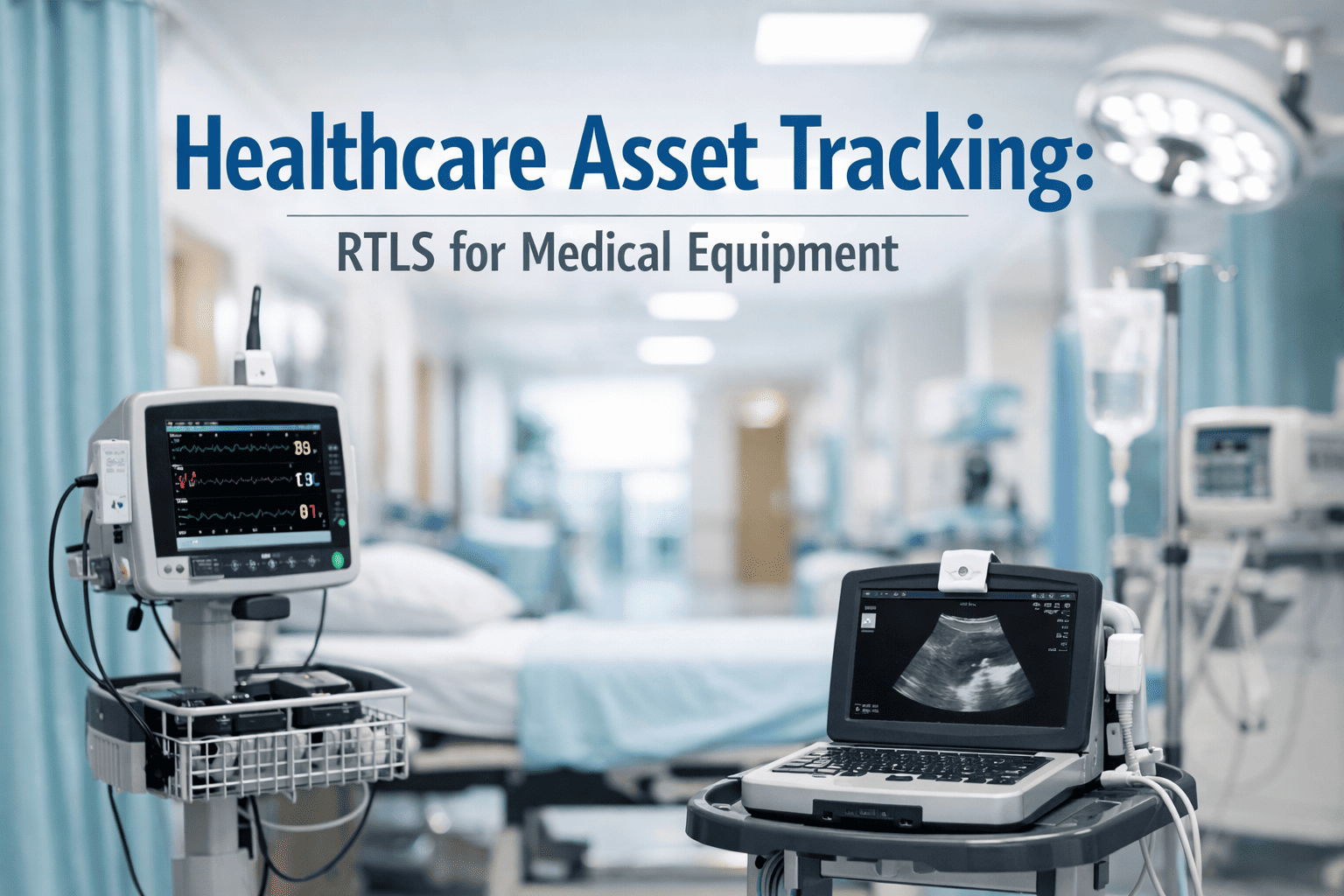
Ask any biomedical engineering team how long it takes to locate a specific infusion pump on a 400-bed floor, and the honest answer is usually "longer than it should." Industry studies on hospital asset tracking put 10–20% of mobile medical equipment as lost or unaccounted for over its working life, and staff commonly spend 20 to 45 minutes per shift just hunting down a device that was in the building the whole time. A QR code doesn't fix that by itself — a sticker on a pump is just a sticker. What actually closes the gap is what happens after the scan: the asset's location, condition and maintenance status update instantly, and any reported issue becomes a tracked work order in the same motion. This guide covers how QR-based asset tracking works for medical equipment, and how OxMaint connects the scan to the full maintenance workflow.
Healthcare · Biomedical Maintenance · QR Asset Tracking · 2026
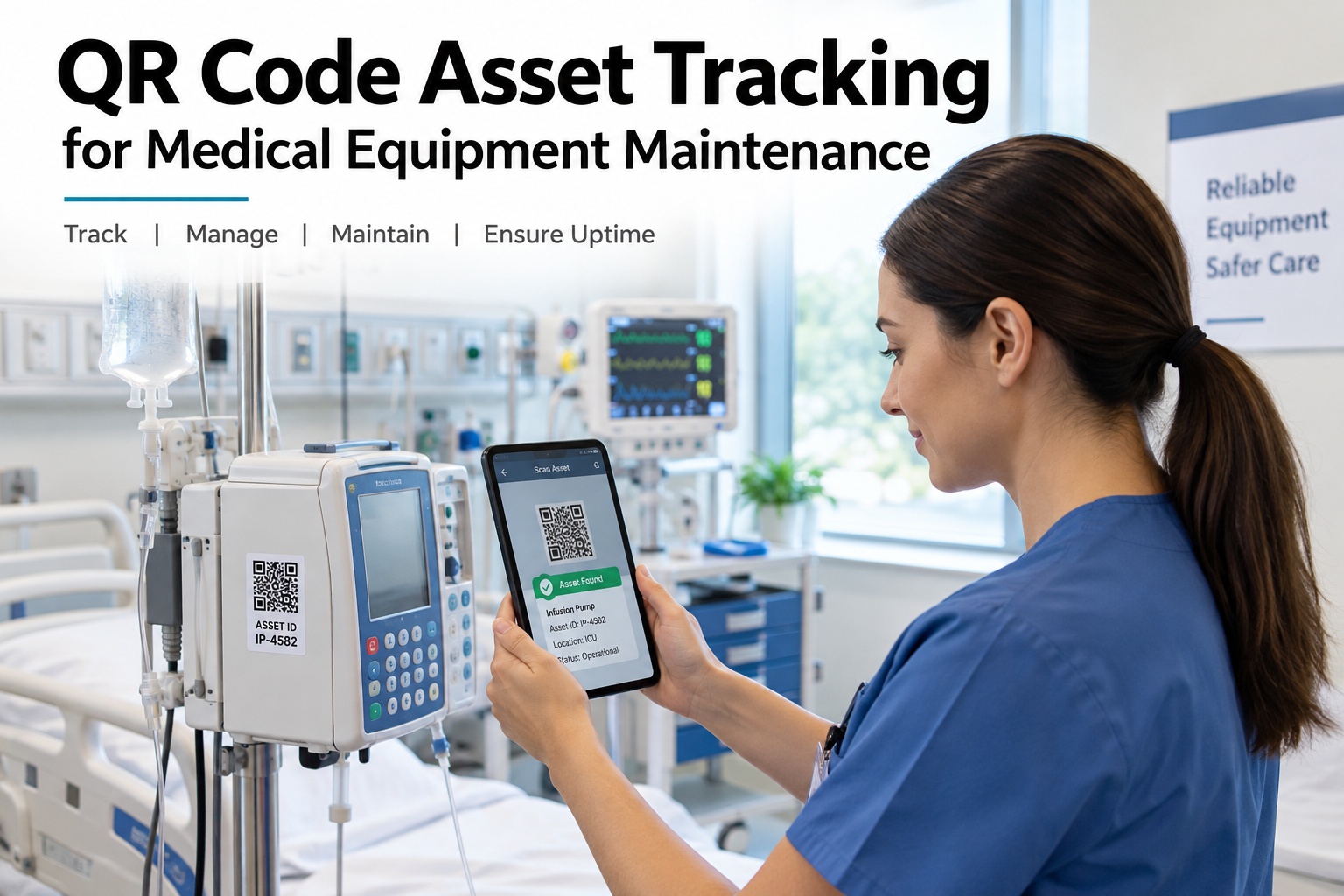
QR Code Asset Tracking for Medical Equipment Maintenance
A missing infusion pump or an overdue PM date shouldn't take a phone call to biomedical engineering to find out. OxMaint connects the full workflow behind one QR scan: staff report an issue or inspection finding straight from the device, it logs as a defect against that exact asset, a work order routes to the right technician, and the preventive maintenance schedule updates automatically — so equipment visibility and maintenance status live in the same system instead of a spreadsheet and a sticker.
Scan QR Code
→
Report Issue or Inspection
→
Work Order Created
→
PM Schedule Updated
10–20%
of mobile medical equipment lost or unaccounted for over its lifetime, per industry studies
20–45 min
typical time clinical staff spend per shift searching for equipment
1 Scan
to see location, service history and next maintenance date on a tagged asset
30%
label damage a QR code can typically sustain and still scan correctly
The Untagged Equipment Problem
Hospitals run thousands of mobile assets moving constantly between departments. Without a tagging system, every move quietly erodes visibility into where equipment is and what condition it's in. Sign up free and tag your first batch of assets in minutes.
🔍
Misplaced Equipment
A device moves between wards and never gets logged, so the next person who needs it searches storage rooms instead of finding it in seconds.
🧾
Duplicate Purchases
When no one can confirm what the department already owns, "missing" equipment gets ordered again rather than located.
📆
Missed Maintenance Windows
A device due for calibration keeps circulating between departments because nothing flags its status the moment someone picks it up.
📋
Disconnected Issue Reports
A nurse notices a fault and tells a supervisor verbally. It never reaches biomedical engineering as a logged, trackable issue.
What One QR Scan Reveals
The tag itself just holds an ID. Everything useful lives behind it — pulled up the moment a phone camera reads the code. Book a demo to see a live scan pull up an asset's full record.
📷 Scanned: Infusion Pump · ASSET-3381
Current Location
ICU, Room 4 — updated at last scan
Maintenance Status
In service — no open work orders
Next PM Due
In 12 days — scheduled preventive check
Service History
Last serviced 74 days ago — battery replacement
Assigned Department
Intensive Care Unit — floor 4 inventory
Report an Issue
One tap opens a work order form pre-filled with this asset's ID
From Scan to Work Order
1
Staff scans the tag
Any smartphone camera reads the QR code — no app login required to view basic asset info.
→
2
Issue or inspection logged
A fault, defect or routine inspection finding is reported directly against that specific asset ID.
→
3
Work order created
OxMaint generates a work order with the asset's history and location attached, routed to biomedical engineering.
→
4
Technician dispatched
The assigned technician sees exactly where the asset is and what was reported, without a callback to confirm.
→
5
PM schedule updated
Once resolved, the asset's preventive maintenance timeline adjusts automatically based on the service just performed.
QR Code vs. Barcode vs. RFID for Hospital Assets
QR tagging isn't the only option — it's usually the right starting point. Here's how the three common approaches compare for a hospital rolling out asset tracking.
A Tagged Asset With No Workflow Behind It Is Just a Sticker With a Serial Number.
OxMaint turns the scan itself into the start of the maintenance workflow — not a lookup that ends at a location pin.
Spreadsheet Tracking vs. QR-Based OxMaint Workflow
Spreadsheet & Manual Tags
Location only as current as the last manual update
Issue reports travel by phone call or verbal handoff
No link between a reported fault and the asset's history
PM dates tracked in a separate calendar or sheet
QR Tag + OxMaint Workflow
Location updates the moment the asset is scanned
Issue reported directly from the scan, pre-filled with asset ID
Every fault ties permanently to that asset's service record
PM schedule lives on the same asset record it updates
What OxMaint Gives Biomedical & Facilities Teams
Instant Asset Lookup
Any staff member scans a tag to see current location, condition and next maintenance date — no login required for basic info.
Scan-to-Work-Order Reporting
Issues and inspection findings are reported directly against the scanned asset, pre-filled and routed automatically.
Automated PM Scheduling
Preventive maintenance dates update from each asset's actual service record, not a static calendar reminder.
Full Service History Per Asset
Every repair, inspection and PM performed on a device stays attached to its record, visible at the next scan.
Department-Level Visibility
See which assets belong to which department and floor, and track transfers as equipment moves between units.
Low-Cost Rollout
QR tags print on standard label stock and scan with any smartphone camera — no dedicated reader hardware to deploy.
"
Before we tagged our mobile fleet, a nurse reporting a faulty pump meant a phone call, and half the time biomedical engineering couldn't find the actual device once they got the message. Now the scan brings up the asset's history and the report goes straight in as a work order tied to that exact pump — not a general complaint about "an infusion pump on the third floor." It's a small change that removed a lot of back-and-forth.
Biomedical Engineering Supervisor · Regional Hospital
Frequently Asked Questions
Do we need special hardware to scan QR asset tags?
No. Any smartphone camera can read a QR code, so staff can look up an asset's status or report an issue without a dedicated scanner or reader infrastructure.
What happens when a staff member scans a tag and reports a fault?
The report is logged against that specific asset ID and OxMaint creates a work order with the asset's location and service history already attached, then routes it to the assigned technician.
Should we use QR codes or RFID for our equipment fleet?
It depends on the asset mix. QR tagging is a low-cost way to start — no reader hardware needed — and works well for mobile equipment and PM verification. RFID/RTLS adds automatic, no-scan tracking but requires more setup, and is typically layered on for high-value or high-movement assets once a QR-based workflow is already running.
How does the preventive maintenance schedule update after a repair?
When a work order tied to an asset is closed, the service performed is recorded on that asset's history, and its next preventive maintenance date recalculates from that record rather than staying on a fixed calendar reminder.
Stop Searching. Start Scanning.
Every piece of equipment your team already owns can carry its location, condition and next maintenance date in one QR tag — with every reported issue routed straight into a tracked work order. That's the workflow OxMaint runs.


.jpg)