How to Import Assets, Parts and Jobs from CSV | Oxmaint

By William Jerry on November 28, 2026

how-to-import-assets-parts-and-jobs-from

Most plants already keep their equipment list in a spreadsheet. Oxmaint's importer reads that file as it is, an Excel workbook or a CSV, and loads sites, lines, assets, parts and work orders in five steps: choose what, upload the file, match the columns, check the rows, save. Rows with a problem are listed by line and column, and every save can be undone. Sign up to try the importer with a template, and sample records never count toward your plan's asset limit.

How-To · CSV Import · Assets · Parts · Jobs

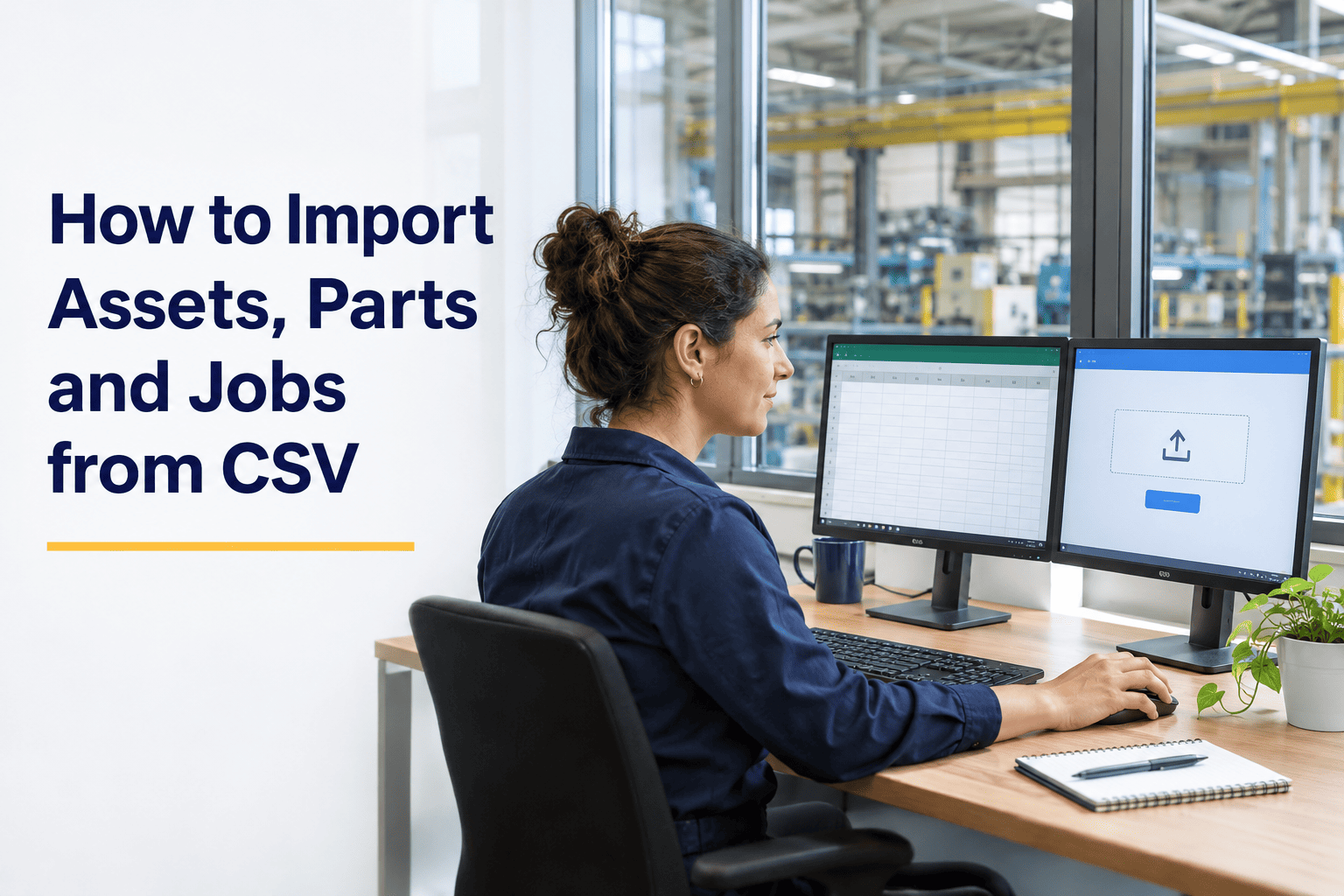
How to Import Assets, Parts and Jobs from CSV

Bring the spreadsheet you already have, fix what the check finds, and undo a batch if you need to. Sign up and download a template.

The Five Steps

What
Choose a register
File
.xlsx or CSV
Columns
Matched for you
Check
Problems listed
Saved
With Undo

Templates for assets, work orders and parts can be downloaded at the start. You do not have to use them: column names can be in any spelling and need not be on the first row. Sign up to download one.

Import in This Order

1. SitesName, code, address, city, countryFirst
2. Lines or locationsName, the site, the parent line or areaSecond
3. AssetsSite, line, code, type, make, model, serial, dates, criticalityThird
4. Work ordersMatched to assets already loadedFourth
5. PartsPart name and number, on hand, minimum, unit cost, where it is keptAny time

Import assets before the work orders that name them: the importer matches a job to an asset you already loaded and will not invent one from a name it cannot find.

Printed spreadsheet of equipment on a desk beside a laptop

Download a Template and Try It

Fill a few rows, upload them and see the column match and the check. Sign up to the micro app and import.

What the Reader Copes With

A real spreadsheet, read as it is
A title or notes above the header rowHeader found
Blank rows between recordsSkipped
Headers in any spellingAuto-matched
Commas, semicolons or tabs as separatorsDetected
Dates written in the usual waysRead
A row naming an asset that is not loadedReported

Checks and Duplicates

CheckWhat happens
Each row and columnA problem is reported against the row and the column it is in
Already in the registerMatched on its natural key, so it is not loaded twice
Twice in the same fileFound and reported, not loaded twice
Asset keyThe asset code when given, else the serial, else site + line + name
Illustrative example · assets.csv3 rows
Row 2
Columbus Plant, CNC Machining, CNC Machining Center 03 - good
Row 3
Columbus Plant, Stamping, Mechanical Power Press 02 - good
Row 4
Line missing - listed in the problems file

Illustrative example using sample-plant asset names; not a captured import.

Planner and engineer checking records on a laptop together
Download the problems, fix, upload again

Rows with problems can be downloaded as a CSV for whoever made the file. Each save is a batch with its own Undo, and recent imports are listed with theirs.

Expert Review
Reviewed by the Oxmaint AI maintenance team

Clean the asset codes before anything else. A unique code per machine is what lets the importer recognise a row next time and keeps work orders matched to the right asset. Import a small batch first, check it on screen, then load the rest. Editorial guidance, not a quote from a named person.

Frequently Asked Questions

What can I import from a spreadsheet?
Sites, lines or locations, assets, parts and work orders, from an Excel file or a CSV. Templates are offered for assets, work orders and parts. Sign up to download one.
Do my column names have to match the template?
No. Headers can be in any spelling and need not be on the first row; the importer matches them and shows the match on the Columns step before the check. Sign up to try it.
What order should I import in?
Sites, then lines, then assets, then work orders, because a job is matched to an asset already loaded. Parts can go in any time. Sign up and start with sites.
What happens to rows with errors?
They are listed by row and column and can be downloaded as a problems file. Sign up to see the check.
Can I undo an import?
Yes. Each save is a batch with its own Undo, and recent imports are listed with theirs. Sign up and import a test batch.
Do sample records count toward my asset limit?
No. The sample plant that ships with the portal never counts toward usage or a limit; your own imported assets do. Sign In to Access Micro App

Bring Your Spreadsheet In

Sites, lines, assets, parts and work orders, checked and undoable. Sign up and explore the micro app.
Share This Story, Choose Your Platform!