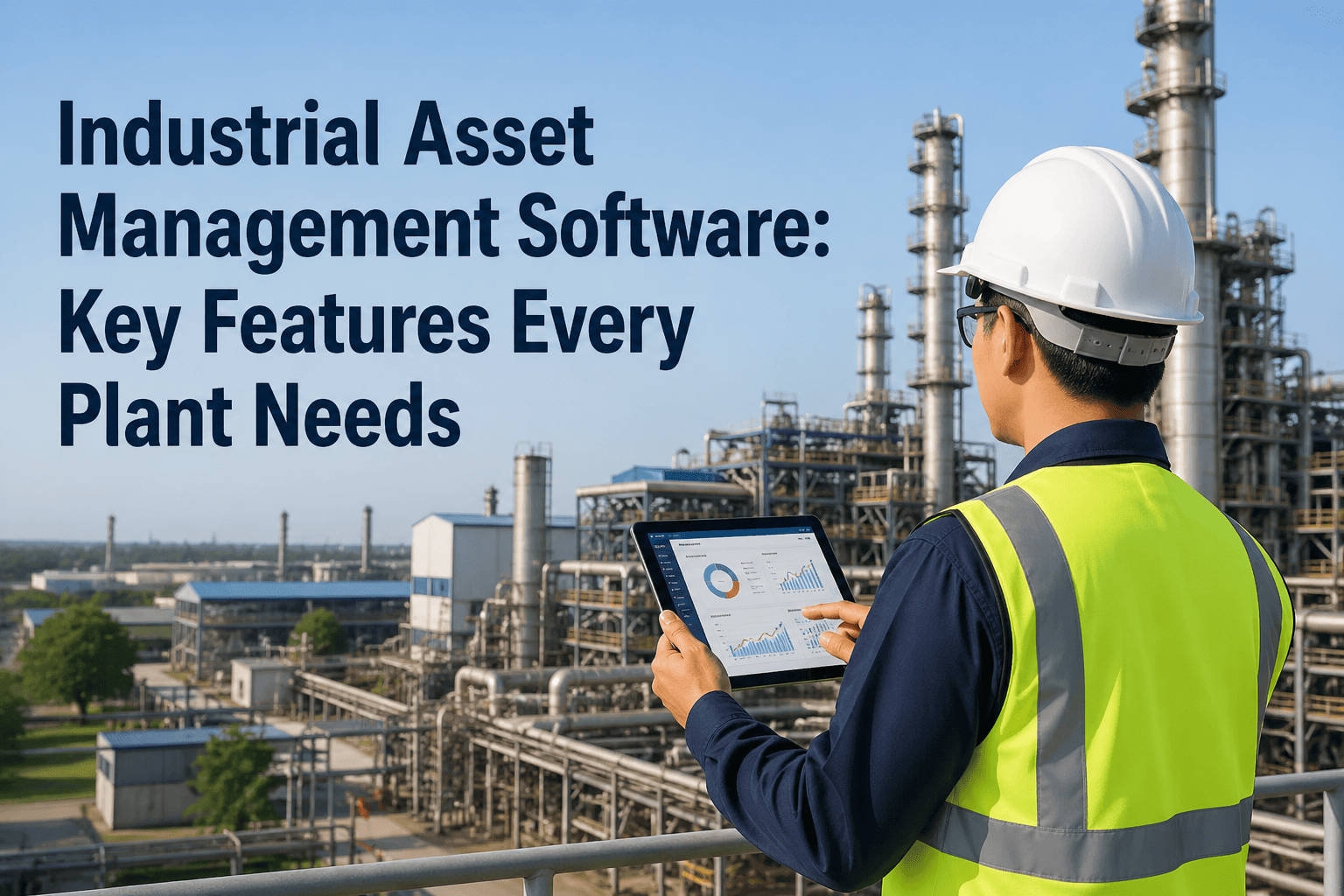
Most manufacturing plants own more assets than they can reliably track. A motor goes down, and no one can pull up its service history. A PM is overdue by three weeks because no one received an alert. A critical spare part is out of stock because inventory was not linked to work orders. These are not exceptional failures — they are the daily reality for plants that manage assets through spreadsheets, disconnected systems, or outdated CMMS tools. Industrial asset management software solves this by consolidating asset records, maintenance execution, inventory, and performance analytics into a single platform built for the demands of a manufacturing environment. The CMMS market is growing at nearly 11% annually and the EAM market at 8% — because plant managers have calculated exactly what fragmented asset visibility costs them. This guide covers the features every manufacturing plant needs, how to evaluate platforms before you buy, and what separates genuine enterprise-grade software from tools that look good in a demo. Explore Oxmaint's industrial asset management platform or book a personalized demo tailored to your facility type and asset volume.
Industrial Asset Management Software: Key Features Every Plant Needs
From asset registers to predictive analytics — a practical evaluation guide for production managers choosing between CMMS and EAM platforms.
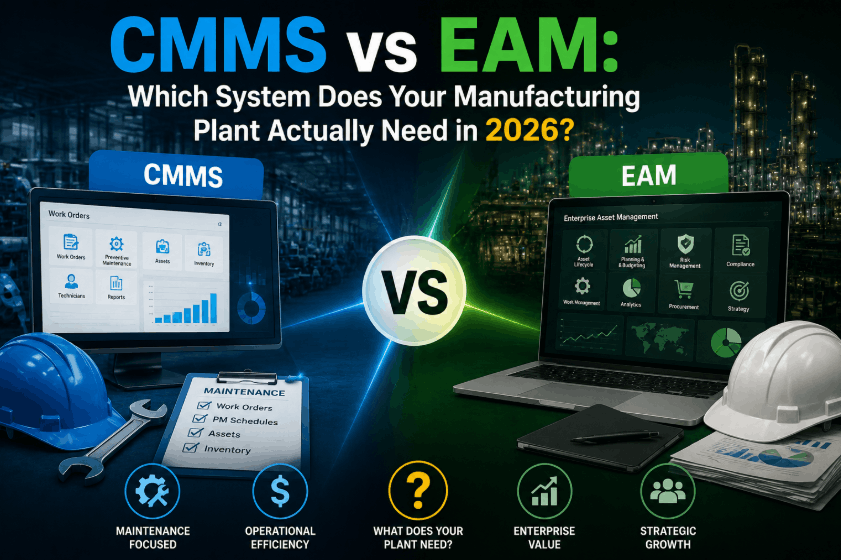
CMMS vs. EAM: Which Does Your Plant Actually Need?
These terms are often used interchangeably, but they address different scopes of asset management. Understanding the distinction before you evaluate platforms saves months of mismatched expectations.
Not sure whether you need CMMS or EAM?
Our team will assess your asset volume, facility count, and compliance requirements — and recommend the right scope for your operation. No pressure, just clarity.
8 Features Every Industrial Asset Management Platform Must Have
Platforms vary widely in how deeply they implement these capabilities. Use this list as your evaluation checklist — not a nice-to-have, but a minimum standard for a manufacturing environment.
Platform Evaluation: What the Numbers Should Show
Before you shortlist platforms, define the metrics you will use to measure success. These benchmarks reflect industry outcomes from plants that deployed dedicated asset management software.
| Success Metric | Baseline (No Platform) | Industry Avg (12 months) | Top Quartile (12 months) |
|---|---|---|---|
| Unplanned downtime reduction | Baseline | 20–30% | Up to 40% |
| Planned maintenance % | 40–50% | 60–70% | > 75% |
| MTTR (critical assets) | 4–6 hours | Under 3 hours | Under 2 hours |
| Inventory accuracy | 75–85% | 90–95% | 97%+ |
| PM compliance rate | 60–70% | 80–88% | > 92% |
| Reporting time (monthly) | 8–12 hours manual | Under 2 hours | Near real-time dashboards |
Red Flags to Watch for When Evaluating Platforms
Vendor demos are designed to show you the best-case scenario. These warning signs indicate a platform will not perform in a real manufacturing environment — ask specifically about each before you sign.
Frequently Asked Questions
Ready to Evaluate Oxmaint for Your Plant?
Oxmaint combines asset register, PM scheduling, mobile work orders, IoT integration, and real-time KPI dashboards in a single platform — deployed in weeks, not months. See exactly how it maps to your facility's requirements.
.png)