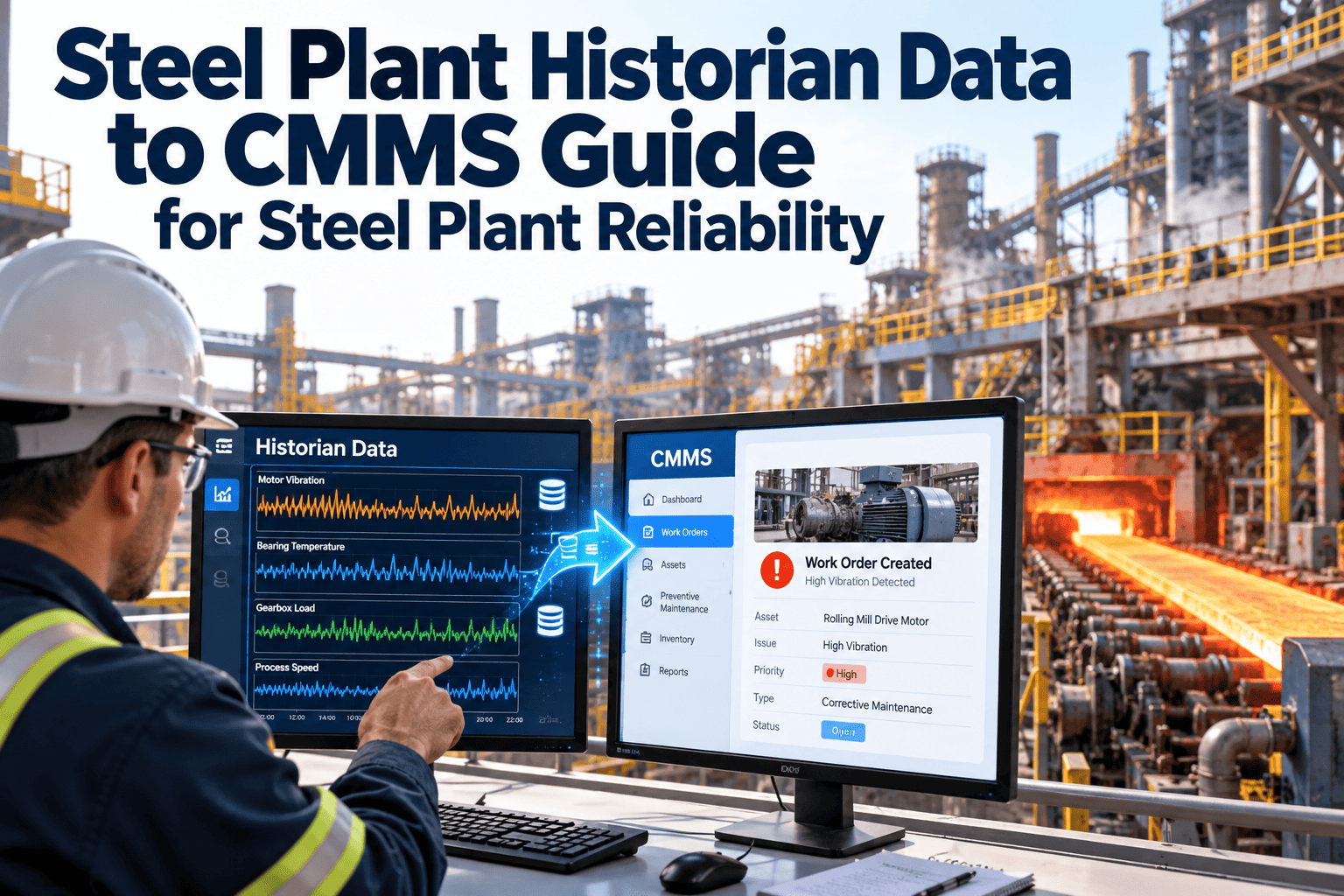
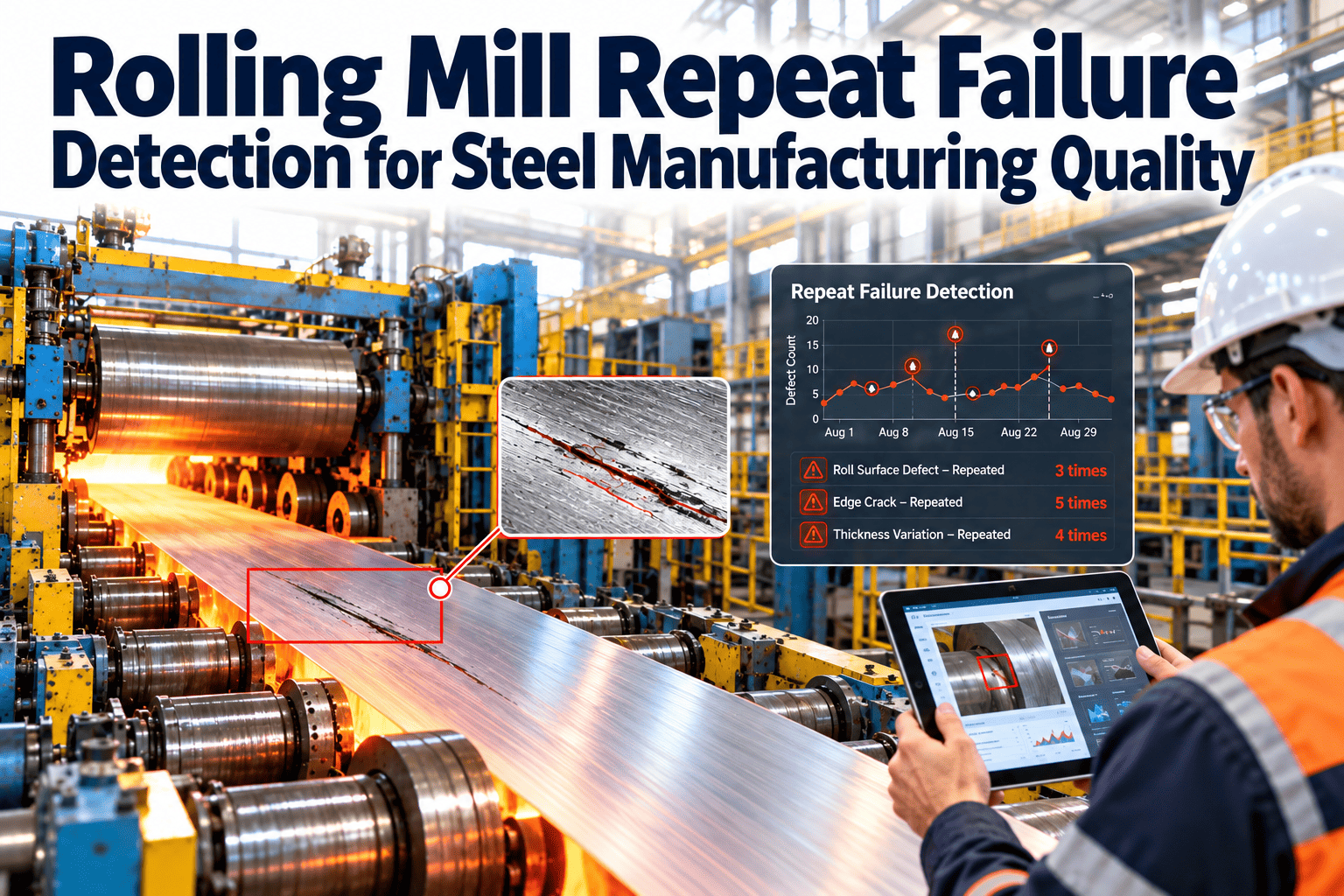
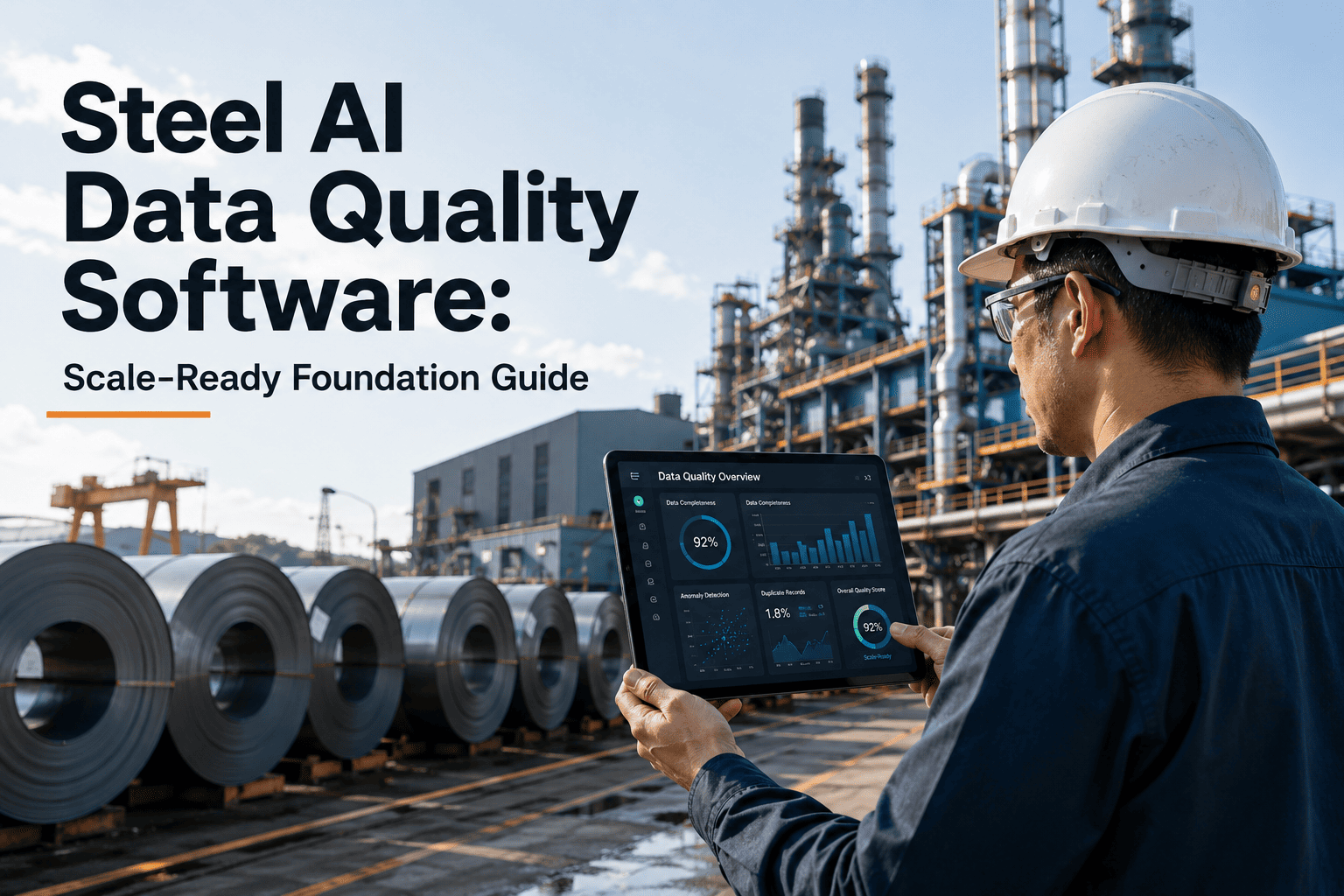
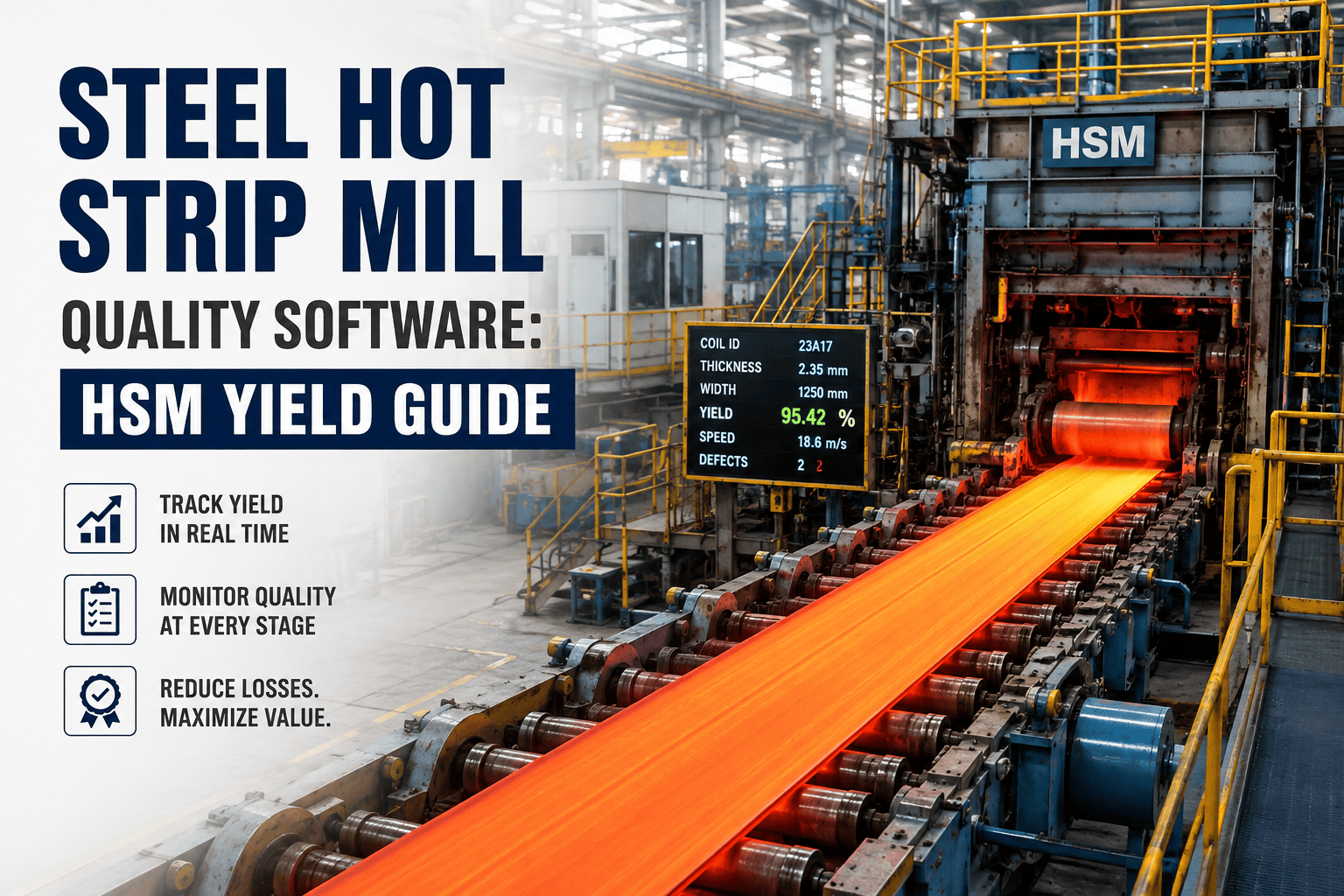
Every quality event in your plant—every measurement, inspection result, defect detection, and process parameter—generates data. But if that data disappears after a few days or lives in disconnected systems, you lose the ability to identify patterns, prove compliance, and drive improvement. A quality data historian captures, stores, and makes accessible years of quality data at millisecond resolution, transforming raw measurements into actionable intelligence.
Unlike general-purpose databases, quality data historians are purpose-built for time-series data—optimized for high-speed ingestion, efficient compression, and rapid retrieval of data spanning decades. This guide explores how quality data historians work, what capabilities matter most, and how to leverage historical quality data for continuous improvement.
Your Quality Data Over Time
A historian captures every data point, making the past accessible for analysis
What Is a Quality Data Historian?
A quality data historian is a specialized database designed specifically for capturing, storing, and retrieving time-series data from manufacturing operations. Unlike standard relational databases, historians are optimized for the unique demands of industrial quality data.
High-Speed Ingestion
Captures thousands of data points per second from sensors, PLCs, inspection systems, and lab equipment without data loss.
Efficient Compression
Stores years of data in a fraction of the space required by standard databases using specialized compression algorithms.
Fast Retrieval
Returns query results in seconds, even when searching across billions of data points spanning decades of operation.
Time-Series Optimization
Built specifically for sequential, timestamped data with specialized indexing and query capabilities.
Historian vs. Standard Database
Understanding the difference between quality historians and general databases helps explain why purpose-built solutions deliver better results for manufacturing quality applications.
Quality Data Historian
Standard SQL Database
Unlock Your Quality Data's Full Potential
Oxmaint's quality data historian captures every measurement, making years of quality history instantly accessible for analysis and compliance.
Data Sources for Quality Historians
A comprehensive quality historian integrates data from across your manufacturing operation, creating a complete picture of quality performance. Oxmaint connects to virtually any data source.
Process Control Systems
Inspection Systems
Laboratory Systems
Business Systems
Key Historian Capabilities
Not all historians are created equal. These capabilities distinguish solutions that truly enable quality excellence from basic data storage. Talk to our experts about which capabilities matter most for your operation.
Data Validation
Automatically identifies and flags questionable data—sensor failures, out-of-range values, calibration periods—so analysis isn't corrupted by bad data.
Timestamp Synchronization
Aligns data from multiple sources with different clocks into a single, accurate timeline essential for root cause analysis.
Intelligent Compression
Preserves data fidelity while minimizing storage through algorithms that keep important changes while compressing steady-state data.
Hierarchical Storage
Automatically moves older data to lower-cost storage tiers while maintaining fast access to recent data and instant retrieval of archived data.
Calculated Tags
Derives new data streams from raw data—rolling averages, rate of change, statistical calculations—without storing redundant data.
Audit Trail
Maintains complete records of all data access, modifications, and system changes for regulatory compliance (FDA, ISO, IATF).
Quality Analysis Use Cases
Historical quality data enables analysis that's impossible with only recent data. Here's how manufacturers leverage historian capabilities for quality improvement.
Root Cause Analysis
When a quality problem occurs, historians let you rewind to see exactly what process conditions existed at the time of production. Compare to periods without problems to identify contributing factors.
Trend Analysis
Identify gradual drifts in quality performance that aren't visible day-to-day but become clear over weeks or months. Catch degradation before it causes failures.
Process Comparison
Compare quality performance across shifts, lines, products, or time periods to identify best practices and problem areas.
Golden Batch Analysis
Identify the process conditions that produced your best quality results, then use those as targets for future production.
Compliance Documentation
Generate audit-ready reports showing complete quality history for any product, lot, or time period—instantly, not after weeks of searching.
Architecture Patterns
Quality historians can be deployed in various configurations depending on your infrastructure, scale, and requirements. Oxmaint supports all common deployment patterns.
Single-Site
One historian per facility. Simple, low-latency, complete local control. Best for single-plant operations or plants with limited connectivity.
Enterprise
Local historians at each site aggregate to central enterprise historian. Enables cross-site analysis while maintaining local performance.
Cloud-Native
Lightweight edge collectors send data to cloud historian. Infinitely scalable, lower upfront cost, enables AI/ML integration. Best for modern operations.
Store, Analyze, and Act on Quality Data
From high-speed data collection to AI-powered analytics, Oxmaint's quality historian platform captures your complete quality history.
Implementation Considerations
Successful historian deployment requires planning beyond just software installation. These factors determine long-term success.
Tag Strategy
Define a consistent naming convention and hierarchy for all data points. Poor tag organization makes data impossible to find. Plan for thousands of tags across the plant lifecycle.
Collection Frequency
Balance data resolution against storage costs. Critical quality parameters may need sub-second collection while utility data can be sampled every minute.
Security & Access
Protect quality data from unauthorized access or modification. Implement role-based access, encryption, and network segmentation between OT and IT systems.
Integration Architecture
Plan how the historian connects to source systems and consuming applications. Standard protocols (OPC-UA, REST APIs, SQL) simplify integration.
User Training
The best historian is worthless if people don't know how to use it. Train operators, engineers, and analysts on data access, trending, and analysis tools.
ROI of Quality Historians
Quality historians deliver value through multiple channels. Here's how to quantify the investment.
Faster Root Cause Analysis
Reduce problem investigation time from weeks to hours by instantly accessing all relevant data.
Reduced Quality Escapes
Trend analysis and early warning capabilities catch problems before they reach customers.
Audit Efficiency
Generate compliance documentation in minutes instead of days. Pass audits with confidence.
Process Optimization
Data-driven insights identify improvement opportunities invisible without historical analysis.
Frequently Asked Questions
How much storage do we need for a quality data historian?
Storage requirements depend on the number of tags, collection frequency, and retention period. As a rough guide: 1,000 tags at 1-second collection generates about 1-2 GB/day uncompressed. With typical 10:1 compression, that's 35-70 GB/year. Modern historians can store 10+ years in terabytes rather than petabytes. Start with your current data generation rate and plan for growth.
Can we integrate quality historian data with our existing analytics tools?
Yes—modern historians support standard interfaces including OPC-UA, REST APIs, SQL, and direct connectors to tools like Power BI, Tableau, and Python. You can stream data to data lakes for advanced analytics, feed machine learning models, or query directly from business intelligence platforms. The key is ensuring your historian supports the protocols your tools need.
What about cybersecurity concerns with connecting OT systems to IT networks?
This is a legitimate concern. Best practices include: network segmentation (DMZ between OT and IT), unidirectional data diodes where appropriate, encrypted connections, and following ISA/IEC 62443 standards. Cloud-based historians add considerations around data residency and vendor security. Work with both OT and IT security teams to design an architecture that meets your risk tolerance.
How do we migrate existing quality data into a new historian?
Migration approaches depend on your current data format: From spreadsheets/databases: Most historians have import tools for CSV and SQL sources. From legacy historians: Many offer direct migration paths or export/import utilities. Key considerations: data validation during migration, timestamp conversion, tag mapping, and verification that migrated data matches source. Plan for parallel operation during transition.
Should we choose on-premises or cloud-based historian?
It depends on your situation: On-premises: Better for air-gapped environments, regulatory requirements for data locality, or existing infrastructure investments. Cloud: Lower upfront cost, automatic scaling, easier multi-site aggregation, and access to cloud AI/ML services. Hybrid: Edge collectors with cloud aggregation combines local resilience with cloud analytics. The market is trending toward cloud, but both remain viable.
Capture Your Quality History
Stop losing valuable quality data. Oxmaint's quality data historian makes years of quality history instantly accessible for analysis, compliance, and continuous improvement.