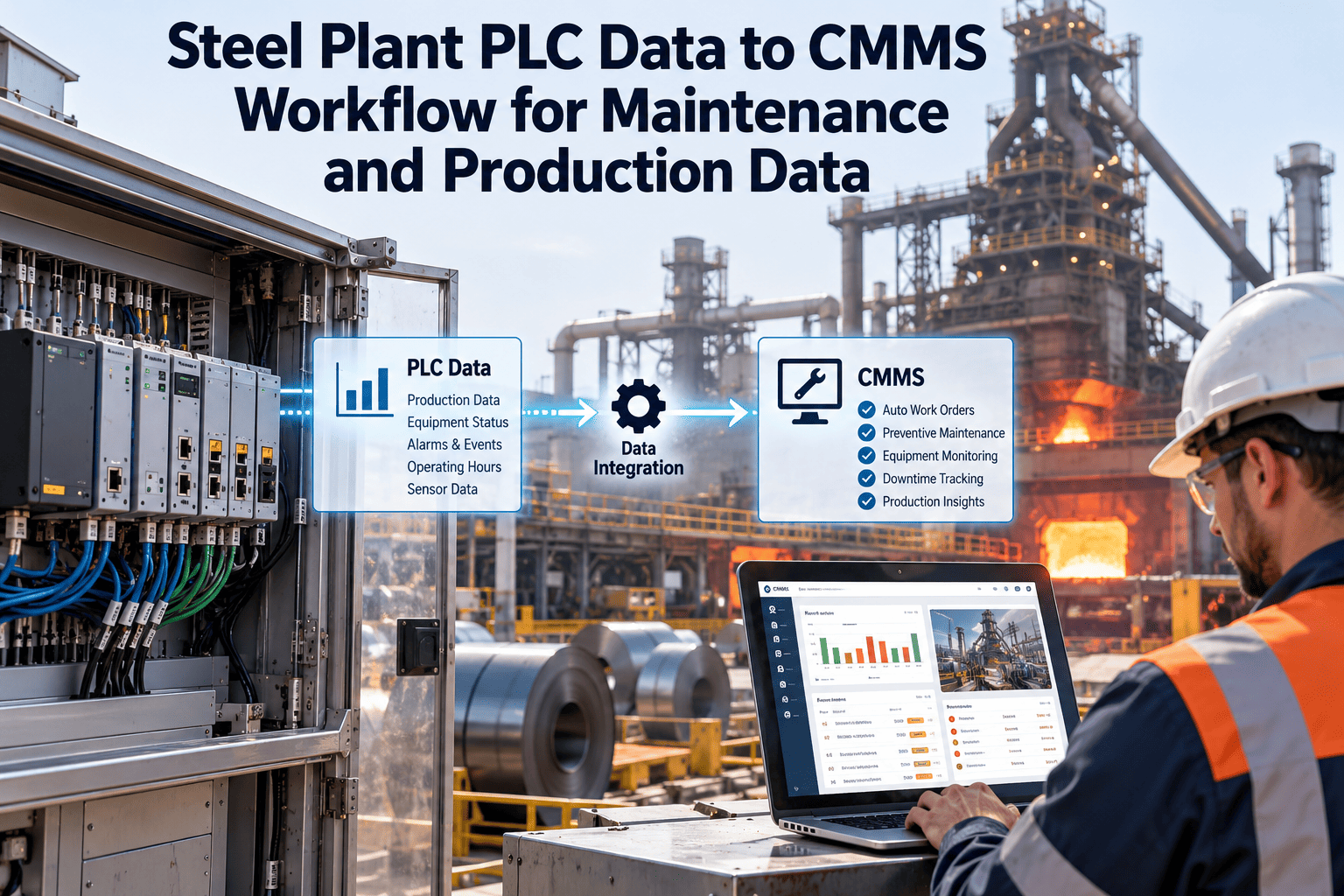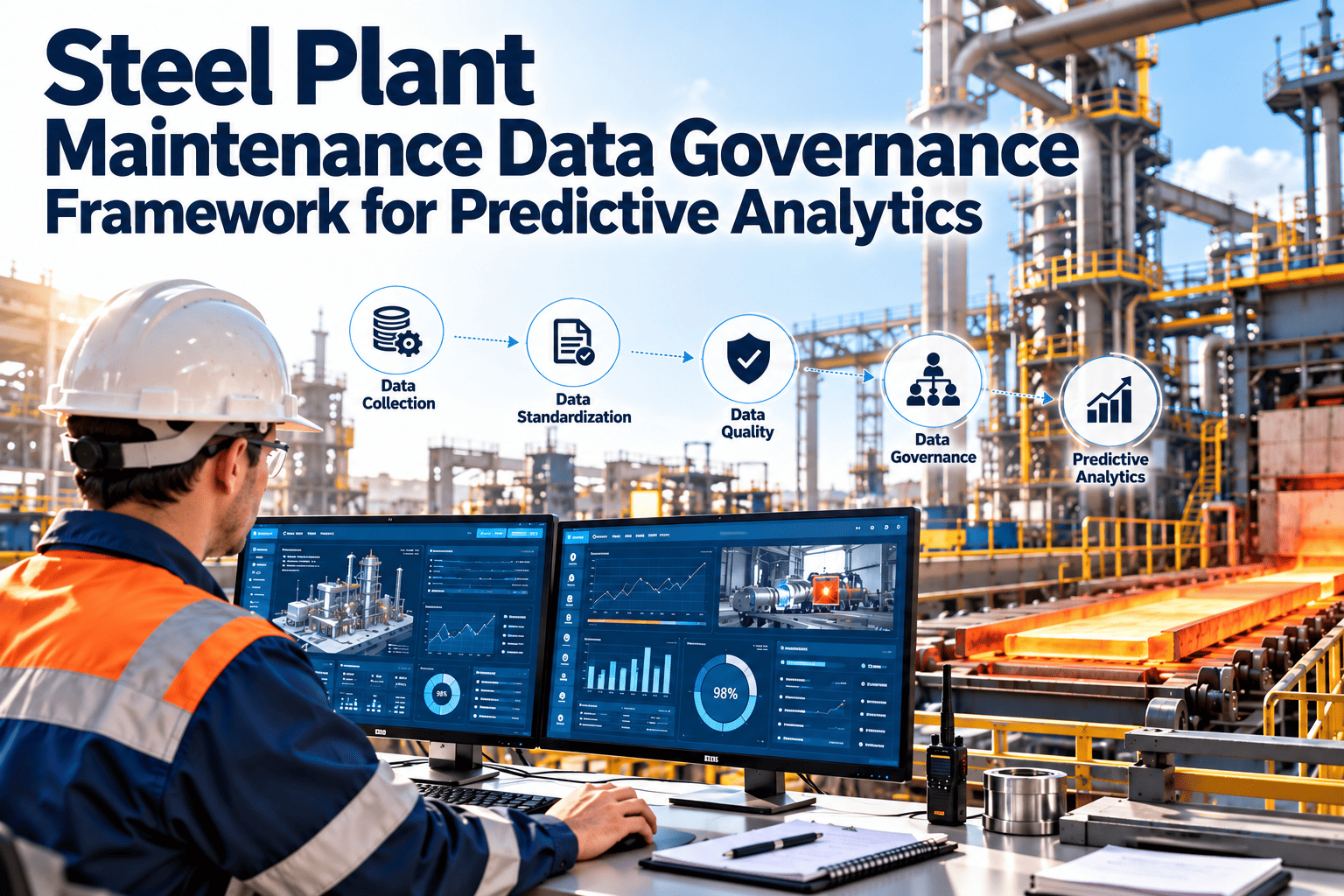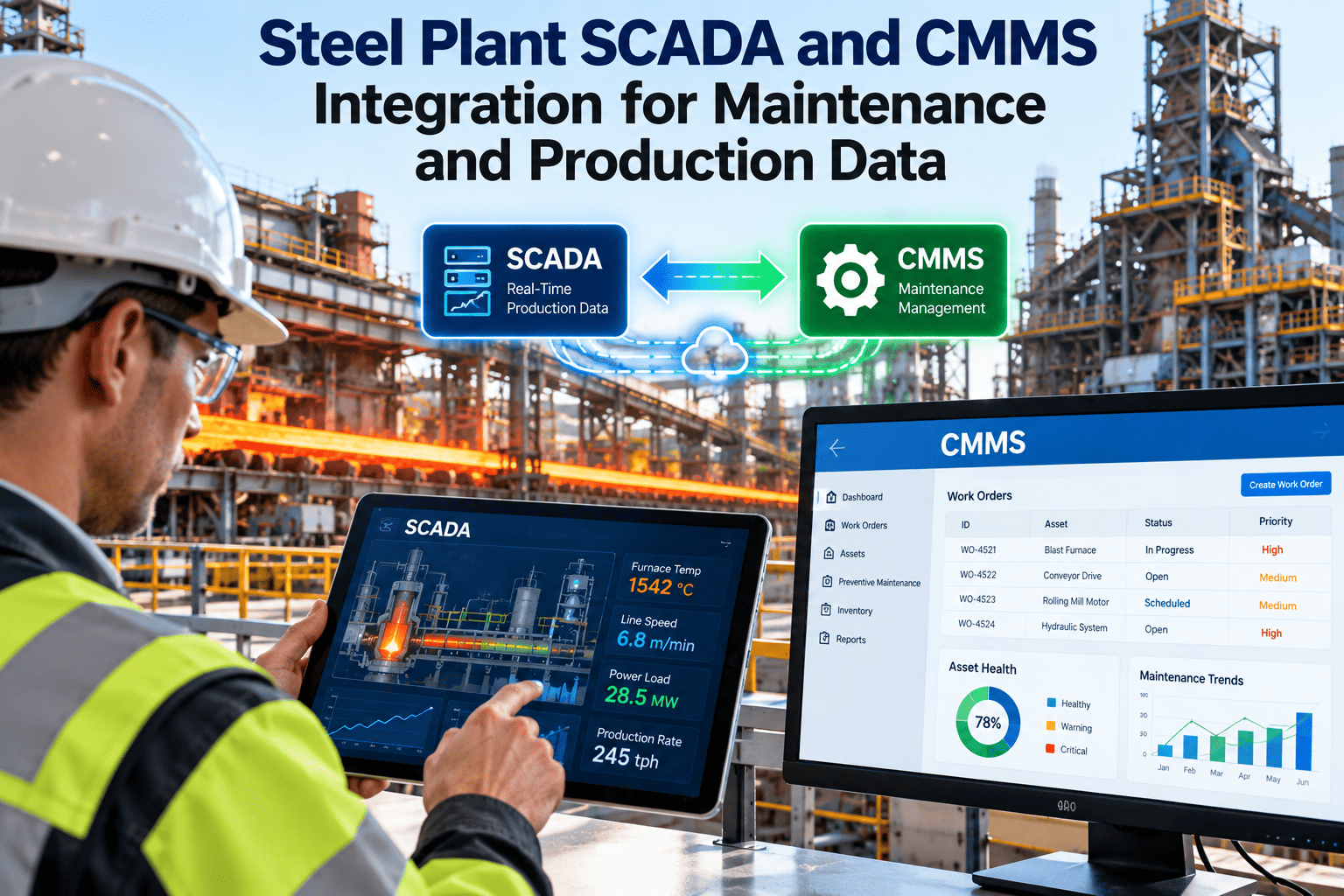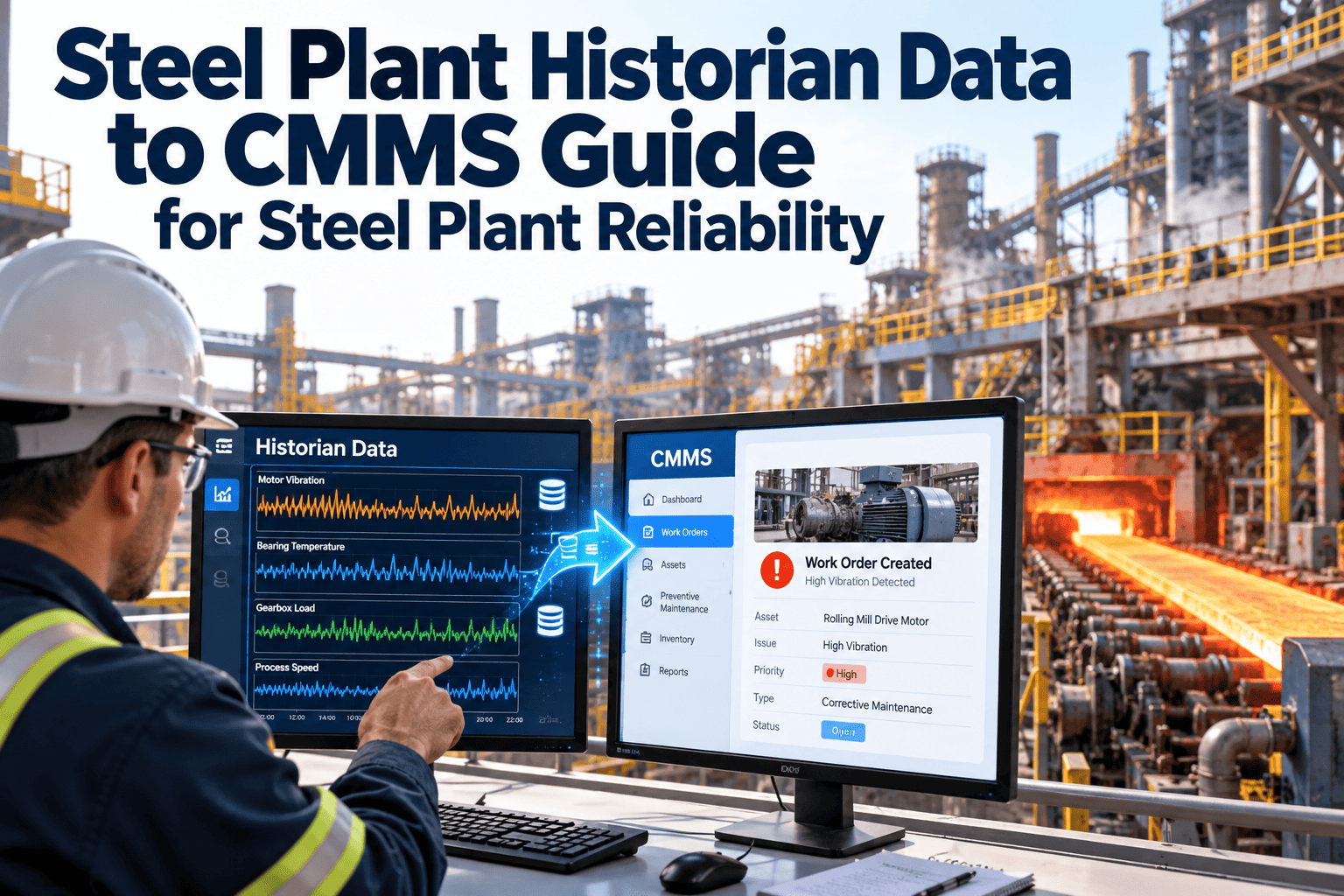
Most steel plants can point to an AI pilot that worked. A model predicted a gearbox fault, flagged a quality drift, or ranked a set of risky assets, and everyone agreed it looked promising. Then the project met the second line, the next mill, or a second site, and momentum disappeared. The cause is rarely the algorithm. It is the maintenance and asset data underneath, which is usually inconsistent, disconnected, and hard to trust, and a digital maintenance system such as Oxmaint is where that foundation is built.
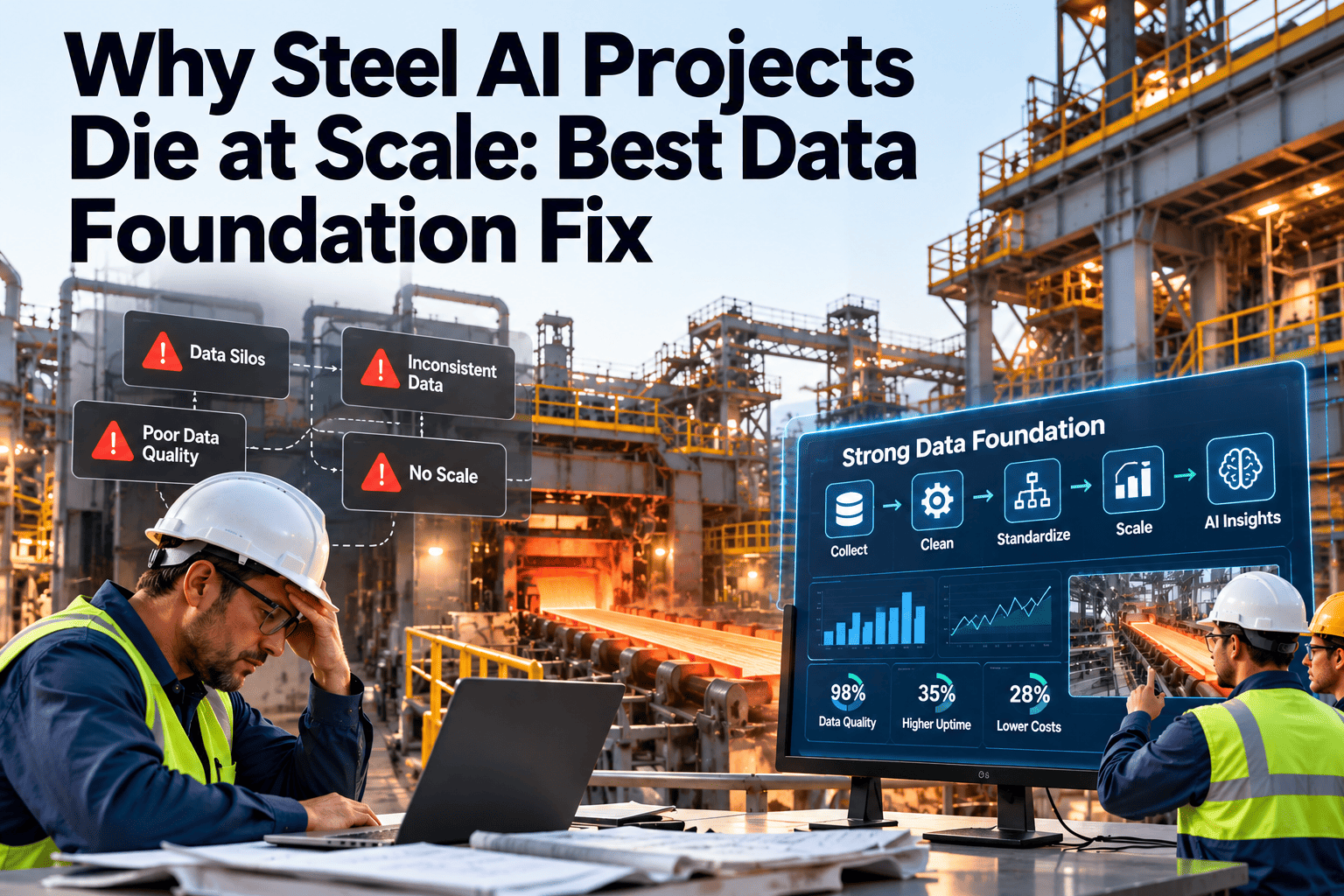
Why Steel AI Projects Die at Scale and the Data Foundation Fix
Pilots succeed on hand-cleaned data. Scaling fails when asset names, failure codes, and work order history differ across every line. A digital CMMS gives AI teams one clean, connected, consistent record.
The Pilot Trap in Steel Plants
A pilot is a controlled experiment. A small team picks one asset, extracts data by hand, fixes obvious errors, and trains a model that performs well. None of that preparation is repeatable at scale unless it becomes part of daily maintenance practice.
The pilot team cleans the data manually
The model performs well on a narrow slice
Scaling reveals different conventions
The data team becomes a cleanup team
Nobody trusts the output
Five Data Layers Every Steel AI Model Depends On
Steel production is a chain of heavy, interdependent processes. A model that predicts a stand drive fault needs more than a vibration signal. It needs five layers of data that agree with one another.
Outcome feedback
Operating context
Sensor and time-series mapping
Event history
Asset identity
Root Causes Behind Failed Scale-Ups
The symptoms look like model problems. The causes sit in maintenance records, naming, and process discipline.
| Symptom | Root cause | Effect on AI | Foundation fix |
|---|---|---|---|
| Same asset appears under several names | Free-text asset entry, area-specific conventions | History splits, so models see short, partial lives | One asset register with unique IDs and a locked hierarchy |
| Failure descriptions vary by planner | No standard failure codes | Labels are unreliable, so models learn noise | Controlled failure mode, cause, and action lists |
| Downtime missing or estimated | Maintenance and production tracked separately | Impact cannot be measured or ranked | Downtime captured on the work order at closure |
| Sensor tags not linked to assets | Tags owned by automation, not maintenance | Signals cannot be joined to failure events | Tag-to-asset mapping maintained in one register |
| Closed work orders lack findings | Technicians skip fields under time pressure | No ground truth for validating alerts | Mobile checklists with required fields |
| Spreadsheet versions diverge | Local files for inspections and spares | Conflicting records across lines | One shared system of record |
Fix the Data Foundation Before You Fund the Next Model
Oxmaint gives steel maintenance teams one asset register, structured work orders, and consistent records that AI and analytics teams can actually use.
Before and After a Digital CMMS Foundation
The difference is not cosmetic. It determines whether the next AI project starts in week one or spends a quarter on cleanup.
Before: fragmented records
- Asset names differ between areas and shifts
- Failure causes written as free text
- Downtime estimated after the fact
- Inspection results in local spreadsheets
- Parts usage not linked to failures
- Every AI project begins with manual extraction
After: connected records
- One hierarchy with unique asset IDs
- Coded failure mode, cause, and action
- Downtime recorded on work order closure
- Mobile inspections stored per asset
- Parts consumption tied to each repair
- New projects start from a trusted dataset
Anatomy of an AI-Ready Maintenance Record
An AI-ready record is specific, coded, and complete. The example below shows the fields a hot strip mill gearbox event should carry after it is closed.
- Asset path
- Plant, Hot Strip Mill, Finishing Stand 4, Main Drive, Gearbox
- Event type
- Corrective, unplanned, found through condition alert
- Failure mode
- Bearing wear on input shaft
- Failure cause
- Lubricant contamination
- Detection method
- Vibration trend and oil particle count
- Downtime
- Start, end, and minutes lost, recorded at closure
- Action taken
- Bearing replaced, oil changed, seal upgraded
- Parts and labour
- Part numbers issued, hours by trade, contractor cost
- Findings and photos
- Technician notes and images captured on mobile
Data Readiness Ladder for Steel Plants
Use this ladder to assess where your plant stands today. Most scale failures happen when teams attempt Level 4 work from a Level 1 foundation.
Learning loop
Connected signals
Structured history
Digital register
Paper and spreadsheets
The Prediction-to-Work-Order Loop
An AI insight has no value until it changes maintenance behaviour. The loop below turns predictions into recorded outcomes, which is also how models improve.
Who Owns Which Part of the Foundation
Data quality is a shared responsibility. Clear ownership prevents the common pattern where everyone assumes someone else maintains the register.
| Role | Owns | Measure of success |
|---|---|---|
| Maintenance planner | Work order quality, closure discipline, failure codes | Complete, coded work orders |
| Reliability engineer | Failure mode library, criticality, alert rules | Consistent coding and useful alerts |
| Automation and OT team | Tag lists, signal quality, mapping to assets | Every tag linked to an asset |
| Operations | Downtime reasons and production context | Maintenance and production hours agree |
| Data and AI team | Models, validation, feedback use | Time from idea to trusted dataset |
| Plant management | Standards, training, review cadence | Sustained adoption across shifts |
A 90-Day Foundation Plan
You do not need to clean the whole plant at once. Build the foundation around the assets where AI will first matter, then widen the scope.
Register and hierarchy
Failure codes and work order standards
Signal mapping and feedback
Compliance and Traceability Strengthen the Same Foundation
Steel plants already keep records for statutory inspections, lifting equipment, pressure systems, and safety audits. The same discipline supports AI readiness.
- Time-stamped inspections show what was checked, by whom, and when.
- Locked asset IDs prevent history from being lost during modifications.
- Audit trails explain why a model alert led to a specific maintenance action.
- Controlled change records show when thresholds or procedures were altered.
Standards such as ISO 55001 for asset management encourage this kind of traceable, decision-ready information. A CMMS makes it practical on the shop floor.
Data Problems AI Teams Find in Steel Maintenance History
Data scientists who open a steel plant's maintenance history tend to find the same issues. Knowing them in advance lets you fix the process, not just the extract.
- Work orders closed in bulk at the end of a shift, so timestamps do not reflect when work happened.
- Repairs recorded against a parent area such as a mill or a line, not the specific gearbox, pump, or drive.
- Planned and unplanned events mixed together, which hides the true failure rate.
- Replaced assets that keep their old IDs, so one record covers two different machines.
- Free-text notes that carry the real finding but cannot be searched or counted.
- Production delay reports that disagree with maintenance downtime for the same event.
Building a Failure Code Library That People Will Use
A failure code library fails when it is too long, too vague, or written by someone who never repairs equipment. Keep it short, specific, and reviewed by the people who close the work orders.
- Start with the equipment classes. Group assets into classes such as motors, gearboxes, pumps, hydraulic units, and rolls, and write codes per class.
- Separate mode, cause, and action. Mode says how it failed, cause says why, and action says what was done. Mixing them produces unusable data.
- Limit each list. Fifteen well-chosen options beat a hundred that nobody reads. Include an escalation path for cases that do not fit.
- Pilot with technicians. Test the lists on real closed jobs and remove anything people cannot choose quickly.
- Review quarterly. Check how often the catch-all code is used, which shows where the library has gaps.
Warning Signs Your Plant Is Heading for the Pilot Trap
You can often see the trap forming before the second rollout. Check whether any of these describe your current AI work.
| Warning sign | What it usually means | First response |
|---|---|---|
| The pilot team still prepares data by hand | Cleanup is not built into maintenance practice | Move the cleanup rules into work order templates |
| Results cannot be reproduced on a second asset | Asset identity or tag mapping differs by area | Standardise the hierarchy and the tag register |
| Planners ignore alerts | Alerts do not link to work orders or past outcomes | Create work orders directly from reviewed alerts |
| Nobody can say how many alerts were correct | Findings are not recorded at closure | Require finding and failure code on every alert job |
| Each AI vendor needs a separate extract | No single system of record exists | Make the CMMS the master source for events |
Questions to Ask Before Funding the Next AI Project
Sponsors can reduce risk by asking a few direct questions about the data. Weak answers point to foundation work that should come first.
Questions about the data
- Which system holds the master asset list?
- What share of recent work orders carry a failure code?
- How is downtime recorded, and by whom?
- Which sensor tags are mapped to which assets?
Questions about adoption
- Who acts on an alert, and within what time?
- How will outcomes return to the model?
- Who owns the failure code library?
- What happens when a second line is added?
How Oxmaint Builds the Foundation
Oxmaint maintenance management software gives steel teams the structured records that AI and analytics projects rely on.
Steel AI Scale-Up Questions Answered
Why do steel AI pilots fail to scale?
Is a CMMS really part of an AI strategy?
Do we need to clean all plant data first?
What should failure codes look like?
How soon can a plant see a foundation benefit?
Build the Data Foundation Your AI Roadmap Needs
Give your data team a trusted asset register, consistent failure history, and a feedback loop from every alert. Start with the assets that matter most to production.