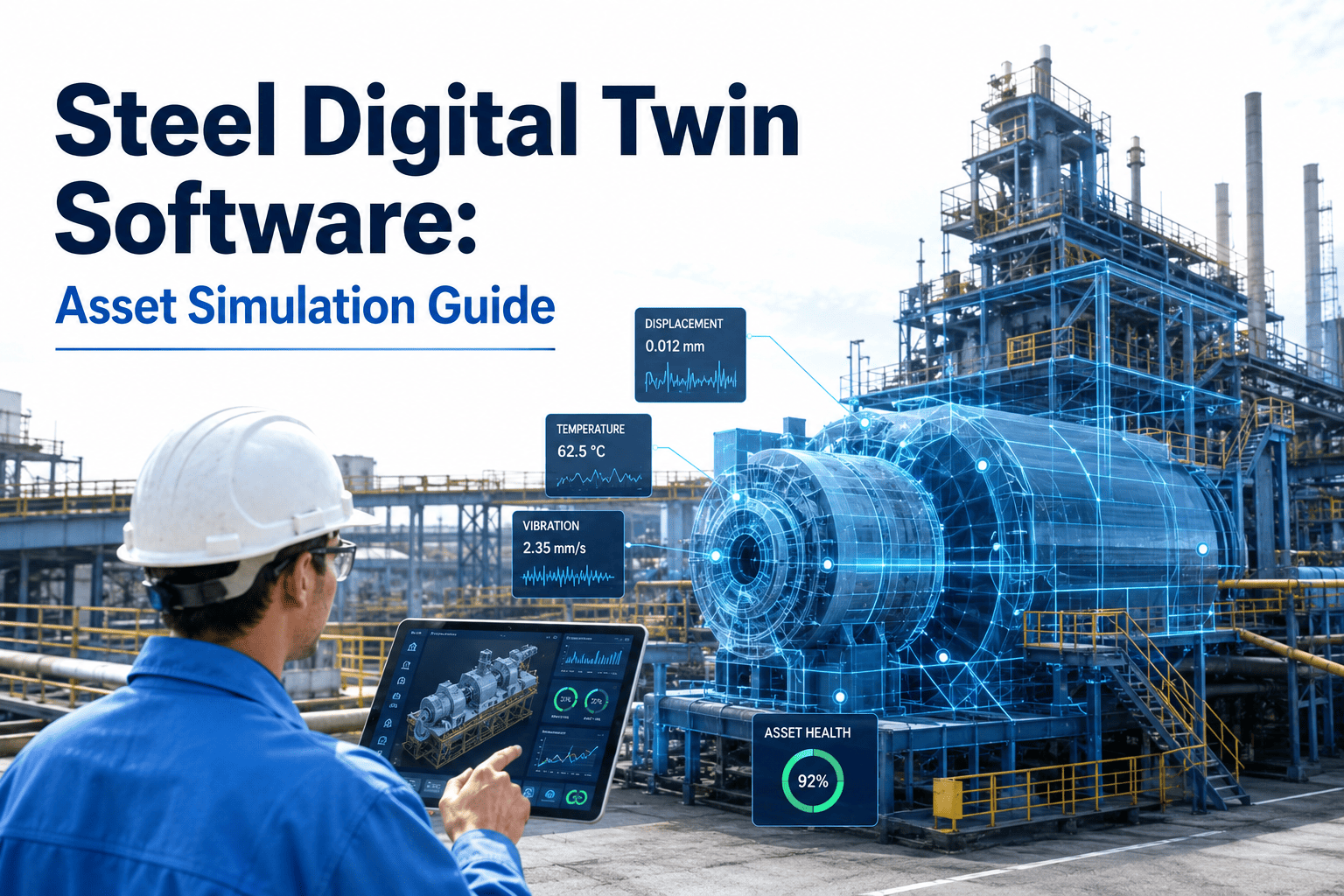
A digital twin does not replace your steel plant's CMMS — it turns the operating data your sensors, inspections, and maintenance history already collect into a live, simulated model of a blast furnace, caster, or mill stand that can answer "what happens if" before the answer costs a shutdown. Instead of waiting for a campaign to end or a breakout to happen, engineers run the scenario against the twin first: what if hearth temperature trends another 15°C over the next month, what if casting speed increases on a strand with known mold wear, what if a roll change is delayed two more shifts. Most steel plants have the sensor data to build this today; what they lack is a structured way to connect that data to asset simulation and route the model's output back into a work order. Start a free trial with Oxmaint to connect asset data to digital twin simulation across your critical steel plant equipment.
Steel Plant Digital Twin Software: Simulating Blast Furnace, Caster, and Mill Assets
Build a connected simulation layer for blast furnace campaign life, caster breakout risk, and mill roll wear so engineering runs the what-if scenario before the shutdown happens.
What Is an Asset Digital Twin in a Steel Plant Context?
An asset digital twin is a simulation model of a physical asset — a blast furnace hearth, a continuous caster strand, a mill stand — that is continuously fed real operating data so its predictions stay aligned with actual asset condition. It is not a static 3D model or a dashboard; it is a running calculation that takes current sensor readings, recent maintenance history, and process setpoints as inputs and produces a forward-looking estimate as output: remaining campaign life, breakout probability over the next casting sequence, or projected roll wear at the next scheduled change.
The value comes from the loop, not the model alone. A twin that calculates breakout risk but never reaches a caster operator is a research exercise. A twin connected to your CMMS turns a rising risk score into a scheduled inspection or a casting speed adjustment before the risk becomes an incident. That connection between simulation output and maintenance action is what separates a working digital twin program from a one-off modeling project that gets shelved after the pilot.
Where Steel Plants Get the Fastest Return from Asset Simulation
Simulate refractory and hearth wear against thermal camera and stave temperature data to project remaining campaign life within a rolling window rather than relying on age-based estimates alone.
Model mold heat flux, casting speed, and steel grade against known breakout precursor patterns to flag a rising risk score before a shell rupture halts the strand.
Simulate roll surface wear against tonnage rolled and product mix to time roll changes around wear thresholds instead of a fixed count, protecting surface finish and gauge tolerance.
Model skid pipe cooling losses and fuel consumption against furnace zone temperature trends to catch efficiency drift and skid mark defects before they show up in rolled product.
The Four Layers That Make a Digital Twin Work
A working asset twin is built from four connected layers. Skipping any one of them is the most common reason steel plant digital twin pilots stall before they reach production use.
| Layer | What It Does | Typical Source |
|---|---|---|
| Data Ingestion | Pulls sensor, process, and maintenance data into a common asset record | IIoT sensors, PLC/SCADA tags, CMMS history |
| Model Layer | Runs the physics-based or statistical model against current inputs | Engineering-validated wear and thermal models |
| Simulation Engine | Executes what-if scenarios against the current asset state | Scenario inputs from process or reliability engineers |
| CMMS Action Layer | Converts a risk score or threshold breach into a scheduled work order | Connected maintenance management platform |
A Realistic Rollout Timeline for a Steel Plant Twin Program
Age-Based Planning vs. Simulation-Informed Planning
Five Reasons Steel Plant Digital Twin Pilots Stall
Most digital twin projects that get shelved fail for organizational reasons rather than modeling ones. Recognizing these patterns early keeps a first pilot from becoming an expensive proof of concept that never reaches daily use.
Teams that start with the simulation math before securing a reliable, continuous data feed end up with a model that looks accurate in testing and drifts the moment live data gets messy.
A risk score that only appears on an engineering dashboard requires someone to remember to check it. Without a direct path to a scheduled work order, the model's output quietly stops getting used.
Trying to model an entire mill line before validating on a single stand spreads data and engineering effort too thin to produce a trustworthy result on any one asset.
A model that has not been checked against past breakout or campaign-end events has no evidence behind its predictions, which makes operators reasonably hesitant to act on its output.
A twin handed to IT without ongoing input from process engineers and maintenance planners loses the domain judgment that keeps the model's thresholds realistic as conditions change.
What to Check Before Choosing Your First Twin Asset
The fastest path to a working digital twin is picking an asset where the data foundation is already close to ready, then filling the remaining gaps rather than building a pipeline from zero.
Confirm the asset already has thermal, vibration, or process sensors reporting continuously, and identify which additional points would meaningfully improve model accuracy.
Check whether past campaign-end, breakout, or roll-change events are documented with enough detail to back-test a model against real outcomes rather than assumptions.
Verify that repair and inspection history for the asset is logged consistently enough to correlate against sensor trends, since gaps in maintenance records weaken model validation.
Confirm a process engineer and a maintenance planner are both assigned to the pilot before it starts, so the model's output has a clear owner on both the prediction and action side.
Turn Sensor Data Into a Working Asset Simulation
Oxmaint connects sensor feeds, process data, and maintenance history into one asset record so your engineering team can run what-if scenarios and route the results directly into a scheduled work order.
How Oxmaint Supports Digital Twin Asset Simulation
Bring sensor readings, process tags, inspection results, and maintenance history together on one asset record so a simulation model has a single clean data source to run against.
Configure risk score or wear projection thresholds per asset so a model output that crosses the line automatically generates a scheduled inspection or replacement work order.
Pull years of logged failure, campaign-end, and roll-change history per asset to back-test a new simulation model before trusting it for live decisions.
Record what-if scenario inputs and outcomes against the asset record, building an audit trail engineers can reference the next time a similar decision comes up.
Track pilot-to-scale rollout status per asset class, from single-furnace pilot through fleet-wide deployment across sister units.
Give process engineers, reliability teams, and maintenance crews a shared view of simulation output and the work orders it generates, closing the loop between prediction and action.
Five Signs a Digital Twin Program Is Delivering Value
A digital twin pilot's success is easy to overstate early and easy to underestimate once it is running quietly in the background. These five signals separate a program that is genuinely changing maintenance decisions from one that is producing reports nobody acts on.
A rising share of scheduled work orders on the pilot asset originating from a threshold breach rather than a routine calendar check shows the loop is actually closing.
When shift teams start mentioning the twin's risk score in daily conversation without being asked, the model has become part of normal decision-making rather than a side dashboard.
Planned outage inspections matching what the model predicted, rather than turning up unexpected wear, is strong evidence the simulation is tracking real asset condition.
Maintenance or engineering teams asking to apply the model to a second furnace or caster strand before being prompted is one of the clearest signs the pilot earned trust.
Engineers actively tuning alert thresholds based on real outcomes, instead of leaving default settings untouched, shows the twin is being treated as a working tool rather than a checkbox.
Measurable Results from Asset Simulation Programs
Frequently Asked Questions
Do we need new sensors before starting a digital twin project?
Not always. Most steel plants already have enough thermal, vibration, and process data to build a first model; the more common gap is connecting that data to one asset record. Start a free trial to see how existing data connects to an asset record.
Which asset should a first digital twin pilot target?
Pick the asset with the highest failure cost and the best existing data history, most often a blast furnace hearth or a caster strand, so the model has enough historical events to validate against.
How is a digital twin different from a standard CMMS predictive alert?
A predictive alert flags a single reading crossing a threshold. A twin simulates the asset forward under different scenarios, so engineers can test "what if" conditions before choosing an action. Book a demo to see the difference in practice.
Who should own the digital twin model — process engineering or maintenance?
Both. Process engineering typically owns model accuracy while maintenance owns the work order response, which is why the CMMS connection between the two teams matters as much as the model itself.
How long before a digital twin program shows measurable results?
Most plants validate a pilot model within four to six months, with measurable downtime and cost impact appearing once the model connects to live work order automation on the first asset.
Build the Data Foundation Your First Digital Twin Needs
Oxmaint unifies sensor, process, and maintenance history into one asset record, automates the threshold-to-work-order loop, and gives engineering and maintenance a shared view of every simulation output. Free trial, no credit card required.