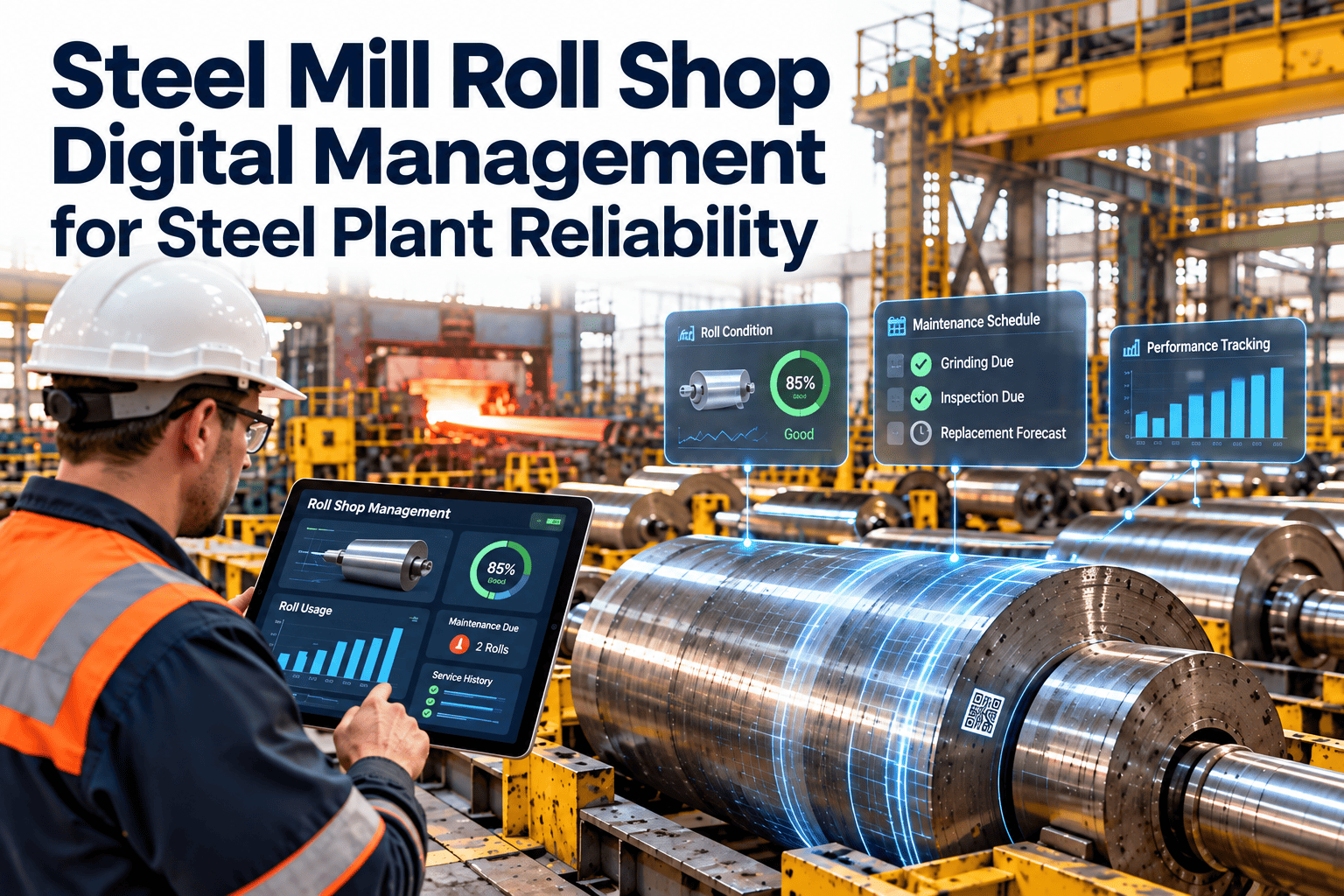
Every roll that enters a rolling mill has already passed through the roll shop, and every surface defect, profile error or bearing problem that leaves it can show up later as a rejected coil, a strip break or an unplanned stand change. Yet many roll shops still run on whiteboards, grinder printouts and the memory of a few experienced people. Steel mill roll shop digital management replaces that scattered record with one traceable history for each roll, chock and bearing, from receiving through grinding, storage and installation. This article walks through the workflow, the data to capture and how Oxmaint maintenance management software can hold it together.
Steel Mill Roll Shop Digital Management for Steel Plant Reliability
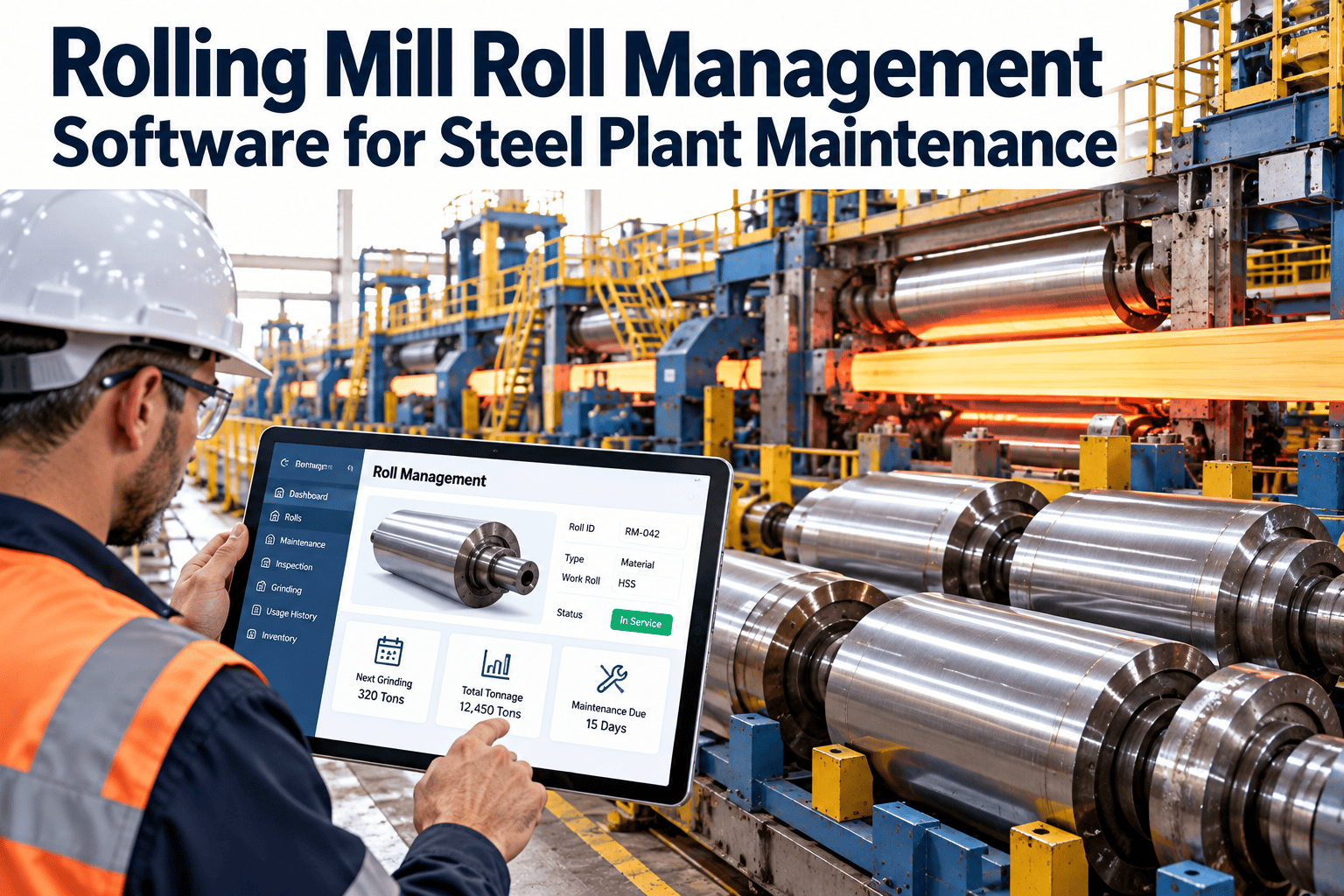
Give every work roll and backup roll a live record: where it is, what was ground off, which chocks it wears and how its last campaign ended.
Step 8 feeds back into step 1 and the roll record grows each cycle.
Where manual roll shop records break down
The roll shop sits between production and maintenance, so gaps in its records are felt on both sides.
Roll consumption is a major recurring cost in rolling, so small record gaps can quietly add up across many campaigns.
One view of every roll in the plant
A digital board replaces the whiteboard. The example below shows how roll status can be organised. Roll numbers are illustrative.
In mill
Awaiting inspection
In grinding
Ready on rack
Scrap review
What the board answers
- Which rolls are ready for the next scheduled change?
- Which rolls are stuck waiting for inspection or the grinder?
- How many rolls are close to retirement?
The data every roll record should carry
Digital management only works if the record captures what engineers and quality teams actually ask for.
| Record field | Why it matters | Captured when |
|---|---|---|
| Roll ID, type and grade | Forged steel, high chrome, high speed steel or other grades wear and fail differently | Receiving |
| Supplier and heat or batch reference | Supports claims and batch comparison | Receiving |
| Current and minimum diameter | Shows remaining usable life | After each grind |
| Profile or crown setting | Links roll geometry to strip shape results | After each grind |
| Surface condition and hardness readings | Tracks wear, banding and thermal damage | Inspection |
| Chock and bearing pairing | Connects the roll to bearing history | Assembly |
| Mill, stand and position | Tells where the roll ran and under what duty | Installation |
| Campaign tonnage or run time | Basis for life and consumption analysis | Removal |
| Incidents and defects | Cobbles, spalling, fire cracks and strip breaks | Removal and inspection |
| Status and rack location | Prevents lost or misplaced rolls | Every move |
Different rolls need different record emphasis
One record template can serve the whole shop, but the fields people watch most will vary by roll type.
| Roll type | Typical position | Record emphasis |
|---|---|---|
| Work rolls | Contact the strip or plate directly | Surface wear, roughness, profile and campaign tonnage |
| Backup rolls | Support the work rolls in four-high stands | Spalling risk, diameter, sub-surface inspection and bearing history |
| Intermediate rolls | Sit between work and backup rolls in some mills | Contact wear and shift settings where fitted |
| Section and bar mill rolls | Grooved rolls in roughing and finishing stands | Groove wear, turning history and pass sequence |
A gated workflow from pulled roll to released roll
Each stage ends with a decision, so rolls do not move forward on assumption.
Incoming check
Record the removal reason, mill incidents and visible damage. Cool and clean before measuring.
Surface and sub-surface inspection
Log visual findings and any eddy current or ultrasonic results your shop uses. Decide: grind, hold or scrap review.
Grinding
Record stock removed, profile applied and operator. Update the current diameter automatically in the roll record.
Post-grind verification
Capture diameter, profile and surface finish checks. Release only if the roll meets the specification for its stand.
Assembly and rack release
Fit chocks and bearings, confirm the pairing, then set status to ready with a rack location.
Decisions worth recording
- Why a roll was ground deeper than normal.
- Who approved a roll with a known surface concern.
- Why a roll moved to scrap review.
Link incidents to the roll before inspection starts
A roll that survived a cobble, an overload or a cooling problem should not be inspected as if nothing happened.
When the mill logs the incident against the roll at removal, the shop starts inspection with context rather than guesswork.
Rack discipline protects the record and the roll
- Give every rack position a code and record it when a roll is moved.
- Store rolls so the barrel and journals are protected from impact and corrosion.
- Confirm lifting equipment inspection status before each move.
- Count rolls against the system on a regular schedule and fix mismatches the same day.
- Keep spare chocks, bearings and seals in controlled locations with stock levels.
Using campaign history to improve practice
After several cycles, compare campaign results by roll grade, stand and grind approach. Patterns may show that one grade holds profile longer or that a certain stand needs more frequent changes. These findings support better purchasing and planning decisions.
Supporting audits and supplier claims
When a roll fails early, a clean record of heat reference, inspection results and campaign data gives the supplier conversation a factual base. The same record helps internal quality audits show how rolls are controlled.
Trace a quality complaint back to the roll
Traceability links production events to the asset that touched the product. In the roll shop that chain runs through several records.
Reading the chain in either direction lets a quality engineer start from a defect or from a suspect roll.
Questions a traceable record can answer
- Which rolls ran in the stand when a surface defect first appeared?
- Did the roll come back from a campaign that ended in a strip break?
- Was the last grind deeper or shallower than the previous cycles?
- Has this chock and bearing pair been rebuilt recently?
- Do defects cluster on one supplier batch or roll grade?
Connect the roll shop to rolling mill reliability
Roll chocks, bearings and drive components share the same reliability picture as the rolls themselves.
| Asset | Condition signals | Roll shop and CMMS action |
|---|---|---|
| Backup roll chock bearings | Temperature trend, lubrication condition, noise | Record inspection at each change and schedule rebuilds by service hours |
| Work roll chocks | Wear, seal leakage, cooling water ingress | Log findings and replace seals during assembly |
| Mill drive gearbox | Vibration, oil condition, temperature | Run preventive and condition-based tasks outside the roll shop |
| Roll grinder | Spindle condition, wheel wear, coolant quality | Preventive maintenance schedule and calibration records |
| Roll handling cranes and tooling | Inspection status, certification dates | Recurring inspections with sign-off records |
Rolling mill predictive maintenance programmes often monitor mill bearings and gearboxes. Feeding those findings into the same asset history helps decide whether a chock needs a rebuild before its next campaign.
What changes inside the roll shop
| Roll shop activity | Paper and spreadsheet | Digital roll management |
|---|---|---|
| Finding a roll | Ask the shift lead or walk the rack | Search by roll ID, status or location |
| Recording a grind | Handwritten sheet entered later | Work order with stock removed and diameter updated |
| Chock pairing | Verbal or on a wall chart | Linked asset records with history |
| Defect history | Free text in logbooks | Structured entries comparable across campaigns |
| Retirement planning | Noticed when the roll is already small | Remaining diameter shown before each cycle |
| Audit or claim support | Search through folders | Filtered report by roll, supplier or date |
Capabilities that match the workflow
Only a few functions are needed to start. Add more once the team trusts the record.
Asset management
Rolls, chocks, bearings and the grinder as linked assets with full history.
Work orders
Inspection, grinding, assembly and rebuild tasks with assignees and results.
Inspection forms
Structured mobile checklists for incoming and post-grind checks.
Inventory
Spare rolls, bearings, seals and chock parts with minimum stock levels.
Preventive maintenance
Scheduled tasks for the grinder, cranes and handling tools.
Reports and dashboards
Roll turnaround, stock removed, rolls near minimum and open work.
Roll shop KPIs worth tracking
Pick three KPIs first. Add others once the data is clean enough to trust.
Making the system work for grinders and roll handlers
Roll shop teams are skilled and busy. The record has to save them time or it will be skipped.
| Adoption risk | What it looks like | Practical fix |
|---|---|---|
| Double entry | Data written on paper first, typed later | Use mobile forms at the grinder and rack |
| Too many fields | Operators leave boxes blank | Make only essential fields required |
| Unclear ownership | Nobody updates status after a move | Assign status updates to a named role per shift |
| No visible benefit | Team sees the system as extra admin | Show the status board in the shift handover |
| Inconsistent naming | Same roll appears under two IDs | Agree roll and rack naming before loading data |
A practical weekly rhythm
- Start of week: review rolls due for change and confirm ready rolls on the rack.
- Daily: update statuses at each move and close finished grinds.
- End of week: check rolls close to minimum diameter and open inspection findings.
- Monthly: review consumption, rework and chock rebuild lead times with mill leadership.
Keeping the record honest
Spot-check a few rolls each month by comparing the recorded diameter with a fresh measurement. Small differences are normal, but a growing gap means a step in the workflow is being skipped. Fixing it early keeps the whole roll history trustworthy for quality and purchasing decisions.
Digitising the roll shop in manageable steps
- Register the rolls.Create asset records for each work, intermediate and backup roll with grade and current diameter.
- Link chocks and bearings.Record current pairings so history follows the roll.
- Define statuses.Use the same status names on the shop floor and in the system.
- Build the inspection forms.Keep fields short enough to complete beside the roll.
- Capture grinds as work orders.Start with stock removed, final diameter and profile.
- Review weekly.Check roll turnaround, rolls near minimum and open work with mill operations.
Roll shop management questions
What is steel mill roll shop digital management?
It is a system that tracks each roll, chock and bearing through inspection, grinding, storage and installation in one record.
Why does roll traceability matter?
It links product defects and mill incidents to the roll history, so root cause reviews rely on records, not recall.
Can a CMMS manage roll grinding?
Yes, as work orders with measured results and linked assets. Sign up to set up a first roll record.
Which rolls should we start with?
Begin with the mill and stands where roll changes are most frequent or defects are most costly.
How do we see it working with our data?
Bring a sample roll sheet to a walkthrough. Schedule a demo for a tailored setup.