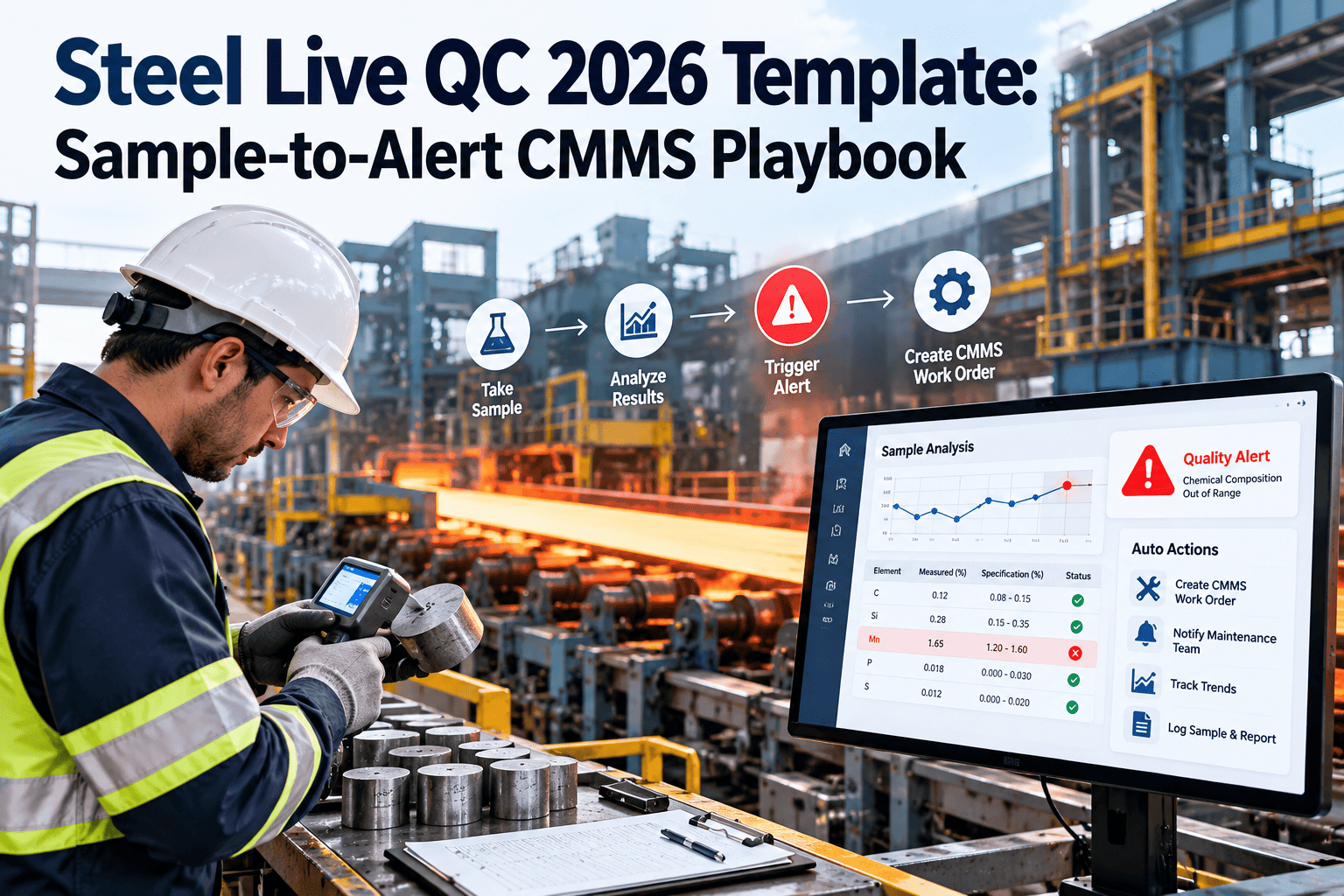
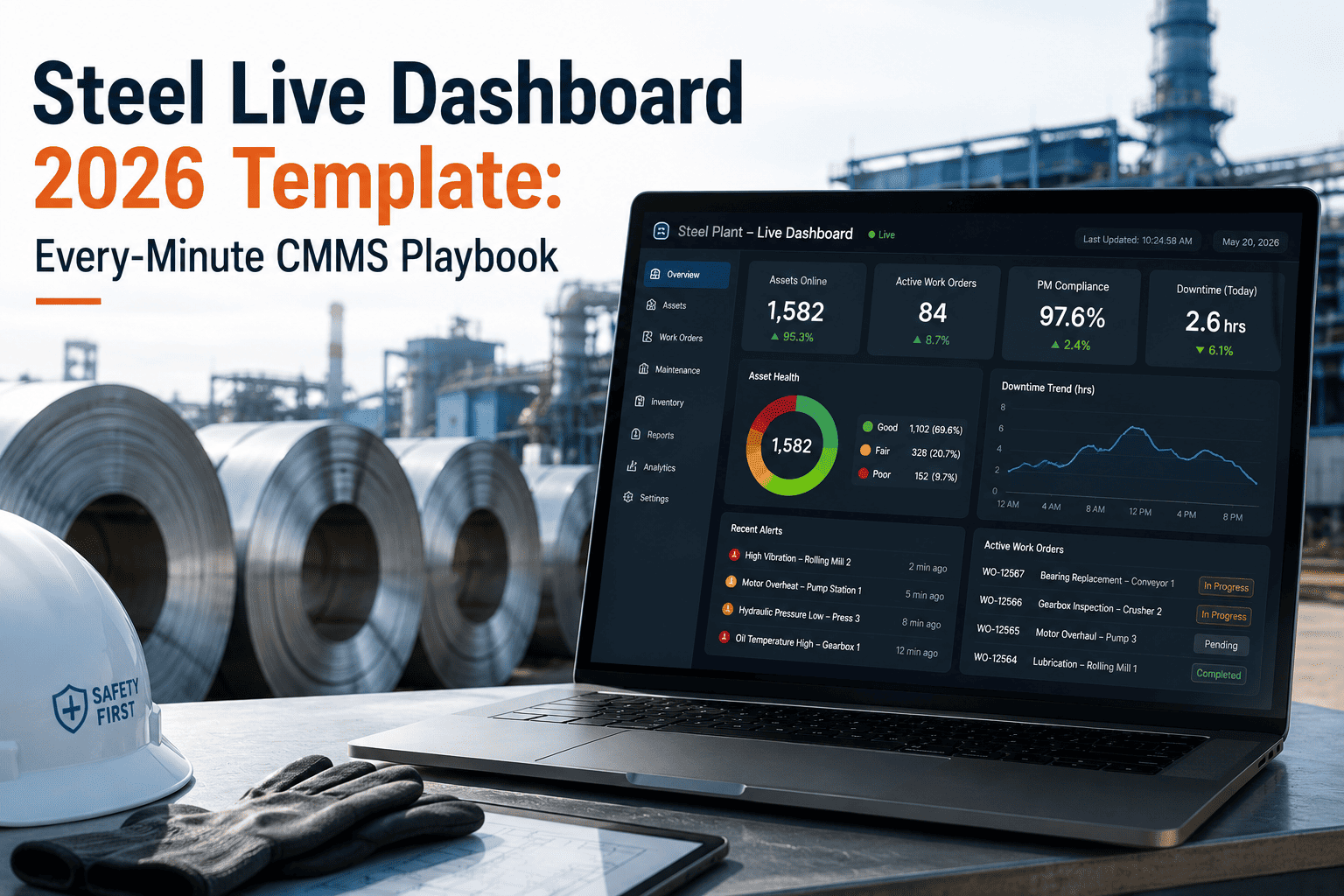
Many steel predictive maintenance programmes stall because they start too wide. Hundreds of sensors, no agreed alarm limits and no way to prove value leave the team with data nobody acts on. A focused pilot on 10 to 15 Tier 1 assets avoids that trap by testing one narrow set of failure modes, tuning alarms against real behaviour and recording every catch. This steel PdM pilot playbook gives you the sequence, budget logic, alarm tuning stages and ROI log, along with a template you can run through steel plant CMMS software and repeat at every plant.
Predictive Maintenance · Steel Plant Pilot Template · 2026
Steel PdM Pilot Playbook: Tier 1 Asset CMMS 2026 Template
Select 10 to 15 critical assets, instrument them with a defined budget, tune alarms until they are trusted, capture the savings, and turn the pilot into a repeatable CMMS template.
1Select Tier 1 assets
2Match sensors to failure modes
3Baseline normal behaviour
4Tune alarms to work orders
5Capture ROI and decide
6Roll out across plants
66 checkpoints across 12 checklists. Tick each item as it is verified, and record the owner and date.
Why Steel PdM Pilots Fail Before They Prove Anything
The same four mistakes appear in most pilots. Knowing them up front shapes the playbook below.
Too many assetsA wide scope spreads attention thin and delays the first confirmed catch.
Sensors without failure modesHardware is bought first, and nobody can say what fault it is meant to detect.
Alarm noiseGeneric limits fire constantly, and technicians learn to ignore them.
No value recordDetections are fixed quietly, so leadership sees cost but never the savings.
Pilot Timeline: A 16-Week Template
The timeline is illustrative. Compress or stretch it to match sensor lead times and the speed at which your assets show degradation.
Charter and asset selectionWeeks 1 to 2: Name the sponsor, set success measures, and confirm the 10 to 15 Tier 1 assets with operations.
Instrumentation and data pathWeeks 3 to 5: Install sensors or routes, confirm data reaches the analysis tool, and link each point to an asset record.
Baseline and provisional alarmsWeeks 6 to 9: Record normal behaviour across loads and product mixes, and set cautious starting limits.
Alarm tuning and workflowWeeks 10 to 13: Adjust limits, route alerts into work orders, and train analysts and planners on response times.
ROI capture and gate reviewWeeks 14 to 16: Review the catch log with finance, and decide whether to scale, extend or stop.
Step 1: Choose the 10 to 15 Tier 1 Assets
Pick assets where a detected fault has a clear payoff. Use your criticality ranking, then filter for assets that fail in ways sensors can see.
Asset is Tier 1 on your criticality rankingFailure causes a safety event, line stop, quality loss or long repair, and no bypass exists.
Failure history shows detectable degradationPast breakdowns developed gradually through bearing wear, lubrication breakdown, misalignment or overheating.
Mix of equipment typesInclude rotating assets, hydraulics and electrical items so the pilot tests more than one technique.
Safe and practical sensor accessMounting points can be reached without hot, moving or confined-space exposure, or wiring and wireless coverage is feasible.
Repair window existsA detection only pays off if the plant can plan a stop, so confirm the asset has realistic maintenance windows.
Named owner in operations and maintenanceEach asset has someone accountable for responding to alerts.
Typical candidates include casting segment drives, rolling mill main drive gearboxes and motors, tilting drives, dedusting and cooling fans, hydraulic power units, cooling water pumps and ladle crane hoists.
Step 2: Match Technique to Failure Mode
Start from how the asset fails, then choose the cheapest technique that sees it early.
Vibration analysisBest suited to: Motors, gearboxes, fans, pumps, roll bearingsFaults it can reveal: Bearing defects, imbalance, misalignment, looseness, gear wear
Oil analysisBest suited to: Gearboxes, hydraulic units, lubrication circuitsFaults it can reveal: Wear metals, contamination, water ingress, oil degradation
Infrared thermographyBest suited to: Electrical cabinets, motors, couplings, shellsFaults it can reveal: Loose connections, overheating, insulation and refractory hot spots
UltrasoundBest suited to: Bearings, compressed air, steam traps, valvesFaults it can reveal: Early lubrication loss, leaks, friction
Motor current analysisBest suited to: Large electric motors and drivesFaults it can reveal: Rotor issues, supply problems, load changes
Process data trendsBest suited to: Pumps, furnaces, hydraulic circuitsFaults it can reveal: Pressure, flow and temperature drift against normal
Run the Pilot From One Asset and Work Order Record
Pilot data loses value when alerts live in one tool and repairs in another. Keep sensors, alarms, inspections, work orders and outcomes tied to the same asset in your maintenance system.
Asset recordsCondition-based work ordersInspection routesROI reporting
Step 3: Build the Sensor Budget Worksheet
Budget by line item instead of a single number, so overruns are visible. Enter your own quotes and internal labour rates.
Sensors and hardwareWhat it covers: Accelerometers, temperature, current and oil sensors, gatewaysPlanning note: Match count to failure modes, not to asset size
InstallationWhat it covers: Mounting, cabling, power, enclosures, permits, accessPlanning note: Heat, dust and moisture in mills raise protection needs
ConnectivityWhat it covers: Network, wireless coverage, data storagePlanning note: Confirm coverage and cyber policy before purchase
Software and analyticsWhat it covers: Monitoring tool, dashboards, CMMS integrationPlanning note: Include setup and user training
Analyst and technician timeWhat it covers: Data review, route collection, alarm tuning, responsePlanning note: Often the largest hidden cost
Lab and external supportWhat it covers: Oil lab tests, vendor diagnostics, calibrationPlanning note: Agree turnaround times with suppliers
ContingencyWhat it covers: Re-mounting, replacement sensors, extra pointsPlanning note: Hold a reserve for the unexpected
Step 4: Alarm Tuning in Four Stages
Alarms that cry wolf end pilots. Move limits through stages as evidence accumulates, and require every alarm to have a defined action.
Stage 1BaselineRecord normal levels across loads, speeds and product grades before setting any limit.
Stage 2Provisional limitsStart from standards such as ISO 20816 severity zones and OEM guidance, then adjust to the asset.
Stage 3Review and tuneExamine every alert, classify it as true, false or unclear, and move limits accordingly.
Stage 4Escalation rulesDefine who responds to alert, alarm and action levels, and how fast.
Every alarm maps to a responseDefine whether it triggers a check, an inspection or a planned work order, and who owns it.
Separate operating-state changes from faultsAccount for start-up, load changes and product switches so normal transitions do not raise alarms.
Track the false alarm ratioRecord true and false alerts each week, and treat a rising false ratio as a tuning task.
Confirm findings by inspectionVerify each alert with a physical check or teardown evidence so the model learns from real outcomes.
Step 5: Capture ROI With a Catch Log
Savings are only credible if recorded at the time and agreed with finance. Log every detection in the same structure.
Asset and failure modeWhat to record: Tag, component and the fault detected
Detection method and dateWhat to record: Technique, reading and the alert level reached
Work order referenceWhat to record: The planned job raised from the alert
Finding on inspectionWhat to record: What the crew saw, with photos and measurements
Action and downtimeWhat to record: Repair done, planned stop length and parts used
Avoided consequenceWhat to record: Likely failure outcome, estimated with an agreed method
Finance sign-offWhat to record: Who validated the value estimate
Count only what you can defend. Include pilot costs alongside savings, and keep estimated and confirmed values in separate columns.
Day-90 Gate: Scale, Extend or Stop
Decide with criteria written before the pilot began.
Scale when
Confirmed catches exist and were repaired in planned windows
False alarm ratio is falling and technicians trust alerts
Alerts reliably become work orders with owners
Finance accepts the value method
Extend or stop when
No faults developed, so data is inconclusive
Alerts sit unanswered for lack of ownership
Sensor coverage or data quality remains poor
Failure modes were mismatched to techniques
The CMMS Template Fields for Each Pilot Asset
Set up identical fields for every pilot asset so results can be compared and copied to other plants.
Asset ID and hierarchyExample entry: Plant, area, system, equipmentPurpose: Consistent comparison across sites
Criticality tierExample entry: Tier 1Purpose: Justifies pilot inclusion
Failure modesExample entry: Bearing wear, lubrication lossPurpose: Links technique to risk
Monitoring method and pointsExample entry: Vibration on drive end and non-drive endPurpose: Defines what is measured
Alarm limits and ownerExample entry: Alert, alarm, action levels; named responderPurpose: Makes alerts actionable
Response work order templateExample entry: Inspect, lubricate, plan repairPurpose: Standardises follow-up
Spare parts linkExample entry: Bearing set, seals, coupling elementPurpose: Ensures parts are ready
Catch log and ROI notesExample entry: Detection, finding, avoided outcomePurpose: Builds the business case
From One Pilot to Every Plant: Before and After
A pilot only matters when its lessons travel. Standard templates are what let a second plant start at month three instead of month one.
Each plant starts alone
Different asset naming and alarm logic at every site
Lessons live in individual engineers' notes
Savings reported in different formats
Repeated mistakes on sensors and limits
Template-driven rollout
Shared asset structure and failure mode library
Proven alarm stages and response work orders reused
One catch log format for all plants
Comparable dashboards for leadership
Document what worked and what failedWrite down sensor placements, tuning decisions and rejected approaches for the next plant team.
Fold PdM findings into preventive maintenanceAdjust time-based tasks where condition data shows intervals are too short or too long.
Wave the rollout by plant readinessExpand where asset records, ownership and connectivity are already sound.
How Oxmaint Supports a PdM Pilot
Oxmaint maintenance software gives the pilot a structured place for assets, responses and evidence.
Asset managementKeep pilot assets, tiers, failure modes and documents on one record.
Condition-based work ordersCreate planned jobs from alerts, readings and inspection findings.
Inspections on mobileRecord route readings, photos and confirmations at the equipment.
InventoryLink spares to detected failure modes so parts are on hand when alerts arrive.
ReportingShow response times, backlog and planned versus unplanned work for each plant.
Steel PdM Pilot Playbook FAQs
Why limit a steel PdM pilot to 10 to 15 assets?
A small set lets you tune alarms, learn the data and respond properly. It reaches a defensible result faster than a plant-wide launch.
How long should the pilot run?
Many teams plan roughly four months. Extend it if assets showed no degradation, since a clean result is not yet proof.
What is the biggest source of cost?
Analyst and technician time often outweighs hardware, so budget for review, tuning and response alongside sensors.
How should ROI be calculated?
Log each catch with its finding and avoided consequence, and agree the method with finance before the pilot starts.
Can a CMMS run the pilot playbook?
It can hold assets, work orders and catch records. Book a demo or start an account to set up your template.
Pilot Roles and Weekly Outputs
A pilot without named owners becomes a side project. Assign each role a clear weekly deliverable.
Pilot sponsorResponsibility: Removes blockers, approves budget, chairs the gate reviewWeekly output: Decision log and escalations closed
Reliability leadResponsibility: Owns asset selection, failure modes and alarm logicWeekly output: Alert review and tuning changes
Condition monitoring analystResponsibility: Reviews data, diagnoses faults, recommends actionsWeekly output: Findings list with severity and confidence
Maintenance plannerResponsibility: Converts findings into planned work orders and windowsWeekly output: Scheduled jobs with parts and permits
Area supervisorResponsibility: Confirms findings on the asset and executes repairsWeekly output: Inspection feedback and as-found notes
Finance partnerResponsibility: Validates the value method and cost dataWeekly output: Reviewed catch log entries
Data and Connectivity Readiness Checklist
Steel plant environments are hard on instruments and networks. Confirm the basics before ordering hardware.
Environmental ratings suit the locationCheck temperature, dust, water, scale and electromagnetic interference at each mounting point.
Network path is approved by IT and OTAgree where data travels, who maintains gateways and how remote access is secured.
Operating context is available with sensor dataCapture speed, load and product grade so analysts can tell normal change from degradation.
Sensor points are labelled to the asset recordUse consistent IDs, so every reading maps to the same equipment in the CMMS.
Maintenance of the sensors themselves is plannedAdd inspection and calibration tasks, so failed sensors are not mistaken for healthy machines.
Pilot Risks and How to Reduce Them
Plan for common problems, and record which ones actually occur.
No faults develop in the windowEarly warning: Flat trends for weeksMitigation: Extend the pilot or add assets with known degradation history
Alert fatigueEarly warning: Rising unreviewed alertsMitigation: Tighten tuning rules and cap alerts per analyst
Repairs cannot be scheduledEarly warning: Findings stay open past planned datesMitigation: Agree maintenance windows with operations at the start
Sensor or data lossEarly warning: Gaps in readingsMitigation: Add health checks and spare sensors to the budget
Savings disputedEarly warning: Finance questions estimatesMitigation: Use an agreed method and record evidence at the time
Pilot Kickoff Checklist
Confirm these items in the first meeting, so the pilot does not lose weeks to avoidable questions.
Success measures are written and agreedExamples include confirmed catches, false alarm ratio, response time and planned versus unplanned work on pilot assets.
Gate criteria are agreed before data arrivesDecide what result means scale, extend or stop, so the decision is not argued afterwards.
Operations accepts repair windowsConfirm that planned stops can be negotiated when a fault is confirmed.
Reporting rhythm is fixedSet a weekly review of alerts and a monthly update to the sponsor with the catch log.
Prove Predictive Maintenance on Your Tier 1 Assets First
Pick the assets, set the budget, tune the alarms and log every catch. Then copy the template to the next plant with confidence. Set up your pilot structure in a maintenance system built around assets and work orders.
Tier 1 asset setupAlarm-to-work-order flowCatch logMulti-plant template