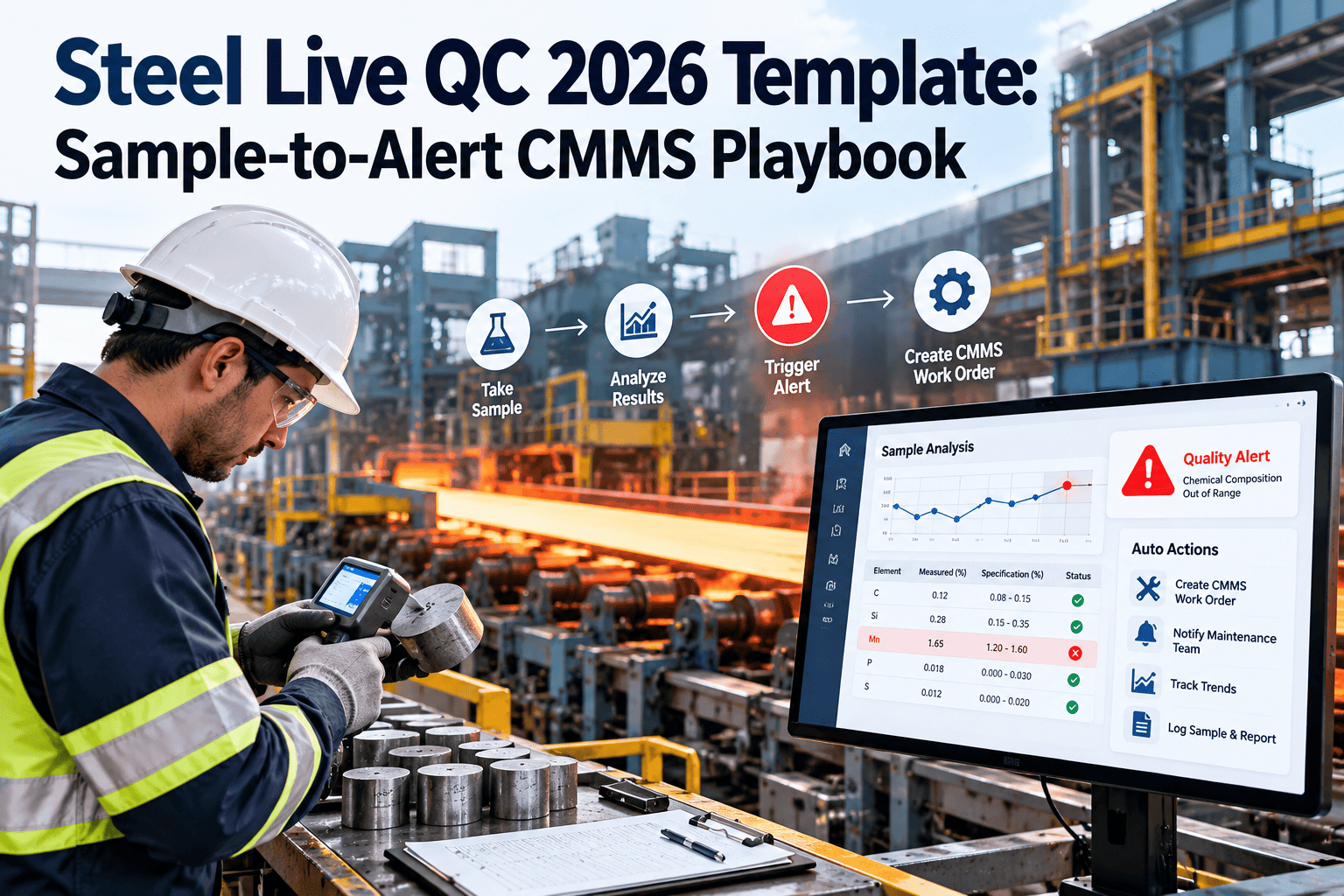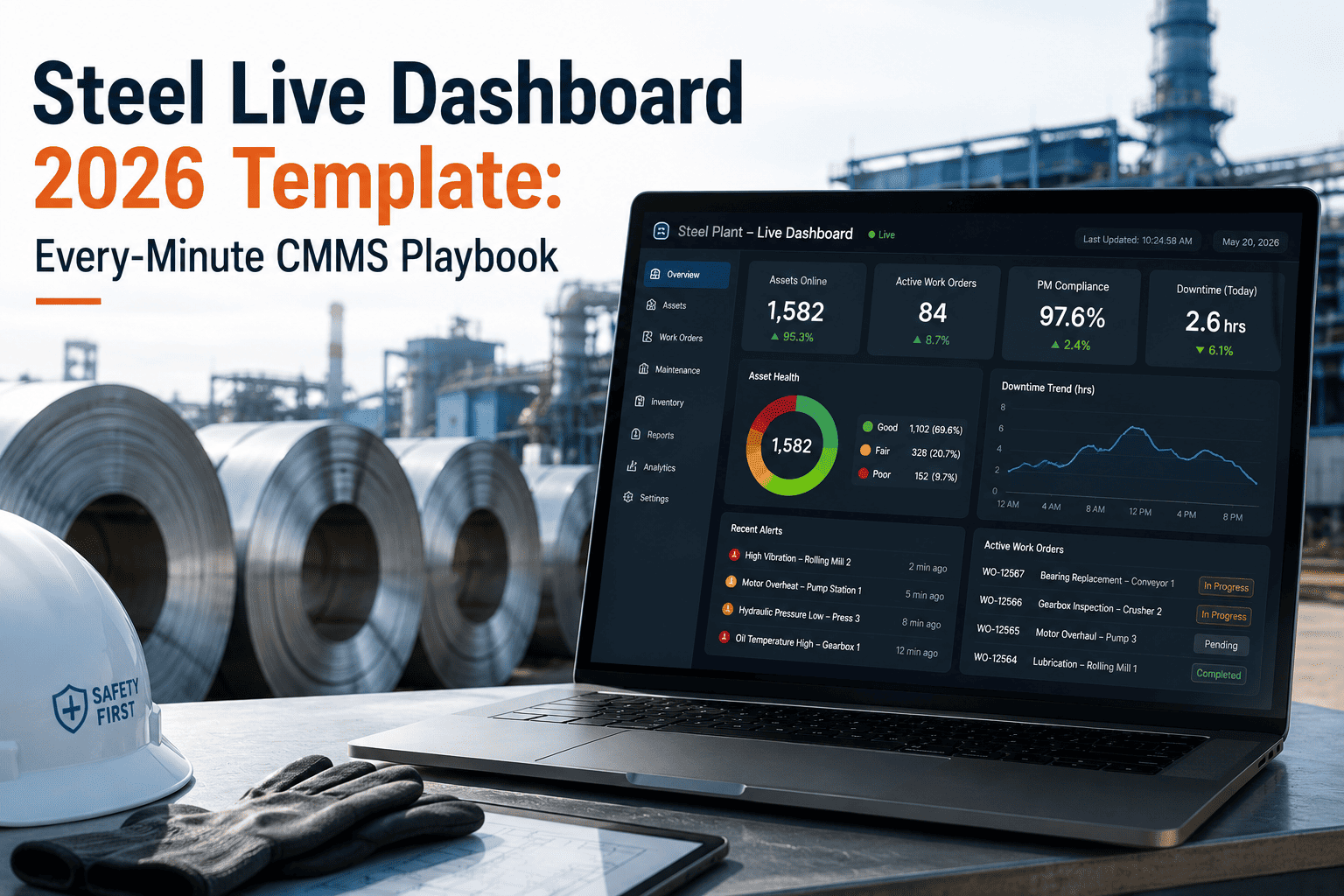
Somewhere between the PLC cabinet on the mill floor and the ERP dashboard in the corporate office, most of a steel plant's most valuable maintenance signals quietly disappear. A blast furnace can generate thousands of alarm events in a single shift, and the majority never turn into a work order, because nobody has mapped a clean, checkable path from the control layer to the maintenance layer. This page is that checklist: four phases, twenty checks, covering exactly what to inventory, connect, map, and pilot before you call an integration finished. Run it against your own plant inside OxMaint.
Steel Plant CMMS · Integration Readiness Checklist
The Steel Plant Integration Architecture Checklist — PLC to SCADA to MES to ERP
Twenty checks across four phases, built from real steel plant integration projects. Work through them in order and you will know exactly where your alarms are getting lost before you spend a dollar on a connector.
4 Phases
assess, connect, map, and pilot — in the order that avoids rework
20 Checks
concrete items to verify, not vague advice to interpret
60–70%
of alarm signals never become a work order without this checklist
Read-Only
every check here protects your PLC and HMI configuration as-is
Before You Start
The Four Layers This Checklist Walks Through
Every check below sits on one of four layers: field devices and PLCs at the bottom, SCADA and historians above that, MES and Level 2/3 production systems next, and ERP and CMMS at the top. Signals should move upward through all four without a person manually re-typing anything in between. Work the checklist top to bottom and each phase will tell you which layer it is protecting.
Phase 01
Assess Your Current Stack
Before connecting anything, confirm what you actually have running on the field and SCADA layers.
Inventory every PLC and RTU on the floor — list controller make and model, including Siemens S7, Allen-Bradley, and Mitsubishi Q-series units, and note which ones are still on legacy OPC-DA.
List every SCADA, DCS, and historian in use — Siemens PCS7, ABB System 800xA, GE iFIX, AVEVA Wonderware, and OSIsoft PI are the most common in steel plants.
Confirm which systems expose an OPC-UA server — this determines whether a direct connection or a translation gateway is needed.
Identify your Level 2/3 MES platform — Primetals and SMS Level 2 systems typically expose data through a SQL database rather than OPC-UA.
Cross-reference FMEA records against tag lists — flag which tags are actually critical-to-quality before you try to map every single one.
Phase 02
Connect the Layers Securely
This is where the architecture actually gets wired together — without touching a single control system.
Connect as a read-only client — confirm in writing that the integration cannot write to PLC logic, HMI screens, or SCADA setpoints.
Use OPC-UA for SCADA and historian data — the standard bridge for PCS7, 800xA, iFIX, and AVEVA PI feeds into the maintenance layer.
Deploy an OPC-DA to OPC-UA wrapper for legacy PLCs — this bridges older controllers without replacing any hardware.
Use MQTT for lightweight IIoT sensor telemetry — appropriate for vibration, temperature, and current sensors added independently of the PLC network.
Use ODBC or JDBC connectors for Level 2/3 MES — SQL-based access is standard for Primetals and SMS Level 2 systems.
Encrypt the data tunnel end to end — align the connection with NIST SP 800-82 industrial cybersecurity guidance before go-live.
Check This Against Your Own Plant, Live
A checklist tells you what to verify. A walkthrough shows you exactly how it maps onto your SCADA, historian, and MES systems today. Book a session and bring your tag list.
Phase 03
Map Alarms to Work Orders
Connection without mapping just moves the same silent alarms one layer closer to maintenance. This phase closes that gap.
Assign a CMMS failure code to every alarm trigger — for example, tagging a bearing alarm as "Bearing Wear" rather than a generic fault.
Attach Level 3 production context to Level 2 alarms — heat number, coil ID, and process route make the resulting work order explain itself.
Set severity thresholds per asset, not plant-wide — a caster segment and a conveyor drive should not share the same alarm sensitivity.
Decide push versus poll per tag — real-time push for critical production assets, roughly 15-minute polling for secondary points.
Route maintenance status back to operator screens — equipment under repair, work waiting on parts, and derated capacity should be visible to operations too.
Phase 04
Pilot and Scale
Prove the architecture on one asset before extending the same map across the plant.
Pilot on your highest-tonnage asset first — a caster, hot strip mill, or finishing line gives the clearest before-and-after comparison.
Track alarm-to-work-order conversion rate — measure it before and after connection to prove the gap actually closed.
Get sign-off from the automation and OT team — confirm they have reviewed the read-only connection and raised no objections.
Extend the same tag map to the next asset class — reuse the failure-code mapping instead of rebuilding it per asset type.
Before & After
What Changes Once Every Check Is Ticked
| Capability | Without the Checklist | With Every Check Complete |
|---|---|---|
| Alarm to work order | Roughly one in five alarms becomes a tracked order | Generated automatically at the moment of trigger |
| Signal loss | 60–70% of actionable signals never convert | Every mapped alarm reaches a failure code |
| Change management | Often requires PLC or HMI reconfiguration | Read-only client, zero control-system changes |
| OT / IT visibility | Two systems, two separate pictures | One dashboard spanning field to ERP |
From the Field
What Teams Say After Working This Checklist
5 / 5
We had a SCADA system firing hundreds of alarms every shift, and only a small fraction ever became a real work order. Working through the assess-and-map phases first, instead of jumping straight to a connector, is what actually made the rollout stick. That same alarm volume now converts several times more often into tracked work.
MM
Maintenance Manager
Integrated Steel Plant
4 / 5
The read-only checklist item was the one our automation team cared about most. Being able to show them a documented, read-only connection with no PLC or HMI changes turned a six-month change request into a straightforward approval.
OT
OT Systems Lead
Hot Strip Mill Operations
Common Questions
Integration Checklist — Frequently Asked Questions
Do we need to complete every check before connecting anything?
Phase 01 should come first, since it tells you what you are actually connecting to. Phases 02 through 04 can run in parallel on a pilot asset. Start a free trial to work the checklist against your own tag list.
Will any check on this list require changes to our PLC or HMI configuration?
No. Every connection check in Phase 02 is written around a read-only client, so existing PLC logic, HMI screens, and SCADA configurations stay exactly as they are.
What if our SCADA system does not expose OPC-UA?
Older systems on OPC-DA are bridged with a translation wrapper, and Level 2/3 MES platforms like Primetals or SMS typically connect through a SQL database instead.
How do we know the checklist actually worked?
Track the alarm-to-work-order conversion rate on your pilot asset before and after Phase 04. A meaningful jump confirms the mapping in Phase 03 is functioning. Book a demo to see this measured live.
Which asset should we run the pilot phase on?
Start with your highest-tonnage asset — a caster, hot strip mill, or finishing line — since the alarm volume and cost of downtime there make the before-and-after comparison the clearest.
Steel Plant CMMS · Integration Readiness Checklist
Turn This Checklist Into a Finished Integration
Twenty checks are only useful once they are actually ticked. Bring your tag list and asset inventory, and see exactly how each phase maps onto your PLC, SCADA, MES, and ERP systems.