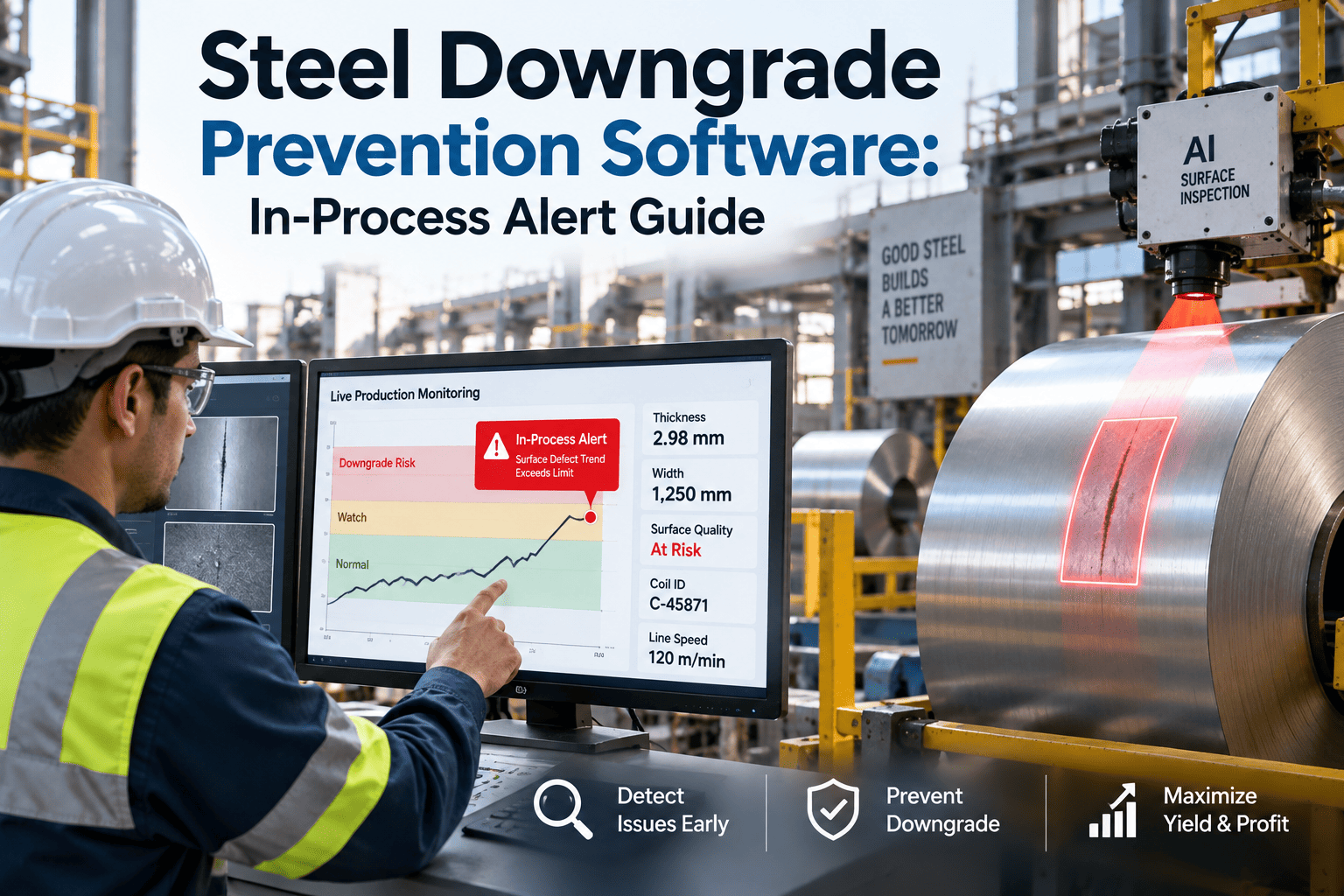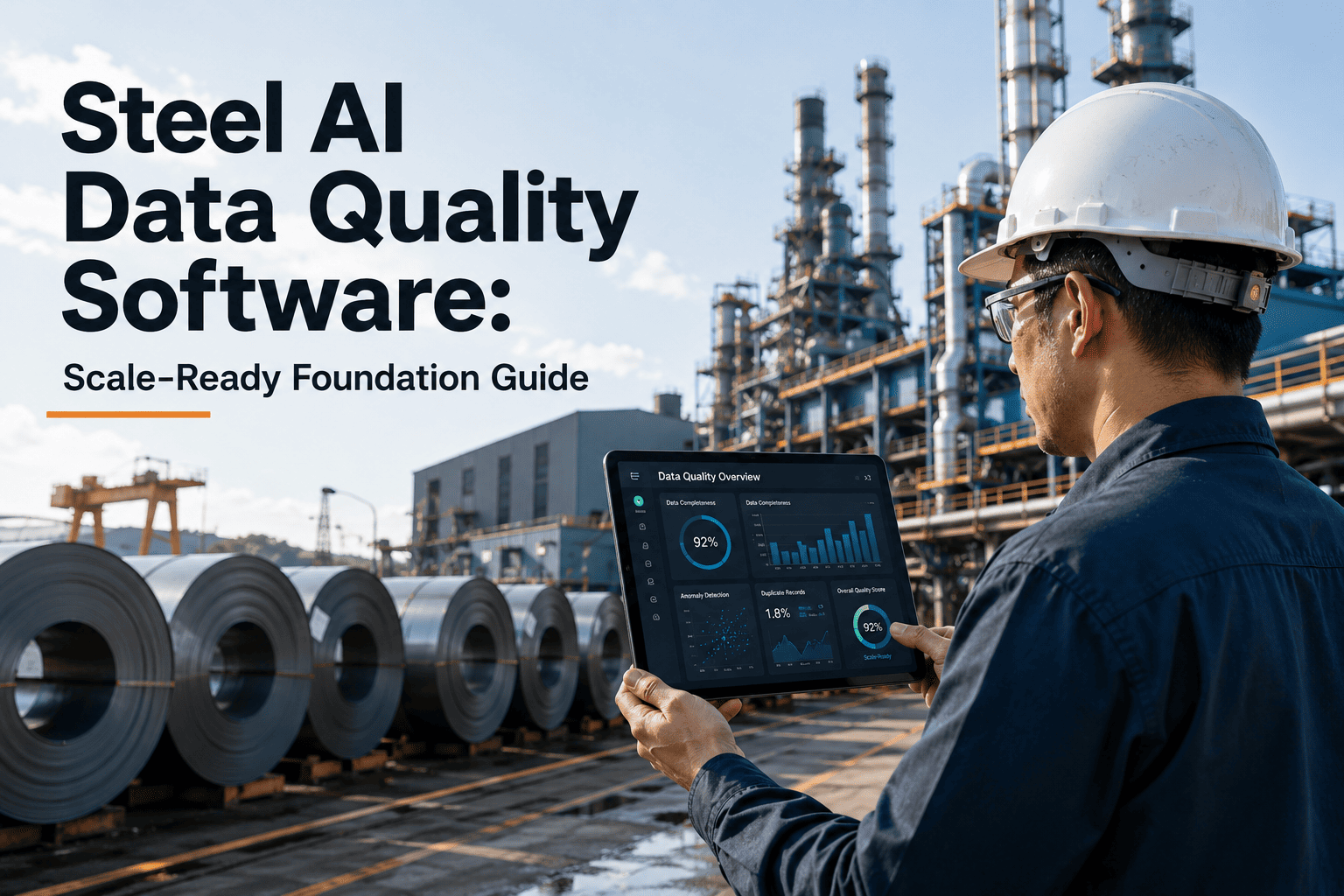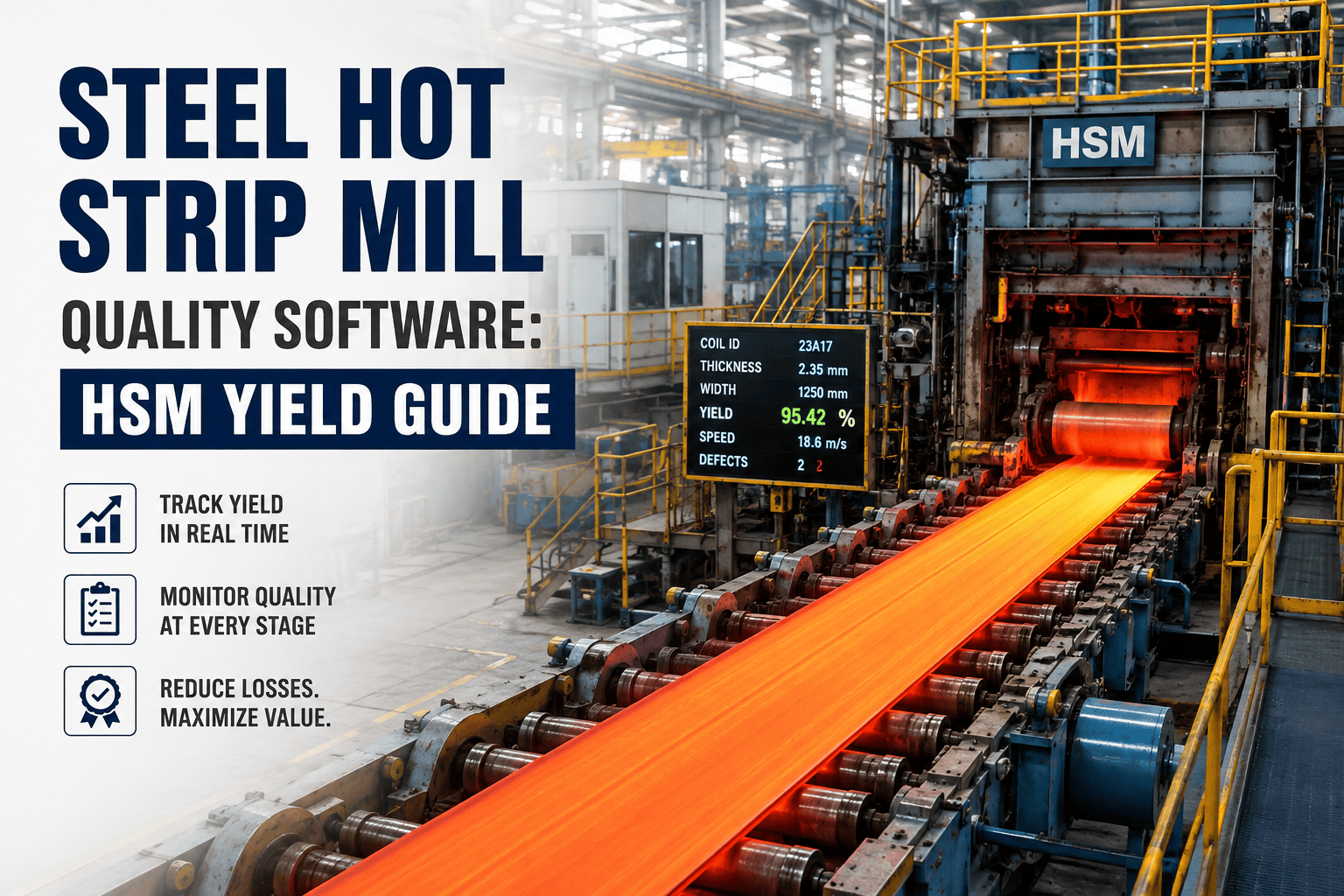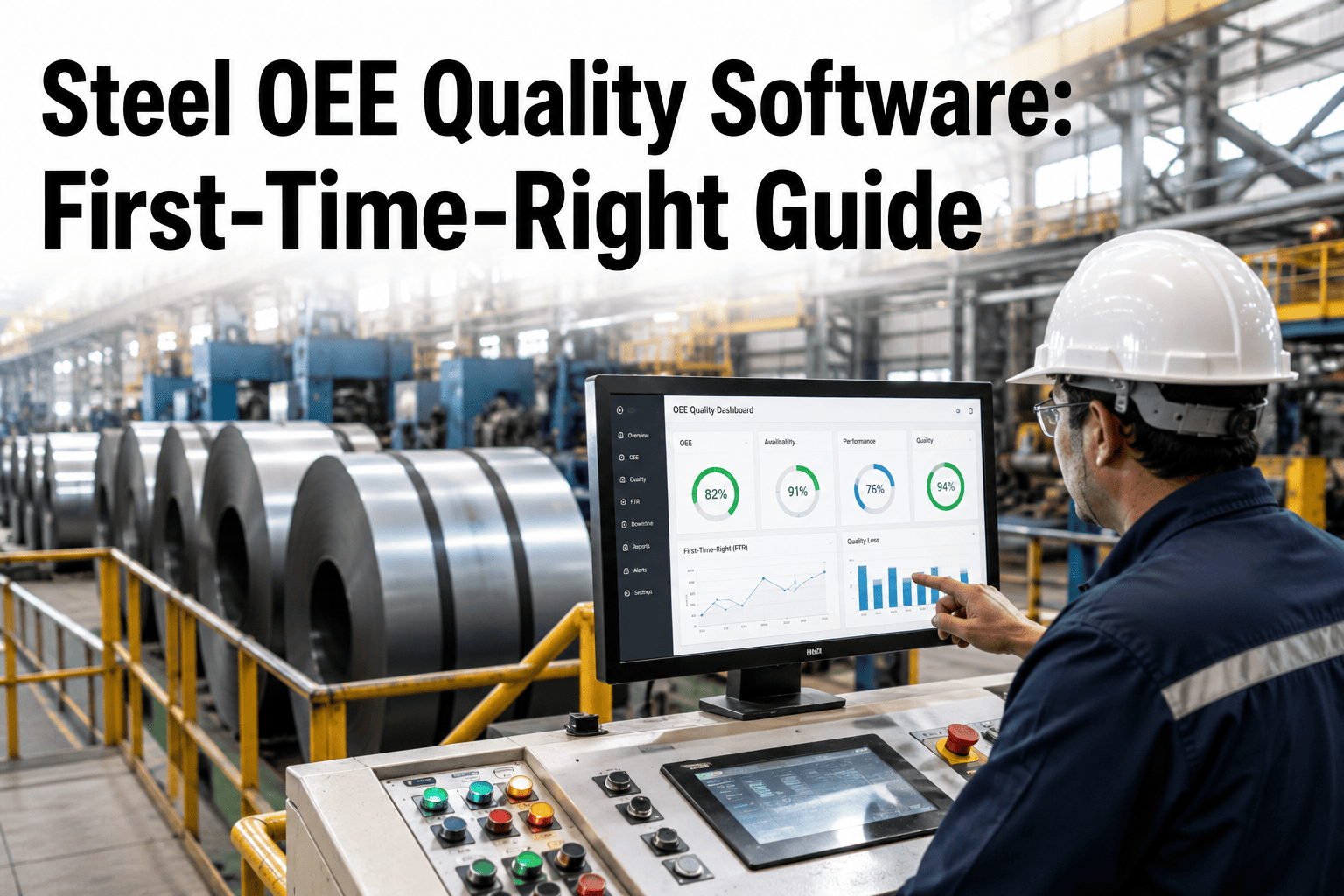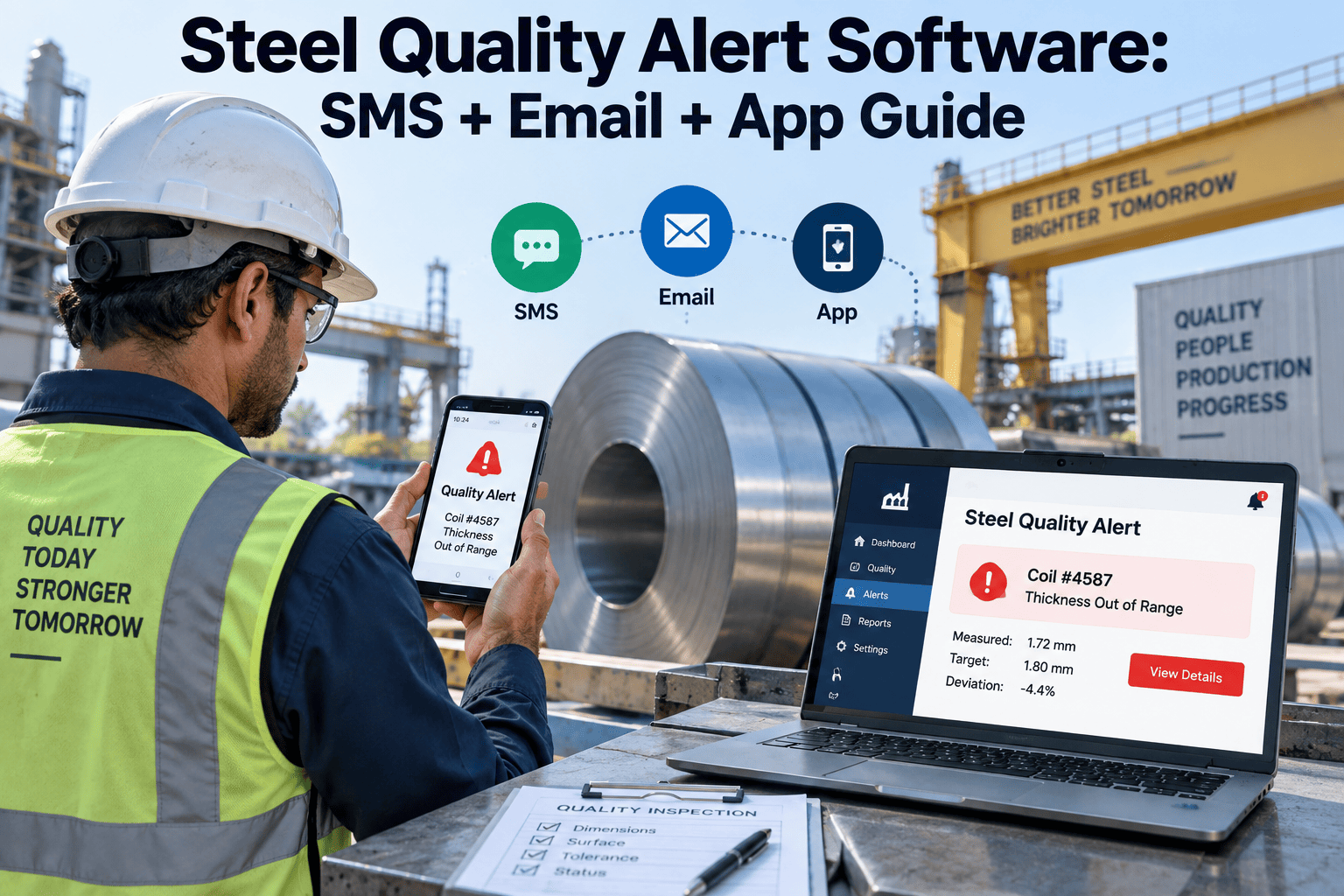
A gauge reading drifts half a millimetre off target on the rolling line, and the SPC chart flags it the instant it happens — but the flag sits inside a dashboard nobody is watching, and the alert only reaches a QA inbox two hours later when the shift review starts. By then a dozen coils have rolled through the same undersized pass and the scrap pile has grown coil by coil while the alert waited to be read. A quality excursion in a steel plant does not wait for someone to open a report, and the software that watches for it should not wait either — it should reach the QA lead's phone as an SMS, the plant manager's inbox as an email, and the mobile app on the floor supervisor's belt, all within seconds of the threshold being crossed. This is what alert delivery means inside OxMaint's maintenance management platform for steel plants, and this guide walks through how SMS, email, and app notifications close the gap between an out-of-spec reading and the person who can actually stop it.
Steel Quality Alert Software: SMS, Email & App Notifications That Reach People, Not Dashboards
A quality excursion detected but not delivered is still a scrapped coil. OxMaint's alert engine pushes SPC threshold breaches, gauge deviations, and coating excursions straight to SMS, email, and mobile app the moment they happen — and links every alert to a work order so the equipment behind the drift gets fixed, not just flagged.
Three Channels, One Alert Engine — Built for How a Steel Plant Actually Works
A rolling mill runs three shifts across a facility where phone signal, desk access, and screen time are never guaranteed for the same person at the same moment. OxMaint's alert engine does not pick one channel and hope it lands — it fires SMS, email, and an in-app push together, so the excursion reaches whoever is reachable first, wherever they are standing. A QA lead walking the caster floor, a plant manager sitting in a review meeting, and a night-shift technician near the galvanizing bath all need the same alert delivered through the channel that actually reaches them at that moment, and that is the entire design principle behind sending all three together rather than choosing one and hoping it works.
An excursion that sits unread for twenty minutes is a coil, a heat, or a batch that has already gone off-spec. OxMaint fires the alert the second the threshold is crossed, escalates it automatically if nobody responds, and turns the root cause into a tracked work order — so quality and maintenance are working off the same alert, not two separate systems.
From Threshold Breach to Work Order — How the Alert Moves
A single missed alert is how a minor gauge drift becomes a full production run of scrap. OxMaint's escalation ladder treats severity and elapsed time as the two variables that decide who gets notified next, so an unacknowledged alert never simply expires unseen.
Where Alert Delivery Matters Most on a Steel Production Line
Quality excursions look different at every stage of a steel process, and the alert that matters at the caster is not the same alert that matters at the galvanizing line. OxMaint's alert rules are configured per process area, so each team only receives the notifications relevant to their line, instead of a single generic alert stream that buries the one reading a shift actually needs to act on among dozens they do not.
The Cost of a Slow Alert Compounds by the Minute
Industry data on live process alerting shows the scale of what a slow alert actually costs a steel plant. Without live alerting in place, the typical delay between an off-spec reading and lab confirmation runs over twenty minutes — and every one of those minutes is another length of strip, another heat, or another batch produced against the same fault. A significant share of annual scrap and rework volume traces directly back to excursions that could have been caught within the first minute if the alert had reached a person immediately instead of waiting for a scheduled review.
Why Steel Plants Choose OxMaint Over a Dashboard-Only Quality Tool
Most quality software stops at detection — it draws the control chart, marks the point outside the limit, and waits for someone to look. OxMaint is built as maintenance management software first, which means every quality alert it generates carries a direct path into the asset record, the work order queue, and the maintenance history for the equipment behind the excursion. That single difference is what separates a system that shows you a problem from a system that helps you close it, and it is why steel plants running OxMaint treat a quality alert and a maintenance alert as the same conversation rather than two separate systems that never talk to each other.
Five Metrics That Show Whether Your Alert System Is Actually Working
| Metric | How to Measure | Target | Frequency |
|---|---|---|---|
| Time to First Response | Minutes from threshold breach to alert acknowledgement | Under 15 min | Per excursion |
| Alert Acknowledgement Rate | Alerts acknowledged in-app / Total alerts sent | 100% | Weekly |
| Escalation Trigger Rate | Alerts requiring tier-2 escalation / Total alerts | Trending downward | Monthly |
| Excursion-to-Work-Order Time | Hours from alert to linked maintenance work order opened | Under 2 hours | Per excursion |
| Scrap Tied to Late Detection | Scrap value from excursions detected after 30+ minutes | Trending downward | Monthly |
Frequently Asked Questions
Why do steel plants need SMS alerts when quality software already shows the data on a dashboard?
A dashboard only works if someone is actively watching it, and on a rolling line the QA lead is usually walking the floor, not sitting at a screen. SMS reaches a phone regardless of location, closing the gap between when an excursion happens and when a person actually sees it. See how OxMaint's alert engine covers SMS, email, and app together.
What counts as a quality excursion that should trigger an alert?
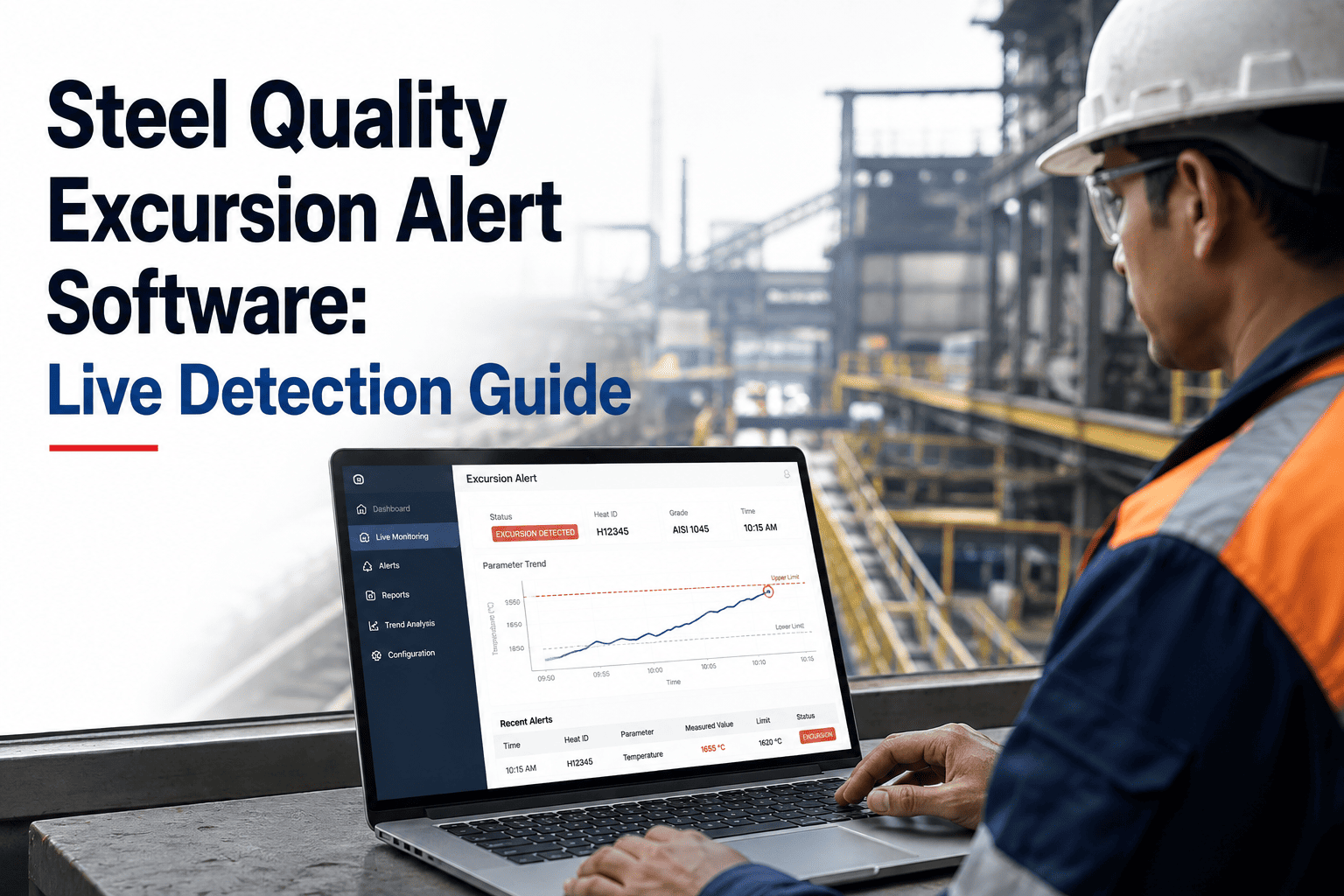
Any reading that crosses a configured control limit qualifies — a gauge or thickness deviation, a coating weight drifting out of range, a chemistry result outside the customer spec, or a rising surface defect count. Each is configured per line so alerts stay relevant to the team receiving them.
Does an alert automatically create a maintenance work order?
When an excursion is traced to a specific asset — a worn roll, a drifting sensor, an overheating bearing — OxMaint links the alert to that asset and can generate a work order automatically, so the equipment cause gets addressed and not just the symptom.
What happens if the first person alerted doesn't respond?
The alert escalates automatically after a configured window — first to the plant manager, and for severe or repeated excursions, to the customer account manager, so an excursion never simply sits unanswered. Book a demo to see escalation tiers configured for your plant.
Can alert records be used as evidence during a customer claim or audit?
Yes — every alert sent, acknowledged, escalated, and closed is timestamped in one record, giving a complete, exportable trail showing when an excursion was detected and how quickly it was addressed.
Every Excursion Detected. Every Alert Delivered. Every Cause Fixed.
OxMaint turns a quality threshold breach into an SMS, an email, and an app notification within seconds — then links it to the work order that actually stops it from happening again. See it running against your own process data before your next shift starts.