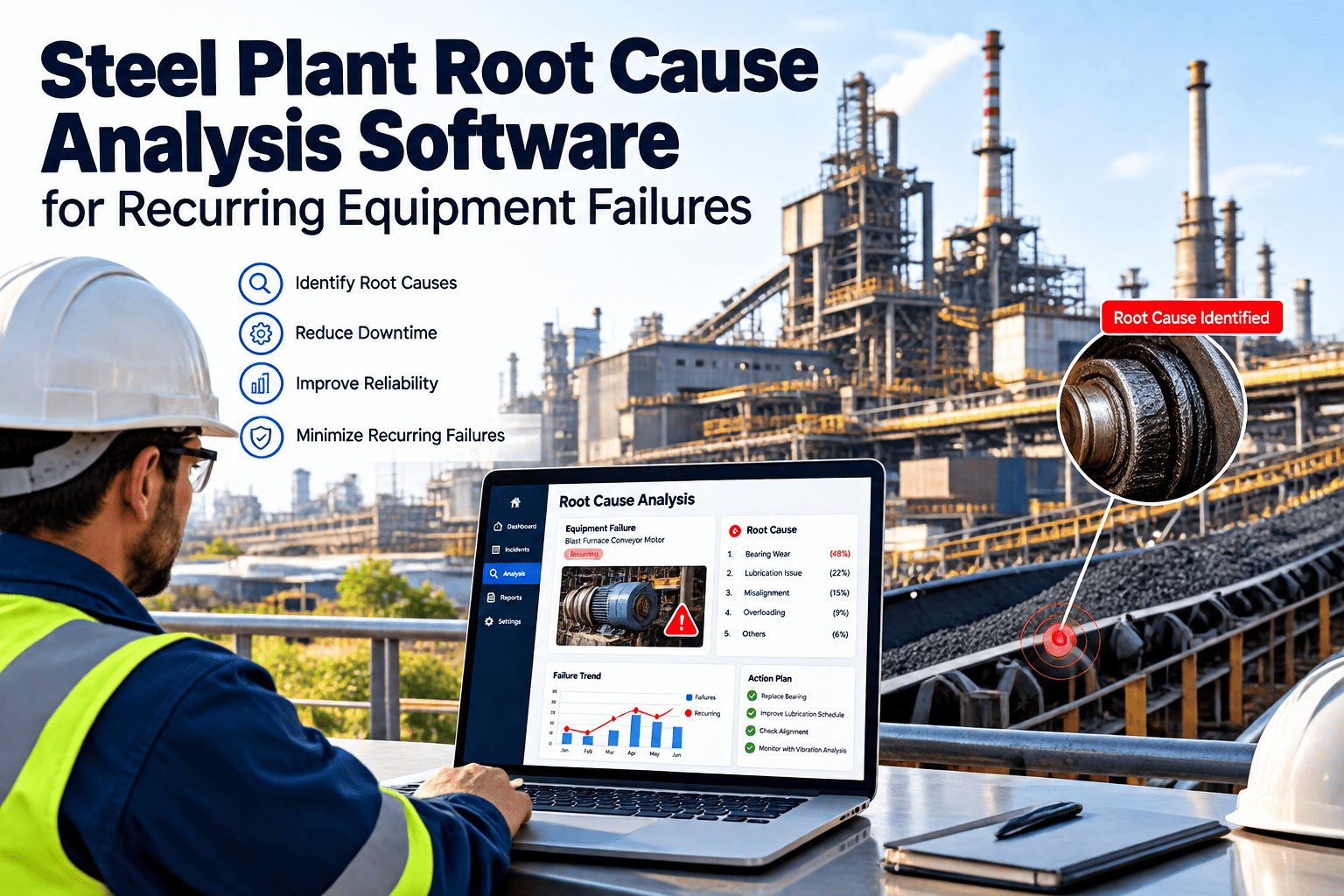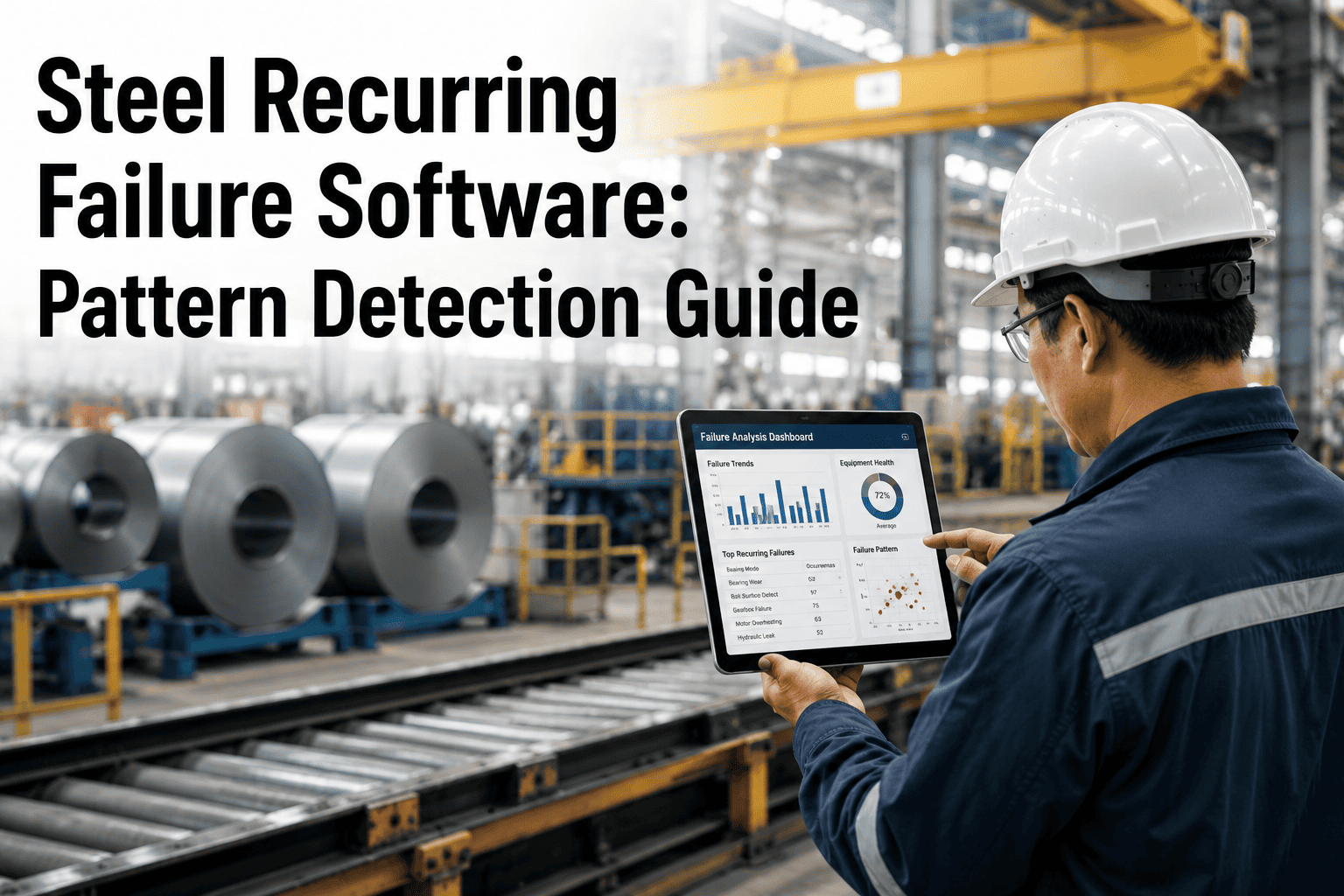
A rolling mill gearbox trips on a night shift, gets repaired, and returns to service. Six weeks later it trips again, on a different shift, logged by a different technician in different words, so nobody connects the two events. This is a recurring failure, and steel plants lose far more budget to these quiet repeats than to the dramatic one-off breakdowns everyone remembers. Pattern detection software closes that gap by comparing every new failure against full asset history automatically. See it run against your own work order data at https://app.oxmaint.ai.
Why Recurring Failures Slip Past Traditional Maintenance Logs
Most steel plants already track failures diligently. Technicians close out work orders, supervisors sign off, and the CMMS stores the record. The problem is not a lack of data; it is that the data is stored as isolated events rather than as a connected history. A bearing failure on a caster drive motor gets logged as one incident. When the same bearing on the same motor fails again eleven weeks later, it gets logged as a second, unrelated incident, often by a different technician using slightly different wording in the failure description field. Without a system actively cross-referencing asset, component, failure mode, and time interval, that second failure looks brand new every single time it happens.
This blind spot compounds across a steel plant because of scale. A single integrated mill can have thousands of motors, gearboxes, hydraulic units, and conveyor drives spread across melt shop, rolling mill, and finishing lines. A recurring failure pattern on one line can be invisible to the reliability engineer covering another line, even though the two assets share the same design, the same supplier, and the same failure mode. Shift handovers add another layer of loss: verbal knowledge about "that pump always trips after a cold start" rarely makes it into a structured field a search query can find later. Steel plant recurring failure management depends on making that tribal knowledge searchable, comparable, and trackable over time rather than letting it live only in the heads of senior technicians.
There is also a staffing reality behind this problem. Experienced technicians who carry years of asset history in memory eventually retire, transfer, or move on, and the pattern recognition they performed informally leaves with them. A new hire looking at a single work order has no way of knowing it is the fourth time this exact bearing has failed on this exact machine, because the CMMS shows one ticket, not a history. Steel plant recurring failure software exists to make that history visible to anyone reviewing the asset, regardless of how long they have worked at the plant, which matters more every year as experienced maintenance staff become harder to replace.
The Six Recurring Failure Patterns Every Steel Plant Should Track
Not every recurring failure looks the same, and treating them all with a single generic root cause process wastes time. Reliability teams that get real traction against steel recurring failure problems learn to sort failures into distinct pattern types first, because each type points toward a different corrective action, from a bearing spec change to a shift training session. Steel plant pattern detection software should be able to recognize and separate these categories automatically as new failures are logged.
How Pattern Detection Works Inside A CMMS
Pattern detection is not a separate system bolted onto maintenance operations; it works best when it lives directly inside the CMMS where work orders are already being logged. The process runs in three connected stages, moving from clean data capture, to automated cross-referencing, to a closed-loop corrective action process that actually verifies the pattern stopped recurring. None of these stages require replacing an existing maintenance workflow; each one strengthens the same work order process a plant is already running, so technicians keep doing what they normally do while the pattern engine works quietly in the background.
Recurring Failure Versus A One-Off Failure
Treating every failure the same way is one of the biggest reasons recurring patterns go unnoticed for years. A technician closing out a work order has no obligation, and often no easy way, to check whether this exact failure has happened before, so a genuine repeat gets treated with the same urgency and the same process as a true one-off. The table below shows why a recurring failure needs a different response than a standalone breakdown, and why routing the two down the same process leaves the real problem unresolved.
| Signal | One-Off Failure | Recurring Failure Pattern |
|---|---|---|
| Frequency | Isolated event, no prior history on this asset or failure mode | Same asset or same failure mode appears two or more times in a defined window |
| Root cause status | Often addressed by the repair itself | Repair alone does not remove the underlying cause, so the failure returns |
| Cost trend | Contained to a single repair and downtime event | Cost compounds with each repeat, plus secondary damage risk grows over time |
| Correct response | Standard work order and repair | Formal root cause review and a tracked corrective action |
Building A Bad Actor List: Where To Start
Plants new to steel plant pattern detection often ask where to begin, since reviewing years of work order history at once feels overwhelming. The answer is to start narrow rather than broad. Pull the last twelve months of failure data for one production line, tag every failure by asset ID and failure mode, and let the pattern engine highlight repeats before touching anything else in the plant. This produces a short, credible bad actor list within the first review cycle, which is far more useful to a maintenance team than a plant-wide analysis that takes months to complete and arrives too broad to act on.
Once the first line's bad actor list is confirmed and the team has closed out two or three patterns successfully, the same process extends naturally to the next line, then to sister plants running comparable equipment. This staged rollout also builds trust in the tool itself: technicians and supervisors see their own asset history reflected accurately before being asked to change how they log failures going forward. A pattern detection program that starts small and proves itself on real equipment earns far more buy-in than one that launches plant-wide with untested assumptions about data quality.
A useful discipline during this early phase is separating true recurring failures from failures that merely look similar on paper. Two pump failures with the same failure code are not automatically the same pattern if one was caused by a foreign object and the other by seal wear under normal load. Steel plant recurring failure tools that support a short root cause note alongside the failure code prevent false pattern matches and keep the bad actor list focused on failures that genuinely share a cause worth fixing.
What Plants Save When Recurring Failures Are Caught Early
The financial case for steel recurring failure management is straightforward once a plant sees its own numbers laid out. A failure caught and root-caused on its second occurrence costs a fraction of what the same pattern costs by its fifth or sixth repeat, once secondary damage, expedited parts, and accumulated production loss are added up. Plants that deploy pattern detection typically find that a small percentage of their asset base, often referred to as bad actors, is responsible for a disproportionate share of total unplanned downtime hours. Redirecting reliability engineering time toward that small list, instead of spreading effort evenly across every work order, produces the fastest visible improvement in overall equipment uptime.
The operational case matters just as much as the financial one. Maintenance teams stop feeling like they are permanently behind, because the same failure is not silently reappearing on the schedule every few weeks disguised as a new problem. Corrective actions get documented once and reused the next time a similar pattern appears anywhere in the plant, instead of every shift rediscovering the same fix independently. Over time, the failure history itself becomes an asset: a searchable record of what has already been tried, what worked, and what did not.
Steel plant pattern detection also changes how maintenance planning conversations happen. Instead of a supervisor asking "why did this fail again," the team already has a documented root cause, a corrective action, and a verification status ready to reference. Capital requests for spec changes or equipment upgrades become easier to justify because the recurring cost of a bad actor is quantified rather than anecdotal. Plants that build this discipline into their standard reliability process find that the same pattern detection habit extends naturally into spare parts planning, since a documented recurring failure also tells the storeroom exactly which parts to keep on hand and which ones were only ever needed because a root cause went unaddressed.