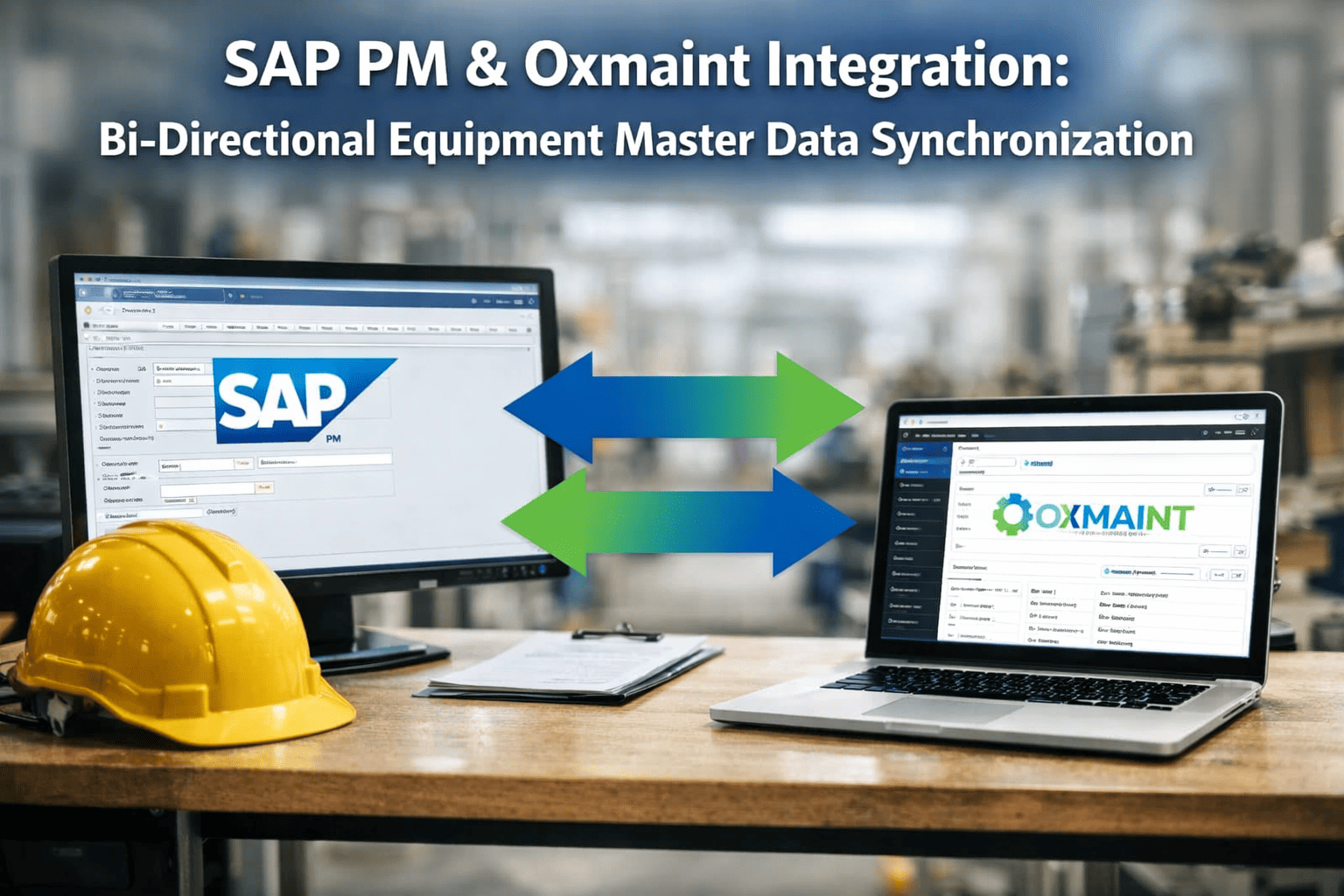
A technician opens a work order and the record says the pump is in Building C—but it moved to Building A eight months ago. SAP got the update; the CMMS never did. So the BOM parts are wrong, the spare isn't where the system says, and a 40-minute job becomes a half-day. Multiply that across thousands of assets and you have the quiet tax of unsynchronized data. Getting SAP and your CMMS to agree on one version of the truth is what eliminates it. Book a free demo to see live two-way sync.
What Bad Data Synchronization Actually Costs
The hidden drag of two systems that disagree
40–60%
Of maintenance data quality issues trace to duplicate or orphaned master records
24 hrs
Target window to catch a sync failure—before it surfaces at month-end close
1 owner
Every data element needs exactly one system of record—no exceptions
Real-time
Parts consumed in the CMMS should deduct SAP inventory instantly
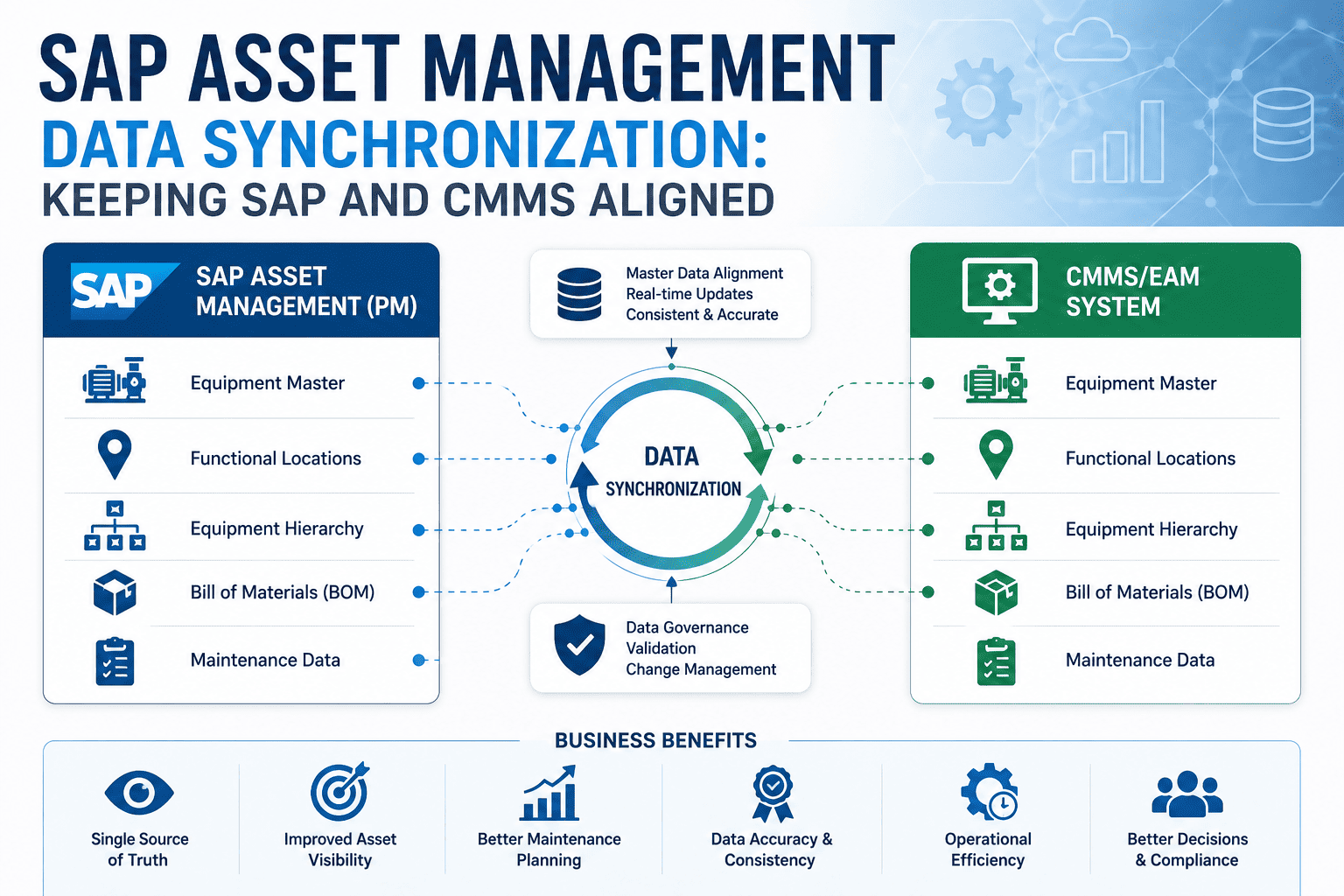
The Master Data Objects That Have to Stay Aligned
SAP asset management isn't one table—it's a connected web of technical objects, each with its own role and its own SAP transaction codes. When you integrate with a CMMS, you're not syncing "the data," you're syncing specific objects with specific keys. Understanding which is which is the difference between an integration that holds and one that drifts. Here are the five that matter most, and what each one carries.
The Core SAP Technical Objects in Sync
Equipment Master
Individual asset records
Serial-tracked machines with their own maintenance history, warranty, and class. The atomic unit of your asset register.
Functional Locations
IFLOT — the hierarchy
The structural "where" of every asset. Plant, area, line, position. When this drifts, technicians chase ghosts.
Bills of Material
Equipment & FLOC BOMs
The spare parts each asset needs. Out-of-date BOMs mean wrong parts ordered and work orders stalled at the crib.
Material Master
MARA / stock levels
Parts, valuations, and warehouse stock. Keeps the storeroom and the general ledger honest as parts move.
Maintenance Plans
PM schedules & task lists
Preventive cycles and task lists that push to mobile. The schedule technicians actually execute against.
Which System Owns What: The Single-Source-of-Truth Map
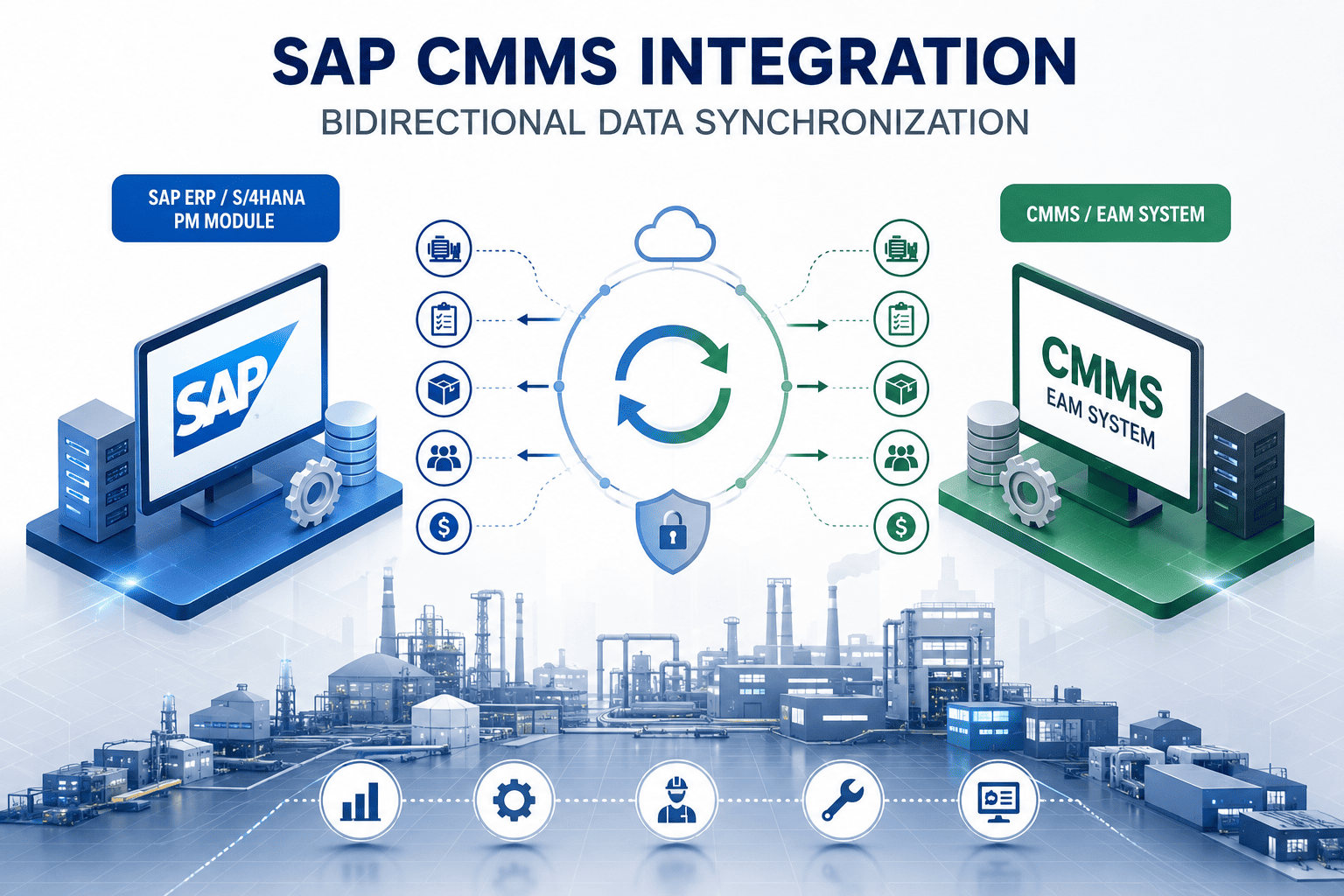
The most important decision you'll make isn't technical—it's governance. Before a single API call fires, you must decide which system is the master for each data element. The proven model keeps SAP as the enterprise system of record for cost, inventory, and asset accounting, while the CMMS serves as the mobile execution layer where work actually gets done and confirmed. Each object flows in a defined direction. Ambiguity here is what creates the conflicting records that erode trust in both systems.
Data Ownership & Flow Direction
Swipe to view all flows →
Once ownership is settled, the connection itself is standard: REST APIs, OData services, and BAPIs over SAP connectors handle the movement. Teams ready to map ownership against their own SAP landscape can sign up free to model the data flow before any configuration begins.
Not Everything Syncs at the Same Speed
A common mistake is treating synchronization as one setting. In reality, different data types demand different frequencies. Master data—equipment, locations, BOMs—changes rarely and can sync on a daily or change-triggered basis. Transactional data—parts consumption, work order status, stock levels—has to move in real time or near-real-time, because a delay means someone orders a part that's already gone. Matching frequency to data type keeps the integration fast where it matters and light where it doesn't.
Synchronization Frequency by Data Type
Real-Time
Inventory & Parts Consumption
A part consumed in the CMMS deducts from SAP stock instantly—keeping the storeroom and the general ledger accurate at all times.
Near Real-Time
Work Order Status & Confirmations
Status changes, labor hours, and technical completion flow back to SAP PM within minutes—no manual transaction needed.
Daily / Triggered
Master Data & BOMs
Equipment, functional locations, and BOMs sync on a schedule or on change—delta sync moves only what was modified, not the whole register.
See Your Data Sync Architecture Live
Walk through a working SAP–CMMS sync—equipment masters, functional locations, BOMs, and real-time inventory—mapped to your own object model and ownership rules in a focused 30-minute session.
Clean First, Then Connect: The Pre-Flight Checklist
The single biggest predictor of integration failure is dirty source data. If your SAP equipment master has duplicate records, missing functional locations, or incorrect cost centers, integration won't fix them—it will replicate them faster, into a second system. The discipline that separates smooth rollouts from painful ones is fixing data quality before the first connection, then building the safeguards that keep it clean afterward.
Before You Connect Anything
Deduplicate the equipment master. Identify and merge duplicate, orphaned, and incomplete asset records before they replicate.
Standardize functional locations. One consistent hierarchy structure across every site, with no missing parent levels.
Validate BOMs against real inventory. Confirm equipment BOMs match current spare parts in Materials Management.
Engage SAP Basis early. Transport management, RFC connections, and authorizations need them in planning—not in an emergency.
Build a daily reconciliation report. Auto-compare record counts and key fields so sync failures surface within 24 hours.
Plan for SAP upgrade cycles. Keep a regression test suite so support packs and S/4HANA migrations don't silently break the integration.
That groundwork pays off for years. Maintenance and IT leaders preparing an integration can sign up free to assess their asset data readiness against these checkpoints before committing to a rollout timeline.
Expert Perspective: Why Governance Beats Technology
Every failed SAP–CMMS integration I've seen failed for the same reason—not the API, the governance. Teams obsess over connectors and ignore the question of who owns each record. The technology to move data both ways has been solved for years. What hasn't been solved by default is the decision of which system tells the truth when two records disagree. Settle that first, clean your master data, and the integration almost runs itself. Skip it, and you've just built a faster way to spread bad data.
One Source of Truth Per Field
Decide ownership upfront, element by element. This single rule prevents most reconciliation nightmares.
Reconciliation Is Not Optional
A daily automated compare catches drift in 24 hours instead of discovering it at quarter close.
Phase the Rollout
Prove the sync on one line or critical asset group, validate every sync point, then extend plant-wide.
Rolling It Out Without Breaking Production
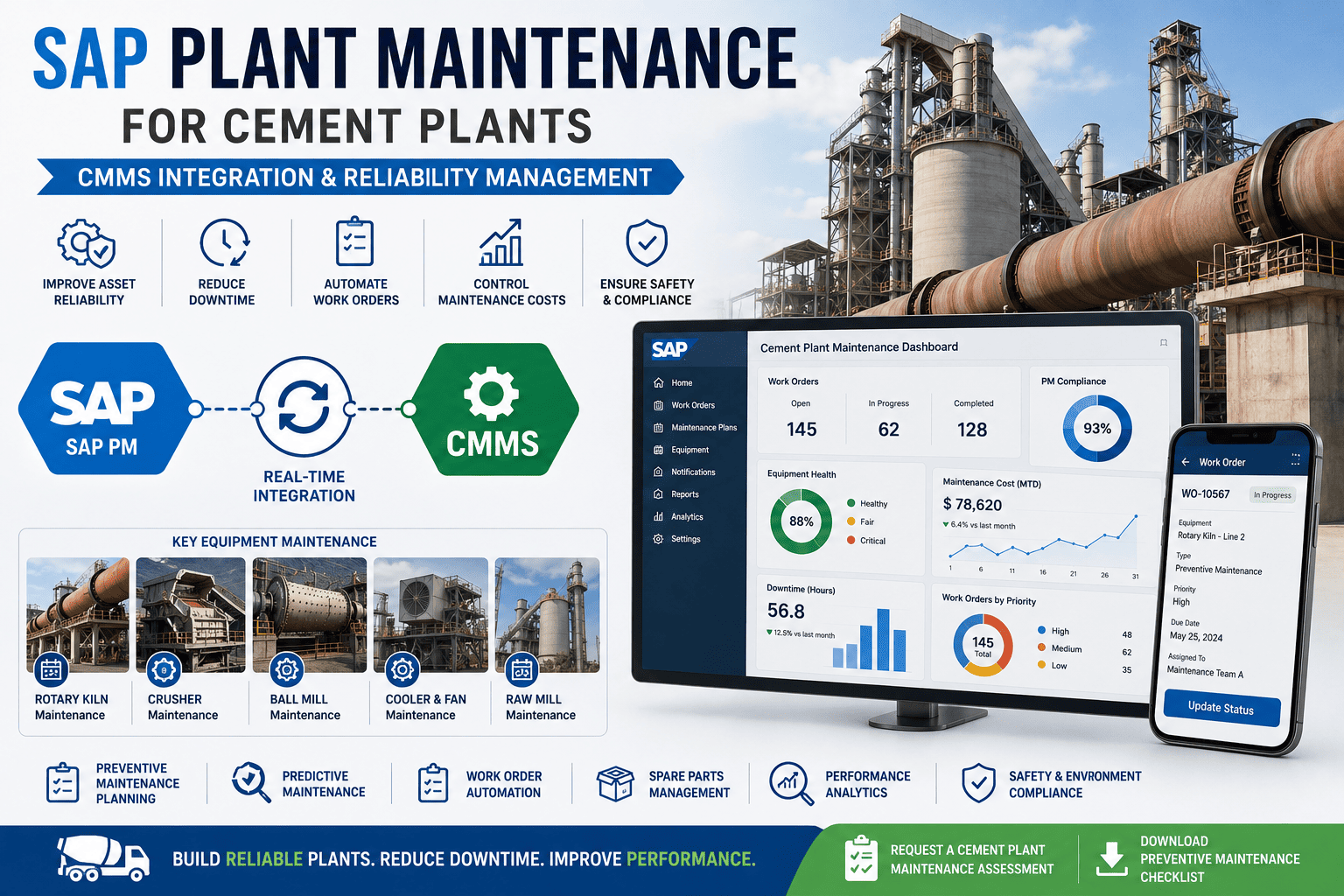
The proven path is staged, not big-bang. Audit your SAP PM configuration and map the equipment hierarchy first. Configure bidirectional sync for equipment masters, material masters, and maintenance plans on a single production line or critical asset group, and validate data integrity at every sync point—confirm that work order confirmations, parts consumption, and cost settlements all flow correctly to SAP. Teams can sign up free to pilot the sync on one asset group before extending to raw mill, finish mill, packing, and utilities. Each phase de-risks the next, and early wins build the organizational trust that carries the project.
Synchronized asset data is the quiet foundation under every other maintenance gain—predictive analytics, mobile work orders, accurate costing—none of which work on records that disagree. Closing the gap between SAP and your CMMS is one of the highest-leverage, lowest-glamour investments a maintenance organization can make. Teams ready to see a certified two-way sync on their own object model can book a free demo to review their integration strategy with someone who has done it before.
Make SAP and Your CMMS Agree
One synchronized source of truth for equipment, locations, BOMs, and inventory—so technicians act on accurate data and finance sees real costs. See the architecture built for your assets.
Frequently Asked Questions
What's the difference between one-way and two-way SAP–CMMS synchronization?
One-way sync pushes data in a single direction—typically master data from SAP into the CMMS—and is simpler but leaves execution data stranded. A true two-way bridge keeps SAP as the enterprise system of record while the CMMS serves as the mobile execution layer: equipment masters, functional locations, and BOMs flow from SAP, while completed work orders, labor hours, failure codes, and parts consumption post back automatically. The two-way model is what keeps inventory and the general ledger accurate without manual SAP transactions.
Which SAP objects need to be synchronized for maintenance?
The core set is the equipment master (individual asset records), functional locations (the IFLOT hierarchy that defines where each asset sits), equipment and functional-location BOMs (the spare parts each asset needs), the material master and stock levels, and maintenance plans with task lists. Work orders, confirmations, and failure codes flow in the opposite direction. Each object has defined SAP transaction codes and keys, which is why mapping them precisely—rather than syncing "the data" generically—is essential.
How do I decide which system owns each data element?
Decide upfront and document it—this is the most important governance step. The standard model assigns SAP as master for enterprise data: equipment, functional locations, BOMs, material valuation, and cost. The CMMS owns execution data: work order status, labor, technician notes, and failure codes. Material stock is typically two-way, with SAP owning valuation and the CMMS posting consumption. The rule is simple: exactly one system of record per data element, with no overlapping ownership that could create conflicting records.
Should all data sync in real time?
No—and forcing everything to real time wastes resources. Match frequency to data type. Inventory and parts consumption should sync in real time so stock and the general ledger stay accurate. Work order status and confirmations move in near real time. Master data like equipment, functional locations, and BOMs changes rarely and can sync daily or on change, using delta sync to move only modified records rather than the whole register. This tiering keeps the integration fast where it matters and efficient everywhere else.
Do we need to clean our SAP data before integrating?
Yes, and it's non-negotiable. If your SAP equipment master has duplicate records, missing functional locations, or incorrect cost centers, integration replicates those problems into a second system faster than before. Deduplicate the equipment master, standardize the functional location hierarchy, and validate BOMs against current inventory first. Then build a daily reconciliation report that compares record counts and key fields so any sync failure surfaces within 24 hours rather than during month-end close.