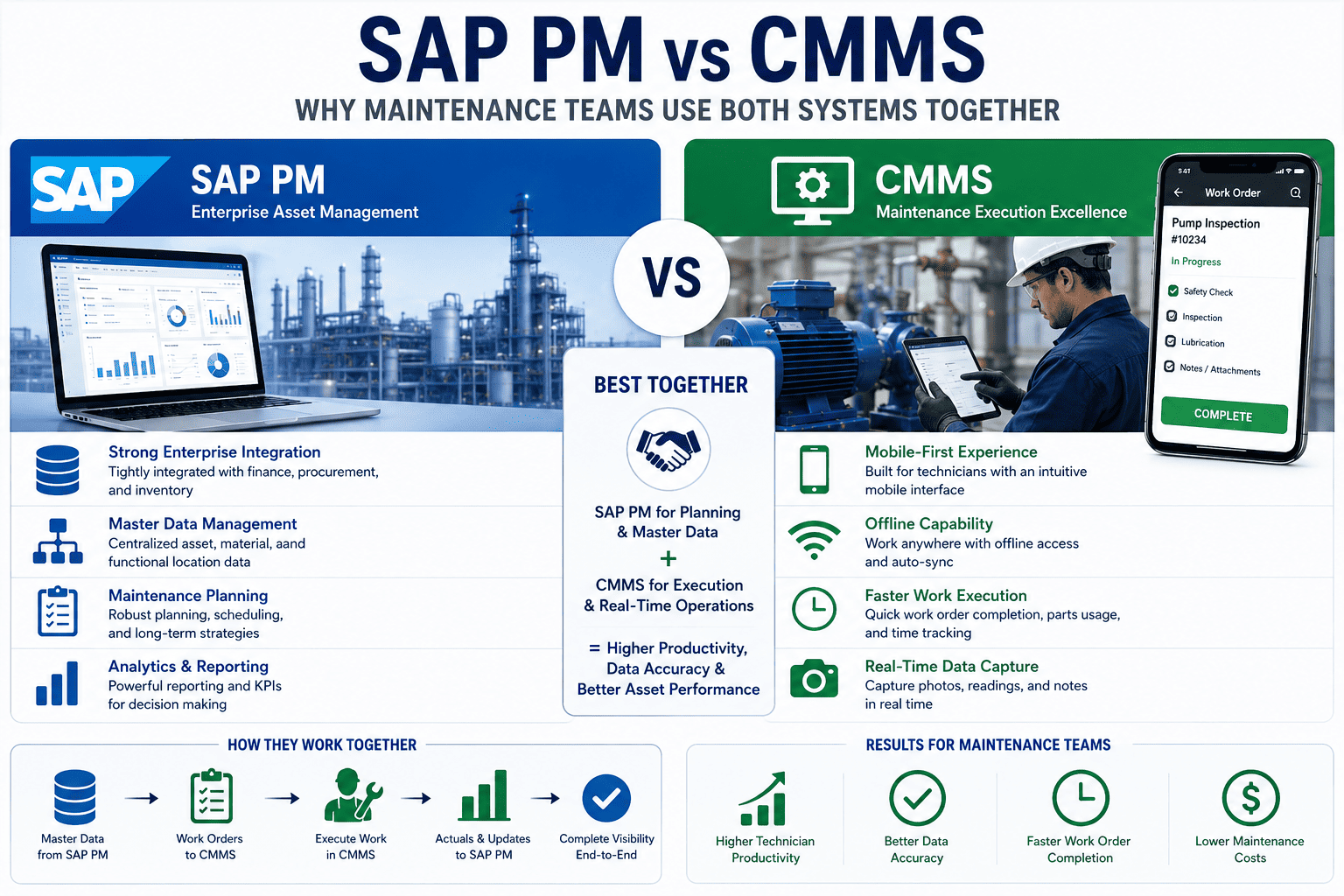
Ask a planner about SAP PM and you'll hear about airtight cost control. Ask the technician who just walked back to a desktop terminal for the third time today, and you'll hear something else. That tension is the whole "SAP PM vs CMMS" story—except the smartest teams stopped treating it as a versus. SAP PM and a modern CMMS are good at different halves of the same job, and the winning move is running both. Here's how they compare. Book a free demo to see them work together.
Where SAP PM Is Genuinely Strong
Let's be fair to SAP PM—it earns its place. For large enterprises already running SAP, the Plant Maintenance module delivers depth that few standalone tools match. Its notification-to-order-to-settlement process is among the strongest enterprise maintenance models available, and because it's native to SAP, maintenance costs and parts flow into finance, procurement, and inventory without cross-system reconciliation. Asset structures spanning functional locations, equipment, and BOMs support complex plants with long lifecycle traceability, and its governance and audit controls fit regulated, multi-site operations. If you need enterprise financial integration and ironclad audit trails, SAP PM is built for exactly that.
Where It Frustrates the People Doing the Work
The trouble starts on the plant floor. SAP PM was designed for desktop planners, not technicians crawling inside equipment—and its transaction-code interface creates real friction in the field. The result is well documented: roughly 40% of maintenance data goes unrecorded or entered incorrectly, because technicians faced with six screens to close one job revert to paper or skip the entry entirely. When the data feeding your SAP reports is incomplete, every downstream decision inherits the gap.
The Head-to-Head Scorecard
Strip away the marketing and the comparison comes down to a handful of dimensions that decide whether maintenance data is complete and timely. Neither tool wins every row—and that's exactly the point. SAP PM dominates the enterprise and financial dimensions; a purpose-built CMMS dominates the execution and adoption dimensions. Seen side by side, they're not competitors so much as two halves of a whole.
| Dimension | SAP PM | Modern CMMS |
|---|---|---|
| Mobile & offline execution | Desktop-primary | Native, offline-ready |
| Technician adoption | Moderate to low | 90%+ in weeks |
| Time to train new users | Weeks to months | Hours |
| Work order close-out speed | Slower, multi-screen | Fast, under 3 taps |
| Enterprise finance integration | Native, deep | Via integration |
| Governance & audit controls | Enterprise-grade | Solid, lighter |
| Field status visibility | Limited unless customized | Clear and instant |
| Implementation timeline | 6–12 months | Weeks |
The pattern is unmistakable: each system's strength is the other's gap. Teams ready to see where their own workflow falls can sign up free to assess their SAP PM workflow against these dimensions in minutes.
The Real Answer: Run Both as a Two-Tier Strategy
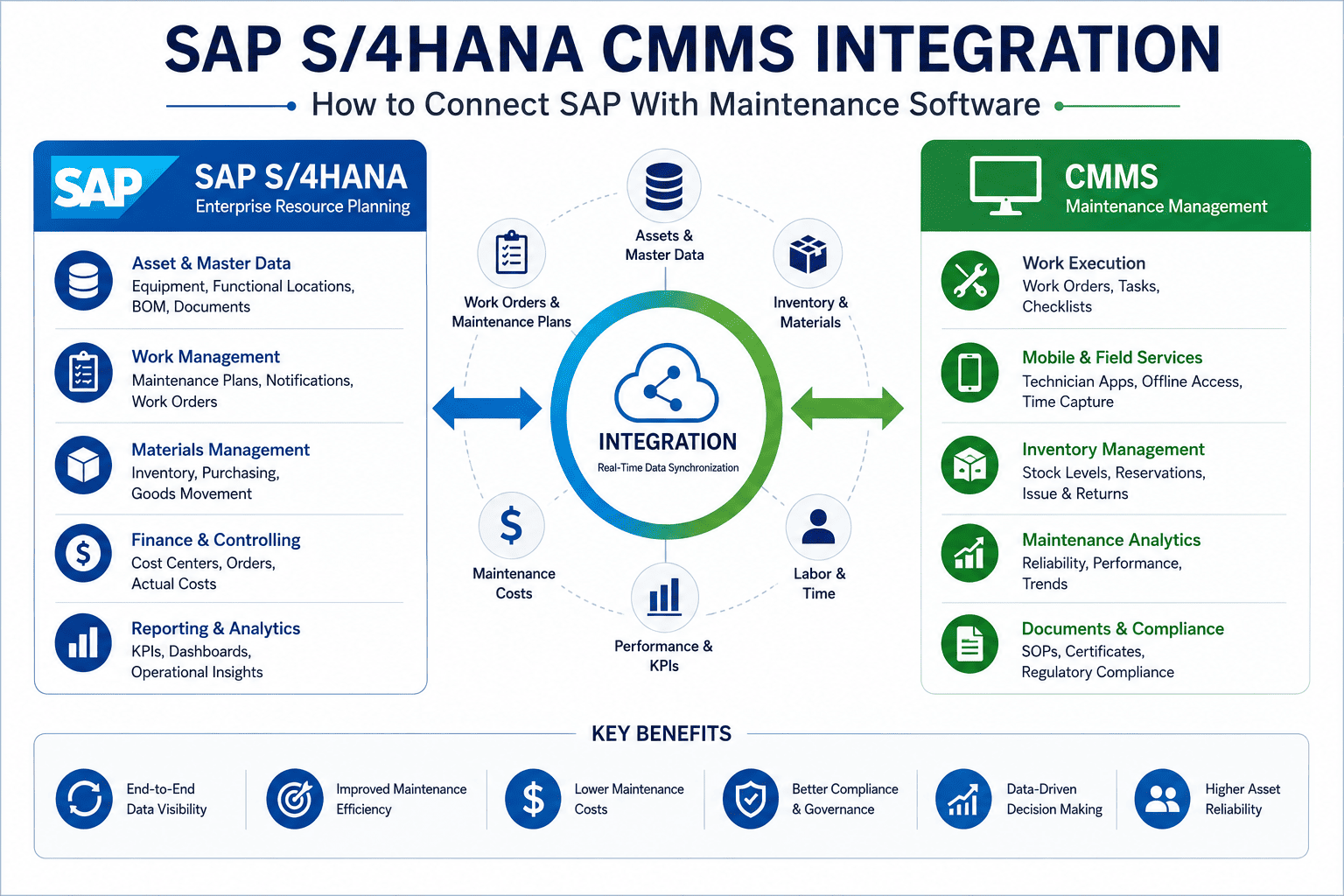
The smartest organizations have stopped asking "which one?" and adopted a two-tier model: keep SAP as the System of Record for finance, inventory, and corporate reporting, and add a specialized CMMS as the System of Action for the plant floor. This isn't a rip-and-replace—it's additive. The CMMS layers alongside SAP through standard APIs, and a mobile-first interface achieves 90%+ technician adoption within weeks, which means the data feeding your SAP reports finally becomes complete and accurate.
When Each Approach Makes Sense
Not every team needs the same configuration. The right call depends on your existing SAP investment, the size of your operation, and how independently your maintenance team works. Use this as a quick orientation—most industrial operations running SAP land on the two-tier model, but the edges are worth knowing.
- You need deep enterprise financial integration
- Governance and multi-site audit control are paramount
- Maintenance is tightly coupled to procurement and finance
- You have SAP but technician adoption is failing
- Field data capture is incomplete or late
- You want mobile execution without ripping out SAP
- Ease of use and adoption are the top priority
- You don't need deep ERP-level financial integration
- SAP expansion is unrealistic on budget
Wherever you land, the goal is the same: complete, timely maintenance data that everyone trusts. Teams weighing the options can sign up free to trial the mobile experience their technicians would actually use.
Expert Perspective: Adoption Is the Whole Game
I've watched flawless SAP PM configurations fail for one reason: the technicians wouldn't use them. The features were all there—they just lived behind six screens and a transaction code nobody remembered. Technicians don't ask for fancy functionality. They ask for a tool that lets them close a job in three taps without walking back to a desk. Give them that, keep SAP as the financial backbone, and suddenly your reports are accurate because the data is finally getting captured. The best maintenance stack isn't the most powerful one—it's the one people actually use.
Making the Move Without Disruption
Adopting the two-tier model doesn't require touching your SAP configuration. Pre-built connectors and guided setup mean a full integration deploys in a matter of weeks, not the six-to-twelve months of an SAP rollout—and nothing in your existing PM setup gets ripped out. Start by piloting the CMMS layer on one critical asset group, prove the adoption and data-capture gains, then expand. Teams can sign up free to pilot on one asset group before scaling across the plant. The financial case compounds: better adoption means complete data, complete data means accurate reporting, and accurate reporting means every maintenance decision gets sharper over time.
The "SAP PM vs CMMS" debate has a quietly obvious answer once you've seen both in action: it was never an either/or. Keep the enterprise backbone that finance and audit depend on, add the mobile execution layer that technicians embrace, and connect them so data flows automatically. That's how maintenance teams get both governance and adoption—without compromise. Teams ready to see it on their own assets can book a free demo to map their maintenance workflow.