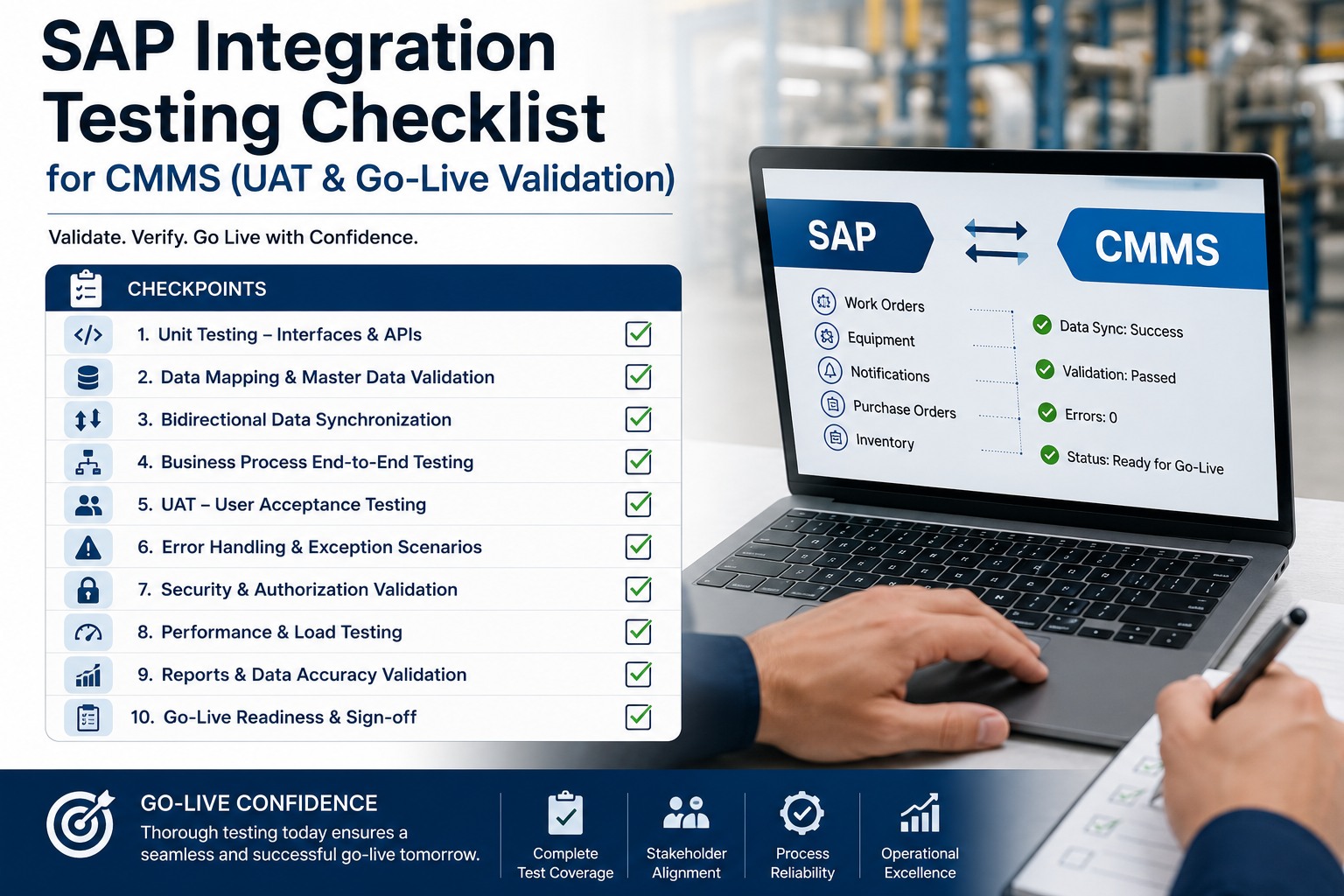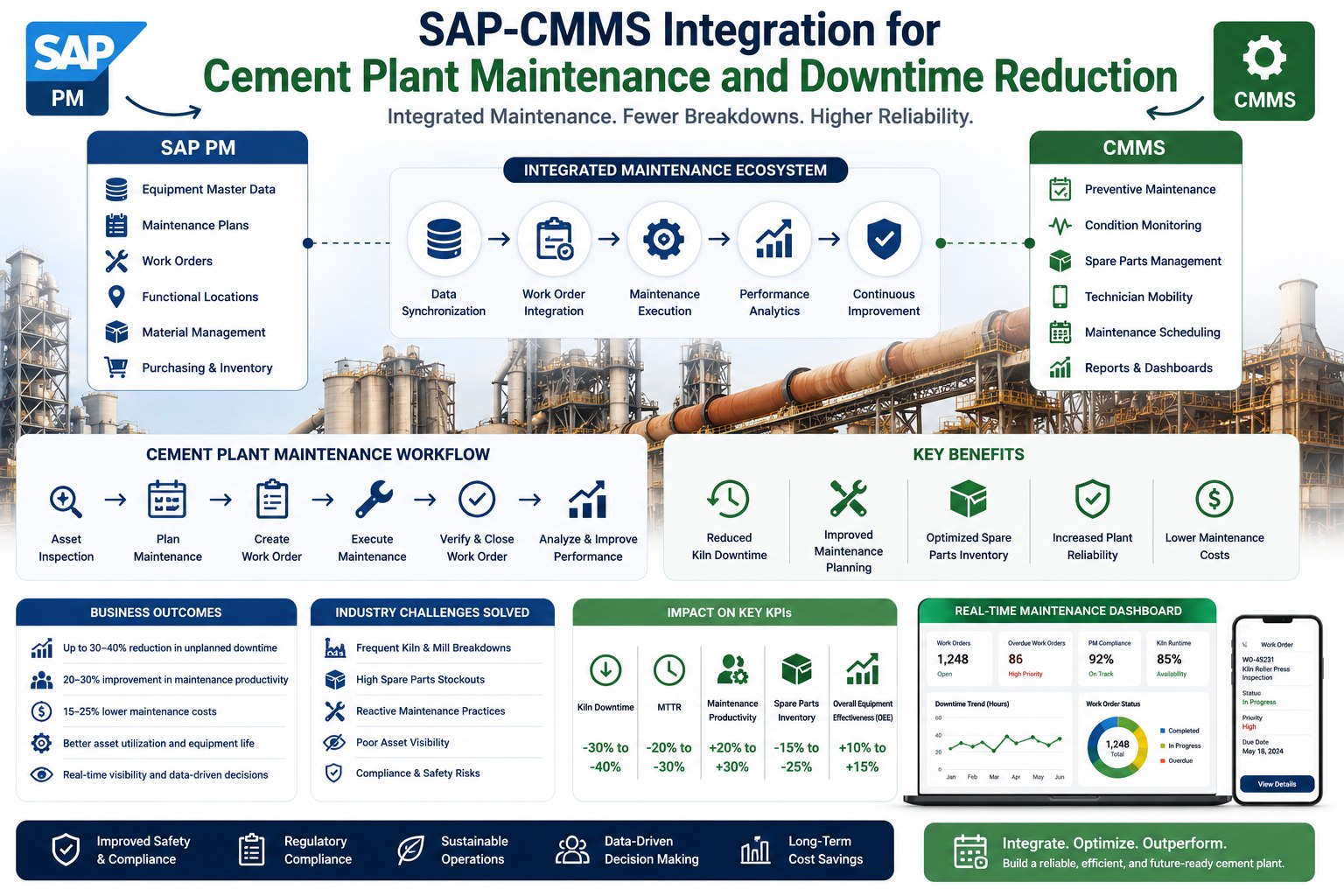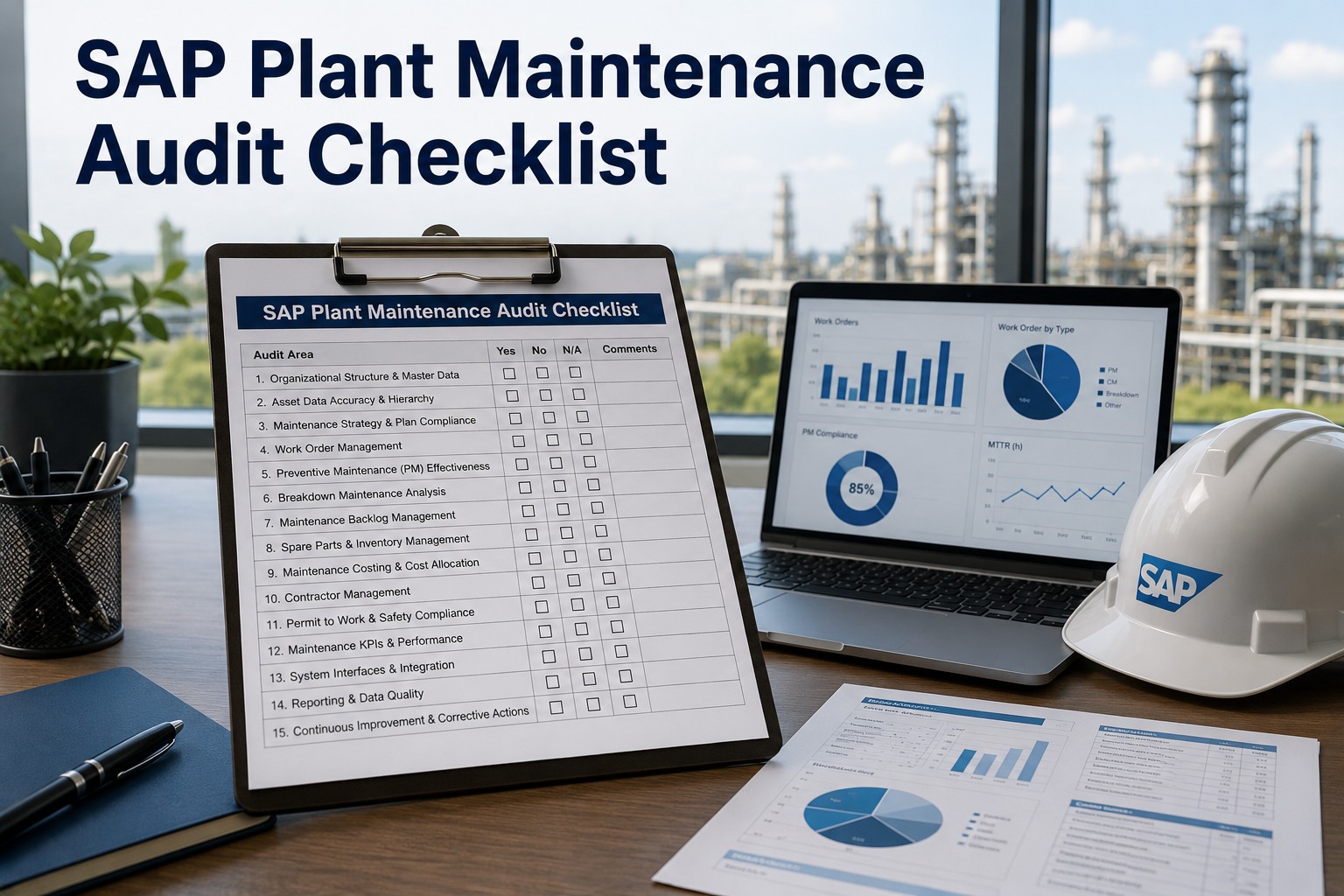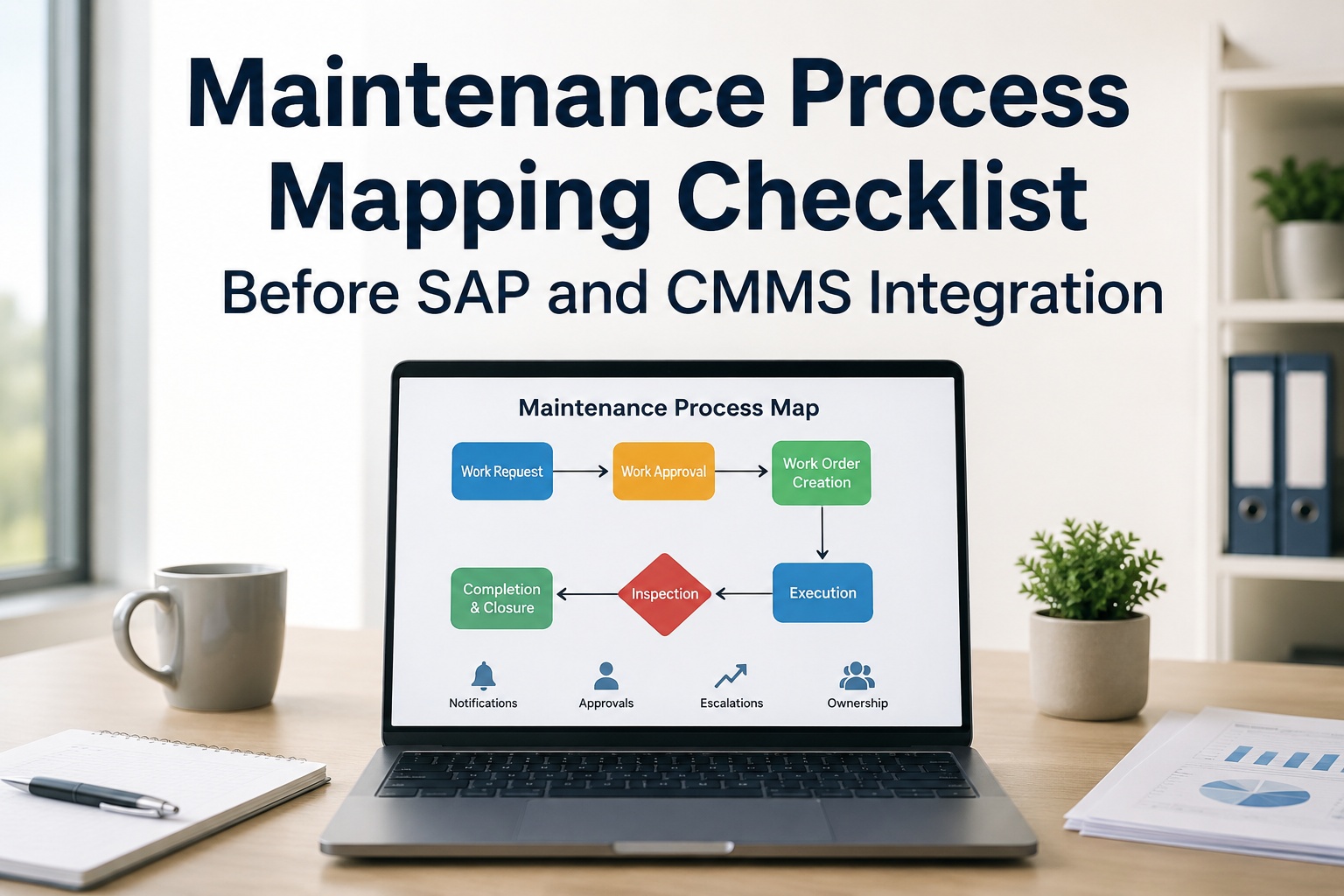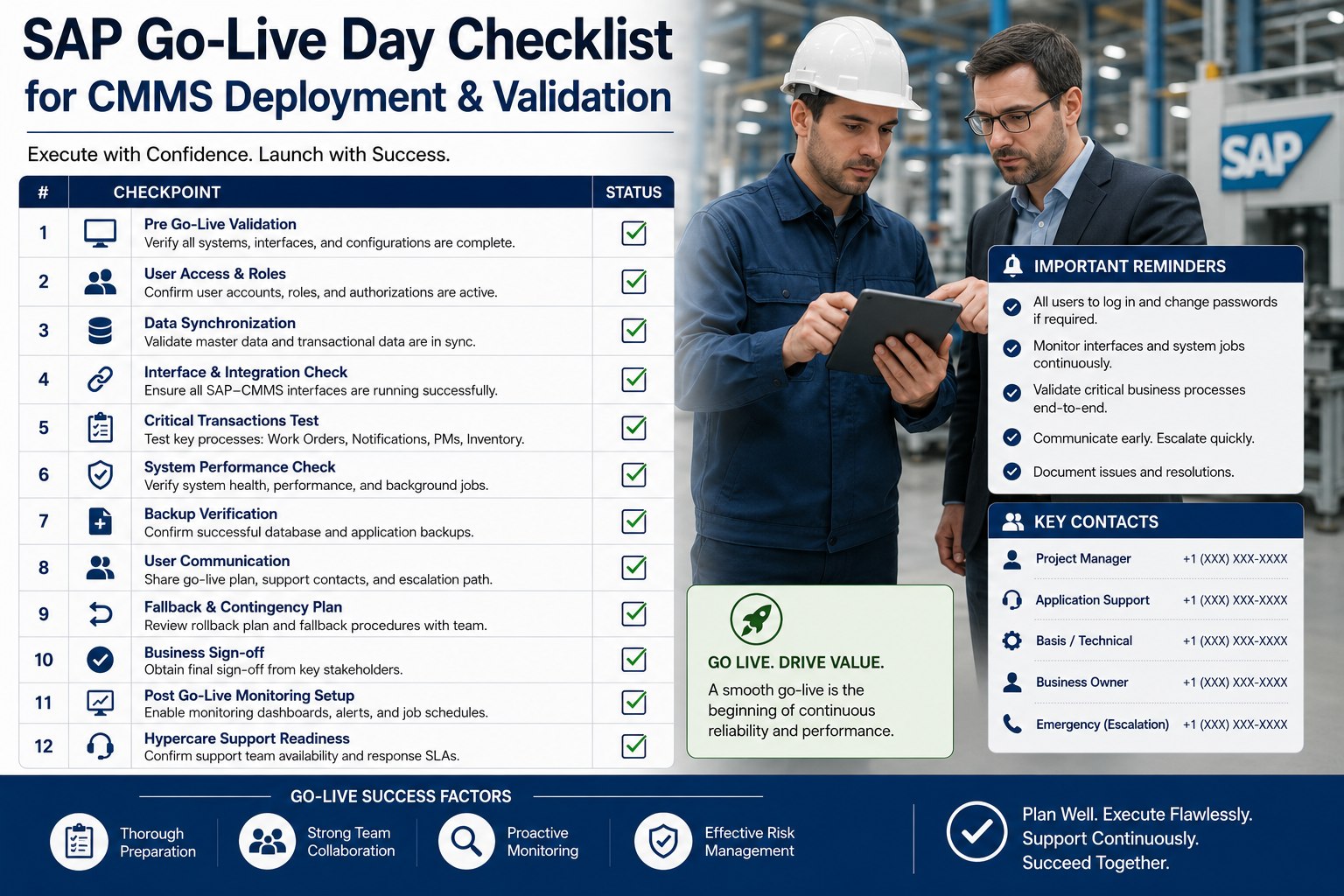
Go-live day for a SAP–CMMS integration is not the day to improvise. Every minute of unplanned delay during a production cutover costs real money — missed shifts, technicians without work orders, planners locked out of SAP. McKinsey's 2024 ERP deployment analysis found that go-live day execution failures account for 38% of SAP project overruns. This checklist gives your team a time-blocked, role-assigned playbook from T-minus 4 hours through the critical 24-hour stabilization window. Book a free demo to see how Oxmaint supports SAP CMMS go-live day with real-time monitoring.
Time-blocked cutover playbook — assign owners before go-live day
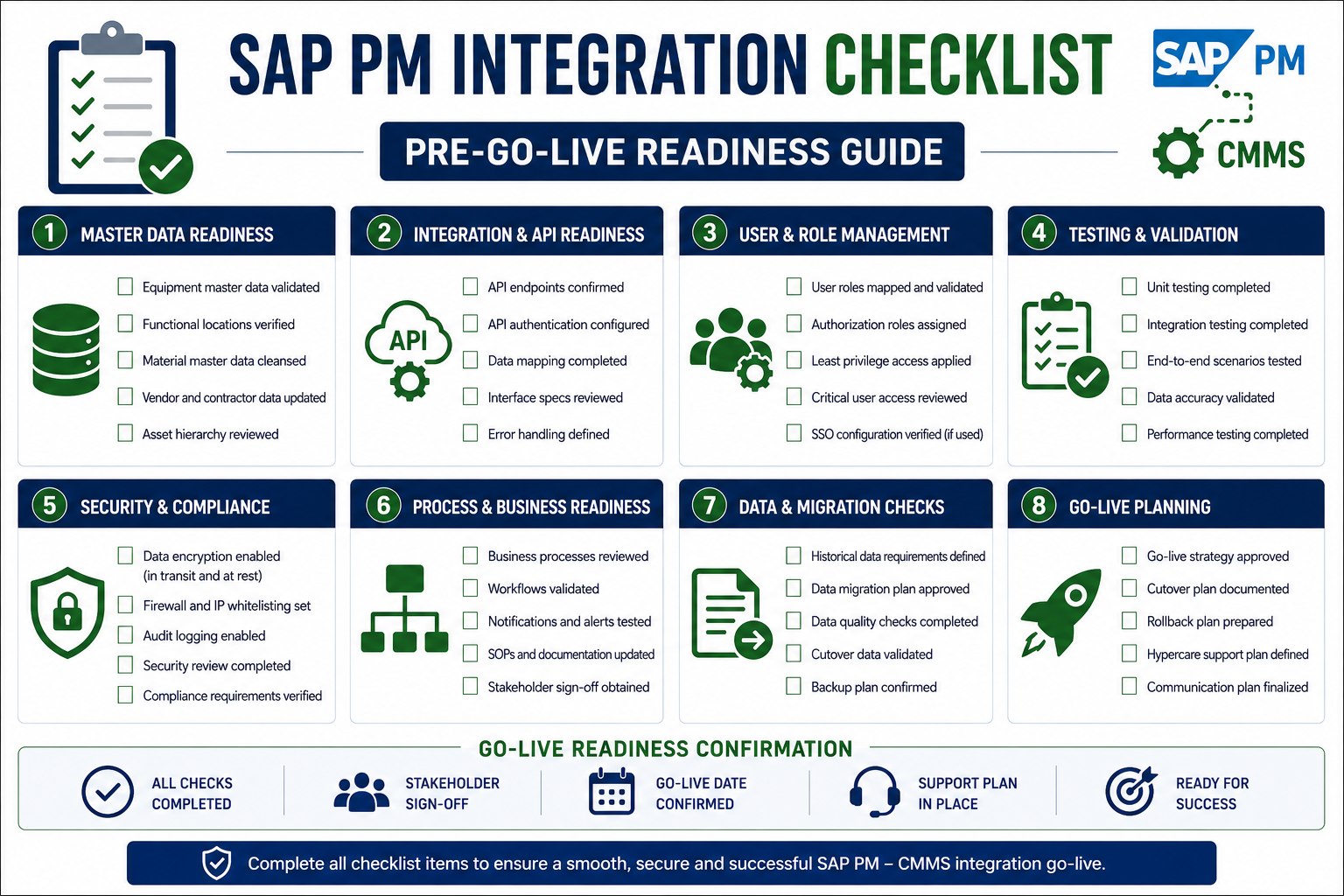
Pre-Go-Live Gate: 20 Readiness Checks Before Cutover Begins
No cutover begins until every gate check is green. These 20 items are your final authorization layer — the last structured review between your team and a production SAP environment carrying live maintenance data. Each item has an owner, a pass criterion, and a consequence if skipped. Teams working through this for the first time can sign up free for Oxmaint and access our SAP go-live readiness assessment tool to score your deployment against these gates automatically.
Want a Go-Live Day Partner, Not Just a Checklist?
Oxmaint's implementation team supports SAP–CMMS cutovers with real-time sync monitoring, pre-built test scripts, and a dedicated engineer on call during your go-live window.
Cutover Execution: Step-by-Step SAP–CMMS Activation Sequence
Cutover execution is a sequence-dependent process. Steps performed out of order — enabling the CMMS sync before SAP authorizations are active, for example — create error states that are difficult to unpick mid-cutover. The numbered sequence below is optimized for SAP PM integrations and reflects the dependency chain that Deloitte and PwC implementation teams use in enterprise go-live playbooks. Each step has a maximum allowed duration to keep your cutover within the planned maintenance window.
Follow in order — do not skip or reorder steps
Post-Launch Monitoring: What to Watch in the First 24 Hours
The most dangerous assumption after go-live is that no news is good news. Silent failures — transactions that fail to sync but don't generate visible alerts — are the leading cause of data divergence between SAP PM and CMMS in the first 48 hours. The monitoring framework below defines the specific metrics to track, the alert thresholds that require immediate action, and the check-in cadence that keeps your team ahead of problems. Organizations that want this monitoring automated rather than manual can sign up free for Oxmaint's real-time SAP sync monitoring dashboard that surfaces all of these metrics without manual querying.
Check these metrics at T+2h, T+4h, T+8h, and T+24h intervals
Data Sync Confirmation: Verifying SAP and CMMS Are in Alignment
Monitoring dashboards tell you the sync engine is running. Reconciliation checks tell you the data is actually right. These are different things, and go-live teams that conflate them discover discrepancies weeks later when a planner runs a maintenance cost report and the numbers don't add up. The reconciliation checks below should run at the T+2h, T+8h, and T+24h checkpoints. Any variance outside tolerance is a priority issue — not a post-project cleanup item.
Fallback and Rollback: What Happens If Go-Live Fails
A go-live day plan without a tested rollback procedure is not a plan — it is an assumption. The rollback decision must be made within a defined time window (typically 2–4 hours of cutover) before the volume of live transactions makes rollback more expensive than fixing the problem in production. The decision criteria below are drawn from SAP implementation playbooks published by PwC and IBM Global Business Services. Teams who want to discuss their specific rollback architecture can book a free demo with our SAP integration architects before their cutover date.
Apply this framework within the first 2 hours of cutover — not after
- All smoke tests passed within allowed time window
- Error queue has zero unacknowledged items after first sync cycle
- Sync success rate at or above 99.5% in first 30 minutes
- No Severity 1 defects opened by users in first 60 minutes
- SAP system log shows no new short dumps post-cutover
- At least one real (non-smoke test) work order successfully completed end-to-end
- Any smoke test remains FAIL after two retry attempts
- Error queue depth exceeds 50 items within first hour
- Sync success rate drops below 95% in production
- SAP ABAP dump triggered by integration activity affects core PM transactions
- Critical user group (all planners or all technicians) cannot log in after 30 minutes
- Rollback decision window exceeded — volume of live transactions makes rollback cost prohibitive
Expert Perspective: Why Go-Live Day Discipline Determines Long-Term Success
Every SAP go-live I have been part of that succeeded had one thing in common: the team knew exactly what they were going to do before the day started. Every one that struggled had teams making decisions they should have made in planning. Go-live day is not the time to discuss the rollback procedure, decide who has sign-off authority, or figure out how to handle an error queue spike. If those decisions are not in writing before the cutover window opens, you are already behind. Discipline in the weeks before go-live determines whether go-live day is a controlled event or a crisis.
Pre-Assign Every Decision
Every decision that might need to be made on go-live day — from rollback authority to error queue thresholds — must be documented and assigned to a named individual before the day begins. Committees make slow decisions.
Time-Box Every Step
Cutover steps without maximum time limits expand to fill available time. When a 15-minute step takes 45 minutes, your maintenance window disappears. Every step needs a clock and an escalation trigger.
Over-Communicate During Cutover
Field technicians and maintenance planners waiting for system access should receive a status update every 30 minutes. Silence creates rumors. Proactive communication prevents the informal workarounds that create data quality problems.
Post-Go-Live: The First 72 Hours Stabilization Checklist
The go-live window closes, but the work doesn't. The first 72 hours are a structured hypercare period where your team stays in elevated monitoring mode, captures every issue that surfaces, and prevents small problems from becoming permanent workarounds. This checklist runs concurrently with normal operations — it's not a separate project, it's a heightened attention posture. Organizations using Oxmaint can sign up free and activate the hypercare monitoring mode that automates alert routing and issue capture during this window.
- Review integration sync log — confirm success rate at or above 99.5% for all transaction typesBlocking
- Confirm error queue contains zero unacknowledged items — document any acknowledged items with resolution planBlocking
- Verify at least one live work order created by a real technician (not test) has synced to SAP PM correctlyBlocking
- Check SAP transaction SM21 for any system log errors introduced since cutover — flag for Basis reviewRecommended
- Run SAP IW38 vs CMMS open order report — verify counts match within 1% tolerance across all work centersBlocking
- Confirm labor time confirmations (IW41) are posting to SAP correctly — check one submission from each work centerBlocking
- Collect and log all user-reported issues — triage by severity and assign resolution owners within 1 hour of reportRecommended
- Send 8-hour status update to steering committee — include sync rate, error count, user login count, and open issuesRecommended
- Full data reconciliation: compare SAP PM order counts, equipment records, and parts inventory quantities against CMMSBlocking
- Confirm all Severity 1 and 2 issues from first 24 hours have assigned owners and resolution timelinesBlocking
- Complete 24-hour stabilization report — include metrics table, issue log, and actions required for 72-hour close-outDoc Required
- Review SAP batch job runtimes from first overnight cycle — confirm no jobs failed or ran significantly longer than baselineRecommended
- All Severity 1 issues resolved — no open critical defects before hypercare team stands downBlocking
- Transition open issues to standard support queue — document each with priority, owner, and expected resolution dateDoc Required
- Lessons learned document completed — record every defect found post-cutover, root cause, and time to resolveDoc Required
- Formal project sign-off obtained from SAP functional lead, CMMS administrator, and maintenance operations managerDoc Required
- Schedule 30-day post-go-live review to assess user adoption rates, data quality metrics, and outstanding configuration itemsRecommended
- Archive all go-live documentation — test scripts, gate check results, issue log, sign-offs — in a shared project repositoryRecommended
Frequently Asked Questions
How long should a SAP–CMMS cutover maintenance window be?
Most SAP–CMMS integration cutovers require a maintenance window of 4–8 hours for mid-complexity deployments. The window needs to accommodate data freeze, final migration steps, integration activation, smoke testing, go/no-go decision, and a rollback buffer if needed. Larger deployments covering multiple plants, complex authorization structures, or significant data migration volumes may require 12–16 hours. Schedule the window during the lowest-impact operational period — typically a weekend overnight — and always have the window extend at least 2 hours beyond your expected cutover duration to provide a rollback buffer without schedule pressure.
What is the most important single action to take before go-live day?
Test the rollback procedure. Not discuss it, not document it — test it in your staging environment and time it. IBM Global Services data shows that 71% of SAP go-lives that activated rollback exceeded their rollback time estimate because the procedure had never been practiced. A rollback that takes 4 hours instead of the planned 90 minutes can extend your maintenance window into a production shift, multiplying business impact. Run the rollback at least once in staging, document each step with timestamps, and ensure the person executing it on go-live day is the same person who ran the staging test.
Who should be in the war room during SAP–CMMS go-live cutover?
Your cutover war room — physical or virtual — should include: the SAP Basis administrator, the integration lead, the CMMS system administrator, the project manager, the SAP PM functional lead, a data migration representative, and the go/no-go decision authority (project sponsor or plant manager). For remote war rooms, ensure all participants have a tested video conferencing setup and a backup communication channel (phone bridge). The vendor or implementation partner's support engineer should also be on standby, either in the room or available within 15 minutes. Do not run a SAP cutover with only one person who can connect to the integration middleware.
How do you handle work orders created during the data freeze window?
Any maintenance work that cannot wait during the data freeze window should follow the pre-defined paper-based contingency process documented in your go-live plan. These paper records must be entered into the new system as the first transactions after cutover completes — before any new work orders are created — to maintain chronological accuracy in your maintenance history. Assign a specific person to capture and enter these freeze-window records immediately after go-live and confirm they are entered correctly before the end of the first shift. Typically, freeze windows are kept under 4 hours to minimize the volume of contingency records.
When should you escalate to the rollback decision during go-live?
The rollback decision window is typically the first 2–4 hours after cutover, depending on your maintenance window duration. Two conditions should trigger immediate rollback consideration: a blocking smoke test failure that cannot be resolved within 30 minutes, or a sync success rate below 95% sustained for more than 30 minutes. After the rollback window closes — defined by the volume of live transactions that would need to be reversed — the decision shifts to fixing in production rather than rolling back. This boundary should be pre-defined in your go-live plan as a specific time (e.g., "rollback decision must be made by 06:00 AM") rather than left to real-time judgment.
Execute Your SAP CMMS Go-Live With Confidence
Oxmaint provides pre-built cutover playbooks, real-time sync monitoring, and a dedicated implementation engineer for your go-live day. No improvising required.