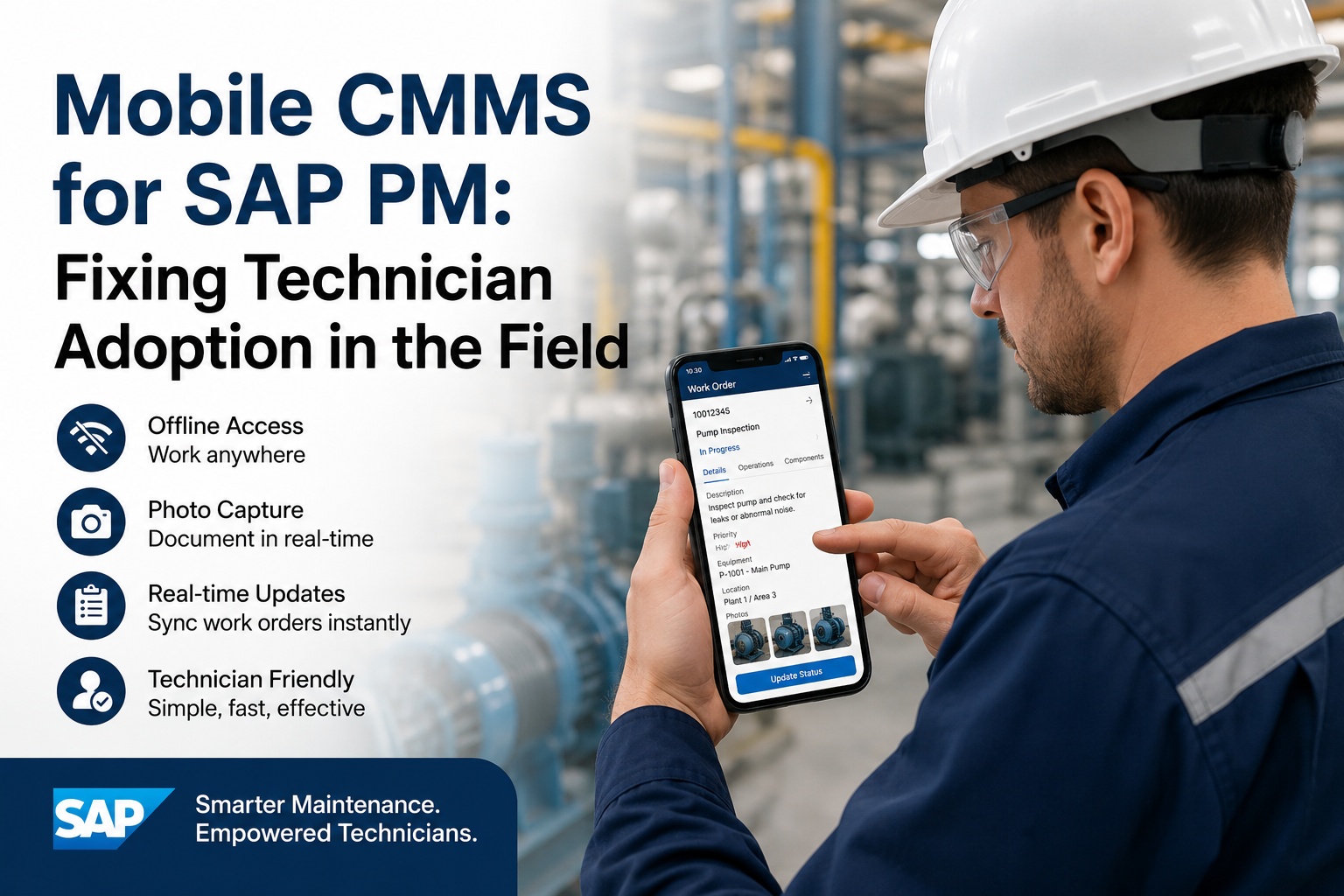
Your SAP PM system holds every work order, asset history, and maintenance record your plant has generated. But ask a floor technician how often they use it — fewer than 30% log in during their shift, per Gartner. They rely on paper and memory instead. The problem isn't your data — it's the interface between your technicians and that data. Mobile CMMS overlays built for SAP PM close that gap, bringing offline access, photo capture and real-time updates to devices already in technicians' pockets. Book a free demo to see what real adoption looks like.
The Interface Gap: Why SAP PM Loses at the Field Level
Same data. Radically different technician experience.
Why SAP PM Technician Adoption Stays Below 30%
The adoption problem isn't laziness or resistance to technology — it's friction. Every click that takes a technician away from the machine they're fixing is a click they'll eventually stop making. SAP PM's transaction-code navigation was designed for planners at desks, not for mechanics with grease on their hands standing under a conveyor at 2 a.m. Understanding exactly where that friction lives is the first step toward fixing it. Maintenance teams ready to eliminate these barriers can sign up free for Oxmaint's mobile work order platform and see the difference firsthand.
What a Mobile CMMS Overlay Actually Does to SAP PM
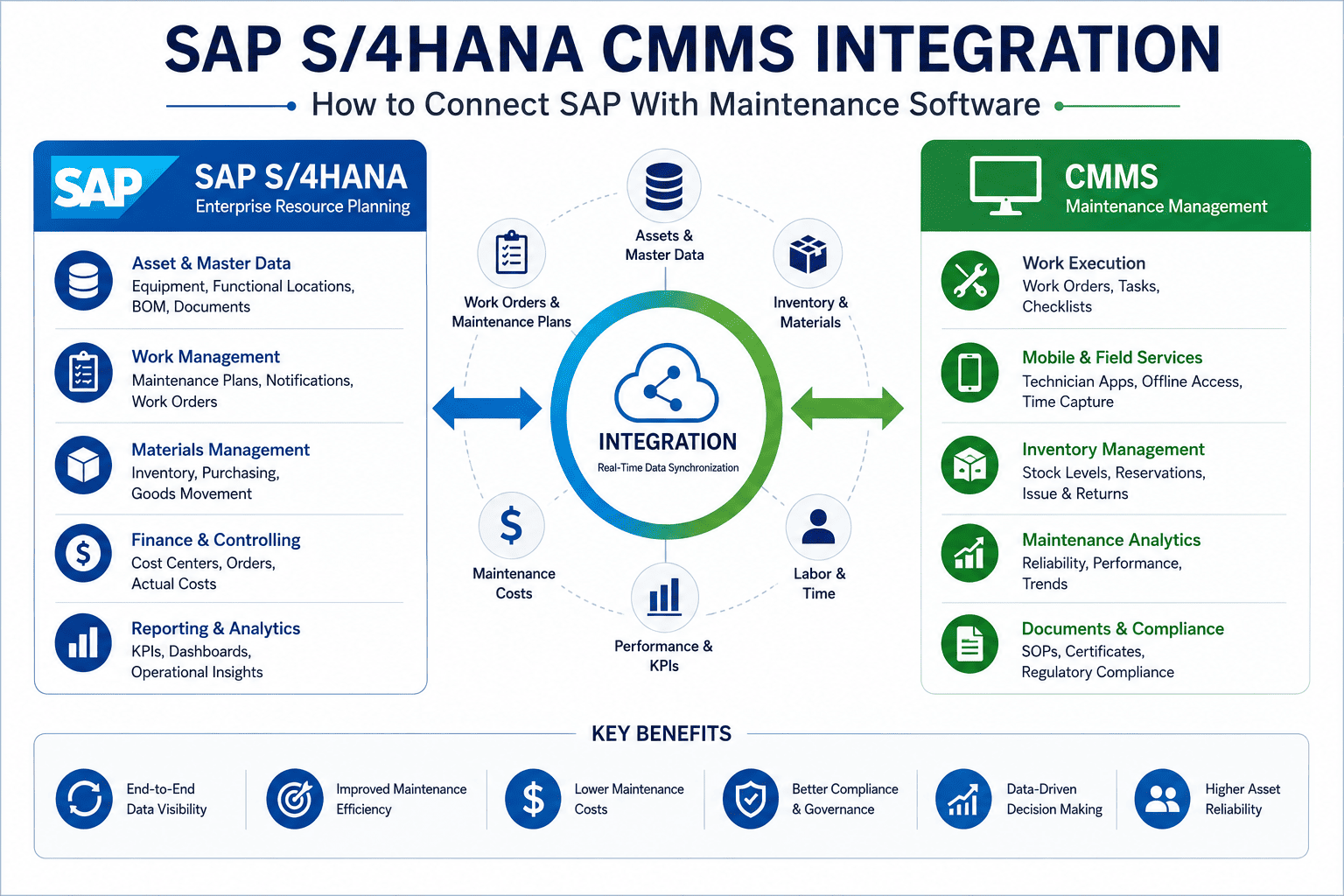
A mobile CMMS overlay doesn't replace SAP PM — it sits on top of it, translating complex SAP data structures into a simple, task-focused interface that technicians can operate with one thumb. Work orders appear as tap-to-open cards. Checklists replace transaction codes. Photos attach in seconds. And when connectivity drops — which it will — the app continues working locally, then syncs all completed data back to SAP the moment signal returns. This architecture preserves every investment already made in SAP while finally making that investment usable at the point of work. Teams exploring this integration can book a free demo to see the SAP PM sync in real time.
| Capability | SAP Fiori / WFM Native | Mobile CMMS Overlay | Impact for Technicians |
|---|---|---|---|
| Offline Work Order Access | Limited / Partial | Full Offline Queue | Works in signal dead zones |
| Photo + Video Capture | Not Available | Native Camera Integration | Visual proof attached to SAP order |
| Step-by-Step Checklists | Form-based only | Guided Task Sequences | Reduces missed steps by 41% |
| Push Notifications / Alerts | Email only | Real-time Push Alerts | Priority changes reach field in <60 sec |
| Labor Time Confirmation | Manual IW41 Entry | One-tap Timer + Sync | Labor capture rate up 3x |
| Barcode / QR Asset Scan | Manual Input Required | Instant Scan to WO | Eliminates manual ID errors |
| Parts Request from Field | Via Planner Only | In-App Parts Request | Reduces parts wait time 28% |
A Technician's Field Day: Before and After Mobile CMMS
Abstract benefits don't drive adoption decisions — real scenarios do. Here's how the same 6-hour maintenance shift looks for a technician at a mid-size discrete manufacturer, with and without a mobile CMMS interface connected to SAP PM. The difference isn't marginal. It's the difference between a maintenance program that runs on data and one that runs on memory and luck. If your team is still living the "before" version, sign up free and start the Oxmaint mobile trial today.
Checks paper printout from planner. 3 work orders have changed priority overnight — technician doesn't know.
Notices abnormal wear on Motor M-14. Takes a photo on personal phone. Has no way to attach it to SAP order.
Walks back to office to request bearing replacement. Waits 40 minutes for planner to enter the SAP requisition.
Skips IW41 time confirmation — too many fields. Hours go unrecorded in SAP. Asset history is incomplete.
Opens mobile app. Push notification shows 3 priority changes. Work queue automatically reordered by urgency.
Photographs wear damage directly in app. Photo auto-attaches to SAP work order WO-4821 in under 8 seconds.
Submits parts request in-app from the field. SAP materials requisition created automatically. No office trip needed.
Taps "Complete." Labor time auto-logs to IW41. SAP order status updates to TECO in real time, no manual entry.
The Business Case: What Adoption Gains Actually Return
Every work order that goes undocumented is a data gap. Every data gap means inaccurate maintenance history, flawed failure analysis, and asset life predictions that can't be trusted. When technician adoption reaches 80%+ through mobile CMMS — a threshold McKinsey identifies as the tipping point for data-driven maintenance — organizations see quantifiable returns across labor efficiency, compliance, and equipment uptime. The numbers below are drawn from LNS Research, Aberdeen Group, and Deloitte manufacturing operations benchmarks.
Ready to Fix Technician Adoption in Your SAP Environment?
See how Oxmaint's mobile CMMS overlay connects to your SAP PM system — offline access, photo capture, and real-time sync included. Setup takes less than a day.
Expert Perspective: Mobile-First Maintenance Is No Longer Optional
The organizations still debating whether to mobilize their SAP PM workflows are already losing ground. Field technicians are the last mile of any maintenance strategy — and if that last mile runs on paper, your CMMS data is fiction. The value of SAP PM is only realized when the people doing the work are actually using it. Mobile overlays aren't a workaround. They're the missing execution layer that turns enterprise systems into field-ready tools.
Field Execution Closes the Loop
SAP PM data quality depends entirely on what technicians log. Mobile tools increase completion rates from under 30% to above 80%, making asset history reliable enough to act on.
Offline Is Non-Negotiable in Heavy Industry
Refineries, power plants, and large manufacturing floors have consistent dead zones. Any mobile solution that requires connectivity will have the same adoption ceiling as the desktop system it's replacing.
SAP Investment Compounds with Mobile
A mobile CMMS overlay doesn't compete with SAP PM — it amplifies it. Every work order completed on mobile feeds richer, faster data back to SAP, improving planning accuracy over time.
Implementing Mobile CMMS: What the First 60 Days Look Like
The biggest fear maintenance managers have about mobile CMMS rollout is disruption — reconfiguring SAP, retraining technicians, managing a parallel system during transition. In practice, a modern mobile CMMS overlay deploys as a layer on top of existing SAP PM data with no structural changes to SAP configuration required. The integration reads existing work order structures, functional locations, and equipment masters directly. Technicians download an app. The first work orders start syncing the same day. Organizations approach this rollout best by starting with a single work center or crew as a pilot before broad deployment. To walk through how this would look in your specific SAP environment, sign up free and connect your SAP PM instance with Oxmaint's guided setup today.
Stop Leaving SAP PM Data on the Shop Floor
Join maintenance teams that have solved the technician adoption problem. Oxmaint mobile connects to SAP PM in hours — not months. No SAP reconfiguration required.
Frequently Asked Questions
Does a mobile CMMS overlay require changes to our existing SAP PM configuration?
No structural SAP changes are required. Mobile CMMS overlays connect to SAP PM via standard APIs or RFC connections, reading existing work order types, functional location hierarchies, equipment masters, and work center assignments. Your SAP configuration remains intact. The mobile layer translates existing data structures into a technician-friendly interface without writing to custom tables or modifying standard SAP objects.
How does offline mode work when technicians are in connectivity dead zones?
When a technician opens a work order, the mobile app downloads all relevant data — task steps, asset details, attached documents, and parts lists — to local device storage. All work completed offline, including checklist completions, photo captures, meter readings, and time entries, queues locally. When connectivity is restored, the app automatically syncs all completed data back to SAP PM, updating order statuses, attaching evidence files, and posting time confirmations without any manual action from the technician.
What SAP PM versions and deployment types does mobile CMMS support?
Modern mobile CMMS overlays support SAP ECC 6.0, SAP S/4HANA on-premise, and SAP S/4HANA Cloud. Integration is typically achieved through SAP's standard web service framework, OData APIs available via SAP Fiori launchpad, or direct RFC/BAPI connections. Both single-instance and multi-client SAP environments are supported. For SAP S/4HANA Cloud, the integration leverages SAP BTP APIs with OAuth authentication.
How long does it take for technicians to learn the mobile interface?
Most technicians are productive within 2–4 hours of first use. The mobile interface is designed around task completion — technicians see only the work orders assigned to them, in priority order, with step-by-step guidance. There are no transaction codes, no field selection menus, and no navigation trees. In rollout studies by McKinsey and LNS Research, 90-day adoption rates above 80% are consistently achieved when mobile replaces desktop SAP for field execution tasks.
Can mobile CMMS handle plant maintenance notifications as well as work orders?
Yes. Technicians can create SAP PM notifications directly from the mobile app — photographing an abnormal condition, selecting the functional location via barcode or map, entering a short description, and submitting. The notification creates in SAP PM in real time (or queues offline) and follows the standard notification-to-work-order conversion process. This makes field-initiated maintenance requests significantly faster and more accurate than the traditional approach of radioing a planner who then manually enters the notification.