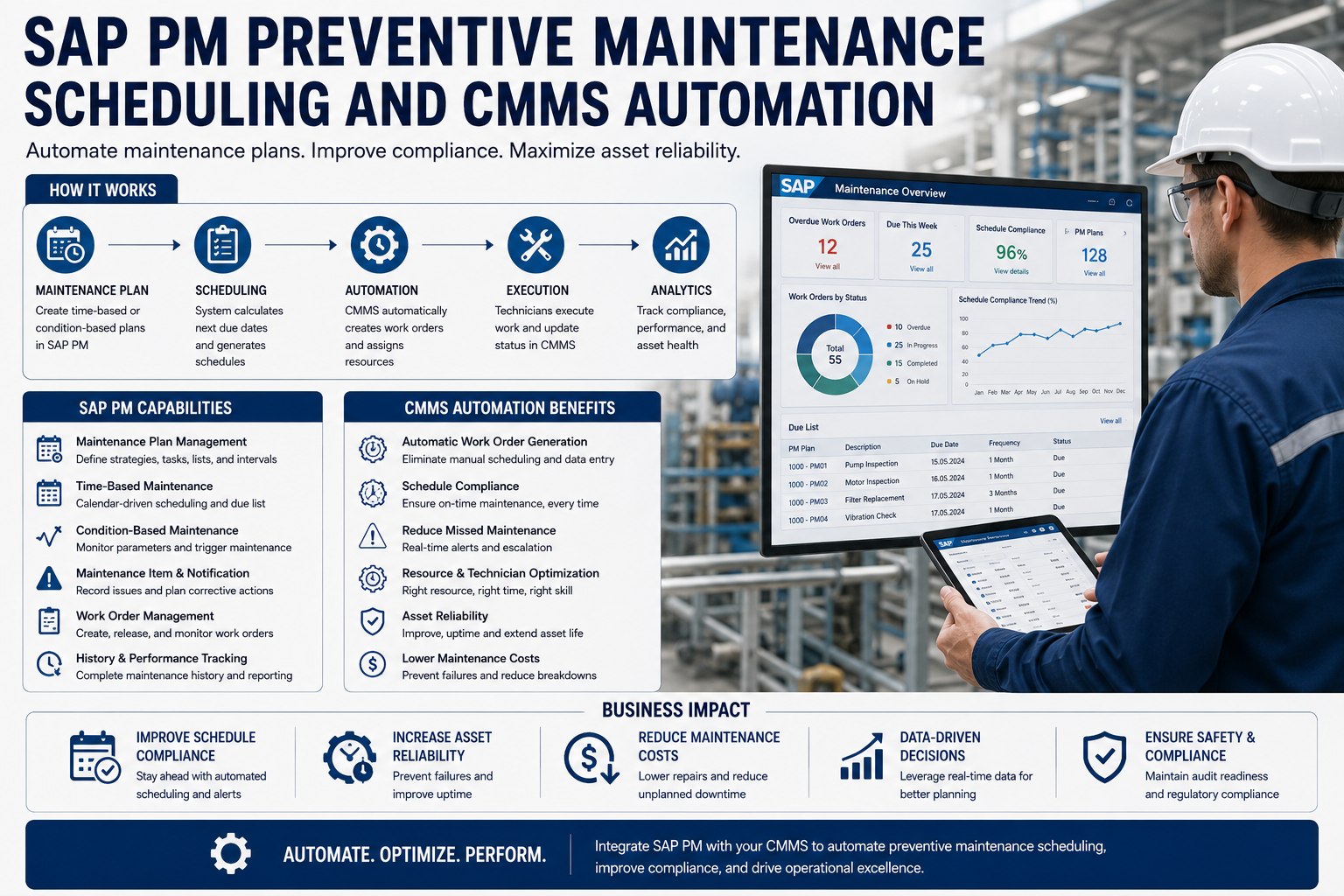
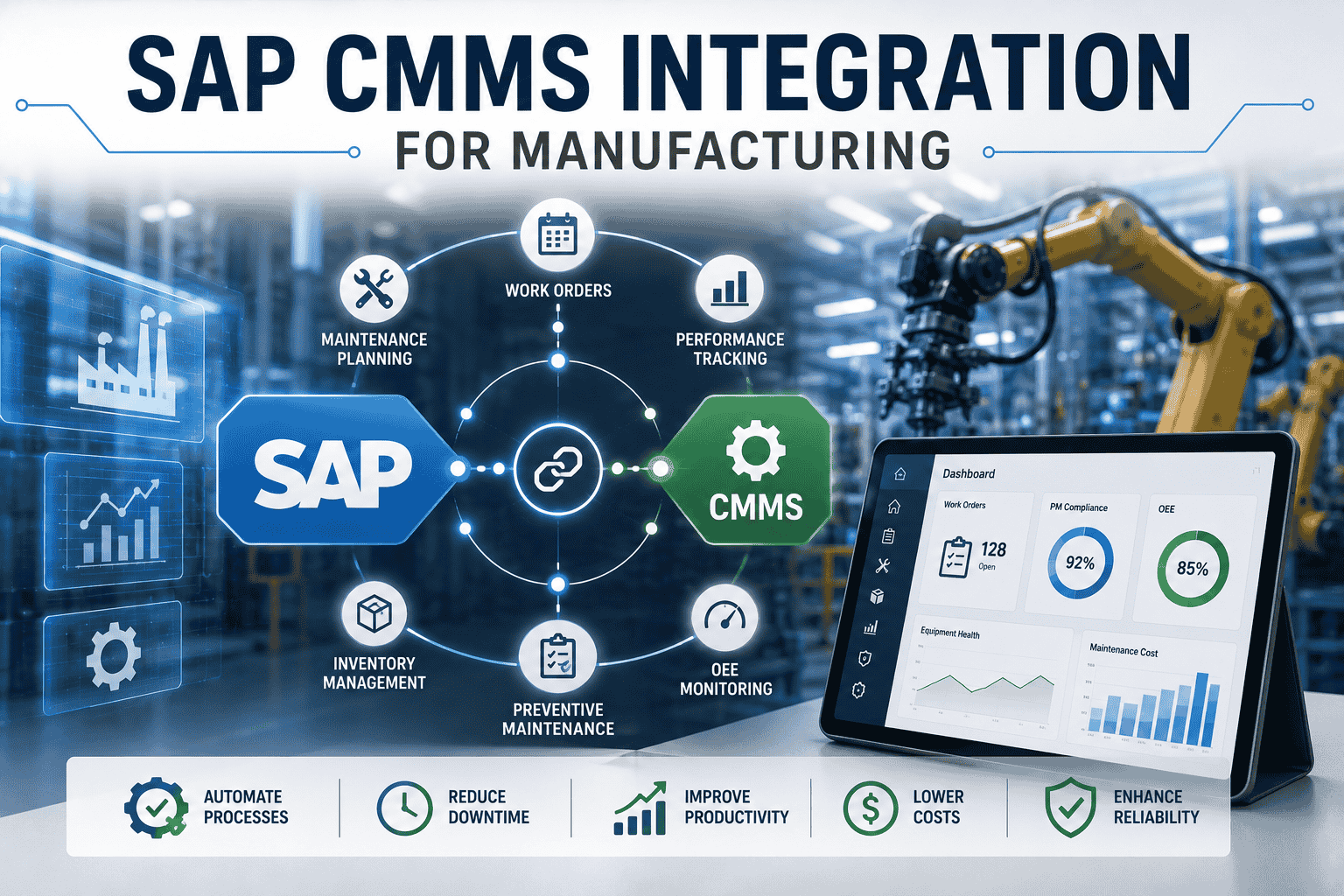
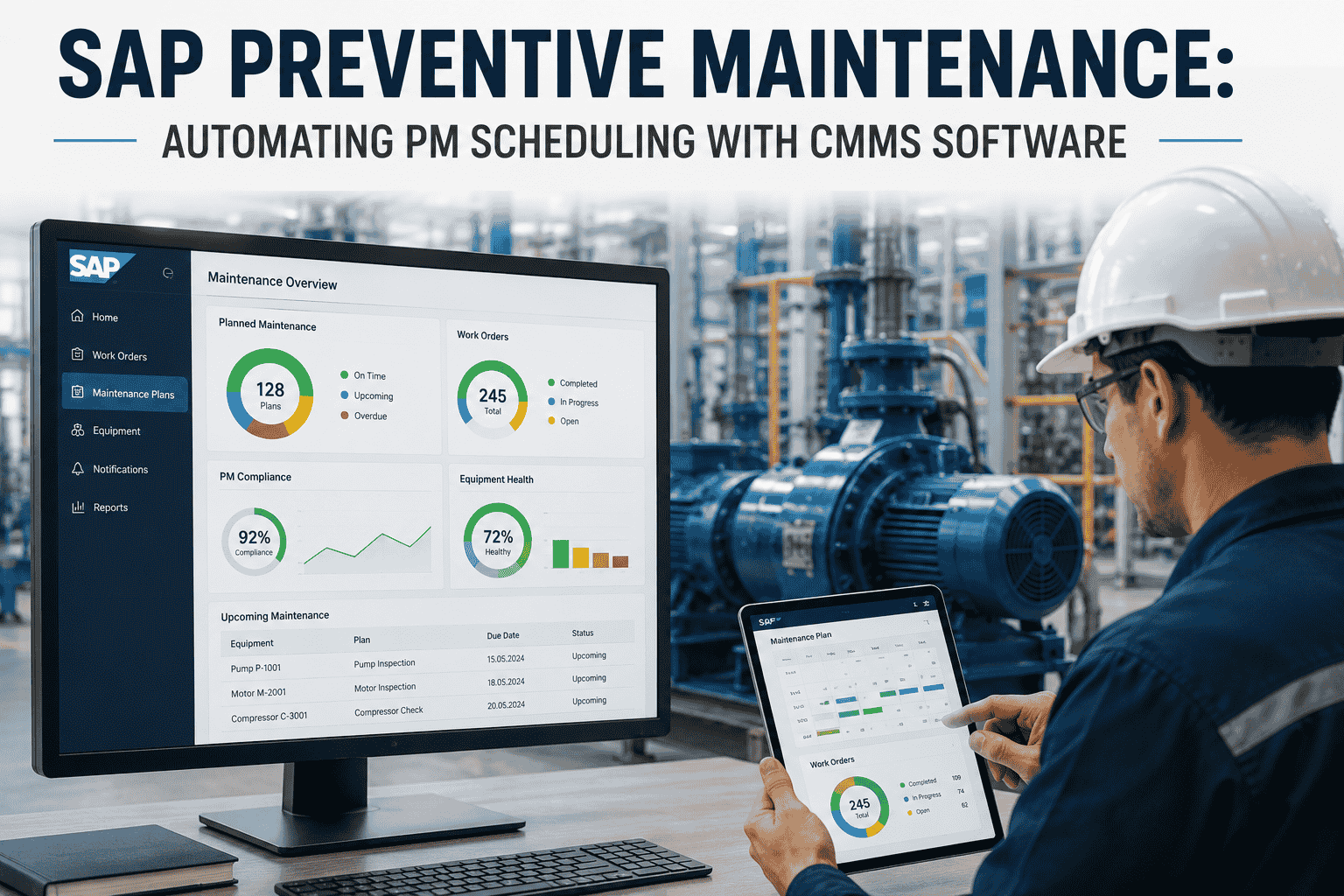
SAP PM preventive maintenance configuration is the difference between a maintenance program that runs itself and one that requires constant manual intervention to fire correctly. The choice of plan type, the structure of strategy packages, the calibration of scheduling parameters, and the precision of counter readings all compound into either reliable automatic work order generation or a steady drip of missed PMs that turn into emergency repairs. This 30-item, foundation-plus-four-quadrant checklist covers what disciplined SAP PM teams configure before activation. Book a free demo to walk through PM setup on your asset base.
40-60%
Of PM programs that produce inconsistent work orders trace the issue to setup-phase configuration gaps
Source: SAP implementation benchmarks
4
Distinct SAP PM plan types, each with its own configuration prerequisites
Source: SAP PM standard
30
Specific configuration items across foundation setup and four plan-type quadrants
Source: This page
90%+
PM compliance rate achievable with properly configured plans & scheduling parameters
Source: Operating benchmarks
Why PM Setup Quality Determines Long-Term Maintenance Success
SAP PM has a property that distinguishes it from many other modules: configuration decisions made during initial setup compound over years of operational use. A maintenance plan configured with the wrong call horizon will quietly miss PM windows for the entire life of the equipment. A strategy plan structured without proper phase factors will produce overlapping or skipped work orders that confuse planners and corrupt compliance metrics. A counter-based plan without correctly configured measurement documents will fail to trigger at all, and the failure pattern often surfaces only months later when someone audits PM compliance and discovers a whole class of equipment hasn't generated work orders since go-live.
The discipline that prevents these failure modes is straightforward: configure the foundation correctly, choose the right plan type per asset class, and validate scheduling behavior in QA before any PM plan goes active in production. The checklist below operationalizes that discipline. Maintenance planning leads ready to apply this framework to their current SAP PM configuration can Sign up free to audit current PM plans against the setup checklist.
The PM Plan-Type Setup Matrix
The matrix below has two layers. The top row is the foundation—six items every SAP PM implementation must configure regardless of plan type. The 2×2 grid below shows the four SAP PM plan types organized along two axes: trigger basis (Time-Based vs Performance-Based) and plan structure (Single-Cycle vs Strategy-Based). Each quadrant contains the six items specific to configuring that plan type cleanly.
FOUNDATION
Universal Setup · Applies to All PM Plan Types
6 items · Owner: SAP PM Configurator · Required before any plan activation
- Plant configured in SPRO with maintenance planning assignment
- PM order type defined with number range (e.g., PM01, PM02)
- PM notification type configured with number range
- Equipment master & functional location hierarchy validated
- Maintenance work centers set up with cost-center assignment
- Settlement rules & cost objects mapped for PM order types
→ Plan Trigger
↓ Plan Structure
SINGLE CYCLE
One package, one cycle
Q1
Calendar Single-Cycle PM
- Plan category: single-cycle plan (T-code IP41)
- Calendar cycle defined in days / weeks / months
- Task list assigned (general, equipment, or FLOC)
- Order generation call horizon set (typically 30-60 days)
- Scheduling start date & lead-time tolerances configured
- Completion confirmation parameters defined
Q3
Counter Single-Cycle PM
- Measurement point created on equipment (IK01)
- Counter unit defined (operating hours, cycles, km)
- Plan category: performance-based single cycle
- Cycle defined in counter units (e.g., 500 hours)
- Counter reading capture process via IK11 or IoT feed
- Annual estimate & shift factor calibrated
STRATEGY-BASED
Multiple nested packages
Q2
Calendar Strategy-Based PM
- Maintenance strategy defined (T-code IP11)
- Strategy packages structured (e.g., 3M / 6M / 12M nested)
- Plan category: strategy plan (T-code IP42)
- Package hierarchy & offset days configured
- Phase factor (cycle modifier) set per package
- Tolerance windows (+/- days) defined for each package
Q4
Counter Strategy-Based PM
- Performance-based maintenance strategy defined
- Strategy packages in counter units (e.g., 500 / 1000 / 2000 hrs)
- Plan category: strategy plan with counter assignment
- Counter linked to plan with package mapping
- Phase factor + shift factor calibrated against actual usage
- Annual estimate updated quarterly from operating data
QA Test
Before Production Activation
The single most consequential decision in this matrix is the trigger axis—calendar versus counter. The right answer is determined by the failure mode of the asset. Equipment that degrades on a time basis (HVAC filter clogging, lubricant breakdown, seal aging) belongs on calendar-driven PM. Equipment that degrades on a usage basis (motor bearing wear, hydraulic cylinder cycles, pump operating hours) belongs on counter-driven PM. Configuring a counter-based asset on calendar PM produces over-maintenance during low-use periods and under-maintenance during high-use periods—both directly compromising reliability. Teams ready to map their asset base to the right quadrant can Sign up free to align assets to their correct PM plan type.
Common Setup Mistakes That Disable PM Programs
Three configuration mistakes account for the majority of "our PM program isn't working" cases that surface six to nine months after SAP PM go-live. Each is preventable with disciplined pre-activation validation.
M1
Call Horizon Misconfigured
Call horizon set too short means planners receive work orders too late to procure parts or schedule technicians. Set too long means work orders pile up and crews lose visibility into actual priority. Typical impact: 30-50% of work orders generated outside the planning window.
Prevented By
Q1/Q2/Q3/Q4 item: order generation call horizon validated against actual planning lead time in QA before activation
M2
Counter Readings Not Captured
Counter-based PM plans configured correctly, but the measurement document capture process is manual and unreliable. Counter readings lag actual usage by days or weeks. Counter PMs trigger late or fail to trigger at all. Typical impact: 40-70% of counter PMs miss their target interval.
Prevented By
Q3/Q4 item: counter reading capture process validated, automated via IoT or scheduled IK11 batch where possible
M3
Strategy Packages Overlap
Strategy packages configured without proper phase factors and tolerance windows produce overlapping or skipping work orders. The 3-month and 6-month packages collide on the 6-month boundary, generating duplicate orders. The 12-month package skips when offset isn't right. Typical impact: confusion and manual reconciliation that erodes confidence in the system.
Prevented By
Q2/Q4 item: package hierarchy, phase factor, and tolerance windows tested through a full annual cycle simulation in QA
The common thread across all three mistakes: each is caught in a disciplined QA simulation that runs the configured PM plans through a full annual scheduling cycle before any production activation. Teams that skip the simulation discover these issues in production, where they're four to six times more expensive to remediate. Planning leads ready to validate their configuration against this checklist can Sign up free to run a configuration audit on existing PM plans.
See This Checklist Running on a Live SAP PM Setup
Walk through foundation configuration and quadrant-specific setup on actual asset master data. 30-minute live walkthrough with T-code-by-T-code validation.
From Configuration to First Work Order: The 30-Day Activation Path
The roadmap below shows how successful SAP PM implementations move from completed setup through validated production activation. The discipline is that no plan activates in production without QA simulation evidence—not policy, not exception, not "we'll watch it closely after go-live."
Days 1–7
Foundation & Pilot Plans
Foundation row completed in QA. Pilot maintenance plans created across all four quadrants. Plan-type selection signed off by maintenance planning lead.
Days 8–14
Annual Cycle Simulation
Full 12-month scheduling simulation in QA via IP10 / IP30. Work order generation patterns reviewed for each plan type. Strategy package overlaps and gaps identified.
Days 15–21
Configuration Tuning
Call horizons adjusted. Phase factors and tolerance windows refined. Counter measurement capture process automated where possible. Re-simulation confirms expected behavior.
Days 22–30
Pilot Activation & Scale
First 10-20 plans activated in production. First two weeks of work-order generation monitored daily. Once stable pattern confirmed, remaining plans activated in waves.
By day 30, the configuration has been simulated through an annual scheduling cycle, tuned based on observed behavior, and validated in production against the first wave of activated plans. The remaining plans then activate in confidence-building waves rather than a single big-bang activation that produces unrecoverable surprise behavior in week one. Maintenance leads ready to walk the activation cadence on their specific asset base can Book a free demo to map activation waves to current plan scope.
Expert Perspective: What Distinguishes Sustainable PM Programs
The PM programs that hit 90 percent compliance year after year share a property that often surprises new implementers: they treat configuration as an engineering discipline, not a one-time setup task. Every change to a maintenance plan goes through a configuration management process. Every strategy package change is simulated before activation. Every counter calibration is documented and reviewed quarterly. The programs that drift to 50 or 60 percent compliance over time tend to start with the same disciplined setup but then erode it through a thousand small unreviewed changes—a planner adjusting a call horizon here, a technician changing a tolerance there, an analyst tuning a phase factor without simulation. The discipline isn't the setup checklist alone; it's the governance that preserves the integrity of the configuration over years of operational use.
Match Plan Type to Failure Mode
Time-based assets get calendar plans. Usage-based assets get counter plans. The most common reason PM programs underperform: assets configured on the wrong trigger axis for how they actually degrade.
Simulate Before You Activate
Every plan goes through an annual cycle simulation in QA before it touches production. Skipping this step produces the strategy-package overlap and call-horizon errors that disable PM programs.
Govern the Configuration Over Time
PM compliance erodes through small unreviewed changes over years. Configuration management with change review and re-simulation is what separates programs that sustain 90% compliance from those that drift to 50%.
Build PM Configuration That Runs Itself
30 items. Foundation correct. Four quadrants validated. Annual cycle simulated. See the full SAP PM setup framework running on a live asset configuration.
Frequently Asked Questions
How do I choose between calendar-based and counter-based maintenance plans?
The decision is driven by how the asset actually degrades. Calendar-based plans suit assets where degradation is time-driven independent of usage: HVAC filter changes, lubricant aging, seal hardening, refrigerant top-ups. Counter-based plans suit assets where degradation is usage-driven: motor bearings wear by operating hours, hydraulic cylinders fatigue by cycles, vehicles by mileage. Many assets need both: an HVAC unit might have calendar-based filter PM and counter-based compressor PM. The wrong choice produces over-maintenance during low-use periods or under-maintenance during high-use periods.
When should I use a single-cycle plan versus a strategy plan?
Single-cycle plans suit assets where one PM task repeats at one interval (e.g., a quarterly filter change). Strategy plans suit assets where multiple PM tasks repeat at nested intervals (e.g., monthly inspection, quarterly lubrication, annual overhaul). The mistake is using single-cycle plans for assets that really need a strategy structure—you end up with several disconnected single-cycle plans on the same equipment that can collide or skip without coordination. Strategy plans are configured once with proper phase factors and produce a coherent annual PM rhythm across all tasks.
What's the right call horizon for PM order generation?
The call horizon should match actual planning lead time—the time required to procure parts, schedule technicians, and coordinate operations downtime. For routine PMs with standard parts and short outages, 14 to 30 days is typical. For complex PMs requiring specialty contractors or major outages, 60 to 90 days is more appropriate. The principle: planners should receive the work order with enough lead time to do everything required to execute it on schedule, but not so much lead time that the order sits idle and gets buried by closer-dated work.
How do phase factors and tolerance windows work in strategy plans?
Phase factor (also called cycle modifier) shifts a strategy package relative to the plan's start date. For nested packages, this prevents the smaller package from colliding with the larger one—e.g., the 6-month package shifts so it doesn't generate the same week as the 12-month package. Tolerance windows define how early or late a PM can execute without being considered missed. Tight windows enforce strict compliance but produce more "missed" PMs when operations conflict; loose windows accommodate operational reality but reduce the precision of the maintenance interval. The right answer is asset-specific.
What's the relationship between SAP PM plans and CMMS integration?
SAP PM holds the plan configuration—plan type, cycle, task list, scheduling parameters, counter assignments. The CMMS layer handles execution: dispatching the work order to crews, capturing mobile completion data, posting time confirmations and parts consumption back to SAP. Bidirectional integration means a work order generated in SAP PM appears immediately in the CMMS for crew assignment, and the completion data captured in CMMS posts back to SAP for cost settlement. The PM setup checklist is upstream of CMMS integration—plans must be configured correctly in SAP before integration can produce usable work orders downstream.