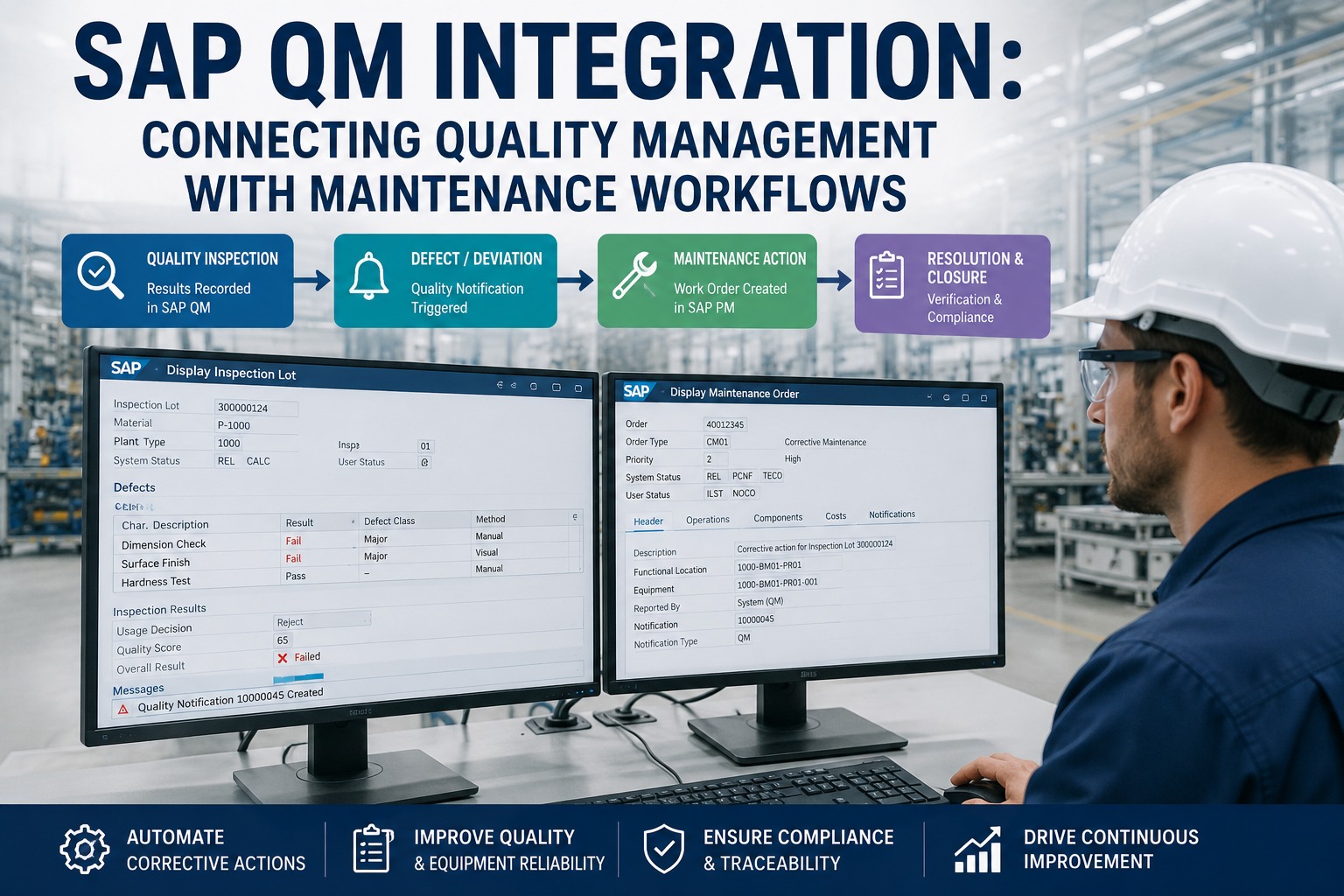
An inspector flags a defect during a routine check—a bearing housing out of tolerance, a calibration drifting, a recurring flaw traced to one machine. In SAP QM, that finding becomes a quality notification: documented, coded, assigned. And then, in too many plants, it stops—the defect sits in QM while the asset that caused it keeps running, because nobody turned that quality signal into a maintenance work order. That handoff gap is exactly what QM-to-maintenance integration closes, turning every inspection result into a traceable corrective action. Book a free demo to see the closed loop.
What SAP QM Captures—and Where It Hands Off
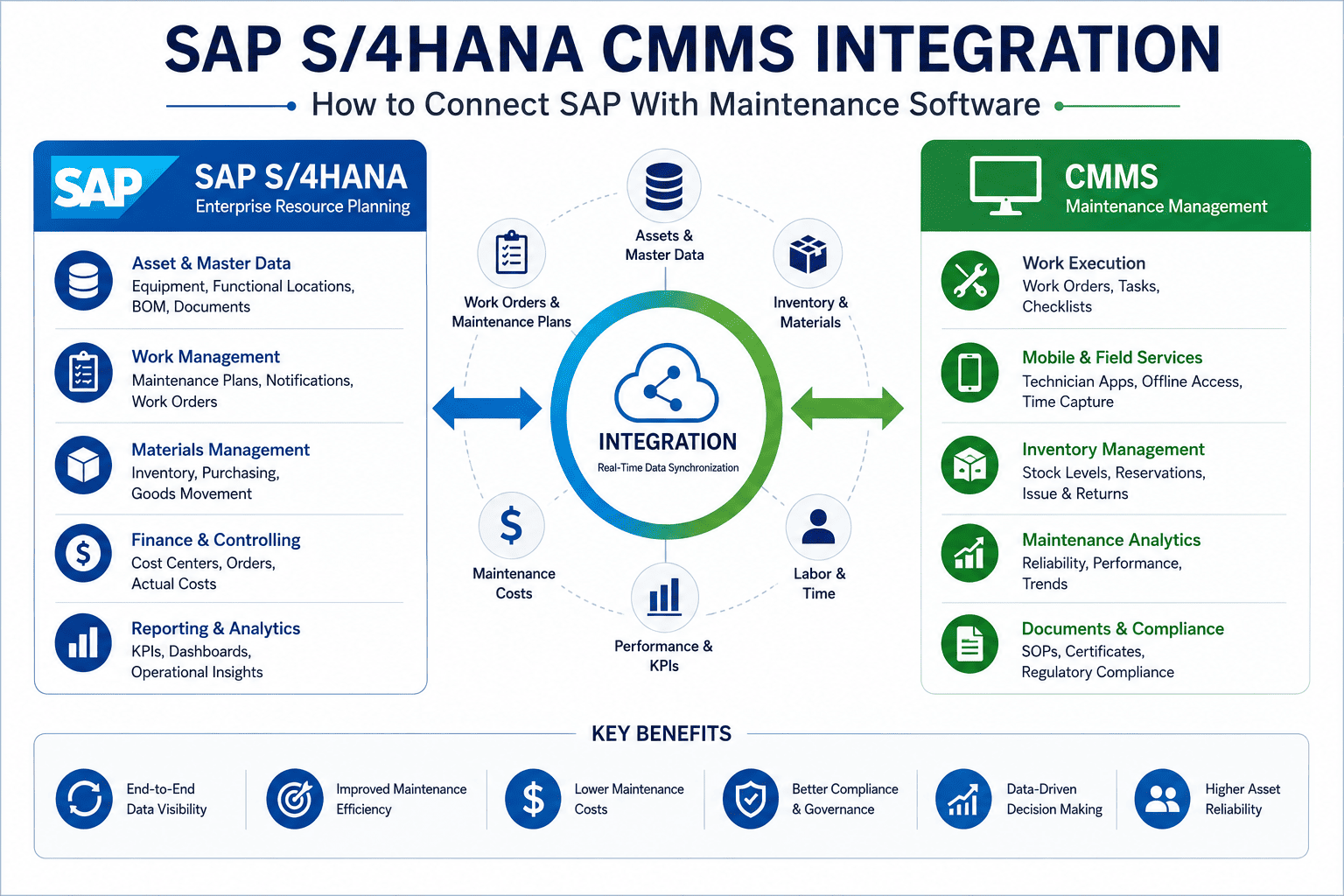
SAP Quality Management is built to detect defects early and enforce consistent standards. An inspection lot is completed with a usage decision, which can trigger follow-up actions; when a defect is recorded, a quality notification documents the problem, the affected reference object, the root cause, and the corrective actions to be taken. QM even collects nonconformity costs through QM orders. But QM's job ends at documenting the problem and specifying what should happen. Actually executing the physical repair—dispatching a technician, ordering the part, confirming the fix on the asset—lives in Plant Maintenance. Integration is the bridge that carries a quality finding across that line automatically, so a defect doesn't just get logged; it gets fixed and verified.
From Inspection Result to Corrective Work Order
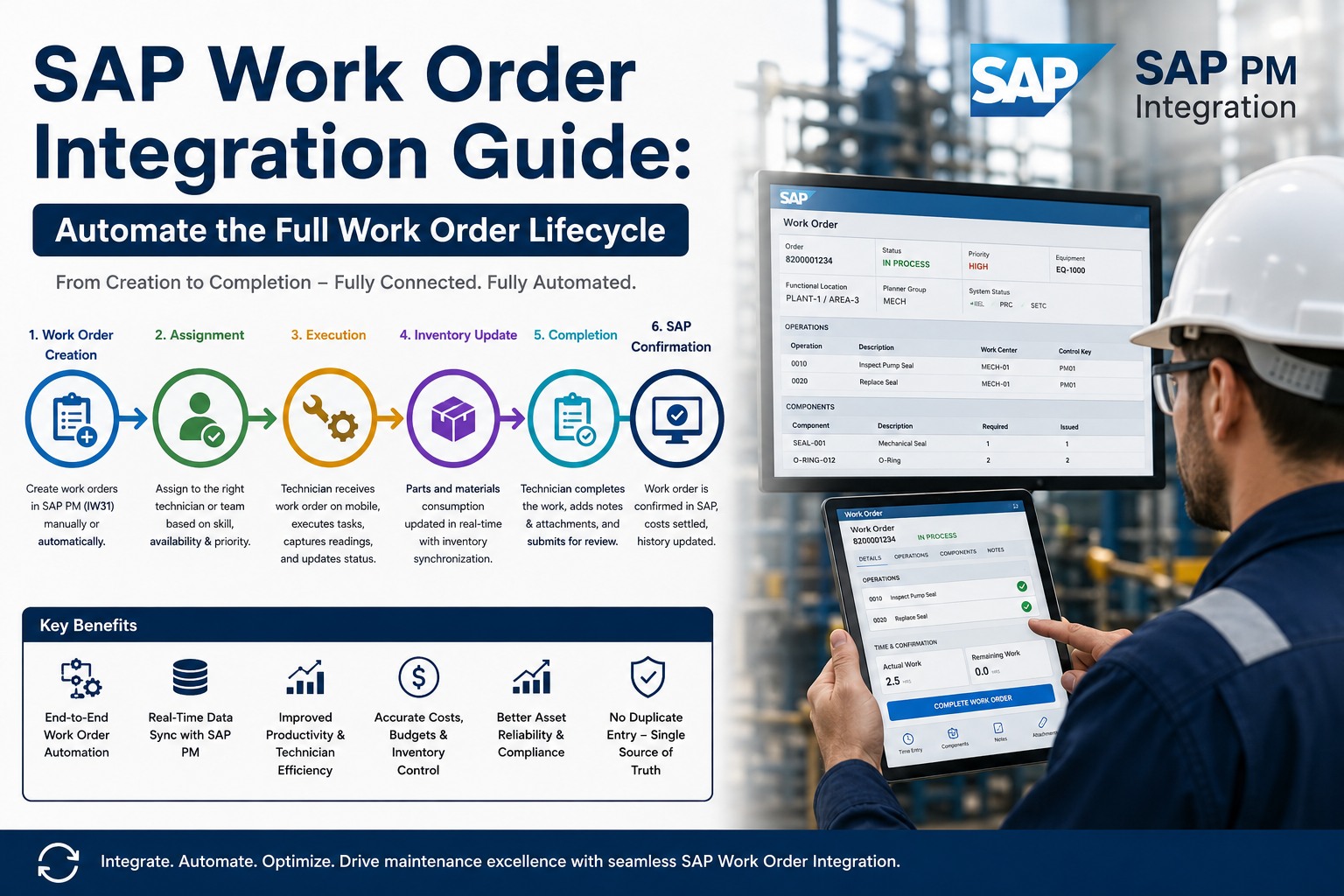
The core of QM-to-maintenance integration is a trigger: when an inspection records a defect against an asset, the system shouldn't wait for someone to notice and manually raise a maintenance request. It should flow automatically from the quality notification to a corrective work order on the right equipment—carrying the defect code, the cause, and the priority with it. Here's the full path from a failed check to a verified repair.
That single automated trigger is what turns quality from a reporting function into a reliability driver. Teams ready to map it against their own inspection types can sign up free to model the trigger flow before scoping a project.
Knowing Your Notification Types
Not every quality notification should behave the same way, and integration depends on routing the right type to the right action. SAP distinguishes notifications by origin: manually created problems, defect-processing notifications raised during inspection, and internal problem notifications from in-process checks. Mapping each type to its maintenance response—and linking the inspection type to the default notification—is what makes the automation precise rather than noisy.
| Notification Origin | How It Arises | Maintenance Response |
|---|---|---|
| Defect (Fx) | Raised during inspection result recording | Auto-trigger corrective work order on asset |
| Internal Problem | Found in in-process shop-floor checks | Route to maintenance for root-cause repair |
| Manual (Qx) | Logged manually by an operator or clerk | Reviewed, then dispatched if asset-related |
| Calibration | Inspection type 14, instrument out of spec | Linked PM calibration order issued |
The Calibration Loop: Quality and Maintenance in Lockstep
Calibration is where QM and PM are designed to work together most tightly. Inspection type 14—calibration inspection—works in conjunction with Plant Maintenance calibration orders to keep measuring instruments accurate and reliable. When an instrument is checked and reads out of specification, the integrated loop doesn't just flag it; it issues the PM calibration or repair order, schedules the work, and records the result back against both the equipment and the quality record. For regulated industries, this is the difference between a clean audit and a finding: every measurement device has a provable chain of inspection, action, and verification.
That provable chain is exactly what auditors look for in regulated production. Teams ready to see calibration handled end to end can sign up free to map their calibration program against this loop.
Expert Perspective: Defects Are Maintenance Signals
The plants that struggle treat quality and maintenance as separate departments with separate systems—and the recurring defect is the proof. A surface flaw keeps appearing, quality logs it every shift, and nobody connects it to the worn tooling on one machine because the inspection record and the work order never meet. The moment a defect notification automatically raised a corrective order on the offending asset, our repeat-defect rate fell, because we were finally fixing causes instead of re-documenting symptoms. A quality defect isn't just a quality event—it's a maintenance signal waiting to be acted on.
Getting Started Without Disrupting QM
The integration is additive—SAP QM stays your quality system of record while a connected maintenance layer carries findings into execution. Begin by mapping your inspection types to notification types and defining which defects should auto-trigger a corrective work order. Pilot on one inspection process or a calibration program, validate that notifications raise orders correctly and that completion feeds back to close the CAPA, then expand to more inspection types and lines. Teams can sign up free to pilot one inspection process before rolling it out plant-wide. Each step tightens the loop between finding a problem and proving it was fixed.
Quality management and maintenance were never meant to be separate worlds. A defect found in inspection is a signal about an asset, and the value is only captured when that signal becomes a traceable corrective action—executed, confirmed, and verified back against the quality record. Connecting SAP QM to maintenance closes that loop: fewer repeat defects, faster CAPA, and audit-ready traceability from the inspection bench to the repaired machine. Teams ready to see it on their own inspection and asset data can book a free demo to review their integration strategy.