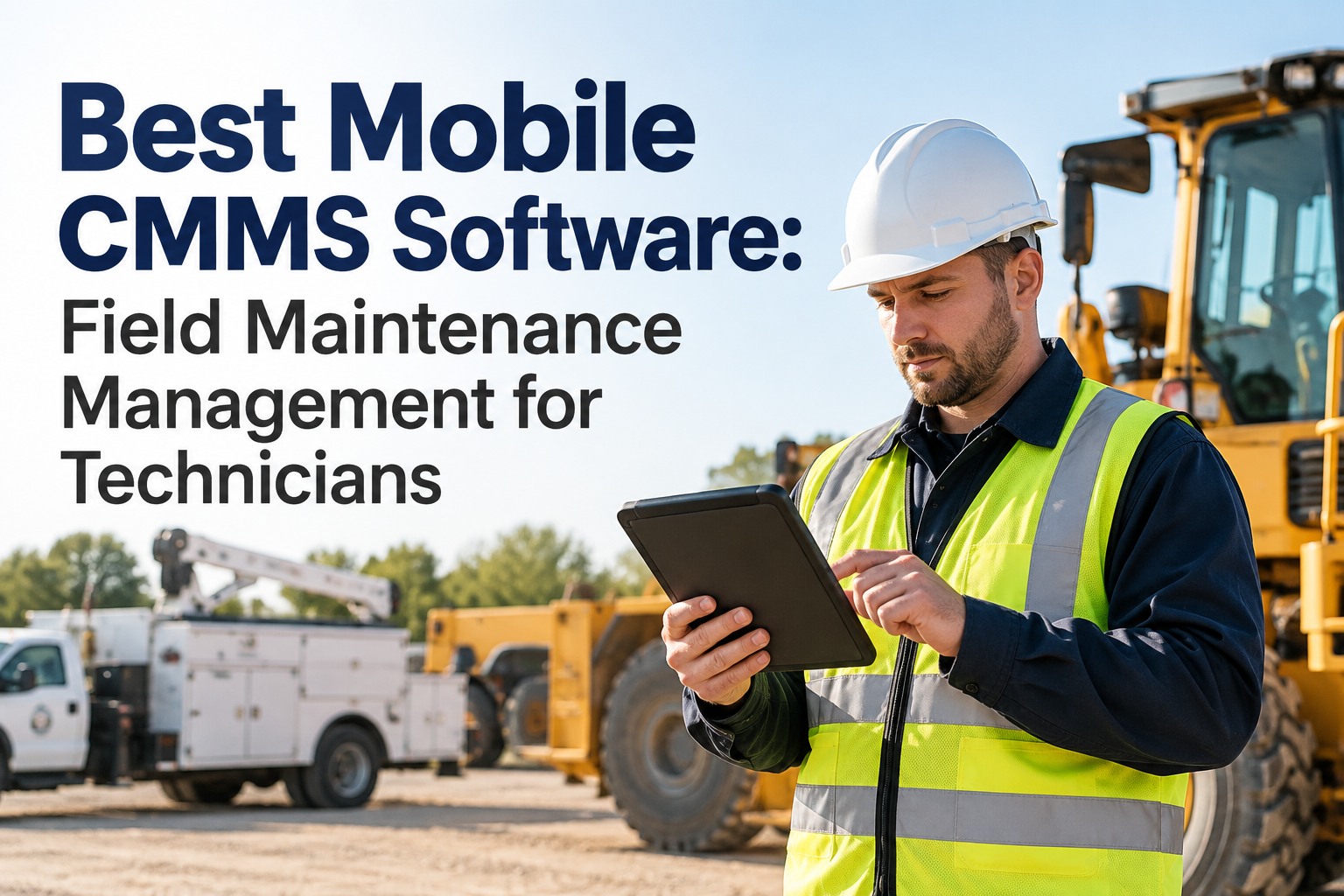
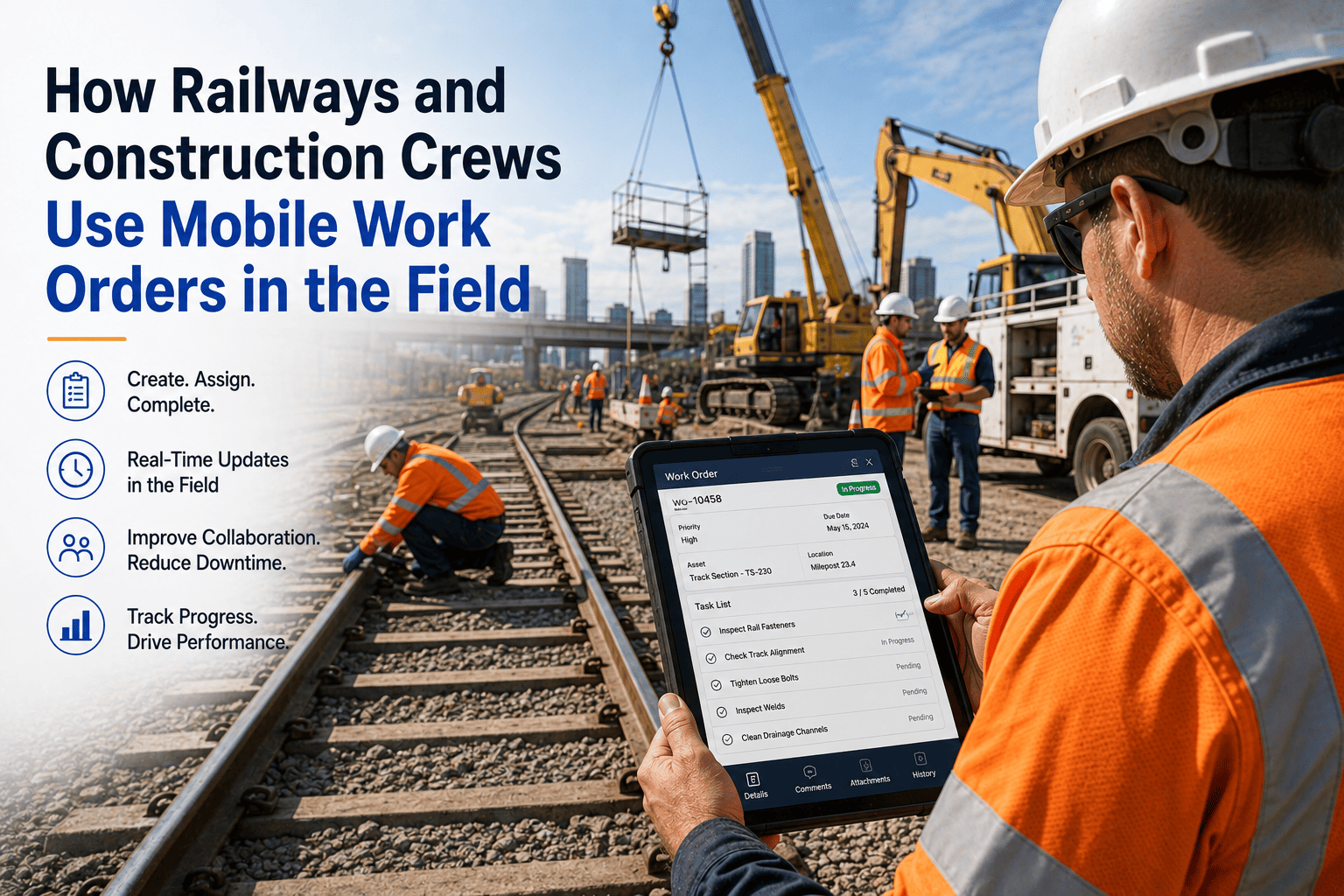
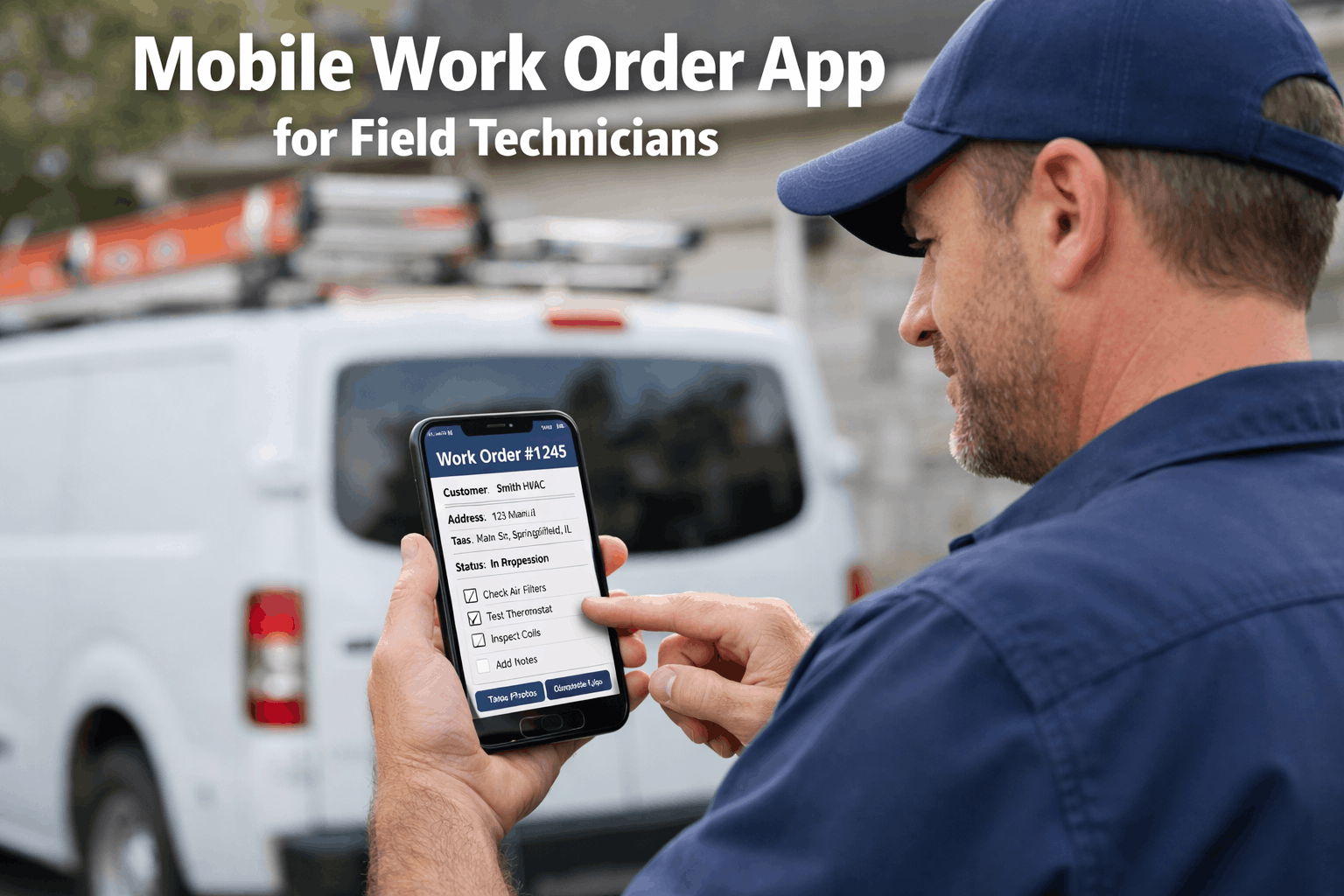
A maintenance supervisor at a 240,000 square foot distribution centre starts her shift by printing 14 work orders, walking across the floor to hand them to technicians, collecting completed paper forms at end of shift, and re-entering the data into the desktop CMMS before she can go home. That process costs her 3 to 5 hours every day. Every data entry cycle introduces transcription errors. Every paper form that goes missing destroys the asset history it was supposed to build. Every technician who needs to ask for the next job creates a dispatch gap. A mobile CMMS app eliminates all of it. Technicians receive work orders on their phones the moment they are generated. They scan asset QR codes for instant history access. They attach photos, log parts, and close jobs with a digital signature without walking back to the office once. The desk-based CMMS model was built for an era when computers were office equipment. In 2026, maintenance work is done in the field and the software has to be there too. Book a demo to see how Oxmaint's mobile-first CMMS works on your team's actual devices in your specific facility environment. By 2026, over 80% of maintenance work is expected to be logged on mobile devices. The global CMMS market reached $1.45 billion in 2026 and is growing at 10.51% annually. 55% of facilities have already adopted mobile maintenance workflows as the primary mode of technician interaction with their CMMS platform.
Your Technicians Are in the Field. Your CMMS Should Be There Too.
Oxmaint is built mobile-first from the ground up. Create work orders, scan asset QR codes, attach photos, update records, and complete checklists from any smartphone or tablet. Full offline capability for basements, plant rooms, and areas without signal. Deploy in under 2 minutes.
80%
Of maintenance work expected to be logged on mobile devices by 2026, replacing desktop and paper-based workflows across all facility types
3-5 hrs
Lost daily to manual data entry, paperwork, and walking to offices in facilities without mobile CMMS. Recovered immediately with mobile-first deployment
55%
Of facilities have adopted mobile maintenance workflows. Cloud CMMS subscriptions grew 30% in 2025 alone driven by mobile-first demand
28%
Of CMMS adopters report reduction in unexpected equipment downtime. Mobile access to full asset history is the primary driver of faster, more accurate repairs
THE CORE PROBLEM
Why Desktop-Only CMMS Fails Maintenance Teams in 2026
A CMMS that technicians cannot use in the field is not a maintenance platform. It is an administrative tool that creates a second job for someone who has to translate field activity into office records. The performance gaps created by desktop-only workflows are measurable, consistent, and entirely preventable.
01
The Information Gap at the Job Site
A technician arrives at a pump failure without access to the last three work orders, the parts that were used, the root cause notes from the previous repair, or the standard job plan for that failure mode. They improvise. They make a second trip to the parts room. They repeat a repair that did not work last time. Mobile CMMS delivers the complete asset history, job plan, and parts list to the technician's pocket before they reach the equipment.
02
The Data Loss Gap at Shift End
Paper work orders completed in the field sit in a supervisor's inbox for hours or days. Key details — parts consumed, time on task, observations that should trigger a follow-up work order — are forgotten, abbreviated, or lost entirely before re-entry. Mobile CMMS captures data at the point of work, the moment it is most accurate, and stores it permanently against the asset record in real time.
03
The Compliance Gap at Audit Time
When a regulator, insurer, or senior manager asks for proof that a specific inspection was completed on a specific asset on a specific date by a named technician with photo documentation, paper records either cannot produce it or require hours of manual assembly. Mobile CMMS creates audit-ready records automatically — timestamped, user-attributed, geo-tagged, and permanently stored — from every field interaction.
04
The Visibility Gap for Managers
With paper and desktop workflows, a maintenance manager knows the status of open work orders only when they physically check with technicians or wait for end-of-day reports. Critical jobs sit uncompleted invisibly. Overdue PMs accumulate without escalation. Mobile CMMS gives managers real-time visibility into every technician's work queue, every open work order's status, and every overdue task without leaving their desk or making a single phone call.
7 CAPABILITIES THAT DEFINE A REAL MOBILE CMMS
What Oxmaint's Mobile CMMS App Delivers in the Field
Not every CMMS with a mobile app is a mobile CMMS. A responsive web page that replicates desktop functionality on a small screen is not mobile-first design. These seven capabilities separate genuine mobile-first platforms from desktop tools with a mobile wrapper.
01
True Offline Capability
Full work order creation, editing, completion, photo capture, and data logging without any internet connectivity. Essential for basement plant rooms, underground infrastructure, remote industrial sites, and any environment where mobile signal is unreliable. Partial offline — read-only or limited sync — is not offline. Oxmaint functions fully without connectivity and syncs the moment signal is restored.
02
QR Code and Barcode Asset Scanning
Technicians scan an asset QR code with their phone camera to instantly pull the complete maintenance history, open work orders, PM schedule, parts list, and documentation for that specific asset — without searching, typing, or navigating menus. QR labels print from any printer and attach to any asset. New assets are registered by scanning and completing a mobile form at the equipment location.
03
Photo and Video Documentation
Before-and-after photo capture built directly into every work order form. Photos are automatically geo-tagged, timestamped, and stored permanently against the asset record. Video capture for complex fault documentation. Visual evidence eliminates disputes about what was found, what was done, and what condition the asset was left in — critical for warranty claims, insurance documentation, and compliance audits.
04
Digital Checklists and Inspection Forms
Structured inspection checklists delivered on mobile with required fields that must be completed before the work order can close. Pass and fail fields, numeric readings, conditional logic that triggers additional steps when a fail is recorded, and one-tap deficiency-to-work-order conversion. Technicians cannot submit incomplete inspections and the data captured is structured for immediate use in reporting.
05
Push Notifications and Real-Time Dispatch
Work orders are pushed to the assigned technician's mobile device the moment they are generated or reassigned. Priority alerts for emergency work orders wake the on-call technician immediately regardless of time. Technicians see their full work queue, sorted by priority and location, with all job information pre-loaded before they reach the asset. Dispatch time from work order creation to technician notification collapses from minutes to seconds.
06
Mobile Parts Consumption and Inventory
Technicians log parts consumed directly on mobile from the storeroom or at the job site. Parts are deducted from inventory in real time. Minimum stock alerts trigger automatically when a critical spare drops below threshold. Parts consumption linked to work order history builds the data that drives accurate spare parts forecasting — eliminating both the stockout that extends a repair and the overstocking that ties up capital.
07
Digital Signature and Compliance Sign-Off
Technician and supervisor digital signatures captured on mobile at work order completion. Signatures are timestamped, user-attributed, and stored permanently with the work order record. Required for GMP-regulated environments, OSHA documentation, and insurance-compliant maintenance records. Eliminates the compliance gap created when paper sign-offs are separated from the maintenance record they are supposed to document.
08
Technician-First UX Design
If a common task takes more than 3 taps, adoption will fail. Oxmaint's interface is designed for the least tech-savvy team member on the floor, not the most experienced IT administrator in the office. Setup takes under 2 minutes. Most technicians are completing work orders independently within the first shift. Adoption rates above 90% within 30 days because the interface earns trust rather than demanding tolerance.
BEFORE VS. AFTER
Paper and Desktop CMMS vs. Oxmaint Mobile-First Platform: The Daily Difference
Mobile CMMS Impact: Paper or Desktop Workflow vs. Oxmaint Mobile-First Platform
RESULTS MAINTENANCE TEAMS DOCUMENT
What Mobile CMMS Deployment Delivers: Measurable Field Outcomes
3-5 hrs
Daily Time Recovered
Oxmaint data: facilities without mobile access lose 3 to 5 technician hours daily to paperwork, manual data entry, walking to offices, and searching for asset records. All recovered on the first day of mobile deployment.
25%
Maintenance Cost Reduction
Deloitte: predictive maintenance enabled by accurate mobile data capture cuts total maintenance costs up to 25%. The mobile app is the data capture layer that makes every AI and analytics capability accurate and useful.
90%+
Technician Adoption Rate
Oxmaint mobile-first interface achieves above 90% field technician adoption within 30 days. Setup takes under 2 minutes. Most technicians complete their first independent work order within the first shift of deployment.
6-12 mo
Time to Positive ROI
Organisations consistently report positive ROI within 6 to 12 months of mobile CMMS adoption, with savings compounding as AI models learn operational patterns and technician adoption reaches full maturity across the team.
FREQUENTLY ASKED QUESTIONS
Mobile CMMS App: What Maintenance Teams Ask Most Before Deploying
Does Oxmaint mobile CMMS work without internet in basements, plant rooms, and low-signal environments?
Yes. Oxmaint offers true offline capability, not partial offline. Technicians can create new work orders, edit existing ones, complete digital checklists, capture photos, log parts consumption, and record digital signatures without any internet connection. All data is stored locally on the device and syncs automatically the moment connectivity is restored. This is the most important capability distinction in mobile CMMS evaluation because most platforms that claim offline functionality only support read-only access or limited sync without full work execution. Test it before deployment by turning off your phone's data connection and completing a full work order. If the app fails, it is not truly offline capable.
Sign up free and test Oxmaint's offline capability on your device today, or
book a demo to see it demonstrated in a simulated low-connectivity environment.
How long does it take to get technicians using Oxmaint mobile CMMS independently?
Most technicians complete their first independent work order within their first shift after a brief 15 to 20 minute onboarding session. Setup for a new user takes under 2 minutes. Oxmaint's interface is designed for the least tech-savvy team member, not the most experienced IT administrator. Every common task is reachable in 3 taps or fewer. The most reliable predictor of mobile CMMS failure is an interface that requires more than 3 taps for routine actions. If the first shift is complicated, technicians will revert to paper. If the first shift is easier than paper, adoption is permanent. Oxmaint achieves above 90% field technician adoption within 30 days across facilities of all types and sizes. No dedicated training programme is required. No IT team is needed for deployment.
Can Oxmaint mobile CMMS integrate with our existing ERP, IoT sensors, and building systems?
Yes. Oxmaint integrates with ERP systems including SAP S/4HANA, SAP ECC, and SAP Business One for cost centre work order cost flow. IoT sensors and BMS platforms connect via OPC UA, BACnet, MQTT, and REST API, with sensor threshold breaches auto-generating mobile work orders pushed directly to the assigned technician. SCADA and PLC integration supports production-triggered maintenance workflows where equipment runtime hours or output counts trigger preventive maintenance work orders without manual scheduling intervention. The mobile app is the field execution layer for all of these integrations. Every trigger from any connected system delivers the work order to the technician's pocket with full asset context, job plan, and parts list attached.
Book a demo to walk through your specific integration requirements, or
start free and connect your first data source today.
How does Oxmaint mobile CMMS handle multi-site facility management from a single app?
Oxmaint manages multi-site portfolios from a single platform instance with full mobile access at every property. Technicians assigned to specific sites see only their site's work orders, assets, and inventory. Maintenance managers and portfolio directors see all sites simultaneously in a consolidated real-time dashboard accessible on mobile. Role-based access controls determine exactly which assets, work orders, and reports each user can see and edit. Cross-site technician deployment is supported with temporary site access grants that take seconds to configure. A technician covering for an absent colleague at another property gets immediate access to that property's full asset registry and open work orders on their existing mobile device without any new account setup or hardware.
CONTINUE READING
Related Maintenance Technology Resources
Explore these guides to build a complete picture of AI maintenance strategy, machine data integration, thermal imaging, and autonomous mobile robotics across your facility operations.
80% of Maintenance Work Will Be Logged on Mobile by 2026. Is Your CMMS Ready for the Field?
Oxmaint is built mobile-first from the ground up. True offline capability. QR code asset scanning. Photo documentation. Digital checklists. Push notifications. Real-time manager dashboards. Deploy in under 2 minutes. No IT team required. No annual lock-in.